
Klevgrand OneShot 2
Professional music gear - detailed information and where to buy
Klevgrand
OneShot 2
Product Info
* Prices may vary. Check retailer for current pricing and availability.
Product Description
- Pushing drum sampler technology into new territories OneShot is a unique drum sampler focused on nuance
- dynamics
- and next-level realism
- trusted by thousands of dedicated music makers worldwide. Since its initial launch in March 2023
- OneShot has continuously evolved through regular updates and an expanding sound library. With the release of OneShot2 in March 2026
- an all-new Motion Engine and an additional new sound library was introduced – empowering anyone to create timed cymbal swells
- shaker patterns
- foley textures
- and virtually any rhythmic movement imaginable. By adding this dimension of motion to the already powerful OneShot sample playback engine
- OneShot2 becomes more than an update
- it sets a new standard for what a drum sampler can be. Still the OneShot you know OneShot has always been more than just a drum sampler. It is a complete percussive workstation built around a highly sophisticated sample engine designed to add outstanding drums to your projects
- where every detail in the workflow and sound design has been carefully considered. Developed for playability as much as precision
- OneShot delivers superior organic feel through humanize controls
- velocity layering
- and round robin playback
- alongside powerful shaping tools and effects. Even with the addition of the Motion Engine
- OneShot2 remains fast
- flexible
- and intuitive
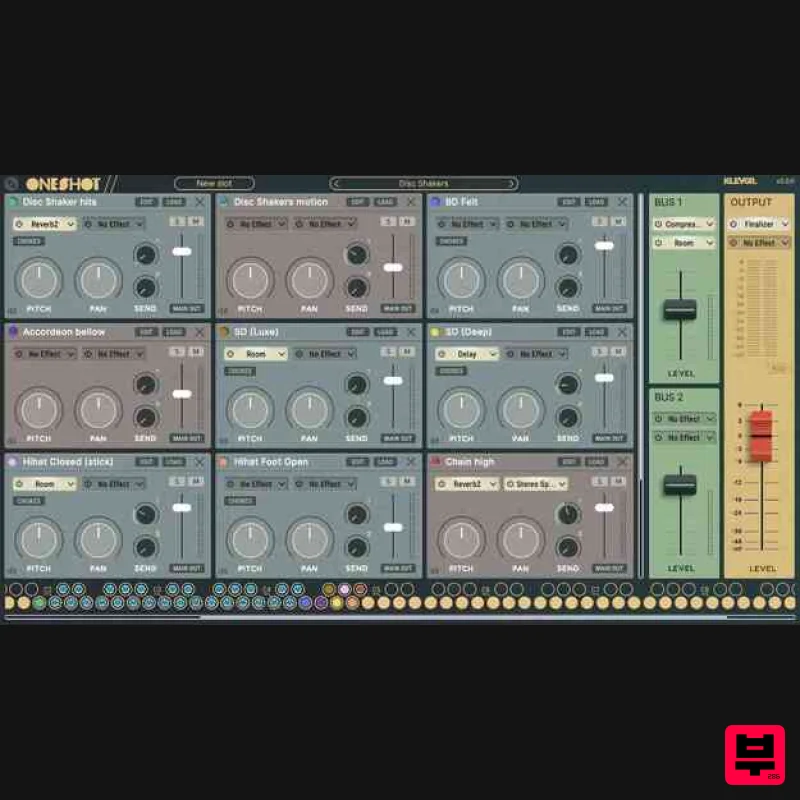
- staying true to Klevgrand’s signature workflow. The sample engine gives you full control. Each slot has its own mixer channel for effects
- levels
- and routing. With multi-output support
- you can also send sounds to separate tracks in your DAW for further processing. Bring your own beat OneShot2 isn’t limited to its included multi-sampled sounds. Simply drop in your own samples and let OneShot’s built-in instantly turn them into playable instruments. Features A large collection of acoustic and electronic sounds
- 780+ unique sounds (20 000+ samples) Over 300 curated presets in many different acoustic and electronic styles Motion Slots (continuous sounds capable of shifting intensity over time) Motion Triggers (intensity controlled by envelope or MIDI CC/Poly aftertouch) Stack Triggers (trigger several sounds with one midi note) Built in effects (EQ
- compressor
- distortion
- several reverbs and room simulator
- stereo control
- gate
- bitcrush
- delay
- and master finalizer) Reverb2 (algorithm from the Walls-plugin) Transient Adder (add dynamic noise and tone) Unstereo (control stereo width) Workflow improvements ( preset import/export
- effects can be copied/pasted
- preview sounds directly in slot browser
- custom user folders in Slot File Browser) Regular one shot triggers now has NoteOff functionality when gain envelope is active (optional) Complete mixer with 24 instruments slots loaded at once
- two parallel FX busses and master output. (Volume
- pitch
- two FX inserts
- two FX sends and more on each instrument slot) Easy accessible velocity layering
- round robin
- humanize and choking features Dynamic attack time and filter frequency Multi-out routing (for further processing in the DAW) <iframe allow="autoplay" frameborder="no" height="450" src="https://w.soundcloud.com/player/?url=https%3A//api.soundcloud.com/playlists/soundcloud%253Aplaylists%253A1778258154&color=%23ff5500&auto_play=false&hide_related=false&show_comments=true&show_user=true&show_reposts=false&show_teaser=true" width="100%"></iframe> Klevgränd Products · OneShot2 - Music Examples Requires macOS 10.13 or later (ARM/Intel)
- Windows 10 (64-bit) or later
- running a AU
- VST or AAX compatible 64-bit host. Please Note: Pana is used as the example: Mac License Redemption 1. Navigate to https://klevgrand.com/redeem > Paste your 16 digit redemption code found in your Plugin Boutique User Account > Click 'Submit!'. 2. Your redemption code has been accepted > Scroll down to Step 2. 3. Click either 'Sign in' if you already have a Klevgrand account
- or 'Create new account' if you do not > Fill in your personal details > Click 'I'm ready'. 4. Your account has now been created. 5. Navigate to your email inbox and locate the activation email that you should have received from Klevgrand > Click 'Let me in!' to activate your account. 6. Create a password for your account > Click 'Enter Klevgrand'. 7. Your software and serial number is now available within your Klevgrand account > Click the Apple logo to download the installer file. Installation 1. Launch the pana_x_x_x_macOS.dmg installer file. 2. Double click the KLEVGR. logo to launch the installer. 3. Click 'Continue'. 4. Click 'Continue'. 5. Click 'Agree'. 6. Click 'Install'. 7. Enter your system password > Click 'Install Software'. 8. Click 'Close'. 9. Navigate back to your Klevgrand My Account page > Click on the serial number to copy it to your clipboard. 10. Launch your DAW > Create a new audio track > Insert Pana onto the channel > Paste your serial number into the box. Your software is now activated and ready to use within your DAW Windows License Redemption 1. Navigate to https: //klevgrand.com/redeem > Paste your 16 digit redemption code found in your Plugin Boutique User Account > Click 'Submit!'. 2. Your redemption code has been accepted > Scroll down to Step 2. 3. Click either 'Sign in' if you already have a Klevgrand account
- or 'Create new account' if you do not > Fill in your personal details > Click 'I'm ready'. 4. Your account has now been created. 5. Navigate to your email inbox and locate the activation email that you should have received from Klevgrand > Click 'Let me in!' to activate your account. 6. Create a password for your account > Click 'Enter Klevgrand'. 7. Your software and serial number is now available within your Klevgrand account > Click the Windows logo to download the installer file. Installation 1. Unpack the pana_x_x_x_win.zip installer file > Launch the pana_x_x_x_win.exe file. 2. Click 'I accept the agreement' > Click 'Next'. 3. Click 'Next'. 4. Click 'Next'. 5. Click 'Next'. 6. Click 'Install'. 7. Click 'Finish'. 8. Navigate back to your Klevgrand My Account page > Click on the serial number to copy it to your clipboard. 9. Launch your DAW > Create a new audio track > Insert Pana onto the channel > Paste your serial number into the box. Your software is now activated and ready to use within your DAW
Additional Information
About the Klevgrand OneShot 2
Experience the quality and tone that makes the Klevgrand OneShot 2 a popular choice for musicians.
Why Choose the Klevgrand OneShot 2?
- •Authentic Klevgrand craftsmanship and design
- •Versatile sound suitable for multiple musical genres
- •Professional build quality and reliable performance
- •Part of Klevgrand's respected Drum Machine lineup
Compare & Explore
Browse our complete selection of Klevgrand instruments or explore other Drum Machine options. Use our comparison tools to find the perfect match for your musical style and budget.
Similar Products
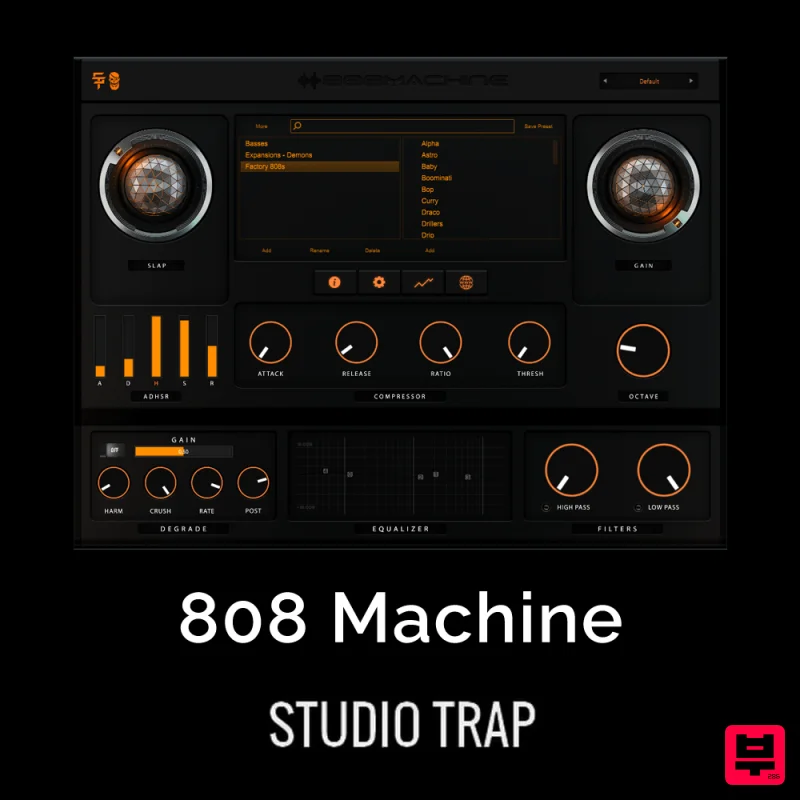
Studio Trap 808 Machine
Drum Machine
ThaLoops Hortator
Drum Machine
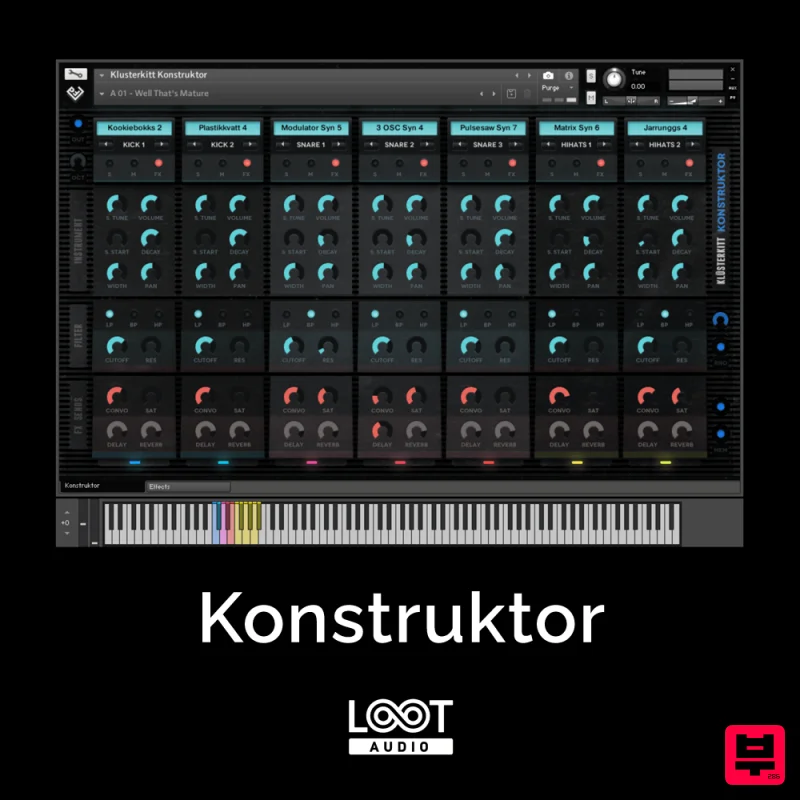
Loot Audio Konstruktor
Drum Machine
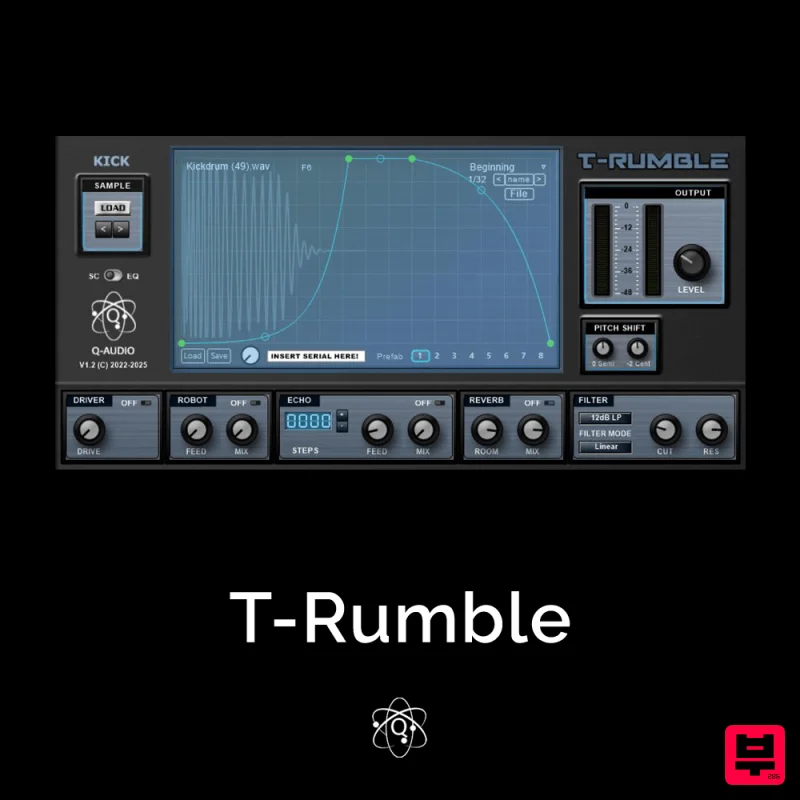
Q-Audio T-Rumble
Drum Machine
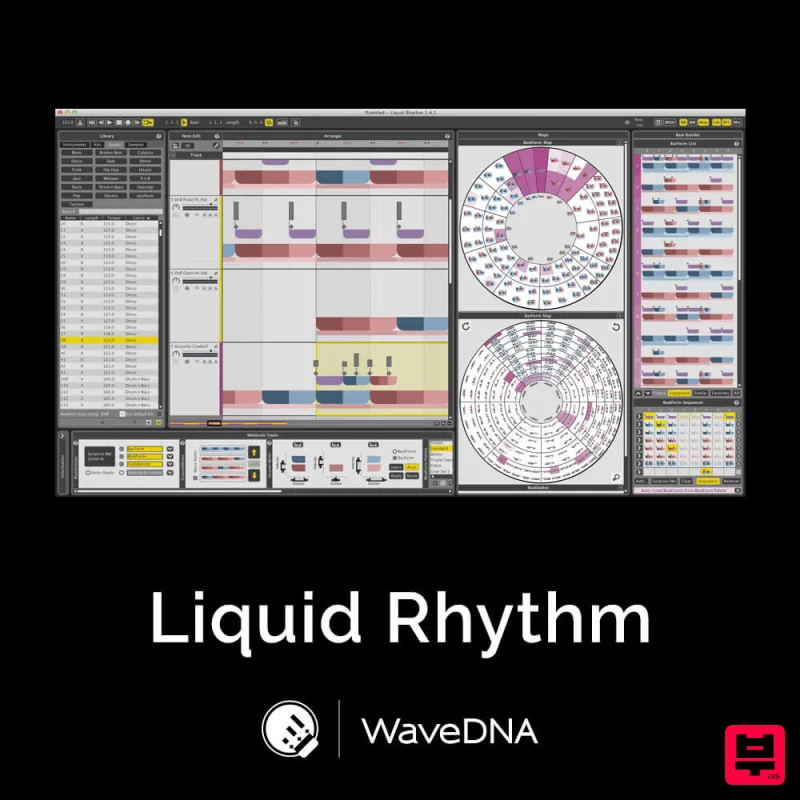
WaveDNA Liquid Rhythm
Drum Machine
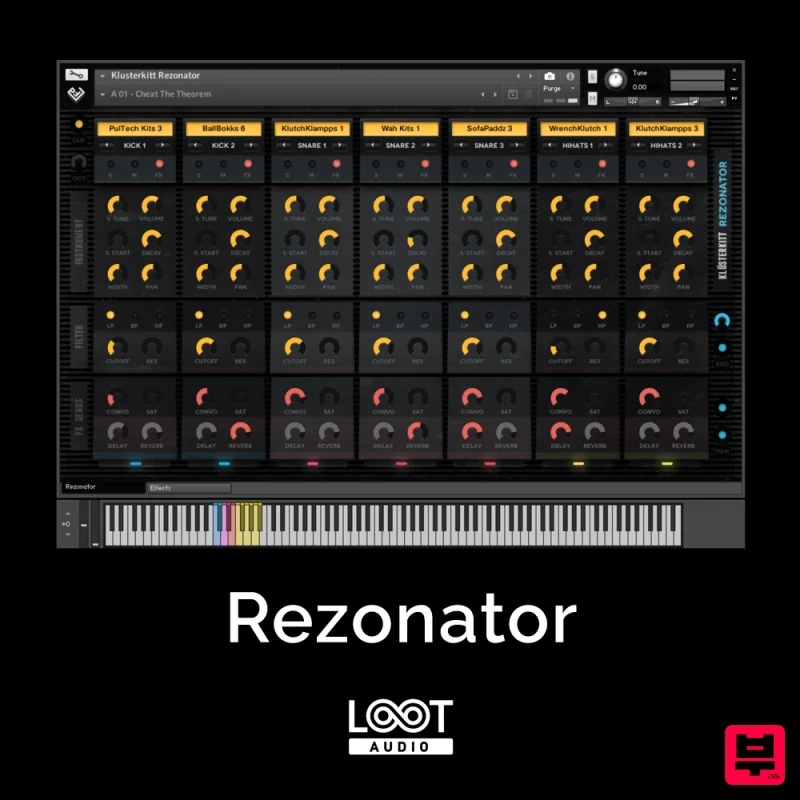
Loot Audio Rezonator
Drum Machine
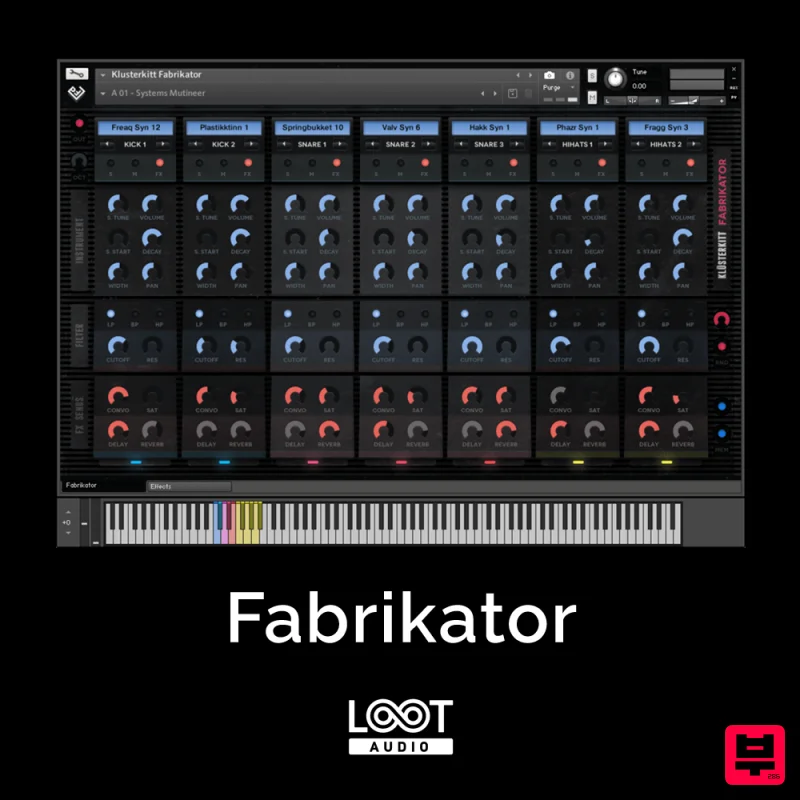
Loot Audio Fabrikator
Drum Machine
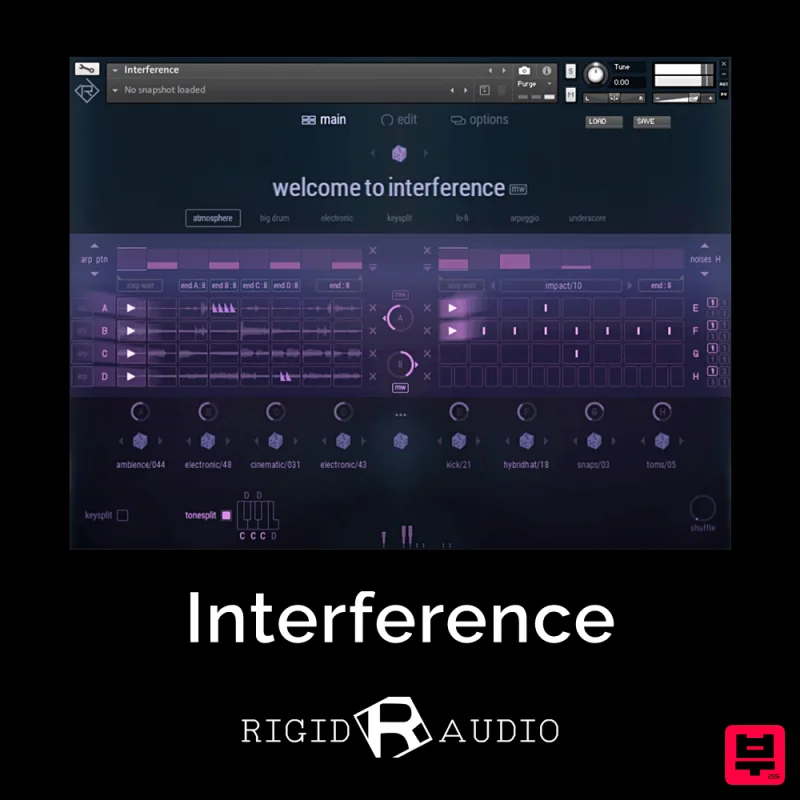
Rigid Audio Interference
Drum Machine

