
Klevgrand Knorr
Professional music gear - detailed information and where to buy
Product Description
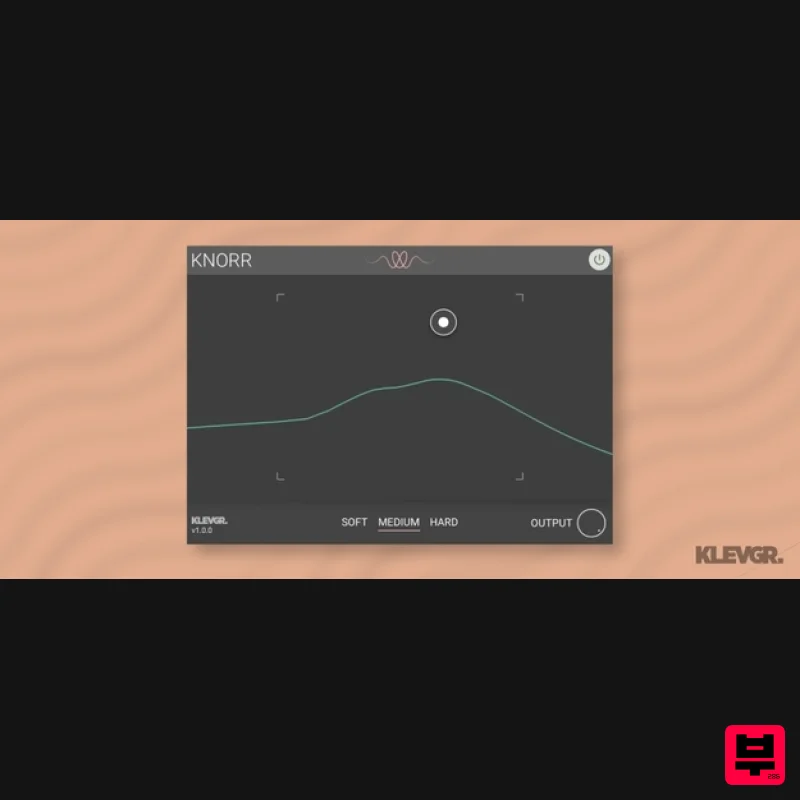
- Bass Vitalizer Wake up your low end Knorr is a plugin that adds intensity and edge to a monophonic low-frequency audio source (like a bass). The algorithm adds overtones to an existing sound in a way that isn’t possible with ordinary distortion or filtering. The Knorr Algorithm The underlying algorithm uses a combination of filtering
- amplitude- and frequency modulation to process incoming audio. Knorr is developed with bass sounds in mind but can be used on any monophonic sound source as long as there is audio content available in the low mids (and below). Anatomy 1. Bragging about dragging - The handling of Knorr is almost painfully simple
- simply drag the control along the X/Y-pad
- and find your tone. 2. WYSIWYH - (What You See Is What You Hear) - a visual representation of how the algorithm works. 3. How hard can it be? - Three different intensity levels of the algorithm. Features Unique algorithm that adds overtones to the original sound in a way that can't be done using other bass-shaping methods Three different intensity levels for the algorithm X/Y-pad for finding your tone in no time Good for all monophonic instruments within the bass - low mid range System Requirements macOS 10.10 or later (optimized for the M1-processor) Windows 7 SP1 or later AU
- VST-2
- VST-3
- AAX Please Note: Pana is used as the example: Mac License Redemption 1. Navigate to https://klevgrand.com/redeem > Paste your 16 digit redemption code found in your Plugin Boutique User Account > Click 'Submit!'. 2. Your redemption code has been accepted > Scroll down to Step 2. 3. Click either 'Sign in' if you already have a Klevgrand account
- or 'Create new account' if you do not > Fill in your personal details > Click 'I'm ready'. 4. Your account has now been created. 5. Navigate to your email inbox and locate the activation email that you should have received from Klevgrand > Click 'Let me in!' to activate your account. 6. Create a password for your account > Click 'Enter Klevgrand'. 7. Your software and serial number is now available within your Klevgrand account > Click the Apple logo to download the installer file. Installation 1. Launch the pana_x_x_x_macOS.dmg installer file. 2. Double click the KLEVGR. logo to launch the installer. 3. Click 'Continue'. 4. Click 'Continue'. 5. Click 'Agree'. 6. Click 'Install'. 7. Enter your system password > Click 'Install Software'. 8. Click 'Close'. 9. Navigate back to your Klevgrand My Account page > Click on the serial number to copy it to your clipboard. 10. Launch your DAW > Create a new audio track > Insert Pana onto the channel > Paste your serial number into the box. Your software is now activated and ready to use within your DAW Windows License Redemption 1. Navigate to https: //klevgrand.com/redeem > Paste your 16 digit redemption code found in your Plugin Boutique User Account > Click 'Submit!'. 2. Your redemption code has been accepted > Scroll down to Step 2. 3. Click either 'Sign in' if you already have a Klevgrand account
- or 'Create new account' if you do not > Fill in your personal details > Click 'I'm ready'. 4. Your account has now been created. 5. Navigate to your email inbox and locate the activation email that you should have received from Klevgrand > Click 'Let me in!' to activate your account. 6. Create a password for your account > Click 'Enter Klevgrand'. 7. Your software and serial number is now available within your Klevgrand account > Click the Windows logo to download the installer file. Installation 1. Unpack the pana_x_x_x_win.zip installer file > Launch the pana_x_x_x_win.exe file. 2. Click 'I accept the agreement' > Click 'Next'. 3. Click 'Next'. 4. Click 'Next'. 5. Click 'Next'. 6. Click 'Install'. 7. Click 'Finish'. 8. Navigate back to your Klevgrand My Account page > Click on the serial number to copy it to your clipboard. 9. Launch your DAW > Create a new audio track > Insert Pana onto the channel > Paste your serial number into the box. Your software is now activated and ready to use within your DAW
Additional Information
About the Klevgrand Knorr
Discover the distinctive sound and feel of the Klevgrand Knorr, a standout choice among Exciter.
Why Choose the Klevgrand Knorr?
- •Authentic Klevgrand craftsmanship and design
- •Versatile sound suitable for multiple musical genres
- •Professional build quality and reliable performance
- •Part of Klevgrand's respected Exciter lineup
Compare & Explore
Browse our complete selection of Klevgrand instruments or explore other Exciter options. Use our comparison tools to find the perfect match for your musical style and budget.
Similar Products
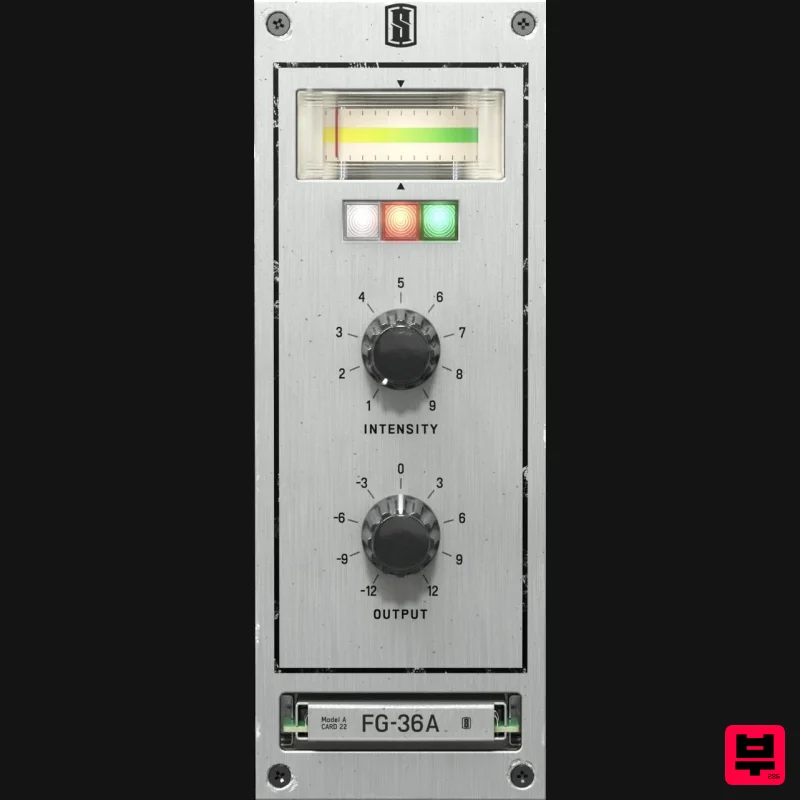
Slate Digital FG-36A
Exciter
$51
FG-36A is a faithful emulation of the legendary vintage exciter from the 1960s, bringing all the shimmer and sparkle of...
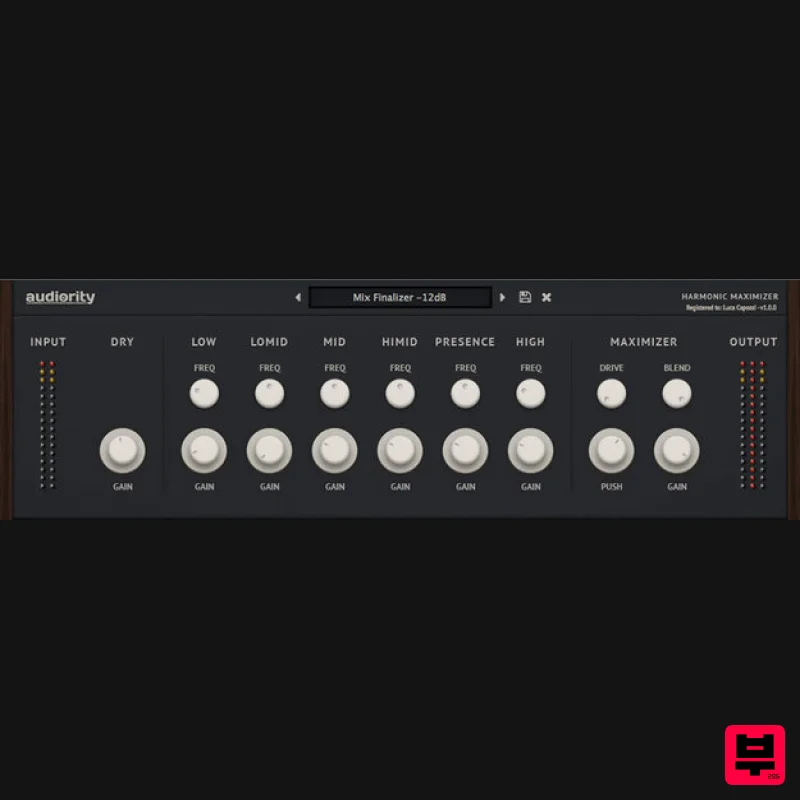
Audiority Harmonic Maximizer
Exciter
$47
Multi-band Exciter and Loudness Maximizer Harmonic Maximizer is a multi-band exciter and loudness shaping plugin that...
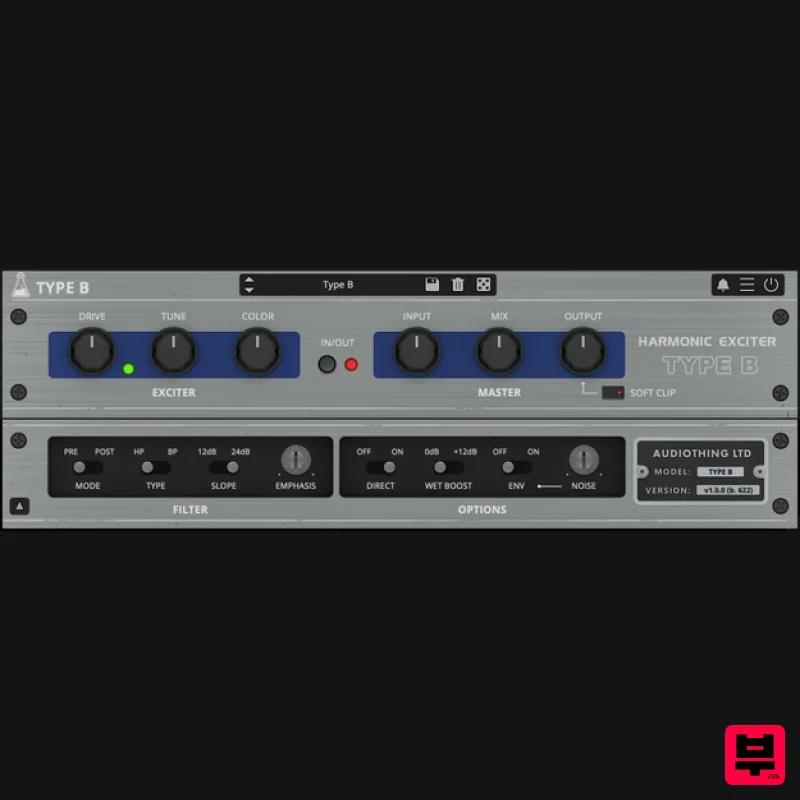
AudioThing Type B
Exciter
$62
Vintage Exciter Type B is a plugin inspired by a famous vintage exciter effect. The original unit was designed to add...
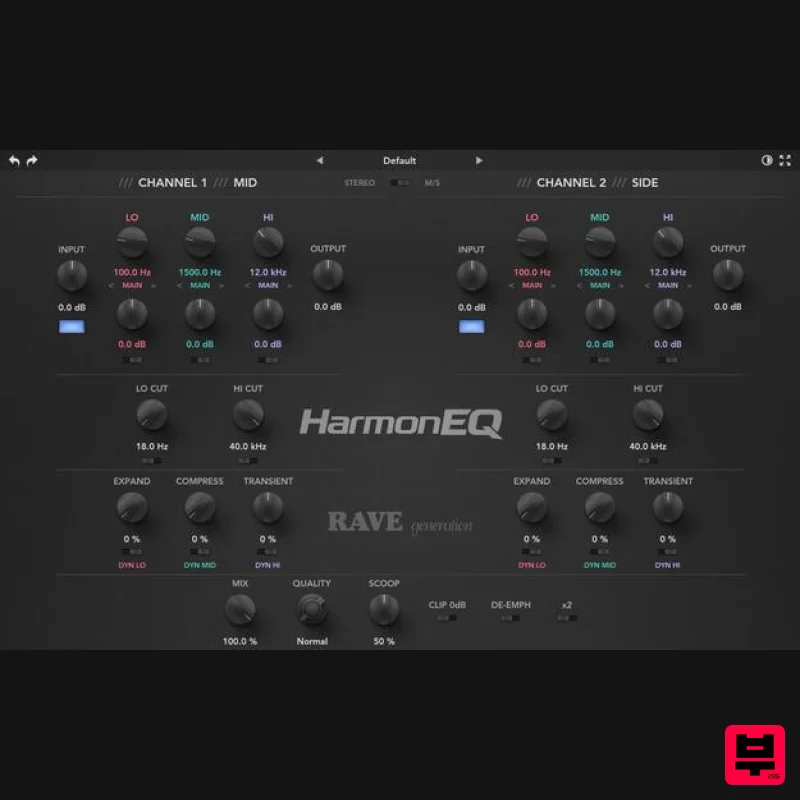
Rave Generation HarmonEQ
Exciter
$52
HarmonEQ is a harmonic exciter EQ plugin that adds musical harmonics and saturation to your audio. Unlike traditional...
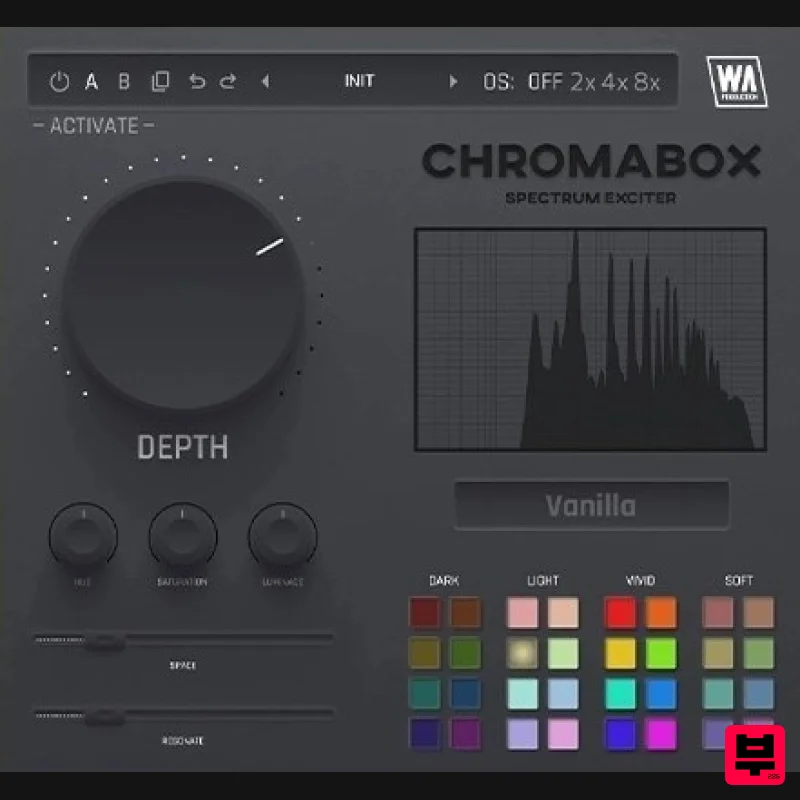
W. A. Production ChromaBox
Exciter
$13
Spectrum Exciter Have you ever had one of those moments where you just want to click a button and hear your sound come...
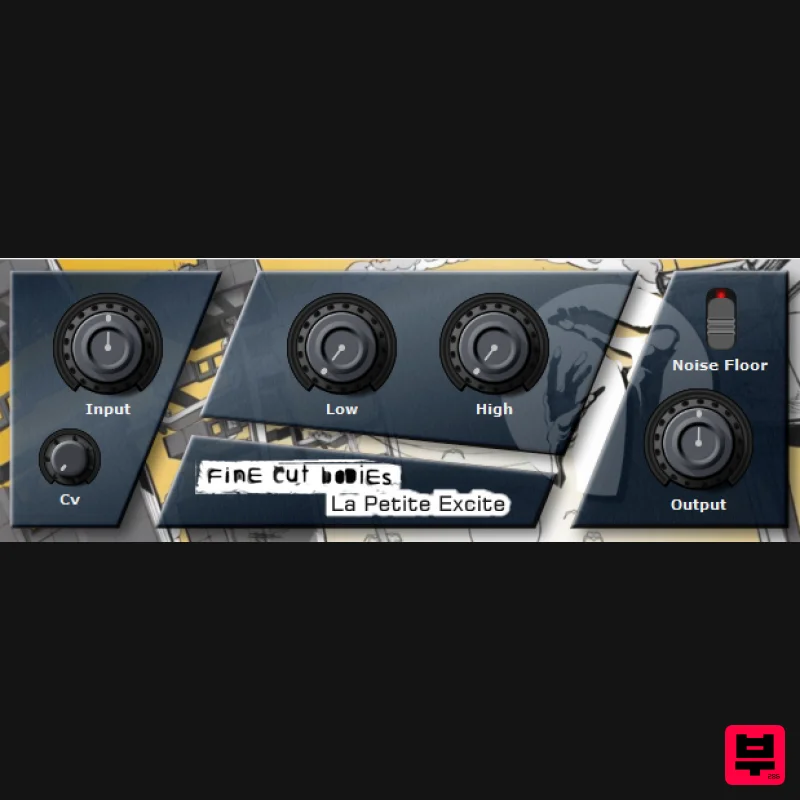
Fine Cut Bodies La Petite Excite
Exciter
Free
"La Petite Excite" is a exciter plugin and it can lead you into a brighter future when used wisely. System Requirements...
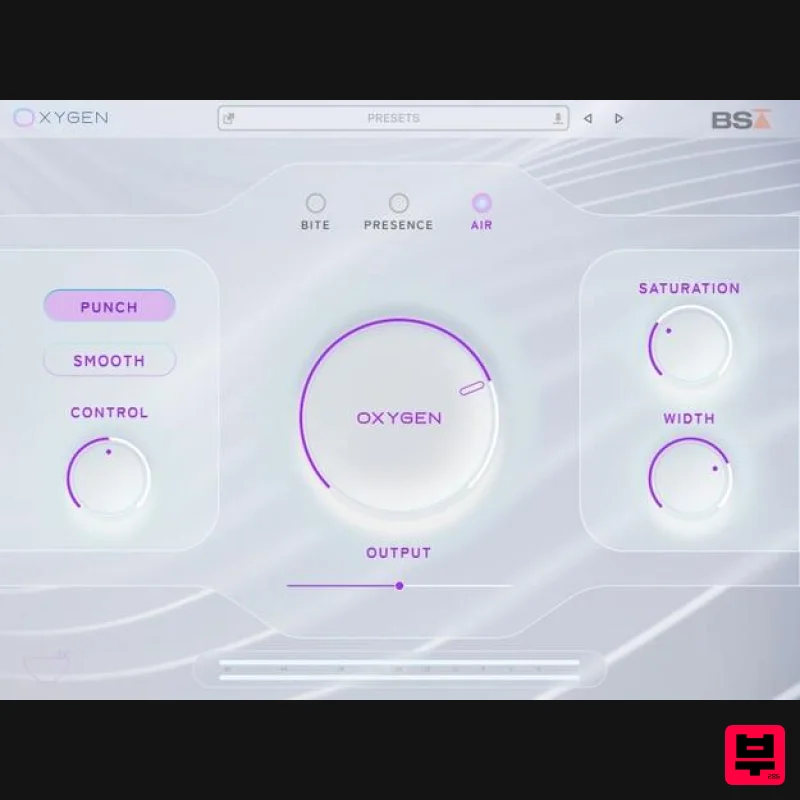
Black Salt Audio Oxygen
Exciter
$89
Breathe Life Into Your Mix Silky Top End Without The Harshness Oxygen uses a unique process to control & enhance the...
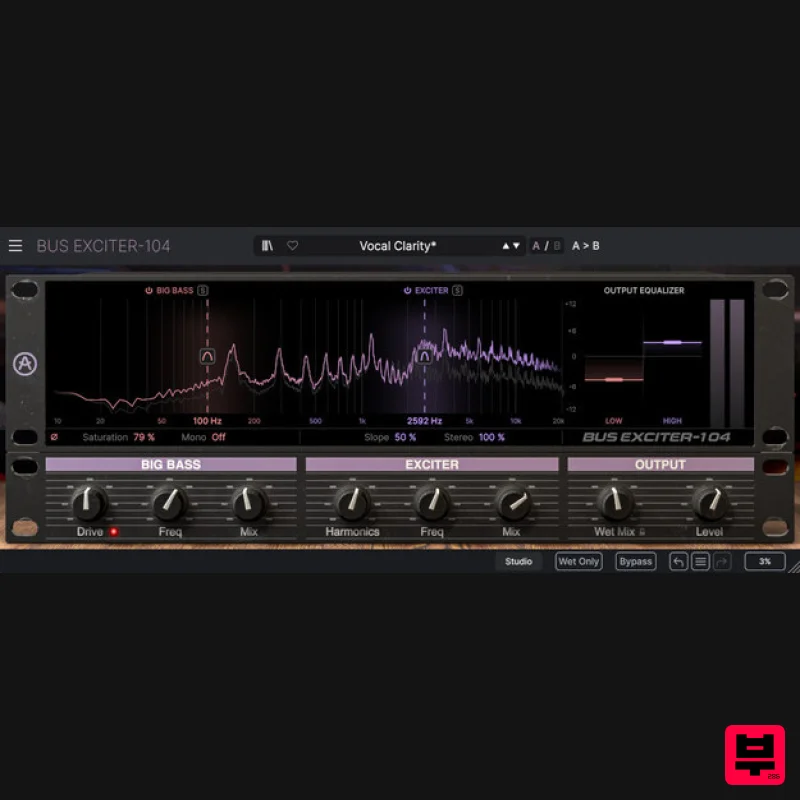
Arturia Bus EXCITER-104
Exciter
$104
Bus Exciter-104 recreates the classic audio signal enhancer, inviting you to beef up your kicks, add vocal presence and...
Frequently Asked Questions
The Klevgrand Knorr stands out for its exceptional Klevgrand craftsmanship and innovative design.
Yes! With its affordable price point and quality construction, it's perfect for learning exciter.
Browse the similar products section to see how it stacks up against other exciter.

