
Klevgrand DAW Cassette
Professional music gear - detailed information and where to buy
Klevgrand
DAW Cassette
Product Info
* Prices may vary. Check retailer for current pricing and availability.
Product Description
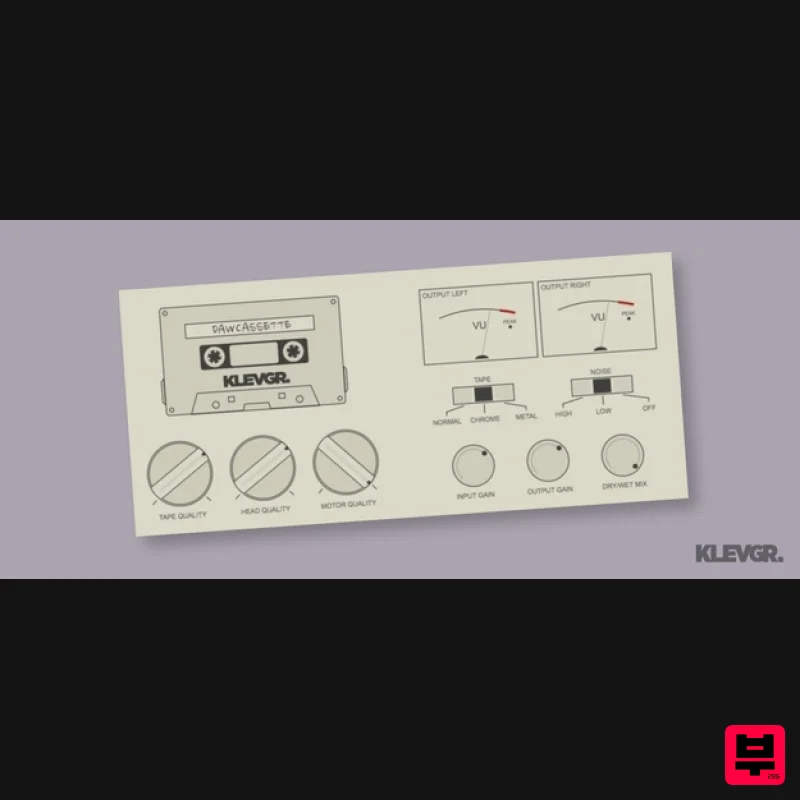
- Tape Deck Emulation Bring your sound back to the golden age of cassette tapes (minus the tangle) DAW Cassette brings back the magic era of the 1980s by emulating the sound of a tape deck. Saturation
- distortion
- noise
- wobble
- it's all there. While there's no real rational logic to it
- the sound color gives us chills down the spines
- (or it might be the mullet haircut that tickles). Fresh. Choose your preferred level of cassetteness with the different controls for input/output gain
- tape/motor/head quality
- and tape/noise type. Now
- look in the mirror and get stunned by your new mullet haircut. Anatomy 1. Quality - Use these controls to set the desired quality of the Tape (magnetic band saturation)
- Head (frequency response)
- and Motor (speed consistency). 2. Emul80ies - Different types of cassette tape
- as well as Noise reduction emulation. 3. Trim the sound
- not the mullet - Input
- Output
- Mix. Serve chilled. Flip It 1. Let it bleed - Adjust the amount of channel crosstalk. 2. Bring on the noise - Fine level noise adjustment for every noise taste. 3. Built to tilt - Skew the tape head angle for some nice phase issues. 4. Graphic Equalizer - Four excellent bands for your excellent band. Features Choose between three different tape types (Normal
- Chrome
- Metal) Control the noise level with Dolby emulation (including a noise-free option
- Dolby K) Tape-
- head- and motor quality knobs for dialing in the perfect sound Additional input gain
- output gain
- and dry/wet mix parameters System Requirements macOS 10.10 or later (optimized for the M1-processor) Windows 7 SP1 or later AU
- VST-2
- VST-3
- AAX Please Note: Pana is used as the example: Mac License Redemption 1. Navigate to https://klevgrand.com/redeem > Paste your 16 digit redemption code found in your Plugin Boutique User Account > Click 'Submit!'. 2. Your redemption code has been accepted > Scroll down to Step 2. 3. Click either 'Sign in' if you already have a Klevgrand account
- or 'Create new account' if you do not > Fill in your personal details > Click 'I'm ready'. 4. Your account has now been created. 5. Navigate to your email inbox and locate the activation email that you should have received from Klevgrand > Click 'Let me in!' to activate your account. 6. Create a password for your account > Click 'Enter Klevgrand'. 7. Your software and serial number is now available within your Klevgrand account > Click the Apple logo to download the installer file. Installation 1. Launch the pana_x_x_x_macOS.dmg installer file. 2. Double click the KLEVGR. logo to launch the installer. 3. Click 'Continue'. 4. Click 'Continue'. 5. Click 'Agree'. 6. Click 'Install'. 7. Enter your system password > Click 'Install Software'. 8. Click 'Close'. 9. Navigate back to your Klevgrand My Account page > Click on the serial number to copy it to your clipboard. 10. Launch your DAW > Create a new audio track > Insert Pana onto the channel > Paste your serial number into the box. Your software is now activated and ready to use within your DAW Windows License Redemption 1. Navigate to https: //klevgrand.com/redeem > Paste your 16 digit redemption code found in your Plugin Boutique User Account > Click 'Submit!'. 2. Your redemption code has been accepted > Scroll down to Step 2. 3. Click either 'Sign in' if you already have a Klevgrand account
- or 'Create new account' if you do not > Fill in your personal details > Click 'I'm ready'. 4. Your account has now been created. 5. Navigate to your email inbox and locate the activation email that you should have received from Klevgrand > Click 'Let me in!' to activate your account. 6. Create a password for your account > Click 'Enter Klevgrand'. 7. Your software and serial number is now available within your Klevgrand account > Click the Windows logo to download the installer file. Installation 1. Unpack the pana_x_x_x_win.zip installer file > Launch the pana_x_x_x_win.exe file. 2. Click 'I accept the agreement' > Click 'Next'. 3. Click 'Next'. 4. Click 'Next'. 5. Click 'Next'. 6. Click 'Install'. 7. Click 'Finish'. 8. Navigate back to your Klevgrand My Account page > Click on the serial number to copy it to your clipboard. 9. Launch your DAW > Create a new audio track > Insert Pana onto the channel > Paste your serial number into the box. Your software is now activated and ready to use within your DAW
Additional Information
About the Klevgrand DAW Cassette
The Klevgrand DAW Cassette combines traditional design with modern performance for Tape Emulation enthusiasts.
Why Choose the Klevgrand DAW Cassette?
- •Authentic Klevgrand craftsmanship and design
- •Versatile sound suitable for multiple musical genres
- •Professional build quality and reliable performance
- •Part of Klevgrand's respected Tape Emulation lineup
Compare & Explore
Browse our complete selection of Klevgrand instruments or explore other Tape Emulation options. Use our comparison tools to find the perfect match for your musical style and budget.
Similar Products
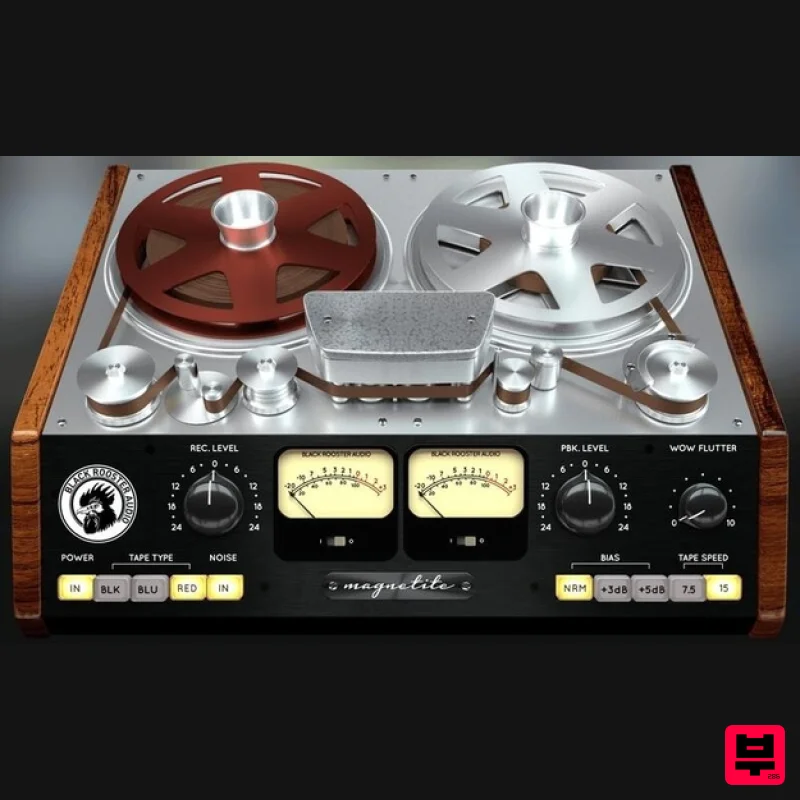
Black Rooster Audio Magnetite
Tape Emulation
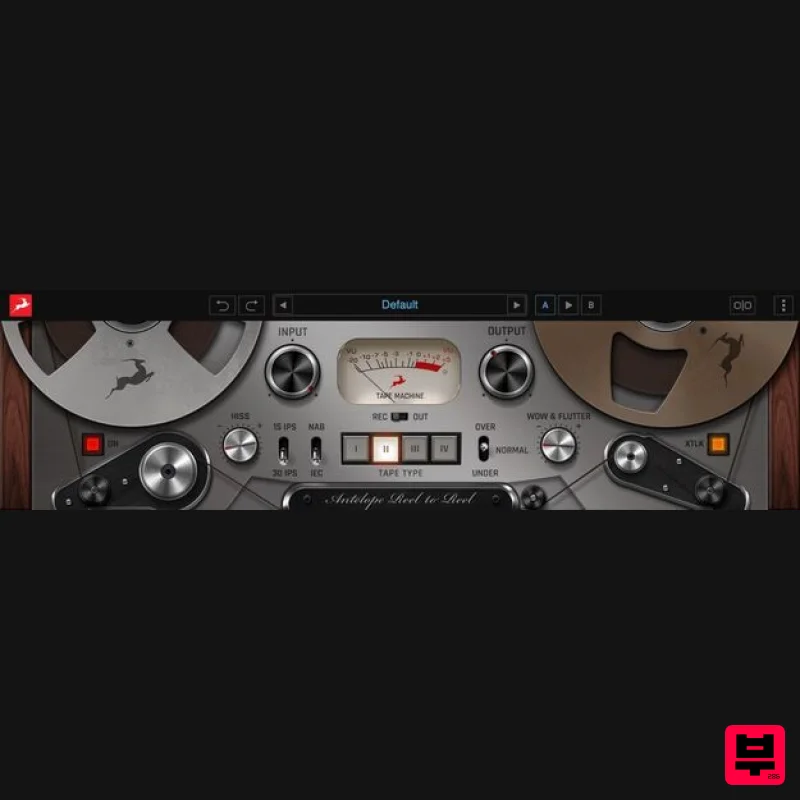
Antelope Audio Reel-To-Reel
Tape Emulation
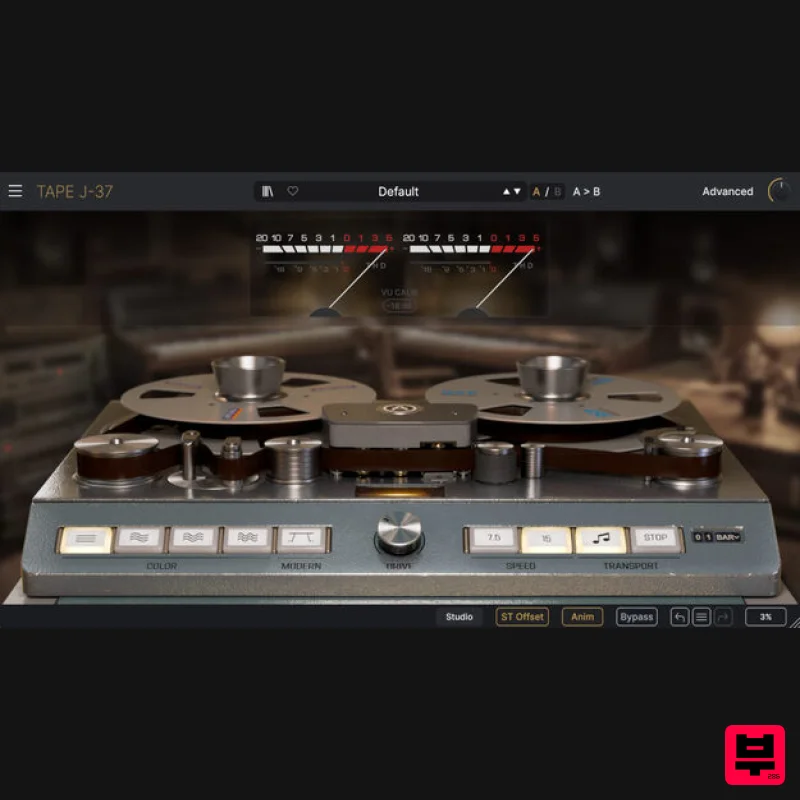
Arturia Tape J-37
Tape Emulation
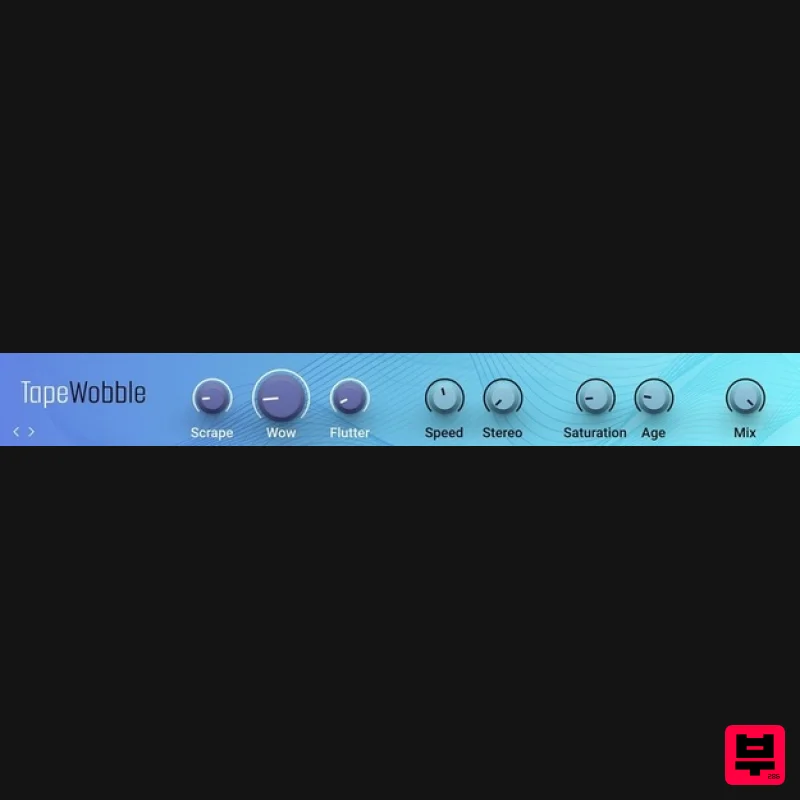
Native Instruments Tape Wobble
Tape Emulation
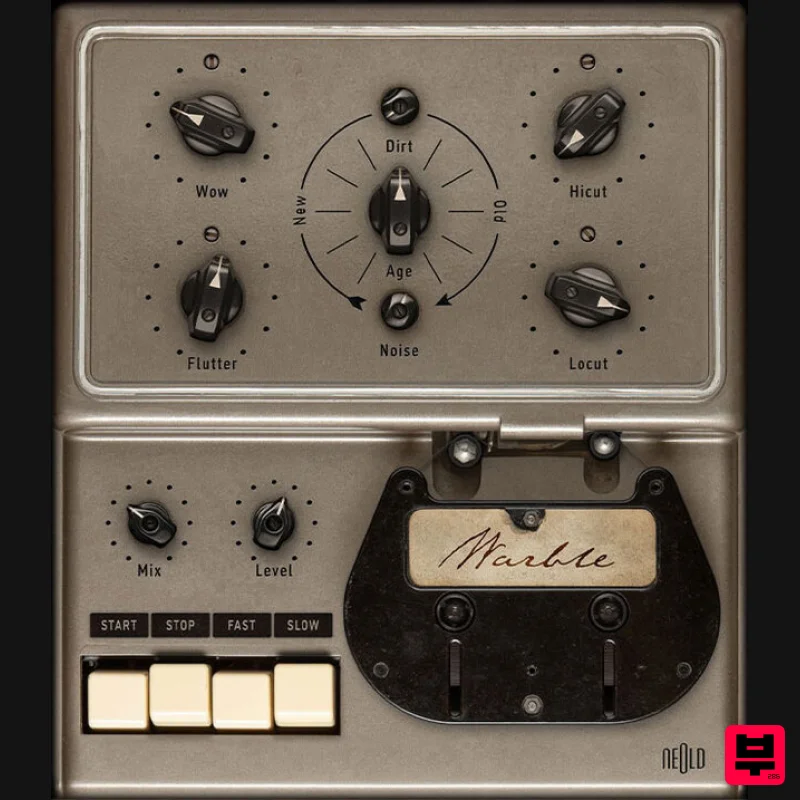
Plugin Alliance NEOLD WARBLE
Tape Emulation
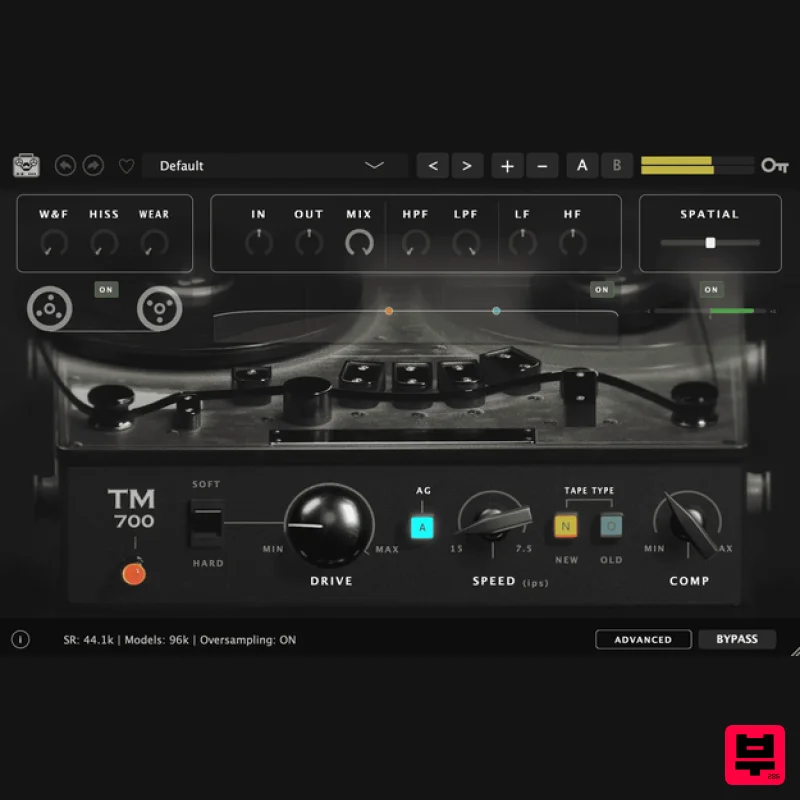
Tone Empire TM700 V3
Tape Emulation
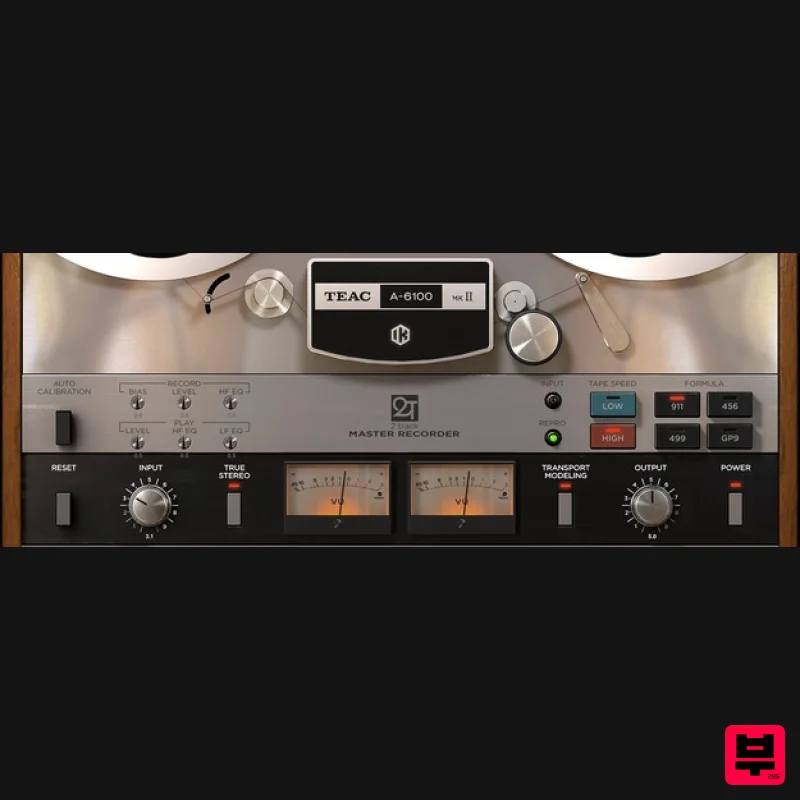
IK Multimedia TEAC A-6100 MKII
Tape Emulation
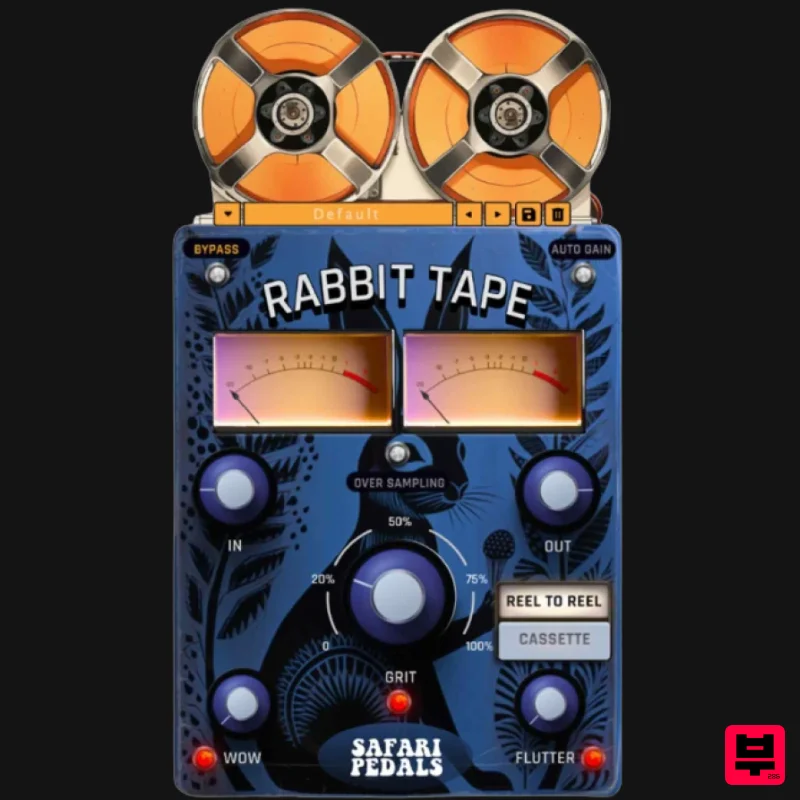
Safari Audio Rabbit Tape
Tape Emulation

