
Kiive Audio FilkChannel Strip
Professional music gear - detailed information and where to buy
Kiive Audio
FilkChannel Strip
Product Info
* Prices may vary. Check retailer for current pricing and availability.
Product Description
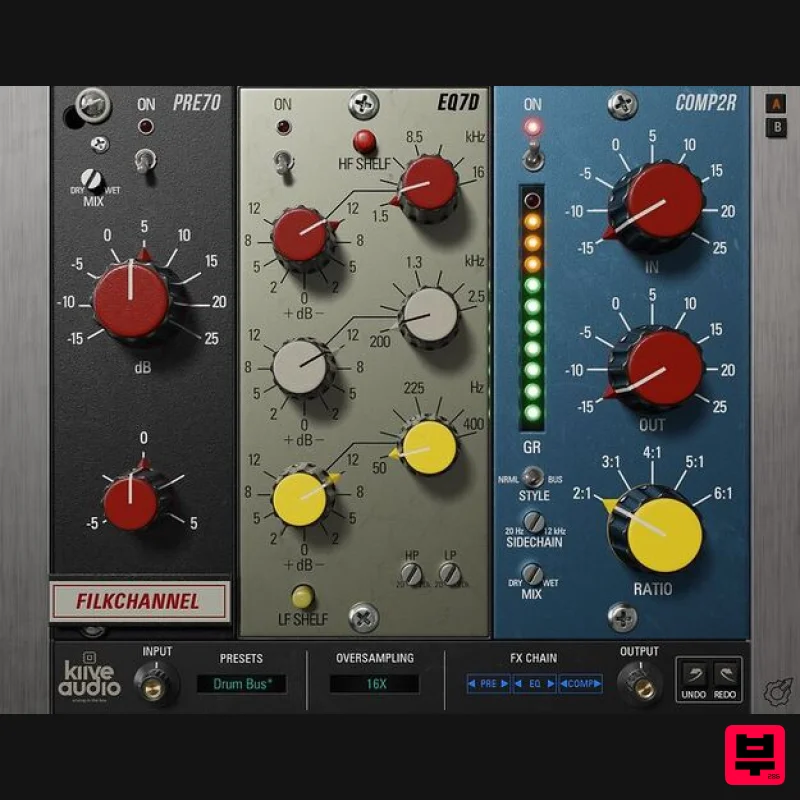
- Your New Favourite Channel Strip The FilkChannel Strip is an analog modelled plugin based on some of the best Danner Cassette Modules made in the '70s. It features several tonal options
- from light analog warmth on vocals
- acoustic guitars and mix bus
- to gritty driven tones for aggressive
- in-your-face drums
- bass
- and heavy guitars! This channel strip contains 3 modules... PRE70 The preamp section of the FilkChannel allows you to take your sounds from warm and analog tones (set to the left) as well as aggressive harmonics and distortion (set to the right) In addition
- this module has an added trim knob to attenuate the added gain from the input knob. As well as a dry/wet knob to blend the distortion. EQ7D The EQ section of the FilkChannel gives you 3 bands of parametric EQ so you can adjust your sounds any way you want. This section also includes a highpass and lowpass filter both ranging from 20Hz to 20kHz as well as shelf buttons to change the curve of the high and low-frequency bands. COMP2R The Compressor section of the FilkChannel allows you to add punch and attack to your tracks with the fixed attack and release opto style compressor. Use the in and out knobs to adjust the amount of compressor and set the ratio using the variable-ratio knob. This section also includes a dry/wet mix knob to dial back the amount of compression
- a sidechain filter ranging from 20Hz to 12kHz
- as well as a “mode” switch to switch between snappy compression (NRML MODE) and more subtle soft compression (BUS MODE). Features Saturation Preamp 3 Band EQ with LP and HP Filters OPTO Compressor with adjustable ratio Swap-able FX Chain Resizable GUI Oversampling System Requirements Mac Mac OS X 10.7 or higher (macOS 10.14 or higher recommended) (64-bit only) Processor - 1 GHz Intel Dual Core or higher Screen Resolution - 1024 x 768 or higher Plugin Formats - VST
- AAX Windows Windows 7 and above (64-bit only) Processor - 1 GHz Intel Dual Core Processor or AMD equivalent Screen Resolution - 1024 x 768 or higher Plugin Formats - VST
- AAX Nick Ginn "The Filk Channel has helped to achieve that with very little need for any other plugins to help get the job done." Jesse Ernster "FilkChannel might be the best guitar EQ of all time! That EQ is so bulky and meaty" Please note: Lunchbox Amp Sim is used as an example. Mac Installation 1. Download the .pkg file from your Plugin Boutique account > Open the .dmg installer > Click Continue. 2. Read the Software License Agreement > Click Continue. 3. Click Agree. 4. Select the installation destination > Click Continue. 5. Click Install. 6. Click Close. 7. Open your new software in your DAW > Enter the serial number found in your Plugin Boutique account > Click SUBMIT. Your software is now activated and ready to use in your DAW. Windows Installation 1. Download the .zip folder from your Plugin Boutique account. 2. Extract the contents of the folder. 3. For VST
- copy the .dll file > Paste it into your VST folder which could be one of the following: C:\Program Files\VstPlugins C:\Program Files\Steinberg\VstPlugins C:\Program Files\Common Files\VST2 C:\Program Files\Common Files\Steinberg\VST2 For AAX
- copy the AAX plugin folder > Paste it into your AAX folder which should be: C:\Program Files\Common Files\Avid\Audio\Plug-Ins 4. Open your DAW and load your new software > Enter the serial number found in your Plugin Boutique account > Click SUBMIT. Your software is now activated and ready to use in your DAW.
Additional Information
About the Kiive Audio FilkChannel Strip
The Kiive Audio FilkChannel Strip combines traditional design with modern performance for Channel Strip enthusiasts.
Why Choose the Kiive Audio FilkChannel Strip?
- •Authentic Kiive Audio craftsmanship and design
- •Versatile sound suitable for multiple musical genres
- •Professional build quality and reliable performance
- •Part of Kiive Audio's respected Channel Strip lineup
Compare & Explore
Browse our complete selection of Kiive Audio instruments or explore other Channel Strip options. Use our comparison tools to find the perfect match for your musical style and budget.
Similar Products
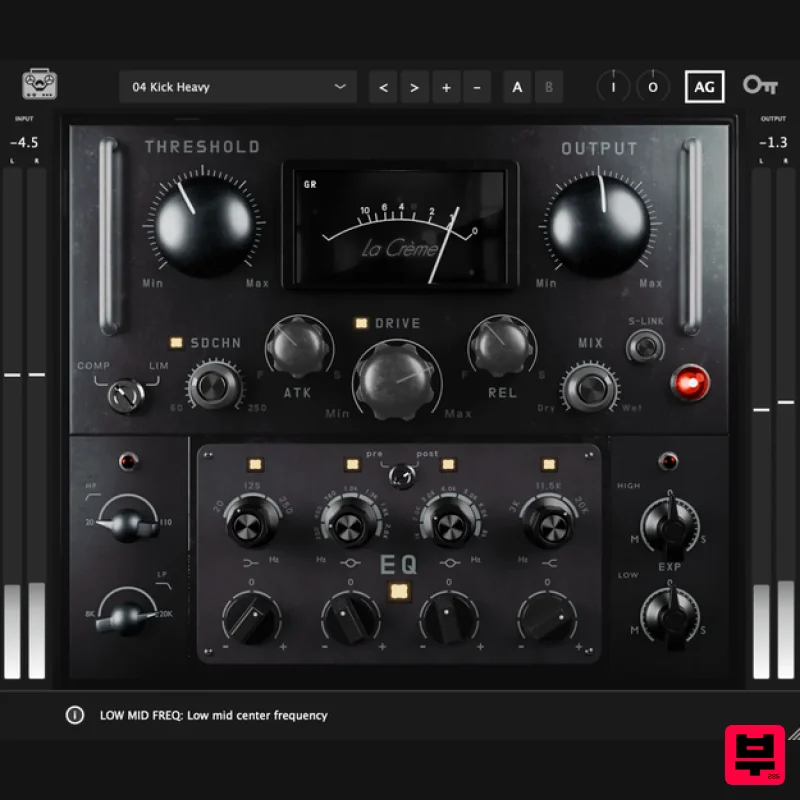
Tone Empire La Crème 3
Channel Strip
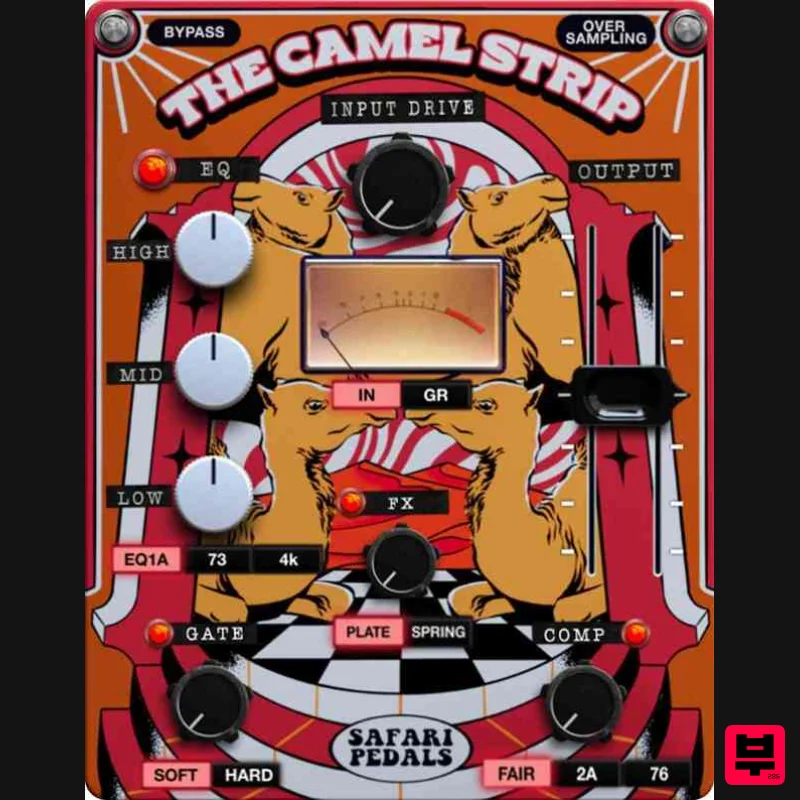
Safari Audio The Camel Strip
Channel Strip
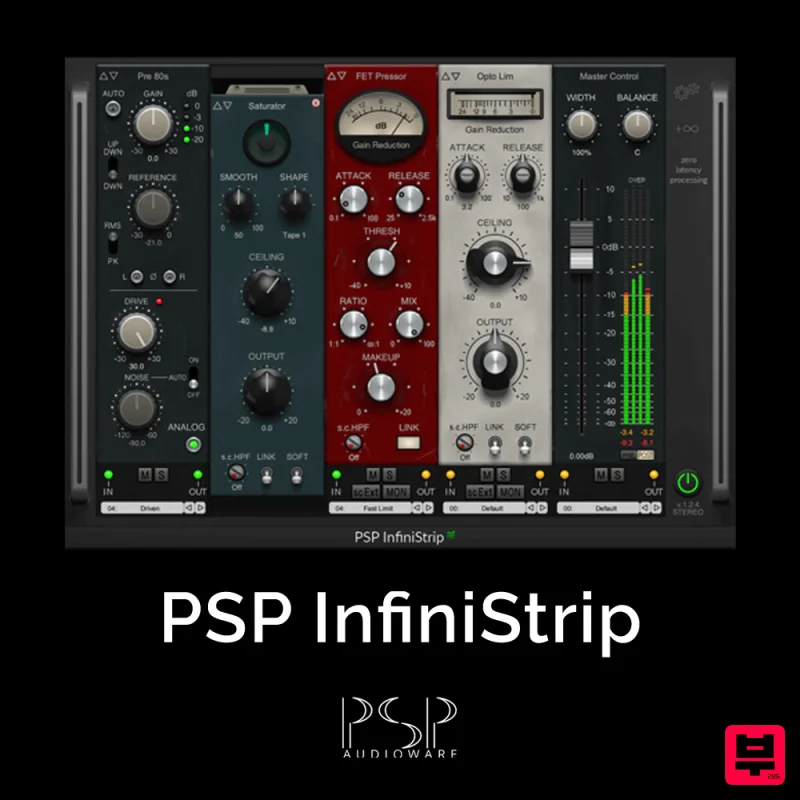
PSP Audioware PSP InfiniStrip
Channel Strip
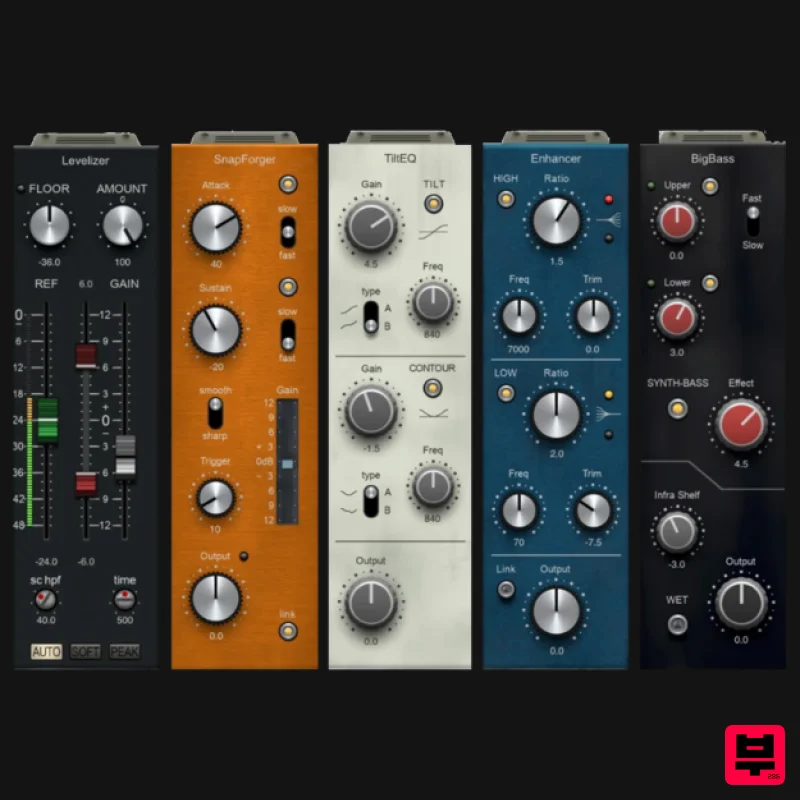
PSP Audioware PSP InfiniStrip Earth Edition
Channel Strip
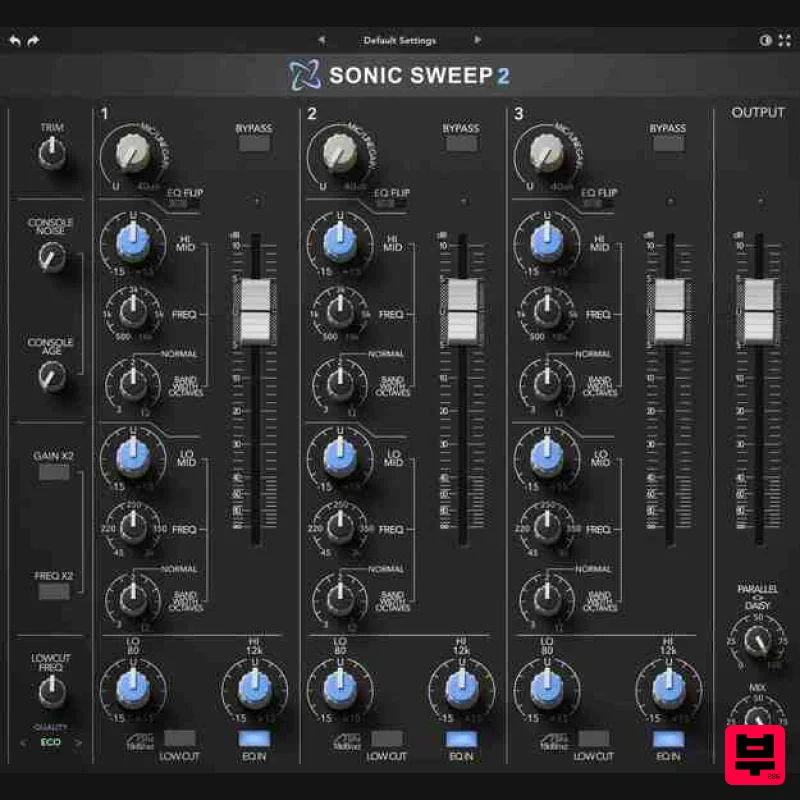
Rave Generation Sonic Sweep 2
Channel Strip
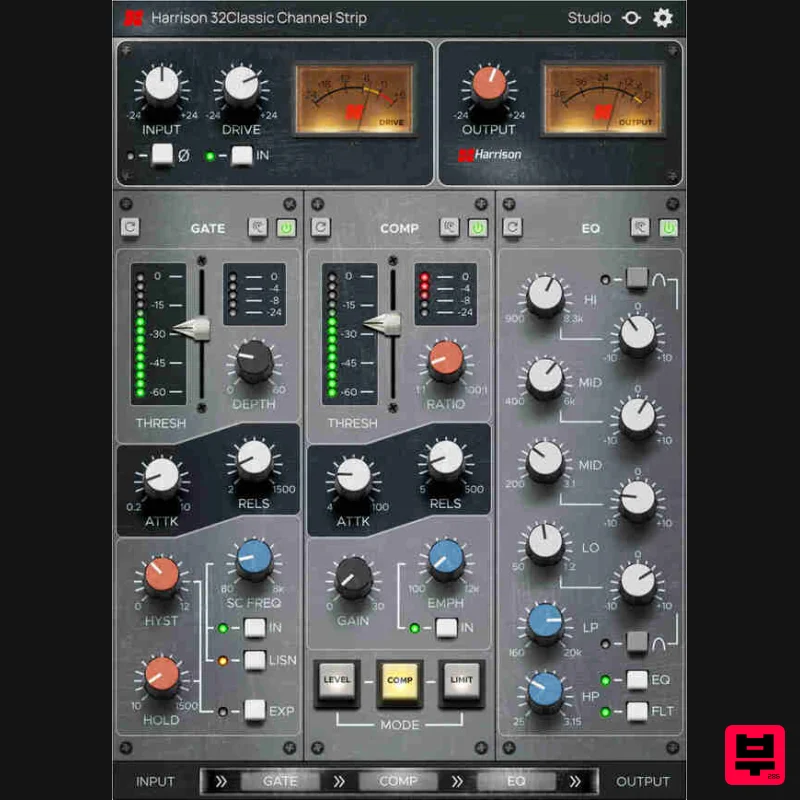
Harrison Consoles 32Classic Channel
Channel Strip
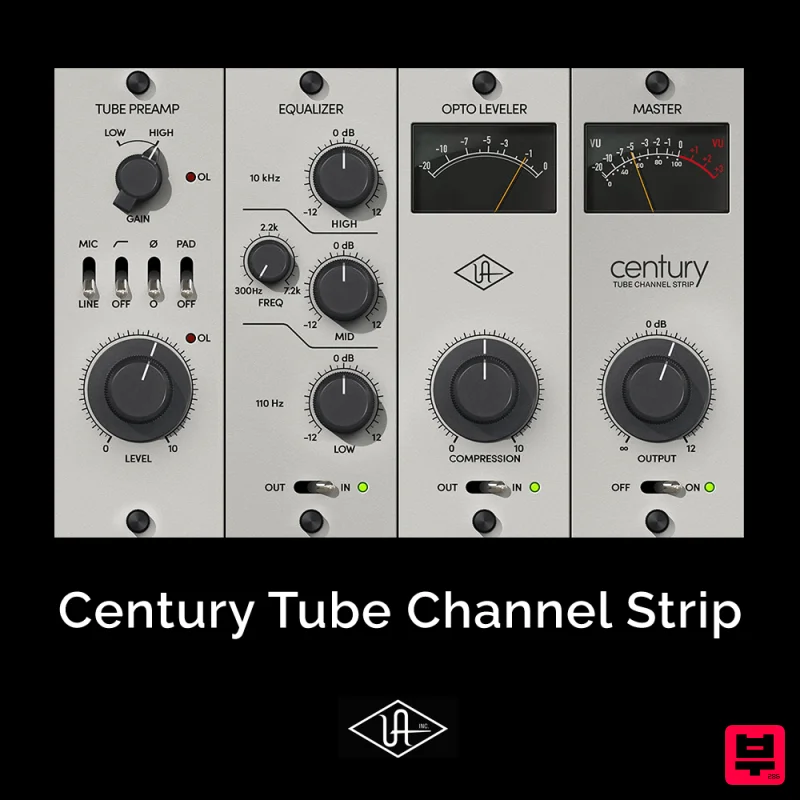
Universal Audio Century Tube Channel Strip
Channel Strip
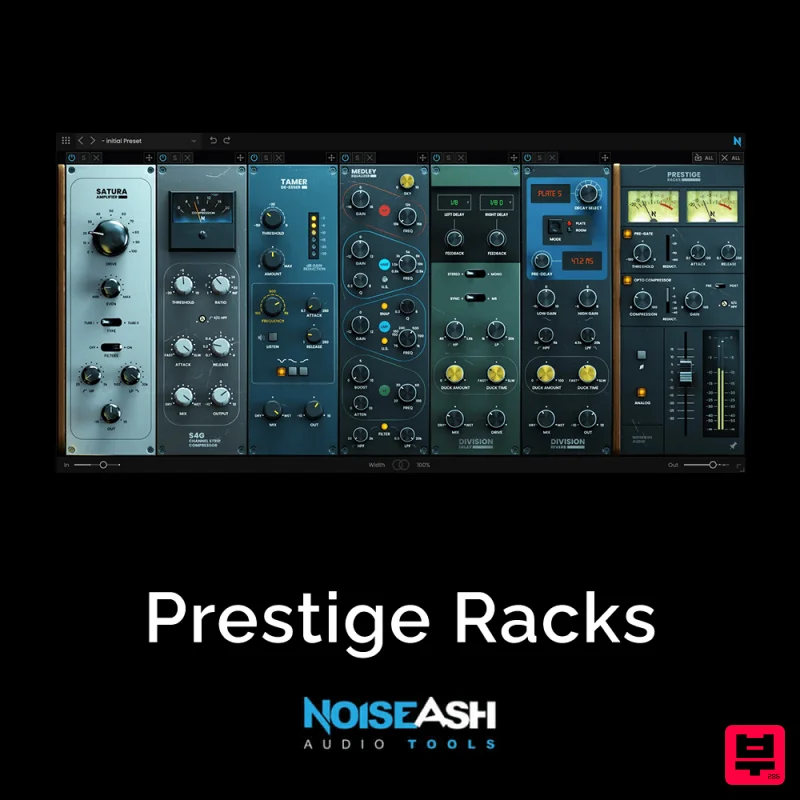
NoiseAsh Prestige Racks
Channel Strip

