
Karanyi Sounds Flame | Analog Tales 2 Expansion
Professional music gear - detailed information and where to buy
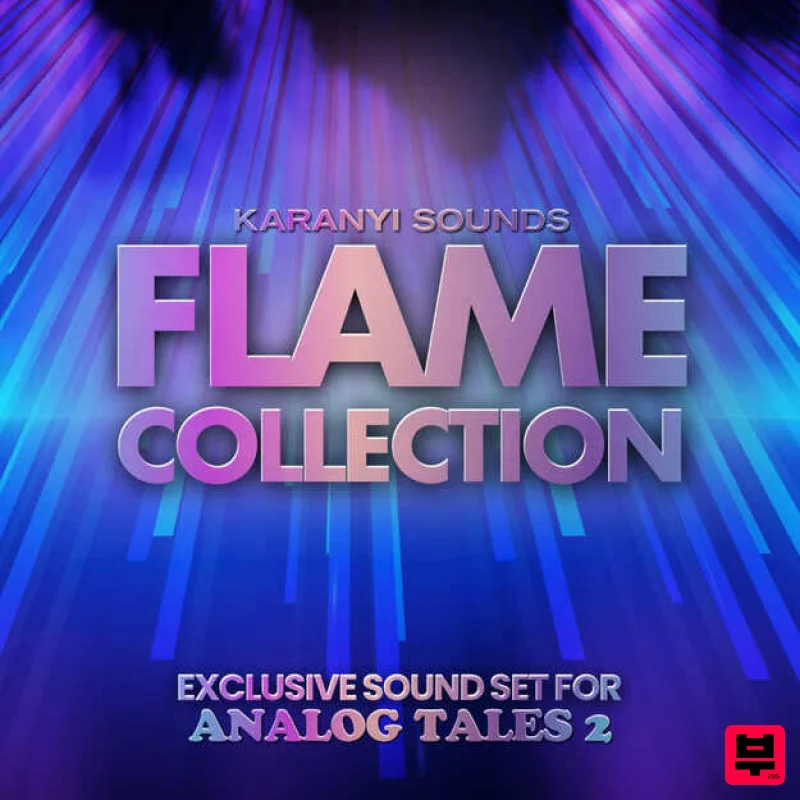
Karanyi Sounds
Flame | Analog Tales 2 Expansion
Product Info
* Prices may vary. Check retailer for current pricing and availability.
Product Description
- Heat Up Your Sounds! Important note: The Analog Tales 2 engine is required to use this collection! (sold separately) Experience the fiery sounds of the Flame Collection
- crafted by the hottest electronic music producers and YouTubers
- including SNYL
- Dixon Beats
- SumnSumnSumn HTK
- and Simulation Beats. With over 70 exclusive presets designed for genres like electronic dance music
- lo-fi beats
- and cinematic soundscapes
- this collection will help you unlock the full potential of analog warmth and overdrive in your productions. Don’t wait – ignite your sound and blaze new trails in the world of music! Features 70+ carefully designed artist presets for Analog Tales 2 Ranging from basses to leads
- plucks
- keys and soundscapes For multiple genres
- including but not limited to: lo-fi
- cinematic
- electronic dance music System Requirements Native Instruments Kontakt 7 is required (Free Kontakt Player is NOT supported) Analog Tales 2 engine is required Mac OS X 10.11 or higher is recommended Windows 7 or higher 4 GB of RAM
- 8 GB is recommended 2 GHz CPU with at least 4 cores 64 bit DAW is recommended for optimized performance Important Note: The full version of Native Instruments Kontakt 6.7.1 or higher is required in order to use this software. Note: Karanyi Synths 1 DX is used as an example. Mac & Windows Formats Important Note: This software requires the Full Version of Native Instruments Kontakt to be installed on your system. Please ensure you have purchased
- downloaded and installed Kontakt before attempting to install this product. Installation 1. Download the Kontakt Instrument from within your Plugin Boutique User Account. Be sure to remember the download location as you will need this when locating your Kontakt Library in step 3. 2. Open Kontakt
- either as a standalone application
- or as a plugin within your DAW. 3. Click the 'files' tab at the top of Kontakt > Navigate to the location of your downloaded Kontakt Library from step 1 of the installation instructions. 4. Double-click the 'Instruments' folder to open it within Kontakt. 5. Click and drag any .nki file from the left-hand window of Kontakt into the main window of Kontakt to load up a patch. Your software is now installed and ready to use.
Additional Information
About the Karanyi Sounds Flame | Analog Tales 2 Expansion
The Karanyi Sounds Flame | Analog Tales 2 Expansion combines traditional design with modern performance for Expansion Packs enthusiasts.
Why Choose the Karanyi Sounds Flame | Analog Tales 2 Expansion?
- •Authentic Karanyi Sounds craftsmanship and design
- •Versatile sound suitable for multiple musical genres
- •Professional build quality and reliable performance
- •Part of Karanyi Sounds's respected Expansion Packs lineup
Compare & Explore
Browse our complete selection of Karanyi Sounds instruments or explore other Expansion Packs options. Use our comparison tools to find the perfect match for your musical style and budget.
Similar Products

Tracktion Stonegrabber D-232 Expansion Pack (for Attracktive)
Expansion Packs

Tracktion Suitcase in a Box Expansion Pack (for Attracktive)
Expansion Packs

Tracktion SA-1000 Expansion Pack (for Attracktive)
Expansion Packs

Tracktion SH-20 Expansion Pack (for Attracktive)
Expansion Packs

Tracktion DG-8000 Expansion Pack (for Attracktive)
Expansion Packs

Tracktion Langweil 150 Expansion Pack (for Attracktive)
Expansion Packs

Tracktion Taurinorum Expansion Pack (for Attracktive)
Expansion Packs

Tracktion Poly-One Expansion Pack (for Attracktive)
Expansion Packs

