
Karanyi Sounds Analog Blur | Polyscape Expansion
Professional music gear - detailed information and where to buy
Karanyi Sounds
Analog Blur | Polyscape Expansion
Product Info
* Prices may vary. Check retailer for current pricing and availability.
Product Description
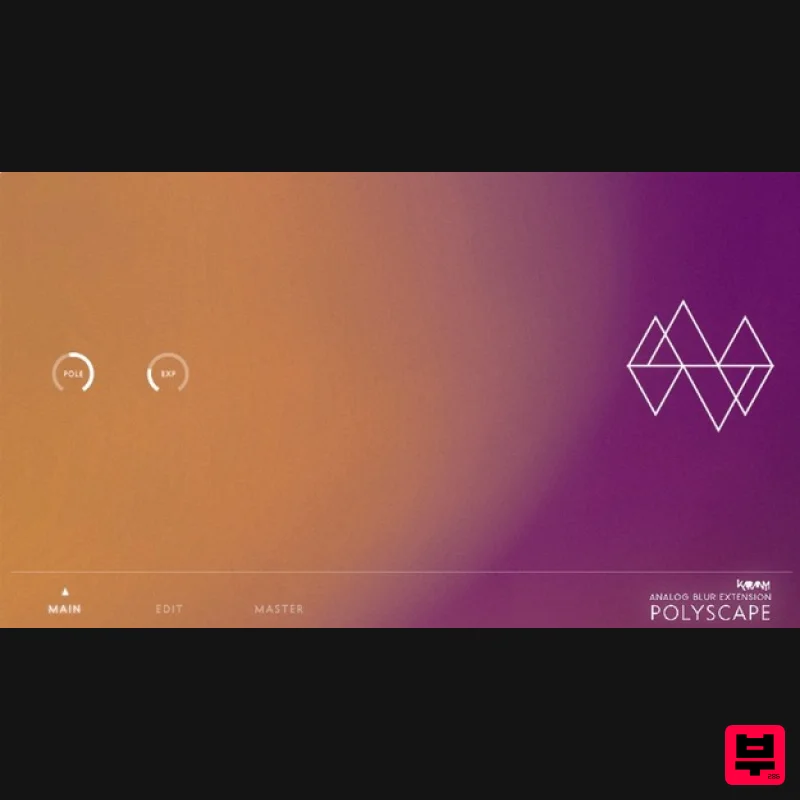
Important note: Polyscape is required to use this expansion. A bundle of Polyscape and this Analog Blur expansion is also available. Adventures in the Forbidden Zone Analog Blur for Polyscape is the first expansion for Karanyi Sounds' synth designer tool focusing on deep, lush, spacey soundscapes and subtle moving pads - inspired by movies like classic 80s film scores such as Blade Runner by Vangelis or Terminator by Brad Fiedel. This expansion extends the sonic possibilities of Polyscape with 4 additional organ sounds inspired by Oberheim PCM organs from the 80s and 50 new extra presets to enhance your next track or film score. Or just add some good old analogue vibe as a sublayer to any music production. Features 4 brand new sample instruments created with vintage organ module. 40 Cinematic soundscapes & moving pads created by sound designers and film composers. System Requirements Karanyi Sounds Polyscape Kontakt 5.8.1 or higher (Full version required). Includes NCW Lossless compressed samples. Important Note: The full version of Native Instruments Kontakt 5.8.1 or higher is required in order to use this software. Note: Karanyi Synths 1 DX is used as an example. Mac & Windows Formats Important Note: This software requires the Full Version of Native Instruments Kontakt to be installed on your system. Please ensure you have purchased, downloaded and installed Kontakt before attempting to install this product. Installation 1. Download the Kontakt Instrument from within your Plugin Boutique User Account. Be sure to remember the download location as you will need this when locating your Kontakt Library in step 3. 2. Open Kontakt, either as a standalone application, or as a plugin within your DAW. 3. Click the 'files' tab at the top of Kontakt > Navigate to the location of your downloaded Kontakt Library from step 1 of the installation instructions. 4. Double-click the 'Instruments' folder to open it within Kontakt. 5. Click and drag any .nki file from the left-hand window of Kontakt into the main window of Kontakt to load up a patch. Your software is now installed and ready to use.
Additional Information
About the Karanyi Sounds Analog Blur | Polyscape Expansion
Experience the quality and tone that makes the Karanyi Sounds Analog Blur | Polyscape Expansion a popular choice for musicians.
Why Choose the Karanyi Sounds Analog Blur | Polyscape Expansion?
- •Authentic Karanyi Sounds craftsmanship and design
- •Versatile sound suitable for multiple musical genres
- •Professional build quality and reliable performance
- •Part of Karanyi Sounds's respected Expansion Packs lineup
Compare & Explore
Browse our complete selection of Karanyi Sounds instruments or explore other Expansion Packs options. Use our comparison tools to find the perfect match for your musical style and budget.
Similar Products

Tracktion Poly-One Expansion Pack (for Attracktive)
Expansion Packs

Tracktion Taurinorum Expansion Pack (for Attracktive)
Expansion Packs

Tracktion SA-1000 Expansion Pack (for Attracktive)
Expansion Packs

Tracktion Langweil 150 Expansion Pack (for Attracktive)
Expansion Packs

Tracktion Suitcase in a Box Expansion Pack (for Attracktive)
Expansion Packs

Tracktion DG-8000 Expansion Pack (for Attracktive)
Expansion Packs

Tracktion Stonegrabber D-232 Expansion Pack (for Attracktive)
Expansion Packs

Tracktion SH-20 Expansion Pack (for Attracktive)
Expansion Packs

