
Inertia Sound Systems Hinder
Professional music gear - detailed information and where to buy
Inertia Sound Systems
Hinder
Product Info
* Prices may vary. Check retailer for current pricing and availability.
Product Description
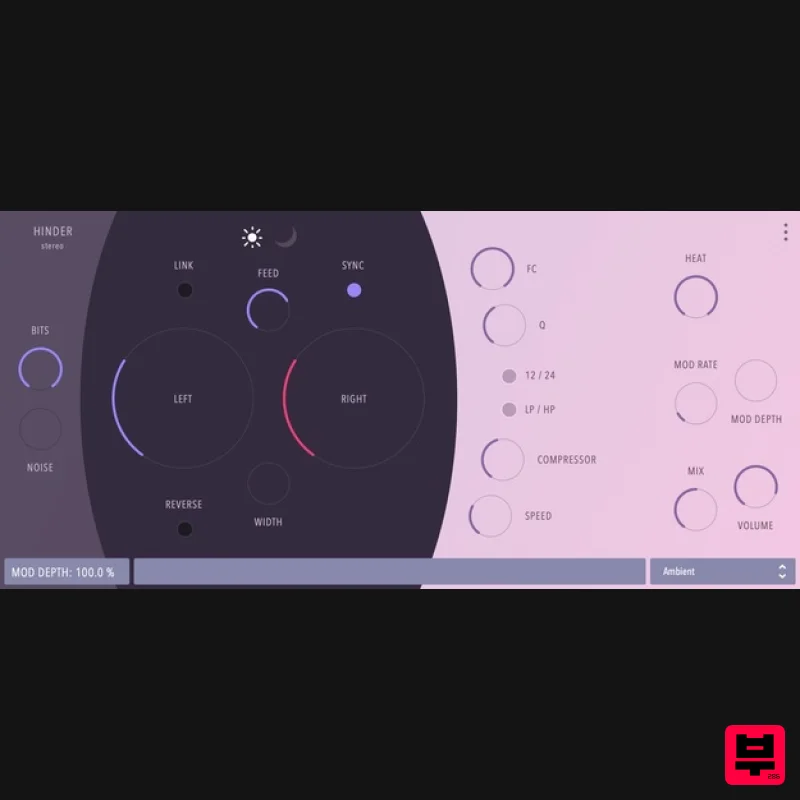
- That Vintage Lo-Fi Delay You've Been Missing Hinder brings uniqueness and character to your tone. You can't go wrong with it. New is not always better. That's why Inertia Sound Systems looked into something that was proven and true. Bucket Brigade Delay has stood the test of time
- but since they were not limited to the confinements of its era
- Inertia kicked it up a notch. Hinder's core has been accurately modelled after BBD principles. But it comes with many useful and creative features
- including sound design and versatility. It aims to be a swiss army knife when a vintage delay tone is needed. Accurate BBD Modelling with Sound Tweaking Freedom Hinder has been built following the BBD principle of operation. However
- it exposes several of the design parameters to the user
- but also adds new ones such as L/R channel delay time decoupling
- width and reverse delay so that creative realms could be explored. Overall Tone for Brighter or Darker Sound Inertia tried to cover as much ground as possible. You can change the overall tone of the plugin by setting the bright/dark parameter. Separate or Linked Delay Times for Left and Right Channel Delay times can be set up separately for Left and Right channels so that interesting/polyrhythmic patterns can be created Stereo Width Width control for wider delay effects. Feedback LP / HP Analog modelled Filters Hinder features analog modelled resonant Lowpass and Highpass filters in its feedback path
- that can further shape your tone Feedback Compression Module with Amount and Speed Controls Hinder features a compressor module in its feedback path that in combination with feedback and heat can create sounds that vary from punchy repeats to overdriven noisy drones. Overdrive via the HEAT Parameter Heat adjustment that reflects the resampling
- and feedback filters
- can significantly tune Hinder towards a cleaner or overdriven sound character Chorus and Flanger Effects Hinder features delay modulation
- turning it into a chorus or flanger effect
- with all the creative directions that can be achieved with the aforementioned modules and tweaking parameters. Bit Depth and Quantisation Artefact Mix Control Hinder features controls for input signal quantization and quantization artefact mix
- which is a standard BBD element. But by exposing it to the user it can be creatively employed in combination with heat and feedback compression for noisy droney delay soundscapes. Synced to Host or Free Running Hinder can be set up to sync to the host. Moving from sync to free will recall the previous parameter values. Preset System HINDER comes with many built-in presets that cover a fair ground of standard delay use for Guitars
- Vocals
- Drums and everything in between. But many of them also point towards a sound design point of view
- them being droney
- noisy or glitchy. Features Accurate BBD modelling with sound tweaking freedom Overall tone for a brighter or darker sound Separate or Linked Delay Time for Left and Right Channel Focused or wider delay effect control Feedback LP / HP analog modelled filters Feedback Compression module with amount and speed controls Overdrive via the HEAT parameter that applies to the resampling and feedback filters Delay line modulation for Chorus and Flanger effects Bit Depth and Quantisation artefact mix control Synced to host or free running A portable and intuitive preset system Explanatory on-screen tooltips on mouse over the parameters Minimal
- clean UI System Requirements Mac macOS 10.12 Sierra - macOS 10.15 Catalina (64-bit only) AU / VST & VST3 Windows Windows 10 or later (64-bit only) VST / VST3 Linux GLIBC: 2.29 VST / VST3 Note: Granulizer 2 is used as the example. Mac Registration 1. Go to https://www.inertiasoundsystems.com/account/login/ > Click 'Register'. Note: If you already have an Inertia Sound Systems account skip to Step 5. 2. Choose a Username
- enter your Email address and create a password > Click 'I'm not a robot' and click 'Register'. 3. Check your Email and click the activation link. 4. Click 'Login'. 5. Enter your Username and Password > Click 'Login'. 6. Copy and Paste the URL from your Plugin Boutique User Account > Click 'I'm not a robot' and click 'Redeem'. 7. Click 'Downloads'. 8. Click 'Granulizer 2 for macOS' Installation 1. Double-click the download .dmg folder > Double-click the .pkg folder icon. 2. Click 'Continue'. 3. Click 'Continue'. 4. Click 'Agree'. 5. Click 'Install'. 6. Click 'Close'. 7. Open the software inside of your DAW > Click 'Learn How' at the bottom of the screen. 8. Enter your Email and click 'GET KEY'. 9. You will be redirected to your Inertia Sound Systems account > Click 'Generate Key'. 10. Copy the Activation Key. 11. Paste the Activation Key in the software > Click 'Authorize'. 12. Click the cog-wheel to exit the settings page. Your software is now authorised and ready for use inside of your DAW! Windows Registration 1. Go to https: //www.inertiasoundsystems.com/account/login/ > Click 'Register'. Note: If you already have an Inertia Sound Systems account skip to Step 5. 2. Choose a Username
- enter your Email address and create a password > Click 'I'm not a robot' and click 'Register'. 3. Check your Email and click the activation link. 4. Click 'Login'. 5. Enter your Username and Password > Click 'Login'. 6. Copy and Paste the URL from your Plugin Boutique User Account > Click 'I'm not a robot' and click 'Redeem'. 7. Click 'Downloads'. 8. Click 'Granulizer 2 for Windows 10' Installation 1. Double-click the downloaded .exe file > Select 'I accept the agreement' and Click 'Next'. 2. Click 'Next'. 3. Click 'Yes'. 4. Click 'Install'. 5. Click 'FInish'. 6. Open the software inside of your DAW > Click 'Learn How' at the bottom of the screen. 7. Enter your Email and click 'GET KEY'. 8. You will be redirected to your Inertia Sound Systems account > Click 'Generate Key'. 9. Copy the Activation Key. 10. Paste the Activation Key in the software > Click 'Authorize'. 11. Click the cog-wheel to exit the settings page Your software is now authorised and ready for use inside of your DAW!
Additional Information
About the Inertia Sound Systems Hinder
The Inertia Sound Systems Hinder represents excellent craftsmanship in the Delay category.
Why Choose the Inertia Sound Systems Hinder?
- •Authentic Inertia Sound Systems craftsmanship and design
- •Versatile sound suitable for multiple musical genres
- •Professional build quality and reliable performance
- •Part of Inertia Sound Systems's respected Delay lineup
Compare & Explore
Browse our complete selection of Inertia Sound Systems instruments or explore other Delay options. Use our comparison tools to find the perfect match for your musical style and budget.
Similar Products
Beastsamples Beast-DLAY
Delay
$30
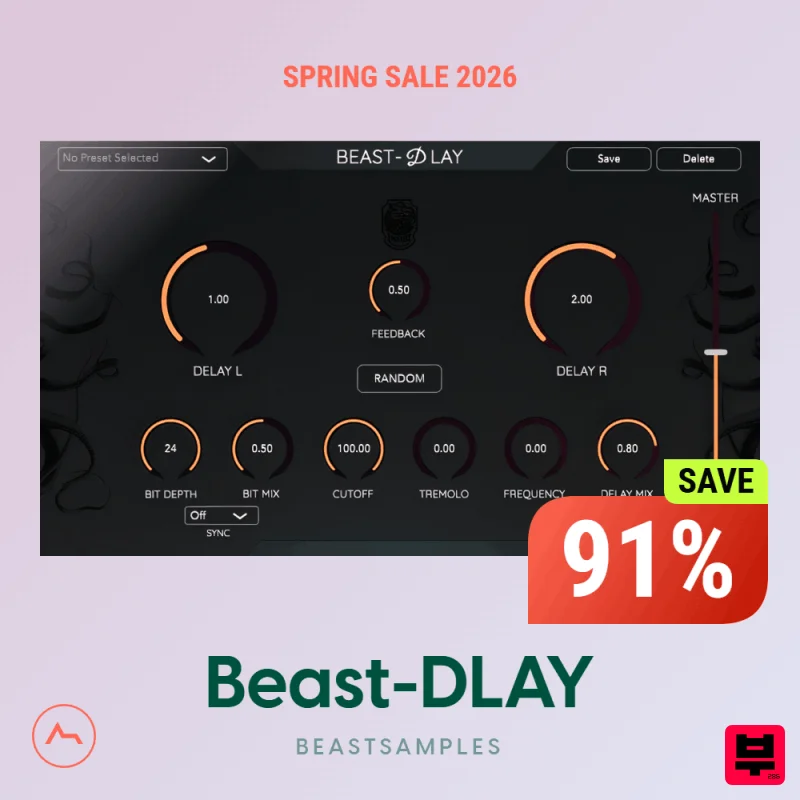
Beast-Dlay is a game-changer delay VST plugin with unprecedented processing power ready to add the hardware realism and...
Red Sounds Mojo-Fi
Delay
$30
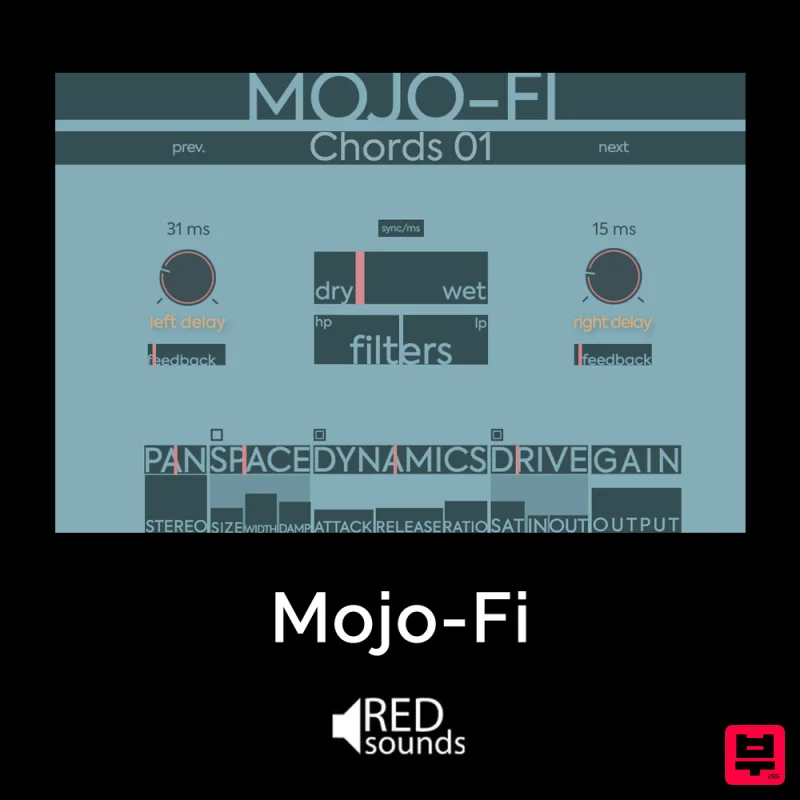
Multi-effect Delay Plugin On Steroids Great for adding life and texture to your boring soft synths, pianos, drums, and...
Phantom Sounds Analog Drift
Delay
$30
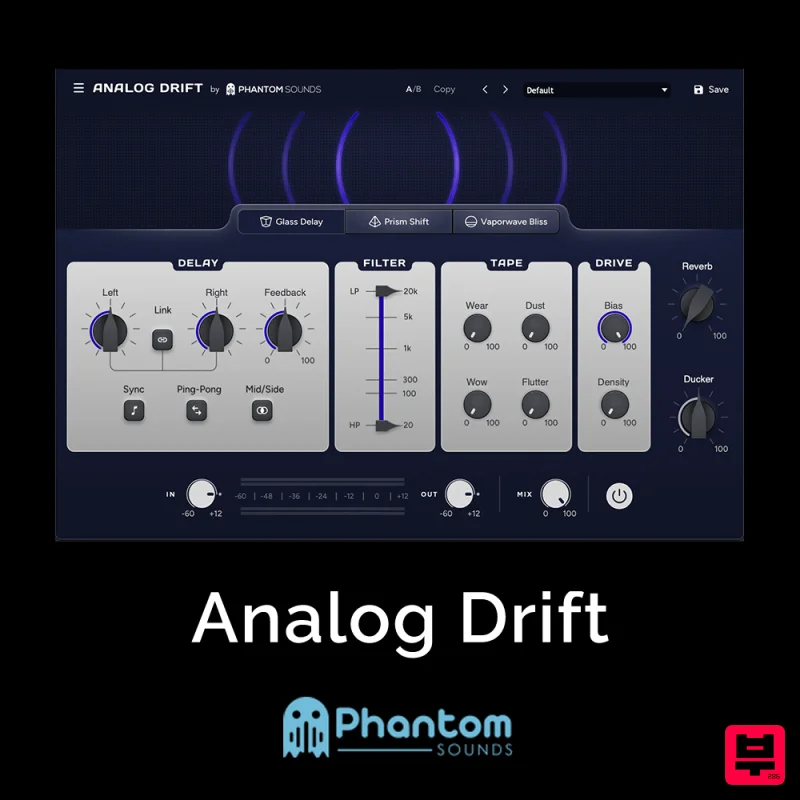
Redefine Your Sound with Distinctive Delays Analog Drift is a delay plugin that combines the pristine clarity of...
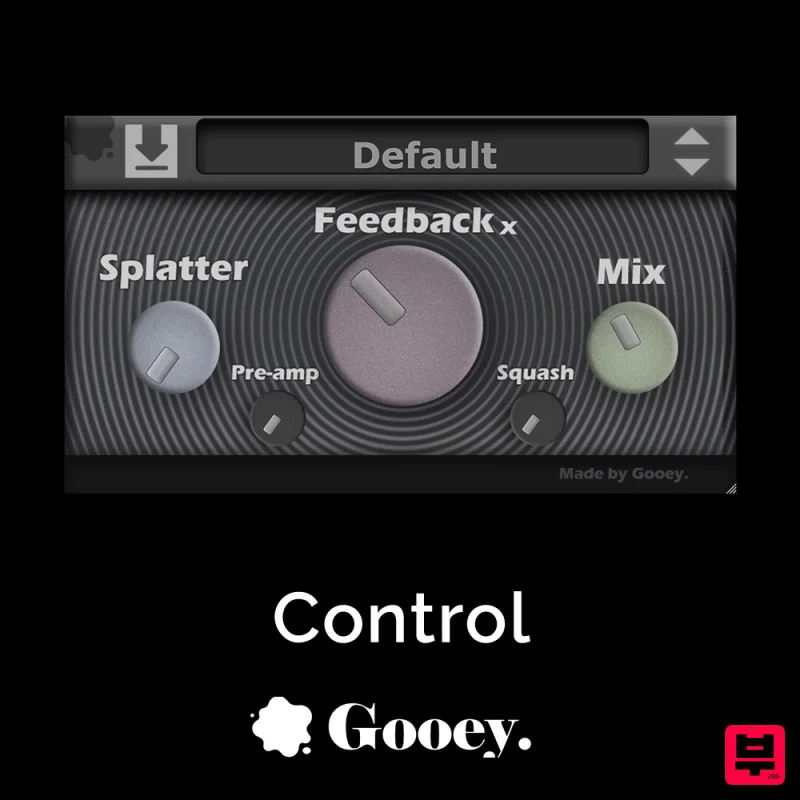
Gooey Audio Control
Delay
$30
Control by Gooey Audio is a feedback delay network plugin built for experimental sound designers, ambient composers,...

Korneff Audio Micro Digital Reverberator
Delay
$30
Nerdy. Easy. Super Cool. The Micro Digital Reverberator combines killer reverb and delay effects with a super friendly...
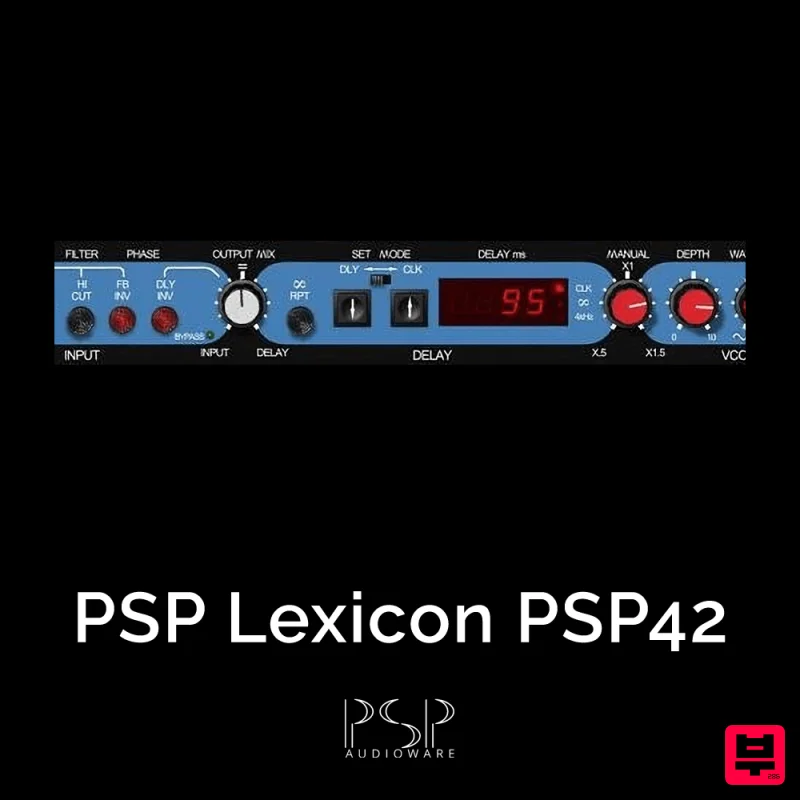
PSP Audioware PSP Lexicon PSP42x
Delay
$30
Lexicon PSP 42 is a high-quality digital stereo delay and phrase sampler plug-in based on the legendary Lexicon PCM42...
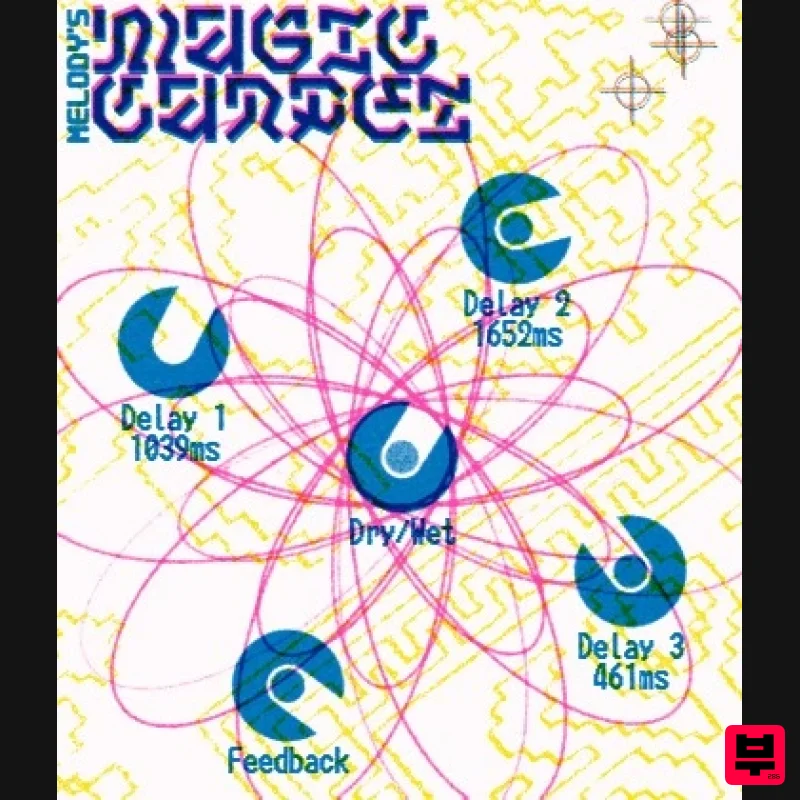
UnplugRed Magic Carpet
Delay
Free
Three delay lines with a shared feedback path, makes a delay that starts sparse but continues to get denser with each...
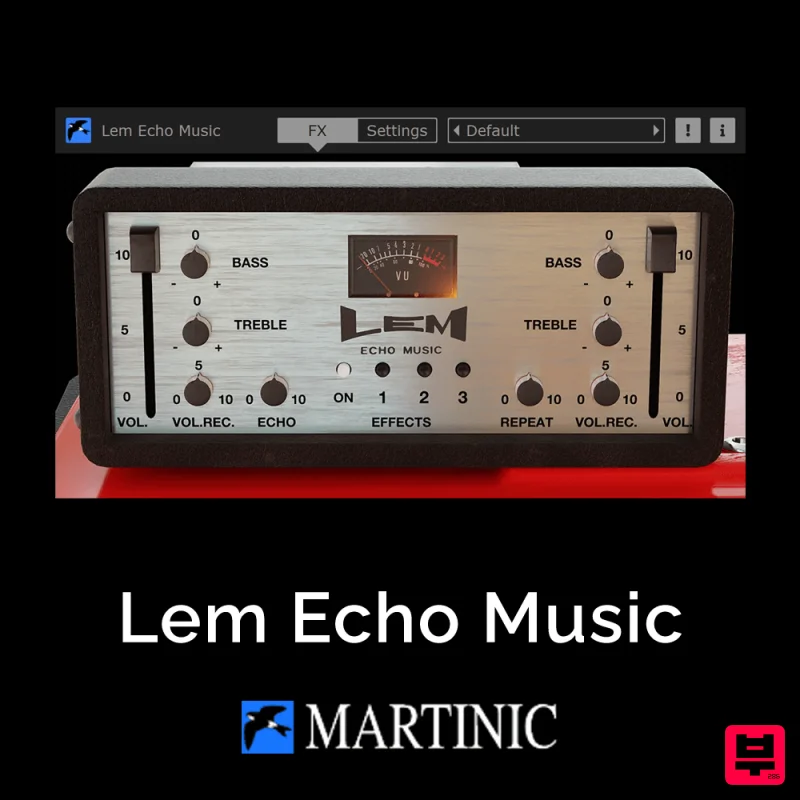
Martinic Lem Echo Music
Delay
$30
Authentic Vintage Tape Delay Emulation with Added Customization The Lem Echo Music plugin recreates the nostalgic tones...
Frequently Asked Questions
The Inertia Sound Systems Hinder stands out for its exceptional Inertia Sound Systems craftsmanship and innovative design.
Yes! With its affordable price point and quality construction, it's perfect for learning delay.
Browse the similar products section to see how it stacks up against other delay.

