
Iceberg Audio Sub Cut
Professional music gear - detailed information and where to buy
Iceberg Audio
Sub Cut
Product Info
* Prices may vary. Check retailer for current pricing and availability.
Product Description
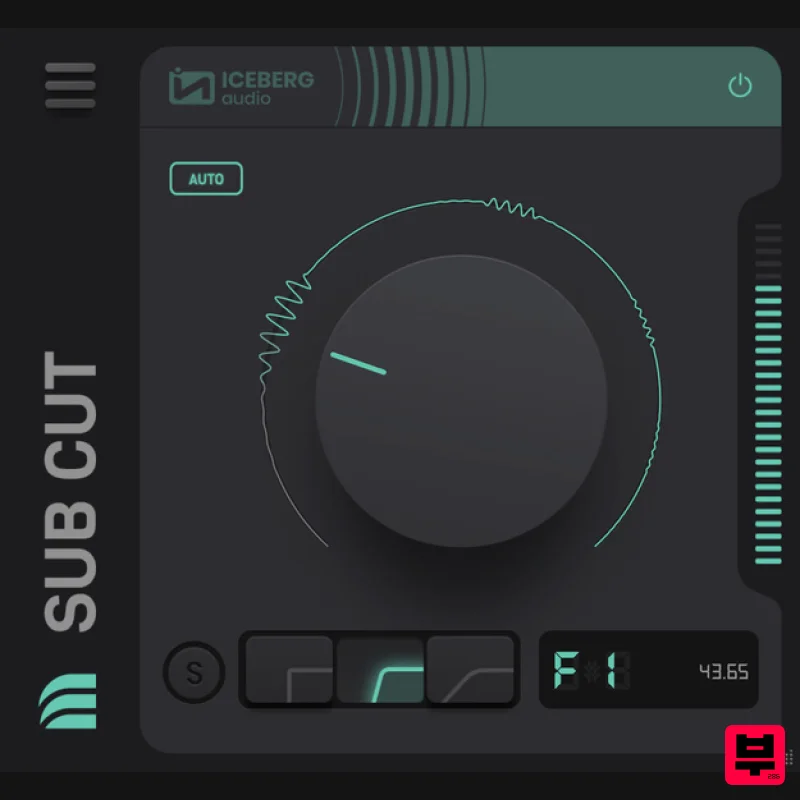
- Sub Cut lets you apply precise low cuts under 220Hz. Remove unwanted sub-bass or make room when layering bass sounds. AUTO mode analyses audio in real-time and continually adjusts the cut by following the notes of your source material. Isolate problematic frequencies in your mix or in your studio. Click on the waveform to quickly flip between your audio and test tones while adjusting your cut. Automated Cuts Automatically Adjust your Cut In AUTO mode Sub Cut will analyse the incoming audio and follow the notes of your source material. Auto mode adjusts the cutoff automatically to maximise the amount of low-frequency energy removed. Choose from Fast
- Default and Slow modes to suit your material. Sub Bass Filters Low Frequency Only Sub Cut is different to general purpose EQs. The filters have been fine-tuned for 220Hz and below to provide accurate cuts that feel right to musical ears. Choose from 3 roll-off frequencies. Each has been calibrated to produce a roll-off that is both pleasing and leaves the remaining material clean and uncoloured. Match the key of your source material. Choose cutoffs by note (e.g. G2) and Sub Cut will only start rolling off below that note. System Requirements Mac macOS 10.10 and higher (64-bit only) VST3
- AAX Windows Windows 10 and higher (64-bit only) VST3
- AAX Supported DAWs Ableton Live
- FL Studio
- Logic
- Cubase
- Studio One and more Important Notes: An internet connection is required for activation One licence/purchase covers all your computers VST2 formats are NOT available. Please Note: The Sub is used as an example. Mac 1. Download the installer from within your Plugin Boutique User Account and open the .pkg file > Open the .exe file and click 'Continue'. 2. Click 'Continue'. 3. Click 'Agree'. 4. Click 'Install'. 5. Enter your computer User Name and Password > Click 'Install Software'. 6. Click 'Close'. Activation 1. Open the plugin within your DAW and enter the 19-digit serial number
- found within your Plugin Boutique User Account > Click 'Activate'. Your plugin is now activated and ready to use within your DAW Windows 1. Download the installer from within your Plugin Boutique User Account and double-click the .zip file to extract the contents > Open the .exe file and click 'Next >'. 2. Select the installation location > Click 'Next >'. 3. Click 'Install'. 4. Click 'Finish'. Activation 1. Open the plugin within your DAW and enter the 19-digit serial number
- found within your Plugin Boutique User Account > Click 'Activate'. Your plugin is now activated and ready to use within your DAW
Additional Information
About the Iceberg Audio Sub Cut
The Iceberg Audio Sub Cut represents excellent craftsmanship in the EQ category.
Why Choose the Iceberg Audio Sub Cut?
- •Authentic Iceberg Audio craftsmanship and design
- •Versatile sound suitable for multiple musical genres
- •Professional build quality and reliable performance
- •Part of Iceberg Audio's respected EQ lineup
Compare & Explore
Browse our complete selection of Iceberg Audio instruments or explore other EQ options. Use our comparison tools to find the perfect match for your musical style and budget.
Similar Products
PSP Audioware PSP Tilt-Q
EQ
$72
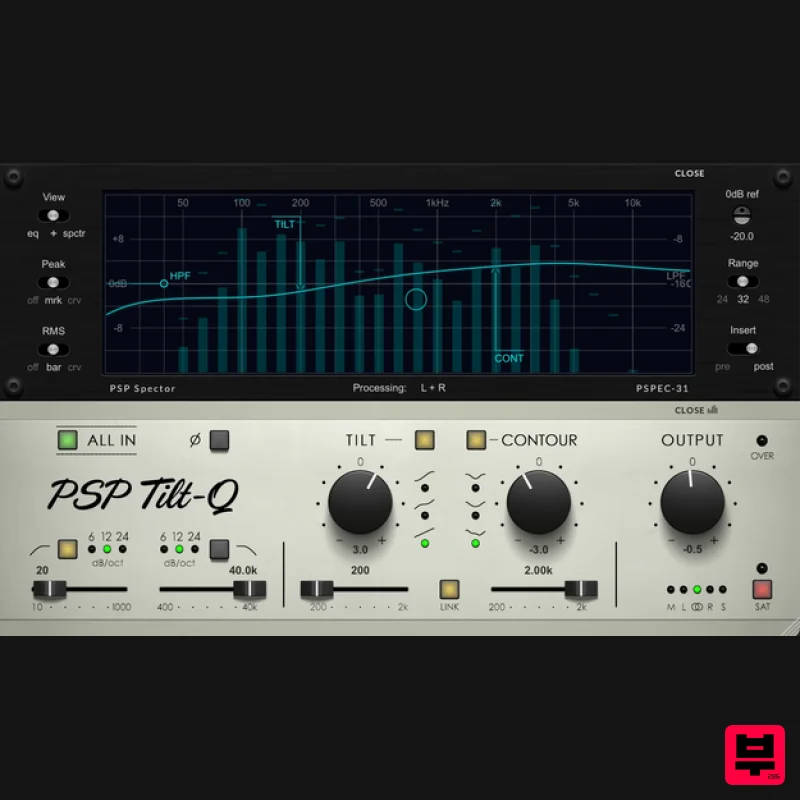
Tilt Equalizer with Three Characteristics Musical tilt EQ offering three distinct curve shapes, allowing you to quickly...
TBProAudio sTiltV2
EQ
Free
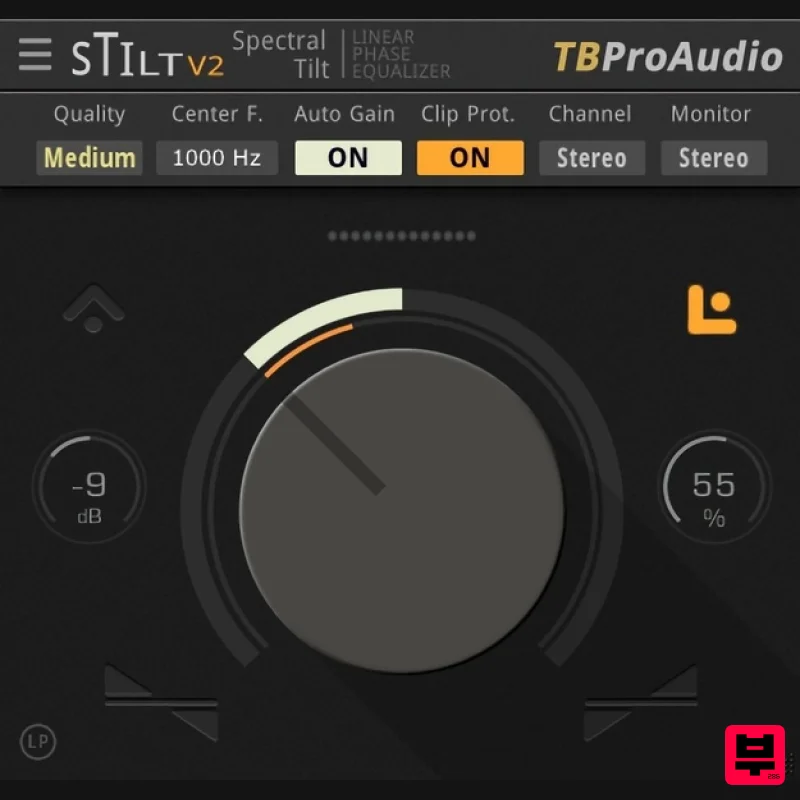
sTilt is a linear/minimum phase and IIR filter which tilts the audio spectrum around a given center frequency. Features...
Slate Digital Infinity Horizon
EQ
$156
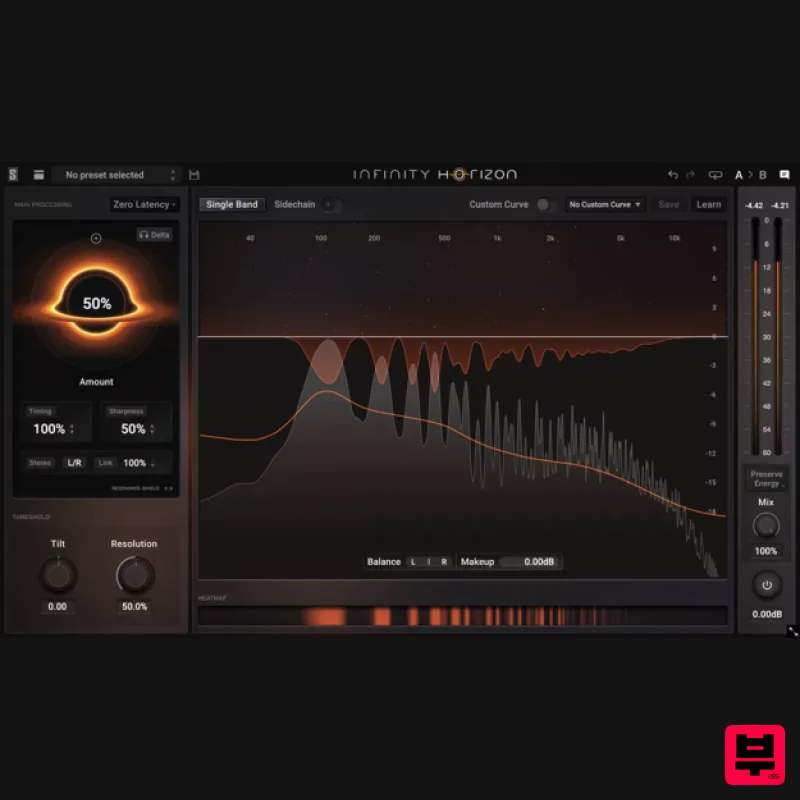
Rogue Frequencies Cannot Escape Infinity Horizon finds harsh frequency build ups and them in real time. If you're...
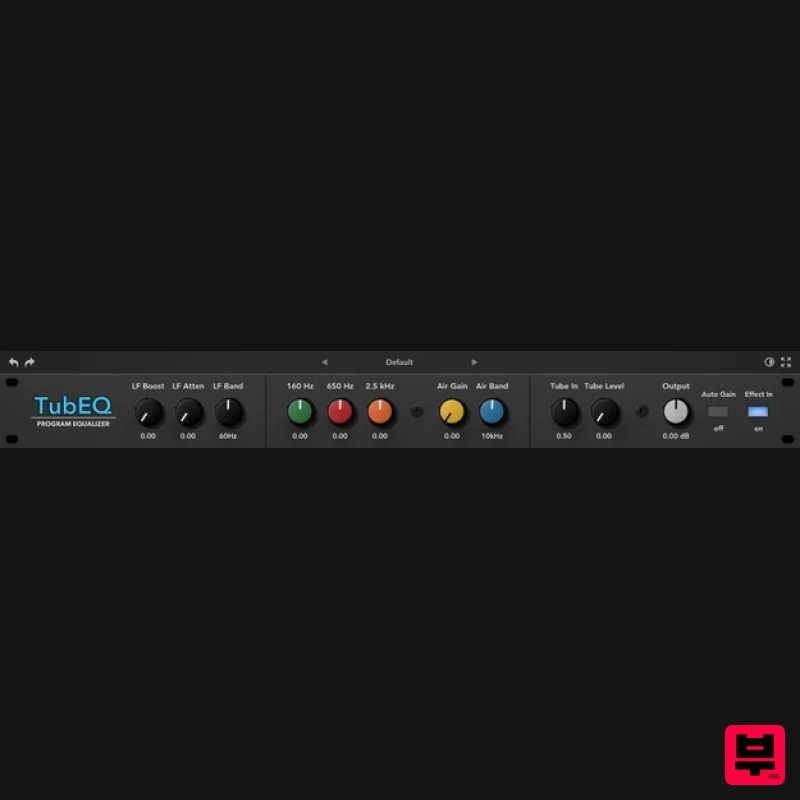
Rave Generation TubEQ
EQ
$42
TubEQ is an authentic analog equalizer plugin that combines the musical character of two legendary EQs in a single...
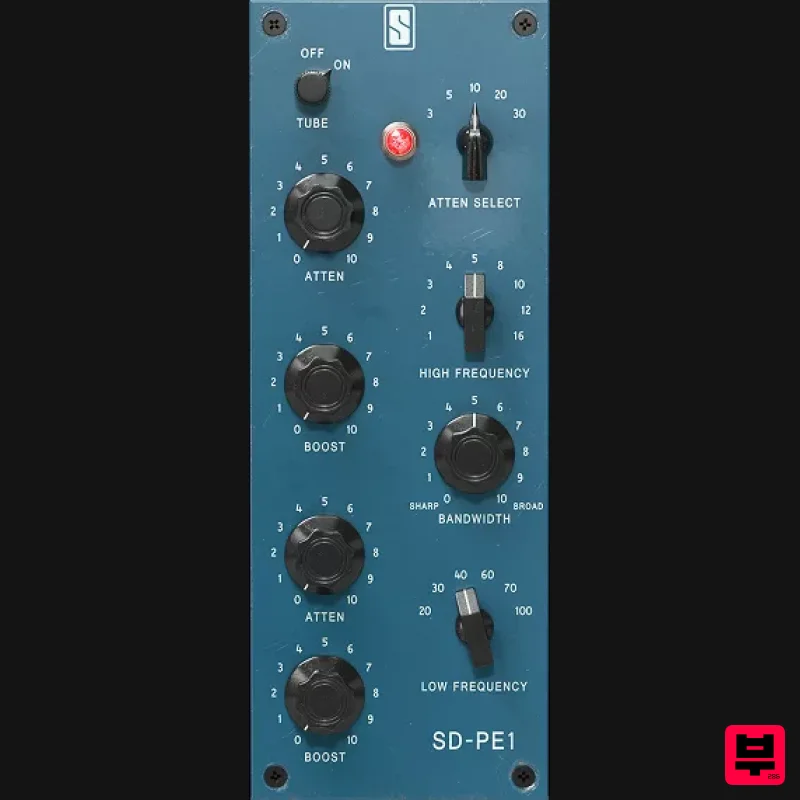
Slate Digital SD-PE1
EQ
$104
Meet SD-PE1! The most unique passive equalizer ever made joins the ever-expanding lineup of processors that make up the...
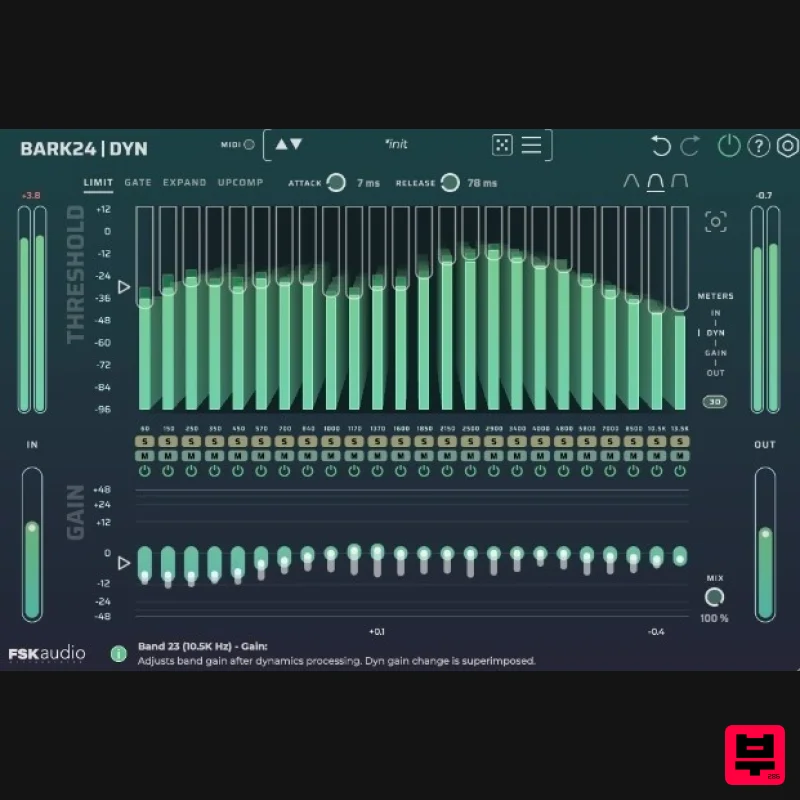
FSK Audio Bark24 | Dyn
EQ
$120
Bark24 | Dyn is a dynamic EQ that takes you far beyond a standard compressor or EQ. Based on the Bark scale - a model...
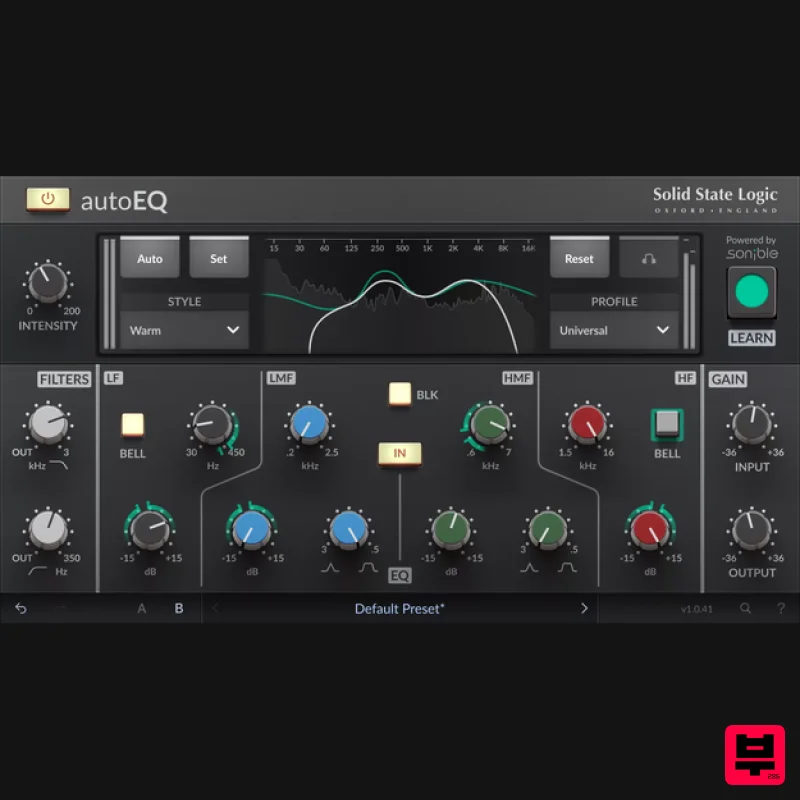
Solid State Logic SSL autoEQ
EQ
$109
SSL 4000E EQ processing with sonible AI assisted analysis Introducing autoEQ, part of the autoSeries with autoDYN and...
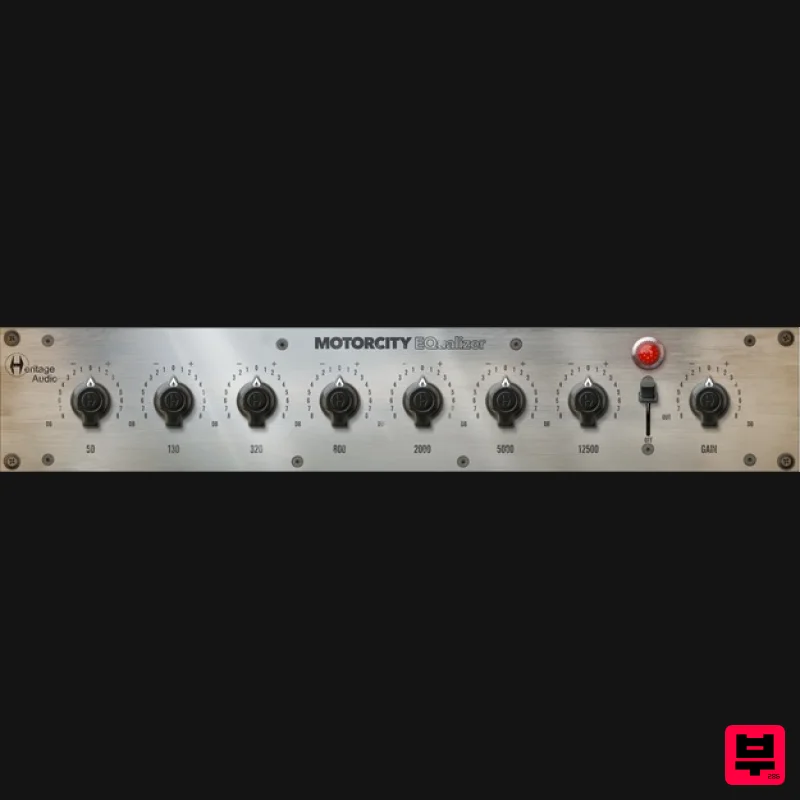
Heritage Audio MOTORCITY EQ
EQ
$104
The classiest EQ ever created finally gets the thorough plugin treatment it so long deserved Recreated from the...
Frequently Asked Questions
The Iceberg Audio Sub Cut stands out for its exceptional Iceberg Audio craftsmanship and innovative design.
Yes! With its affordable price point and quality construction, it's perfect for learning eq.
Browse the similar products section to see how it stacks up against other eq.

