
HY-Plugins HY-MPS3
Professional music gear - detailed information and where to buy
HY-Plugins
HY-MPS3
Product Info
* Prices may vary. Check retailer for current pricing and availability.
Product Description
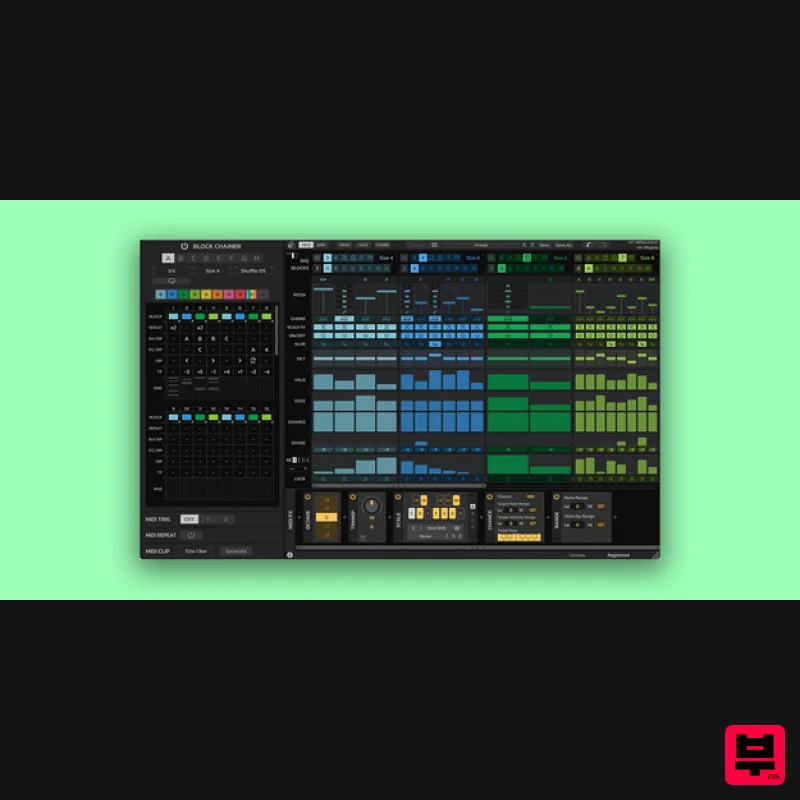
- Block Base Sequencer / Arpeggiator HY-MPS3 is a sequencer/ arpeggiator plugin consisting of 8 block sequencers. The plugin has two modes: The sequencer mode and the arpeggiator mode. With HY-MPS3 you will be able to create flexible sequencer and arpeggiator patterns. HY-MPS3 consists of 3 parts
- the “Block Chainer”
- “SEQ/ARP block” and “Midi FX”. There are 8 SEQ/ARP blocks available
- with the ability to set the parameters differently for each individual block. The Block Chainer will trigger these blocks with various options
- each time bringing unique results. The generated sequencer/arpeggiator pattern can then be processed by the Midi FX section. Features Sequencer and arpeggiator engines Chord notes output 8 step sequencer blocks 9 MIDI FX MIDI clip generator UI color edit System Requirements Mac macOS 10.13 or higher (64-bit only) AUv3
- VST2
- VST3 PC Windows 7 or higher (32 / 64-bit) VST2
- VST3 Please Note: HY-MPS3 doesn’t work with GarageBand or Reason. Important note: When accessing this software via a Rent to Own plan or the Beatport Studio membership
- it's installed and run through the Beatport Access portal. An internet connection is required every 30 days to validate your license. Note: HY-Delay4 is used as an example. Mac Installation 1. Download the .zip folder from your Plugin Boutique User Account and double-click it to extract the .dmg file. 2. Double-click the .pkg file to begin the installation process. 3. Click 'Continue'. 4. Read the License Agreement and click ‘Continue’. 5. Click 'Agree'. 6. Select the disk you want to install HY-Delay4 on
- then click 'Continue'. 7. Choose which packages to install
- then click 'Continue'. 8. Click 'Install'. 9. Click 'Close' Activation 1. Open HY-Delay4 in your DAW > Click the 'Demo' dropdown and then click 'Register'. 2. Enter your serial from your Plugin Boutique User Account > Click 'Register'. 3. Your serial will have now been registered. Your software is now activated and ready for use in your DAW. Windows Installation 1. Download the .zip folder from your Plugin Boutique User Account and double-click it to extract the .exe installer file. 2. Double-click the .exe installer file to begin the installation process. 3. Select which folder you'd like to install and click ‘Next’. 4. Select which components you would like to install. 5. Click 'Install'. 6. Click 'Finish" Activation 1. Open HY-Delay4 in your DAW > Click the 'Demo' dropdown and then click 'Register'. 2. Enter your serial from your Plugin Boutique User Account > Click 'Register'. 3. Your serial will have now been registered. Your software is now activated and ready for use in your DAW.
Additional Information
About the HY-Plugins HY-MPS3
Discover the distinctive sound and feel of the HY-Plugins HY-MPS3, a standout choice among Sequencer.
Why Choose the HY-Plugins HY-MPS3?
- •Authentic HY-Plugins craftsmanship and design
- •Versatile sound suitable for multiple musical genres
- •Professional build quality and reliable performance
- •Part of HY-Plugins's respected Sequencer lineup
Compare & Explore
Browse our complete selection of HY-Plugins instruments or explore other Sequencer options. Use our comparison tools to find the perfect match for your musical style and budget.
Similar Products
Audiomodern Freezr
Sequencer
Sinevibes Switch v3
Sequencer
Gooey Audio Next
Sequencer
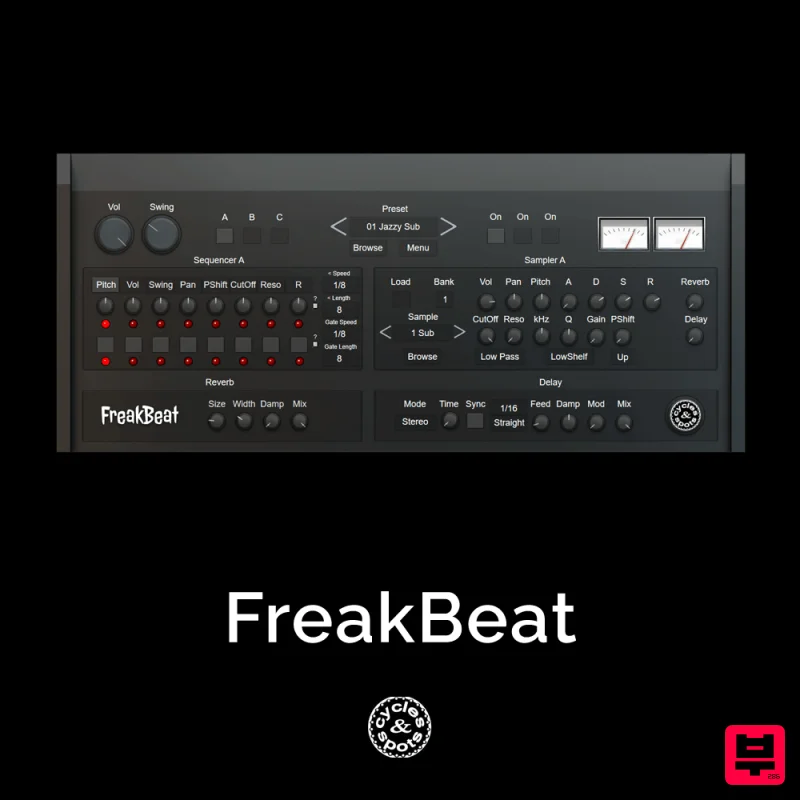
Cycles & Spots FreakBeat
Sequencer
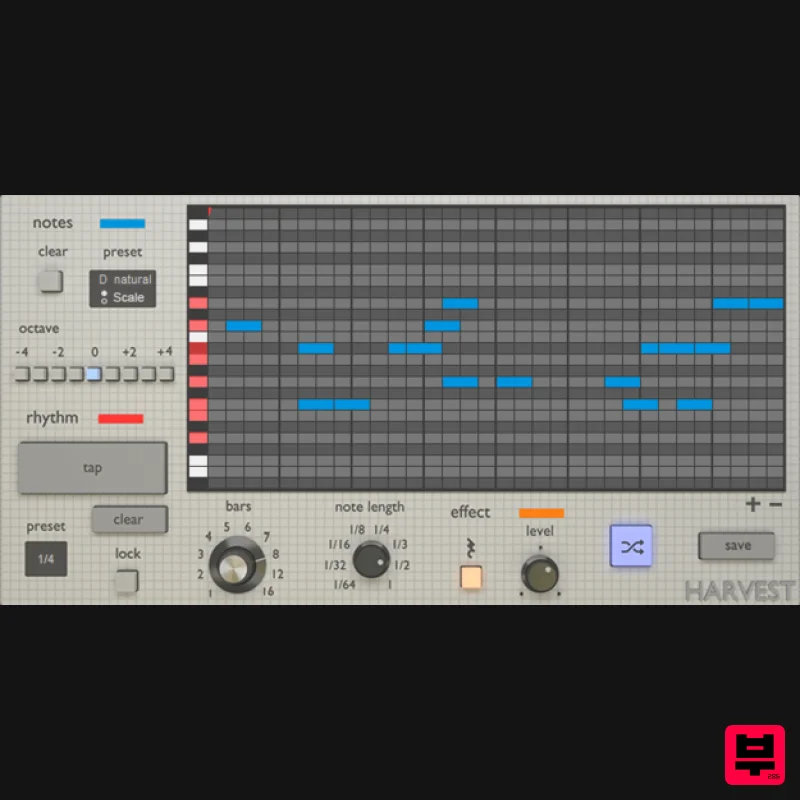
Harvest Plugins Harvest Mini
Sequencer
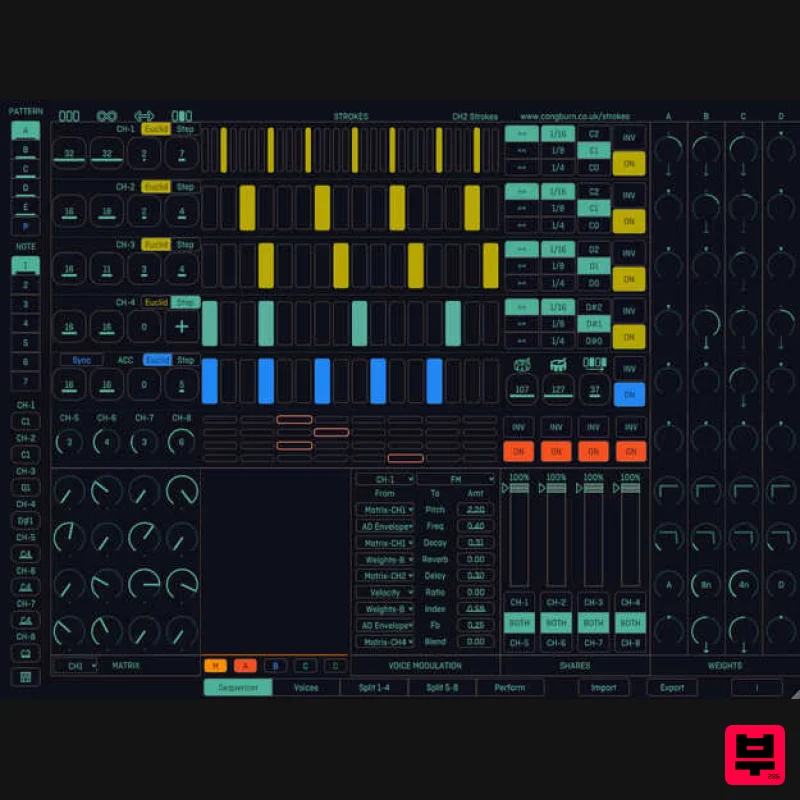
Cong Burn Strokes
Sequencer
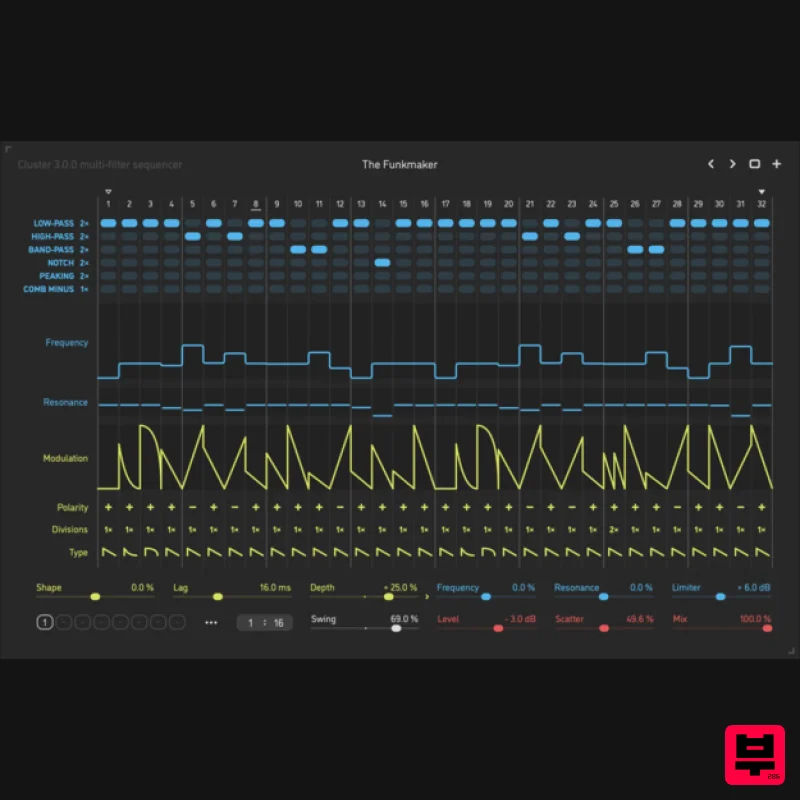
Sinevibes Cluster v3
Sequencer
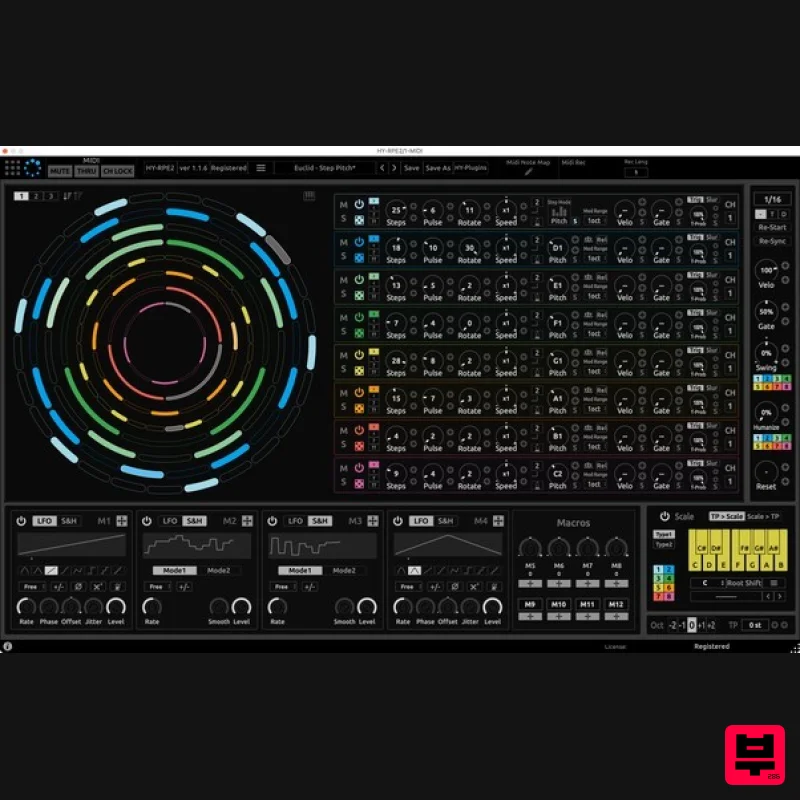
HY-Plugins HY-RPE2
Sequencer

