
HY-Plugins HY-Filter4
Professional music gear - detailed information and where to buy
HY-Plugins
HY-Filter4
Product Info
* Prices may vary. Check retailer for current pricing and availability.
Product Description
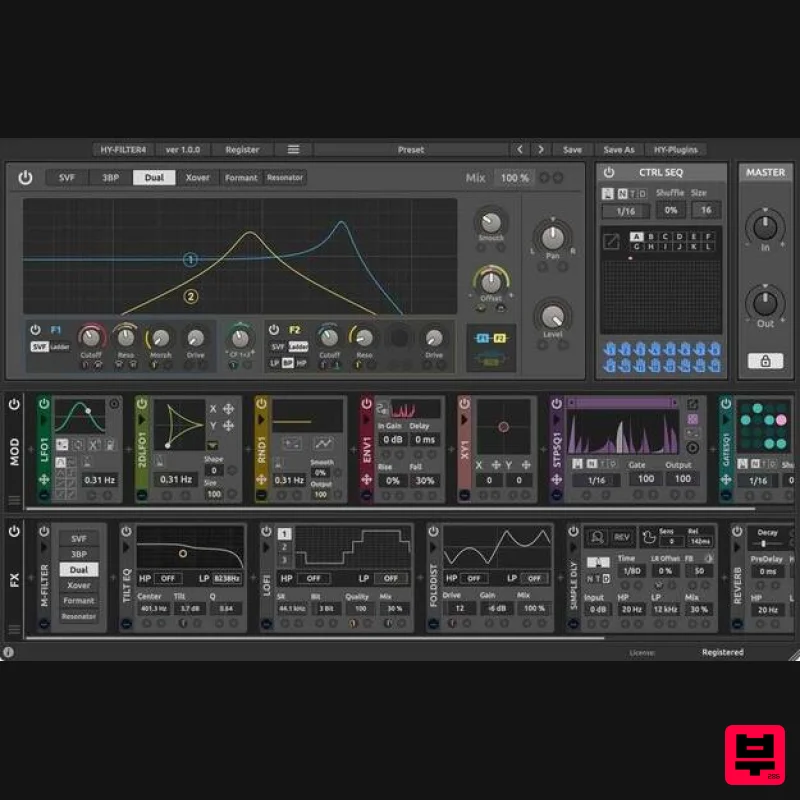
- Semi-Modular Type Effect Plugin HY-Filter4 contains a multi-engine filter + built-in 38 effect units + 10 types of modulators + the CTRL SEQ. You can modulate parameters of the main filter
- built-in effects
- and modulators by using the modulation units. In addition
- these are controlled by the CTRL SEQ which is a grid sequencer. The CTRL SEQ has 16 tracks and 12 pattern snapshots. These tracks will be assigned to effect/modulation units. Once a CTRL SEQ track is assigned to a Modulator/FX unit
- that unit will be under the control of the CTRL SEQ. Plugin Structure The plugin consists of 3 parts. FX Chain - Processes the input signal Modulator - Modulates the FX/Modulator parameters CTRL SEQ - Controls the FX/Modulator units Features Multi-engine filter 38 built-in effect units 10 types of modulator (total 42 units) Built-in grid sequencer (CTRL SEQ) for controlling effect and modulator units Drag and drop modulation assignment System Requirements Mac macOS 10.12 or higher (Intel / M1 Apple Silicon supported (64-bit only) VST2
- VST3
- AU Windows Windows 7 or higher (32 / 64-bit) VST2
- VST3 Note: HY-Delay4 is used as an example. Mac Installation 1. Download the .zip folder from your Plugin Boutique User Account and double-click it to extract the .dmg file. 2. Double-click the .pkg file to begin the installation process. 3. Click 'Continue'. 4. Read the License Agreement and click ‘Continue’. 5. Click 'Agree'. 6. Select the disk you want to install HY-Delay4 on
- then click 'Continue'. 7. Choose which packages to install
- then click 'Continue'. 8. Click 'Install'. 9. Click 'Close' Activation 1. Open HY-Delay4 in your DAW > Click the 'Demo' dropdown and then click 'Register'. 2. Enter your serial from your Plugin Boutique User Account > Click 'Register'. 3. Your serial will have now been registered. Your software is now activated and ready for use in your DAW. Windows Installation 1. Download the .zip folder from your Plugin Boutique User Account and double-click it to extract the .exe installer file. 2. Double-click the .exe installer file to begin the installation process. 3. Select which folder you'd like to install and click ‘Next’. 4. Select which components you would like to install. 5. Click 'Install'. 6. Click 'Finish" Activation 1. Open HY-Delay4 in your DAW > Click the 'Demo' dropdown and then click 'Register'. 2. Enter your serial from your Plugin Boutique User Account > Click 'Register'. 3. Your serial will have now been registered. Your software is now activated and ready for use in your DAW.
Additional Information
About the HY-Plugins HY-Filter4
Discover the distinctive sound and feel of the HY-Plugins HY-Filter4, a standout choice among Filter.
Why Choose the HY-Plugins HY-Filter4?
- •Authentic HY-Plugins craftsmanship and design
- •Versatile sound suitable for multiple musical genres
- •Professional build quality and reliable performance
- •Part of HY-Plugins's respected Filter lineup
Compare & Explore
Browse our complete selection of HY-Plugins instruments or explore other Filter options. Use our comparison tools to find the perfect match for your musical style and budget.
Similar Products
XHUN Audio Xhun FilterCult
Filter
$30
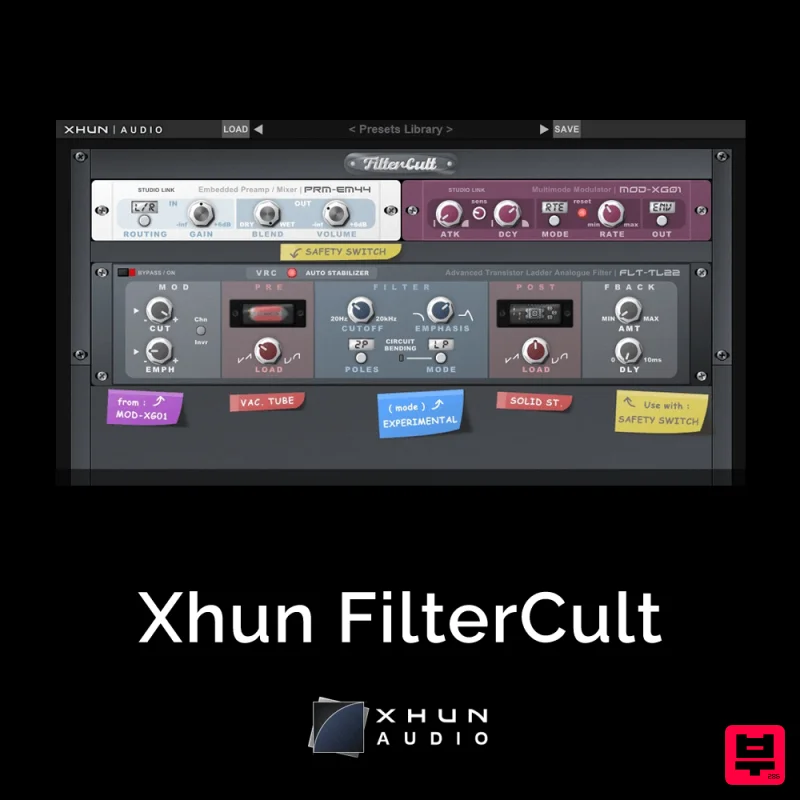
FilterCult is an accurate simulation of the infamous and iconic transistor ladder analogue filter, meticulously...
Plugin Boutique FilterMod
Filter
$51
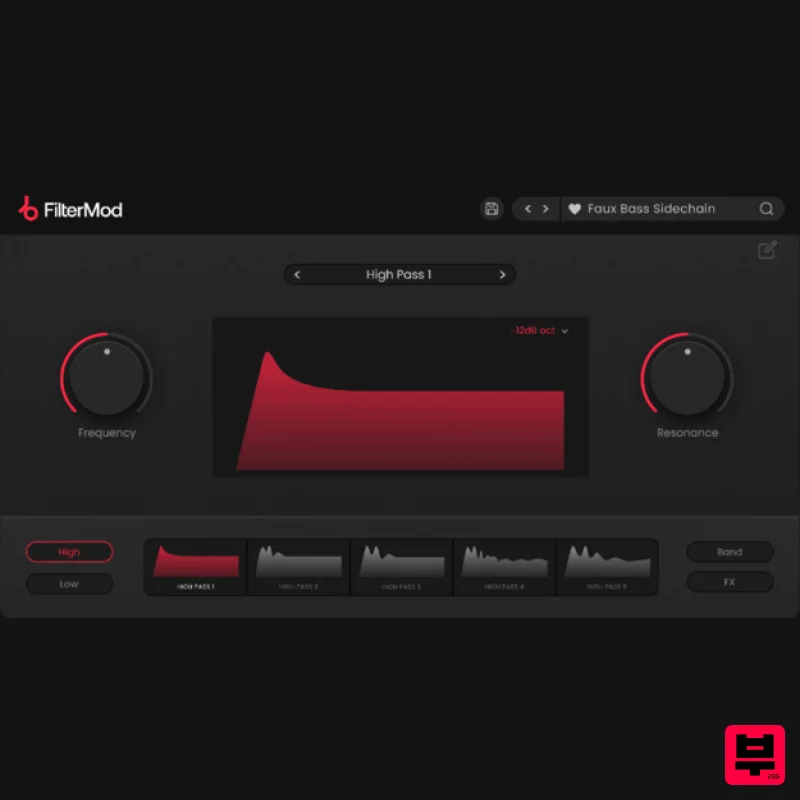
Animate your Filtering Whether it's drums, bass, synths, pads or vocals, filtering is a key element of the production...

NoiseAsh Action Filter
Filter
$30
ANALOG FILTER ADDICTION With tons of classic filter models, unique advanced modulation options and convincing analog...
Gooey Audio The Snake
Filter
$30
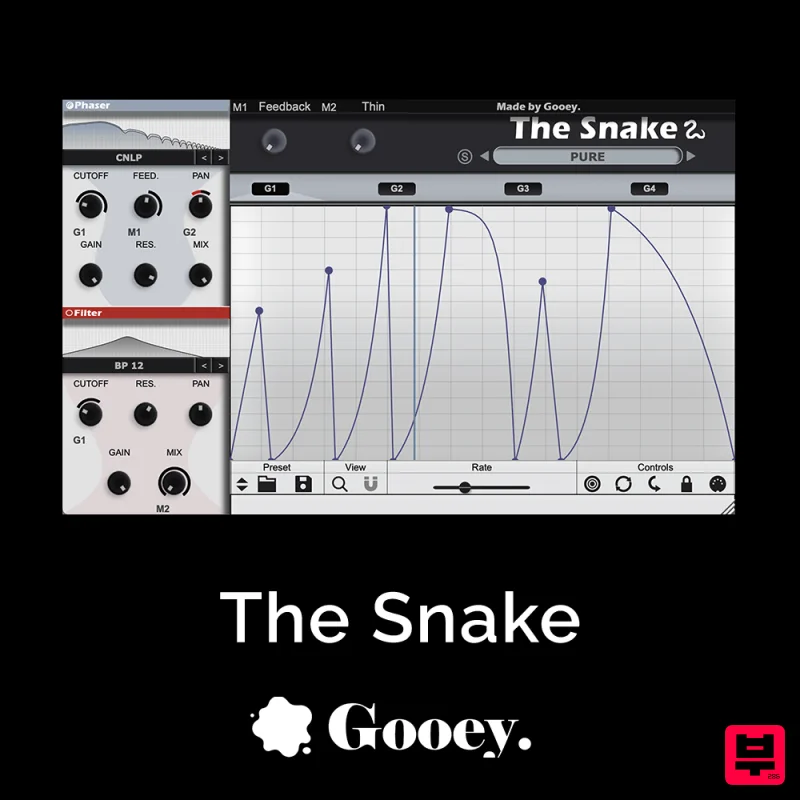
The Snake has a venomous bite with colorful comb filters, phasers, and more. With The Snake you can widen the stereo...
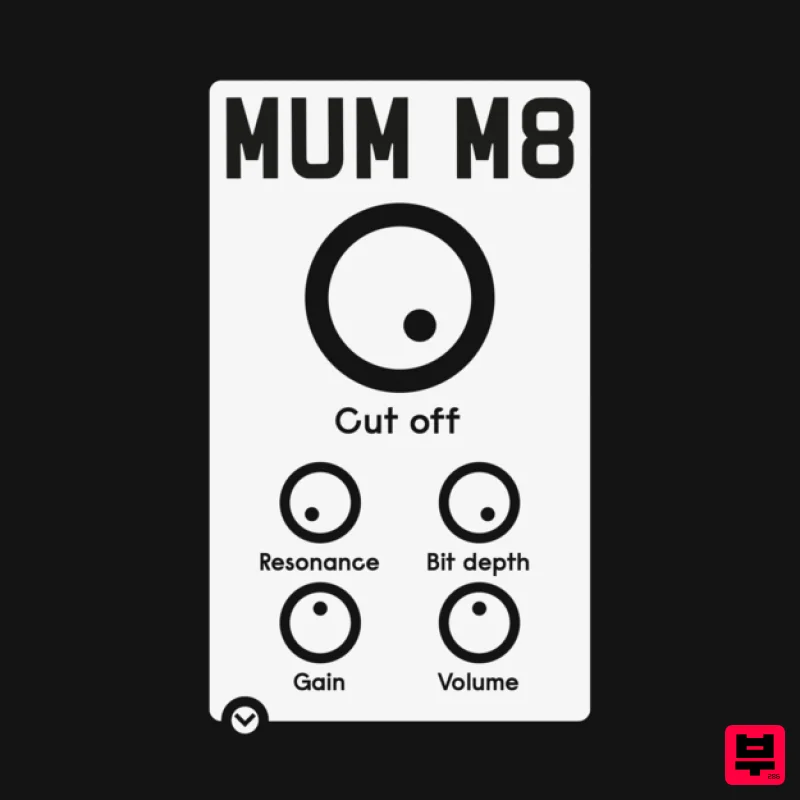
ALM / Busy Circuits MUM M8 DSP
Filter
$10
‘MUM M8 DSP’ is a low pass filter plug-in emulating the filter used in the classic Akai S950 12 bit sampler with...
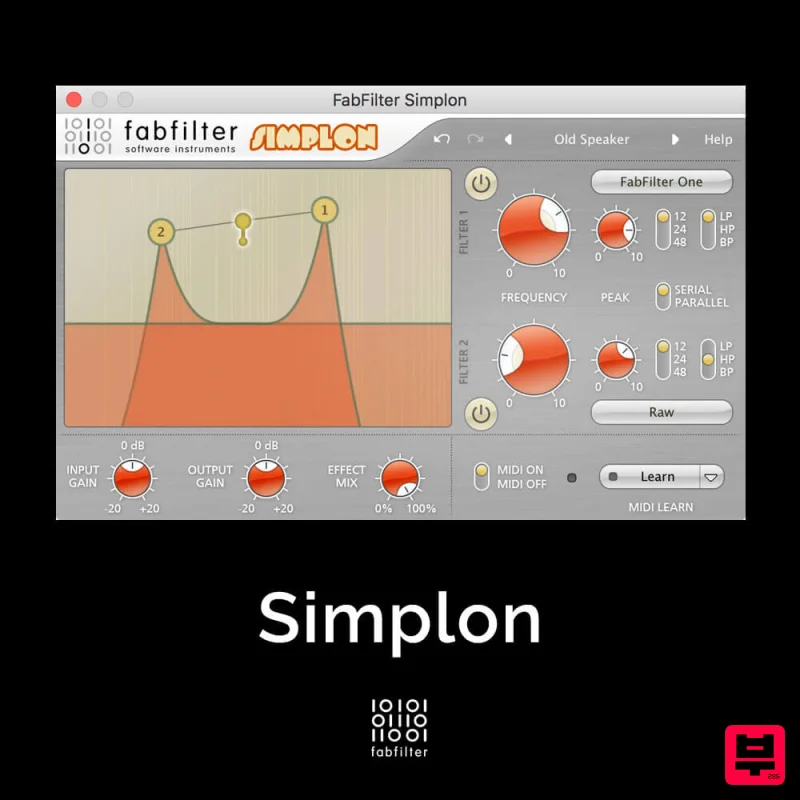
FabFilter Simplon
Filter
$30
Unique Filters, Easy Display FabFilter Simplon is a simplified version of FabFilter Volcano 2 with two independent...
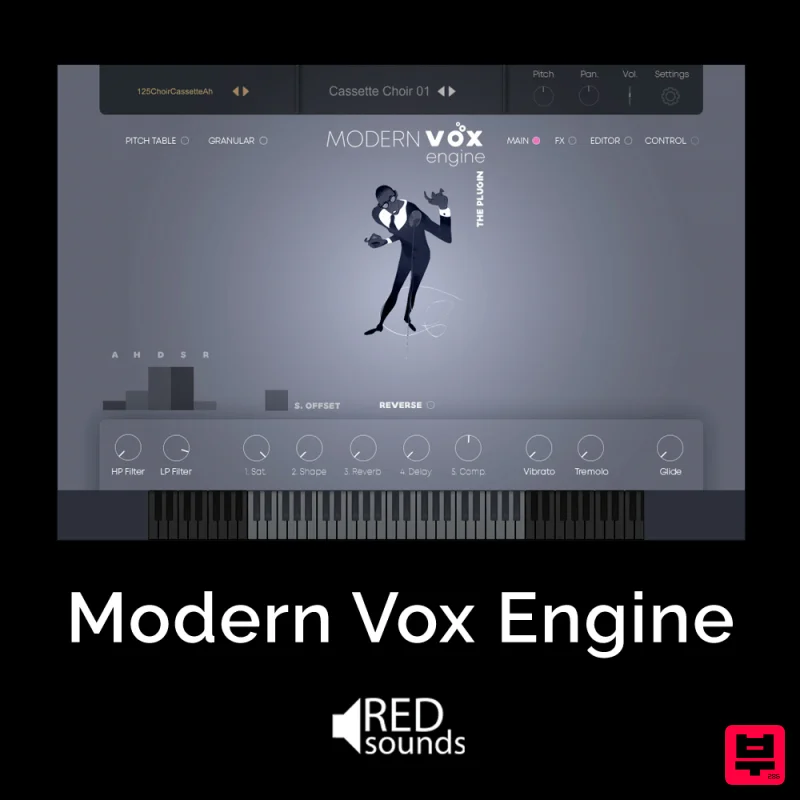
Red Sounds Modern Vox Engine
Filter
$30
Please welcome a collaboration. Red Sounds x Channel Robot. Over a year in development. We recorded vocal samples for 5...
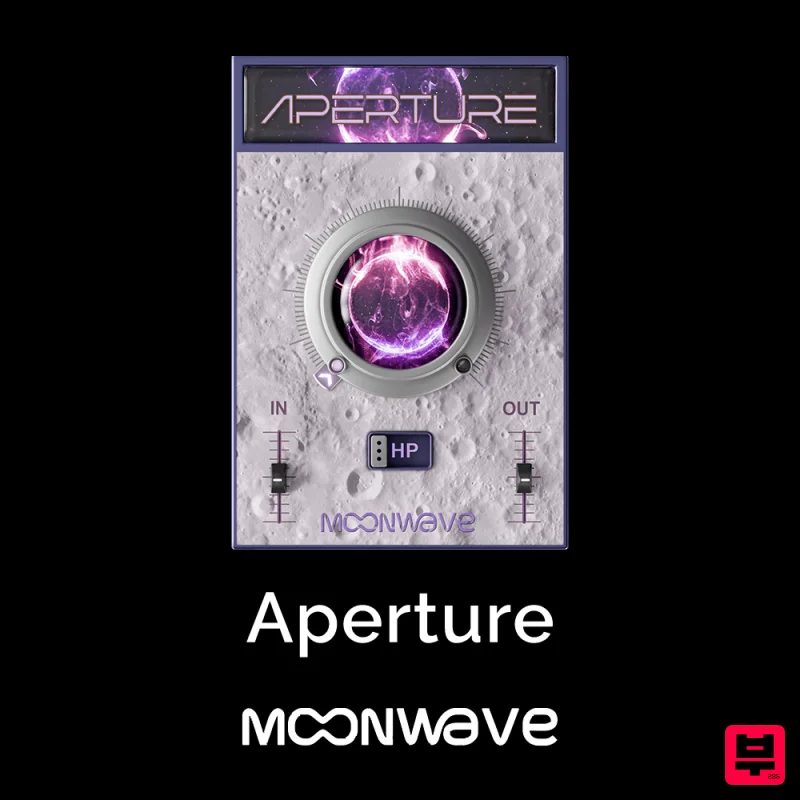
Moonwave Aperture
Filter
$30
Shape The Horizon Of Sound Unlock the gateway to precision filtering with Aperture, a powerful tool designed to give...
Frequently Asked Questions
The HY-Plugins HY-Filter4 stands out for its exceptional HY-Plugins craftsmanship and innovative design.
Yes! With its affordable price point and quality construction, it's perfect for learning filter.
Browse the similar products section to see how it stacks up against other filter.

