
Hit’n’Mix RipX: DAW PRO
Professional music gear - detailed information and where to buy
Product Description
- RipX DAW PRO comes with all of the features of RipX DAW
- and then adds advanced stem clean-up and audio manipulation tools to the workflow so you can create the highest quality extracted audio
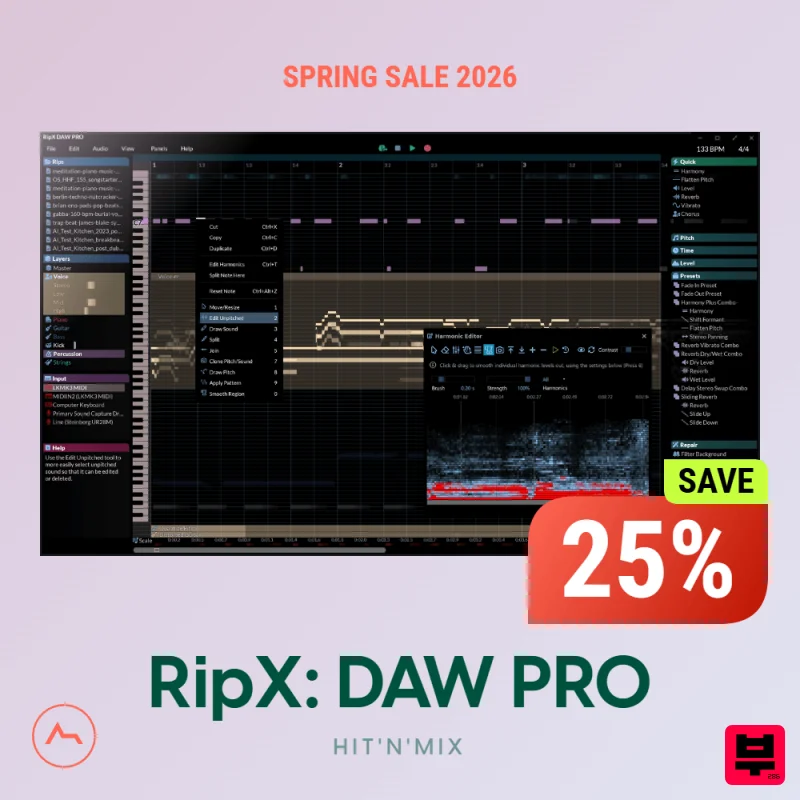
- and tweak / create sound at unprecedented levels of detail. Think of it like a built-in Izotope RX suite. RipX DAW PRO includes the following enhancements and more: Award-winning Audioshop® tools for swift and effortless recording improvements. An unpitched audio editor dedicated to noise cleanup
- distinct from pitched sounds. The potent and exclusive Harmonic Editor for top-tier sound editing. RipScript scripting language for crafting and personalizing your tools. Audioshop® Sound Manipulation Tools Powerfully & quickly adjust pitch
- time-stretch
- copy and paste individual or groups of notes
- sibilants and unpitched sounds. Edit Unpitched tool displays all unpitched sound spread over the entire Rip
- from its top to its bottom. Click & drag to select a region of unpitched sound and edit it. Draw notes
- drums and samples onto your rip with the Draw Sound tool. Use the Split tool to cut notes into sections for further editing. Piece together notes so you can edit as one
- with the Join tool. Clone characteristics such as pitch variation (e.g. vibrato)
- sound (timbre with volume) & panning from one note to another
- for example to duplicate a real instrumentalist’s playing style
- with the Clone tool. Make fine pitch adjustments and slides simply by clicking and dragging
- with the Draw Pitch tool. Add fluctuations in pitch
- formant
- volume
- and panning to notes
- using the Apply Pattern tool. Blend together the pitch
- formant
- timbre
- volume and/or stereo panning of notes by clicking & dragging over them
- with the Smooth Region tool. Harmonic Editor This is no spectrum editor – these are the actual harmonics that describe the sound of a note
- and Harmonic Editor allows complete control over them. Perfect for removing noise
- adjusting timbre and creating interesting new sounds. Clean & Repair Audio Incorporating live audio repair and clean-up functionalities to eliminate background noise
- minimize foreground artifacts
- reduce tones and hum
- and refine both pitched and unpitched sounds. Fine-tune overtone levels within notes and regenerate fundamental harmonics to restore bass presence in vocals and instruments
- which may have been lost during the mixing and mastering processes. Producers & Creators Split stems from any loop/sample and edit the Layers note by note Create virtual instruments using any single sound extracted from a loop/sample/audio file Humanize Generative AI Music by splitting apart sounds & creating new parts from the AI sounds Access dozens of built in Sounds & Loops that can be played with Midi
- or simply dragged/dropped and edited note by note Replace any instrument/vocal part with another instrument Print Audio to Midi to load a specific part into a VST of your choice Add FX (delay
- reverb etc) to an individual note within an instrument layer Sample existing music with ease & endless customization Change the level
- EQ & panning of any instrument contained within an already mixed audio file
- loop or sample Musicians & Musical Directors Create backing tracks when stems aren’t available Create vocal harmonies that didn’t exist in the original song to be used as backing tracks Solo any part within a mixed audio file to learn it with ease Ability to see specific chords & notes being played in a particular part Mute any instrument in a mixed track (ie Drums) & play along without clutter Print Audio to Midi to load a specific part onto a separate VST/Synth Change tempo of a song to make learning parts easier Remixers & DJ’s Mix & match vocal
- instrument
- percussion and effects parts between different songs and layers
- with revolutionary remix software Create acapellas & change the key
- scale and notes to fit in any other song Extract and manipulate samples from within mixed and mastered stereo files Copy/Paste any Layer or part of a song into another song to create instant mashups Replace specific parts of a song with any other instrument Export separated stems straight to WAVs to transfer onto a USB stick for mixing into a DJ set Change Tempo & apply/randomize key Create loops/samples out of a specific instrument within a mixed song Transform old mono recordings to stereo. Students & Educators Rip and separate MP3s and audio files into vocal
- instrument and percussion parts
- then view the individual notes of any part and practice against backing tracks View chord & note charts for any instrument part within a song Create backing tracks to practice to by muting/soloing any instruments within a song Add harmonies to any vocal part with 1 click to hear & see what works and how What’s New in 7.1? Sample and re-arrange more easily within rips – using Beat Blocks. Search for and access Sounds & Effects faster – via a super-handy Find Panel. Access Quick Effects in an instant – by highlighting a note or group of notes. Adjust Tempo & Time Signature – by effortlessly moving sliders. Plus many bug fixes and usability improvements… System Requirements: macOS 10.12+ (2011 & later models
- including M1/M2) / Windows 7/8/10/11 (64-bit) Minimum: 2 Core 2.5GHz CPU
- 8 GB RAM
- 20 GB Free Disc Space Recommended: 4+ Core CPU / Apple Silicon M1/M2
- 16+ GB RAM
- 20 GB Free Disc Space For Much Faster Ripping Speeds on Windows 10/11: NVIDIA GeForce 1070/1080/1080Ti/2070/2080/2080Ti/3070/3080/3090/40XX with 16 GB RAM and NVIDIA CUDA Toolkit 11.0 installed (free download)
Additional Information
About the Hit’n’Mix RipX: DAW PRO
The Hit’n’Mix RipX: DAW PRO combines traditional design with modern performance for Daw enthusiasts.
Why Choose the Hit’n’Mix RipX: DAW PRO?
- •Authentic Hit’n’Mix craftsmanship and design
- •Versatile sound suitable for multiple musical genres
- •Professional build quality and reliable performance
- •Part of Hit’n’Mix's respected Daw lineup
Compare & Explore
Browse our complete selection of Hit’n’Mix instruments or explore other Daw options. Use our comparison tools to find the perfect match for your musical style and budget.
Similar Products
Avid ProTools Artist Annual Subscription
Daw
$30
Pro Tools for Aspiring Music Creators Avid Pro Tools Artist gives you everything you need to make beats, write songs,...
Image Line FL Studio Producer Edition – Full Music Production & Recording Software
Daw
$30
FL Studio Producer Edition – Full Music Production & Recording Software FL Studio Producer Edition is the most...
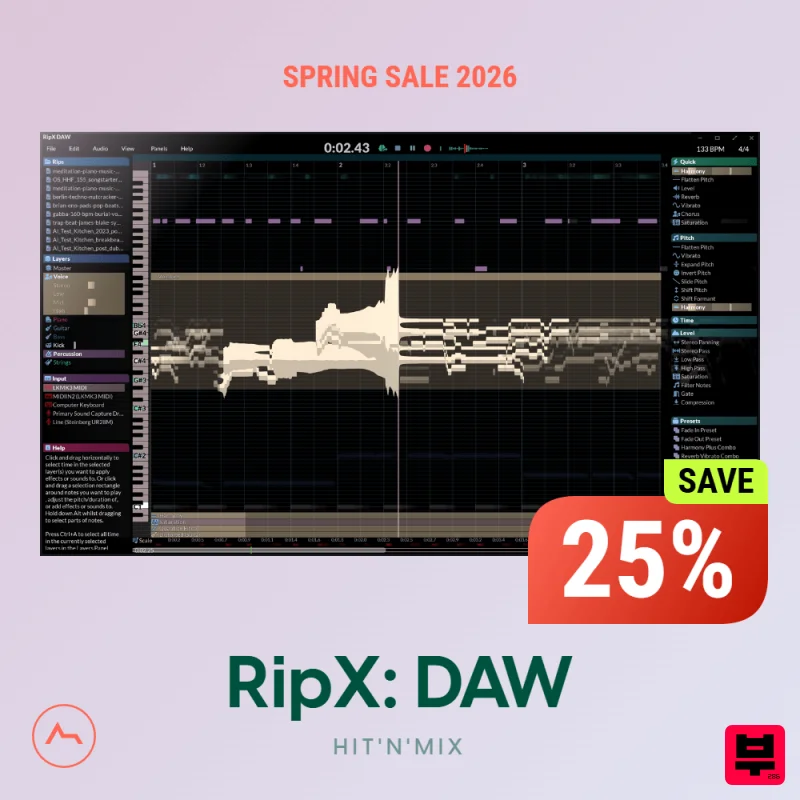
Hit’n’Mix RipX: DAW
Daw
$30
The first of its kind AI DAW RipX DAW is perfectly suited for producers, creators, musicians, remixers, DJs as well as...
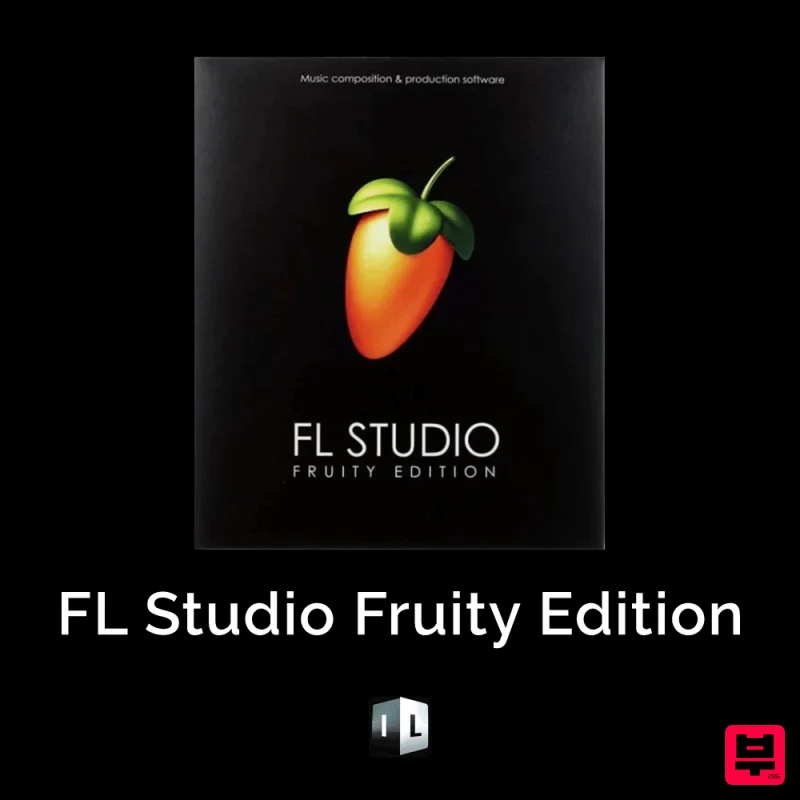
Image Line FL Studio Fruity Edition – Entry-Level Music Production Software
Daw
$30
FL Studio Fruity Edition – Entry-Level Music Production Software FL Studio Fruity Edition is the perfect starting...
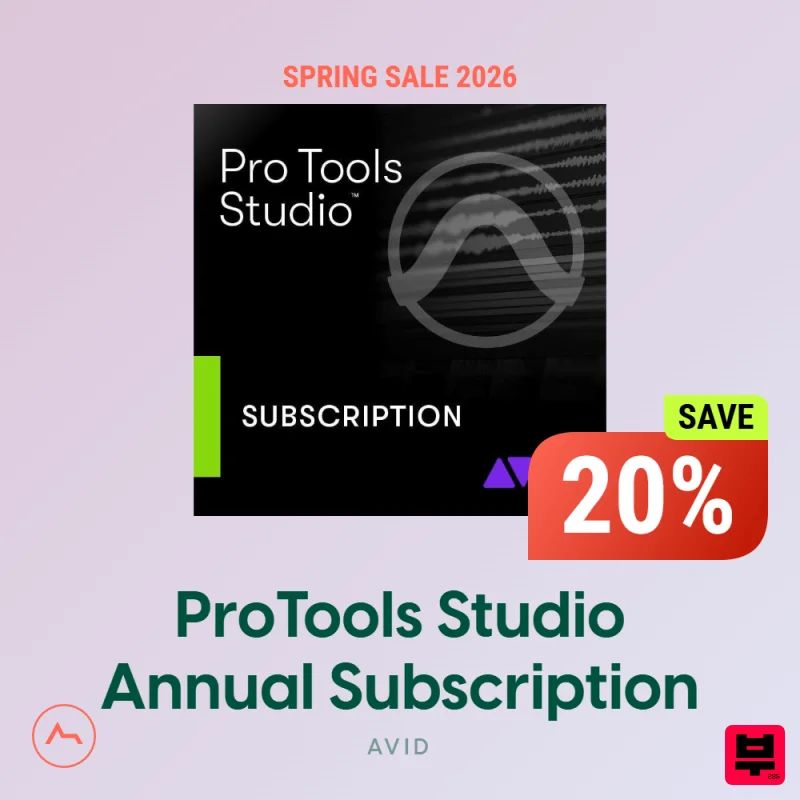
Avid ProTools Studio Annual Subscription
Daw
$30
Pro Tools Studio: The Industry Standard Avid Pro Tools Studio makes music creation easy and fun for beginners and...
Frequently Asked Questions
The Hit’n’Mix RipX: DAW PRO stands out for its exceptional Hit’n’Mix craftsmanship and innovative design.
Yes! With its affordable price point and quality construction, it's perfect for learning daw.
Browse the similar products section to see how it stacks up against other daw.

