
Hertz Instruments GainStage Pro
Professional music gear - detailed information and where to buy
Hertz Instruments
GainStage Pro
Product Info
* Prices may vary. Check retailer for current pricing and availability.
Product Description
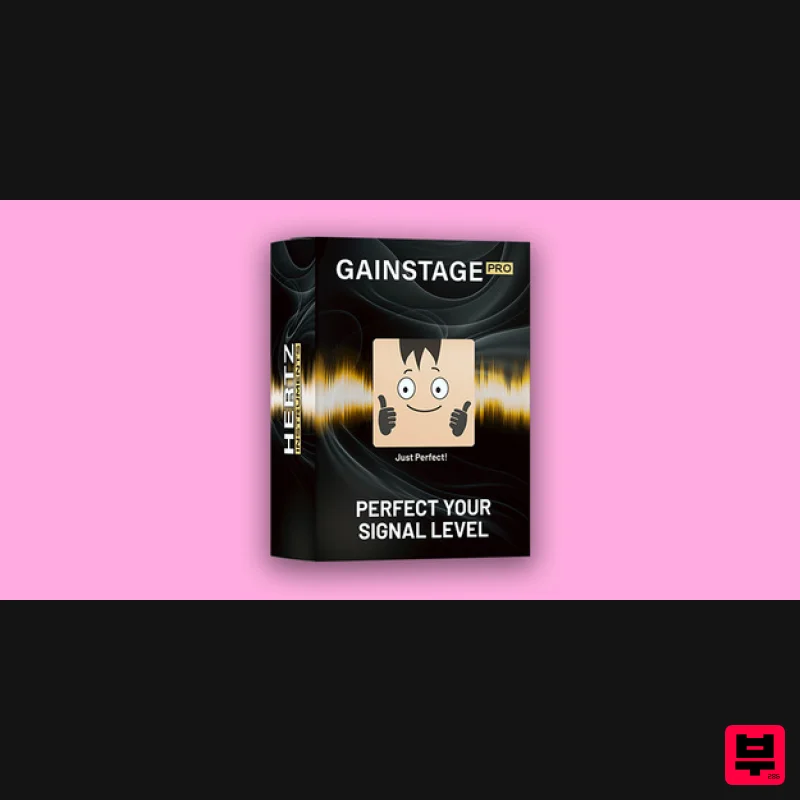
- GainStage Pro makes the confusing process of setting the recording levels in your DAW easy and fast. Is your signal level too high or too low? What meters to look at
- and what numbers to use? With GainStage Pro you don’t need to worry about any of that. The plugin analyzes your signal and gives you a clear and intuitive graphical indication of whether your signal is too hot
- too cold
- or just perfect for recording. Just put GainStage Pro on the DAW track armed for recording and adjust the preamp gain on your audio interface accordingly. The plugin is compatible with every modern DAW like FL Studio
- Ableton
- Pro Tools
- Cubase
- Reaper
- Logic Pro
- etc. Perfect your signal level with GainStage Pro! System Requirements Mac 1 GHz Intel Dual Core Processor 8 GB of RAM macOS X 10.13 or later AAX
- VST3
- AU supporting DAW Screen res: 1280 x 1024 or higher Windows 1 GHz Intel Dual Core Processor 8 GB of RAM Windows 7 or later AAX
- VST3
- AU supporting DAW Screen res: 1280 x 1024 or higher Licensing For 2 computers 64 bit DAW support only Activation 1. Go to https://registration.hertzinstruments.com/ or click Download in your Plugin Boutique User Account. 2. Enter the requested details and register an account > If you already have an account
- log in. 3. Enter the serial code found in your Plugin Botique User Account > Click 'Redeem'. 4. Navigate to the 'Downloads' tab. 5. Download your software. Installation Mac 1. Double click the .pkg file to begin the installation. 2. Click 'Continue'. 3. Click 'Continue'. 4. Click 'Agree'. 5. Click 'Install'. 6. Click 'Close'. 7. Open your DAW and locate Hertz Drums. 8. Enter the email address you used to sign up for Hertz Instruments > Click 'Send'. Your software is now installed and ready to be used within your DAW! PC 1. Double click the .exe file to begin the installation. 2. Click 'Next'. 3. Click 'Next'. 4. Click 'Install'. 5. Click 'Finish'. 6. Open your DAW and locate Hertz Drums. 7. Enter the email address you used to sign up for Hertz Instruments > Click 'Send'. Your software is now installed and ready to be used within your DAW!
Additional Information
About the Hertz Instruments GainStage Pro
Discover the distinctive sound and feel of the Hertz Instruments GainStage Pro, a standout choice among Utility.
Why Choose the Hertz Instruments GainStage Pro?
- •Authentic Hertz Instruments craftsmanship and design
- •Versatile sound suitable for multiple musical genres
- •Professional build quality and reliable performance
- •Part of Hertz Instruments's respected Utility lineup
Compare & Explore
Browse our complete selection of Hertz Instruments instruments or explore other Utility options. Use our comparison tools to find the perfect match for your musical style and budget.
Similar Products

Inphonik RX950
Utility

Acoustica Spin It Again
Utility

Blue Cat Audio Blue Cat's Connector
Utility

Audible Genius Building Blocks 1
Utility

Tonalic Tonalic Arranger - 30 Day Subscription
Utility

DDMF TheStrip
Utility

Audible Genius Building Blocks 2
Utility

Soundspear Luxor
Utility

