
Heavyocity MicroFX Filter
Professional music gear - detailed information and where to buy
Heavyocity
MicroFX Filter
Product Info
* Prices may vary. Check retailer for current pricing and availability.
Product Description
- Deceptively simple yet sonically complex
- MicroFX Filter is a tool for sound designers and producers seeking new sonic frontier. Featuring two multi-mode filters including Low Pass
- High Pass
- Band Pass
- Notch
- and Comb - it offers endless possibilities
- quickly transforming your sound with surprising depth. Not Your Average Filter Deceptively simple yet sonically complex
- MicroFX Filter is a tool for sound designers and producers seeking new sonic frontiers. Featuring two multi-mode filters including Low Pass
- High Pass
- Band Pass
- Notch
- and Comb - it offers endless possibilities
- quickly transforming your sound with surprising depth. With 144 possible filter and routing combinations - including series
- parallel
- split
- and mid-side
- you can shape
- sculpt
- or transform your sound with unmatched flexibility
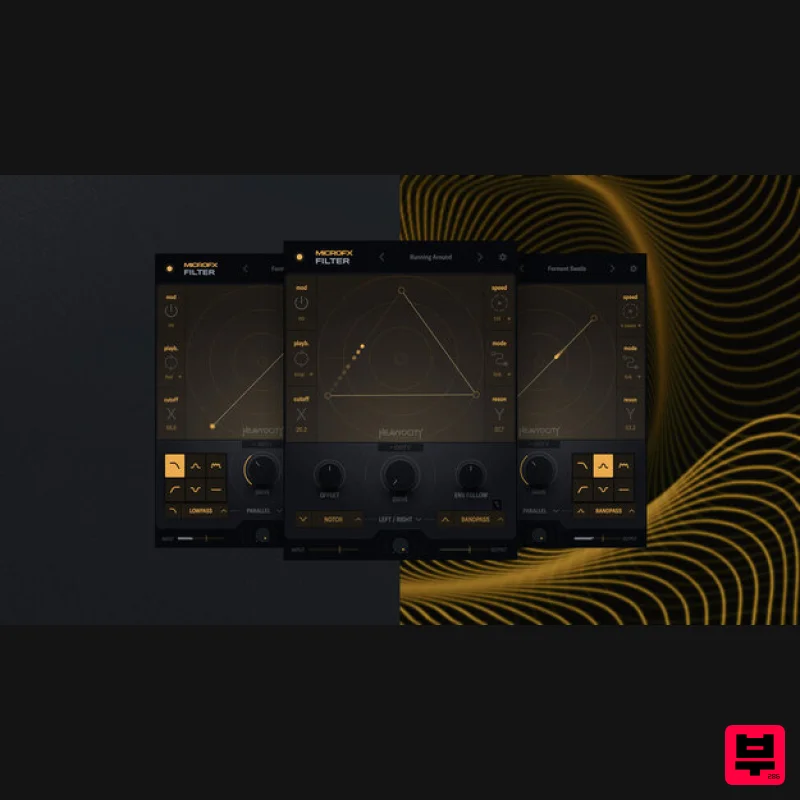
- from classic tonal sculpting to unique creative effects. Intriguing Modulation The X|Y Grid controls two key parameters: X for Cutoff
- determining the filter's central frequency
- and Y for Resonance
- shaping the filter's sharpness or boosting the cutoff frequency. Additional controls like Drive
- Offset
- and Dirty add character
- allowing you to push the boundaries of sound manipulation. Dynamic Filtering The X|Y modulation allows you to draw intricate paths directly on the X|Y Grid. Customize the modulation rate
- playback direction
- and chain
- experimenting with up to 15 nodes to create interesting rhythmic and textural patterns. Limitless Combinations With 144 possible filter and routing combinations - including series
- parallel
- split
- and mid-side
- you can shape
- sculpt
- or transform your sound with unmatched flexibility
- from classic tonal sculpting to unique creative effects. Filter Playground Dive into a sonic playground where advanced signal flow options offer unique ways to shape and transform your sound. Combined with various filter types
- you'll enjoy unparalleled flexibility to craft everything from classic tonal sculpting to groundbreaking
- cutting-edge effects. Powerful Presets With over 50 meticulously crafted presets
- you’ll uncover a wealth of sonic possibilities. Though the interface is streamlined
- its depth is deceiving—explore diverse tonal configurations and experiment with modulation directions
- speeds
- and tonal controls to create and refine your own unique sounds. Creative Engine The MicroFX engine redefines how you interact with effects
- offering focused tools that invite expansive creative exploration. With its deceptively deep functionality
- each plugin offers a creative experience that challenges you to push your sonic boundaries. Features 49 Expertly-Crafted Presets in Two Categories – Static and Animated 5 Filter types – Low Pass
- High Pass
- Comb
- Notch
- and Bandpass 2 Filter Stages in Parallel
- Series
- Left/Right
- or Mid/Side Drive
- Dirt
- Envelope Follow
- and Offset provides additional control over sound shaping Intuitive XY Grid to easily sculpt your sound with a single click XY Grid Controls to fine tune the animation of up to 15 points System Requirements Mac MacOS 12 or later (Intel and Silicon compatible) Windows Windows 10 or later Supported Host Applications Pro Tools 2020+
- Live 10+
- Cubase 12+
- Logic Pro X
- DP10+
- Bitwig Please note: Fury is used as the example. Mac Registration 1. Visit the Heavyocity website and fill out the account registration form > Click 'Register'. Heavyocity Portal Installation & Product Registration 1. Click 'Download' in your Plugin Boutique User Account > Download the Heavyocity Portal for your OS. 2. Double-click the .pkg file to begin the installation > Click 'Continue'. 3. Click 'Continue'. 4. Click 'Agree'. 5. Click 'Install'. 6. Enter your computer Username and Password > Click 'Install Software'. 7. Click 'Close'. 8. Open the Heavyocity Portal and enter your Heavyocity-registered Username (Email Address) and Password > Click 'Login'. 9. Click 'Register Now' located at the bottom of the Product Portal. 10. Complete the form and enter the serial number found in your Plugin Boutique User Account > Click 'Register'. 11. Click 'Install' on the far right of the portal. Fury Installation 1. After clicking 'Install' the Fury Installer will appear. Click 'Continue'. 2. Click 'Continue'. 3. Click 'Continue'. 4. Click 'Install'. 5. Click 'Close' once the installation has been completed. Activation 1. Open your DAW and select Fury from your plugin section. Once loaded select 'Activate'. FURY is now activated and ready to use! Windows Registration 1. Visit the Heavyocity website and fill out the account registration form > Click 'Register'. Heavyocity Portal Installation & Product Registration 1. Click 'Download' in your Plugin Boutique User Account > Download the Heavyocity Portal for your OS. 2. Double-click the .msi to begin the installation > Click 'Next >'. 3. Read the license agreement > Select 'I agree' > Click 'Next >'. 4. Click 'Next >'. 5. Click 'Next >'. 6. The Heavyocity Portal is now installed > Click 'Close'. 7. Open the Heavyocity Portal >Enter your details > Click LOGIN. 8. Click 'REGISTER NOW' at the bottom of the window. 9. Complete the form and enter the serial number found in your Plugin Boutique User Account > Click 'Register'. 10. Click the INSTALL button. 11. The Setup Wizard will now pop up > Click 'Next >'. 12. Read the license agreement > Select 'I agree' > Click 'Next >'. 13. Click 'Next >'. 14. Click 'Next >'. 15. The installation is complete > Click 'Close'. Activation 1. Open FURY in your DAW > Click Activate. 2.Sign into your Heavyocity account again. FURY is now activated and ready to use!
Additional Information
About the Heavyocity MicroFX Filter
The Heavyocity MicroFX Filter represents excellent craftsmanship in the Filter category.
Why Choose the Heavyocity MicroFX Filter?
- •Authentic Heavyocity craftsmanship and design
- •Versatile sound suitable for multiple musical genres
- •Professional build quality and reliable performance
- •Part of Heavyocity's respected Filter lineup
Compare & Explore
Browse our complete selection of Heavyocity instruments or explore other Filter options. Use our comparison tools to find the perfect match for your musical style and budget.
Similar Products
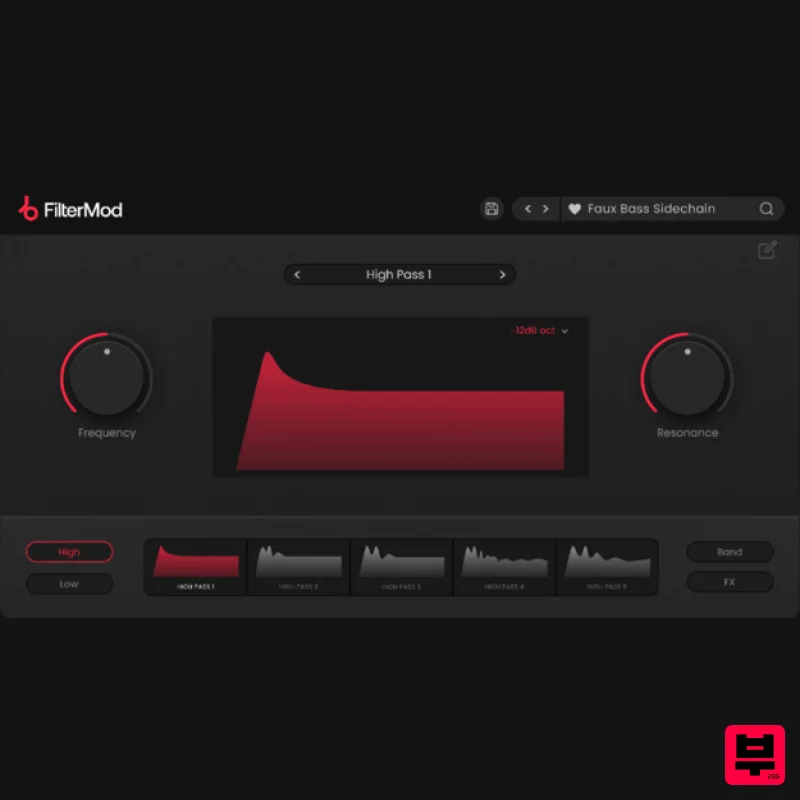
Plugin Boutique FilterMod
Filter
$51
Animate your Filtering Whether it's drums, bass, synths, pads or vocals, filtering is a key element of the production...
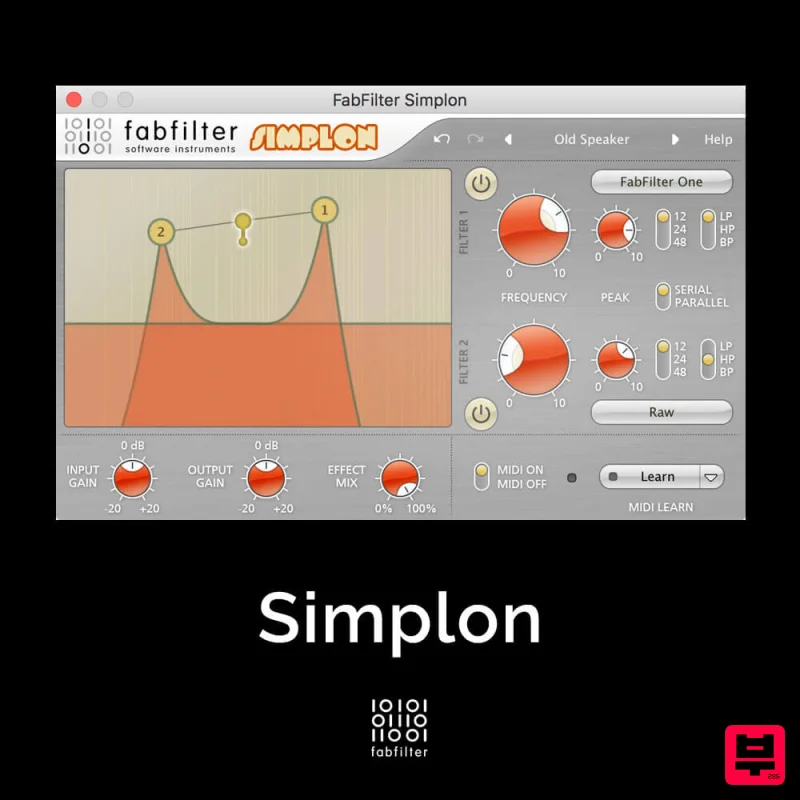
FabFilter Simplon
Filter
$30
Unique Filters, Easy Display FabFilter Simplon is a simplified version of FabFilter Volcano 2 with two independent...
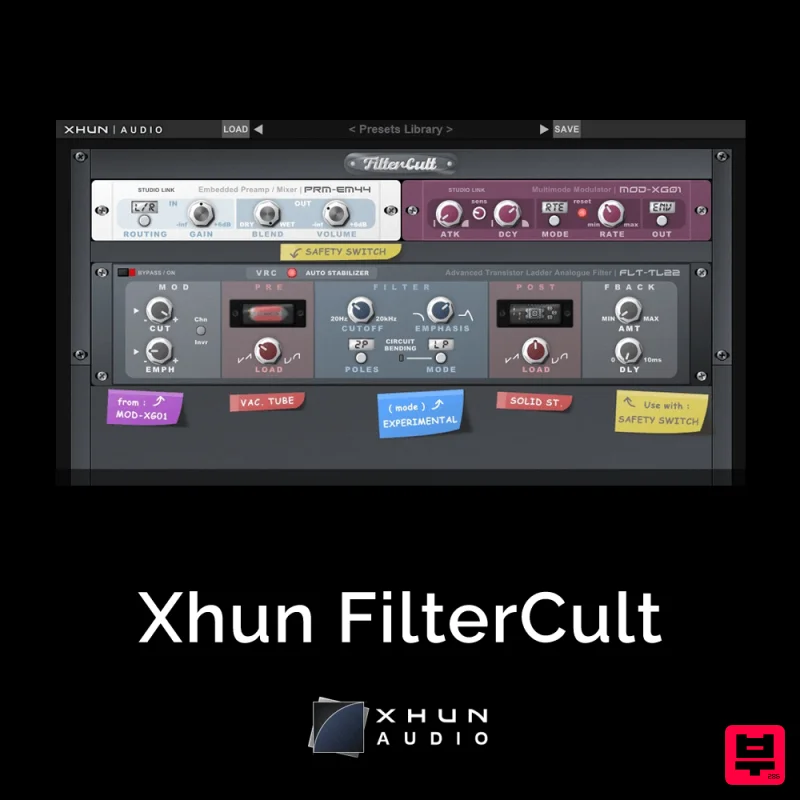
XHUN Audio Xhun FilterCult
Filter
$30
FilterCult is an accurate simulation of the infamous and iconic transistor ladder analogue filter, meticulously...

NoiseAsh Action Filter
Filter
$30
ANALOG FILTER ADDICTION With tons of classic filter models, unique advanced modulation options and convincing analog...
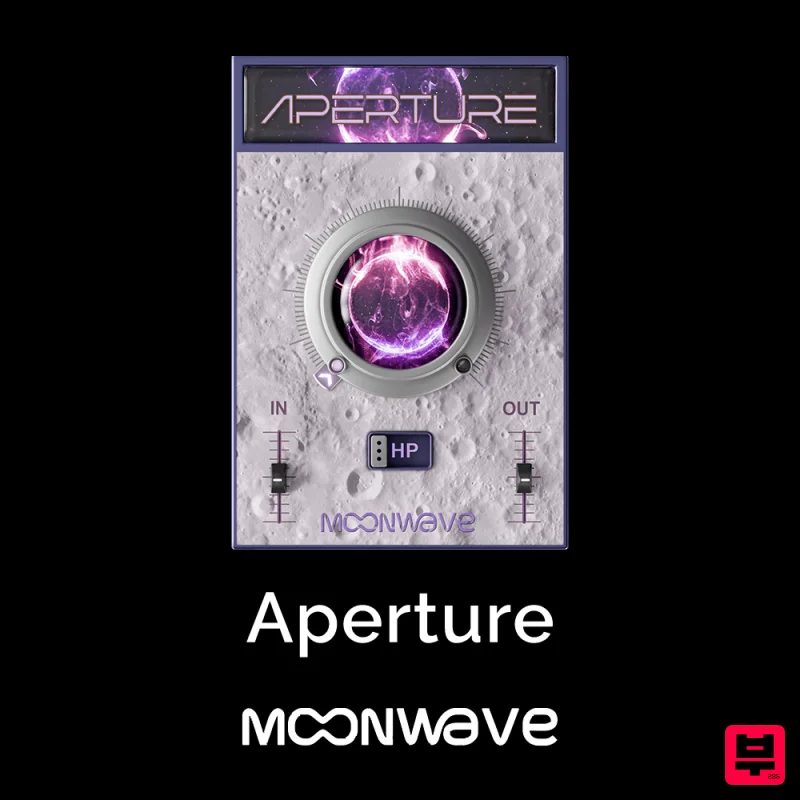
Moonwave Aperture
Filter
$30
Shape The Horizon Of Sound Unlock the gateway to precision filtering with Aperture, a powerful tool designed to give...
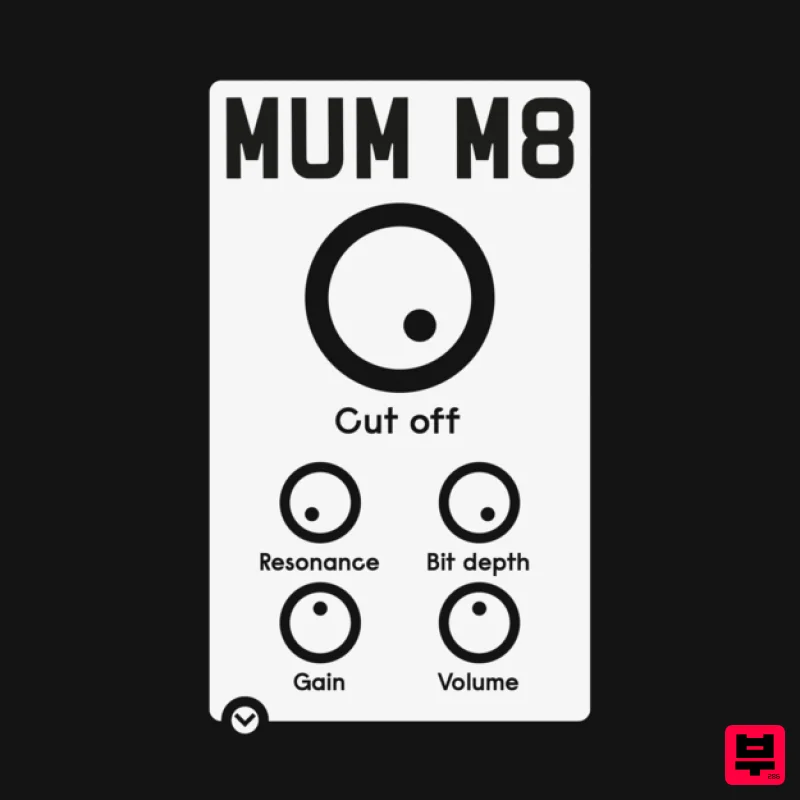
ALM / Busy Circuits MUM M8 DSP
Filter
$10
‘MUM M8 DSP’ is a low pass filter plug-in emulating the filter used in the classic Akai S950 12 bit sampler with...
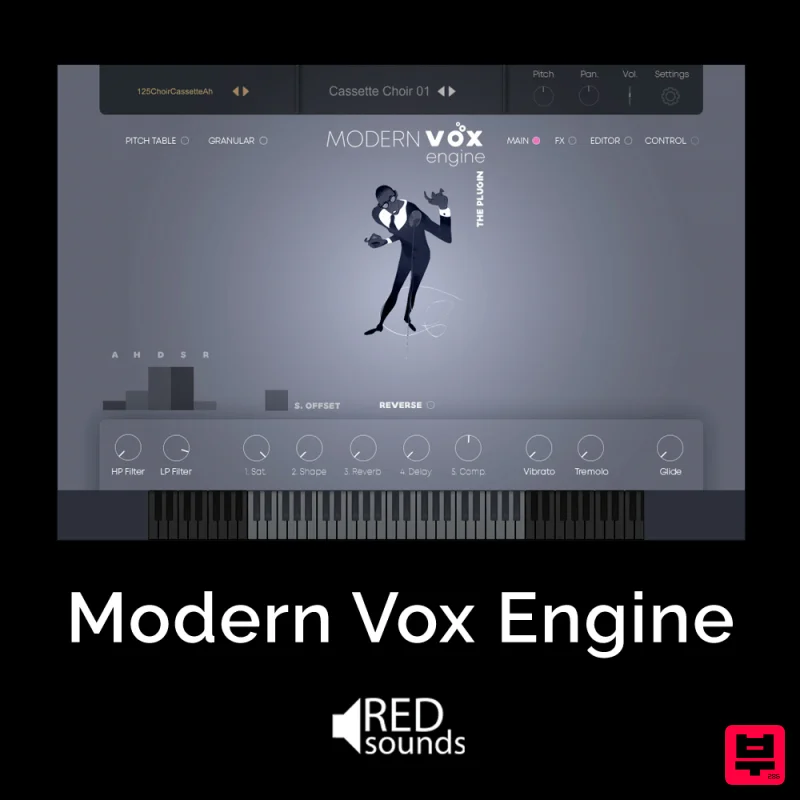
Red Sounds Modern Vox Engine
Filter
$30
Please welcome a collaboration. Red Sounds x Channel Robot. Over a year in development. We recorded vocal samples for 5...
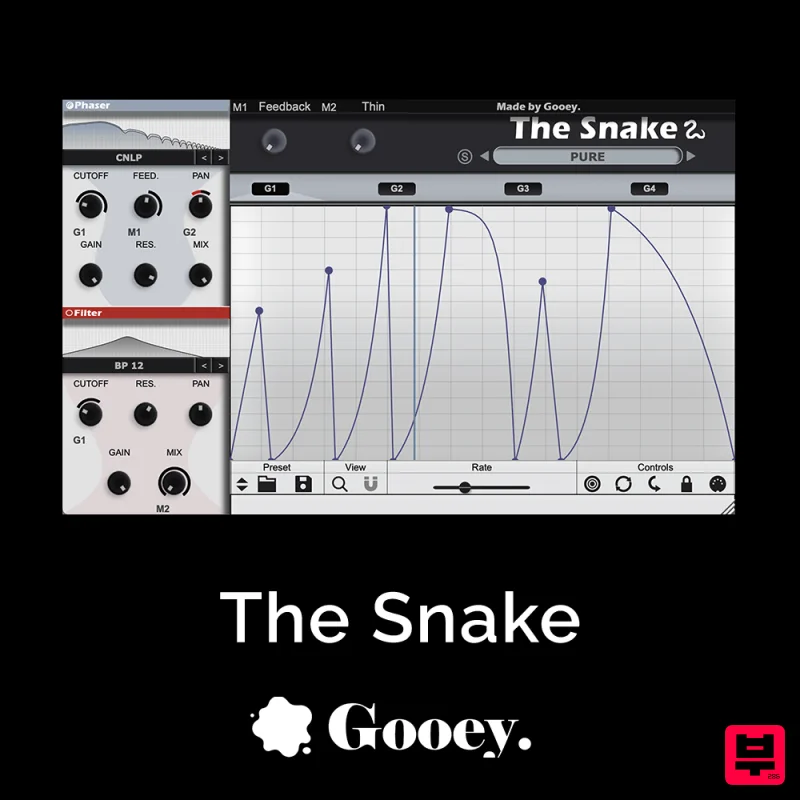
Gooey Audio The Snake
Filter
$30
The Snake has a venomous bite with colorful comb filters, phasers, and more. With The Snake you can widen the stereo...
Frequently Asked Questions
The Heavyocity MicroFX Filter stands out for its exceptional Heavyocity craftsmanship and innovative design.
Yes! With its affordable price point and quality construction, it's perfect for learning filter.
Browse the similar products section to see how it stacks up against other filter.

