
Harvest Plugins Harvest
Professional music gear - detailed information and where to buy
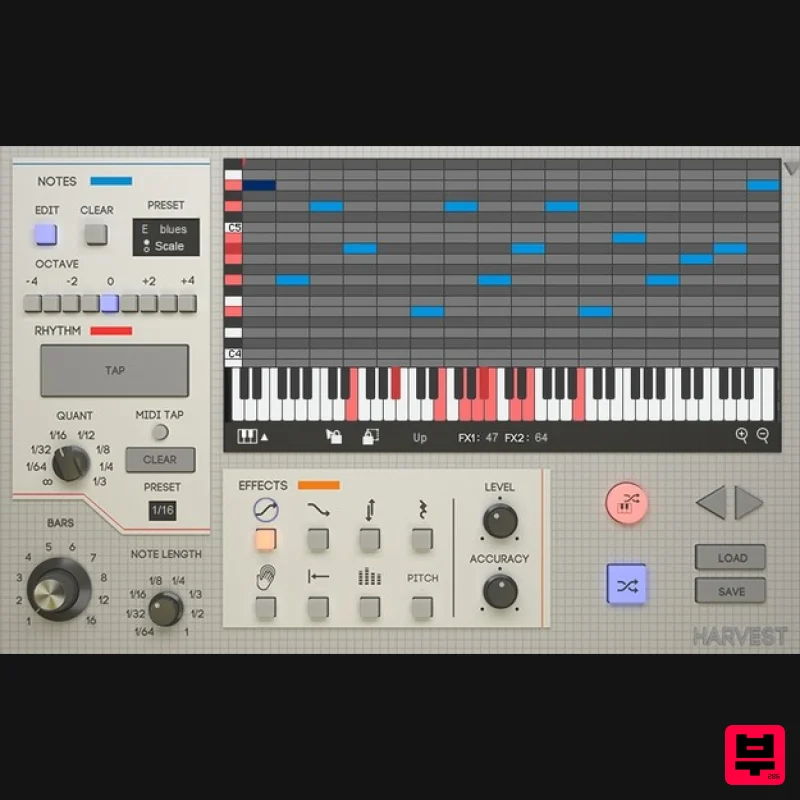
Harvest Plugins
Harvest
Product Info
* Prices may vary. Check retailer for current pricing and availability.
Product Description
- Unlimit Your MIDI Harvest is a MIDI sequence generator. It's a VST Plugin that can produce melodies
- chords
- and drum patterns. Generate unique loops
- subtly tweak melodies or create MIDI chaos. Stop running out of ideas. A MIDI generator that you control with instruments. Reduce the need for sample packs. Get unstuck using a unique workflow. Kick start your next project. Harvest is a MIDI generating workflow for writing music in your DAW. Harvest allows the use of physical MIDI instruments to tap rhythms and select notes
- so writing music with Harvest is uniquely intuitive and fun. Designed to combine your creative input with randomization
- and to be a source of inspiration whenever you need it while reducing the need for sample packs. Use it to generate melodies
- chord progressions and drum patterns. Features Interactive piano roll so you can be specific when you need to. Preset scales and customizable scales - control the feeling of your sequences. The ability to tap rhythms - rhythms can be randomly generated too
- but playing an instrument gives you creative control. Lock tool for filtering out parts that don't work
- so you're left with the best. 8 Effects that give even more creative control over the randomness. Live Mode - use Harvest as a fancy arpeggiator. Drag and Drop Overview Note Panel Rhythm Panel Piano Roll Sequence Details Effects Panel Additional Functions System Requirements Windows: PC with Windows 7 (with SP 1)
- Windows 8 or Windows 10 DAW with VST Support (64-bit only) Broadband internet connection for installation. 20mb free disk space. macOS: Intel® Mac with Mac OS X 10.7 - macOS 10.15 DAW with VST or AU Support (64-bit only) Broadband internet connection for installation. 20mb free disk space. DAW Compatibility Support DAW's: FL Studio Ableton Live Logic Pro X Cubase Studio One Reaper Unsupported DAW's: Pro Tools Reason Installation Instructions macOS: 1. Download the .zip folder from your Plugin Boutique User Account and double-click it to open and reveal the installer file. 2. Double-click the .pkg installer file to begin the installation process > Click 'Continue'. 3. Enter the Activation Code (Licence Key) found in your Plugin Boutique User Account > Click 'Continue'. 4. Click 'Continue'. 5. Click 'Continue'. 6. Click 'Agree'. 7. Click 'Continue'. 8. Click 'Install'. 9. Click 'Close'. 10. Open Harvest inside of your DAW. The Software is now Activated and Ready for Use Within Your DAW! Windows: 1. Download the .zip folder from your Plugin Boutique User Account and double-click it to open and reveal the installer file. 2. Double-click the .exe installer file to begin the installation process > Enter the License Key found in your Plugin Boutique User Account and click 'Next'. 3. Select 'I accept the agreement' > Click 'Next' 4. Click 'Next'. 5. Click 'Next'. 6. Click 'Next'. 7. Click 'Next'. 8. Click 'Install'. 9. Click 'Finish'. 10. Open Harvest inside of your DAW. The Software is now Activated and Ready for Use Within Your DAW!
Additional Information
About the Harvest Plugins Harvest
The Harvest Plugins Harvest combines traditional design with modern performance for Music Theory Tools enthusiasts.
Why Choose the Harvest Plugins Harvest?
- •Authentic Harvest Plugins craftsmanship and design
- •Versatile sound suitable for multiple musical genres
- •Professional build quality and reliable performance
- •Part of Harvest Plugins's respected Music Theory Tools lineup
Compare & Explore
Browse our complete selection of Harvest Plugins instruments or explore other Music Theory Tools options. Use our comparison tools to find the perfect match for your musical style and budget.
Similar Products
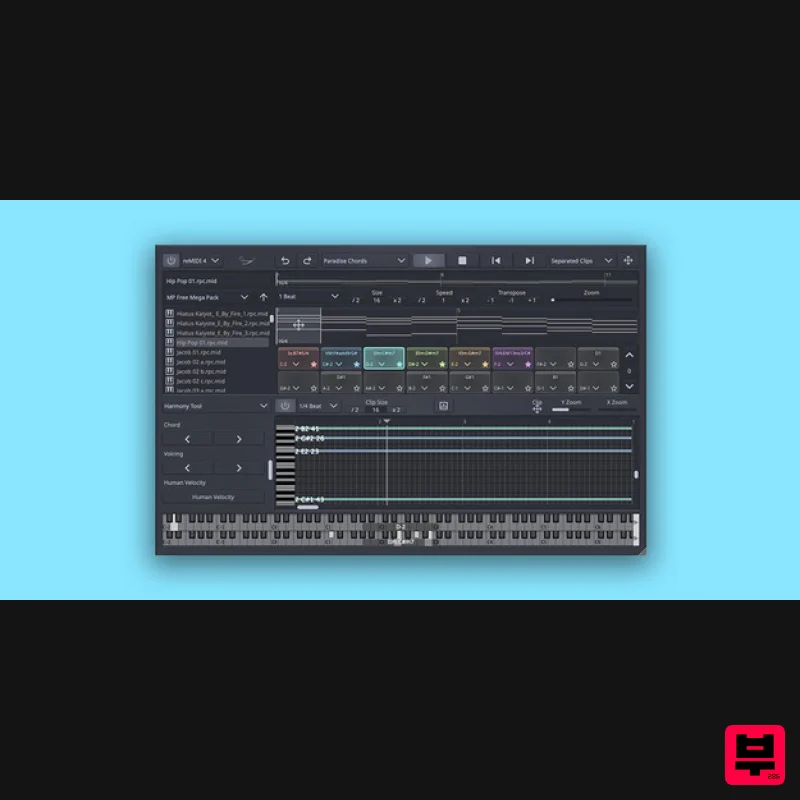
SongWish reMIDI 4 Upgrade from reMIDI 2
Music Theory Tools
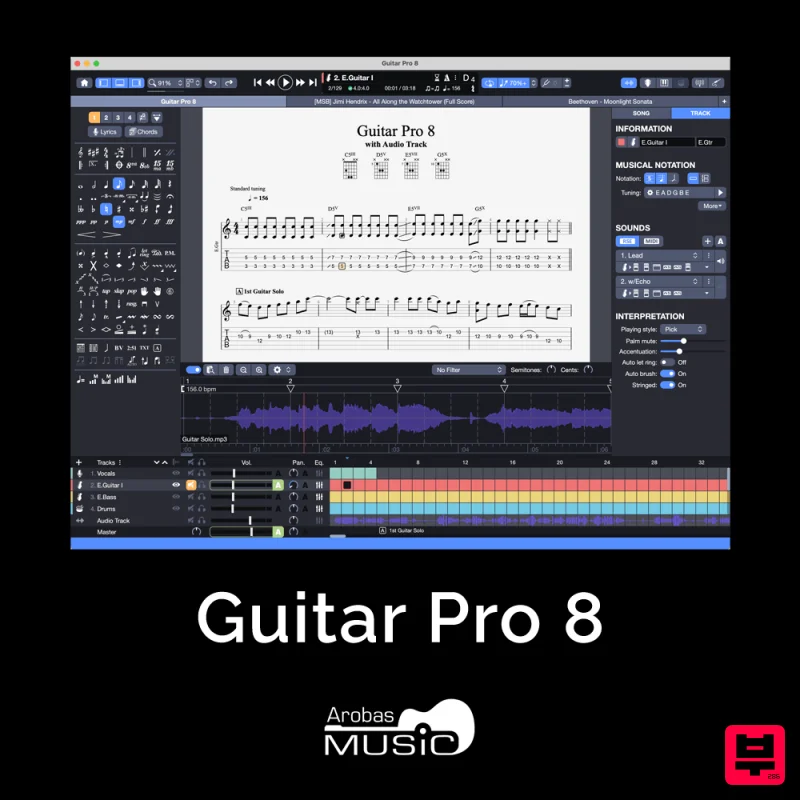
Arobas Music Guitar Pro 8
Music Theory Tools
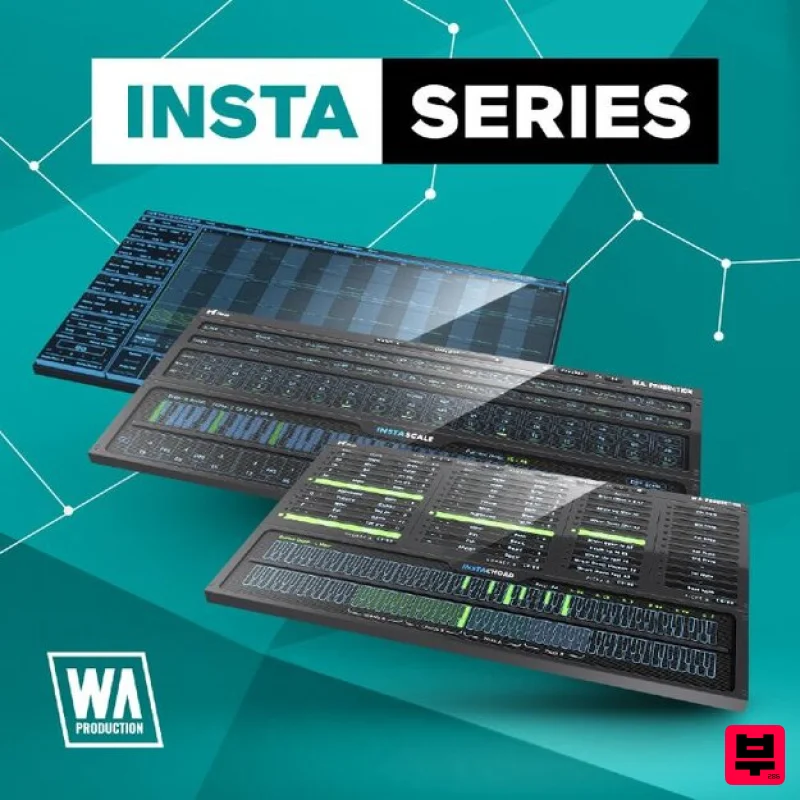
W. A. Production InstaSeries Bundle
Music Theory Tools
Harvest Plugins CHORDS PRO + NOTES Upgrade From CHORDS
Music Theory Tools
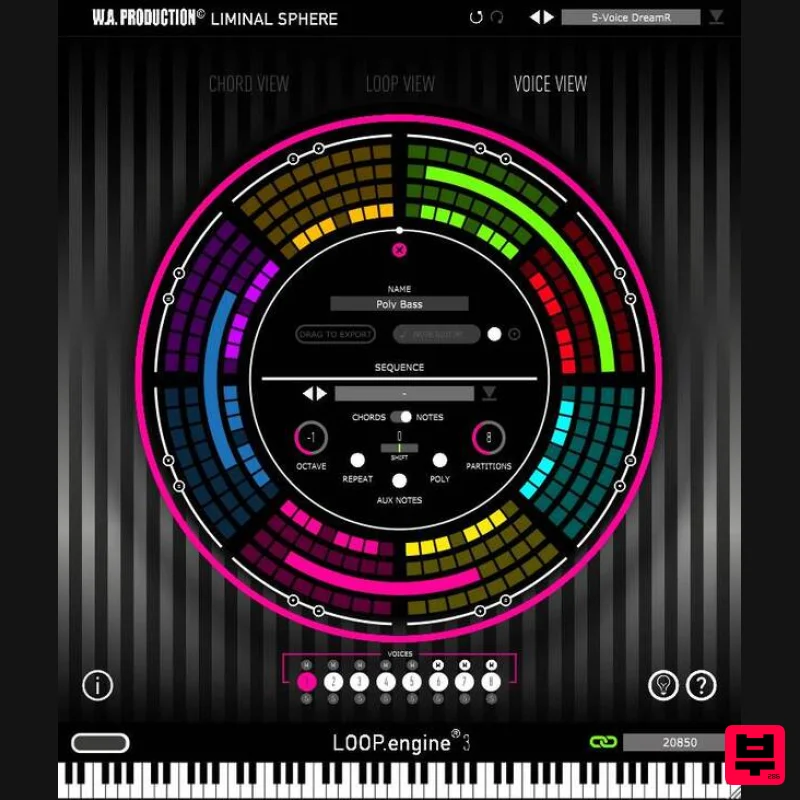
W. A. Production Loop Engine 3 Upgrade from Loop Engine 2
Music Theory Tools
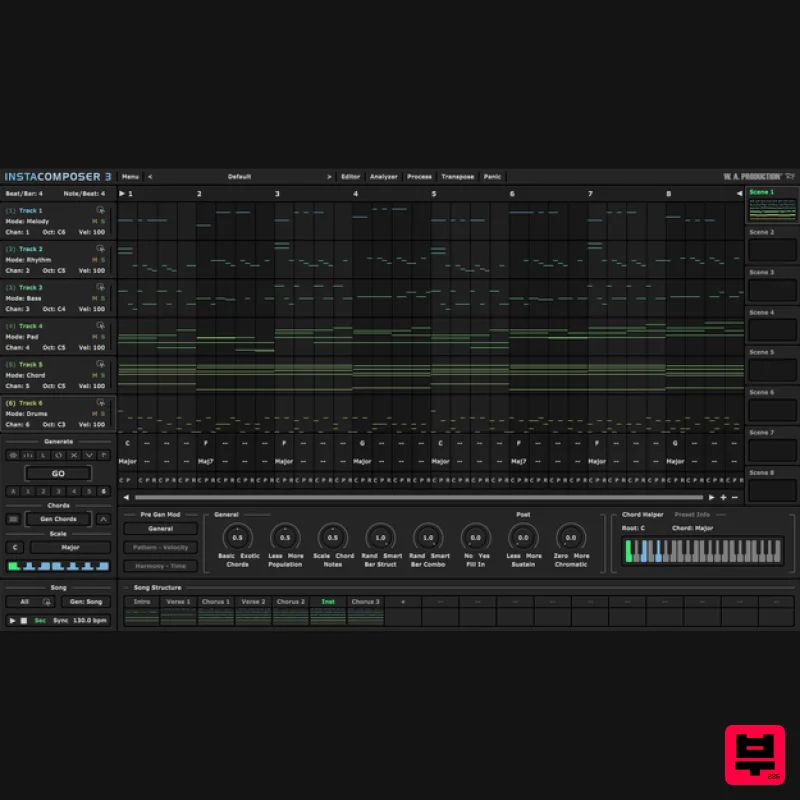
W. A. Production InstaComposer 3 Upgrade from Instacomposer 2
Music Theory Tools
SongWish InstaComposer 2 Upgrade from InstaComposer 1
Music Theory Tools
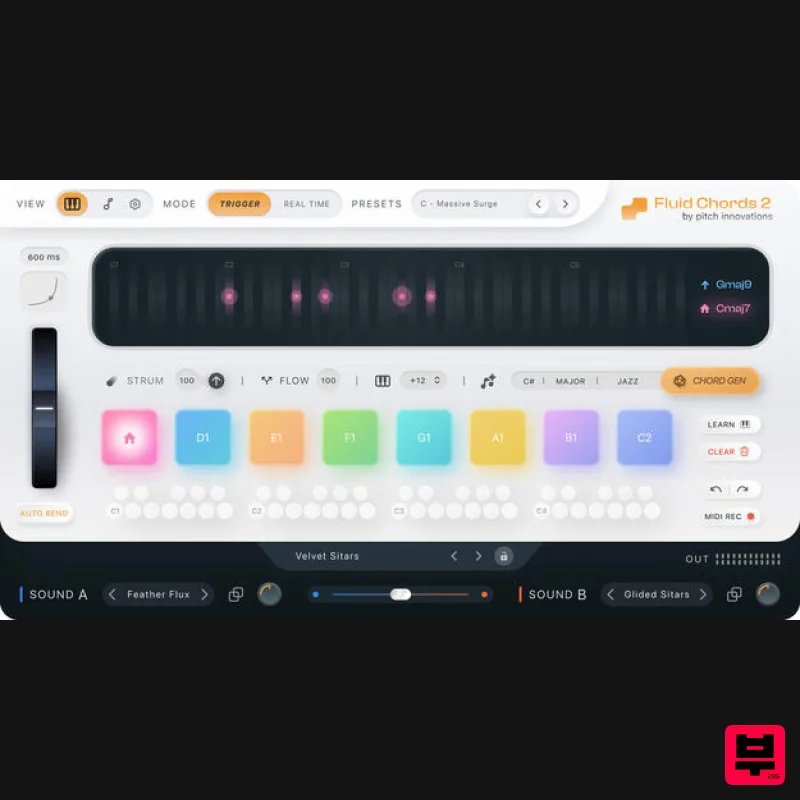
W. A. Production Fluid Chords 2 Upgrade from Fluid Chords
Music Theory Tools

