
Harvest Plugins Forager
Professional music gear - detailed information and where to buy
Harvest Plugins
Forager
Product Info
* Prices may vary. Check retailer for current pricing and availability.
Product Description
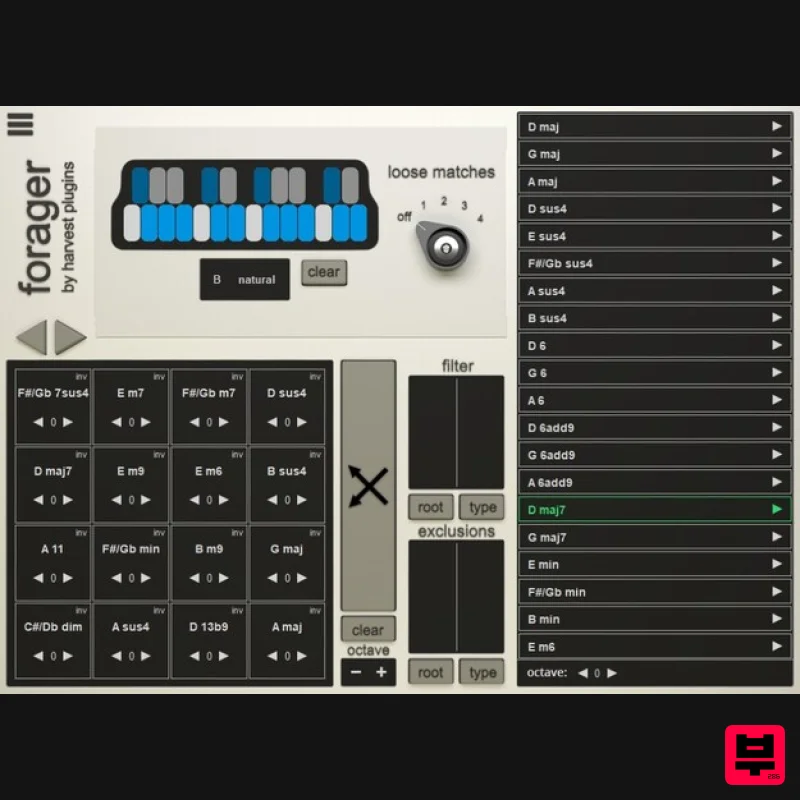
Need Inspiration for Your Tracks? A fresh, exciting chord progression is a perfect way to inspire amazing melodies, bass lines and drum patterns. But sometimes habits keep us from writing chord progressions that truly inspire us. Forager presents a way of creating unique chord progressions that help do just that. Overview Note Selection Panel Chord List Grid Matrix Filter Panel Features Easily Play All Chords Using an Actual MIDI Instrument (don't kill creativity by dragging and dropping). Use the Element of Surprise to Explore New Vibes (using Forager is actually FUN). Break Out of Your Usual Patterns (Forager provides an entirely new workflow guaranteed to get you creating songs you never imagined). Control the Complexity of Your Chords (easily break out of key without creating chaos in your track). Originality-Centric Workflow (take all the creative credit, don't use packs someone else made). Made For All Genres Of Music (control how simple or complex you make your chord progressions). Usable With Any Sound (you can play all your chords & progressions with your favourite instruments & synths). Compatible With Most DAWs (plus both Mac & PC). System Requirements Windows PC with Windows 7 (with SP 1), Windows 8 or Windows 10 DAW with VST Support (64-bit only) Broadband internet connection for installation. 20 MB free disk space. macOS Intel® Mac with Mac OS X 10.7 - macOS 10.15 DAW with AU / VST Support (64-bit only) Broadband internet connection for installation. 20 MB free disk space. DAW Compatibility Supported DAW's: FL Studio Ableton Live Logic Pro X Cubase Studio One Reaper BitWig Cakewalk Mixcraft Waveform MuLab Unsupported DAW's: Pro Tools Reason Note: Harvest is used as the example. macOS: 1. Download the .zip folder from your Plugin Boutique User Account and double-click it to open and reveal the installer file. 2. Double-click the .pkg installer file to begin the installation process > Click 'Continue'. 3. Enter the Activation Code (Licence Key) found in your Plugin Boutique User Account > Click 'Continue'. 4. Click 'Continue'. 5. Click 'Continue'. 6. Click 'Agree'. 7. Click 'Continue'. 8. Click 'Install'. 9. Click 'Close'. 10. Open Harvest inside of your DAW. The Software is now Activated and Ready for Use Within Your DAW! Windows: 1. Download the .zip folder from your Plugin Boutique User Account and double-click it to open and reveal the installer file. 2. Double-click the .exe installer file to begin the installation process > Enter the License Key found in your Plugin Boutique User Account and click 'Next'. 3. Select 'I accept the agreement' > Click 'Next' 4. Click 'Next'. 5. Click 'Next'. 6. Click 'Next'. 7. Click 'Next'. 8. Click 'Install'. 9. Click 'Finish'. 10. Open Harvest inside of your DAW. The Software is now Activated and Ready for Use Within Your DAW!
Additional Information
About the Harvest Plugins Forager
The Harvest Plugins Forager represents excellent craftsmanship in the Music Theory Tools category.
Why Choose the Harvest Plugins Forager?
- •Authentic Harvest Plugins craftsmanship and design
- •Versatile sound suitable for multiple musical genres
- •Professional build quality and reliable performance
- •Part of Harvest Plugins's respected Music Theory Tools lineup
Compare & Explore
Browse our complete selection of Harvest Plugins instruments or explore other Music Theory Tools options. Use our comparison tools to find the perfect match for your musical style and budget.
Similar Products
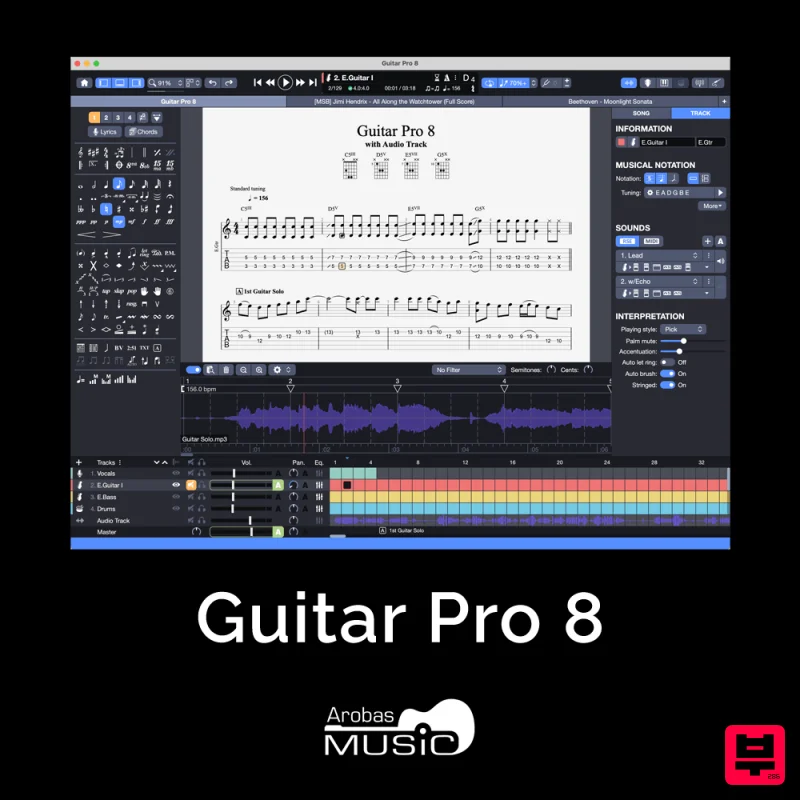
Arobas Music Guitar Pro 8
Music Theory Tools
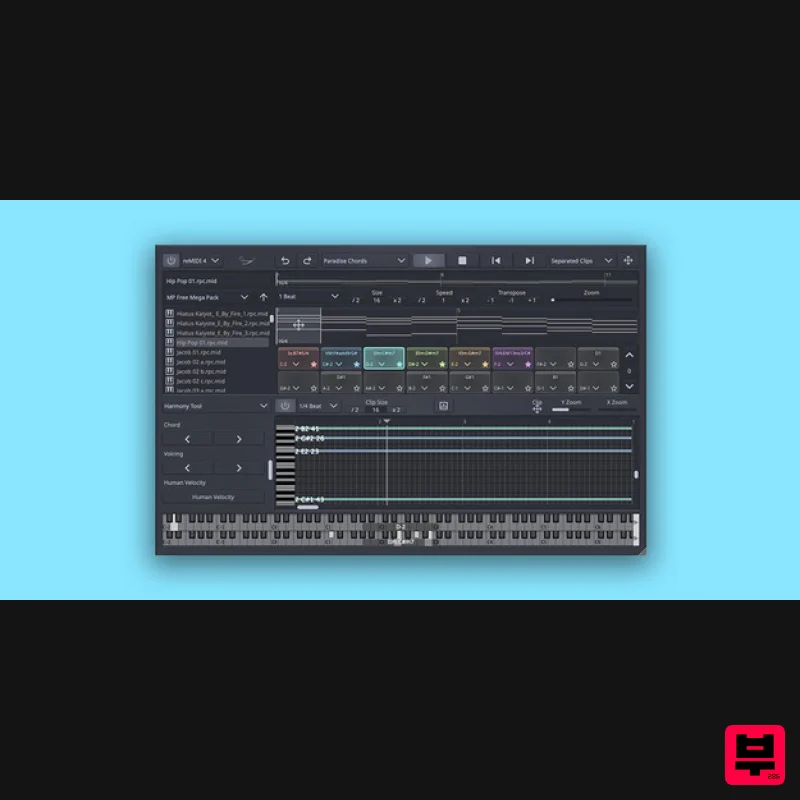
SongWish reMIDI 4 Upgrade from reMIDI 2
Music Theory Tools
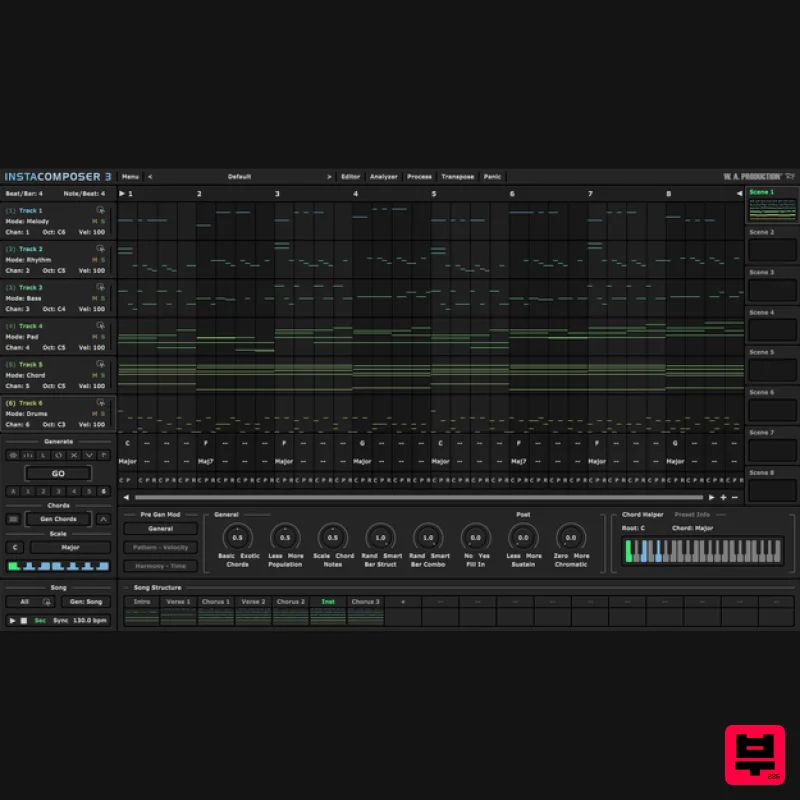
W. A. Production InstaComposer 3 Upgrade from Instacomposer 2
Music Theory Tools
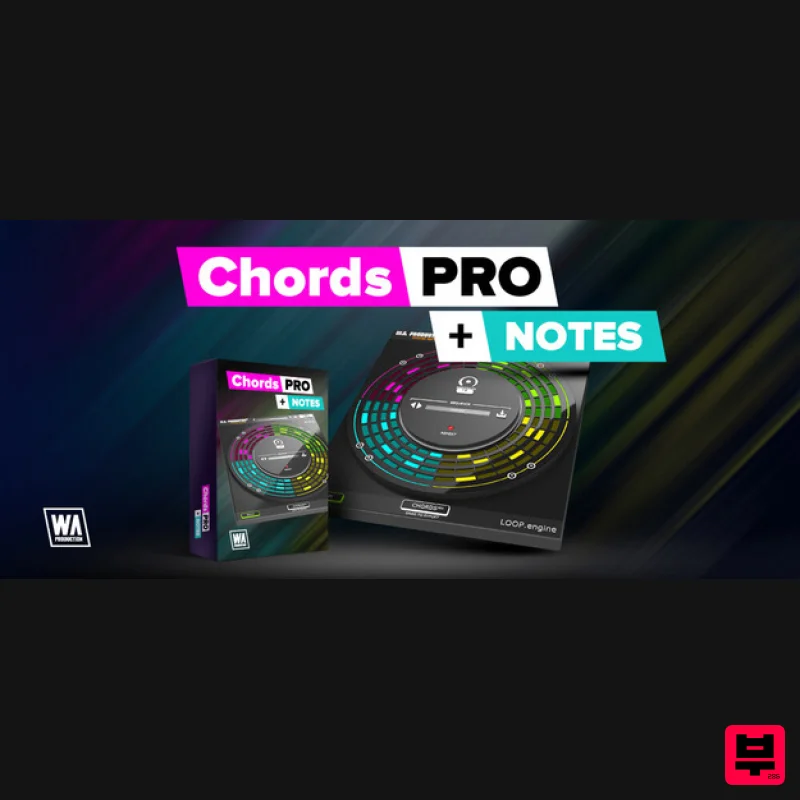
Harvest Plugins CHORDS PRO + NOTES Upgrade From CHORDS
Music Theory Tools
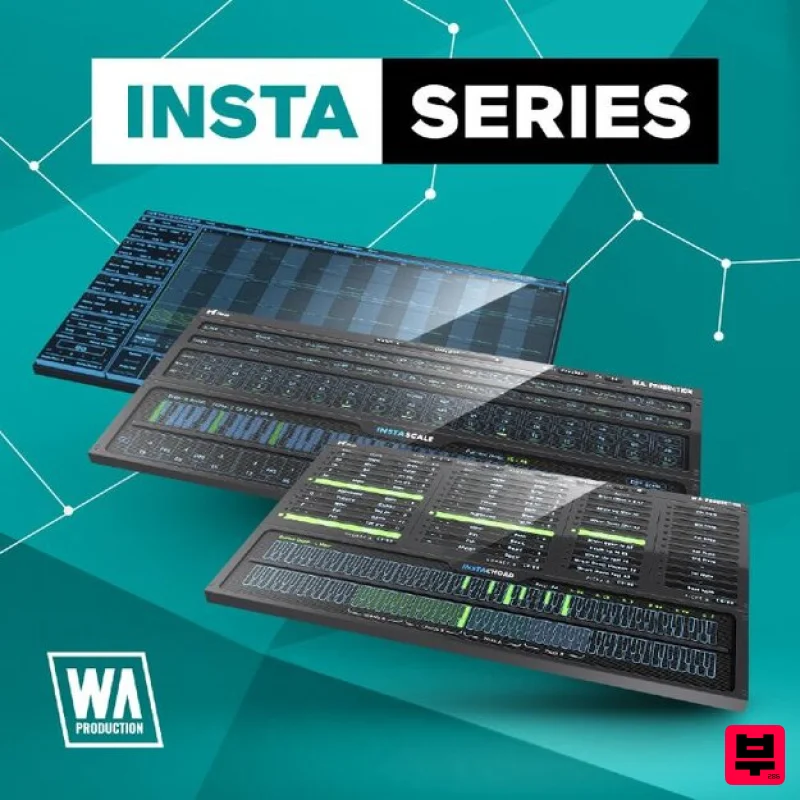
W. A. Production InstaSeries Bundle
Music Theory Tools
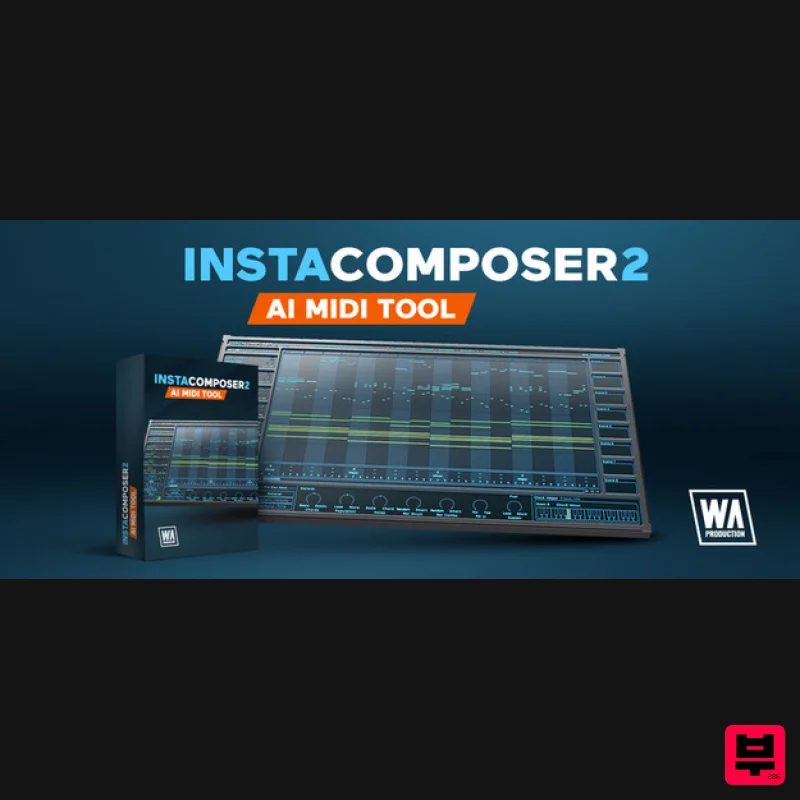
SongWish InstaComposer 2 Upgrade from InstaComposer 1
Music Theory Tools
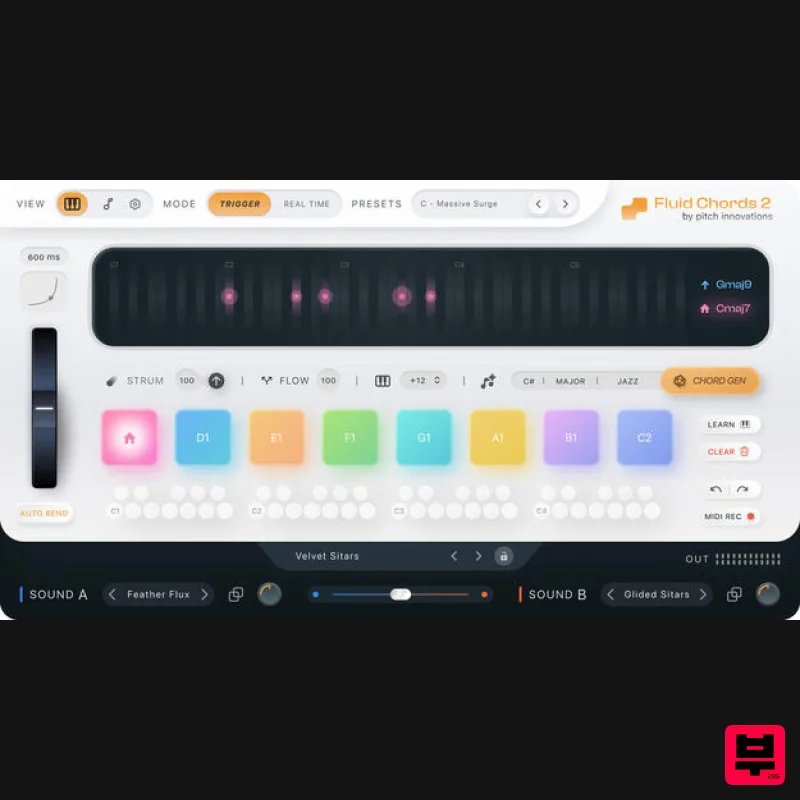
W. A. Production Fluid Chords 2 Upgrade from Fluid Chords
Music Theory Tools
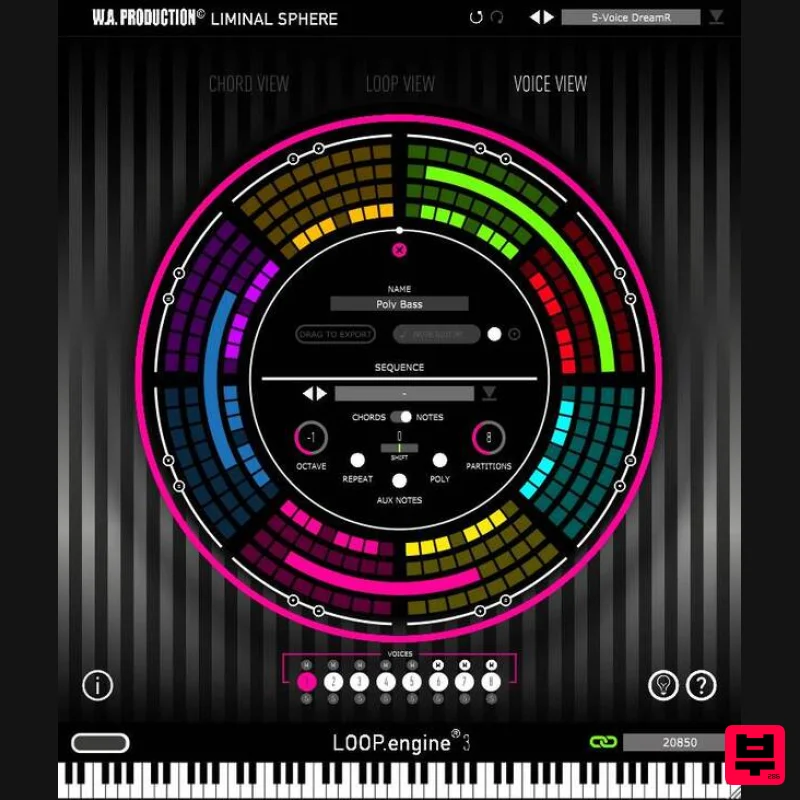
W. A. Production Loop Engine 3 Upgrade from Loop Engine 2
Music Theory Tools

