
Harrison Consoles Tape Saturator
Professional music gear - detailed information and where to buy
Harrison Consoles
Tape Saturator
Product Info
* Prices may vary. Check retailer for current pricing and availability.
Product Description
- The Warmth & Cohesion of Classic Records Magnetic tape didn’t just capture the rise of popular music; it made it possible. For more than half a century
- tape machines sat at the centre of professional recording studios
- shaping how music was written
- recorded
- and experienced. They imparted warmth
- saturation
- and punch that defined a golden era of sound
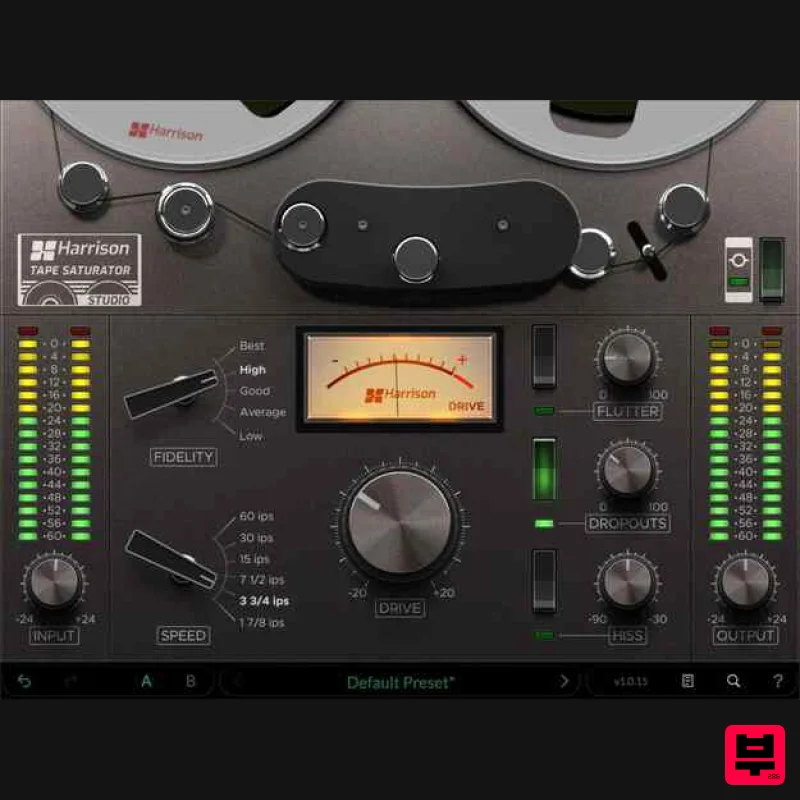
- with their unmistakable sonic fingerprint woven into nearly every classic record. Tape Saturator Plug-in from Harrison Audio is a faithful recreation of the sought-after sound of classic 2 track analogue reel to reel tape machines. Faithfully modelled on classic tape machines
- Tape Saturator brings the unmistakable character of analogue tape to your tracks
- from subtle warmth and cohesion to rich saturation
- and everything in between. High Fidelity Tones to Low Fidelity Magic Tape Saturator distils the character of popular 1970s ¼” 2 track tape machines into a single
- powerful software emulation. Choose from five distinct tape fidelity options and six speed settings
- then dial in true analogue tape behaviour — including dropouts
- mechanical wow and flutter
- tape drive and hiss — delivering one of the most authentic emulations of these revered tape machines available today. Designed to enhance your audio with layers of evenand odd order harmonics
- Tape Saturator thickens the low end
- the top
- and gently tames transients. It also introduces subtle
- natural tapestyle compression that adds glue and cohesion to your mix. Whether you want to add analog-style colour and punch to your drums
- soften the top end of guitars
- or tighten your entire mix
- Tape Saturator delivers authentic tape character exactly where you need it. Features Input & Output Gain & Meters – Dedicated input and output gain controls
- along with clear metering
- let you easily see how hard you’re driving the Tape Saturator and monitor your final output level. Fidelity Selector – Choose from five tape grades
- with “Best” offering the highest headroom and widest bandwidth with minimal distortion. Lower the selector to introduce more character and step into authentic lofi analog territory. Speed Selector – Switch between multiple tape speeds
- from 60 ips for the highestquality
- studiograde performance
- all the way down to 1 7/8 ips
- like classic consumer cassette machines. Drive – Increase the Drive knob to intensify the tape saturation
- adding warmth
- grit
- and analog-style color to your source. Flutter – Introduce subtle to extreme variations in tape speed
- creating slight pitch fluctuations that authentically replicate the natural mechanical inconsistencies of real tape machines. Dropouts – Emulate the artifacts of worn or damaged magnetic tape that momentarily lose contact with the tape heads. This control adjusts both the frequency and intensity of those dropout events. Hiss – A classic byproduct of recording to tape
- created by the magnetic particles and the mechanical nature of the machine. Add as much or as little hiss as you like to dial in the perfect amount of vintage charm on your tracks. Presets – Save time by choosing from curated preset sounds
- each designed to emulate classic tape types and instantly add character to your tracks. Mac: macOS 13+
- AAX/AU/VST/VST3 Windows: Windows 10+
- AAX/VST/VST3 Linux (for supported products): GCC 5 compatible systems
- OpenGL 3.2 or higher
- with libcurl-gnutls installed Important note: For licenses with the format - XXXXXXX-XXXX-XXXX-XXXXXXXX - please scroll down and follow the instructions for Harrison Multi Band Compressor
- below For iLok licences with the format XXXX-XXXX-XXXX-XXXX-XXXX-XXXX-XXXX-XX please follow the instructions for Harrison Bass Flow & SSL Guitarstrip immediately below Please Note: Harrison Bass Flow & SSL Guitarstrip are used as examples iLok Registration 1. Go to the iLok website and create a new account if you are not currently registered and do not have the iLok Licence Manager installed on your computer Note: Skip to the 'Registration' procedure if you are already an iLok registered user 2. Download and install the iLok License Manager SSL Download Manager Installation 1. Go to https://solidstatelogic.com/ssl-download-manager or click DOWNLOAD in your Plugin Boutique User Account 2. Click either macOS or Windows to download the installer (Linux versions available here) 3. Double-click installer > Follow the on-screen instructions to install 4. Open SSL Download Manager 5. Locate Harrison Bass Flow & SSL Guitarstrip > Click Install on each plugin iLok Authorisation 1. Open your iLok license manager application > click Sign In 2. Enter your iLok registered User ID and password > click Sign In 3. Once you are signed in
- click the ‘Redeem’ icon which is located at the top-right corner of the iLok Licence Manager’s interface 4. Copy and paste/manually enter the 30-digit code from your Plugin Boutique User Account into the available Activation Code boxes
- and then click Next 5. Select your activation destination > Click Activate 6. Click OK 7. Open the plugins in your DAW Your plugins are now installed and ready to use. Enjoy! Please Note: Harrison Multi Band Compressor is used as an example Note: Harrison and SSL plugins now share the same installation process via the SSL Download Manager iLok Registration 1. Go to the iLok website and create a new account if you are not currently registered and do not have the iLok Licence Manager installed on your computer Note: Skip to the 'Registration' procedure if you are already an iLok registered user 2. Download and install the iLok License Manager Registration 1. Go to https://account.solidstatelogic.com/register-software > Create a new account or log into your existing account if you have one 2. Click REGISTER SOFTWARE 3. Enter your license code found in your Plugin Boutique User Account as well as your iLok ID > Click SUBMIT SSL Software Installation 1. Go to https://solidstatelogic.com/ssl-download-manager or click DOWNLOAD in your Plugin Boutique User Account 2. Click either macOS or Windows to download the installer (Linux versions available here) 3. Double-click installer > Follow the on-screen instructions to install 4. Open SSL Download Manager 5. Locate Harrison Multi Band Compressor > Click Install 6. Open your DAW > Scan for plugins 7. Click Activate 8. Click Skip 9. Enter your iLok account details > Click Next 10. Select 'Harrison Multi Band Compressor' > Click Next 11. Select an activation location > Click Next 12. Click Continue 13. Open the plugin in your DAW Your plugin is now installed and ready to use. Enjoy!
Additional Information
About the Harrison Consoles Tape Saturator
Experience the quality and tone that makes the Harrison Consoles Tape Saturator a popular choice for musicians.
Why Choose the Harrison Consoles Tape Saturator?
- •Authentic Harrison Consoles craftsmanship and design
- •Versatile sound suitable for multiple musical genres
- •Professional build quality and reliable performance
- •Part of Harrison Consoles's respected Tape Emulation lineup
Compare & Explore
Browse our complete selection of Harrison Consoles instruments or explore other Tape Emulation options. Use our comparison tools to find the perfect match for your musical style and budget.
Similar Products
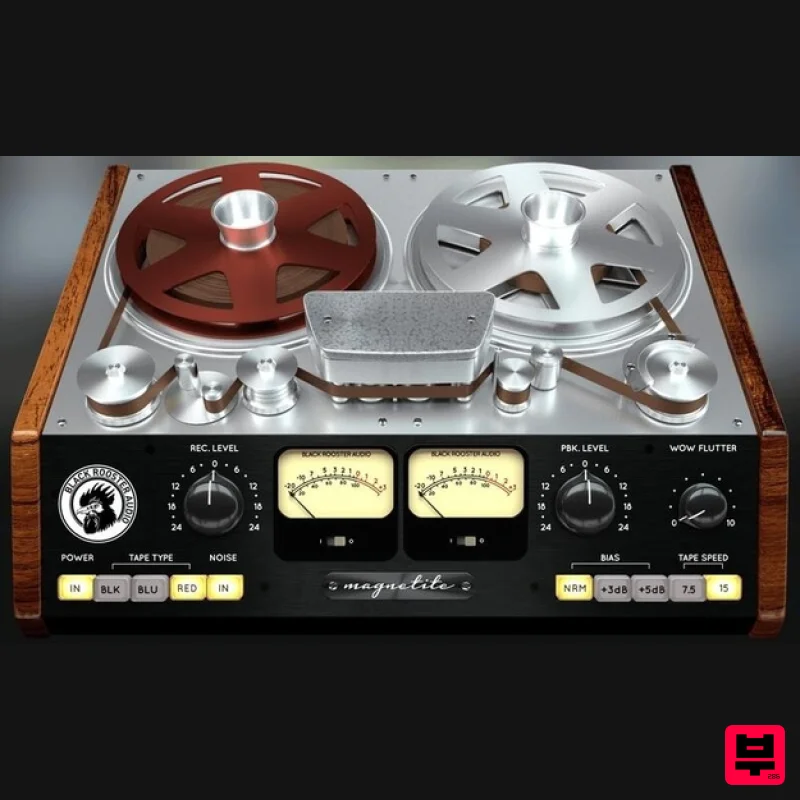
Black Rooster Audio Magnetite
Tape Emulation
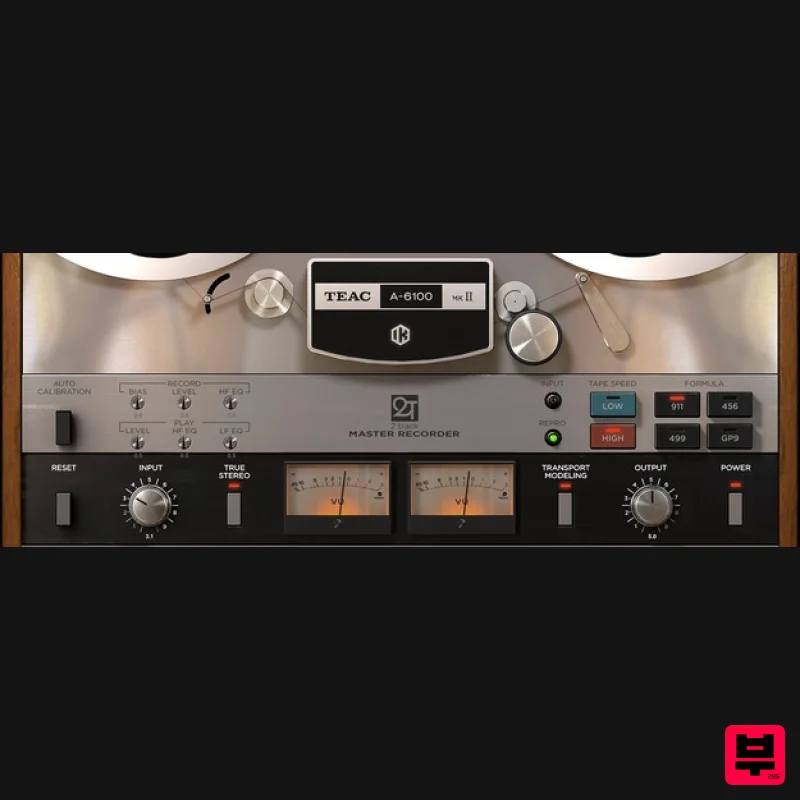
IK Multimedia TEAC A-6100 MKII
Tape Emulation
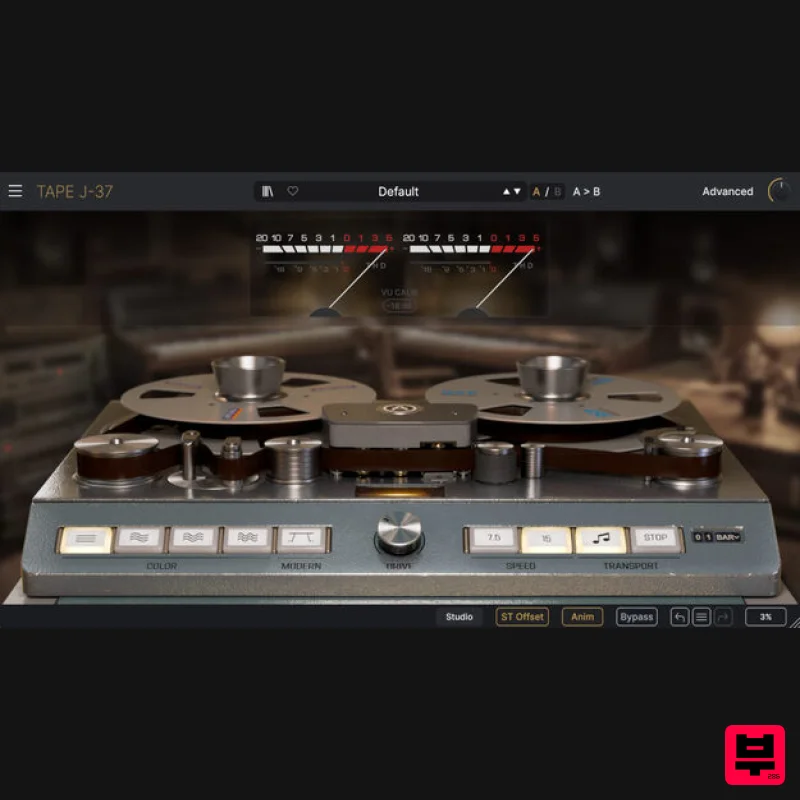
Arturia Tape J-37
Tape Emulation
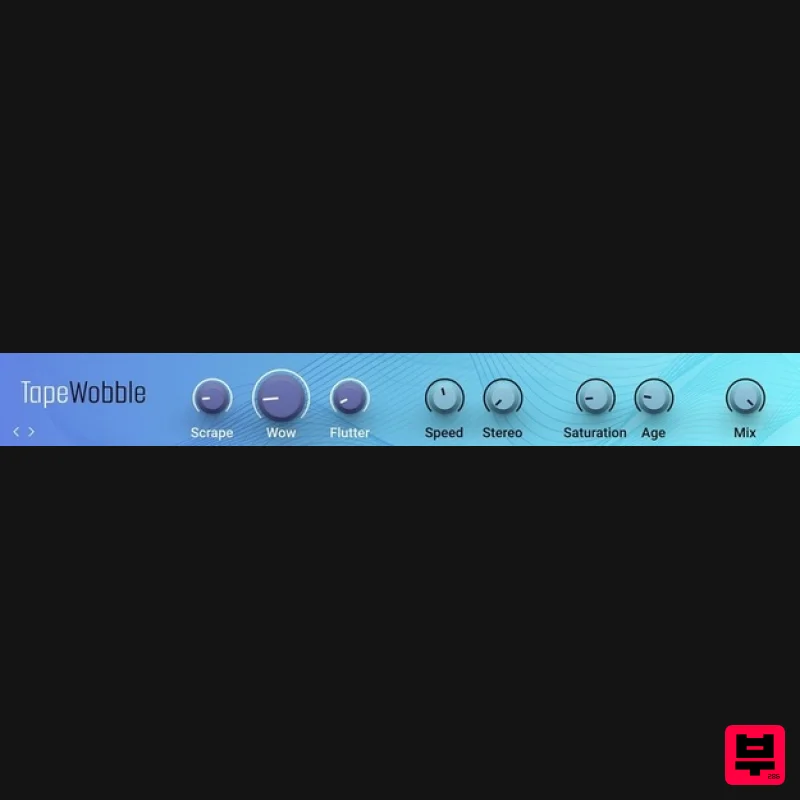
Native Instruments Tape Wobble
Tape Emulation
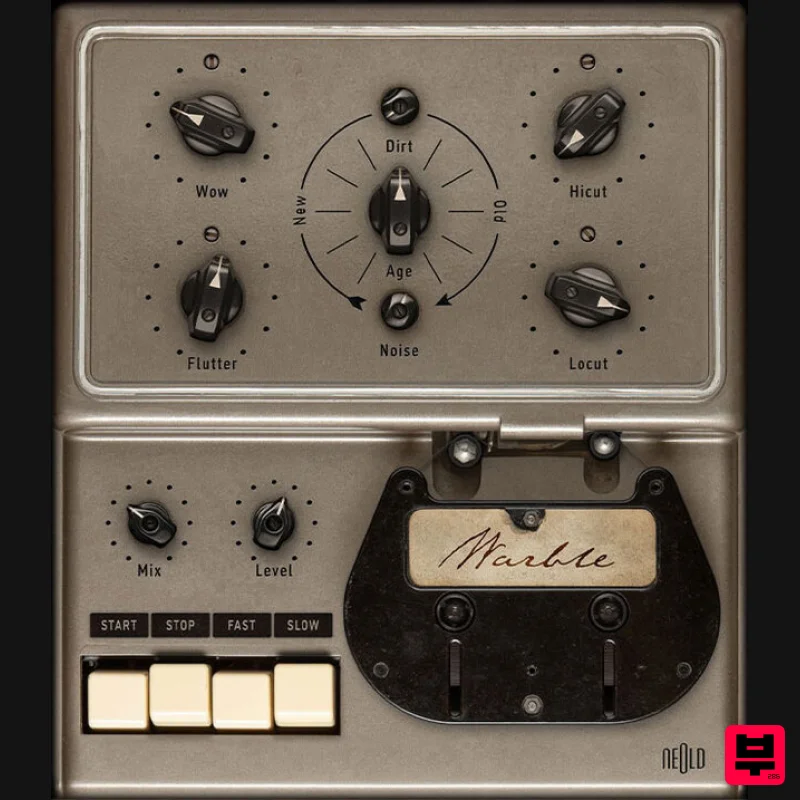
Plugin Alliance NEOLD WARBLE
Tape Emulation
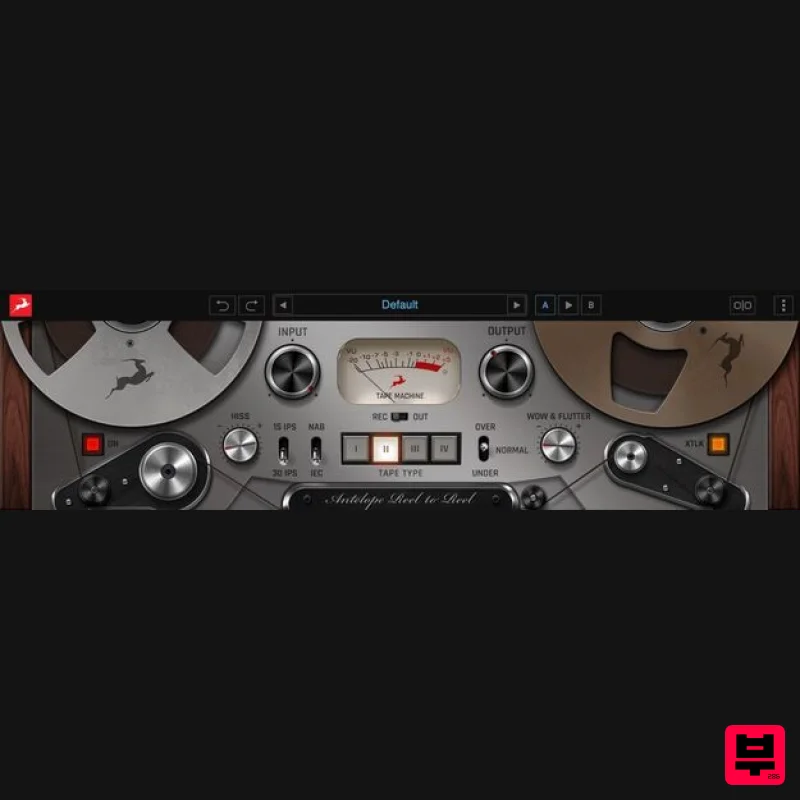
Antelope Audio Reel-To-Reel
Tape Emulation
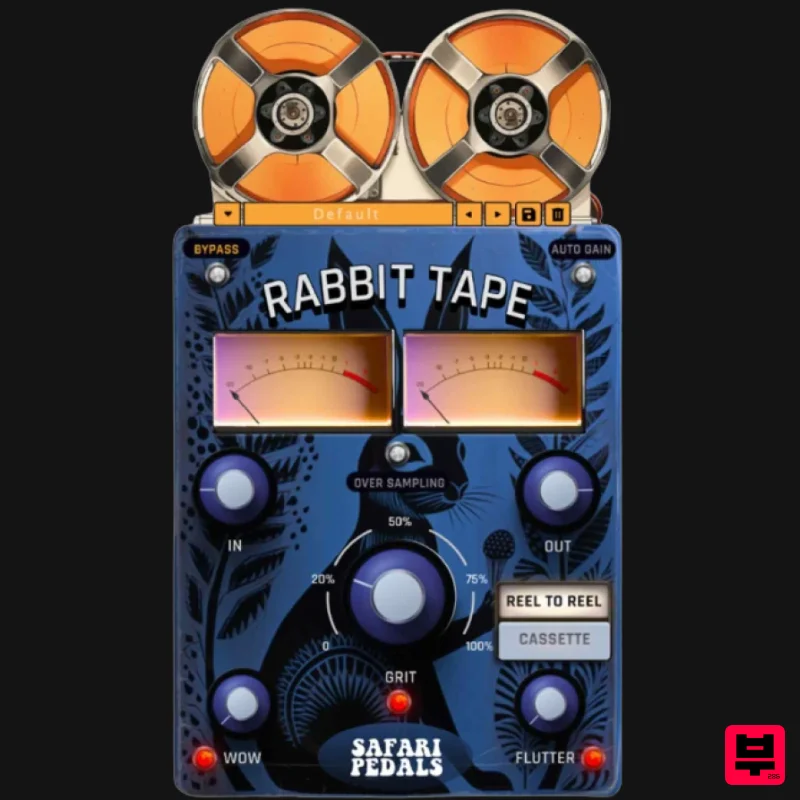
Safari Audio Rabbit Tape
Tape Emulation
Tone Empire TM700 V3
Tape Emulation

