
Harrison Consoles Mastering EQ
Professional music gear - detailed information and where to buy
Harrison Consoles
Mastering EQ
Product Info
* Prices may vary. Check retailer for current pricing and availability.
Product Description
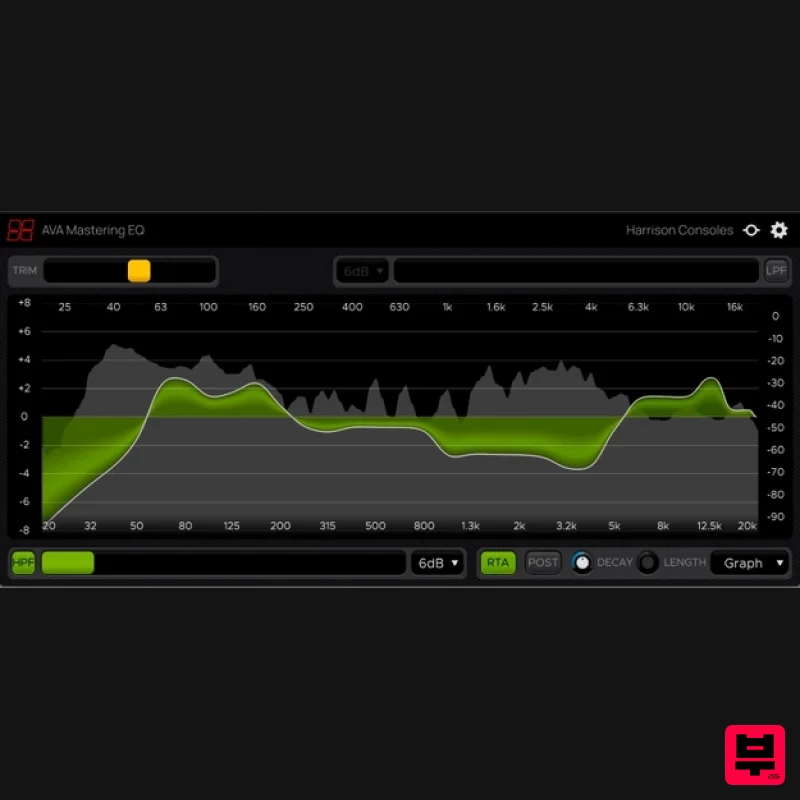
- Mastering EQ What is the Mastering EQ? The Mastering EQ is explicitly designed for the task of mastering your mixes. When 2 adjacent bands of the ME are adjusted
- the resultant curve is “flat” across the band edges
- rather than discrete humps and valleys. The resulting curves are perfectly suited for the broad
- musical changes needed for final tone-control while retaining the harmonic balance between the elements of your mix. Managing a powerful full-range EQ has never been so fast and easy. The results are quintessentially “Harrison”: effortless
- and transparent. Controls The ME has 31 control bands ranging from 20hz to 20kHz and increasing by ⅓ octave increments. By default
- the scale shows +/-4dB
- but if you increase a band beyond 4dB
- the scale will increase to show the changes up to +/-14 dB. Effortless Mouse Control The ME is most easily controlled by clicking and dragging the mouse across the frequency spectrum. You can also point your mouse at a control band or the output trim and increase the gain by dragging up/down or by using the scroll function on your mouse or touchpad. You can right-click and drag to reset bands to zero and hold shift while dragging the mouse to any unwanted bumps between adjacent curves. (These options are indicated in the bottom-right corner of the plugin window). All controls have a “fine” mode which can be accessed by holding Control or Command while adjusting the control. Zoom: Auto or Manual By default
- ME shows a +/-4dB scale. If you increase a band beyond this value
- the scaling will automatically increase to accommodate your moves. You can also click and drag the left or right dB scale to manually adjust the displayed scale. If you manually set the scale
- then a “lock” icon will appear at the lower-left corner of the EQ display. Click the “lock” icon to disengage the manual lock
- and allow the ME to automatically set the scaling for you. Output Trim - The “Trim” control adjusts the output level. Double-click the control to reset it to 0dB. Filters The ME has high-pass and low-pass filters with a gentle slope. The slope is selectable between 6dB/Oct and 12dB/Oct
- and the frequency can be adjusted using the sliders above and below the curve. Additional Features The “Ear” icon engages the momentary-bypass function
- which allows you to audition the un-affected signal while you hold the mouse button; then restores the settings when you release the button. The “Gear” icon launches a menu with additional features including resizing
- theme selection
- and plugin version number. The alternative “Vintage” theme uses the colour scheme of Harrison’s large-format console software. System Requirements MacOS: 10.9 or newer required Windows: Win7 or newer required Linux: Please try the demo Host DAW support: ProTools: 10.3.5 or newer required for Windows
- 11 or higher required for Mac. Enable the AAX format during installation Logic: Enable the AU format during installation Cubase: Enable the VST and/or VST3 format during installation Most other workstations: Enable the VST format during installation Important note: For licenses with the format - XXXXXXX-XXXX-XXXX-XXXXXXXX - please scroll down and follow the instructions for Harrison Multi Band Compressor
- below For iLok licences with the format XXXX-XXXX-XXXX-XXXX-XXXX-XXXX-XXXX-XX please follow the instructions for Harrison Bass Flow & SSL Guitarstrip immediately below Please Note: Harrison Bass Flow & SSL Guitarstrip are used as examples iLok Registration 1. Go to the iLok website and create a new account if you are not currently registered and do not have the iLok Licence Manager installed on your computer Note: Skip to the 'Registration' procedure if you are already an iLok registered user 2. Download and install the iLok License Manager SSL Download Manager Installation 1. Go to https://solidstatelogic.com/ssl-download-manager or click DOWNLOAD in your Plugin Boutique User Account 2. Click either macOS or Windows to download the installer (Linux versions available here) 3. Double-click installer > Follow the on-screen instructions to install 4. Open SSL Download Manager 5. Locate Harrison Bass Flow & SSL Guitarstrip > Click Install on each plugin iLok Authorisation 1. Open your iLok license manager application > click Sign In 2. Enter your iLok registered User ID and password > click Sign In 3. Once you are signed in
- click the ‘Redeem’ icon which is located at the top-right corner of the iLok Licence Manager’s interface 4. Copy and paste/manually enter the 30-digit code from your Plugin Boutique User Account into the available Activation Code boxes
- and then click Next 5. Select your activation destination > Click Activate 6. Click OK 7. Open the plugins in your DAW Your plugins are now installed and ready to use. Enjoy! Please Note: Harrison Multi Band Compressor is used as an example Note: Harrison and SSL plugins now share the same installation process via the SSL Download Manager iLok Registration 1. Go to the iLok website and create a new account if you are not currently registered and do not have the iLok Licence Manager installed on your computer Note: Skip to the 'Registration' procedure if you are already an iLok registered user 2. Download and install the iLok License Manager Registration 1. Go to https://account.solidstatelogic.com/register-software > Create a new account or log into your existing account if you have one 2. Click REGISTER SOFTWARE 3. Enter your license code found in your Plugin Boutique User Account as well as your iLok ID > Click SUBMIT SSL Software Installation 1. Go to https://solidstatelogic.com/ssl-download-manager or click DOWNLOAD in your Plugin Boutique User Account 2. Click either macOS or Windows to download the installer (Linux versions available here) 3. Double-click installer > Follow the on-screen instructions to install 4. Open SSL Download Manager 5. Locate Harrison Multi Band Compressor > Click Install 6. Open your DAW > Scan for plugins 7. Click Activate 8. Click Skip 9. Enter your iLok account details > Click Next 10. Select 'Harrison Multi Band Compressor' > Click Next 11. Select an activation location > Click Next 12. Click Continue 13. Open the plugin in your DAW Your plugin is now installed and ready to use. Enjoy!
Additional Information
About the Harrison Consoles Mastering EQ
Experience the quality and tone that makes the Harrison Consoles Mastering EQ a popular choice for musicians.
Why Choose the Harrison Consoles Mastering EQ?
- •Authentic Harrison Consoles craftsmanship and design
- •Versatile sound suitable for multiple musical genres
- •Professional build quality and reliable performance
- •Part of Harrison Consoles's respected EQ lineup
Compare & Explore
Browse our complete selection of Harrison Consoles instruments or explore other EQ options. Use our comparison tools to find the perfect match for your musical style and budget.
Similar Products
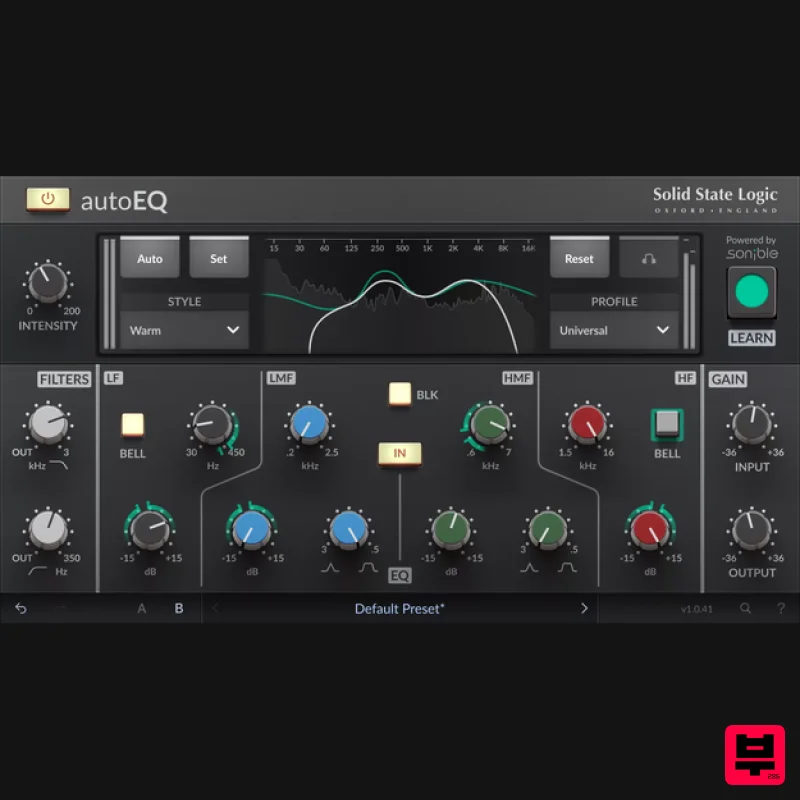
Solid State Logic SSL autoEQ
EQ
$109
SSL 4000E EQ processing with sonible AI assisted analysis Introducing autoEQ, part of the autoSeries with autoDYN and...
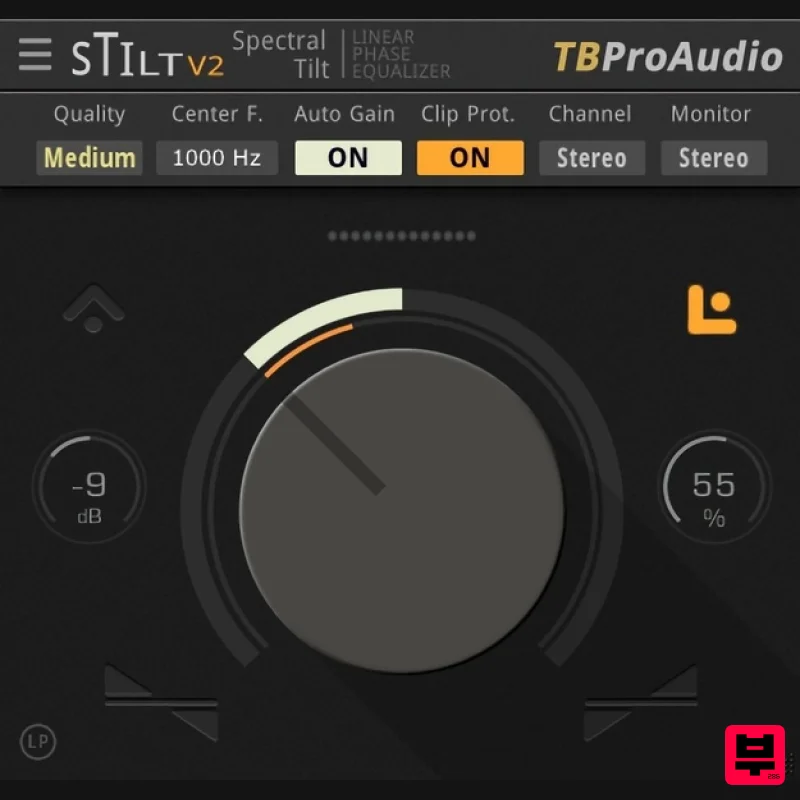
TBProAudio sTiltV2
EQ
Free
sTilt is a linear/minimum phase and IIR filter which tilts the audio spectrum around a given center frequency. Features...
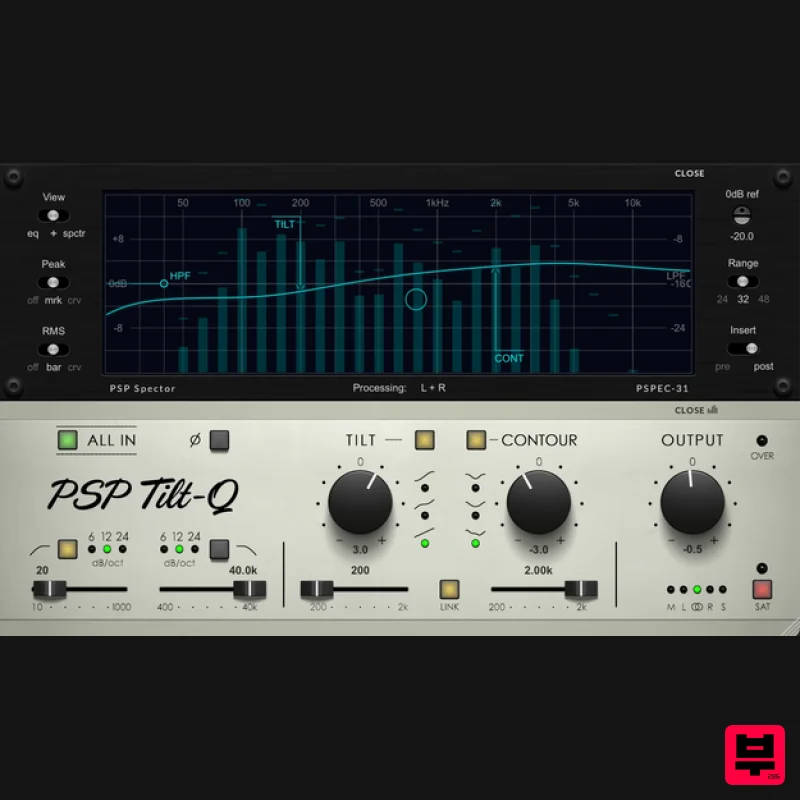
PSP Audioware PSP Tilt-Q
EQ
$72
Tilt Equalizer with Three Characteristics Musical tilt EQ offering three distinct curve shapes, allowing you to quickly...
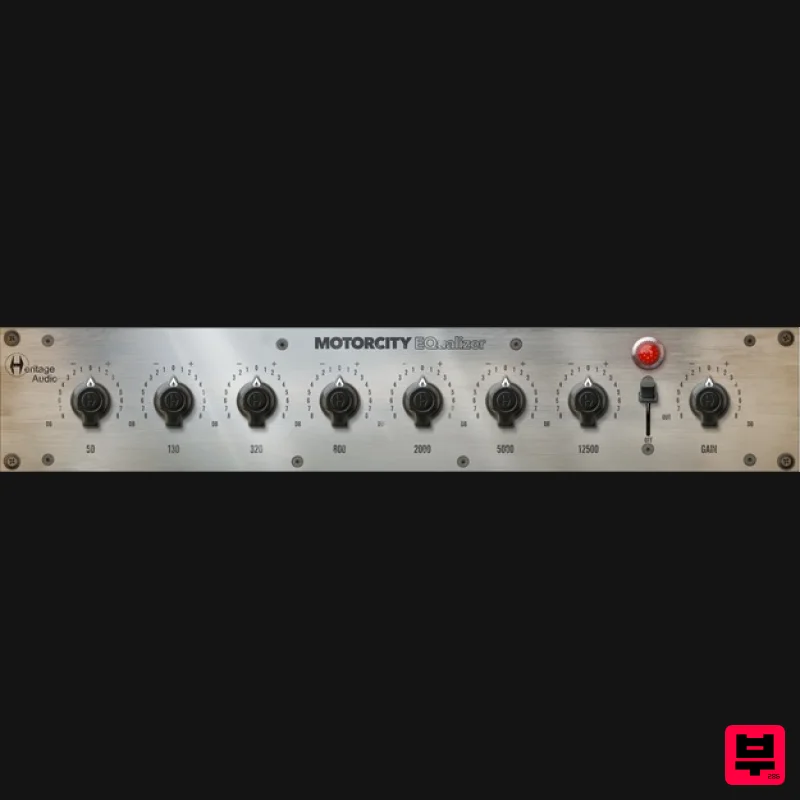
Heritage Audio MOTORCITY EQ
EQ
$104
The classiest EQ ever created finally gets the thorough plugin treatment it so long deserved Recreated from the...
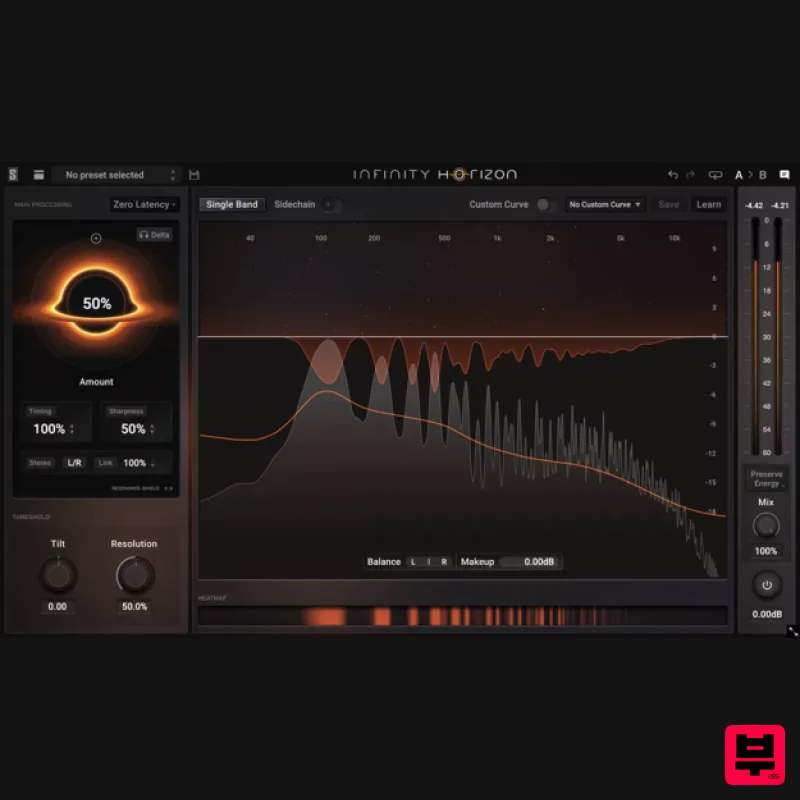
Slate Digital Infinity Horizon
EQ
$156
Rogue Frequencies Cannot Escape Infinity Horizon finds harsh frequency build ups and them in real time. If you're...
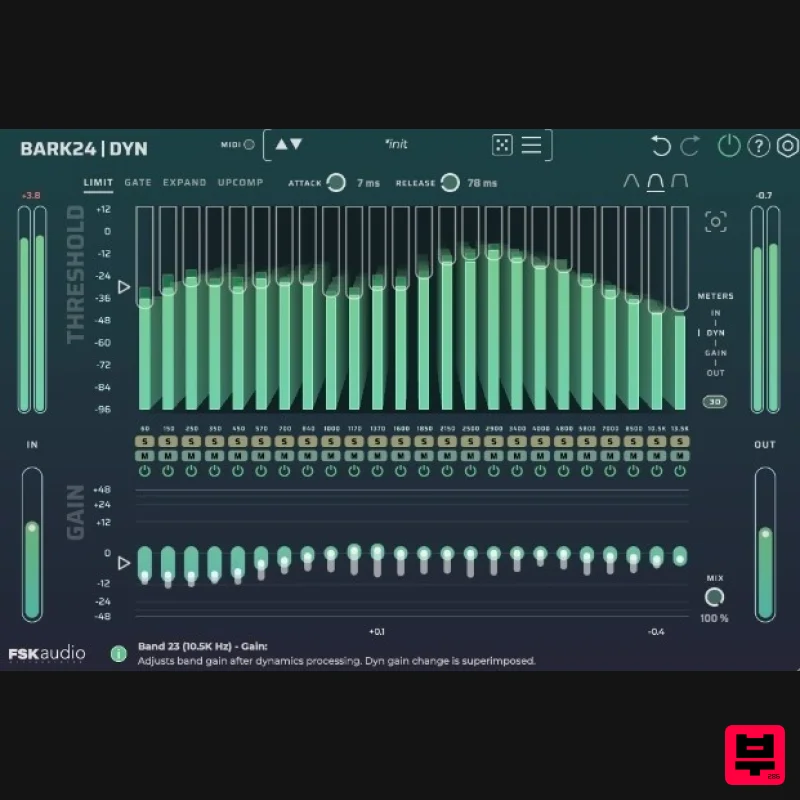
FSK Audio Bark24 | Dyn
EQ
$120
Bark24 | Dyn is a dynamic EQ that takes you far beyond a standard compressor or EQ. Based on the Bark scale - a model...
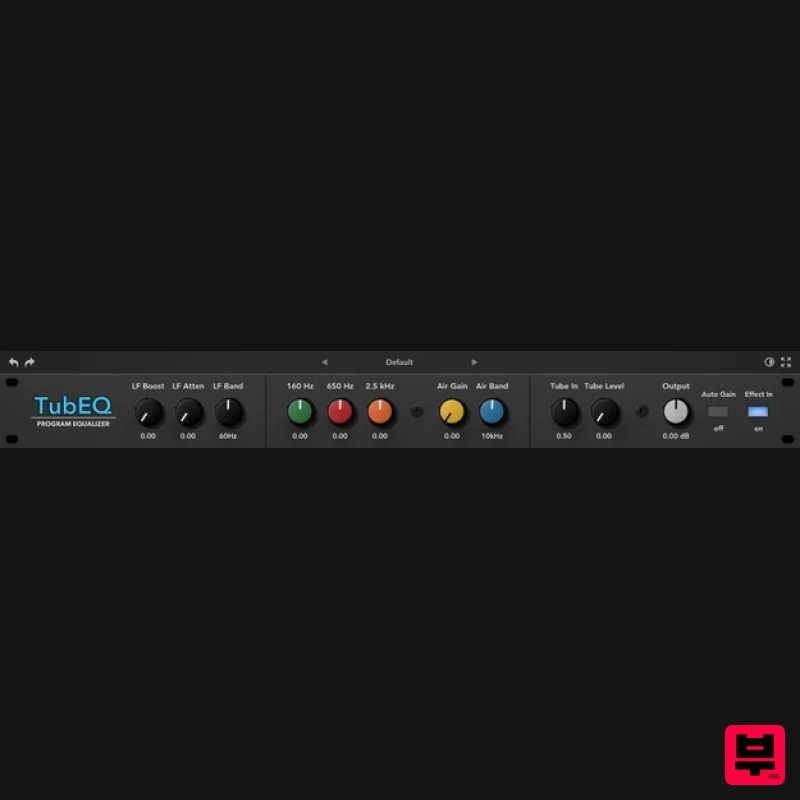
Rave Generation TubEQ
EQ
$42
TubEQ is an authentic analog equalizer plugin that combines the musical character of two legendary EQs in a single...
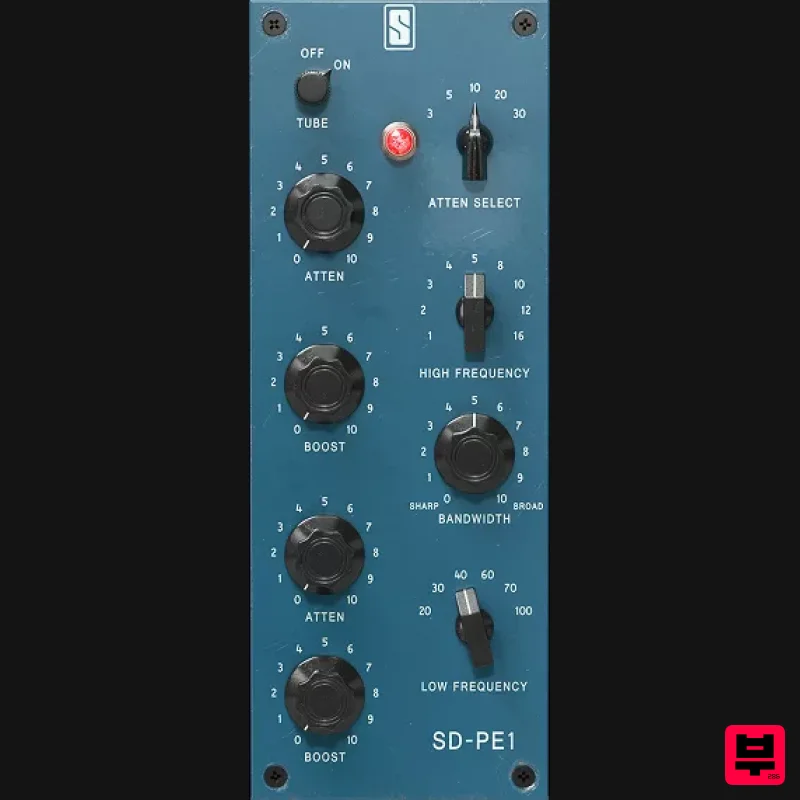
Slate Digital SD-PE1
EQ
$104
Meet SD-PE1! The most unique passive equalizer ever made joins the ever-expanding lineup of processors that make up the...
Frequently Asked Questions
The Harrison Consoles Mastering EQ stands out for its exceptional Harrison Consoles craftsmanship and innovative design.
Yes! With its affordable price point and quality construction, it's perfect for learning eq.
Browse the similar products section to see how it stacks up against other eq.

