
Harrison Consoles De-Esser
Professional music gear - detailed information and where to buy
Harrison Consoles
De-Esser
Product Info
* Prices may vary. Check retailer for current pricing and availability.
Product Description
- De-Esser What is the De-Esser? The De-Esser is the latest implementation of Harrison’s renowned De-Esser algorithm
- used in ultra high-end post & film facilities worldwide. Now in the fourth generation
- the Harrison De-Esser algorithm has been continuously tweaked by our customers in high-end music
- film
- broadcast
- and video post-production. Harrison’s reputation for “true analog in the box” sound is due to our unique development heritage
- where we first created an analog processor and then converted the processor to digital while retaining the sound and character of the original. The De-Esser implements Harrison’s 4th-generation algorithm that is tuned to detect and eliminate harsh sibilance. The results are quintessentially “Harrison”: effortless
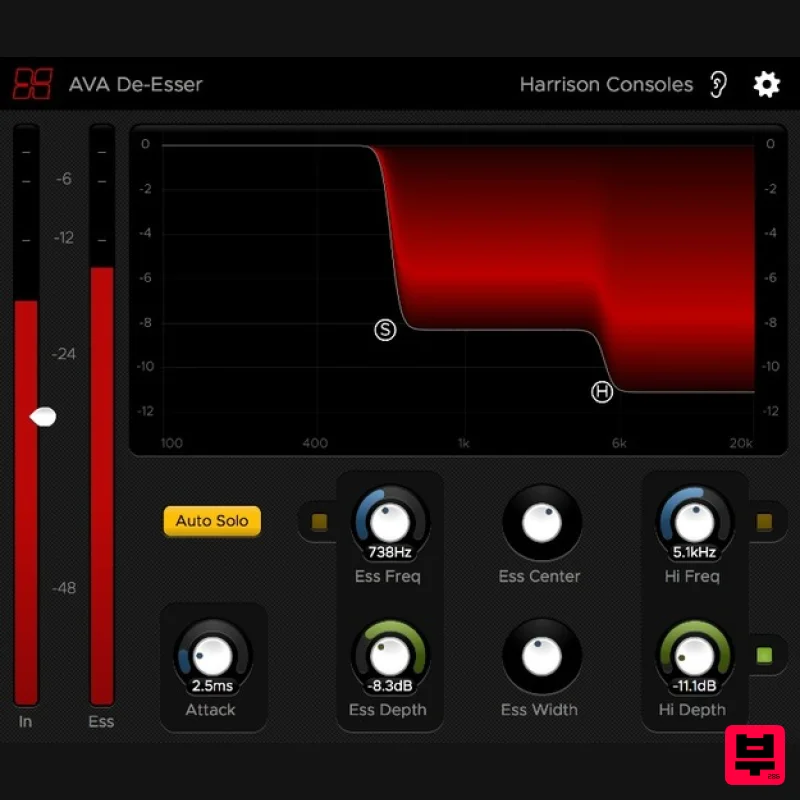
- and transparent. Controls Graph The main display graph provides control of the De-Esser band frequencies and depths. Drag the “S” or “H” controls to adjust the “Ess” or “Hi” band frequency and depth. TIP: Click anywhere in the graph to simultaneously drag the band depths and center frequency. You can also scroll to adjust the bandwidth. This is the fastest way to adjust the most important De-Esser Controls. Input Meter
- Threshold
- and Ess meter The “Threshold” slider for the effect is overlaid on the input (“In”) meter. Lowering the threshold will increase the sensitivity of the de-esser effect. The “Ess” meter indicates the signal level inside the ess band. If the frequency band is set correctly for the source material
- then this meter will peak when Essy material is present. Ess Freq and Ess Depth Control - This section allows you to pick the low-frequency cutoff (200 Hz - 8kHz) for the Ess
- and the max attenuation for the signal (-12dB - 0dB). Hi Freq and Hi Depth Control - This section features a shelving unit to tame some of the higher frequency (2 kHz - 12 kHz) content after you’ve pulled out the ‘Ess’. Max attenuation for the shelf is -12dB. Ess Center and Ess Width Control - The ‘Ess Center’ control allow you to adjust both the Ess Freq and Hi Freq controls together allowing you to move the entire Ess Band in unison. The ‘Ess Width’ control allows you to control how wide or narrow the Ess bandwidth is. Attack - The ‘Attack’ knob controls how long it takes the signal to get from zero to full attenuation. (200μs - 20ms) Auto Solo - Enabling ‘Auto Solo’ allows to you automatically audition your Ess Band as you change the parameters to really dial in the exact frequency and bandwidth of the Ess signal. Auto solo also works for auditioning the Hi Band when adjusting the Hi Freq control. Features Intelligent algorithm operates on harsh sibilance while ignoring other fricatives. Band Solo and Auto-Solo features to help dial-in the sibilant frequency range. Capable of up to 12dB reduction in sibilance. Adjustable threshold & depth allow fine control over the processor’s onset and strength. Fast and easy-to-use interface with 6 control dimensions accessible in the main graph. Zero-latency processing
- suitable for “live” use. Gain-reduction meter appears on Pro Tools (AAX) and Studio One (VST3) mixer strip. The “Ear” icon engages the momentary-bypass function
- which allows you to audition the un-affected signal while you hold the mouse button; then restores the settings when you release the button. The “Gear” icon launches a menu with additional features including resizing
- theme selection
- and plugin version number. The alternative “Vintage” theme uses the colour scheme of Harrison’s large-format console software. System Requirements MacOS: 10.9 or newer required Windows: Win7 or newer required Linux: Please try the demo Host DAW support: ProTools: 10.3.5 or newer required for Windows
- 11 or higher required for Mac. Enable the AAX format during installation Logic: Enable the AU format during installation Cubase: Enable the VST and/or VST3 format during installation Most other workstations: Enable the VST format during installation Important note: For licenses with the format - XXXXXXX-XXXX-XXXX-XXXXXXXX - please scroll down and follow the instructions for Harrison Multi Band Compressor
- below For iLok licences with the format XXXX-XXXX-XXXX-XXXX-XXXX-XXXX-XXXX-XX please follow the instructions for Harrison Bass Flow & SSL Guitarstrip immediately below Please Note: Harrison Bass Flow & SSL Guitarstrip are used as examples iLok Registration 1. Go to the iLok website and create a new account if you are not currently registered and do not have the iLok Licence Manager installed on your computer Note: Skip to the 'Registration' procedure if you are already an iLok registered user 2. Download and install the iLok License Manager SSL Download Manager Installation 1. Go to https://solidstatelogic.com/ssl-download-manager or click DOWNLOAD in your Plugin Boutique User Account 2. Click either macOS or Windows to download the installer (Linux versions available here) 3. Double-click installer > Follow the on-screen instructions to install 4. Open SSL Download Manager 5. Locate Harrison Bass Flow & SSL Guitarstrip > Click Install on each plugin iLok Authorisation 1. Open your iLok license manager application > click Sign In 2. Enter your iLok registered User ID and password > click Sign In 3. Once you are signed in
- click the ‘Redeem’ icon which is located at the top-right corner of the iLok Licence Manager’s interface 4. Copy and paste/manually enter the 30-digit code from your Plugin Boutique User Account into the available Activation Code boxes
- and then click Next 5. Select your activation destination > Click Activate 6. Click OK 7. Open the plugins in your DAW Your plugins are now installed and ready to use. Enjoy! Please Note: Harrison Multi Band Compressor is used as an example Note: Harrison and SSL plugins now share the same installation process via the SSL Download Manager iLok Registration 1. Go to the iLok website and create a new account if you are not currently registered and do not have the iLok Licence Manager installed on your computer Note: Skip to the 'Registration' procedure if you are already an iLok registered user 2. Download and install the iLok License Manager Registration 1. Go to https://account.solidstatelogic.com/register-software > Create a new account or log into your existing account if you have one 2. Click REGISTER SOFTWARE 3. Enter your license code found in your Plugin Boutique User Account as well as your iLok ID > Click SUBMIT SSL Software Installation 1. Go to https://solidstatelogic.com/ssl-download-manager or click DOWNLOAD in your Plugin Boutique User Account 2. Click either macOS or Windows to download the installer (Linux versions available here) 3. Double-click installer > Follow the on-screen instructions to install 4. Open SSL Download Manager 5. Locate Harrison Multi Band Compressor > Click Install 6. Open your DAW > Scan for plugins 7. Click Activate 8. Click Skip 9. Enter your iLok account details > Click Next 10. Select 'Harrison Multi Band Compressor' > Click Next 11. Select an activation location > Click Next 12. Click Continue 13. Open the plugin in your DAW Your plugin is now installed and ready to use. Enjoy!
Additional Information
About the Harrison Consoles De-Esser
Experience the quality and tone that makes the Harrison Consoles De-Esser a popular choice for musicians.
Why Choose the Harrison Consoles De-Esser?
- •Authentic Harrison Consoles craftsmanship and design
- •Versatile sound suitable for multiple musical genres
- •Professional build quality and reliable performance
- •Part of Harrison Consoles's respected De Esser lineup
Compare & Explore
Browse our complete selection of Harrison Consoles instruments or explore other De Esser options. Use our comparison tools to find the perfect match for your musical style and budget.
Similar Products
Plugin Alliance Lindell Audio 902 De-Esser
De Esser
Sonnox Oxford SuprEsser
De Esser
Black Salt Audio DSR
De Esser
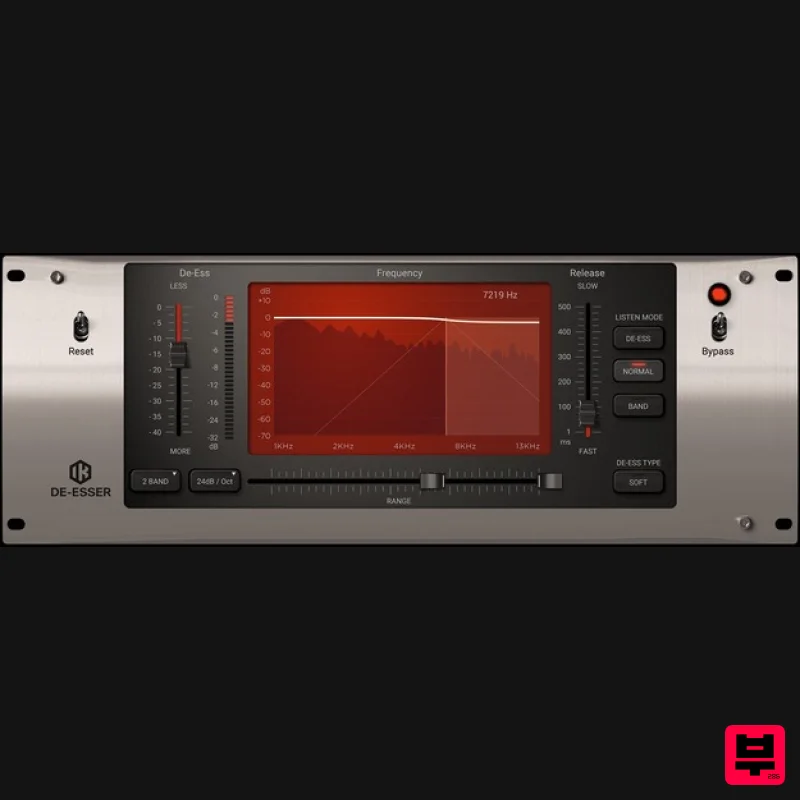
IK Multimedia De-esser
De Esser
Audified ToneKnob SSSniper
De Esser
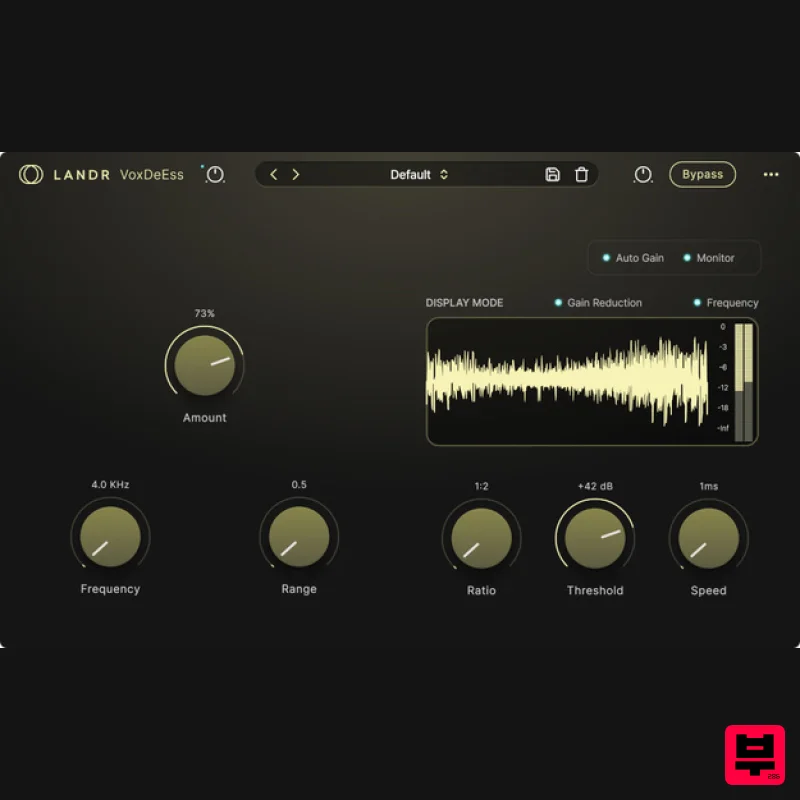
LANDR LANDR VoxDeEss
De Esser
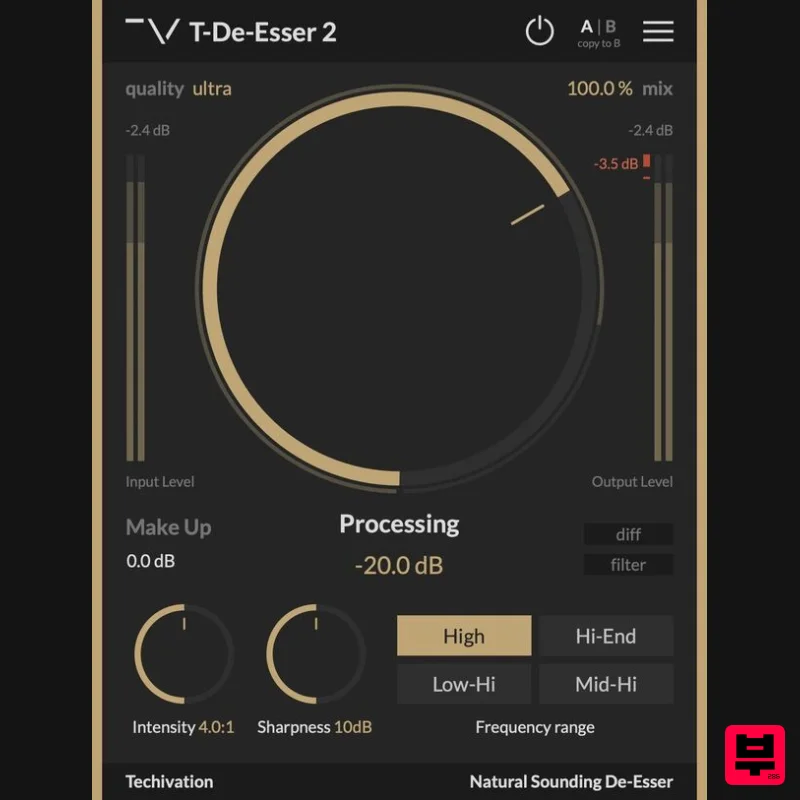
Techivation T-De-Esser 2
De Esser
Waves Renaissance DeEsser
De Esser

