
Fuse Audio Labs VCL-864U Vintage Tube Limiter
Professional music gear - detailed information and where to buy

Fuse Audio Labs
VCL-864U Vintage Tube Limiter
Product Info
* Prices may vary. Check retailer for current pricing and availability.
Product Description
- The Secret Weapon of the Pros Historic Dynamic Gem The VCL-864U is an iconic Vari Mu tube limiter originally produced for the US military in the 1940s. Initially designed for broadcasting applications
- the 864U is a real champion at taming dynamics while keeping the original sound quality intact
- making it an invaluable tool for your mixes. Once pushed
- though
- it can introduce a variation of inspiring gritty tones as well. Massive & Musical The plugin stands out with its massive and solid sound featuring an exceptionally meaty mid range. Its truly musical release curves make it easy to tame and tone highly dynamic material including vocals
- drums and keys. The combination of tubes and transformers can polish your sources with lush color and texture if additional character is needed. Tweaked Feature Set While the hardware model featured a single Input Gain control
- the VCL-864U adds a set of comprehensive features
- making it much more universal in use. Now dynamics can be managed in all of its aspects easily
- and the Mix control helps to dial in just the right amount of character if more squashy and dirty settings are used. Unique Character The VCL-864U will add a unique
- pleasant character to your mixes and upgrade your recordings with a distinct inherent liveliness and organic quality. Like one of our valued customers said
- it’s a groove hugger and pillowy but not mushy – overall musical and transparent but adding width and that special tube goodness. Features Vintage Recreation: The VCL-864U emulates a 1940s Vari Mu tube limiter
- perfect for controlling dynamics in vocals
- drums
- and keys. Rich Sound: Features a lush midrange with release curves
- adding analog warmth and character. Modern Flexibility: Offers enhanced controls for precise dynamics management
- including a Mix control for blending clean and processed tones. Unique Character: Adds width and liveliness to mixes
- preserving groove while injecting vintage tube warmth. <iframe allow="autoplay" frameborder="no" height="300" src="https: //w.soundcloud.com/player/?url=https%3A//api.soundcloud.com/playlists/867279188&color=%23ff5500&auto_play=false&hide_related=false&show_comments=true&show_user=true&show_reposts=false&show_teaser=true&visual=true" width="100%"></iframe> Fuse Audio Labs · VCL-864U Plugin Sound Examples System Requirements Mac (64-Bit only) Intel compatible or Apple Silicon CPU 2GB RAM Mac OS 10.12 or newer A display resolution of 1280x1024 pixels or more A VST2
- VST3
- AAX or AudioUnits compatible host Windows (32- and 64-Bit) Intel compatible CPU (at least 2 GHz recommended) 2GB RAM Windows 7 or newer A display resolution of 1280x1024 pixels or more A VST2
- VST3 or AAX compatible host Please Note: VCL-373 Vintage Compressor/Limiter is used as an example. Activation 1. Go to https://fuseaudiolabs.com/signup.html or click 'Download' in your Plugin Boutique User Account. 2. Enter the requested details > Click 'Sign Up'. 3. Go to your email inbox and locate the email from Fuse Audio Labs > Click the link provided. 4. Login in with your newly created details. 5. Enter the redemption code found under 'serial number' in your Plugin Boutique User Account > Click 'Submit'. 6. Make note of your Activation Key here > Go to the page of the plugin to download the installers (This can also be done by downloading the demo version from the equivalant Plugin Boutique page). Installation Mac 1. Double click the .pkg file to begin installation. 2. Click 'Continue'. 3. Click 'Continue'. 4. Click 'Continue'. 5. Click 'Agree'. 6. Click 'Continue'. 7. Click 'Continue'. 8. Click 'Install'. 9. Click 'Close'. 10. Click 'Activate'. 11. Enter your email and the activation key received in your Fuse Audio Labs account earlier > Click 'Activate'. Your plugin is now installed and ready for use in your DAW! PC 1. Double click the .exe file to begin installation. 2. Click 'Next'. 3. Click 'I accept the agreement' > Click 'Next'. 4. Click 'Next'. 5. Click 'Next'. 6. Click 'Next'. 7. Click 'Install'. 8. Click 'Finish'. 9. Open your DAW > Locate VCL373. 10. Click 'Activate'. 11. Enter your email and the activation key received in your Fuse Audio Labs account earlier > Click 'Activate'. Your plugin is now installed and ready for use in your DAW!
Additional Information
About the Fuse Audio Labs VCL-864U Vintage Tube Limiter
Experience the quality and tone that makes the Fuse Audio Labs VCL-864U Vintage Tube Limiter a popular choice for musicians.
Why Choose the Fuse Audio Labs VCL-864U Vintage Tube Limiter ?
- •Authentic Fuse Audio Labs craftsmanship and design
- •Versatile sound suitable for multiple musical genres
- •Professional build quality and reliable performance
- •Part of Fuse Audio Labs's respected Limiter lineup
Compare & Explore
Browse our complete selection of Fuse Audio Labs instruments or explore other Limiter options. Use our comparison tools to find the perfect match for your musical style and budget.
Similar Products
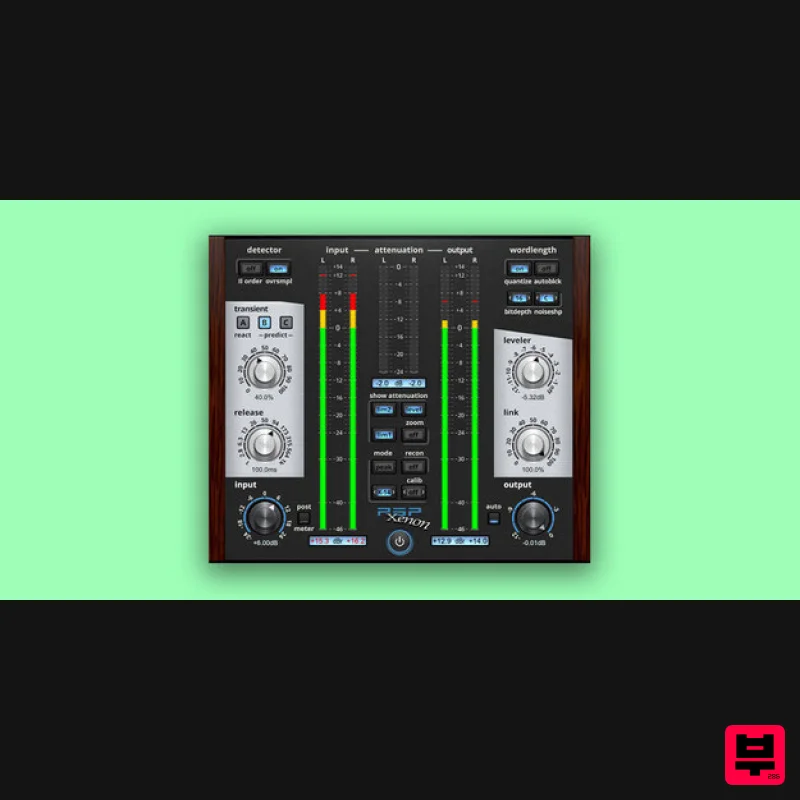
PSP Audioware PSP Xenon
Limiter
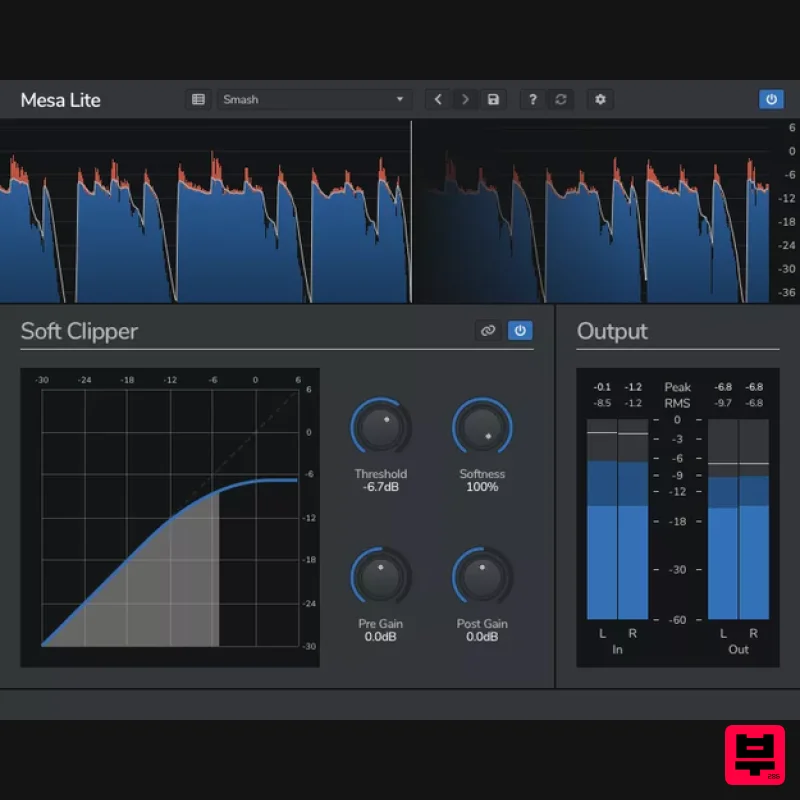
Venomode Mesa Lite
Limiter
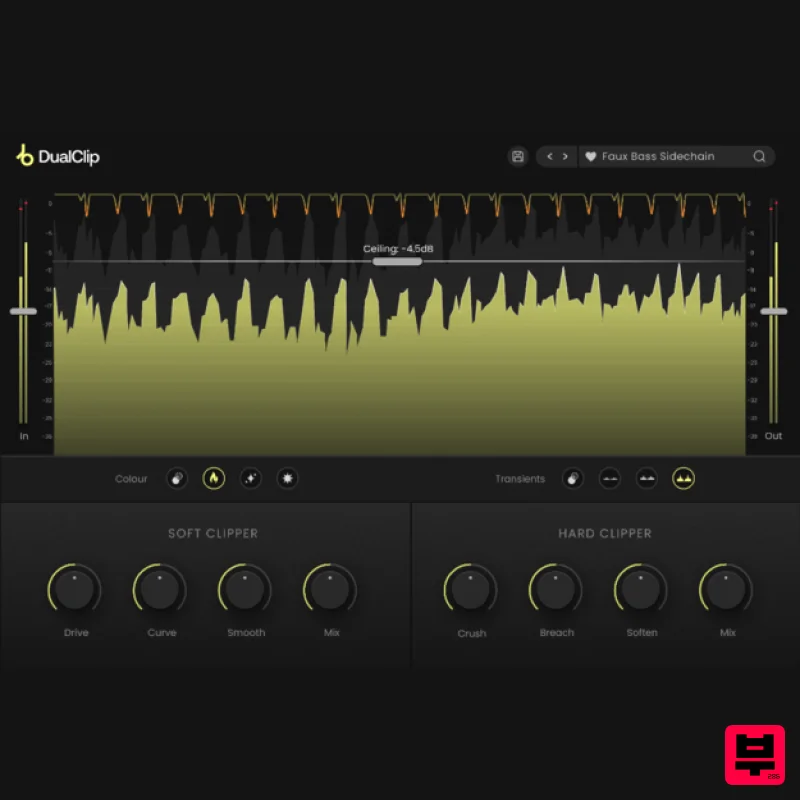
Plugin Boutique DualClip
Limiter
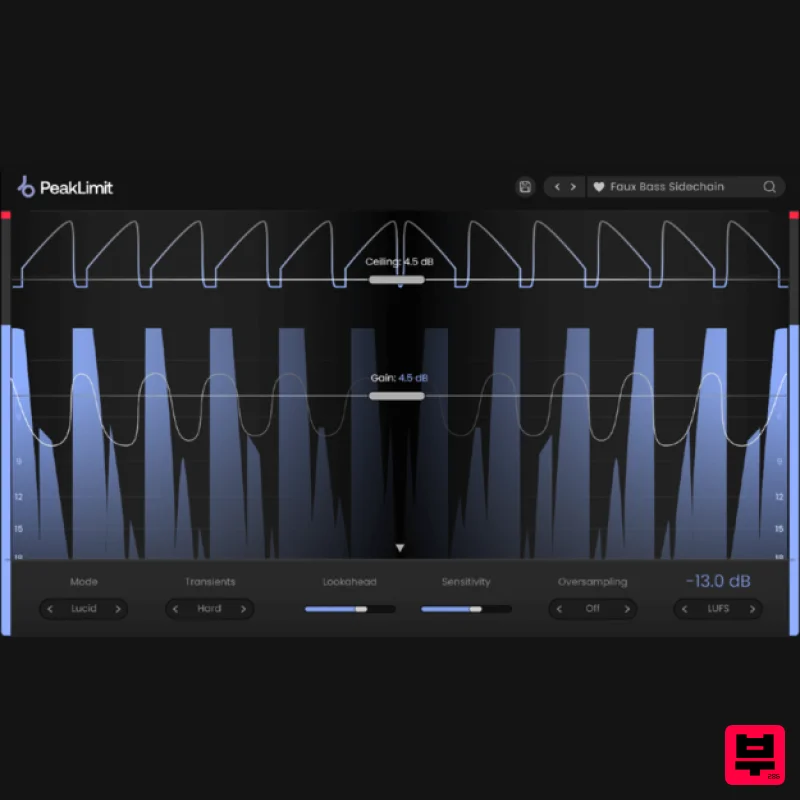
Plugin Boutique PeakLimit
Limiter
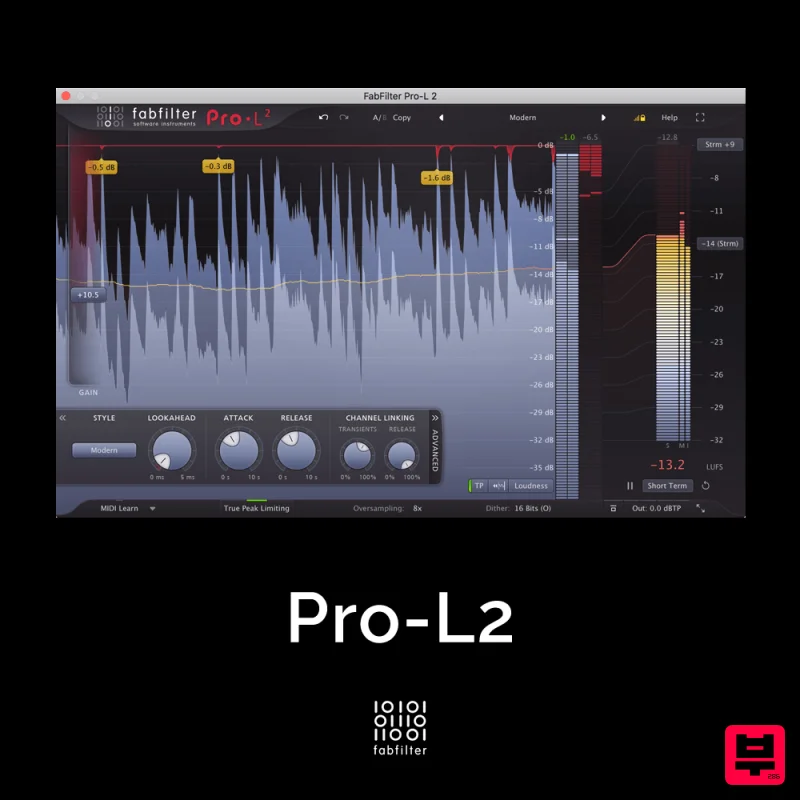
FabFilter Pro-L2
Limiter
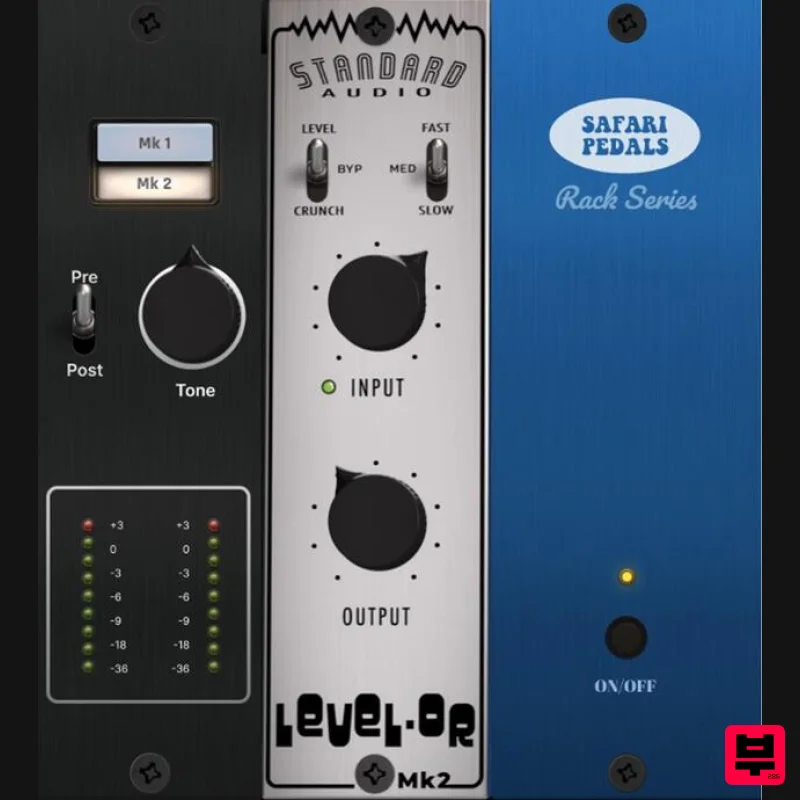
Safari Audio Standard Audio Level-Or
Limiter
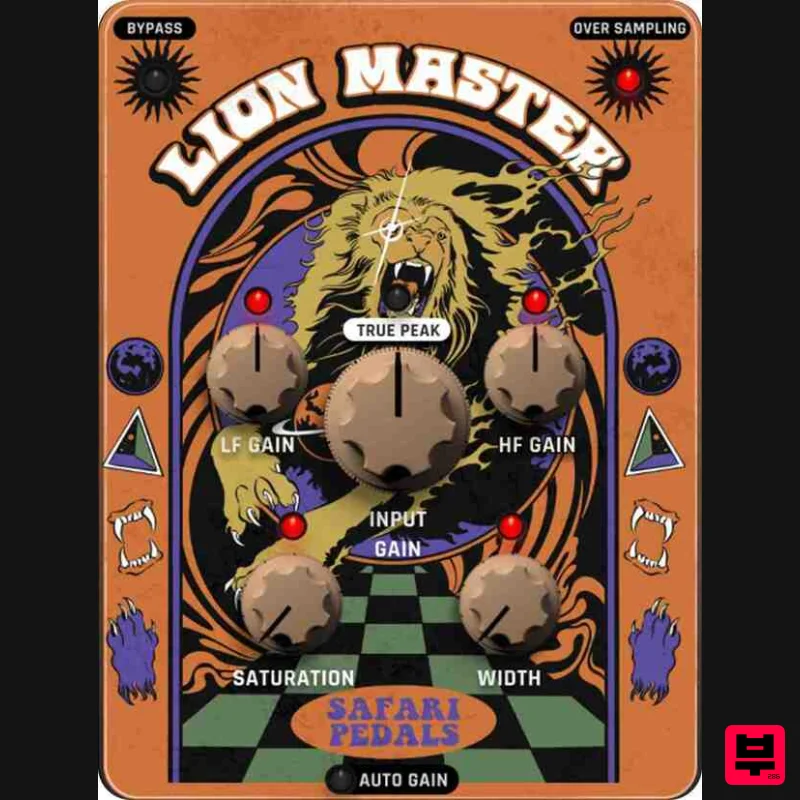
Safari Audio Lion Master
Limiter
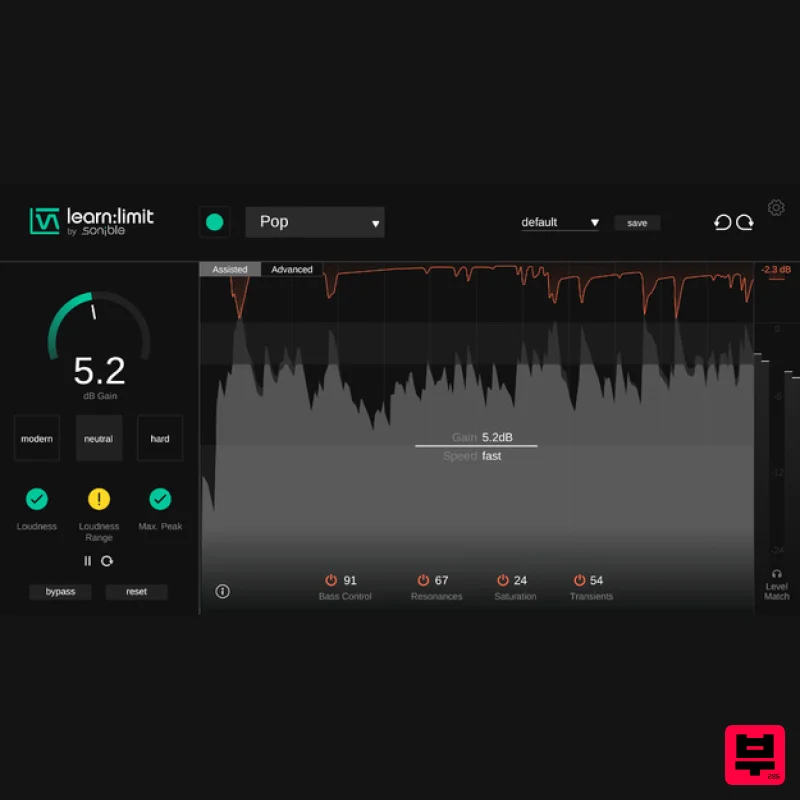
sonible learn:limit
Limiter

