
Fuse Audio Labs FLYWHEEL Reel-To-Reel Tape
Professional music gear - detailed information and where to buy
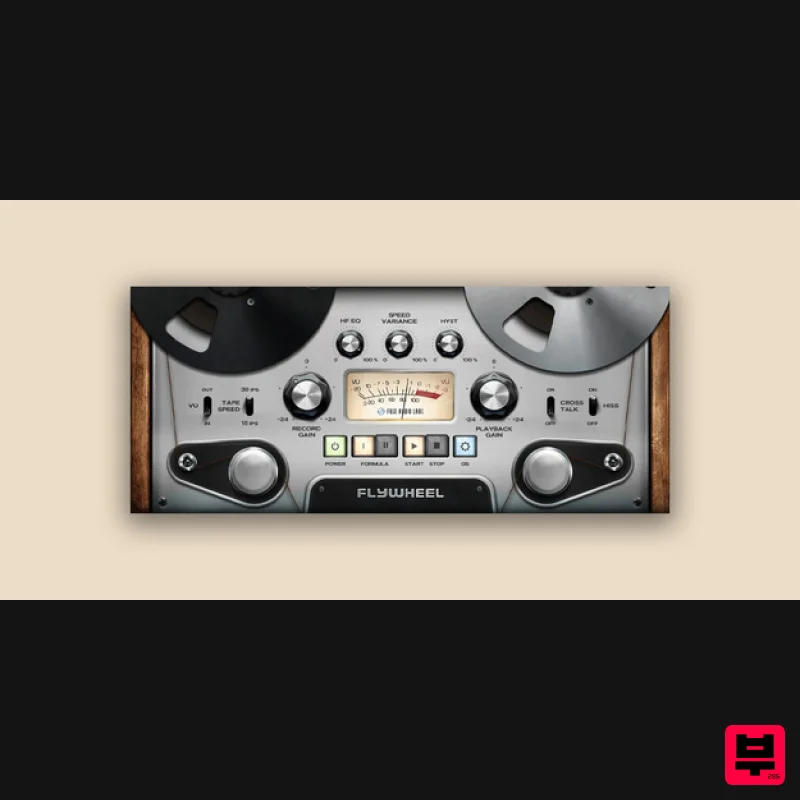
Fuse Audio Labs
FLYWHEEL Reel-To-Reel Tape
Product Info
* Prices may vary. Check retailer for current pricing and availability.
Product Description
- Tape Your Tracks Reel Analog Aesthetics Flywheel injects the lush analog sound of reel-to-reel tape recording systems into your music. Instead of focusing on the specifics of a single machine
- this magnetic marvel combines all the beautiful analog imperfections such as saturation
- hysteresis
- high frequency loss and head bump in a single
- clearly laid out tone shaping interface. Biased? Absolutely. Whenever you feel your music could sound more organic
- cohesive
- diversified and interesting
- Flywheel will add that special sauce to your tracks. Adding vibrant warmth and presence to your recordings
- mixings and masters has rarely been that simple and that much fun before. No credit plan
- no service tech
- no tape salad – just pure analog awesomeness. As Easy as That A lot of thought has been put into reducing the parameter set
- offering plenty of sonic flexibility while maintaining a most straightforward user experience: Simply dial in the record gain
- select tape speed and formula and then tweak the results with the hysteresis and EQ. Only a hand full of controls grants access to a sea full of interesting textures. Wow! The magnetic sound experience wouldn't be complete without different tape formulas
- adjustable motor speed variances as well as a tape transport stop/start... and Flywheel delivers. Rounded off by optional oversampling for improving overall audio quality
- this tape emulation is a reliable first pick for applying a remarkable polish to your very own masterpieces. Features Emulates the lush
- analog sound of reel-to-reel tape recording systems Combines analog imperfections like saturation
- hysteresis
- high-frequency loss
- and head bump Simple
- intuitive interface with controls for record gain
- tape speed
- and formula Adjustable wow and flutter effects for authentic tape sound
- along with tape transport stop/start feature Adds warmth
- presence
- and cohesion to recordings
- mixes
- and masters Optional oversampling to enhance overall audio quality Ideal for adding vibrant
- organic tape textures to any track or mix <iframe allow="autoplay" frameborder="no" height="300" src="https: //w.soundcloud.com/player/?url=https%3A//api.soundcloud.com/playlists/1148682562&color=%23ff5500&auto_play=false&hide_related=false&show_comments=true&show_user=true&show_reposts=false&show_teaser=true&visual=true" width="100%"></iframe> Fuse Audio Labs · Flywheel Sound Examples System Requirements Mac (64-Bit only) Intel compatible or Apple Silicon CPU 2GB RAM Mac OS 10.12 or newer A display resolution of 1280x1024 pixels or more A VST2
- VST3
- AAX or AudioUnits compatible host Windows (32- and 64-Bit) Intel compatible CPU (at least 2 GHz recommended) 2GB RAM Windows 7 or newer A display resolution of 1280x1024 pixels or more A VST2
- VST3 or AAX compatible host Please Note: VCL-373 Vintage Compressor/Limiter is used as an example. Activation 1. Go to https://fuseaudiolabs.com/signup.html or click 'Download' in your Plugin Boutique User Account. 2. Enter the requested details > Click 'Sign Up'. 3. Go to your email inbox and locate the email from Fuse Audio Labs > Click the link provided. 4. Login in with your newly created details. 5. Enter the redemption code found under 'serial number' in your Plugin Boutique User Account > Click 'Submit'. 6. Make note of your Activation Key here > Go to the page of the plugin to download the installers (This can also be done by downloading the demo version from the equivalant Plugin Boutique page). Installation Mac 1. Double click the .pkg file to begin installation. 2. Click 'Continue'. 3. Click 'Continue'. 4. Click 'Continue'. 5. Click 'Agree'. 6. Click 'Continue'. 7. Click 'Continue'. 8. Click 'Install'. 9. Click 'Close'. 10. Click 'Activate'. 11. Enter your email and the activation key received in your Fuse Audio Labs account earlier > Click 'Activate'. Your plugin is now installed and ready for use in your DAW! PC 1. Double click the .exe file to begin installation. 2. Click 'Next'. 3. Click 'I accept the agreement' > Click 'Next'. 4. Click 'Next'. 5. Click 'Next'. 6. Click 'Next'. 7. Click 'Install'. 8. Click 'Finish'. 9. Open your DAW > Locate VCL373. 10. Click 'Activate'. 11. Enter your email and the activation key received in your Fuse Audio Labs account earlier > Click 'Activate'. Your plugin is now installed and ready for use in your DAW!
Additional Information
About the Fuse Audio Labs FLYWHEEL Reel-To-Reel Tape
Discover the distinctive sound and feel of the Fuse Audio Labs FLYWHEEL Reel-To-Reel Tape, a standout choice among Tape Emulation.
Why Choose the Fuse Audio Labs FLYWHEEL Reel-To-Reel Tape?
- •Authentic Fuse Audio Labs craftsmanship and design
- •Versatile sound suitable for multiple musical genres
- •Professional build quality and reliable performance
- •Part of Fuse Audio Labs's respected Tape Emulation lineup
Compare & Explore
Browse our complete selection of Fuse Audio Labs instruments or explore other Tape Emulation options. Use our comparison tools to find the perfect match for your musical style and budget.
Similar Products
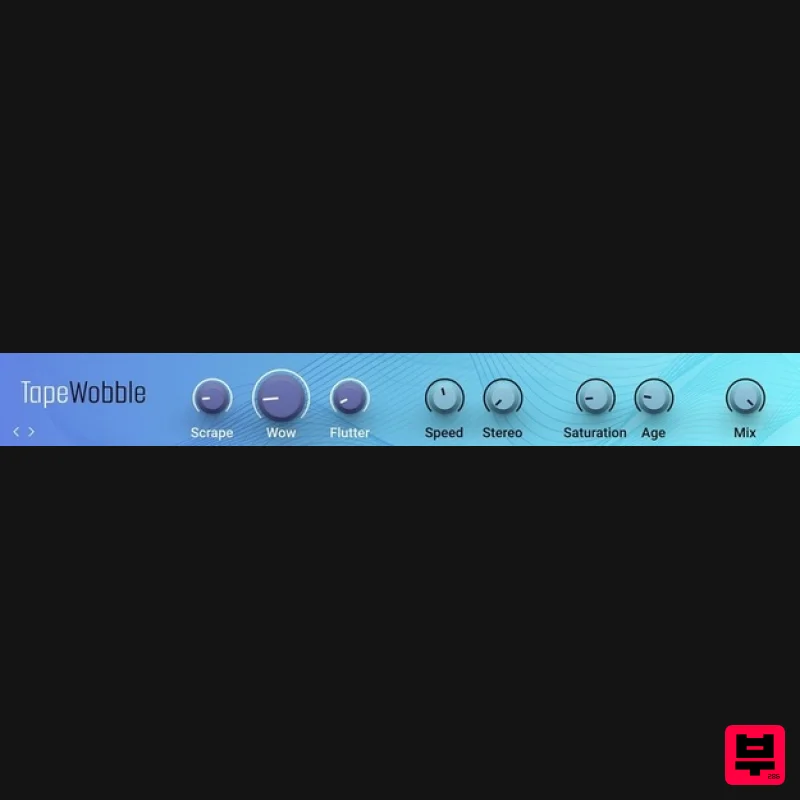
Native Instruments Tape Wobble
Tape Emulation
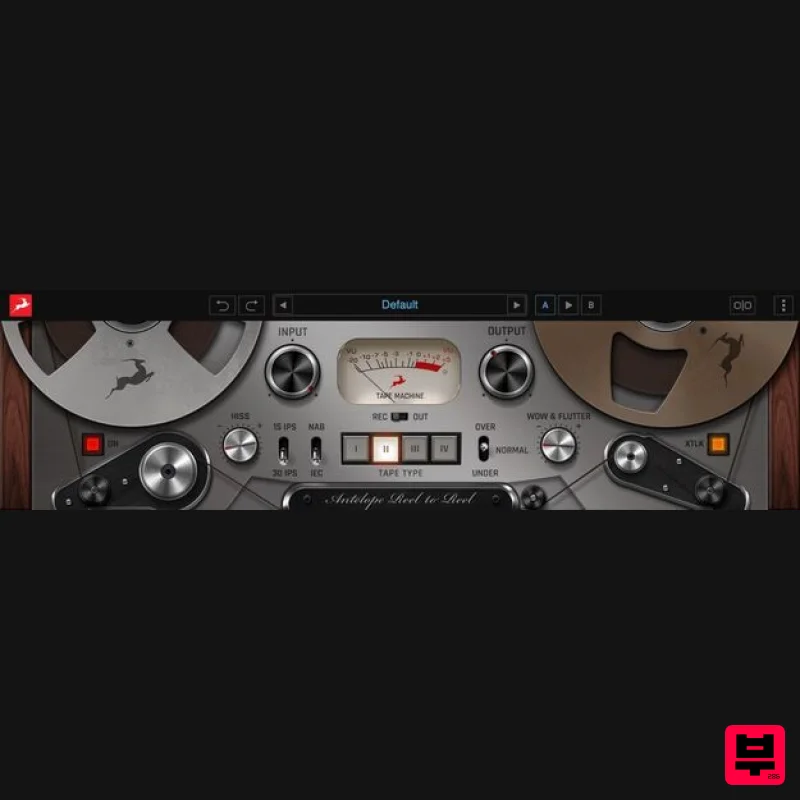
Antelope Audio Reel-To-Reel
Tape Emulation
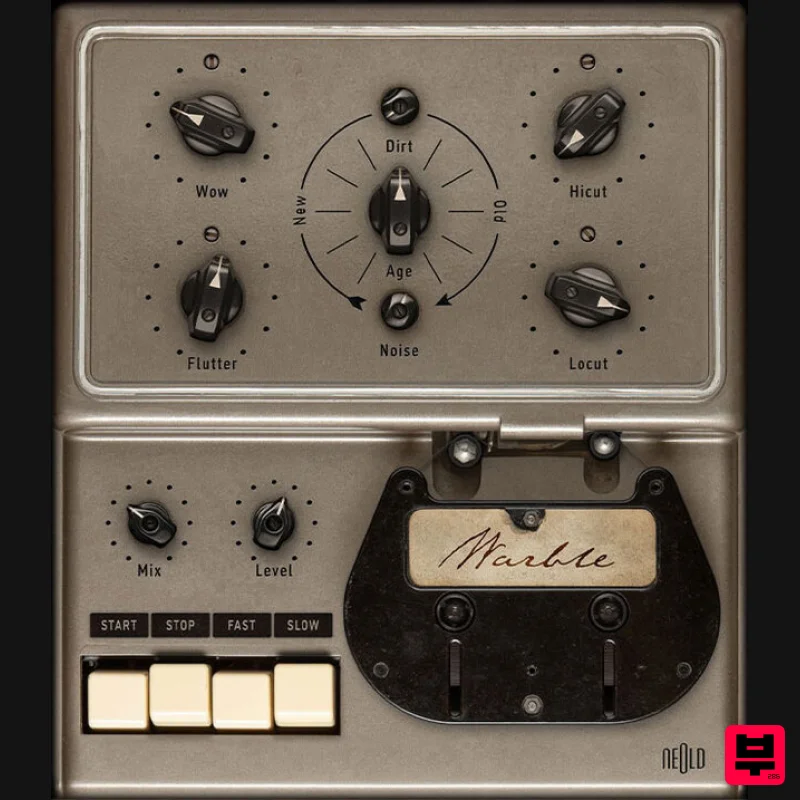
Plugin Alliance NEOLD WARBLE
Tape Emulation
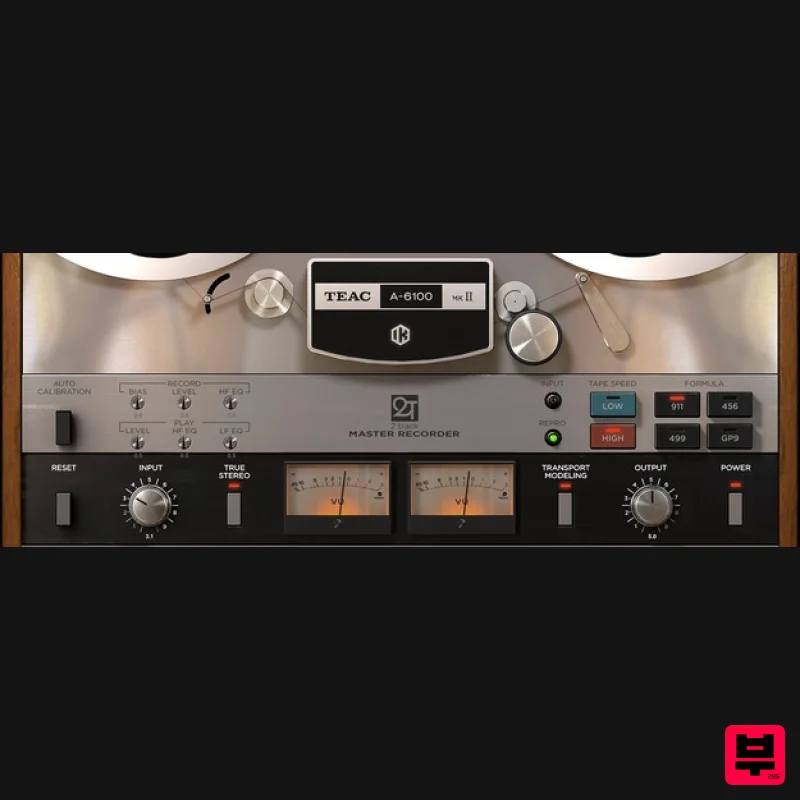
IK Multimedia TEAC A-6100 MKII
Tape Emulation
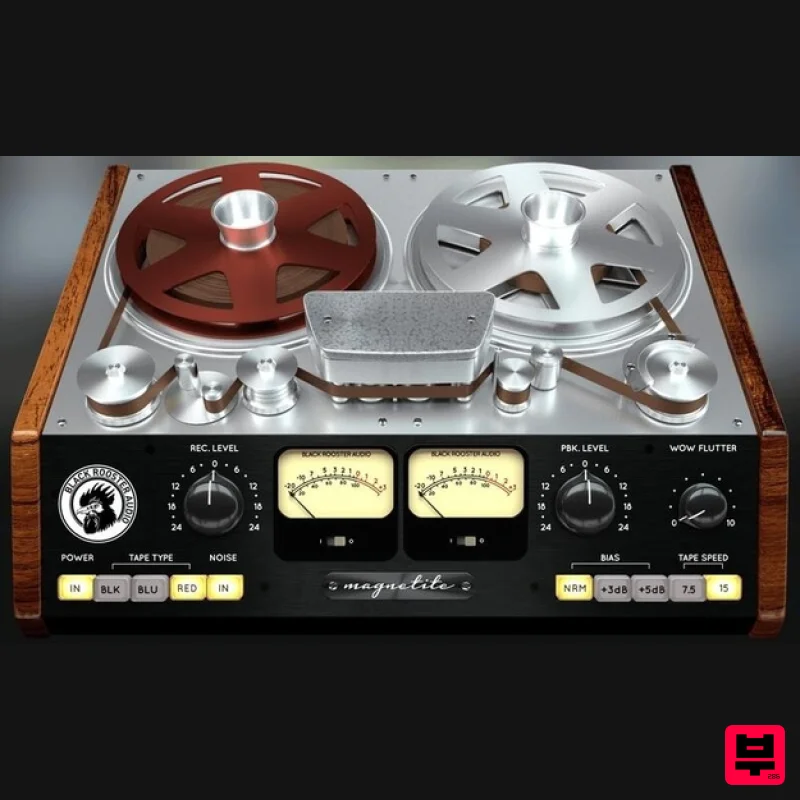
Black Rooster Audio Magnetite
Tape Emulation
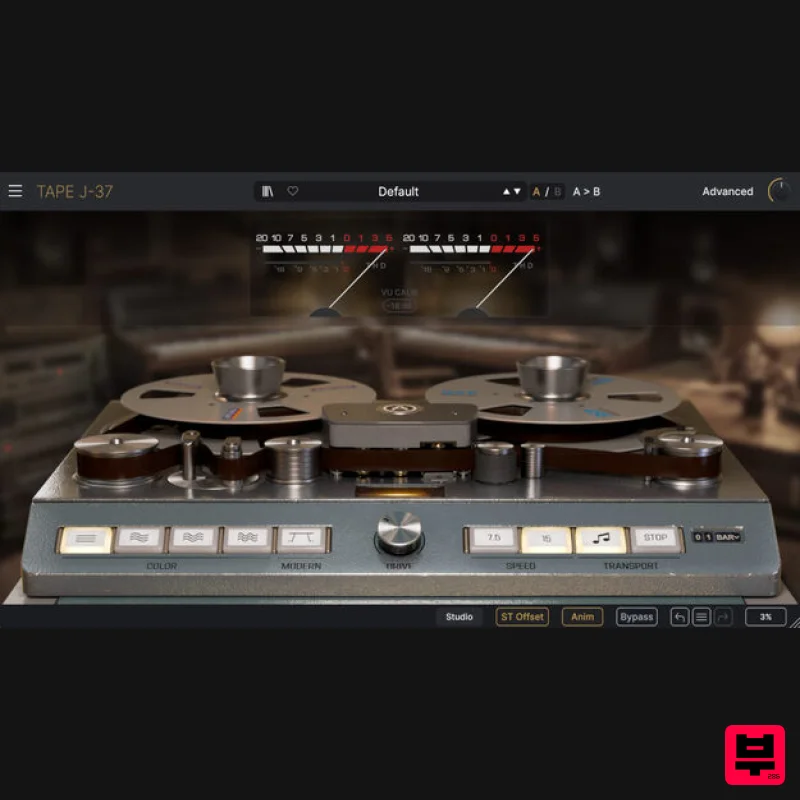
Arturia Tape J-37
Tape Emulation
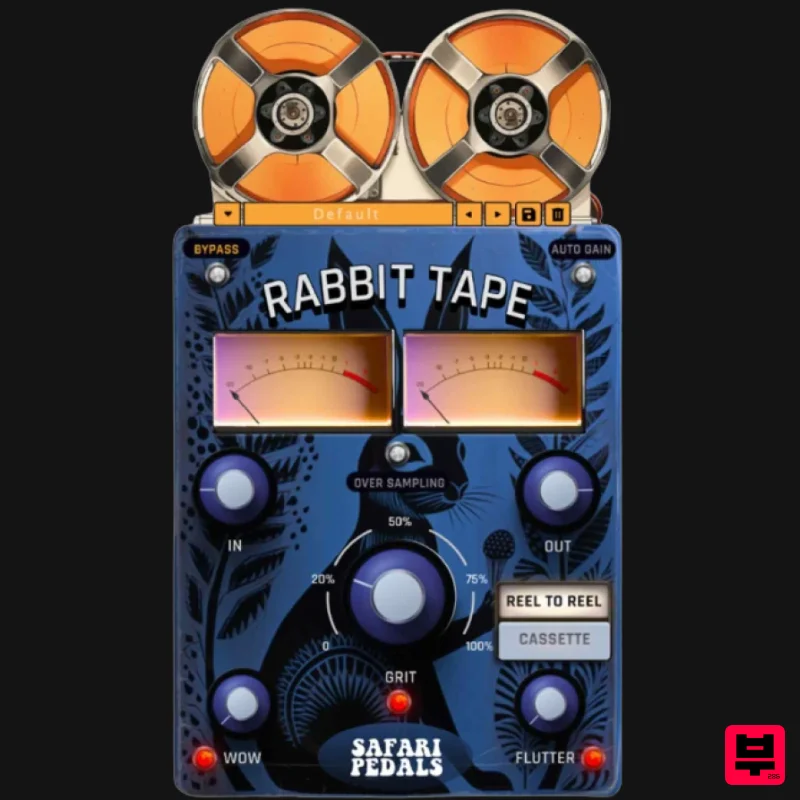
Safari Audio Rabbit Tape
Tape Emulation
Tone Empire TM700 V3
Tape Emulation

