
Eventide UltraChannel
Professional music gear - detailed information and where to buy
Eventide
UltraChannel
Product Info
* Prices may vary. Check retailer for current pricing and availability.
Product Description
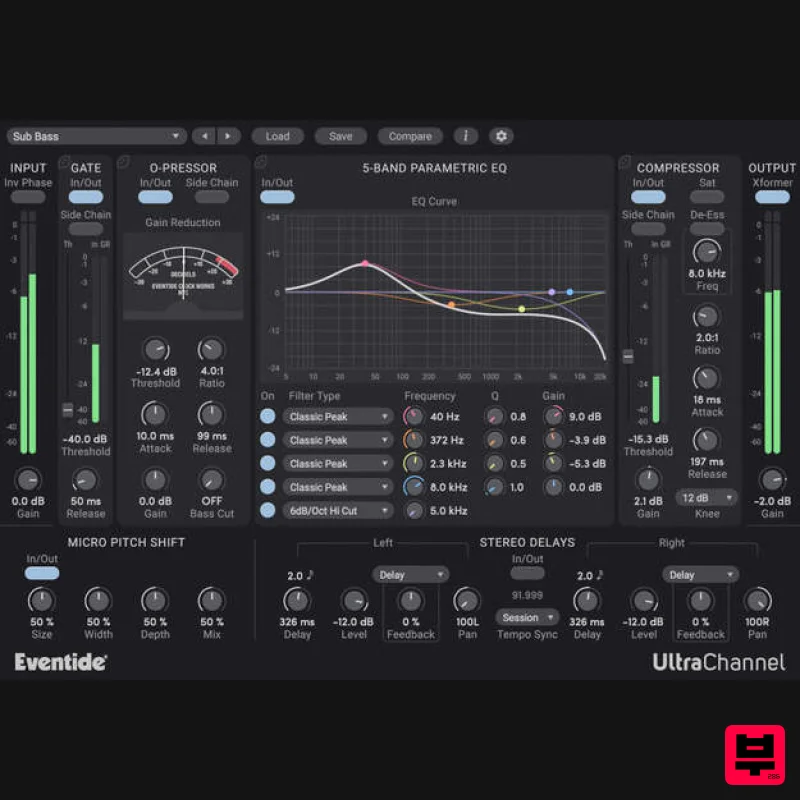
- UltraChannel Professional Audio Engineering For All UltraChannel™ is a high-precision channel strip that includes several feature-packed versions of Eventide’s legendary effects
- all in one plug-in. Whether mixing or mastering
- regardless of genre
- UltraChannel is the ultimate tool to make your tracks and mixes come to life. It not only has industry benchmark performance but is also the most versatile channel strip available due to our exclusive FlexiPath™ routing
- which allows processors to be ordered based on desired workflow. The Secret Sauce of Mixing UltraChannel shines in carving out space for any instrument or vocal to sit just right in the mix. There is an infinite number of ways to generate the exact tone
- dynamics and frequency characteristics you’re seeking. Additionally
- through its support for side-chaining
- you can use an alternative audio source to colour the characteristics of your main signal. It wouldn’t be an Eventide if it didn’t also feature micro pitch functionality (from our flagship H8000 hardware) to thicken or increase the stereo spread of any instrument or vocal. Features FlexiPath™ Allows drag and drop for reordering the signal path of the top-level components (O-Pressor
- compressor/de-esser
- Gate) for ultimate flexibility and experimentation. Soft-Saturation and Transformer Emulation The output module of UltraChannel contains a model of an analog transformer which can be driven into saturation. When subtly used
- it provides distinction for signals of low-frequency content. When driven hard
- it recreates classic transformer core saturation. O-Pressor Comes with two built-in compressors
- one with de-essing and side-chaining
- the other is the unique O-Pressor. Derived from of our legendary Omnipressor™
- the O-Pressor adds character and extreme compression to your signal-processing arsenal. 5-Band Parametric EQ Covers the entire audio spectrum allowing you to edit the Frequency
- Gain
- and Q of each of the 5 bands. Over 200 Presets Includes wide range of Factory Presets
- many created by Eventide artists
- tailored to signal sources such as guitar
- bass
- kick drum
- snare
- piano
- strings
- synths and vocals. They make exploiting UltraChannel’s enormous processing power easy to deploy. Micro Pitch Shift & Stereo Delays Apply Eventide’s patented pitch shifting to any source and control the panning and delay spread. Runs in parallel with a pair of delays that allow you to feed its signal back into any of the other modules. Countless Applications Producers UltraChannel can replace several plug-ins at once
- allowing you to minimize CPU loading while still giving you full sonic control over every aspect of your tracks. Mix Engineers Carve a unique space for each element of a song through selective EQ
- gating
- and tempo-synced delays. Sound Designers Change the entire feel of an instrument through filtering
- pitch shifting
- delays
- or aggressive compression. Artists Using UltraChannel Andre Kelman (Beastie Boys
- Phoenix
- Gogol Bordello
- Cat Power) Headsnack System Requirements Windows Windows 10 and later (Windows 11 supported) (64-bit only) AAX
- VST2
- VST3 Mac macOS 10.14 and later (Intel / Apple Silicon supported) (64-bit only) AAX
- VST2
- VST3 Important Notes: Eventide tests their desktop plugins in Ableton Live
- Cubase
- FL Studio
- Logic Pro
- Pro Tools
- and Studio One (However
- their plugins should work with any compatible host.) No iLok dongle is required to run this software - only a FREE iLok account/Manager is required for authorisation. Audiofanzine.com "UltraChannel is more than just your average channel strip. It also features Eventide's signature delay and modulation effects
- and is almost like an entire effects collection in a single plug-in." Harmony Central "The module's main strength is that it combines unusually full-featured versions of processors in a single plug-in. While not heavy on the CPU it's not light either
- so it's probably not something you'd want to put on every channel. But for tracks where you plan to use a number of processing modules
- like vocals and drums
- the UltraChannel makes the tweaking process simple. Producer Spot "UltraChannel is a great channel strip with some bonus features not found on other strips. It is easy to use…it comes with a lot of presets which sound awesome from the get-go and offers up a great starting point to shape your sound just the way you like it." Please note: Blackhole is used as an example. Registration 1. Create an iLok account by following the steps from our help centre article - Getting Started with the iLok License Manager. If you already have an iLok account
- skip this step. 2. Go to https: //www.eventideaudio.com/login > Click 'Create Account' at the bottom of the page. 3. Enter your details (including your iLok Account User ID) > Click 'Register'. 4. You will now be redirected to your My Account page. 5. In the bottom right corner of the page
- enter the license key (format 1234-1234-1234) found in your Plugin Boutique account
- as well as your iLok Account User ID > Click 'Register'. Please note: a Serial Number is now not required Please note: Make sure there are no spaces at the beginning or after your license key. 6. Your software is now registered. 7. Launch the iLok License Manager application > Sign into your account. 8. Enter your iLok user ID and password > Click 'Sign in'. 9. Your license should now be listed within your iLok account. 10. Double-click on the license to bring up additional options > Click 'Activate' (located on the right of the screen). 11. Select where you wish the license to be activated > Click 'Activate'. 12. Click 'OK'. 13. Click 'OK'. Mac Installation 1. Download the Mac installer from https://www.eventideaudio.com/downloads/ > Run the installation > Click 'Next'. 2. Click to accept the license agreement > Click 'Next'. 3. Choose which plugin formats you'd like to install > Click 'Next'. Please note: If you're unsure
- leave all options selected or check out our help centre article Plugin Formats Explained for more information. 4. Select the destination folders (or leave them as the defaults) > Click 'Next'. 5. Click 'Next'. 6. Click 'Finish'. Your new software is now fully activated and ready to use within your DAW! Windows Installation 1. Download the Windows installer from https: //www.eventideaudio.com/downloads/ > Run the installation > Click 'Next'. 2. Read the License Agreement > Select 'I accept the agreement > Click 'Next'. 3. Choose which plugin formats you'd like to install > Click 'Next'. If you're unsure
- leave all options selected or check out our help centre article Plugin Formats Explained for more information. 4. Select the destination folders (or leave them as the defaults) > Click 'Next'. 5. Click 'Next'. 6. Click 'Finish'. Your new software is now fully activated and ready to use within your DAW!
Additional Information
About the Eventide UltraChannel
Discover the distinctive sound and feel of the Eventide UltraChannel, a standout choice among Channel Strip.
Why Choose the Eventide UltraChannel?
- •Authentic Eventide craftsmanship and design
- •Versatile sound suitable for multiple musical genres
- •Professional build quality and reliable performance
- •Part of Eventide's respected Channel Strip lineup
Compare & Explore
Browse our complete selection of Eventide instruments or explore other Channel Strip options. Use our comparison tools to find the perfect match for your musical style and budget.
Similar Products
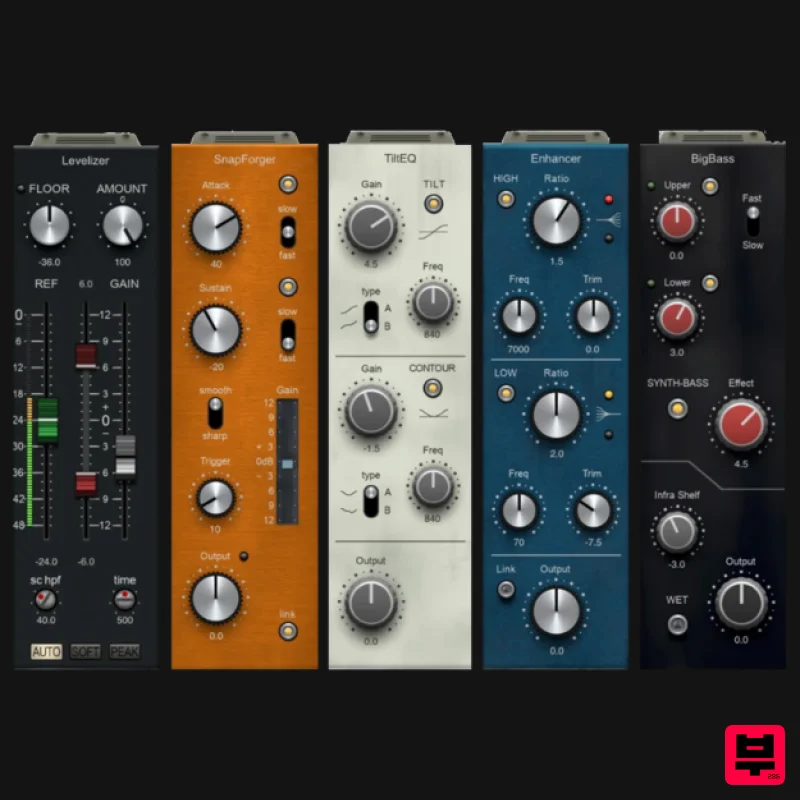
PSP Audioware PSP InfiniStrip Earth Edition
Channel Strip
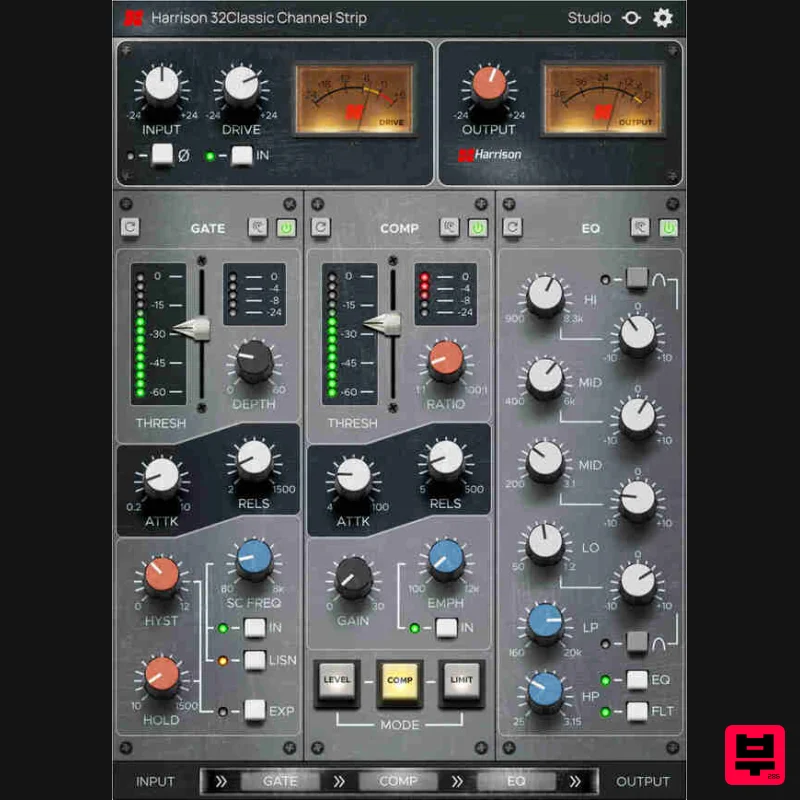
Harrison Consoles 32Classic Channel
Channel Strip
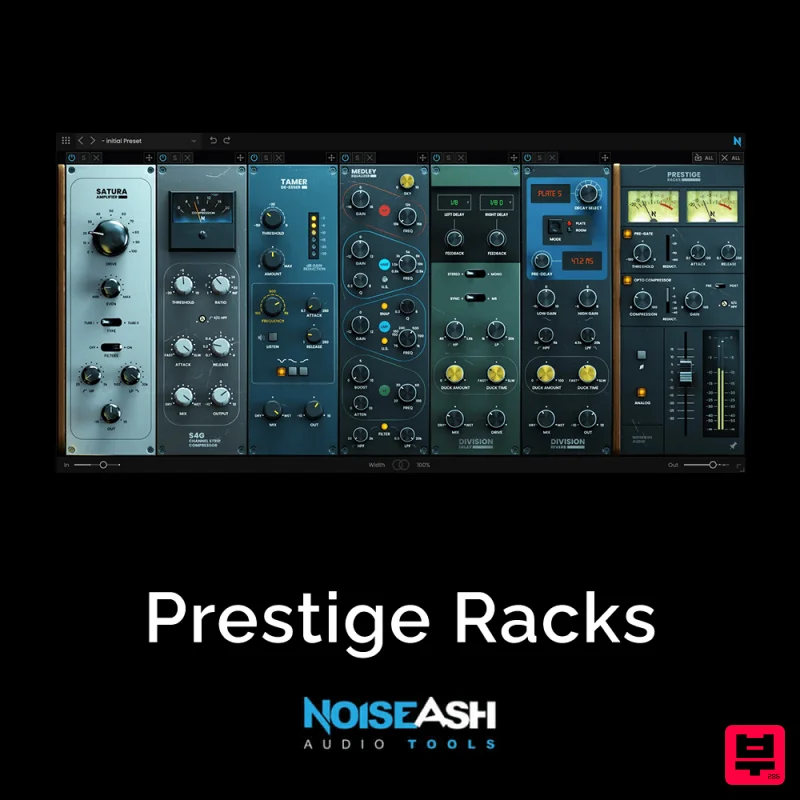
NoiseAsh Prestige Racks
Channel Strip
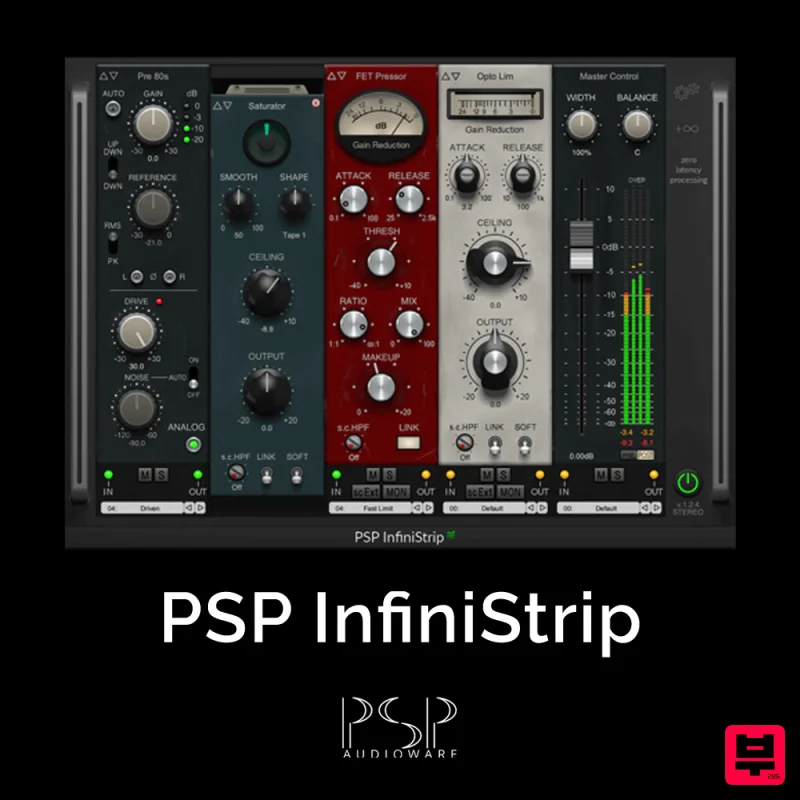
PSP Audioware PSP InfiniStrip
Channel Strip
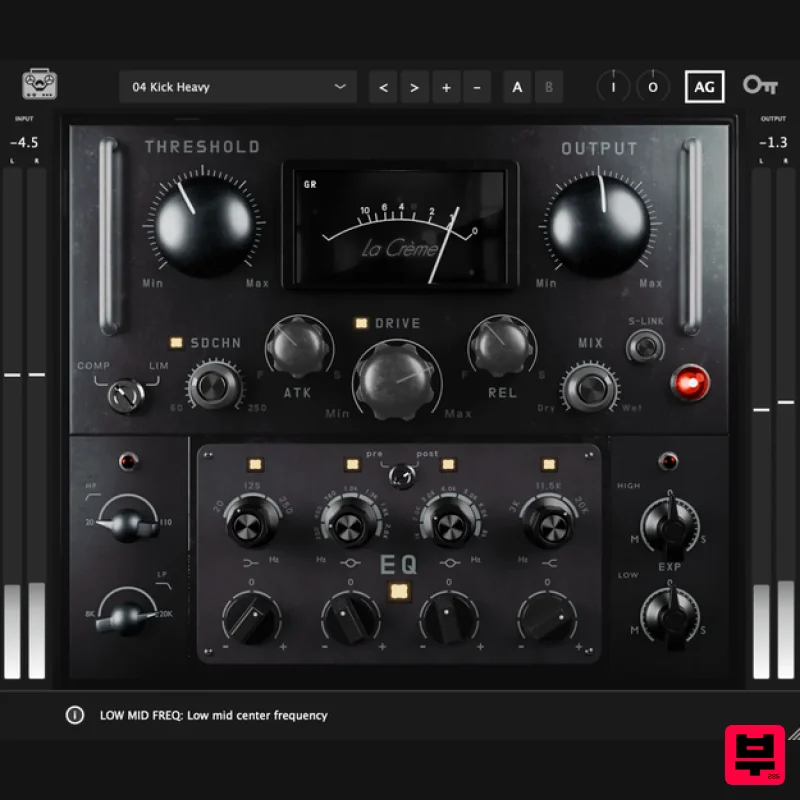
Tone Empire La Crème 3
Channel Strip
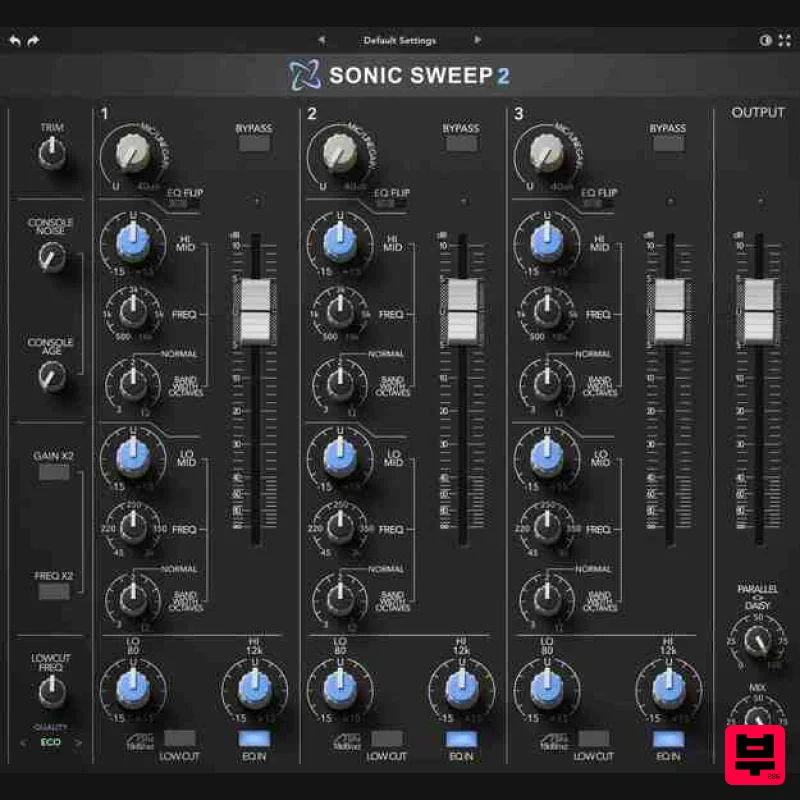
Rave Generation Sonic Sweep 2
Channel Strip
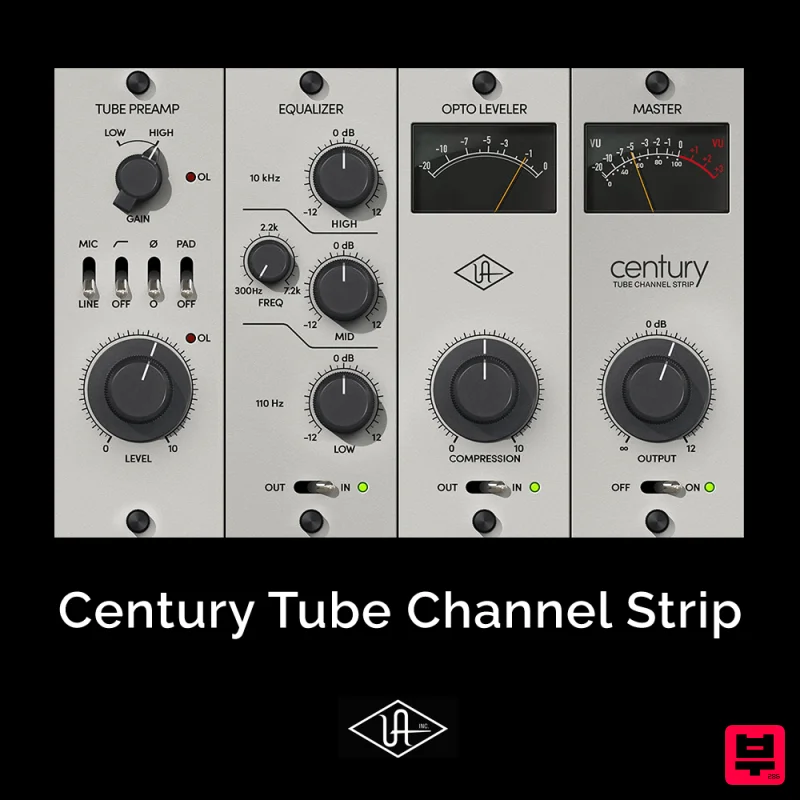
Universal Audio Century Tube Channel Strip
Channel Strip
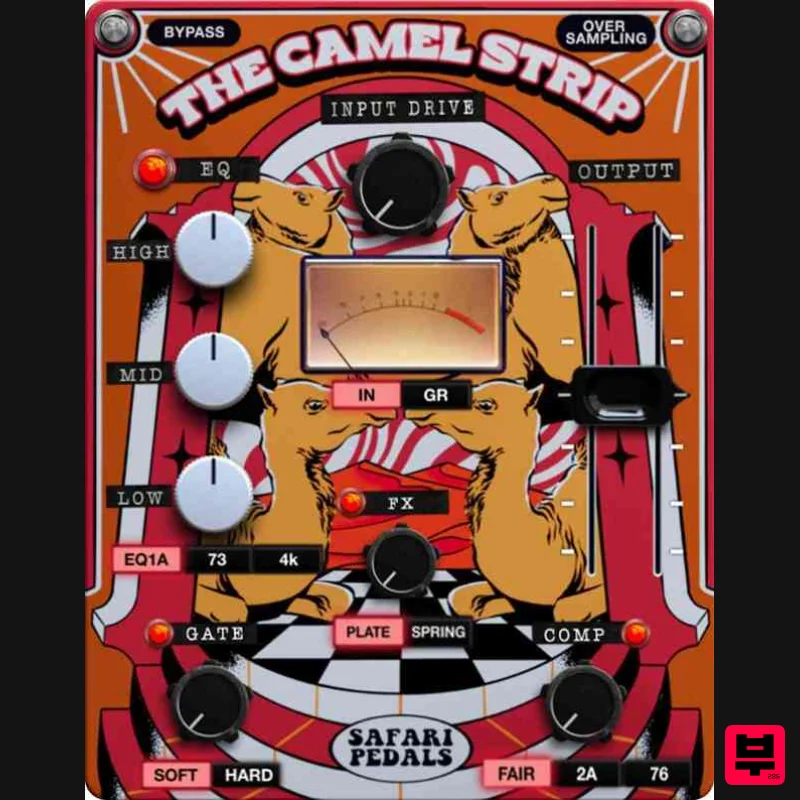
Safari Audio The Camel Strip
Channel Strip

