
Eventide Precision Time Align
Professional music gear - detailed information and where to buy
Product Description
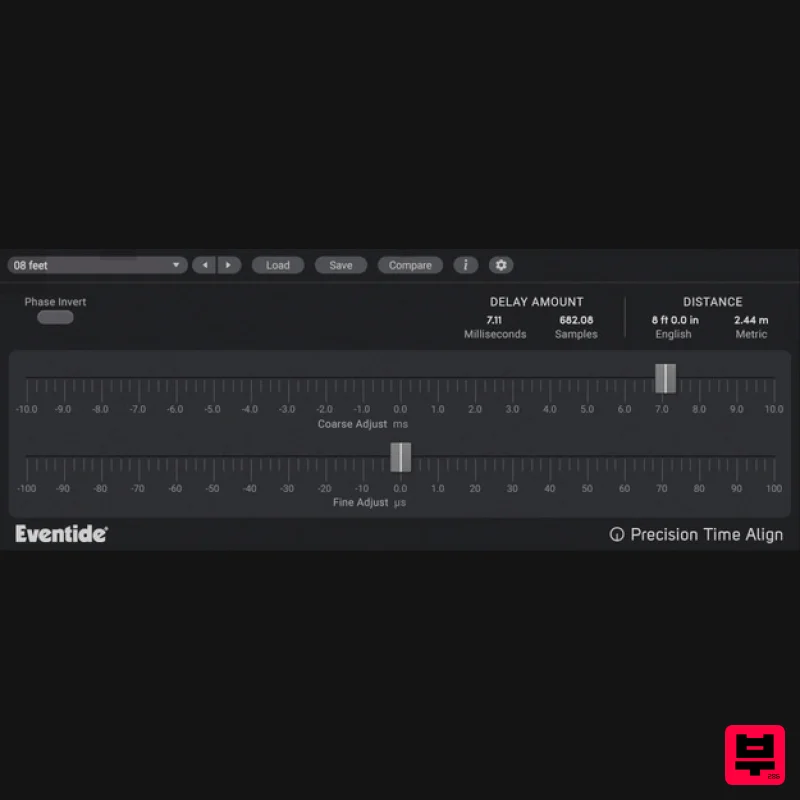
- Scrub in for Surgery Precision Time Align is a high precision sub-sample delay that can slide a track forward or backwards in time. It will help you get perfectly synchronized double-tracked recordings completely eliminating timing anomalies and phase issues from your mix
- especially on multi-miked drums
- vocals and instruments. Blowout Comb Precision Time Align allows for synchronizing signals to microsecond accuracy
- up to 1/64th of a sample. Recording drums
- an electric guitar cabinet or vocals with more than one mic can be challenging. While the sound recorded from each microphone might sound good on its own
- mixing them together can introduce phase anomalies like comb filtering (phased
- hollow sound) or low-frequency attenuation. Editing in your D.A.W. can help with time-alignment on a sample level
- but Precision Time Align is 64x more efficient. Features Whether you wish to combine multiple tracks of a single instrument
- compensate for phasing from different mics on a kick drum
- or align audio segments for a tracking-only session
- Precision Time Align is ideal for these critical engineering tasks. Synchronize signals to microsecond accuracy
- up to 1/64th of a sample. Phase Invert button fixes mirror-image acoustical phasing. Precise Coarse and Fine controls optimize time shift in recordings. Perform negative delays
- moving the track up in time relative to other tracks in the recording. Four different methods for calibrating the signal to achieve perfect signal matching. Precision Time Delay also included for use with D.A.W.s lacking delay compensation. Much faster and more accurate workflow than trying to manually align in your D.A.W. System Requirements Windows Windows 10 and later (Windows 11 supported) (64-bit only) AAX
- VST2
- VST3 Mac macOS 10.14 and later (Intel / Apple Silicon supported) (64-bit only) AAX
- VST2
- VST3 Important Notes: Eventide tests their desktop plugins in Ableton Live
- Cubase
- FL Studio
- Logic Pro
- Pro Tools
- and Studio One (However
- their plugins should work with any compatible host.) No iLok dongle is required to run this software - only a FREE iLok account/Manager is required for authorisation. Jacob Roach "Eventide’s Ensemble bundle excels in delivering next-gen effects and unique tones that are hard to find elsewhere". Please note: Blackhole is used as an example. Registration 1. Create an iLok account by following the steps from our help centre article - Getting Started with the iLok License Manager. If you already have an iLok account
- skip this step. 2. Go to https: //www.eventideaudio.com/login > Click 'Create Account' at the bottom of the page. 3. Enter your details (including your iLok Account User ID) > Click 'Register'. 4. You will now be redirected to your My Account page. 5. In the bottom right corner of the page
- enter the license key (format 1234-1234-1234) found in your Plugin Boutique account
- as well as your iLok Account User ID > Click 'Register'. Please note: a Serial Number is now not required Please note: Make sure there are no spaces at the beginning or after your license key. 6. Your software is now registered. 7. Launch the iLok License Manager application > Sign into your account. 8. Enter your iLok user ID and password > Click 'Sign in'. 9. Your license should now be listed within your iLok account. 10. Double-click on the license to bring up additional options > Click 'Activate' (located on the right of the screen). 11. Select where you wish the license to be activated > Click 'Activate'. 12. Click 'OK'. 13. Click 'OK'. Mac Installation 1. Download the Mac installer from https://www.eventideaudio.com/downloads/ > Run the installation > Click 'Next'. 2. Click to accept the license agreement > Click 'Next'. 3. Choose which plugin formats you'd like to install > Click 'Next'. Please note: If you're unsure
- leave all options selected or check out our help centre article Plugin Formats Explained for more information. 4. Select the destination folders (or leave them as the defaults) > Click 'Next'. 5. Click 'Next'. 6. Click 'Finish'. Your new software is now fully activated and ready to use within your DAW! Windows Installation 1. Download the Windows installer from https: //www.eventideaudio.com/downloads/ > Run the installation > Click 'Next'. 2. Read the License Agreement > Select 'I accept the agreement > Click 'Next'. 3. Choose which plugin formats you'd like to install > Click 'Next'. If you're unsure
- leave all options selected or check out our help centre article Plugin Formats Explained for more information. 4. Select the destination folders (or leave them as the defaults) > Click 'Next'. 5. Click 'Next'. 6. Click 'Finish'. Your new software is now fully activated and ready to use within your DAW!
Additional Information
About the Eventide Precision Time Align
The Eventide Precision Time Align represents excellent craftsmanship in the Delay category.
Why Choose the Eventide Precision Time Align?
- •Authentic Eventide craftsmanship and design
- •Versatile sound suitable for multiple musical genres
- •Professional build quality and reliable performance
- •Part of Eventide's respected Delay lineup
Compare & Explore
Browse our complete selection of Eventide instruments or explore other Delay options. Use our comparison tools to find the perfect match for your musical style and budget.
Similar Products
Red Sounds Mojo-Fi
Delay
$30
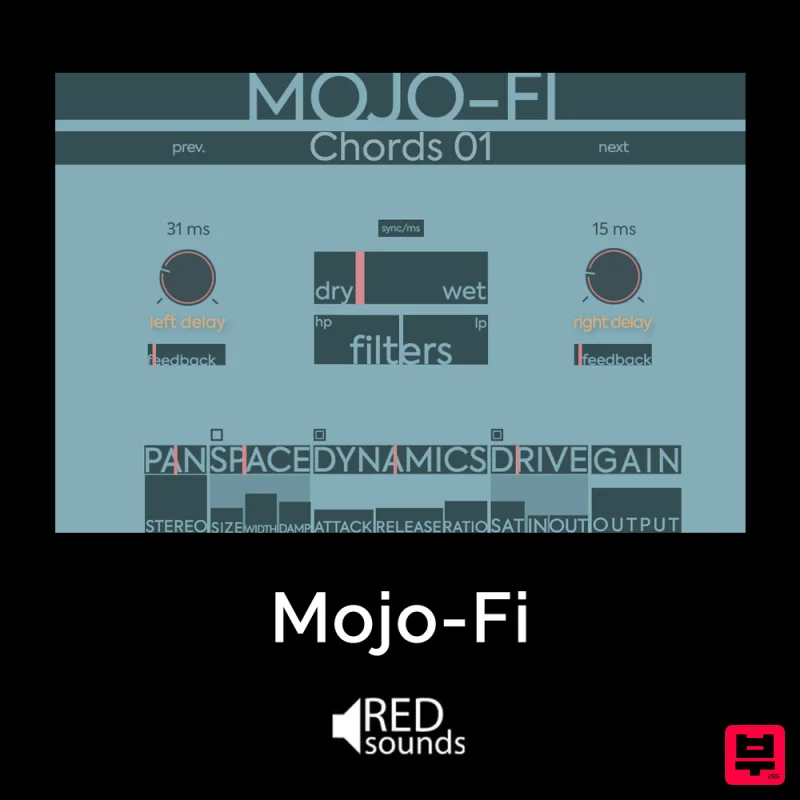
Multi-effect Delay Plugin On Steroids Great for adding life and texture to your boring soft synths, pianos, drums, and...
Gooey Audio Control
Delay
$30
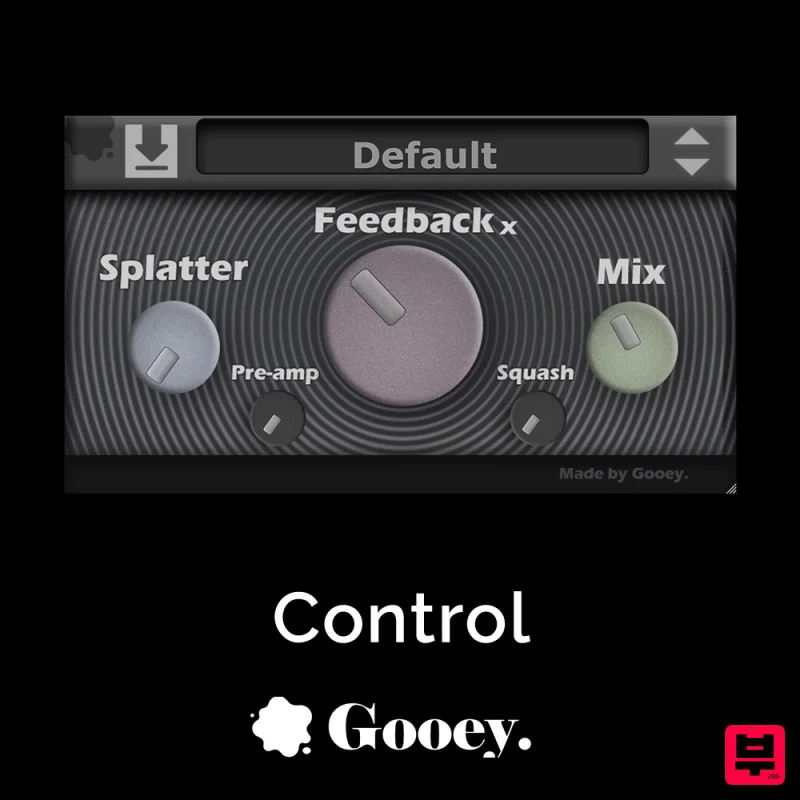
Control by Gooey Audio is a feedback delay network plugin built for experimental sound designers, ambient composers,...
PSP Audioware PSP Lexicon PSP42x
Delay
$30
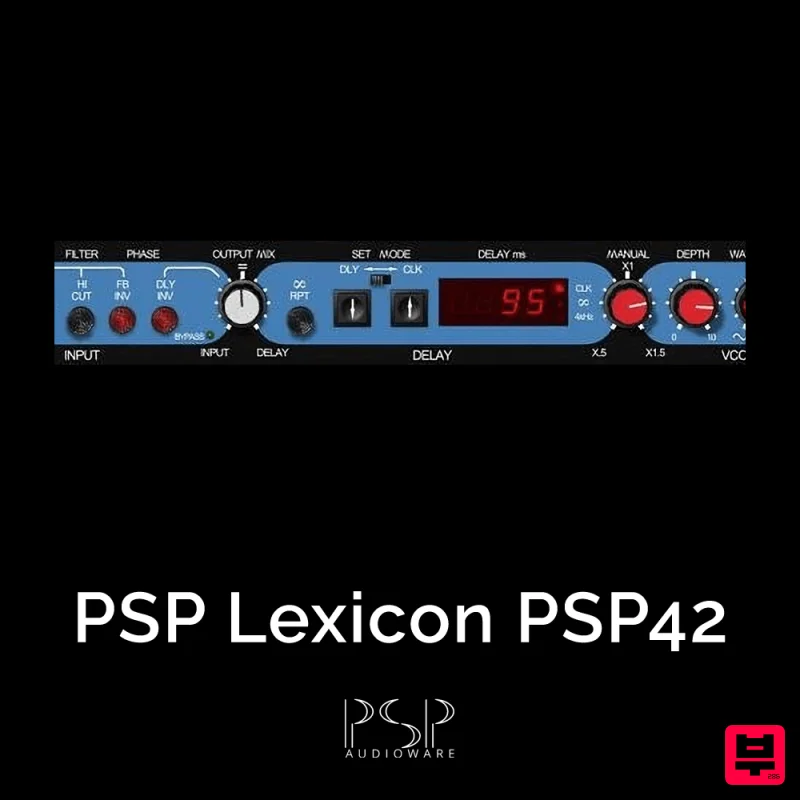
Lexicon PSP 42 is a high-quality digital stereo delay and phrase sampler plug-in based on the legendary Lexicon PCM42...
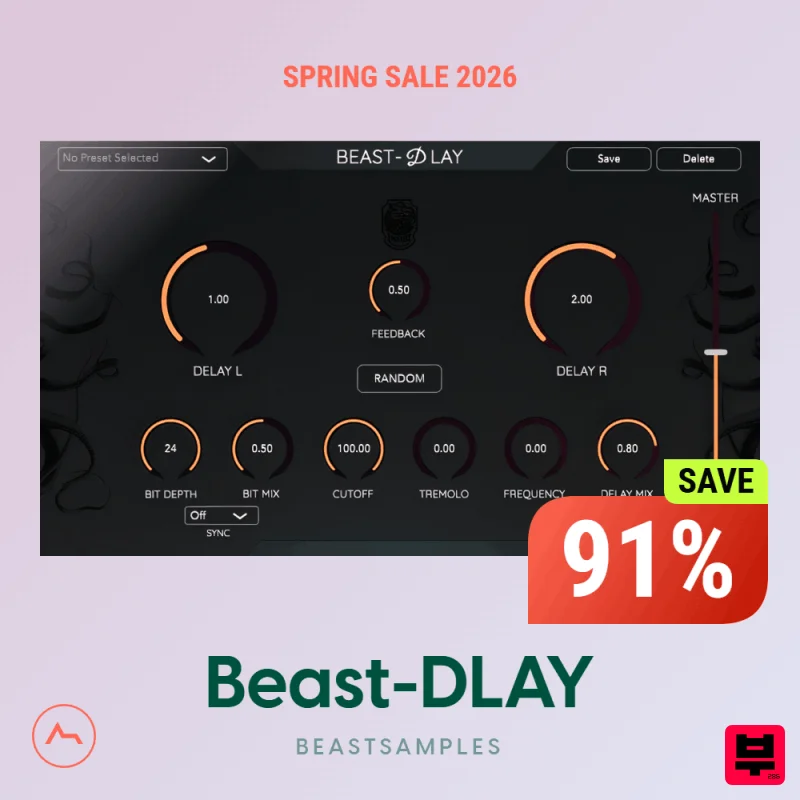
Beastsamples Beast-DLAY
Delay
$30
Beast-Dlay is a game-changer delay VST plugin with unprecedented processing power ready to add the hardware realism and...
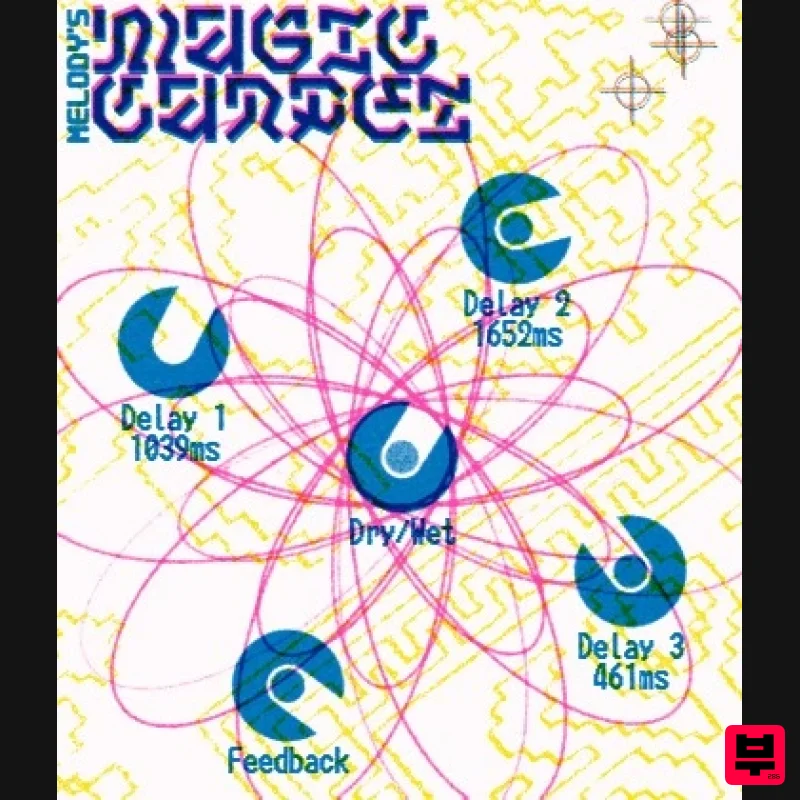
UnplugRed Magic Carpet
Delay
Free
Three delay lines with a shared feedback path, makes a delay that starts sparse but continues to get denser with each...
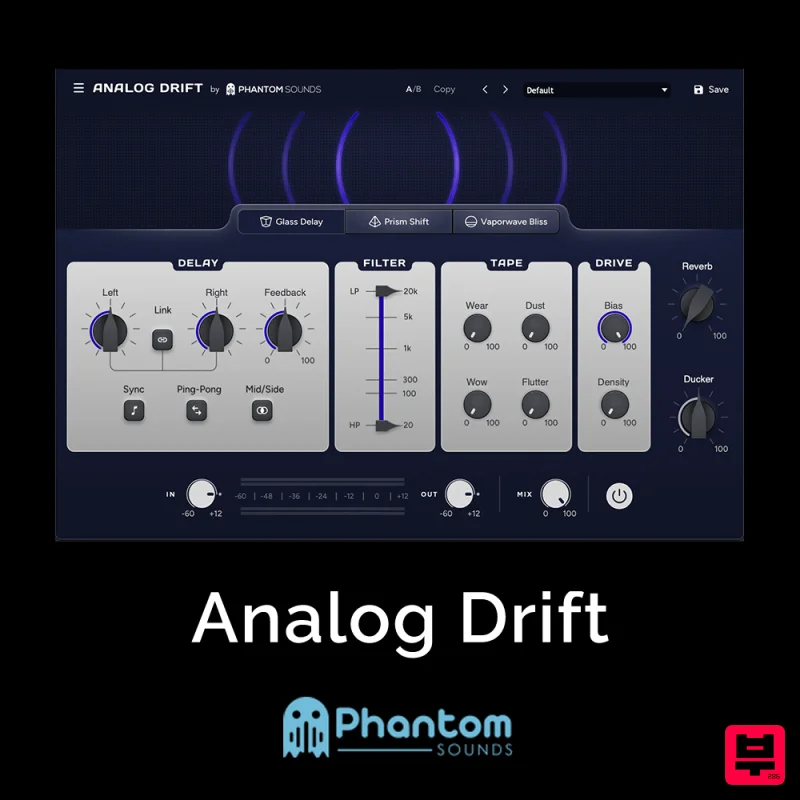
Phantom Sounds Analog Drift
Delay
$30
Redefine Your Sound with Distinctive Delays Analog Drift is a delay plugin that combines the pristine clarity of...
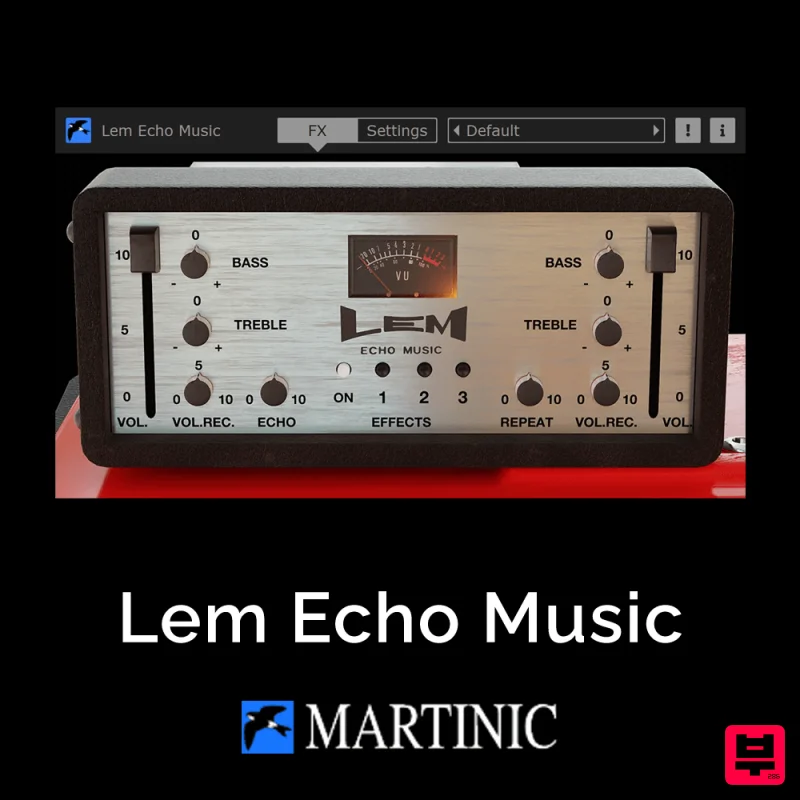
Martinic Lem Echo Music
Delay
$30
Authentic Vintage Tape Delay Emulation with Added Customization The Lem Echo Music plugin recreates the nostalgic tones...

Korneff Audio Micro Digital Reverberator
Delay
$30
Nerdy. Easy. Super Cool. The Micro Digital Reverberator combines killer reverb and delay effects with a super friendly...
Frequently Asked Questions
The Eventide Precision Time Align stands out for its exceptional Eventide craftsmanship and innovative design.
Yes! With its affordable price point and quality construction, it's perfect for learning delay.
Browse the similar products section to see how it stacks up against other delay.

