
Eventide H3000 Factory Mk II
Professional music gear - detailed information and where to buy
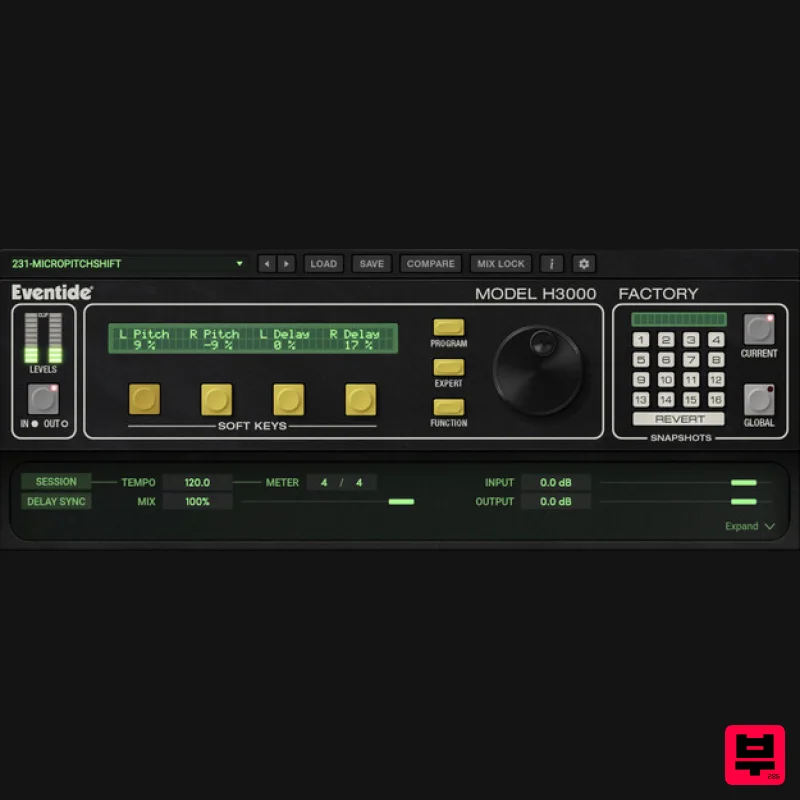
Eventide
H3000 Factory Mk II
Product Info
* Prices may vary. Check retailer for current pricing and availability.
Product Description
- The Holy Grail Of Multi-FX Experience the iconic sound of the H3000 Harmonizer® in your DAW
- meticulously modeled after the original hardware. Rediscover the distinct pitch - shifting
- delay
- filtering
- and modulation that made the H3000 a staple in professional studios. With over 500 carefully crafted presets tailored for both music production and sound design
- the H3000 Factory Mk II offers an endless suite of effects to infuse your next record with unparalleled creativity. Features 500+ presets Modular interface to combine up to 18 effects blocks together Assignable Macro Soft Keys Function Generator with 19 waveforms Includes inputs for Sidechain and Noise Effects blocks include delays
- amplitude modulators
- envelope followers
- pitch shifters
- filters and more. MIDI Control What's New Brand new modeling of the analog-to-digital and digital-to-analog converter sections of the original H3000. New filter recreations accurately replicate the resonance and self-oscillation behavior of the hardware
- faithfully capturing its magical sound. Features modern graphics that highlight the iconic design of the H3000 Harmonizer
- now with a resizable user interface. Offers versatility with an expandable view and a streamlined patching workflow. Updated with 500+ presets including recreations from the original H3000
- plus new custom artist presets. System Requirements Windows Windows 10 and later (Windows 11 supported) (64-bit only) AAX
- VST2
- VST3 Mac macOS 10.14 and later (Intel / Apple Silicon supported) (64-bit only) AAX
- VST2
- VST3 Important Notes: Eventide tests their desktop plugins in Ableton Live
- Cubase
- FL Studio
- Logic Pro
- Pro Tools
- and Studio One (However
- their plugins should work with any compatible host.) No iLok dongle is required to run this software - only a FREE iLok account/Manager is required for authorisation. Please note: Blackhole is used as an example. Registration 1. Create an iLok account by following the steps from our help centre article - Getting Started with the iLok License Manager. If you already have an iLok account
- skip this step. 2. Go to https: //www.eventideaudio.com/login > Click 'Create Account' at the bottom of the page. 3. Enter your details (including your iLok Account User ID) > Click 'Register'. 4. You will now be redirected to your My Account page. 5. In the bottom right corner of the page
- enter the license key (format 1234-1234-1234) found in your Plugin Boutique account
- as well as your iLok Account User ID > Click 'Register'. Please note: a Serial Number is now not required Please note: Make sure there are no spaces at the beginning or after your license key. 6. Your software is now registered. 7. Launch the iLok License Manager application > Sign into your account. 8. Enter your iLok user ID and password > Click 'Sign in'. 9. Your license should now be listed within your iLok account. 10. Double-click on the license to bring up additional options > Click 'Activate' (located on the right of the screen). 11. Select where you wish the license to be activated > Click 'Activate'. 12. Click 'OK'. 13. Click 'OK'. Mac Installation 1. Download the Mac installer from https://www.eventideaudio.com/downloads/ > Run the installation > Click 'Next'. 2. Click to accept the license agreement > Click 'Next'. 3. Choose which plugin formats you'd like to install > Click 'Next'. Please note: If you're unsure
- leave all options selected or check out our help centre article Plugin Formats Explained for more information. 4. Select the destination folders (or leave them as the defaults) > Click 'Next'. 5. Click 'Next'. 6. Click 'Finish'. Your new software is now fully activated and ready to use within your DAW! Windows Installation 1. Download the Windows installer from https: //www.eventideaudio.com/downloads/ > Run the installation > Click 'Next'. 2. Read the License Agreement > Select 'I accept the agreement > Click 'Next'. 3. Choose which plugin formats you'd like to install > Click 'Next'. If you're unsure
- leave all options selected or check out our help centre article Plugin Formats Explained for more information. 4. Select the destination folders (or leave them as the defaults) > Click 'Next'. 5. Click 'Next'. 6. Click 'Finish'. Your new software is now fully activated and ready to use within your DAW!
Additional Information
About the Eventide H3000 Factory Mk II
Discover the distinctive sound and feel of the Eventide H3000 Factory Mk II, a standout choice among Harmonizer.
Why Choose the Eventide H3000 Factory Mk II?
- •Authentic Eventide craftsmanship and design
- •Versatile sound suitable for multiple musical genres
- •Professional build quality and reliable performance
- •Part of Eventide's respected Harmonizer lineup
Compare & Explore
Browse our complete selection of Eventide instruments or explore other Harmonizer options. Use our comparison tools to find the perfect match for your musical style and budget.
Similar Products
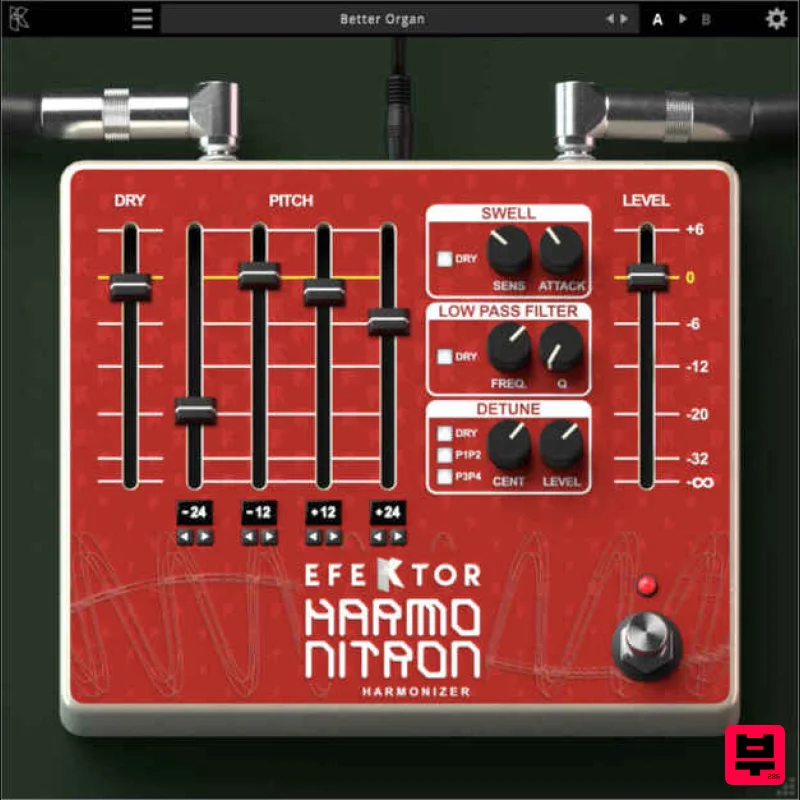
Kuassa EFEKTOR Harmonitron
Harmonizer
$38
Introducing KUASSA EFEKTOR HARMONITRON – the ultimate pitch shifting and harmonizing tool for sound designers and...
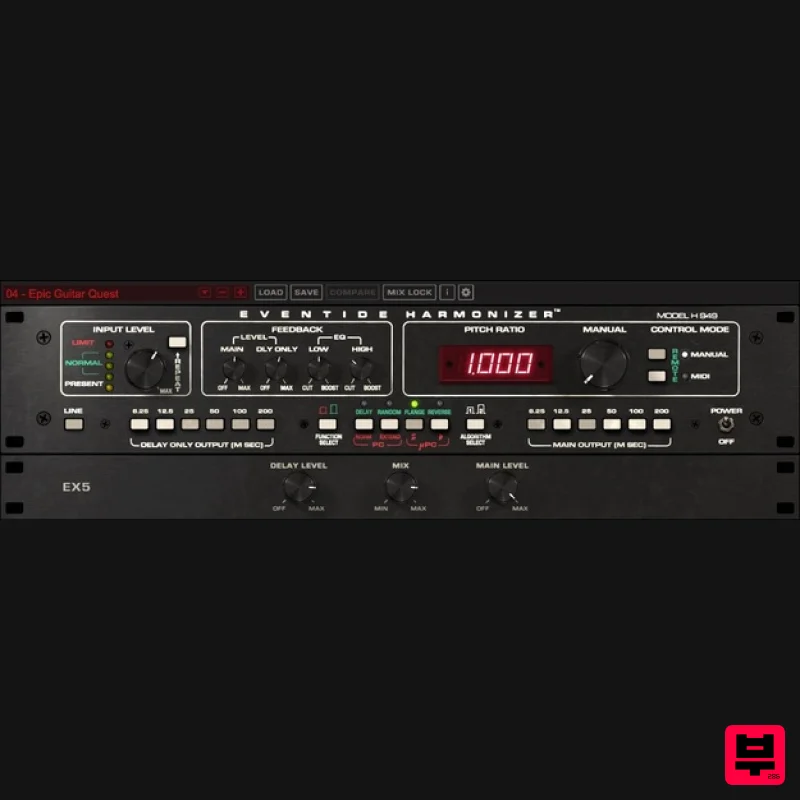
Eventide H949 Harmonizer
Harmonizer
$208
The World’s First Time Machine Building on the legacy of the H910 pitch shifter, the H949 Harmonizer® was...
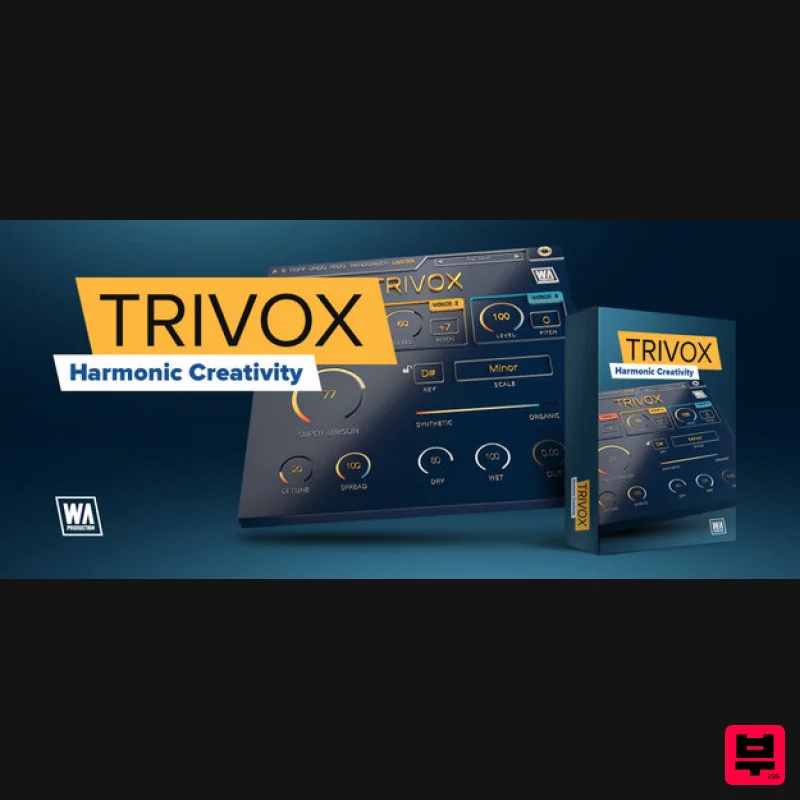
W. A. Production TriVox
Harmonizer
$13
Harmonic Creativity Elevate your sound to new heights with TriVox, the revolutionary audio effect plugin from W. A....
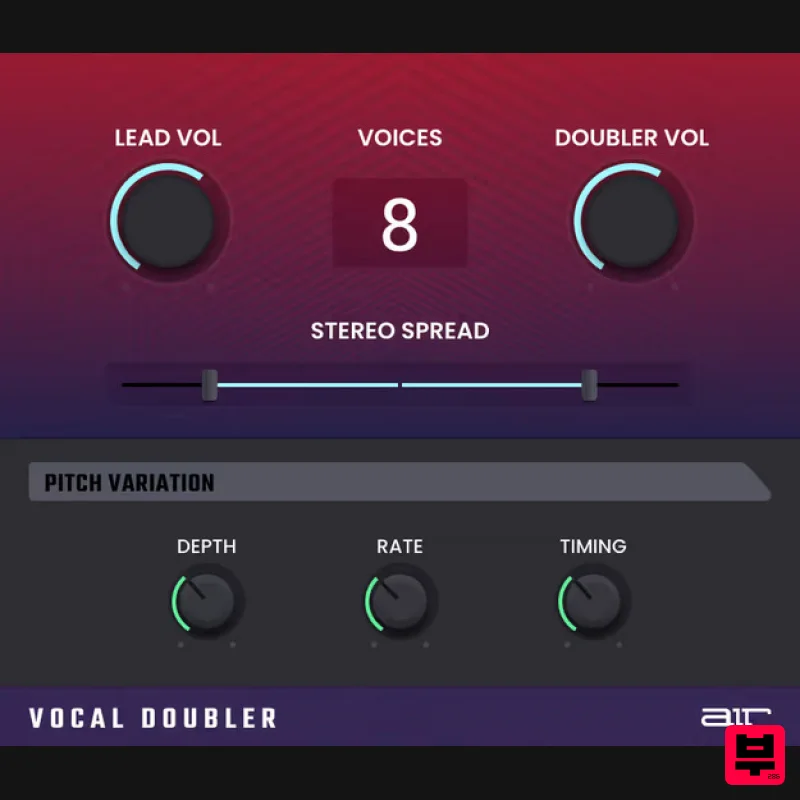
AIR Music Technology Vocal Doubler
Harmonizer
$51
When you want to add power, create separation, or just try something different with your vocals, pull up the AIR...
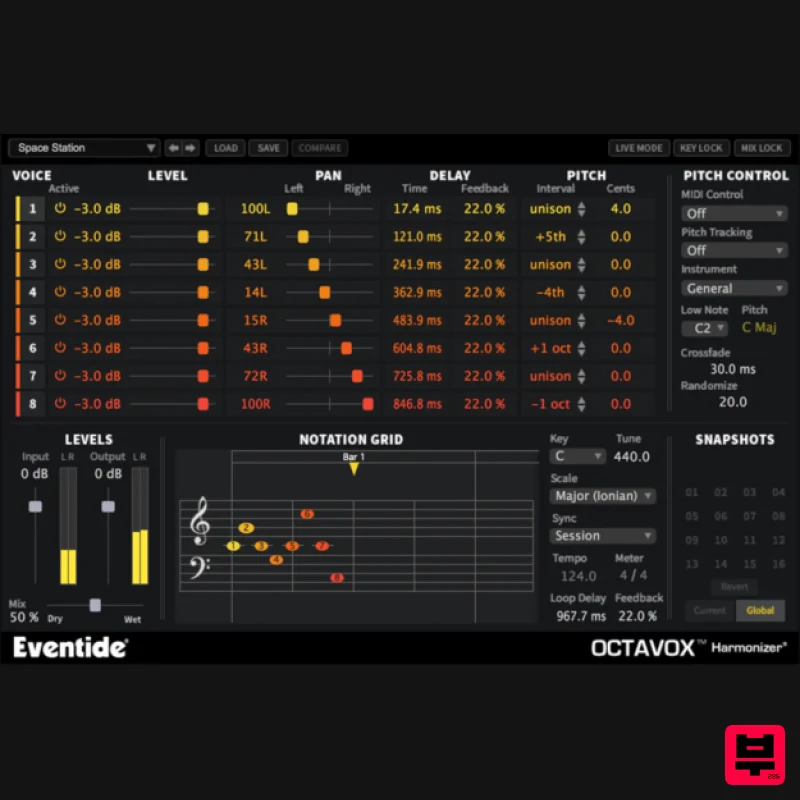
Eventide Octavox
Harmonizer
$208
Octavox Instant Inspiration Level up your composition skills with Octavox's unique time-based diatonic harmonizer...
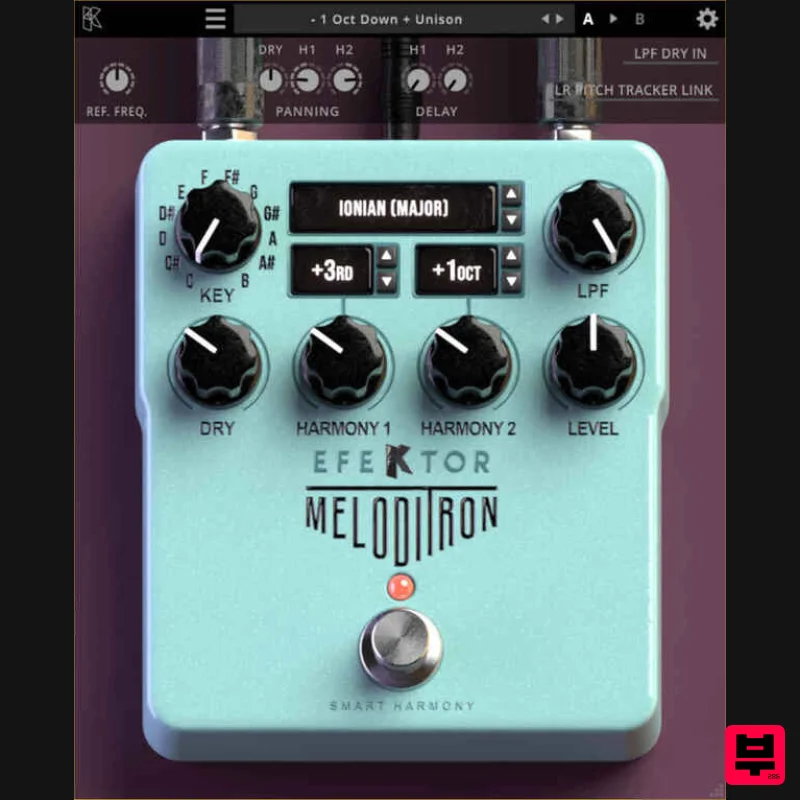
Kuassa EFEKTOR Meloditron
Harmonizer
$37
Embrace the & flawless harmonization Imagine having two virtuosos harmoniously jamming alongside you, consistently in...
Frequently Asked Questions
The Eventide H3000 Factory Mk II stands out for its exceptional Eventide craftsmanship and innovative design.
Yes! With its affordable price point and quality construction, it's perfect for learning harmonizer.
Browse the similar products section to see how it stacks up against other harmonizer.

