
Eventide EQ45
Professional music gear - detailed information and where to buy
Product Description
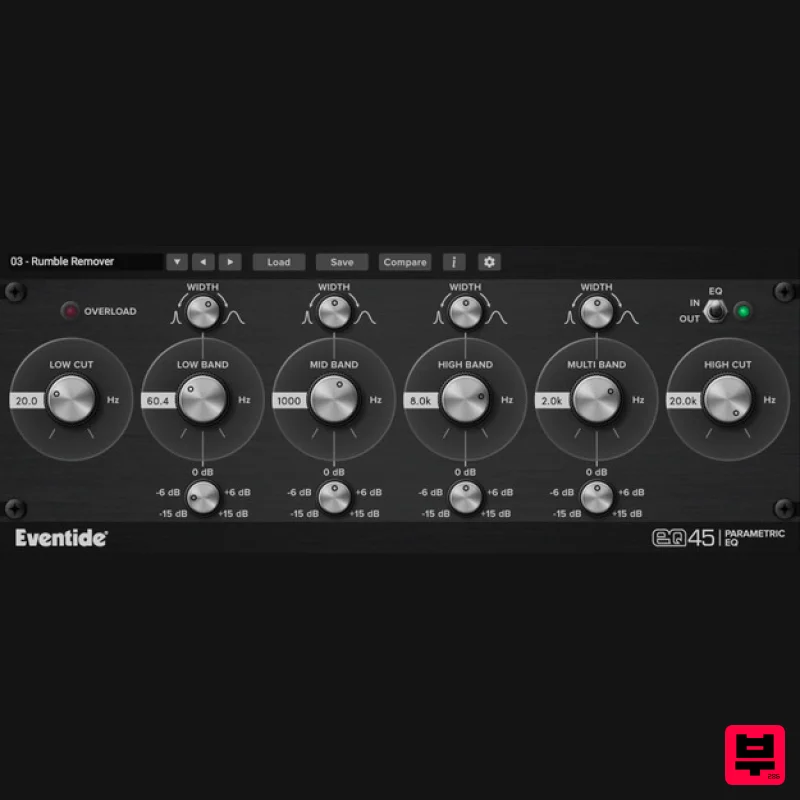
- EQ45 Urei 545 Parametric EQ The EQ45 is a lightweight
- four-band parametric equalizer plug-in that allows you to gracefully shape the contours of an audio signal by boosting or attenuating its frequency components. Based on the circuit model of the analog Urei 545 parametric EQ
- the plug-in features high and low-cut filters along with an elegant and easy-to-use interface. The classic Urei 545 was the ‘go to’ EQ for a generation of engineers favored for its tone and color. The high resolution and flexibility of its filters and the wide number of parameters offered by the user interface enable you to perform subtle or drastic changes to audio material without unpleasant artifacts. Features Emulation of the analog Urei 545 EQ 4-band parametric EQ with Gain and Width controls 24 dB/ octave High Cut and Low Cut Butterworth filter sections EQ In/Out toggle. Disable to use only the High Cut and Low Cut filters Overload protection mechanism that responds when a signal’s transient extends above -0.1 dB Instrument-specific presets to help you carve your tone and mix your tracks System Requirements Windows Windows 10 and later (Windows 11 supported) (64-bit only) AAX
- VST2
- VST3 Mac macOS 10.14 and later (Intel / Apple Silicon supported) (64-bit only) AAX
- VST2
- VST3 Important Notes: Eventide tests their desktop plugins in Ableton Live
- Cubase
- FL Studio
- Logic Pro
- Pro Tools
- and Studio One (However
- their plugins should work with any compatible host.) No iLok dongle is required to run this software - only a FREE iLok account/Manager is required for authorisation. Please note: Blackhole is used as an example. Registration 1. Create an iLok account by following the steps from our help centre article - Getting Started with the iLok License Manager. If you already have an iLok account
- skip this step. 2. Go to https: //www.eventideaudio.com/login > Click 'Create Account' at the bottom of the page. 3. Enter your details (including your iLok Account User ID) > Click 'Register'. 4. You will now be redirected to your My Account page. 5. In the bottom right corner of the page
- enter the license key (format 1234-1234-1234) found in your Plugin Boutique account
- as well as your iLok Account User ID > Click 'Register'. Please note: a Serial Number is now not required Please note: Make sure there are no spaces at the beginning or after your license key. 6. Your software is now registered. 7. Launch the iLok License Manager application > Sign into your account. 8. Enter your iLok user ID and password > Click 'Sign in'. 9. Your license should now be listed within your iLok account. 10. Double-click on the license to bring up additional options > Click 'Activate' (located on the right of the screen). 11. Select where you wish the license to be activated > Click 'Activate'. 12. Click 'OK'. 13. Click 'OK'. Mac Installation 1. Download the Mac installer from https://www.eventideaudio.com/downloads/ > Run the installation > Click 'Next'. 2. Click to accept the license agreement > Click 'Next'. 3. Choose which plugin formats you'd like to install > Click 'Next'. Please note: If you're unsure
- leave all options selected or check out our help centre article Plugin Formats Explained for more information. 4. Select the destination folders (or leave them as the defaults) > Click 'Next'. 5. Click 'Next'. 6. Click 'Finish'. Your new software is now fully activated and ready to use within your DAW! Windows Installation 1. Download the Windows installer from https: //www.eventideaudio.com/downloads/ > Run the installation > Click 'Next'. 2. Read the License Agreement > Select 'I accept the agreement > Click 'Next'. 3. Choose which plugin formats you'd like to install > Click 'Next'. If you're unsure
- leave all options selected or check out our help centre article Plugin Formats Explained for more information. 4. Select the destination folders (or leave them as the defaults) > Click 'Next'. 5. Click 'Next'. 6. Click 'Finish'. Your new software is now fully activated and ready to use within your DAW!
Additional Information
About the Eventide EQ45
The Eventide EQ45 combines traditional design with modern performance for EQ enthusiasts.
Why Choose the Eventide EQ45?
- •Authentic Eventide craftsmanship and design
- •Versatile sound suitable for multiple musical genres
- •Professional build quality and reliable performance
- •Part of Eventide's respected EQ lineup
Compare & Explore
Browse our complete selection of Eventide instruments or explore other EQ options. Use our comparison tools to find the perfect match for your musical style and budget.
Similar Products
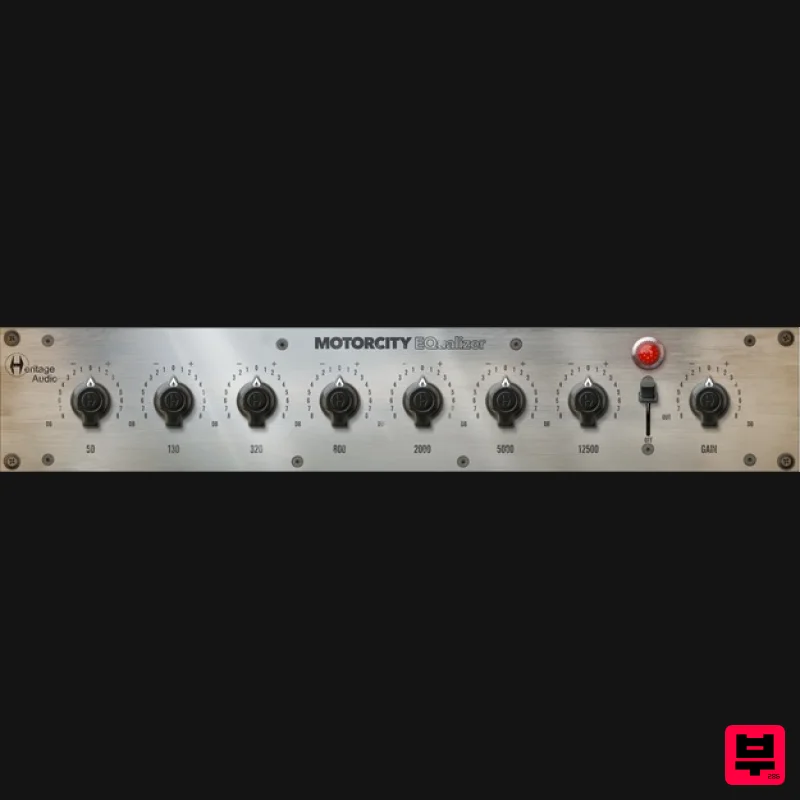
Heritage Audio MOTORCITY EQ
EQ
$104
The classiest EQ ever created finally gets the thorough plugin treatment it so long deserved Recreated from the...
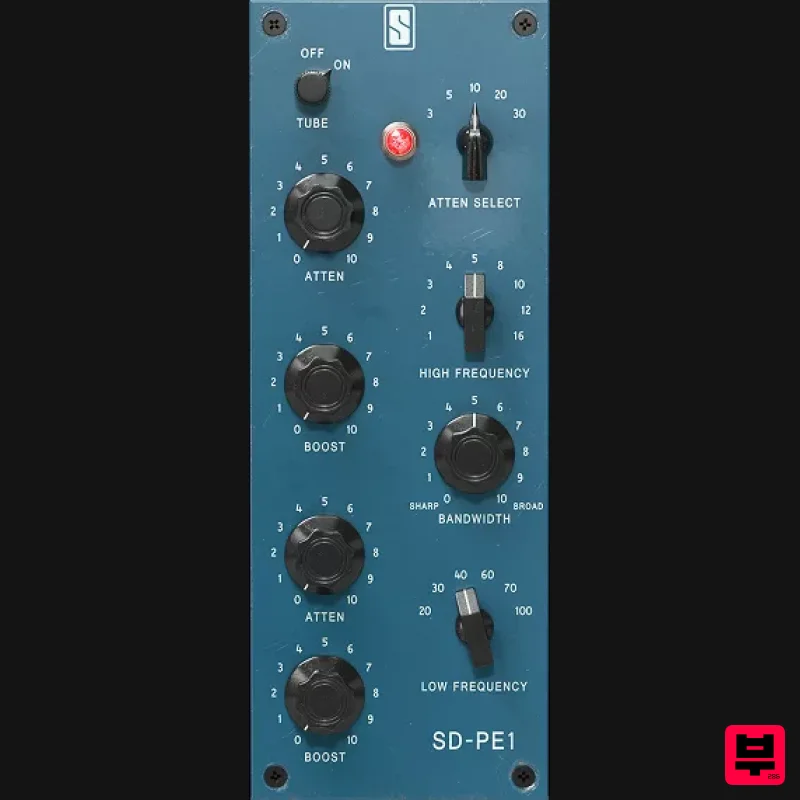
Slate Digital SD-PE1
EQ
$104
Meet SD-PE1! The most unique passive equalizer ever made joins the ever-expanding lineup of processors that make up the...
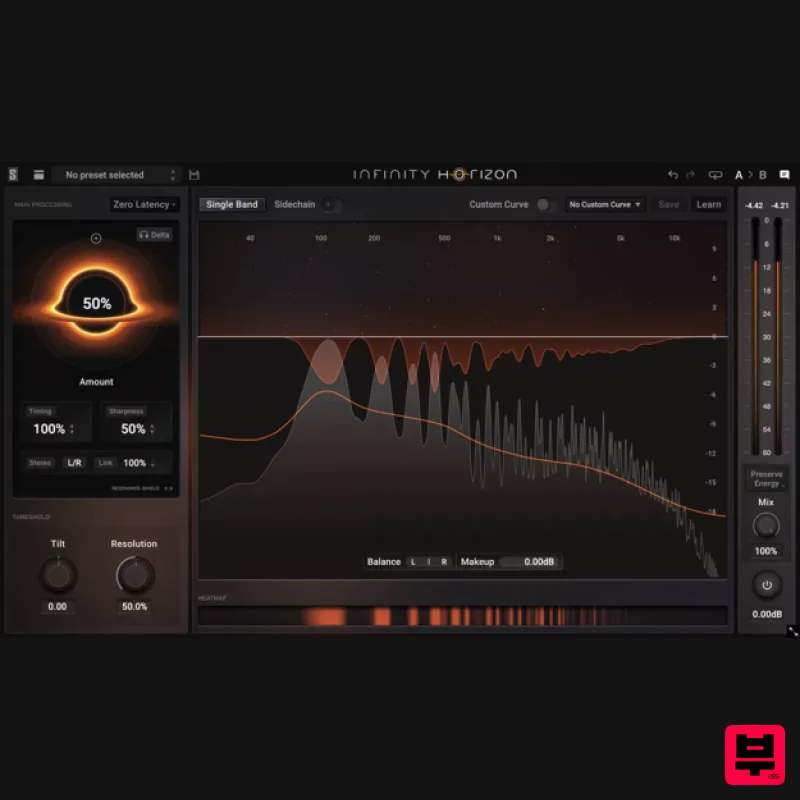
Slate Digital Infinity Horizon
EQ
$156
Rogue Frequencies Cannot Escape Infinity Horizon finds harsh frequency build ups and them in real time. If you're...
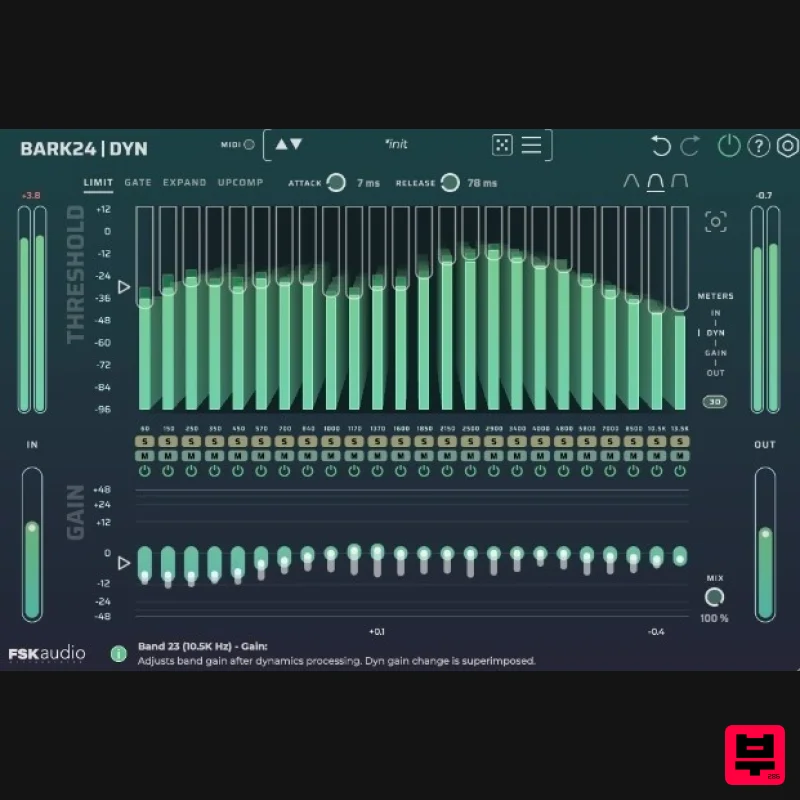
FSK Audio Bark24 | Dyn
EQ
$120
Bark24 | Dyn is a dynamic EQ that takes you far beyond a standard compressor or EQ. Based on the Bark scale - a model...
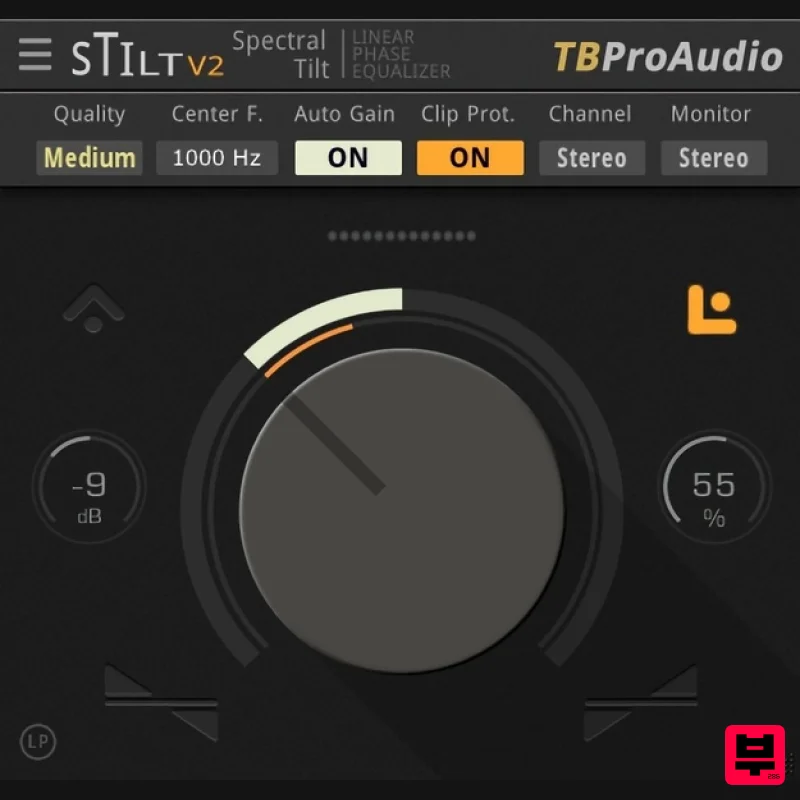
TBProAudio sTiltV2
EQ
Free
sTilt is a linear/minimum phase and IIR filter which tilts the audio spectrum around a given center frequency. Features...
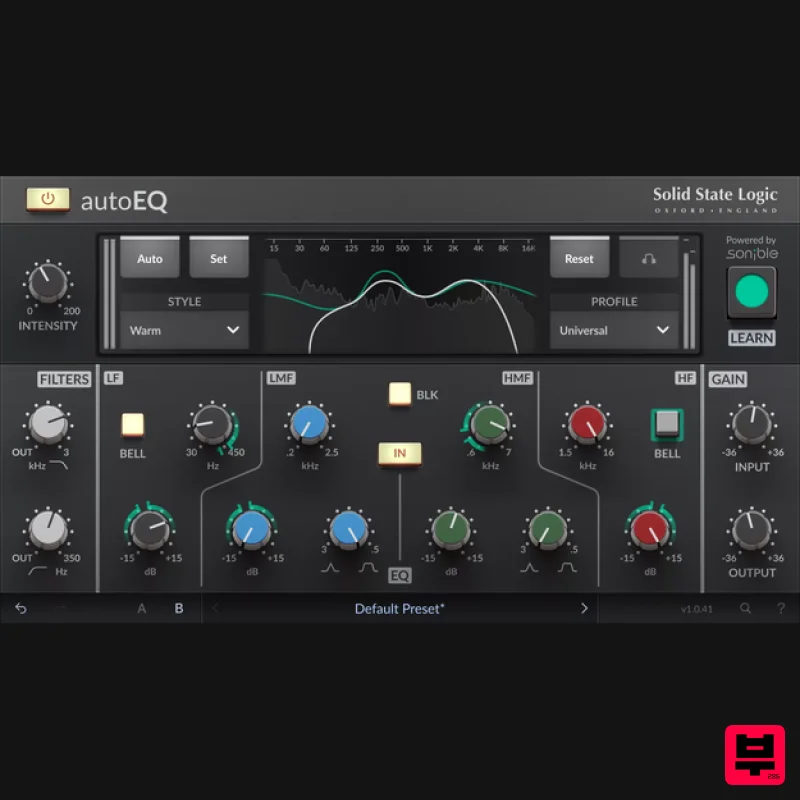
Solid State Logic SSL autoEQ
EQ
$109
SSL 4000E EQ processing with sonible AI assisted analysis Introducing autoEQ, part of the autoSeries with autoDYN and...
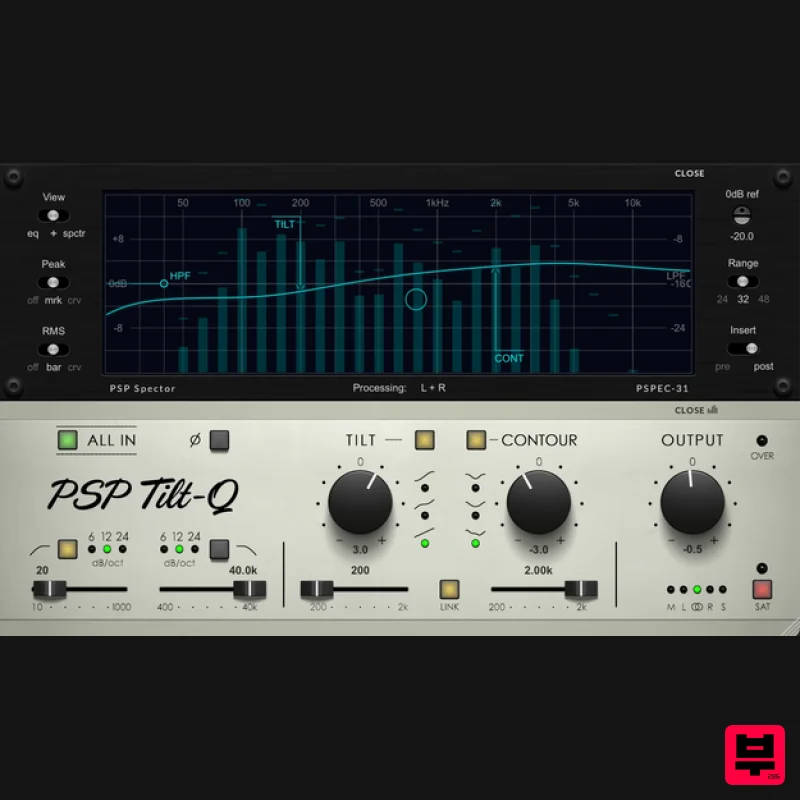
PSP Audioware PSP Tilt-Q
EQ
$72
Tilt Equalizer with Three Characteristics Musical tilt EQ offering three distinct curve shapes, allowing you to quickly...
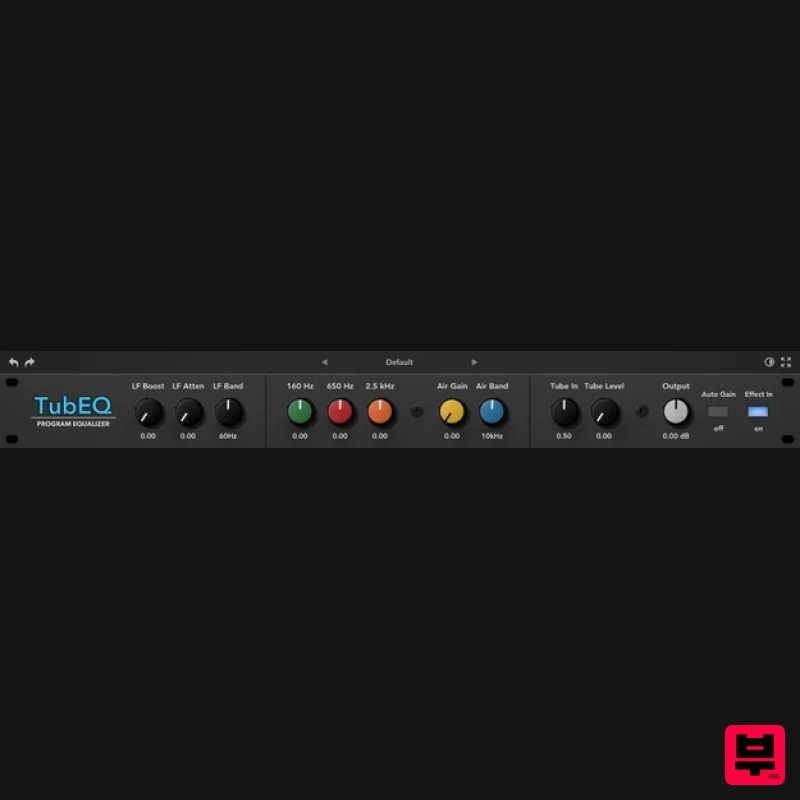
Rave Generation TubEQ
EQ
$42
TubEQ is an authentic analog equalizer plugin that combines the musical character of two legendary EQs in a single...
Frequently Asked Questions
The Eventide EQ45 stands out for its exceptional Eventide craftsmanship and innovative design.
Yes! With its affordable price point and quality construction, it's perfect for learning eq.
Browse the similar products section to see how it stacks up against other eq.

