
Embody Immerse Virtual Studio | Alan Meyerson
Professional music gear - detailed information and where to buy
Embody
Immerse Virtual Studio | Alan Meyerson
Product Info
* Prices may vary. Check retailer for current pricing and availability.
Product Description
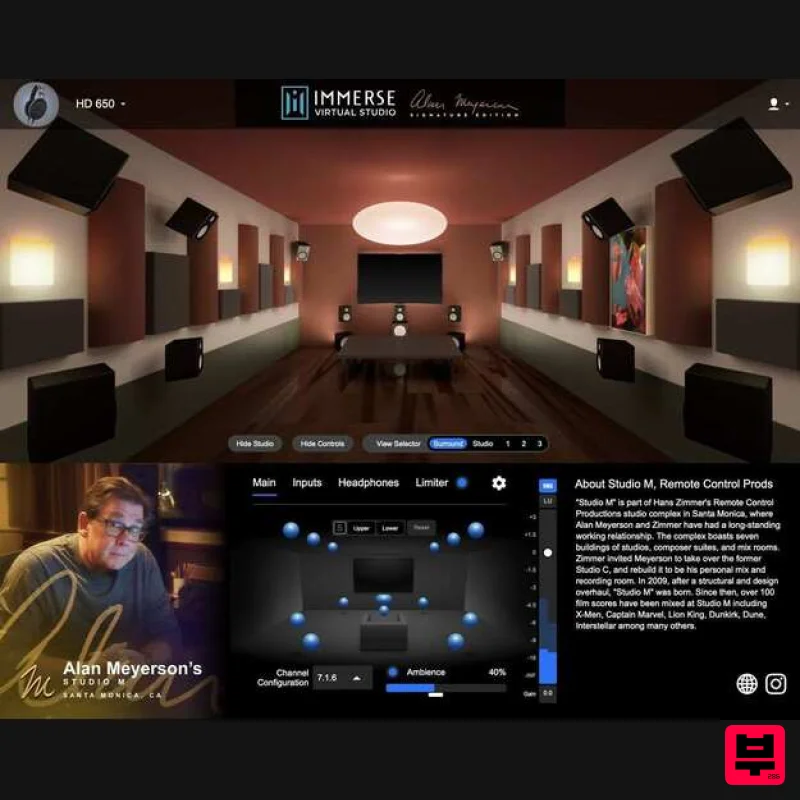
- Create Immersive Spatial Audio Experiences Using Any Pair Of Headphones “This is home. This is what home feels like. Please listen
- close your eyes
- and imagine where you are sitting … sometimes it takes a leap of faith for someone to be able to really take advantage of this new technology.” - Alan Meyerson Personalized Spatial Monitoring In Up To 7.1.6 Channels Mix and Monitor Surround Sound or Atmos content in up to 7.1.6 channels from inside the home base of legendary film mixer Alan Meyerson. Create immersive spatial audio experiences for film scores
- television
- and video games using any pair of headphones and this powerful virtual production tool that’s tuned to your personal HRTF. Studio M - Home Of Legends Alan Meyerson’s personal mix room is designed not only to create a film score mix that translates to any location but to impart a feeling of ease and warmth to everyone who enters. Studio M’s centerpiece is the Avid S6 control surface and ATC monitors in a 7.1.6 configuration
- allowing for full spatial mixing in Dolby Atmos. The room features original artwork by Mark Mothersbaugh and painting by Herb Alpert
- longtime collaborators
- and friends of Meyerson. Over 100 film scores have been mixed at Studio M including X-men
- Captain Marvel
- Lion King
- Dunkirk
- Dune
- and Interstellar - just to name a few. Immerse Engine - The Future Of Virtual Production AI Personalization
- Room Virtualization
- and Headphone Equalization - these are the pillars that make Embody’s spatial audio technology the most accurate in the world. Immerse Audio Bridge - Multi-Channel Audio Routing Between Applications Immerse Audio Bridge (IAB) is a multi-channel virtual audio cable that allows you to route up to 16-channels from one application to another. Create hassle-free loopback or pass audio between applications with no additional setup required. IAB comes included with Immerse Virtual Studio Alan Meyerson Signature Edition. One-time payment (10-year license) with FREE upgrades From time to time
- studio owners upgrade components
- which can alter the room’s frequency response. If Alan upgrades Studio M
- the Embody acoustic team will travel to Santa Monica
- California
- and remeasure his studio. Embody will provide the update to licensees free of charge. Anytime Alan upgrades his studio
- licensees will receive a new version of the plugin absolutely free. Also
- anytime Embody adds new features
- licensees receive the upgrade at no additional cost. Features Mix Surround Sound and Atmos on headphones Monitor with your personalized HRTF: Immerse offers a more realistic and accurate spatial monitoring environment by putting "You" into the sweet spot of iconic sound studios. Studio M virtualization tested and certified by Alan Meyerson himself Comes with both plug-in (VST3
- and AAX) and standalone versions for compatibility with Dolby Atmos Renderer Includes the Immerse Audio Bridge
- a virtual cable that can route up to 16-channel audio between applications Compatible with all headphones Find additional information on this product in the FAQ section. System Requirements Mac MacOS: 10.9x and above CPU: Apple M1
- Intel Formats: VST3
- AAX Native & AU Memory: 4GB Disk Space: 150MB Windows Windows 10 + 11 CPU: Intel
- AMD Formats: VST3
- AAX Native Memory: 4GB Disk Space: 150MB TRY FOR FREE You can try Immerse Virtual Studio | Alan Meyerson edition for 14 days
- FREE of charge. No dongle required. No credit card required. Enjoy! Jimmy “The Senator” Douglass “Spatial audio technology has the chance to challenge conventional music production. The Immerse Virtual Studio plugin gets spatial monitoring right - it’s a powerful tool.” Bob Horn “The Alan Meyerson signature plugin is the best playback of Atmos in headphones I have ever heard.” Sound on Sound “The Alan Meyerson Signature Edition extends the concept of the virtual control room to immersive audio
- which is perhaps where it is most needed.” Mac 1. Download the zip folder from your Plugin Boutique User Account and double-click it to open and reveal the installer file. 2. Double-click the installer file > click 'Continue' to begin the installation process. 3. Read through the important information > click 'Continue'. 4. Read through the license agreement > click 'Continue'. 5. Select 'Agree'. 6. Select where you want to install Immerse Virtual Studio > Click 'Install'. 7. Click 'Close'. 8. Open your DAW and load up your recently installed plugin. Note: In the event that your plugin fails to appear
- restart your DAW and rescan the plugin selection. 9. Enter your email address to receive a one-time activation code (this will also act as your login) > click 'Begin' 10. Enter the PIN number from your email address > Click 'Next'. 11. Scan the QR code with your phone's camera or a QR reader app < Follow the steps displayed on your phone to take a picture of your right ear (A tutorial on how to do this can be accessed by clicking 'Watch Now' in the plugin). 12. Click 'Activate'. 13. Enter the serial number provided within your Plugin Boutique User Account and click 'Activate'. The Software is now Activated and Ready for Use Within Your DAW! Windows 1. Download the zip folder from your Plugin Boutique User Account and double-click it to open and reveal the installer file. 2. Double-click the installer file to begin the installation process. 3. Read through the license agreement and select 'I accept the agreement' > click 'Next'. 4. Read through the important information > click 'Next'. 5. Choose whether you would like to create a desktop shortcut > click 'Next'. 6. Click 'Install'. 7. Click 'Finish'. 8. Open your DAW and load up your recently installed plugin. Note: In the event that your plugin fails to appear
- restart your DAW and rescan the plugin selection. 9. Enter your email address to receive a one-time activation code (this will also act as your login) > click 'Begin'. 10. Enter the PIN number from your email address > Click 'Next'. 11. Scan the QR code with your phone's camera or a QR reader app < Follow the steps displayed on your phone to take a picture of your right ear (A tutorial on how to do this can be accessed by clicking 'Watch Now' in the plugin). 12. Click 'Activate'. 13. Enter the serial number provided within your Plugin Boutique User Account and click 'Activate'. The Software is now Activated and Ready for Use Within Your DAW!
Additional Information
About the Embody Immerse Virtual Studio | Alan Meyerson
The Embody Immerse Virtual Studio | Alan Meyerson combines traditional design with modern performance for Referencing Tools enthusiasts.
Why Choose the Embody Immerse Virtual Studio | Alan Meyerson?
- •Authentic Embody craftsmanship and design
- •Versatile sound suitable for multiple musical genres
- •Professional build quality and reliable performance
- •Part of Embody's respected Referencing Tools lineup
Compare & Explore
Browse our complete selection of Embody instruments or explore other Referencing Tools options. Use our comparison tools to find the perfect match for your musical style and budget.
Similar Products
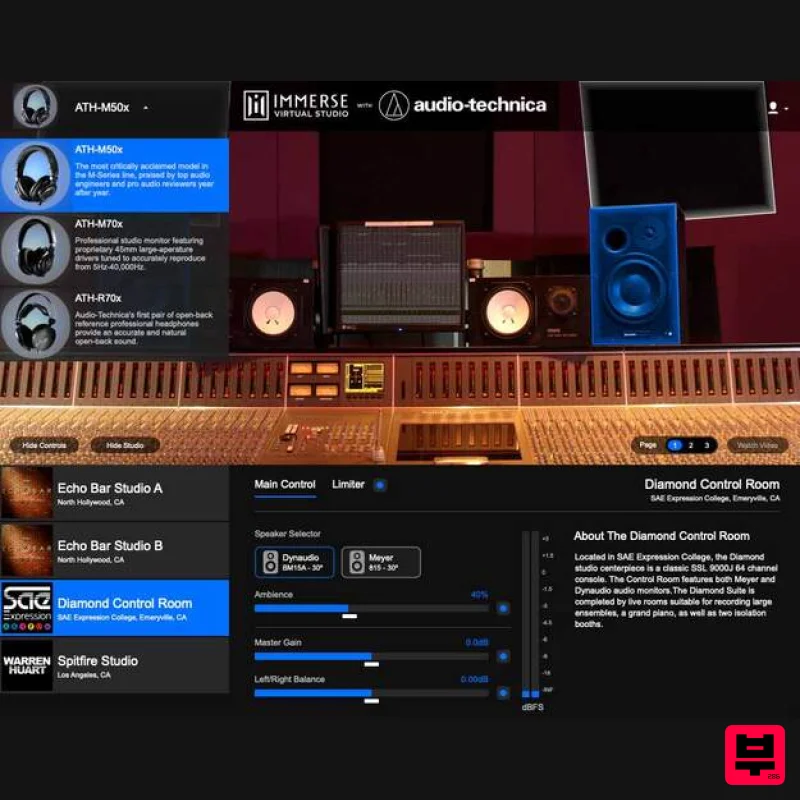
Embody Immerse Virtual Studio | Audio-Technica
Referencing Tools
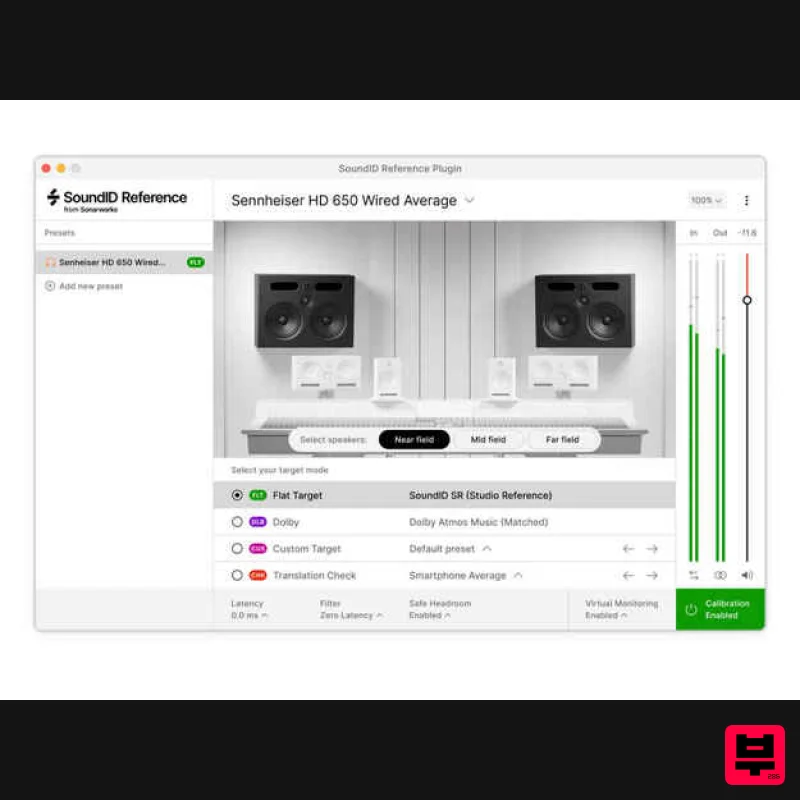
Sonarworks Virtual Monitoring Add-On for SoundID Reference
Referencing Tools
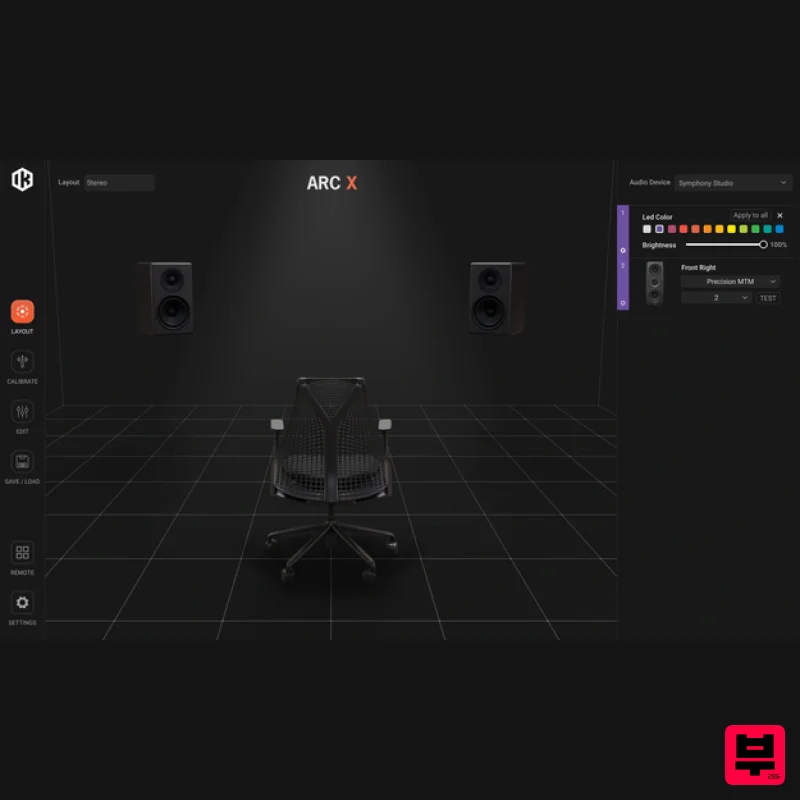
IK Multimedia ARC X
Referencing Tools
Sonarworks Sonarworks SoundID Reference
Referencing Tools
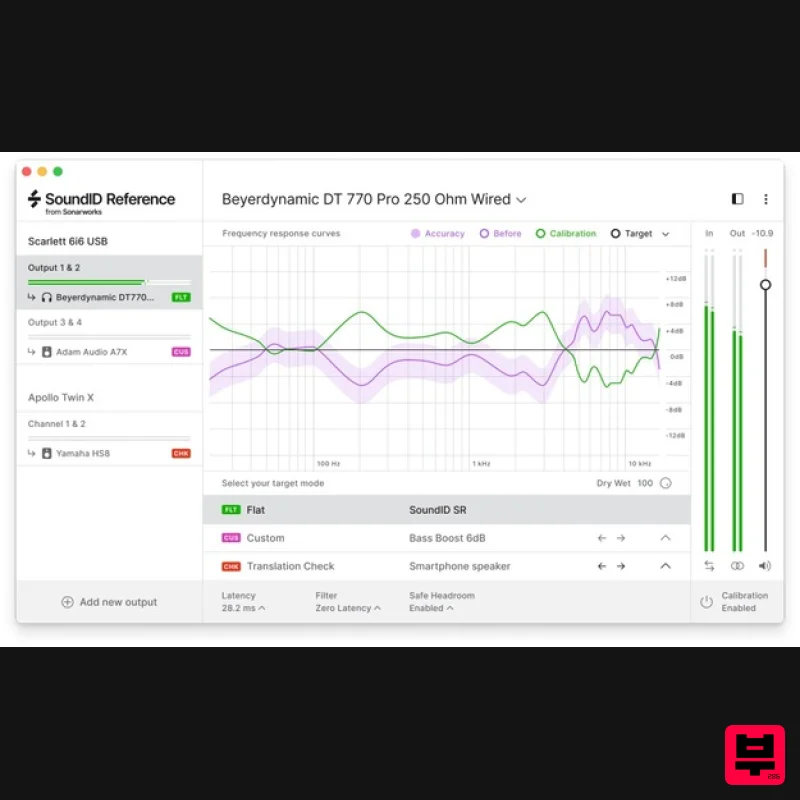
Sonarworks SoundID Reference for Headphones
Referencing Tools
iZotope iZotope Audiolens
Referencing Tools
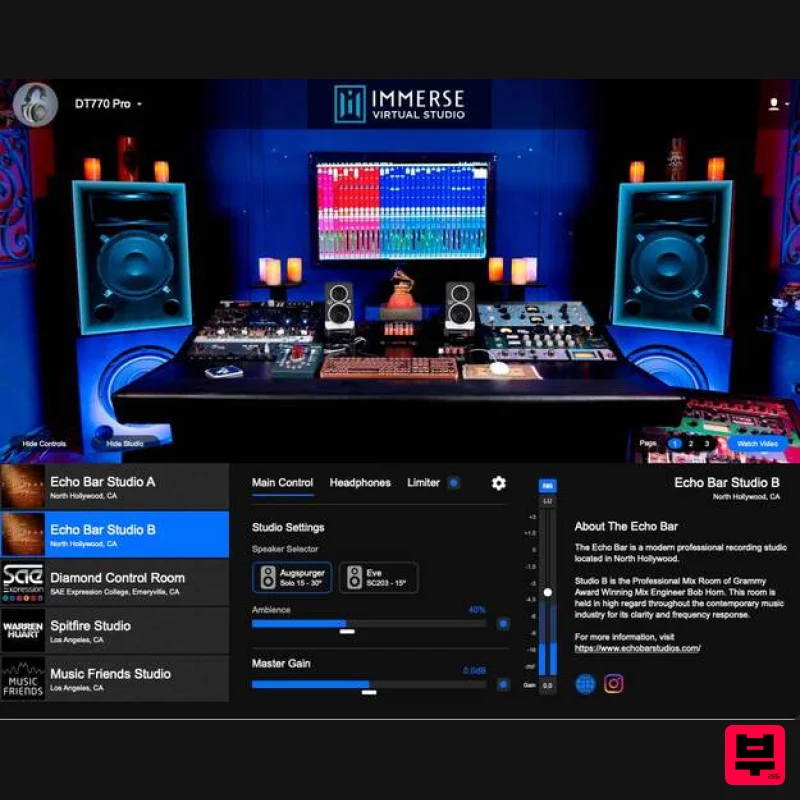
Embody Immerse Virtual Studio | All Access
Referencing Tools
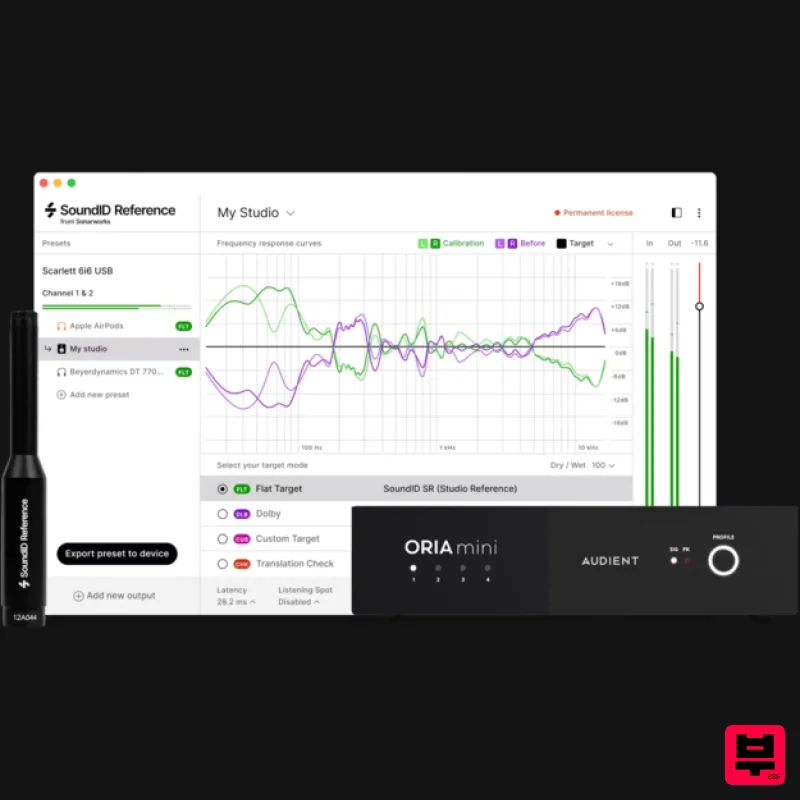
Sonarworks SoundID Reference Add-on for ORIA Mini
Referencing Tools

