
eaReckon EARebound
Professional music gear - detailed information and where to buy
Product Description
- Why? EARebound is a full-featured multi-delay plug-in which has been designed to meet a specific need : to quickly create rhythm lines from percussive sounds recorded in various environments (natural
- urban
- industrial
- …). Recording these sounds
- processing them through (carefully selected) effects in order to obtain multiple versions of them
- loading and mapping them in a sampler
- placing them in space
- … takes a considerable amount of time and can be an obstacle to spontaneous creativity. In addition
- even if we are satisfied with the results after hours of hard work
- this rhythmic grail cannot be easily modified
- as we would like
- during live situations. A first prototype of this thing was then born in 2011
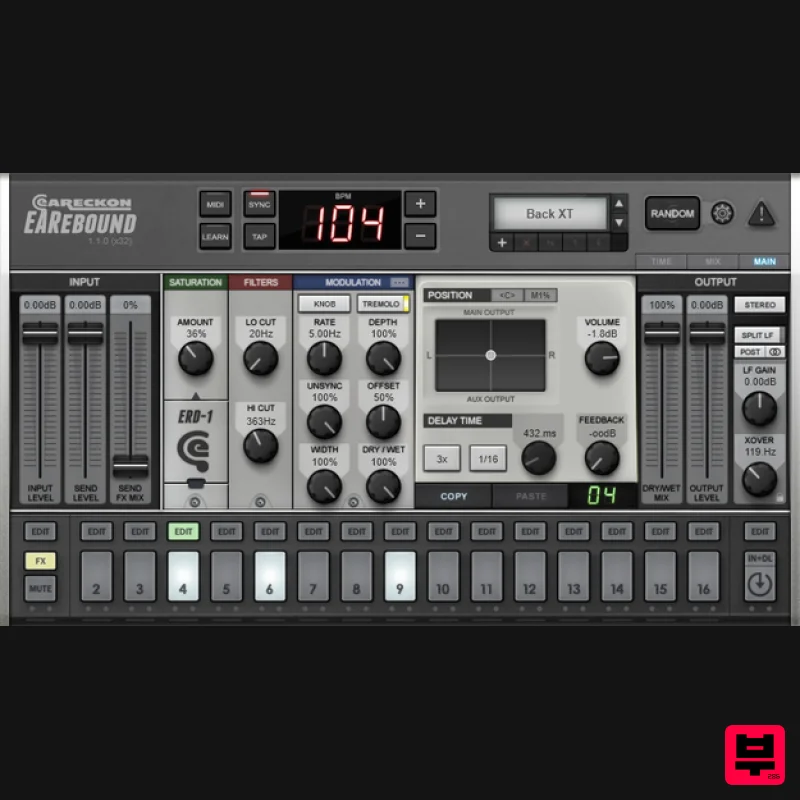
- offering 16 steps (the input + 15 delay lines) being processed by a dedicated set of shaping and positioning tools. The workflow was already similar to the one provided by a good old drum machine and it was enough to create rhythm lines from any kind of recorded sounds within a couple of minutes… lots of fun and saved time! Great… but considering that not everyone shares my pathological obsession for environmental percussive sounds
- it would have been a shame to keep EARebound as-is because it obviously has the potential to evolve into a more universal
- easy to use and definitely ultra-creative product… Apart from any situation where a solid delay unit is needed
- EARebound is now particularly useful when it comes to create rhythm from any material or instantly enhance an existing audio loop. What? 16 delay lines The input signal and the 15 first delay lines provide 16 steps - as you can find on most vintage beat boxes. Each of these “steps” is processed by its own set of effects (saturation
- filters
- modulation
- …). By default
- delay times match the 16th notes of a 4/4 bar and everything is synchronized to the host tempo (of course
- you are free to change these delay times as you wish). If we forget about the multiple feedback parameters (one per delay line)
- all of this may sound like a set of tweaked “tape heads” or the 16 pads of a vintage beat box… Finally
- an extra “global” delay line is available to make your “pattern” loop the way you want. By using a short delay time
- you can also use it to create very special effects. As other delay lines
- the “global delay” has its own set of effects… Three pairs of stereo outputs The name of these output pairs is quite explicit: Main
- LFE. However
- even if you don’t plan to work on surround projects
- these outputs aren’t just there for the sake of “gadget” appeal. When using a multi-tap delay
- we usually like to add some “diffusion” to some taps or we would like to process some of them with another effect (which is not necessary a reverb). If you already love a reverb it may be interesting to apply it on the taps of your choice instead of using an integrated basic verb - don’t you think? The “Aux” output combined with 2D position tools are what you need to use your favorite reverb (or 3D positioning effect) as if it was “integrated” to EARebound. The LFE output can then be used to split low frequencies and send them to a subwoofer… But the “Split LF” section of EARebound has more to offer. Low frequencies A multi-delay has the potential to “spread low frequencies everywhere” which is usually not something our ears will appreciate… Basically
- LF can be responsible for a muddy mix if they are not properly handled. The “Split LF” section of EARebound will help to easily avoid such annoyances by “monoizing”
- reducing
- or even cutting low frequencies. You can decide to do it after or before they enter delay lines. And even if you don’t want to send LF to the dedicated “LFE” output
- the “Split LF” section will work in stereo mode. Presets and Random feature EARebound offers a selection of categorized presets which have been designed to get you started with the plug-in. The presets manager offers the possibility to quickly save
- sort and recall your own presets. Should you be in a hurry for instant creativity
- just press the “Random” pad to generate your own presets. Pressing this pad will not just blindly turn knobs and push buttons for you… You can define your own rules so the results match your needs. Switching from a preset to another or pushing the “Random” pad will just trigger a process during which EARebound will do its best to avoid pops
- clicks and other artifacts. This is why it is also possible to perform such actions right in the middle of a tune or during live situations. Workflow EARebound includes 16 delay lines (each featuring a feedback parameter and a specific delay time)
- 17 saturation units
- 17 modulation modules
- 34 “cut” filters
- 17 positioning tools
- 1 crossover
- various gain/mix/send faders
- …That makes almost 400 parameters to deal with! The interface
- however
- should help to simplify this. Three different views are available: The “Main View” provides an access to all parameters
- including global ones (input and send level
- dry/wet mix
- LF section
- …). For parameters related to a specific “line”
- you just select the line to tweak its effect section with precision. The “Mix View” offers an overview of the effects applied to the “source” and the 15 first delay lines. It is perfect when you need to adjust a same effect on all 16 elements. The "Time Line" offers an overview of the delay time applied to each of the 15 first delay lines. It is very convenient for setting delay times in relation to one other. Using the graphical interface during live situations is probably not your best bet
- though… Even if parameters can be automated from most software hosts
- EARebound features a MIDI input which provides an alternative way to control the plug-in… and the lightning-fast MIDI Learn procedure should be enough to get the whole thing under control in no time! *EARebound is an effect with a MIDI Input. How easy or difficult (or even possible) it is to make use of this MIDI input depends on the host. Please consult your DAW’s manual for more information about it. When? There is probably still a lot to say about EARebound but words are surely not the best way to describe how it sounds. No need to wait furthermore... Please feel free to give the demo version a try right now... Your ears deserve trust! System Requirements Mac Supported OS: macOS 10.9 (min) up to macOS 14 CPU: Intel / Apple Silicon Available formats (64-bit only): AAX
- VST2
- VST3 Windows Supported OS: Windows 10 / Windows 11 CPU: Intel / AMD Available formats (32/64-bit): AAX
- VST2
- VST3 Awards eaReckon EARebound Review at Computer Music EARbound is a fully featured multimap delay plugin (VST/AU)
- comprising 15 discrete delay lines
- which along with the input signal
- are activated and edited via a horizontal pad layout reminiscent of a drum machine sequencer. For: Flexible low frequency handling Lush modulation options... Read More eaReckon EARebound Review At Music Radar EARebound is a fully featured multitap delay plugin (VST/AU)
- comprising 15 discrete delay lines
- which
- along with the input signal
- are activated and edited via a horizontal pad layout reminiscent of a drum machine sequencer. Pros: Great layout. Flexible low frequency handling. Lus... Read More eaReckon EARebound Review at Future Music EARebound is a multi-tap delay plugin with far more to offer than just elaborate echoes. Looking at the interface
- you could be forgiven for mistaking it for a drum machine
- but each of those step buttons infact activates a discrete delay line. By default
- the 15 delays lines are set to progressi... Read More Please Note: EAReverb 2 is used as an example. Mac 1. If you do not have an eaReckon account
- navigate to https: //www.eareckon.com/en/login.html?view=registration and sign up > If you do have an eaReckon account
- navigate to https: //www.eareckon.com/en/login.html and log in and proceed to step 3. 2. Navigate to your email inbox > Click the activation link to activate your eaReckon account > Log in. 3. Enter your serial number found within your Plugin Boutique User Account > Click 'Register'. 4. Download the correct installer(s) for your system. 5. Unzip the downloaded installer > Launch the .pkg installer file. 6. Click 'Continue'. 7. Click 'Continue'. 8. Click 'Agree'. 9. Click 'Continue'. 10. Click 'Install'. 11. Enter your system password > Click 'Install Software'. 12. Click 'Close'. 13. Launch your DAW > Insert EAReverb 2 on a new track > Locate your Hardware ID. 14. Navigate back to the eaReckon website and your account page > Enter your Hardware ID > Click 'Register'. 15. Navigate back to your DAW and the plugin > Enter the serial number found within your Plugin Boutique User Account into the 'Serial Number' box > Enter the Authorization Key that was generated in step 14 on the eaReckon website into the 'Authorization Key' box. EAReverb 2 is installed
- activated and ready to use. Windows 1. If you do not have an eaReckon account
- navigate to https: //www.eareckon.com/en/login.html?view=registration and sign up > If you do have an eaReckon account
- navigate to https: //www.eareckon.com/en/login.html and log in and proceed to step 3. 2. Navigate to your email inbox > Click the activation link to activate your eaReckon account > Log in. 3. Enter your serial number found within your Plugin Boutique User Account > Click 'Register'. 4. Download the correct installer(s) for your system. 5. Unzip the downloaded installer > Launch the .exe installer file. 6. Select language > Click 'OK'. 7. Click 'Next'. 8. Accept the EULA > Click 'Install'. 9. Click 'Finish'. 10. Launch your DAW > Insert EAReverb 2 on a new track > Locate your Hardware ID. 11. Navigate back to the eaReckon website and your account page > Enter your Hardware ID > Click 'Register'. 12. Navigate back to your DAW and the plugin > Enter the serial number found within your Plugin Boutique User Account into the 'Serial Number' box > Enter the Authorization Key that was generated in step 11 on the eaReckon website into the 'Authorization Key' box. EAReverb 2 is installed
- activated and ready to use.
Additional Information
About the eaReckon EARebound
Experience the quality and tone that makes the eaReckon EARebound a popular choice for musicians.
Why Choose the eaReckon EARebound?
- •Authentic eaReckon craftsmanship and design
- •Versatile sound suitable for multiple musical genres
- •Professional build quality and reliable performance
- •Part of eaReckon's respected Delay lineup
Compare & Explore
Browse our complete selection of eaReckon instruments or explore other Delay options. Use our comparison tools to find the perfect match for your musical style and budget.
Similar Products
PSP Audioware PSP Lexicon PSP42x
Delay
$30
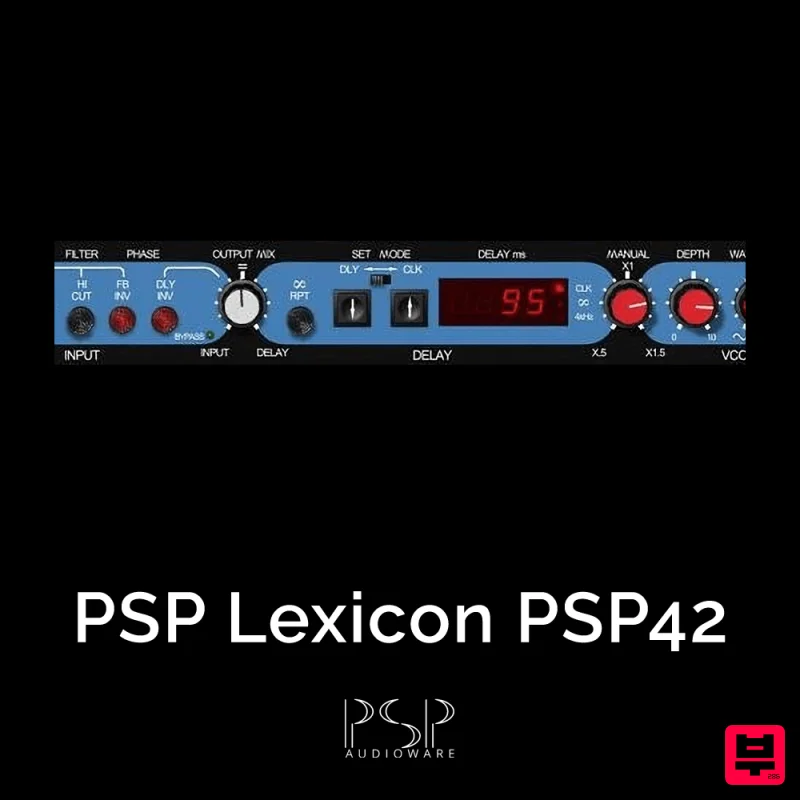
Lexicon PSP 42 is a high-quality digital stereo delay and phrase sampler plug-in based on the legendary Lexicon PCM42...
UnplugRed Magic Carpet
Delay
Free
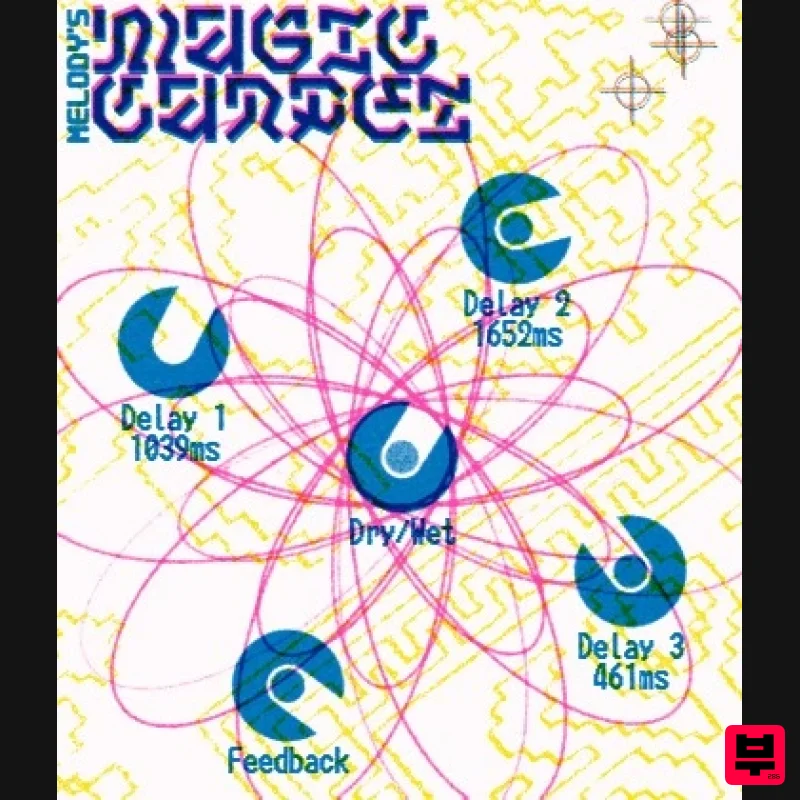
Three delay lines with a shared feedback path, makes a delay that starts sparse but continues to get denser with each...
Martinic Lem Echo Music
Delay
$30
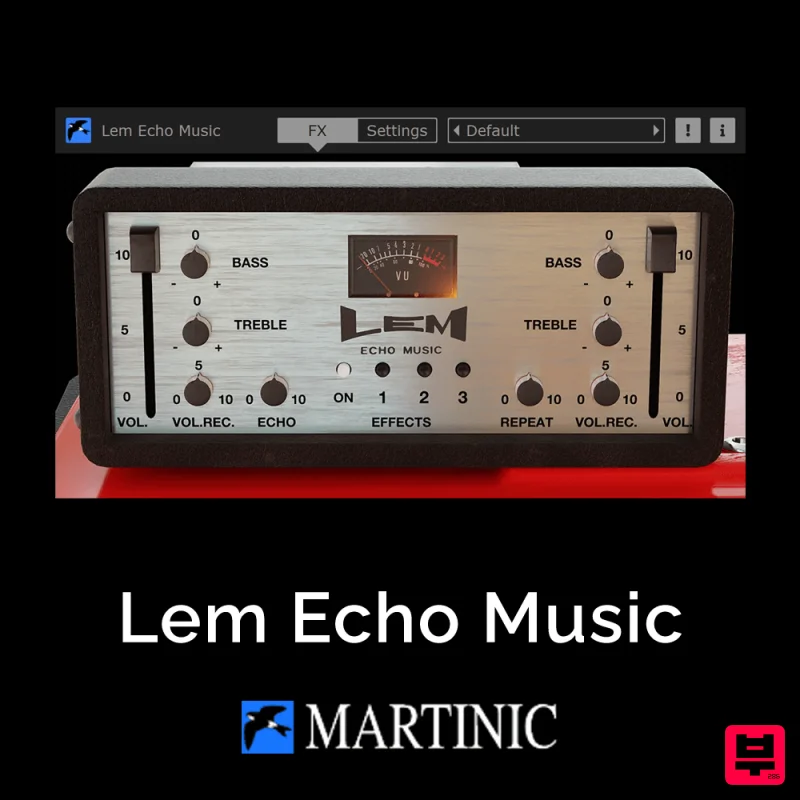
Authentic Vintage Tape Delay Emulation with Added Customization The Lem Echo Music plugin recreates the nostalgic tones...

Korneff Audio Micro Digital Reverberator
Delay
$30
Nerdy. Easy. Super Cool. The Micro Digital Reverberator combines killer reverb and delay effects with a super friendly...
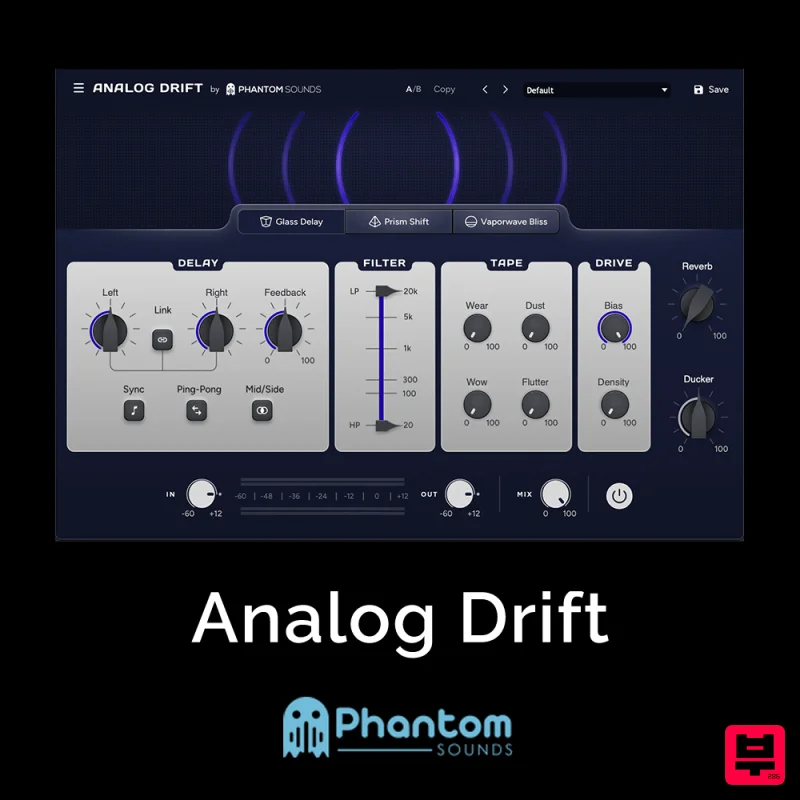
Phantom Sounds Analog Drift
Delay
$30
Redefine Your Sound with Distinctive Delays Analog Drift is a delay plugin that combines the pristine clarity of...
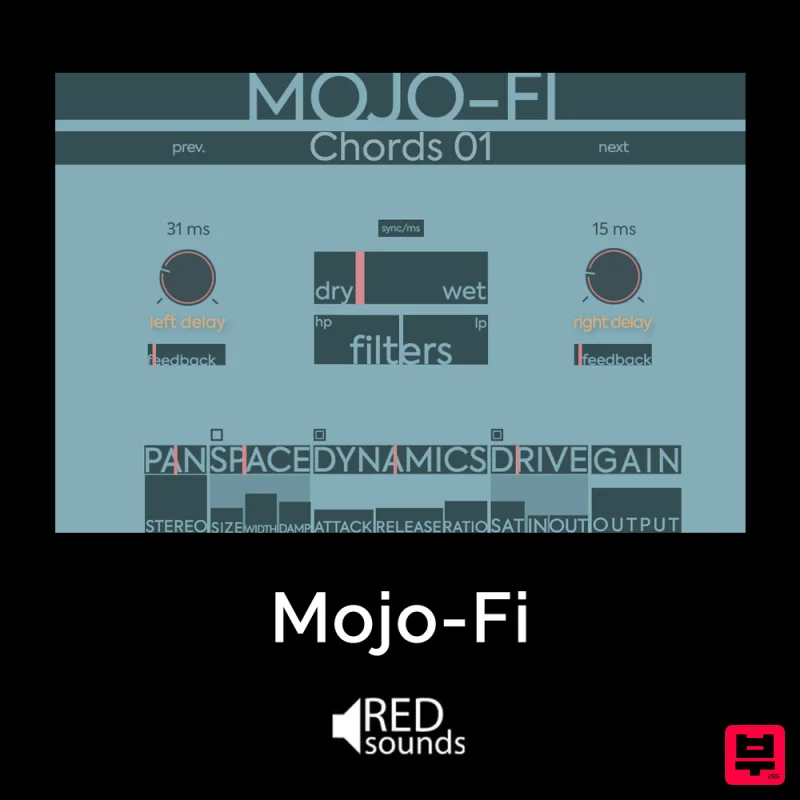
Red Sounds Mojo-Fi
Delay
$30
Multi-effect Delay Plugin On Steroids Great for adding life and texture to your boring soft synths, pianos, drums, and...

Beastsamples Beast-DLAY
Delay
$30
Beast-Dlay is a game-changer delay VST plugin with unprecedented processing power ready to add the hardware realism and...
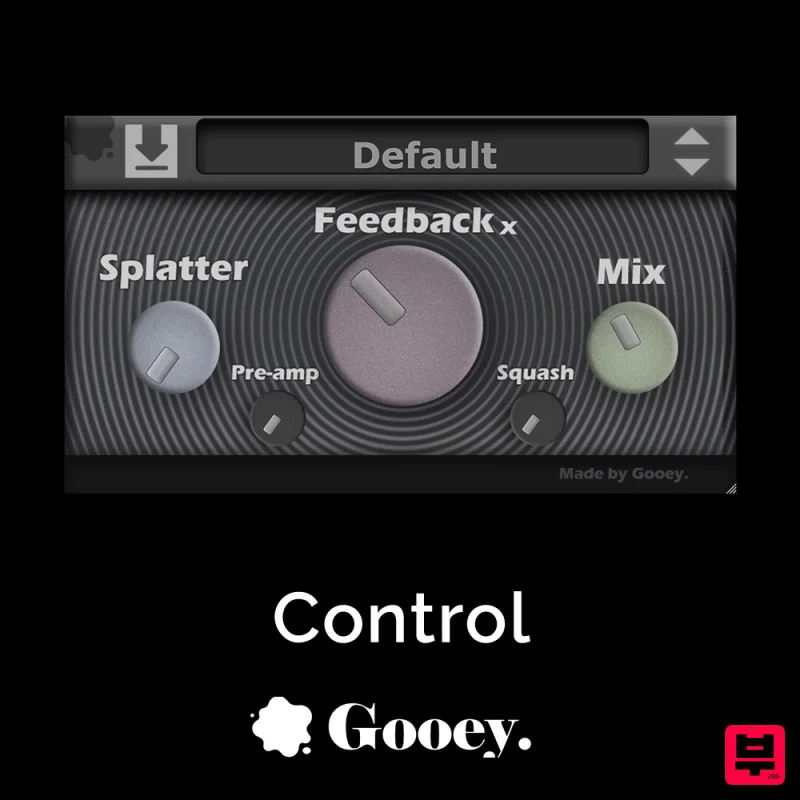
Gooey Audio Control
Delay
$30
Control by Gooey Audio is a feedback delay network plugin built for experimental sound designers, ambient composers,...
Frequently Asked Questions
The eaReckon EARebound stands out for its exceptional eaReckon craftsmanship and innovative design.
Yes! With its affordable price point and quality construction, it's perfect for learning delay.
Browse the similar products section to see how it stacks up against other delay.

