
Distorque Rangebastard
Professional music gear - detailed information and where to buy
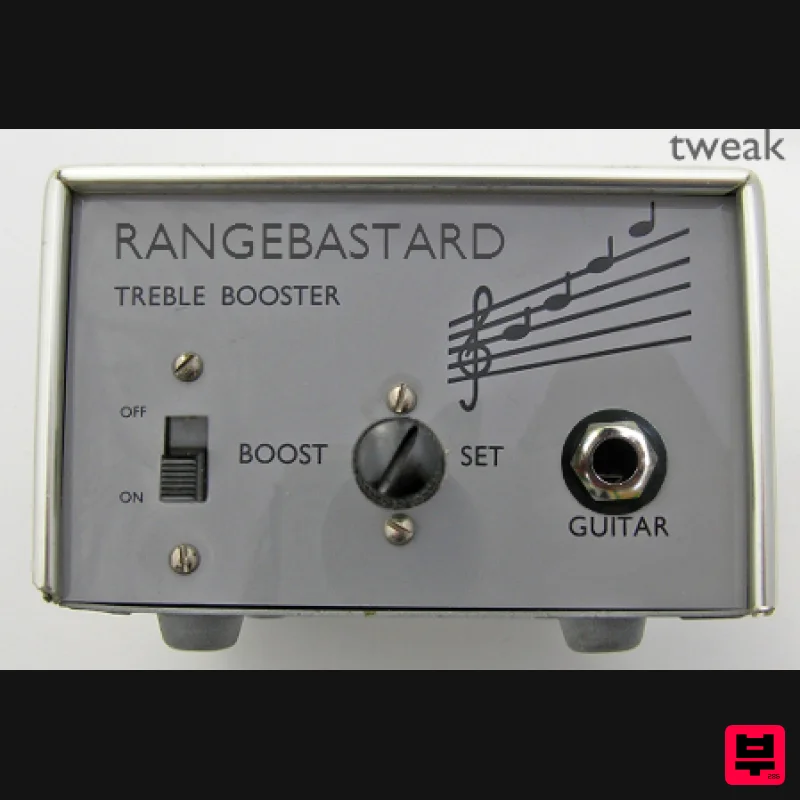
Distorque
Rangebastard
Product Info
* Prices may vary. Check retailer for current pricing and availability.
Product Description
- This is an emulation of an Dallas Rangemaster with added controls for tweaking or for use as a full-range booster
- an overdrive
- and more. It runs in mono or stereo
- and has 2x oversampling (always on). The Rangemaster was a Germanium transistor treble boost developed in the 1960s. It and similar effects have been used by Eric Claption
- Brian May
- and many more great guitarists. It's most often used to drive a distorted tube amp into more distortion
- while boosting the upper-mids for a screaming lead sound. Features emulation of an Dallas Rangemaster overdrive full-range booster 2x oversampling always on Input Level - This is a volume control on the input of the effect. You can adjust this to compensate for different pickups
- different input levels
- etc. It can also be cranked to overdrive the simulated transistor. Input Filtering - This adjusts the amount of filtering that is used on the input
- which gives the 'treble boost' frequency response. Turn it down for a full-range boost
- or put it at maximum for the normal Rangemaster sound. Treble - This allows you to roll off some of the high end. This is useful to avoid harsh distortion if you are using the effect as an overdrive. You can also turn this down along with the Input filtering control for a mid or bass boost. Transistor - This lets you pick between two simulated transistors
- based on measurments I took of two Germanium transistors. The 2SB175 is higher gain than the AC128
- and slightly more midrange-y. Stereo/Mono - This switches the effect between Stereo and Mono operation. Grid Current - Turning this above zero activates an emulation of tube grid limiting clipping. That's the tube distortion caused by the Rangemaster overdriving the input of a tube amp. The higher the control
- the more distortion. Pickup - This emulates the interaction between the Rangemaster and guitar pickups. For the most accurate tone
- set this to match the kind of pickup that you're using. The 'None' setting turns off the pickup filtering
- emulating running a buffer before the effect or using an active pickup. System Requirements This is for PC only. Installing on Windows 1. To install the Distorque software
- first double click the RAR folder you downloaded from Pluginboutique.com. Choose which type of plug-in you wish to run (32 or 64 bit) You will then see this window (were using Face Bender for demonstration purposes) - 2. Next follow the file directory - Computer / System (C: ) / Program Files / Steinberg - and drag the .dll file into the Steinberg folder. 3. You can now open your DAW of choice and use this great free plug-in!
Additional Information
About the Distorque Rangebastard
The Distorque Rangebastard represents excellent craftsmanship in the Distortion category.
Why Choose the Distorque Rangebastard?
- •Authentic Distorque craftsmanship and design
- •Versatile sound suitable for multiple musical genres
- •Professional build quality and reliable performance
- •Part of Distorque's respected Distortion lineup
Compare & Explore
Browse our complete selection of Distorque instruments or explore other Distortion options. Use our comparison tools to find the perfect match for your musical style and budget.
Similar Products
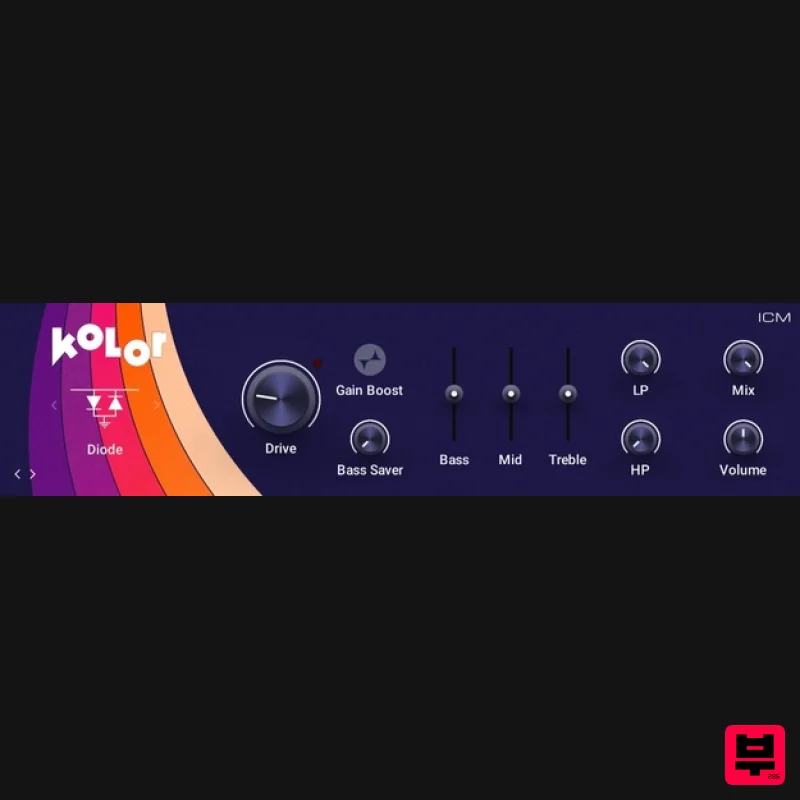
Native Instruments Kolor
Distortion

Soundspear Rumble
Distortion
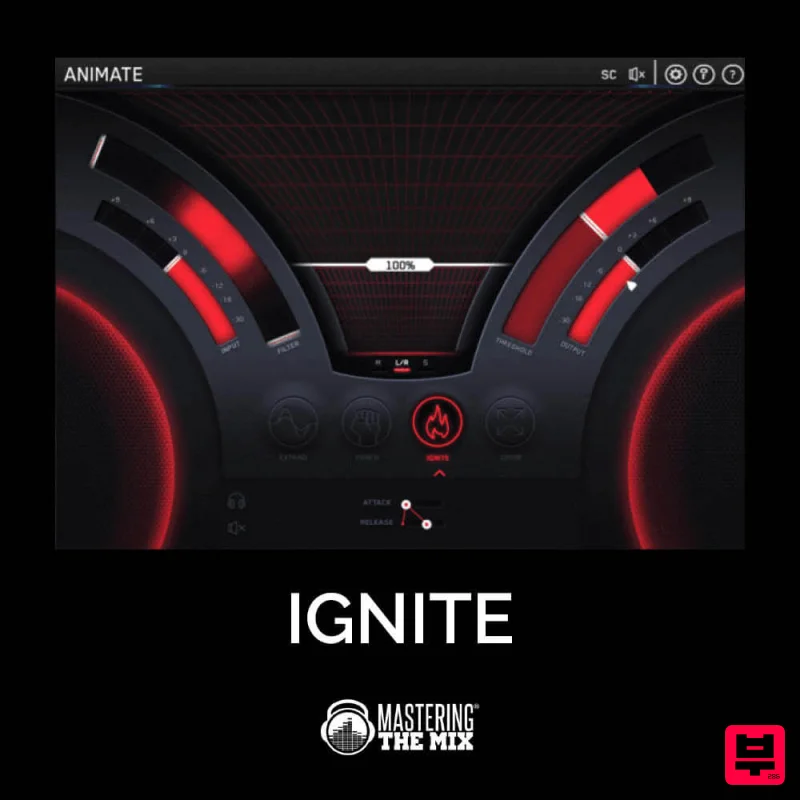
Mastering The Mix IGNITE
Distortion
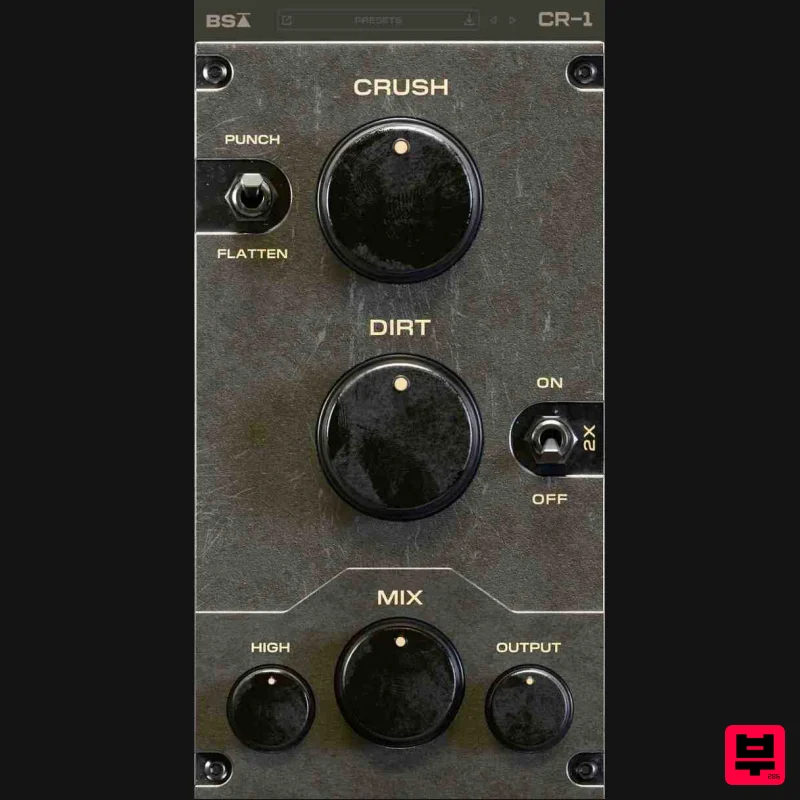
Black Salt Audio CR-1
Distortion

Soundspear Blowfish
Distortion
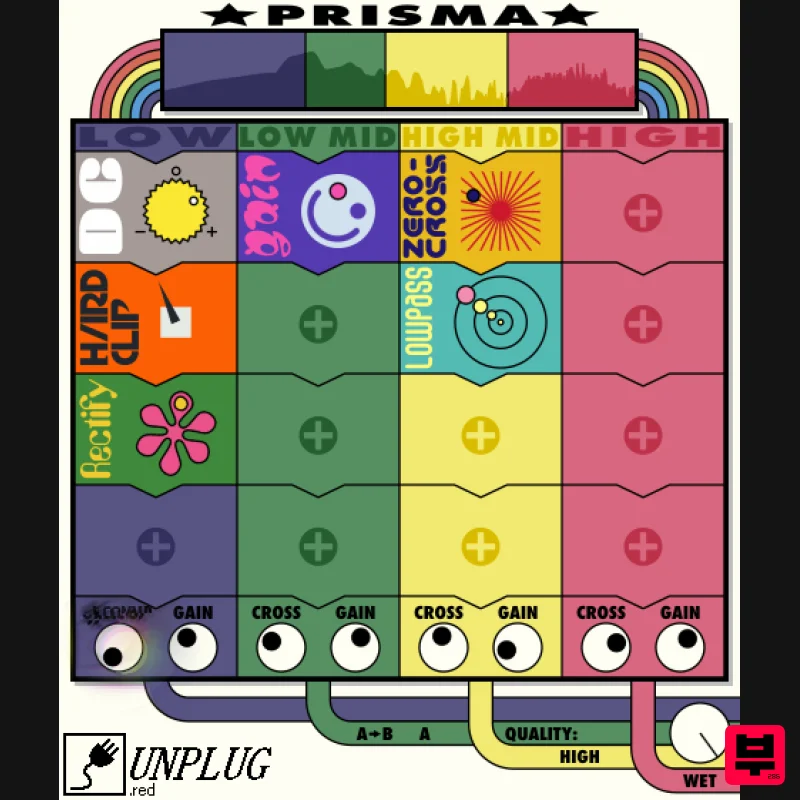
UnplugRed Prisma
Distortion
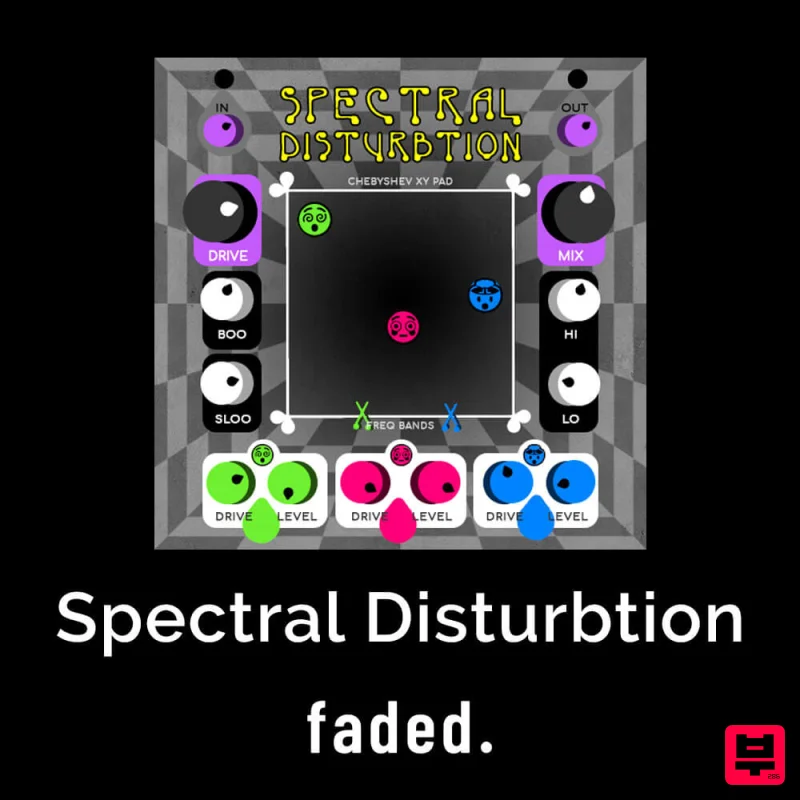
Faded Instruments Spectral Disturbtion
Distortion
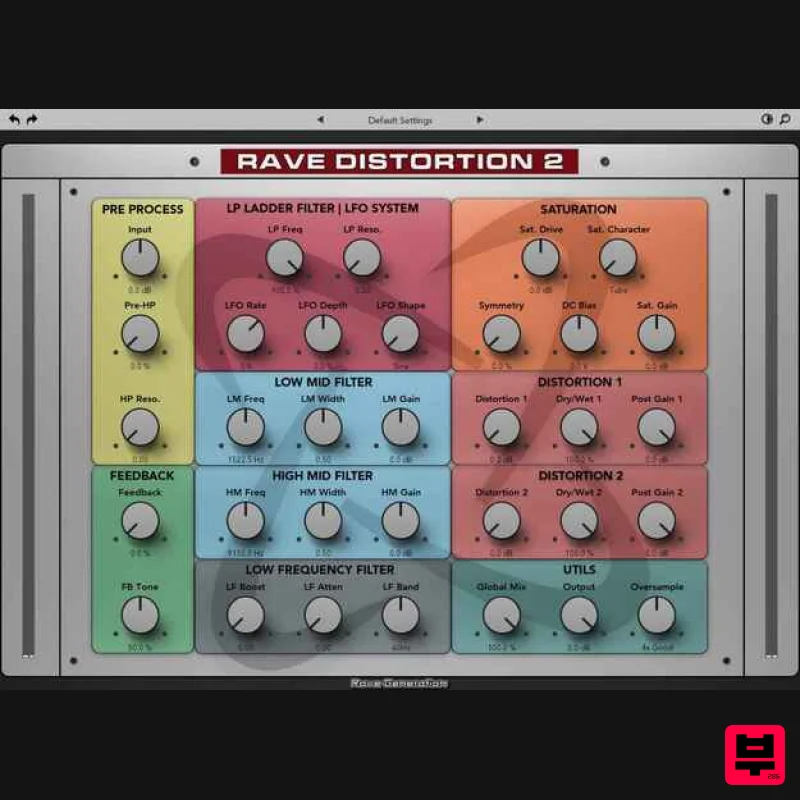
Rave Generation Rave Distortion 2
Distortion

