
Distorque Plusdistortion
Professional music gear - detailed information and where to buy
Distorque
Plusdistortion
Product Info
* Prices may vary. Check retailer for current pricing and availability.
Product Description
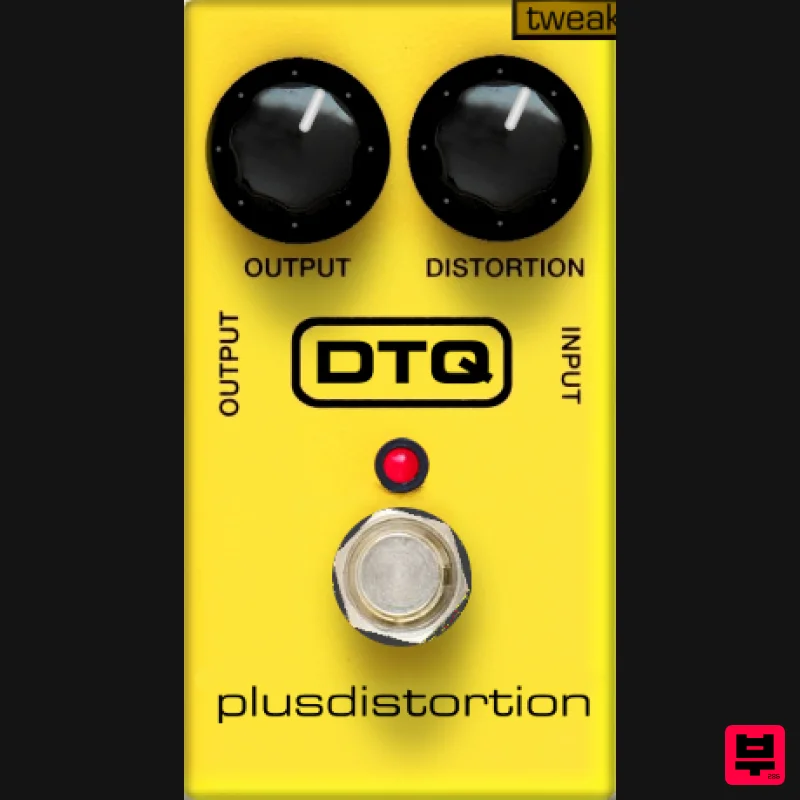
- Plusdistortion VST emulation of the MXR distortion unit
- the developer wasn't happy with the lack of good free distortion plug-ins avalible
- so decided to design his own and model it on classic hardware. The plug-in also has a 'tweek' menu for fine tuning of each parameter. Features Emulation of MXR Distortion Stereo mode 2x Oversampling Input level - This is a volume control on the input of the effect. You can adjust this to compensate for different pickups
- different input levels
- etc. Input Type - 'Pickup' adds a resonant low-pass filter on the input to emulate the interaction between the 1nF cap on the input and a guitar pickup. 'Buffered' removes this filter. Op Amp Clipping - This controls the amount of distortion caused by the emulated op amp. See the how it works page (coming soon) for more details on how clipping works in the Distortion+. Diode Clipping - This controls the hardness of the distortion caused by the emulated diodes. Because of the way the hardness is controlled
- the output gets louder as this control is turned up. See the how it works page (coming soon) for more details on how clipping works in the Distortion+ and on the diode source code. High Cut - This reduces high frequencies on the output. Many distortions use controls like this to reduce harshness. Low Cut - This reduces low frequencies on the input. Many distortion use controls like this to reduce muddiness and increase clarity. System Requirements This is for PC only. Installing on Windows 1. To install the Distorque software
- first double click the RAR folder you downloaded from Pluginboutique.com. Choose which type of plug-in you wish to run (32 or 64 bit) You will then see this window (were using Face Bender for demonstration purposes) - 2. Next follow the file directory - Computer / System (C: ) / Program Files / Steinberg - and drag the .dll file into the Steinberg folder. 3. You can now open your DAW of choice and use this great free plug-in!
Additional Information
About the Distorque Plusdistortion
The Distorque Plusdistortion combines traditional design with modern performance for Distortion enthusiasts.
Why Choose the Distorque Plusdistortion?
- •Authentic Distorque craftsmanship and design
- •Versatile sound suitable for multiple musical genres
- •Professional build quality and reliable performance
- •Part of Distorque's respected Distortion lineup
Compare & Explore
Browse our complete selection of Distorque instruments or explore other Distortion options. Use our comparison tools to find the perfect match for your musical style and budget.
Similar Products
Soundspear Rumble
Distortion
Faded Instruments Spectral Disturbtion
Distortion
Mastering The Mix IGNITE
Distortion
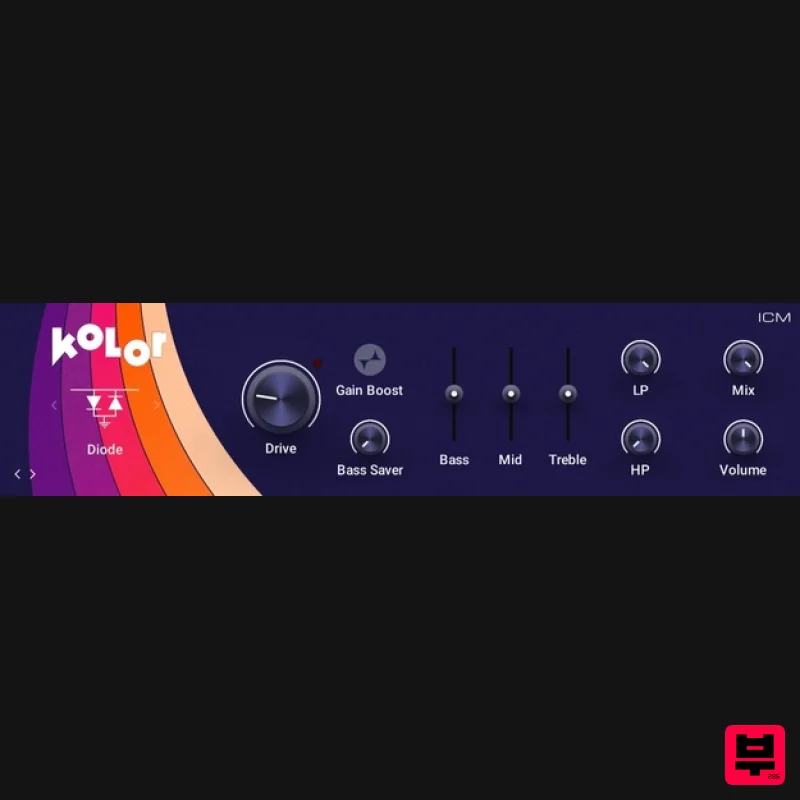
Native Instruments Kolor
Distortion
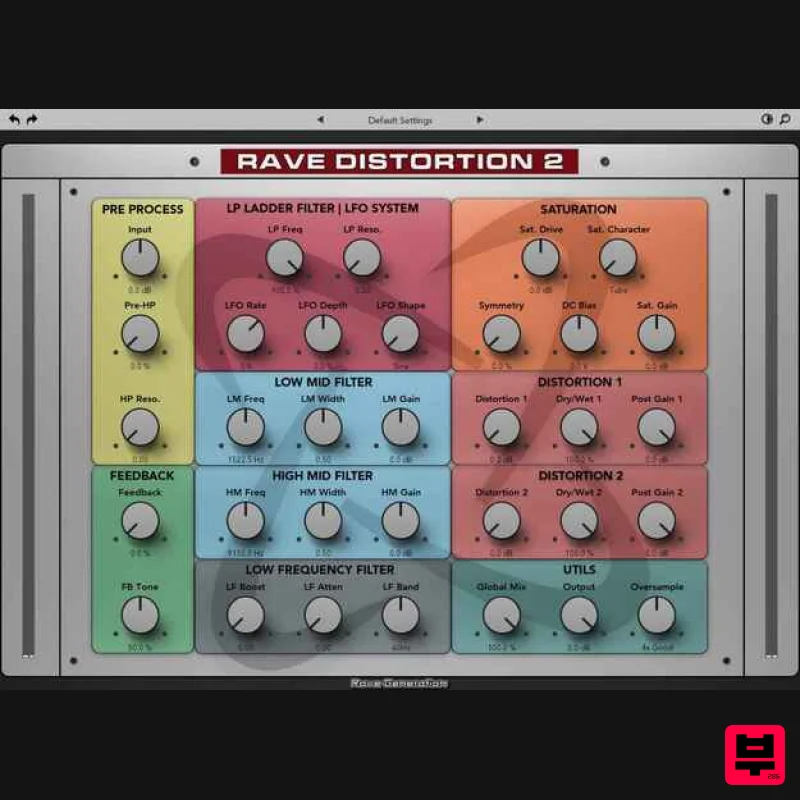
Rave Generation Rave Distortion 2
Distortion
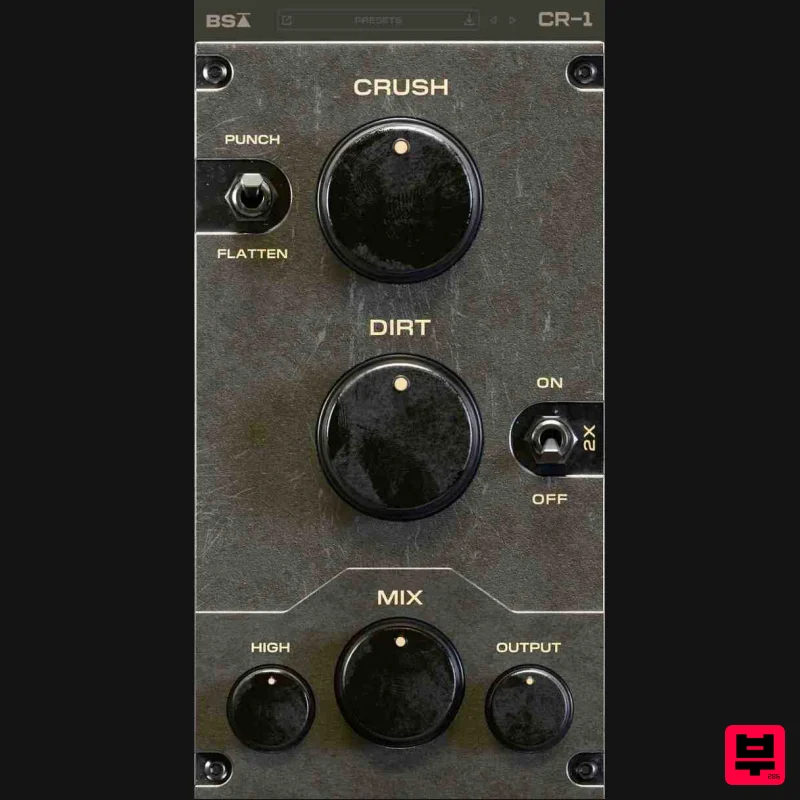
Black Salt Audio CR-1
Distortion
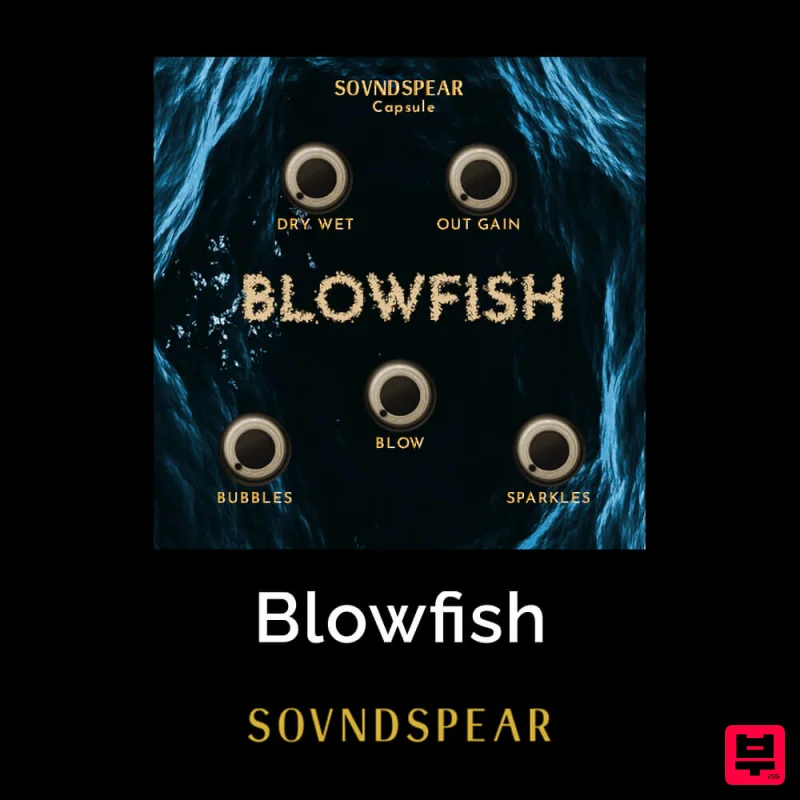
Soundspear Blowfish
Distortion
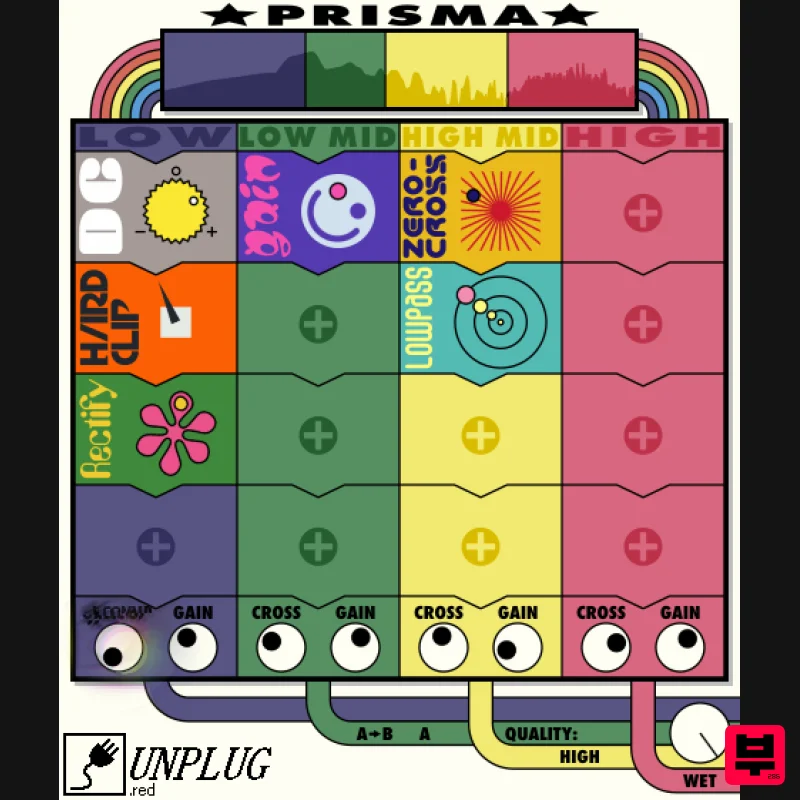
UnplugRed Prisma
Distortion

