
Digital Brain Transformer
Professional music gear - detailed information and where to buy
Digital Brain
Transformer
Product Info
* Prices may vary. Check retailer for current pricing and availability.
Product Description
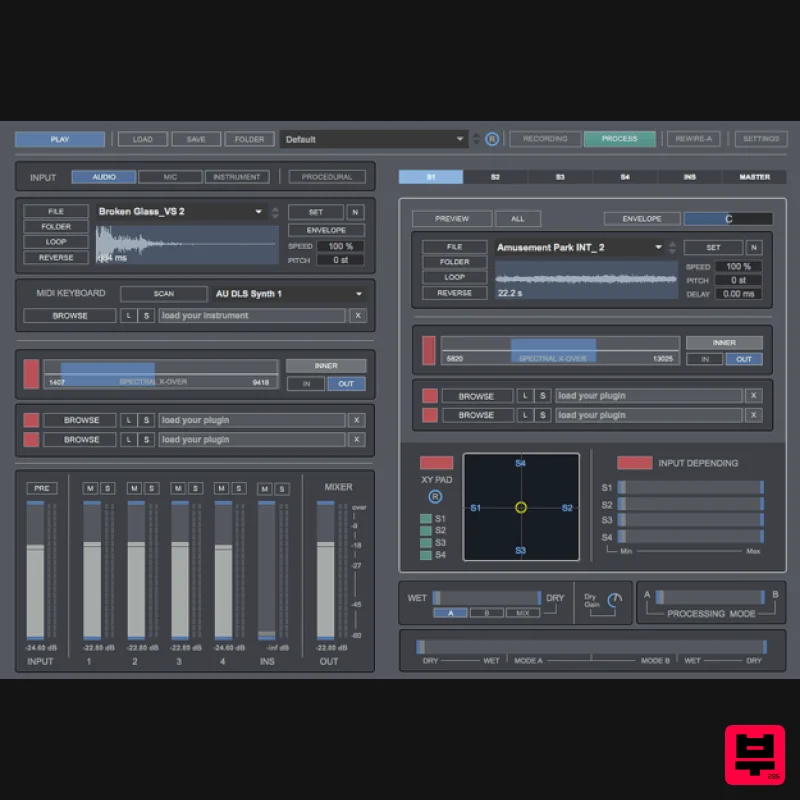
- Creative audio morphing & processing tool A new way for morphing and Performing your sample libraries. Transformer is a 64-bit standalone software developed to transform your audio samples into new sounds
- using a microphone
- pre-recorded audio files or a virtual instrument. By using convolution processing you can add new layers of sound to existing audio files and performing them into many different ways depending on your needs. Transformer offers a new way of creative audio processing for sound designers and musicians. Includes 1.2 GB of professional audio samples pack: foley
- whooshes
- explosions
- footsteps
- hits
- creatures
- rocks
- sci-fi
- drones
- impacts
- cinematic & vehicles. Real-time audio processing. Microphone
- sample player and virtual instrument inputs. Up to 4 sample player carrier signals. 1 virtual instrument carrier signal. Spectral Crossover. Add plug-ins to modulation and carrier output signals. XY Pad virtual mixing engine. Input Depending. Master FX Rack. Recordings. Sample processing. Process & record files in one-click. Input & Output routing to DAW or audio editor. Rewire. MIDI Matrix. Control Transformer via your MIDI device. Keyboard shortcuts. Includes 1.2GB of samples Features Inputs | Modulation Signals Microphone. Use your voice or any sound captured by your microphone. Sample Player. Play any file from your computer (wav
- aiff
- mp3). Includes envelope designer
- loop
- reverse
- pitch
- playback speed and normalizer. Virtual Instrument. Use any vst/au instrument. Procedural Engine. Generate procedural sound based on your settings. Carrier Signals Sample Players. Up to 4 Sample players to use as carrier signals. Includes envelope designer
- loop
- reverse
- pitch
- playback speed
- delay
- pan and normalizer. Virtual Instrument. Load any vst/au instrument. Includes Autokey function which allows playing instruments based on your note selection and without using a midi keyboard. Spectral Crossover Select any frequency range content to use as modulation and carrier signals. Plugins Load up to 2 vst/au plugins on the input section and on every carrier signal section. XY Pad Mixing A virtual mixing section that allows mixing carrier signals outputs using an XY Pad. Input Depending Activate or deactivate any carrier signal output depending on the input level. It allows creating more dynamic sounds. Processing Mode It allows changing the modulation/carrier processing. Both can be reversed or mixed depending on your needs. Wet / Dry | Morphing Mix Add the original input source to the output section. Morphing section allows changing the processing mode and dry/wet balance using a unique fader control. Master Rack Includes 4 vst/au plugin sections
- 5-Band Parametric EQ
- Pitch-shifting
- LFO and Phasor. Recording WAV or AIFF files. Up to 192kHz / 32 Bits (depending on your soundcard). Sample processing: Process and record any audio file in just 1 click. Preset Manager Create your own presets. Store and recall the whole session data. MIDI Matrix Control Transformer via your midi device. Input & Output Routing. Rewire. Play and record audio from any DAW/Audio Editor. Keyboard Shortcuts For better and faster user experience System Requirements Mac OS X 10.7 or later 64-bit Minimum 2GB RAM Recommended screen resolution 1920x1080 PC Windows 7 or later 64-bit Minimum 2GB RAM Recommended screen resolution 1920x1080 Note: Voxpat 2 is used as the example. Mac 1. Download the .zip file from your Plugin Boutique User Account > double-click it to extract the contents. 2. Open the .dmg file. 3. Right-click the 'Voxpat 2' icon and click 'Open'. Your software is now ready to use! Windows 1. Download the .zip file from your Plugin Boutique User Account. 2. Double click on the .zip file to extract and reveal its contents > Find and open the 'Voxpat 2' folder. 3. Double Click the 'Voxpat 2' standalone application icon
- in order to launch the software. Your software is now ready to use!
Additional Information
About the Digital Brain Transformer
Discover the distinctive sound and feel of the Digital Brain Transformer, a standout choice among Audio Editor.
Why Choose the Digital Brain Transformer?
- •Authentic Digital Brain craftsmanship and design
- •Versatile sound suitable for multiple musical genres
- •Professional build quality and reliable performance
- •Part of Digital Brain's respected Audio Editor lineup
Compare & Explore
Browse our complete selection of Digital Brain instruments or explore other Audio Editor options. Use our comparison tools to find the perfect match for your musical style and budget.
Similar Products
United Plugins FireSpacer
Audio Editor
Celemony Melodyne 5 Studio
Audio Editor

Yum Audio Extractor
Audio Editor
Reason Studios ReCycle 2.5
Audio Editor
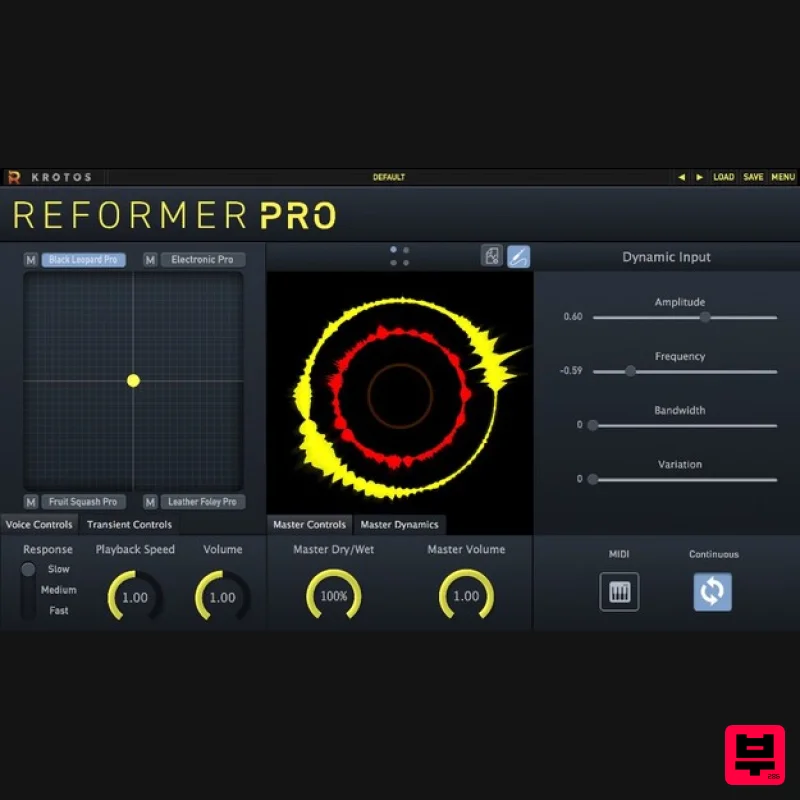
Krotos Reformer Pro
Audio Editor
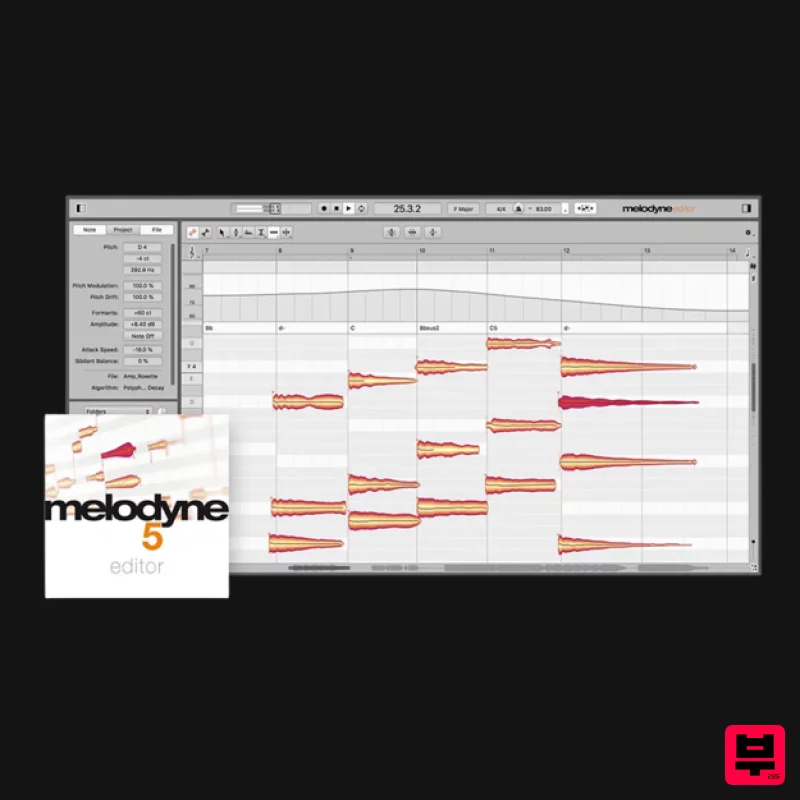
Celemony Melodyne 5 Editor
Audio Editor
Celemony Celemony Melodyne 5 Assistant
Audio Editor
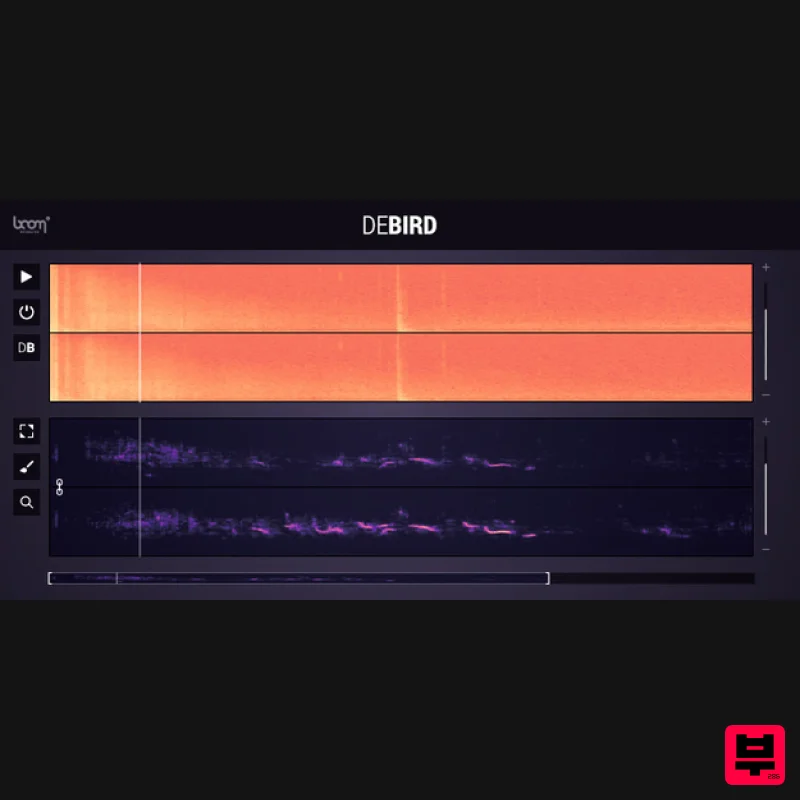
Boom DEBIRD
Audio Editor

