
DHPlugins HALO-2 Expansion: BORG BASS
Professional music gear - detailed information and where to buy
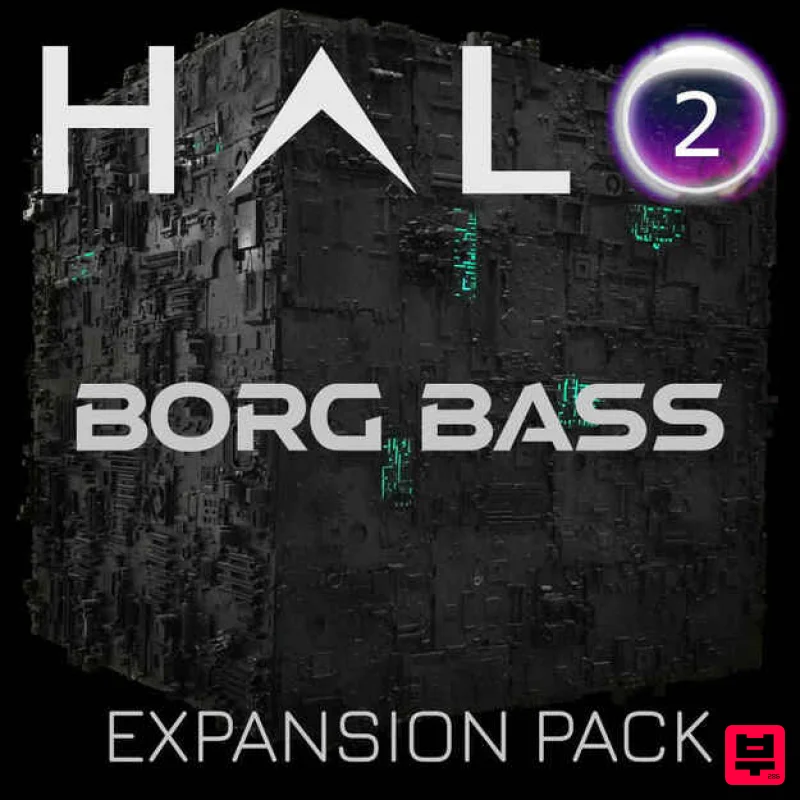
DHPlugins
HALO-2 Expansion: BORG BASS
Product Info
* Prices may vary. Check retailer for current pricing and availability.
Product Description
- Featuring over 50 Presets and 35 Sample Banks of devastating Hi-Tech bass
- grinding Reeses
- metallic growls
- bone-rattling subs
- whomps and synth stabs fresh from the 24th century! Created mainly in the digital domain using the latest in cutting edge software and processing techniques BORG BASS is designed to feel futuristic
- gritty
- mechanic
- chaotic and powerful. Easily design custom distortions to drive these sounds further to the edges of the universe! Features 50 Presets 35 Sample Banks System Requirements Requires the full version of HALO Note: HALO-2 Expansion - Mono-Synth is used as an example. Windows 1. Download the installation pack from within your Plugin Boutique User Account
- and unzip the contents. 2. Launch the 'MONO-SYNTH 2' installer. 3. Select 'I accept the agreement'
- then click 'Next'. 4. Click 'Install'. 5. Once installation is complete
- click 'Finish'. 6. Launch the 'MONO-SYNTH 2 SAMPLES' installer from within your downloaded installation package. 7. Enter the license key from within your Plugin Boutique User Account
- and click 'Activate'. 8. Click 'Download Mono-Synth'. 9. Click 'OK'
- and select a download location for your samples. 10. Once installation is complete
- close the window (do not click 'Cancel'). 11. You're ready to go! Launch HALO-2 within your DAW
- and navigate to your newly activated expansion pack. Mac 1. Download the installation pack from within your Plugin Boutique User Account
- and unzip the contents. 2. Launch the 'MONO-SYNTH 2' installer. 3. Double click on 'MONO-SYNTH-2.pkg'. 4. Click 'Continue'. 5. Click 'Continue'. 6. Click 'Agree'. 7. Click 'Install'. 8. Click 'Close'. 9. Return to the installer and launch 'MONO-SYNTH SAMPLES'. 10. Enter the license key from within your Plugin Boutique User Account
- and click 'Activate'. 11. Click 'Download Mono-Synth'. 12. Click 'OK'. 13. Once installation is completed
- close the window. 14. You're ready to go! Launch HALO-2 within your DAW
- and navigate to your newly activated expansion pack.
Additional Information
About the DHPlugins HALO-2 Expansion: BORG BASS
Discover the distinctive sound and feel of the DHPlugins HALO-2 Expansion: BORG BASS, a standout choice among Expansion Packs.
Why Choose the DHPlugins HALO-2 Expansion: BORG BASS?
- •Authentic DHPlugins craftsmanship and design
- •Versatile sound suitable for multiple musical genres
- •Professional build quality and reliable performance
- •Part of DHPlugins's respected Expansion Packs lineup
Compare & Explore
Browse our complete selection of DHPlugins instruments or explore other Expansion Packs options. Use our comparison tools to find the perfect match for your musical style and budget.
Similar Products

Tracktion Poly-One Expansion Pack (for Attracktive)
Expansion Packs

Tracktion Langweil 150 Expansion Pack (for Attracktive)
Expansion Packs

Tracktion SH-20 Expansion Pack (for Attracktive)
Expansion Packs

Tracktion SA-1000 Expansion Pack (for Attracktive)
Expansion Packs

Tracktion Stonegrabber D-232 Expansion Pack (for Attracktive)
Expansion Packs

Tracktion DG-8000 Expansion Pack (for Attracktive)
Expansion Packs

Tracktion Taurinorum Expansion Pack (for Attracktive)
Expansion Packs

Tracktion Suitcase in a Box Expansion Pack (for Attracktive)
Expansion Packs

