
Denise Audio Sub Generator
Professional music gear - detailed information and where to buy
Denise Audio
Sub Generator
Product Info
* Prices may vary. Check retailer for current pricing and availability.
Product Description
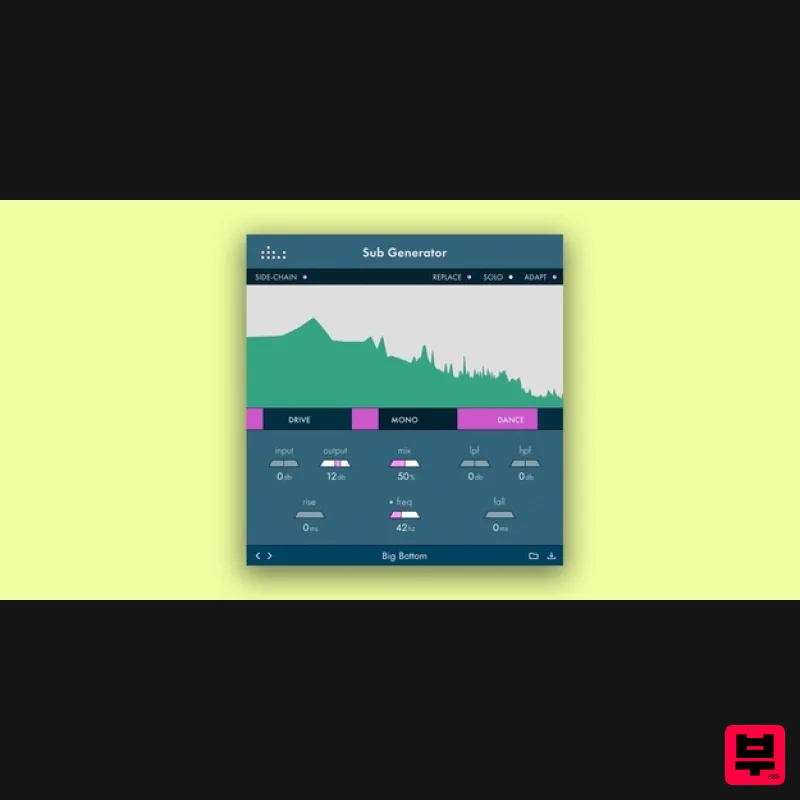
- Feel It In The Bottom Shape your sub frequencies to create a perfect low end. Tune the low end of your drums recordings. Re-design the low end of your sound effects and instruments. The Sub Generator from denise is a great way to quickly dial in low frequencies to tracks in your mix
- using the simple-to-use GUI and controls. Inspired by the same enveloping filter concept as the Noize 2 plugin
- the plugin allows you a great level of control over this tricky frequency range in the mix. With the denise Sub Generator
- you can quickly dial in a sub that compliments the tone and frequency of its source signal
- and this can be applied to any sound or signal in your DAW. By fine-tuning the frequency or note
- you can easily tune your drums by adding extra sub to your tracks or even replacing it. The plugin can make your basslines deeper
- make-up for distant microphone recordings for drums or vocals
- and can even be used as a stand-alone sub. Add weight to and really feel your bottom end. Features Fine-tune your frequency or note on the fly using the graph. Use it in adaptive mode to make it respond dynamically to the music. Cut existing sub information to replace it with a tighter low end. Use the rise and fall controls to adjust the attack and release of your subs. Resizable and with a side-chain control. System Requirements Mac: OSX 10.7 to macOS 10.15 (64-bit only) VST
- VST3
- AAX Windows: Windows 7 or newer (64-bit only) VST
- VST3
- AAX Note: Perfect Plate XL is used as an example. Mac Installation 1. Download the installer from within your Plugin Boutique account and double-click the .zip file to extract the contents > Double-click the .pkg file to begin the installation process. 2. Click 'Continue'. 3. Click 'Continue'. 4. Click 'Agree'. 5. Click 'Install'. 6. Your installation is complete > Click 'Close'. Activation 1. Open the plugin within your DAW and enter the serial number found within your Plugin Boutique account > Click anywhere to redeem the code. Your software is now activated and ready to use within your DAW. Windows Installation 1. Download the installer from within your Plugin Boutique account and double-click the .zip file to extract the contents > Double-click the .exe file to begin the installation process. 2. Select 'I Accept the Agreement' > Click 'Next'. 3. Click 'Next'. 4. Click 'Next'. 5. Click 'Next'. 6. Click 'Next'. 7. Click 'Install'. 8. Your installation is complete > Click 'Finish'. Activation 1. Open the plugin within your DAW and enter the serial number found within your Plugin Boutique account > Click anywhere to redeem the code. Your software is now activated and ready to use within your DAW.
Additional Information
About the Denise Audio Sub Generator
The Denise Audio Sub Generator represents excellent craftsmanship in the Enhancer category.
Why Choose the Denise Audio Sub Generator?
- •Authentic Denise Audio craftsmanship and design
- •Versatile sound suitable for multiple musical genres
- •Professional build quality and reliable performance
- •Part of Denise Audio's respected Enhancer lineup
Compare & Explore
Browse our complete selection of Denise Audio instruments or explore other Enhancer options. Use our comparison tools to find the perfect match for your musical style and budget.
Similar Products
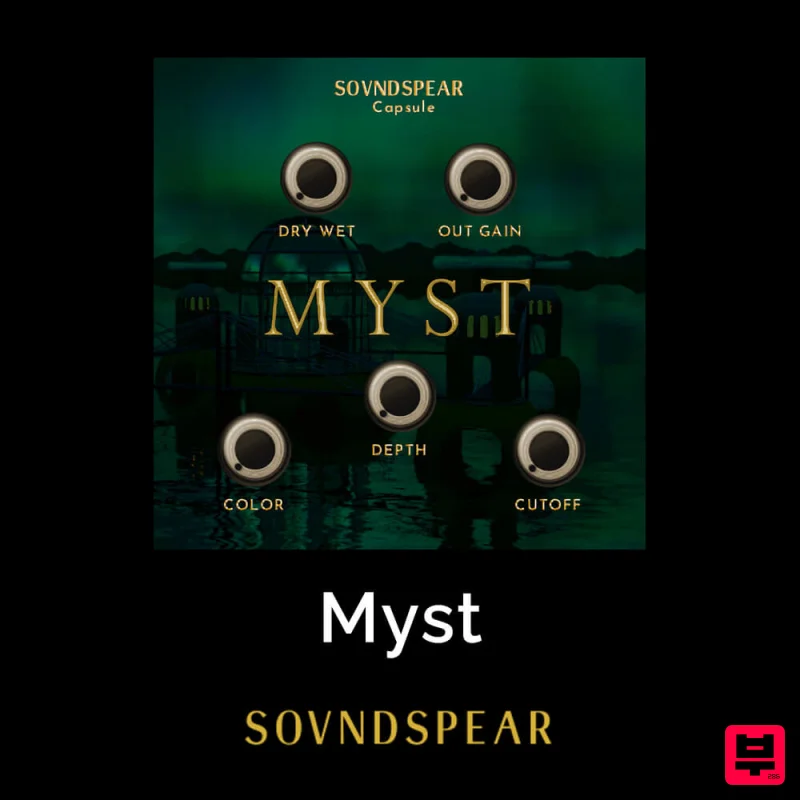
Soundspear Myst
Enhancer
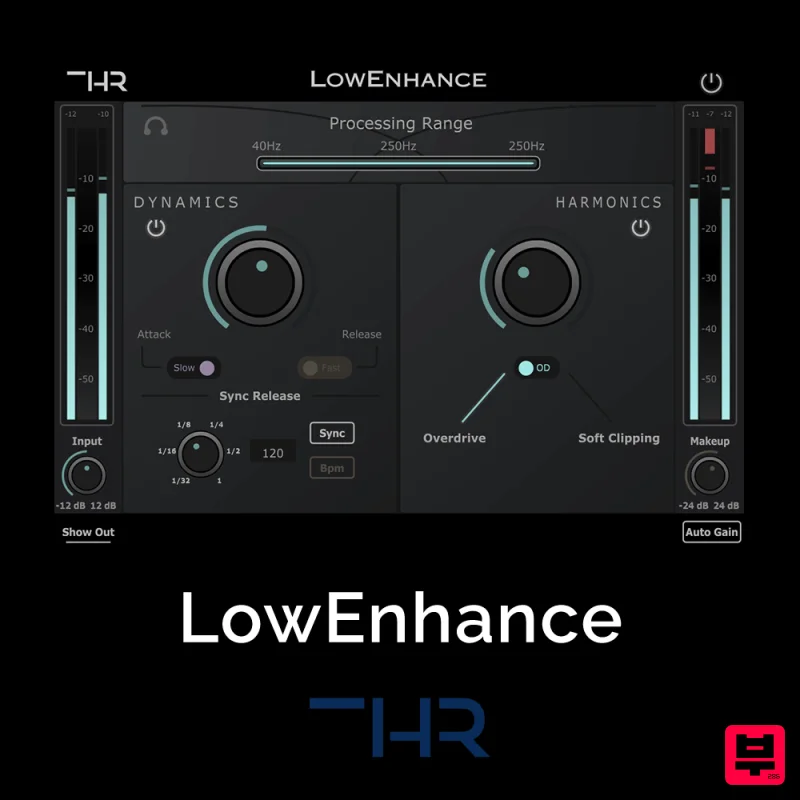
THR LowEnhance
Enhancer
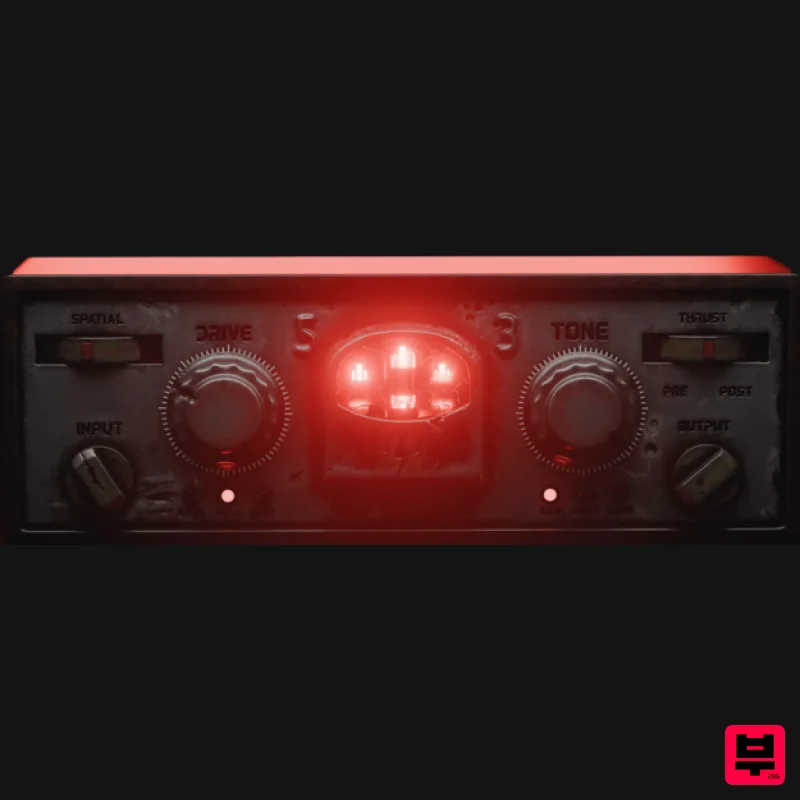
Tone Empire Cryptone
Enhancer
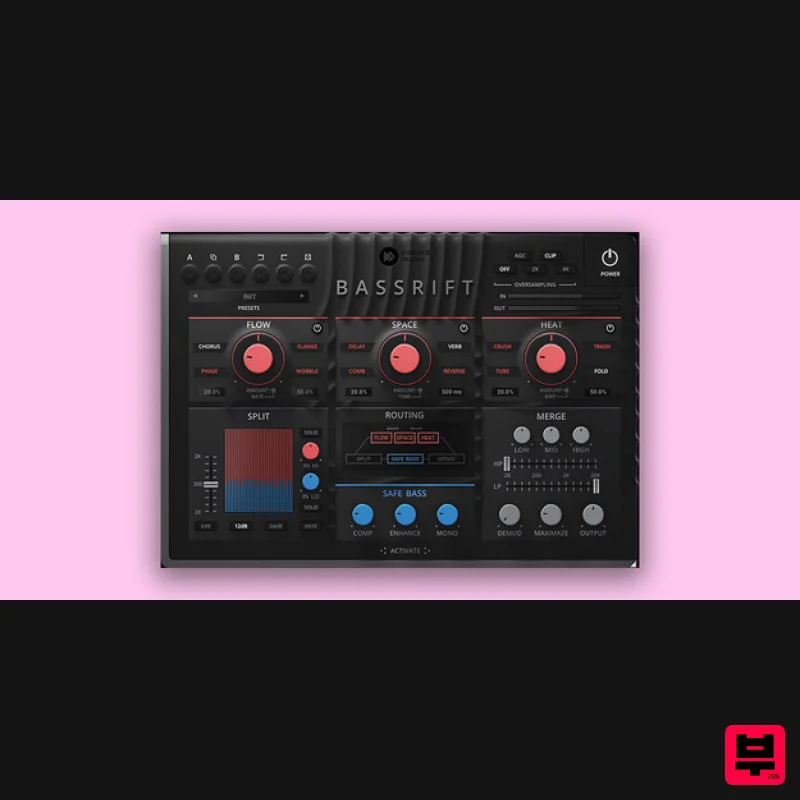
United Plugins BassRift
Enhancer
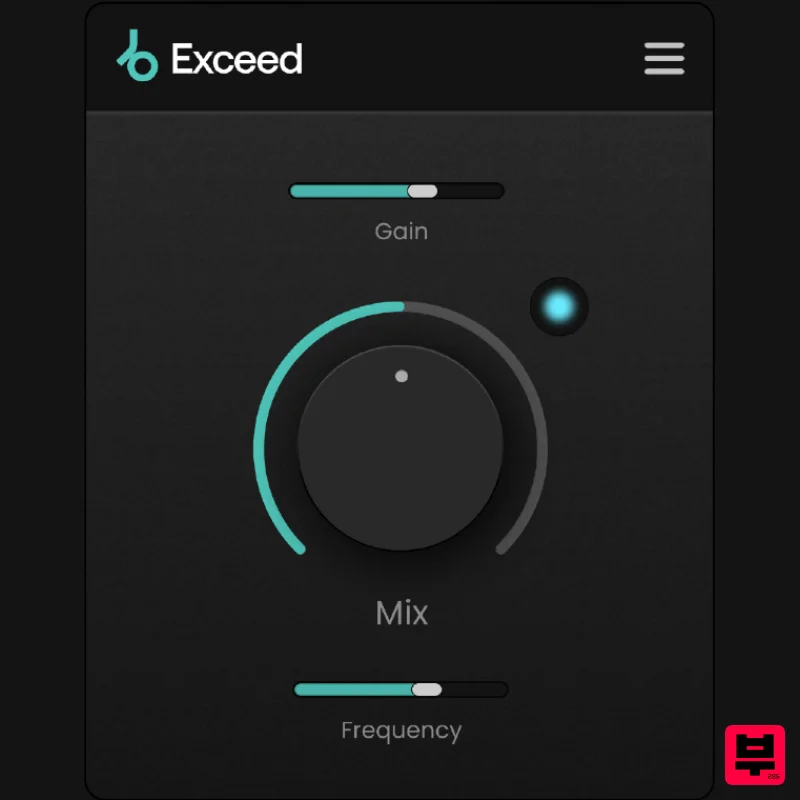
Plugin Boutique Exceed
Enhancer
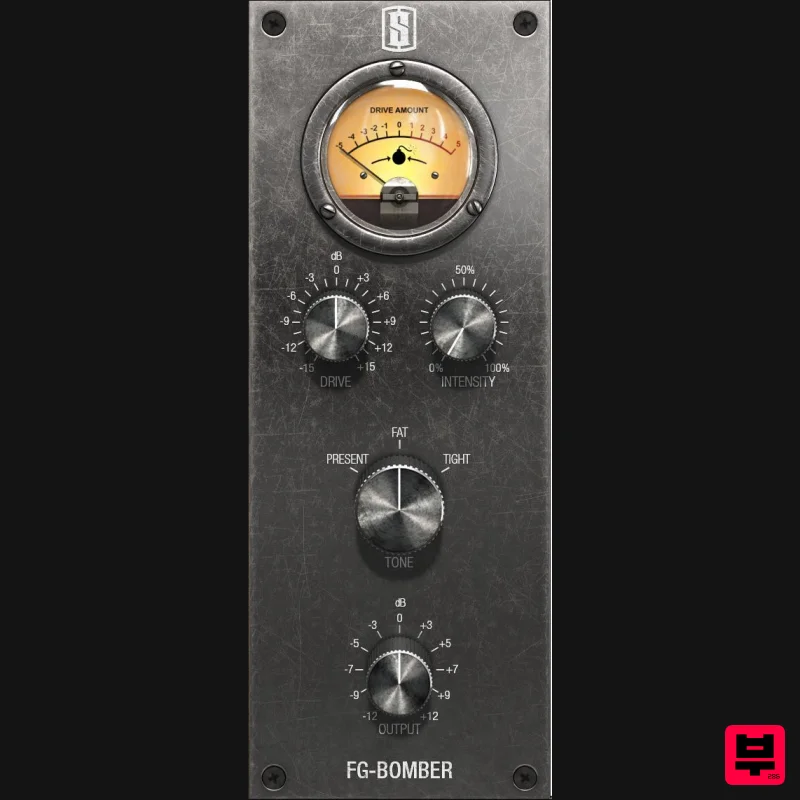
Slate Digital FG-Bomber
Enhancer
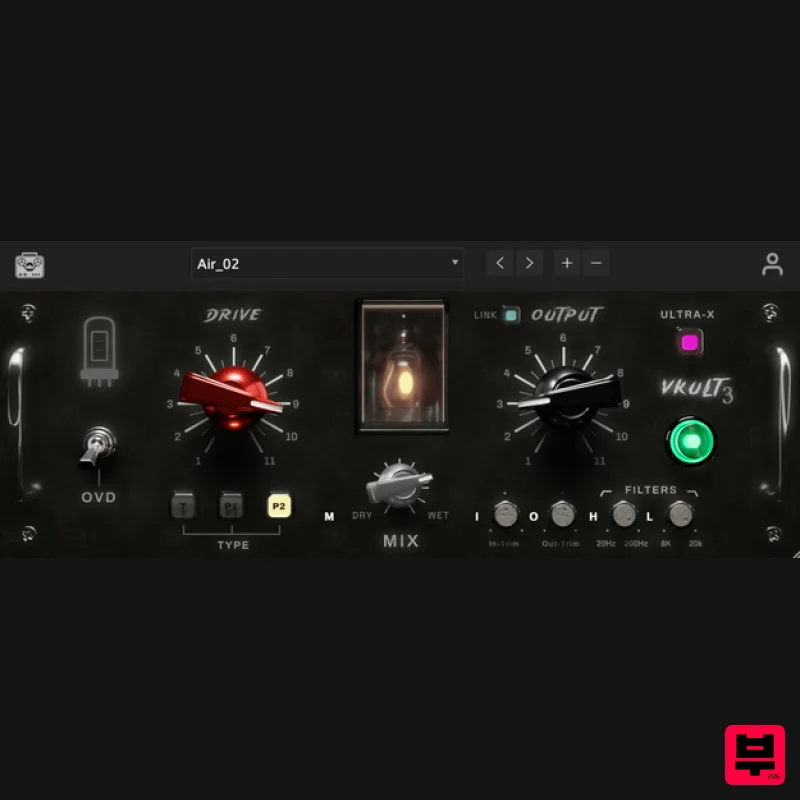
Tone Empire ValveKult 3
Enhancer
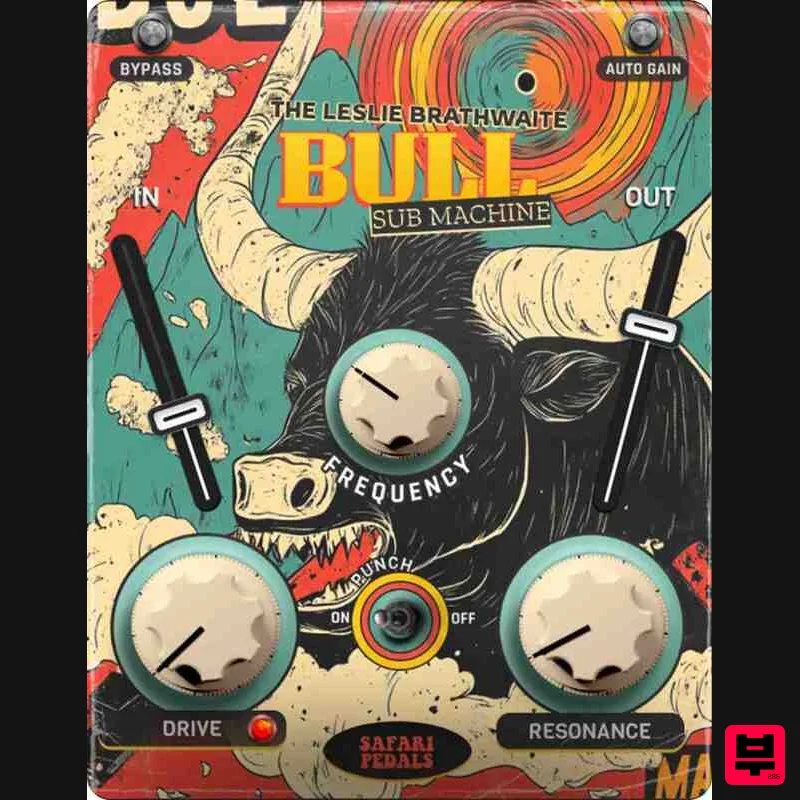
Safari Audio Bull Sub Machine
Enhancer

