
Denise Audio poltergate
Professional music gear - detailed information and where to buy
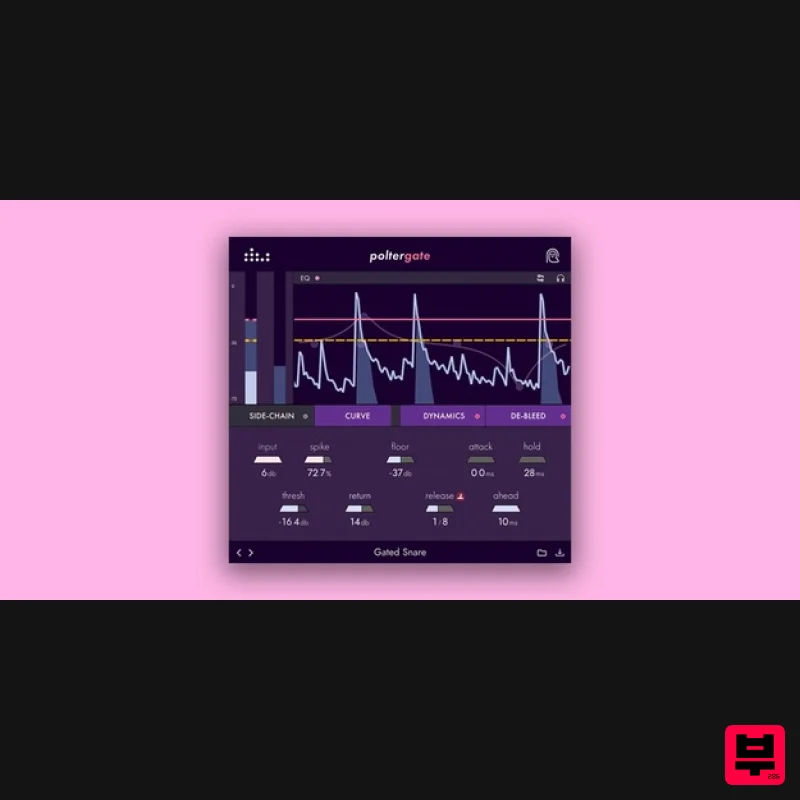
Denise Audio
poltergate
Product Info
* Prices may vary. Check retailer for current pricing and availability.
Product Description
- Sound Shaping from Beyond poltergate fuses the powers of transient design
- gating and de-bleeding into one. Shape live drums
- samples or any source you like in a swift
- creative and intuitive way. Achieve better noise reduction
- instrument separation and de-bleeding in a plugin optimised for power
- fast results and creativity. Creative Looping Use poltergate creatively thanks to its extended feature set and go a bit crazy if you want to! For example
- use the EQ graph and spike to target whatever instrument you would like to use in a sampled loop. Then set the release to sync the tempo and even automate it to create rhythmic effects
- using the curve feature to tweak the feel of it. Then
- with the dynamics section
- exaggerate the attack or the fat
- even going into clipping territory to turn it into something really different. Bleed Shall Not Pass! For poltergate
- denise created their own
- unique de-bleeding algorithm to achieve the precision they wanted. With just three intuitive knobs
- you can keep the bleed out while preserving both the punch and the resonance of the drum. It’s triggered by the same threshold as the gate
- so you can save time by adjusting both the gate and the de-bleeder at once rather than separately. Take care of that cymbal spill and low-end rumble on toms like nothing else. Inspiration The process of creating poltergate was a close collaboration between the members of the denise team. Tweaking settings and experimenting with the optimal algorithm was a very precise and time-consuming process: for months
- denise created various versions of the plugin
- sometimes several a day. In the end
- they decided to create their own de-bleeding technology to achieve the result they wanted and introduced specific options like the spike shaper. denise also put extra consideration into the graph’s colours and clarity to make it as easy as possible to see what’s going on. Full Control Over Your Dynamics The dynamics tab combines limiting
- clipping & transient shaping. Exaggerate the attack or punch
- even going into clipping territory to turn it into something really different. Features Built-in Sidechain EQ Graph - Detection of the signal in maximum detail. Transient Design
- Gating and De-Bleeding in One - New possibilities and time-saving. Spike Control - Unique feature to detect transients more easily. Presets - Perfect to get you going. Transparent Clipper - Shape & colour to make your sound extra thick. Unique De-Bleeder Algorithm - Bleed shall not pass with these 3 simple controls. Audition Mode - Listen isolated to what’s being gated. Flip - Reverse gate to hear what’s left out of the signal. System Requirements Mac: Mac OSX 10.7 or newer (64-bit only) (Apple Silicon Native) VST
- VST3
- AAX Windows: Windows 7 or newer (64-bit only) VST
- VST3
- AAX Achat "poltergate is very sick for creating interesting side-chain rhythms on basslines or percussion arrangements!" Rhys May "poltergate is like a gate
- transient designer and clipper all-in-one! The less plugins I have to cycle through the better!" Note: Perfect Plate XL is used as an example. Mac Installation 1. Download the installer from within your Plugin Boutique account and double-click the .zip file to extract the contents > Double-click the .pkg file to begin the installation process. 2. Click 'Continue'. 3. Click 'Continue'. 4. Click 'Agree'. 5. Click 'Install'. 6. Your installation is complete > Click 'Close'. Activation 1. Open the plugin within your DAW and enter the serial number found within your Plugin Boutique account > Click anywhere to redeem the code. Your software is now activated and ready to use within your DAW. Windows Installation 1. Download the installer from within your Plugin Boutique account and double-click the .zip file to extract the contents > Double-click the .exe file to begin the installation process. 2. Select 'I Accept the Agreement' > Click 'Next'. 3. Click 'Next'. 4. Click 'Next'. 5. Click 'Next'. 6. Click 'Next'. 7. Click 'Install'. 8. Your installation is complete > Click 'Finish'. Activation 1. Open the plugin within your DAW and enter the serial number found within your Plugin Boutique account > Click anywhere to redeem the code. Your software is now activated and ready to use within your DAW.
Additional Information
About the Denise Audio poltergate
The Denise Audio poltergate represents excellent craftsmanship in the Gate category.
Why Choose the Denise Audio poltergate?
- •Authentic Denise Audio craftsmanship and design
- •Versatile sound suitable for multiple musical genres
- •Professional build quality and reliable performance
- •Part of Denise Audio's respected Gate lineup
Compare & Explore
Browse our complete selection of Denise Audio instruments or explore other Gate options. Use our comparison tools to find the perfect match for your musical style and budget.
Similar Products
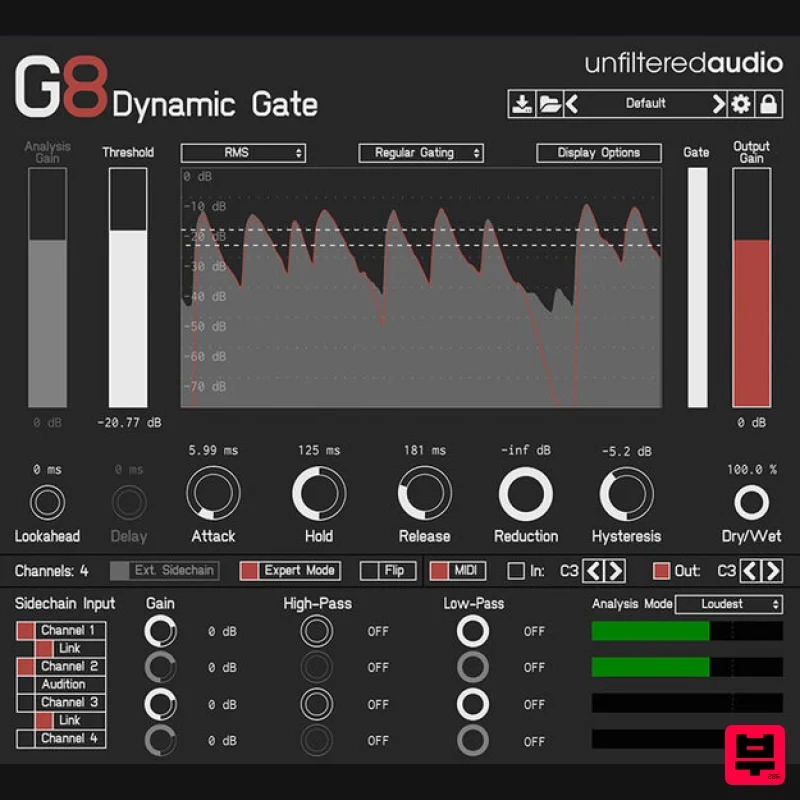
Plugin Alliance Unfiltered Audio G8
Gate
$33
Creative gating meets powerful modulation The Unfiltered Audio G8 takes dynamic sound shaping to the next level....
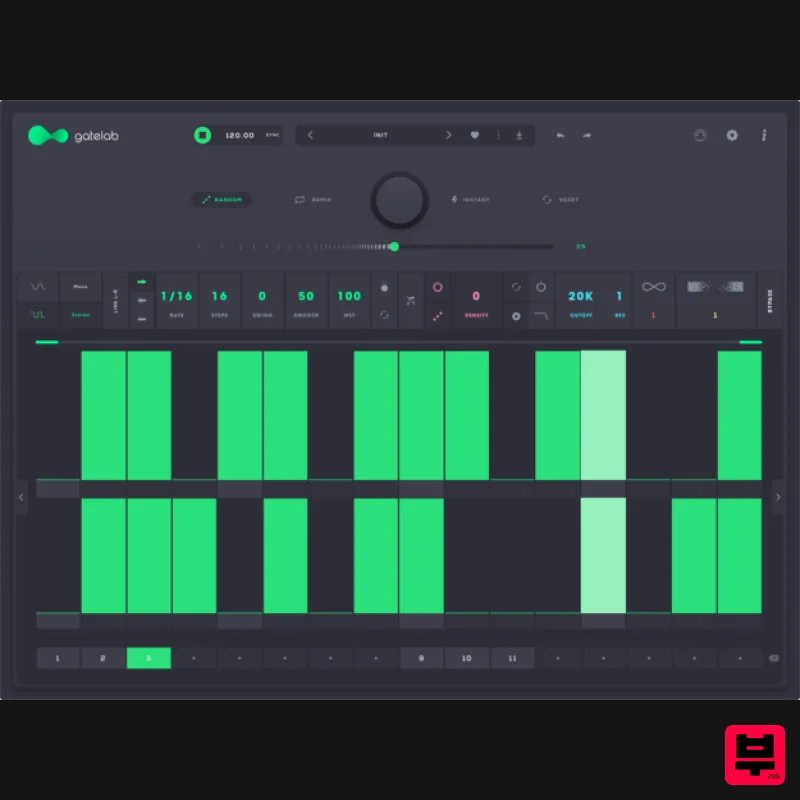
Audiomodern Gatelab 2
Gate
$30
Turn silence into rhythm. Animate audio like never before. Gatelab is a playful and powerful gate sequencer, volume...
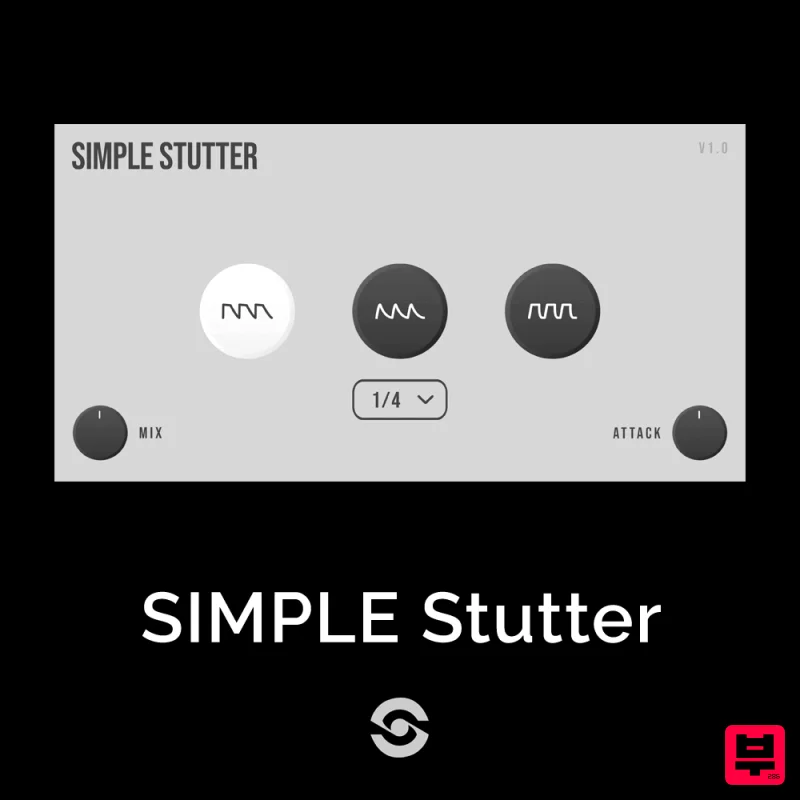
SIMPLE Plugins SIMPLE Stutter
Gate
$30
SIMPLE Stutter brings creative rhythmic gating to your fingertips. Whether you want to add glitchy stutter effects or...

UnplugRed PNCH
Gate
Free
A type of effect that causes added harmonics as well as a gating effect. compared to typical gates and expanders, this...
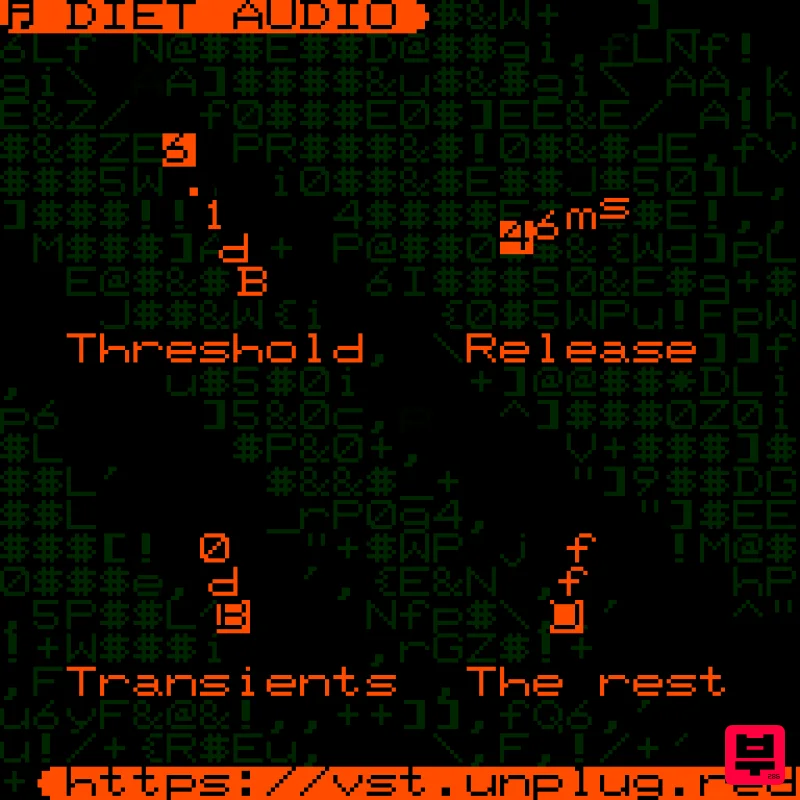
UnplugRed Diet Audio
Gate
Free
A spectral gate plugin with a unique sound, very good at separating transient information from the rest of the audio....
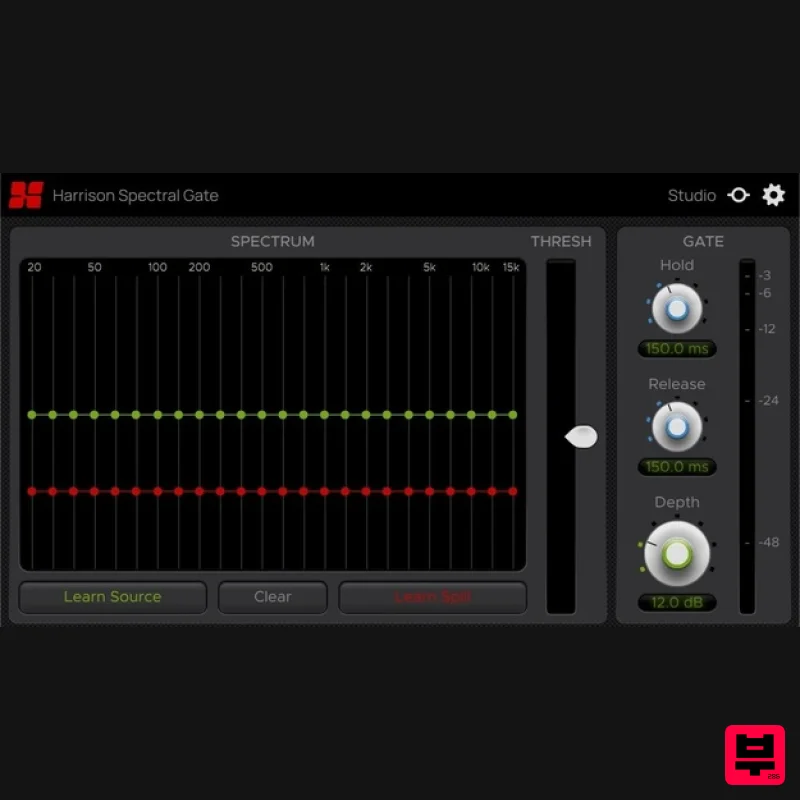
Harrison Consoles Spectral Gate
Gate
$54
Intelligent Frequency Dependent Noise Gate Experience surgical-level noise gating with the Harrison Spectral Gate, an...
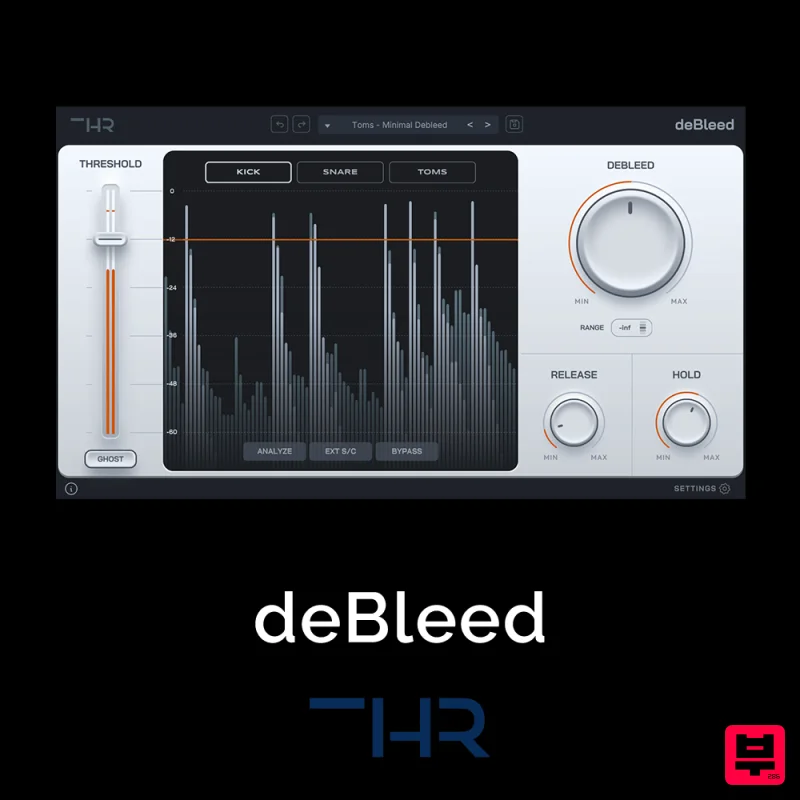
THR deBleed
Gate
$30
Say Goodbye to Cymbal Bleed – deBleed is no traditional noise gate! It has been designed from the ground up to remove...
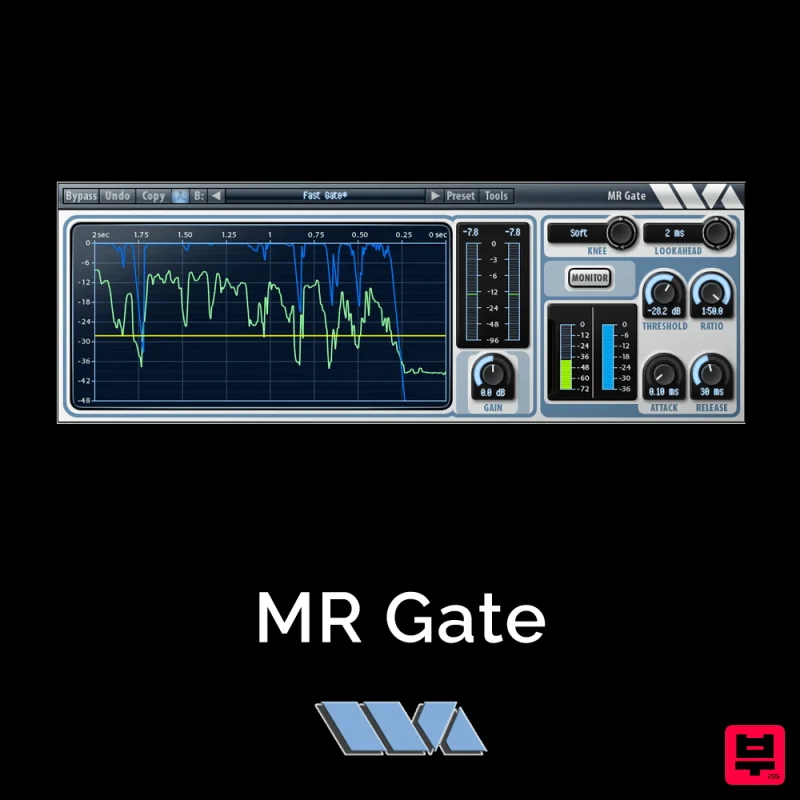
Wave Arts MR Gate
Gate
$30
MR Gate is a full featured expander/gate that can be used to gate noise during quiet sections. It’s a very...
Frequently Asked Questions
The Denise Audio poltergate stands out for its exceptional Denise Audio craftsmanship and innovative design.
Yes! With its affordable price point and quality construction, it's perfect for learning gate.
Browse the similar products section to see how it stacks up against other gate.

