
Denise Audio Motion Filter
Professional music gear - detailed information and where to buy
Denise Audio
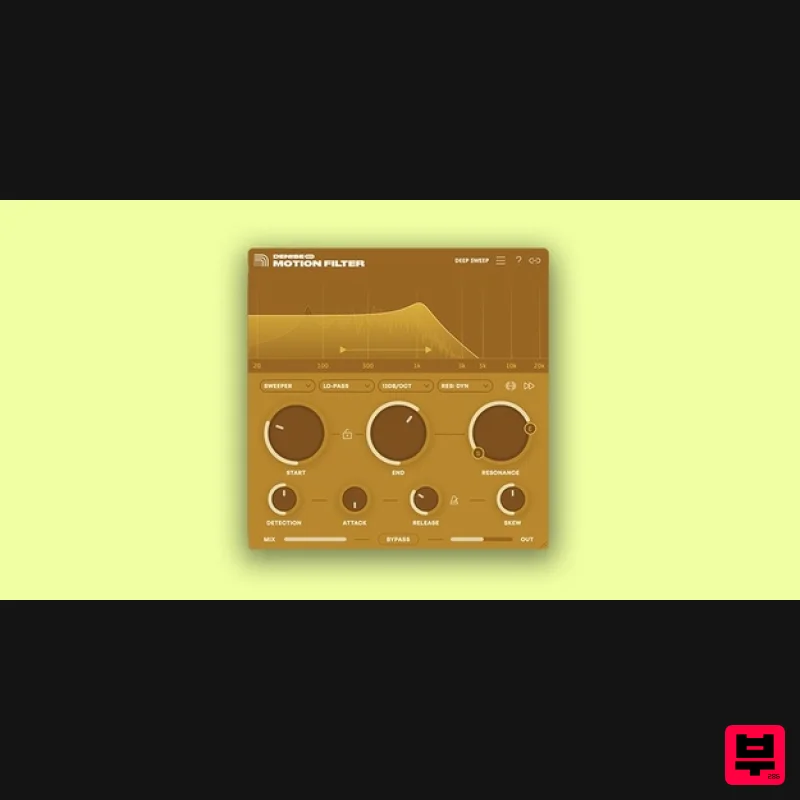
Motion Filter
Product Info
* Prices may vary. Check retailer for current pricing and availability.
Product Description
- Note: If you are an existing owner of Denise Audio The Sweeper
- an upgrade path is available here. No More Static Sounds Filter sweeps are a staple of modern musical language. Entire careers have been made on their ability to add rising action to stale sounds. Motion Filter is a state-of-the-art digital filter with two configurable motion modes to liven up your sounds. Use it to create movement that responds to your track’s dynamics
- or build sweeping tonal shifts that unfold over time. Do it all with its high-performance modern filter that keeps its shape and response intact
- even at extreme settings. Motion Filter is flexible enough to behave like your favorite traditional filter with a twist
- or transform any sonic material into an ear-catching mix element. It can even act as a more surgical alternative to your usual sidechain tools. <iframe allow="accelerometer; autoplay; clipboard-write; encrypted-media; gyroscope; picture-in-picture; web-share" allowfullscreen="" frameborder="0" height="320" src="https: //www.youtube.com/embed/f5dNqCbA6O0?si=o1WEtZRaLk6Mp2_b" title="YouTube video player" width="620"></iframe> From subtle shifts to dramatic sweeps
- Motion Filter gives flat samples
- repeating loops and other rigid sounds a new lease on life with a creative take on one of the most fundamental tools in sound design. Sweep your sound with a pristine and surgical resonant filter that shines on any source. Its well-implemented design has a and even response across its entire range thanks to Nyquist-corrected architecture. Choose from low-pass
- high-pass
- bandpass and notch filter modes with slopes from gentle 12 db/octave to surgical 96 db/octave Modulate Motion Filter with the classic Sweeper mode from the original Denise The Sweeper plugin for envelope-controlled sweeps
- or the brand-new LFO mode for waveform-based motion. Detailed motion parameters let you dial in custom movement for any situation. Visualize the filter action and change its behavior with a simple modern interface. Set parameters quickly with confidence and get to the sound you need faster. Sync the LFO rate or the envelope release time to the host to sweep in time with your track’s tempo. Sidechain input to use the dynamics of a different source to control the envelope of the filter. Features Sidechain: Trigger Motion Filter’s envelope follower with an external sidechain. Not active in LFO mode. Motion type: Select between Sweeper and LFO motion. Sweeper mode reacts to the incoming audio signal and LFO is controlled by a configurable waveform. Filter type: Select between low-pass
- high-pass
- bandpass and notch filter types. Resonance type: Choose between Regular (static) or Dynamic resonance behavior. Detector Stereo Link: Let the detection function react to a summed or dual mono signal. Filter slope: Adjust filter slope from a gentle 12 dB/octave all the way to surgical 48 dB/octave. Filter flip: Reverse the direction of the filter motion. Start: Set the starting frequency for the filter motion. Freq lock: Lock the frequency start and end points to a fixed ratio. End: Set the maximum frequency for the filter motion. Resonance: Adjust the emphasis on frequencies around the cutoff. Sweeper mode: Detection: Set the sensitivity of the dynamics detection. Attack: Adjust the attack time of the filter's envelope. Release: Adjust the release time of the filter's envelope. Release sync: Set the filter envelope's release time to sync with host tempo. - Skew: Adjust the midpoint of the filter action. LFO Mode Waveform: Select the LFO wave shape. Speed: Set the rate of the LFO in Hz or sync to the host tempo. Soften the edges of the LFO wave to adjust its shape. Mix: Blend the dry signal with the filter effect. Bypass: Bypass the plugin. Output: Set Motion Filter's global output volume. It’s a fun filter that sounds great Do you like tweaking the cutoff control on your synths? Motion Filter lets you apply the same logic anywhere in your mix. Filters have been a basic tool of sound design since the early days of audio. The reason is simple—a great filter with compelling motion options can cover a huge range of sonic territory. Whether you’re looking to subtly enhance static samples
- add timbral interest to vocals
- or emphasize the punch of dynamic sources like drums
- creative producers have long turned to techniques from subtractive synthesis for inspiration. With Motion Filter
- we zoomed in on this approach to deliver a filter plugin that does everything you need and nothing you don’t. The plugin is CPU light
- sounds surgically clean and comes with a slick and friendly modern interface. The result is a highly usable tool you can reach for in any situation that calls for motion filter effects. System Requirements Windows: Windows 10 or newer (64-bit) Mac: macOS 10.11 or newer (64-bit) including native Apple Silicon Plugin Formats: VST
- VST3
- AAX (64-bit only) Important note: When accessing this software via a Rent to Own plan or the Beatport Studio membership
- it's installed and run through the Beatport Access portal. An internet connection is required every 30 days to validate your license. Note: Perfect Plate XL is used as an example. Mac Installation 1. Download the installer from within your Plugin Boutique account and double-click the .zip file to extract the contents > Double-click the .pkg file to begin the installation process. 2. Click 'Continue'. 3. Click 'Continue'. 4. Click 'Agree'. 5. Click 'Install'. 6. Your installation is complete > Click 'Close'. Activation 1. Open the plugin within your DAW and enter the serial number found within your Plugin Boutique account > Click anywhere to redeem the code. Your software is now activated and ready to use within your DAW. Windows Installation 1. Download the installer from within your Plugin Boutique account and double-click the .zip file to extract the contents > Double-click the .exe file to begin the installation process. 2. Select 'I Accept the Agreement' > Click 'Next'. 3. Click 'Next'. 4. Click 'Next'. 5. Click 'Next'. 6. Click 'Next'. 7. Click 'Install'. 8. Your installation is complete > Click 'Finish'. Activation 1. Open the plugin within your DAW and enter the serial number found within your Plugin Boutique account > Click anywhere to redeem the code. Your software is now activated and ready to use within your DAW.
Additional Information
About the Denise Audio Motion Filter
The Denise Audio Motion Filter combines traditional design with modern performance for Filter enthusiasts.
Why Choose the Denise Audio Motion Filter?
- •Authentic Denise Audio craftsmanship and design
- •Versatile sound suitable for multiple musical genres
- •Professional build quality and reliable performance
- •Part of Denise Audio's respected Filter lineup
Compare & Explore
Browse our complete selection of Denise Audio instruments or explore other Filter options. Use our comparison tools to find the perfect match for your musical style and budget.
Similar Products
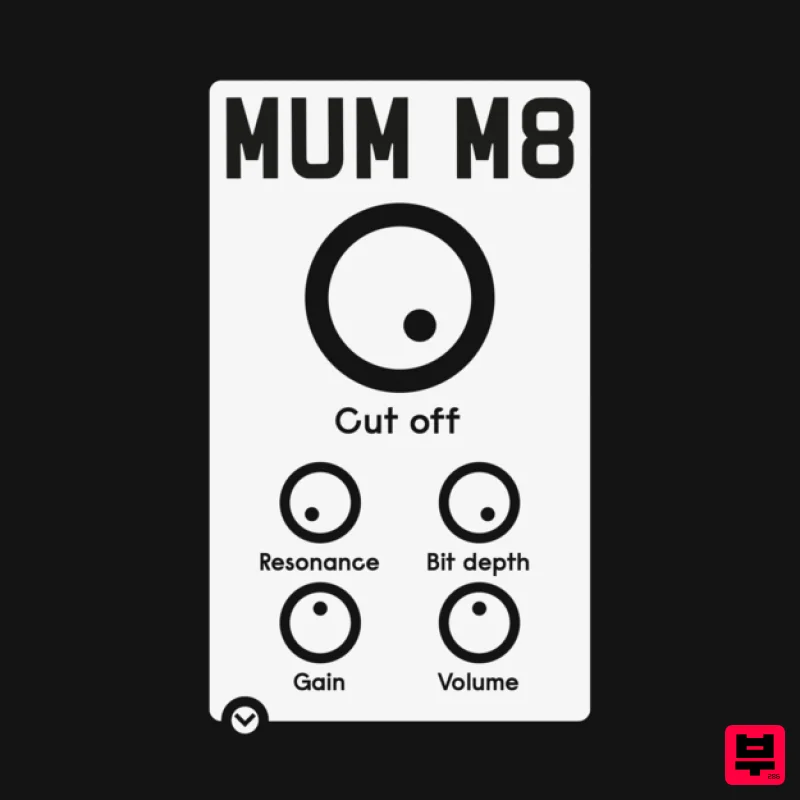
ALM / Busy Circuits MUM M8 DSP
Filter
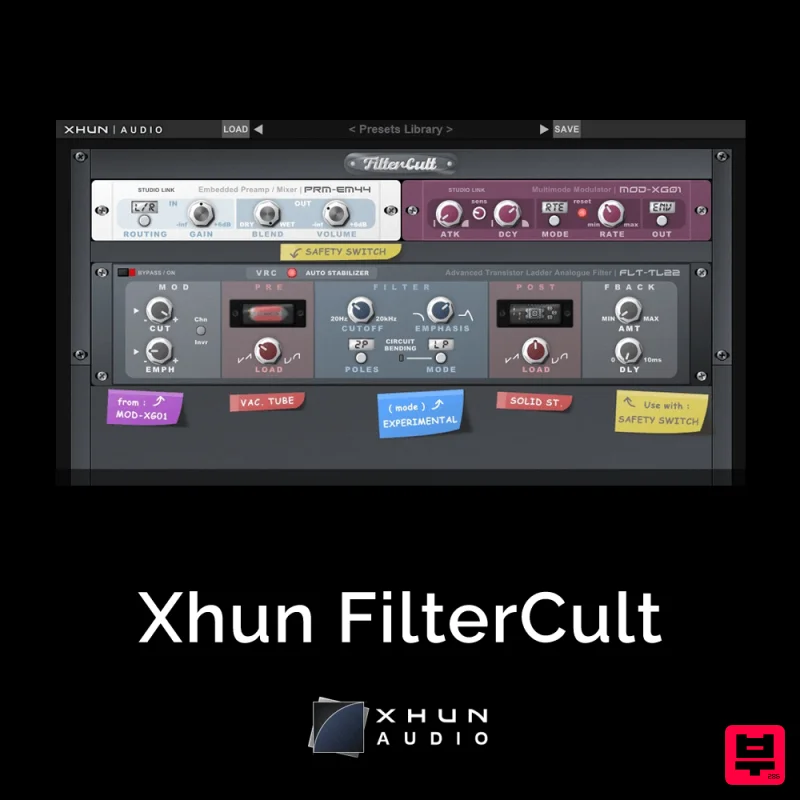
XHUN Audio Xhun FilterCult
Filter
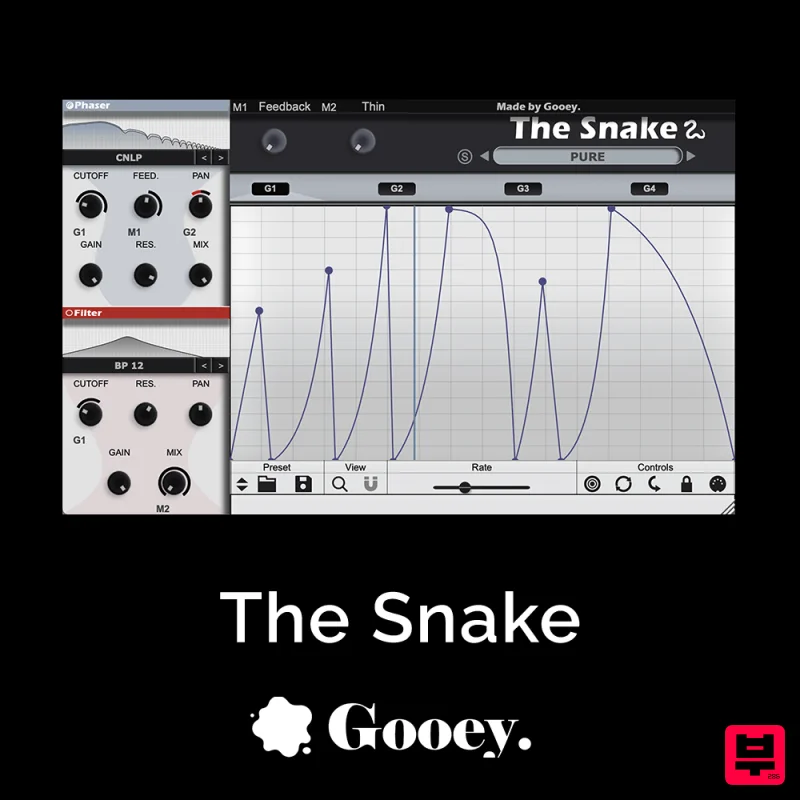
Gooey Audio The Snake
Filter
Red Sounds Modern Vox Engine
Filter
Moonwave Aperture
Filter

NoiseAsh Action Filter
Filter
FabFilter Simplon
Filter
Plugin Boutique FilterMod
Filter

