
Denise Audio God Mode
Professional music gear - detailed information and where to buy
Denise Audio
God Mode
Product Info
* Prices may vary. Check retailer for current pricing and availability.
Product Description
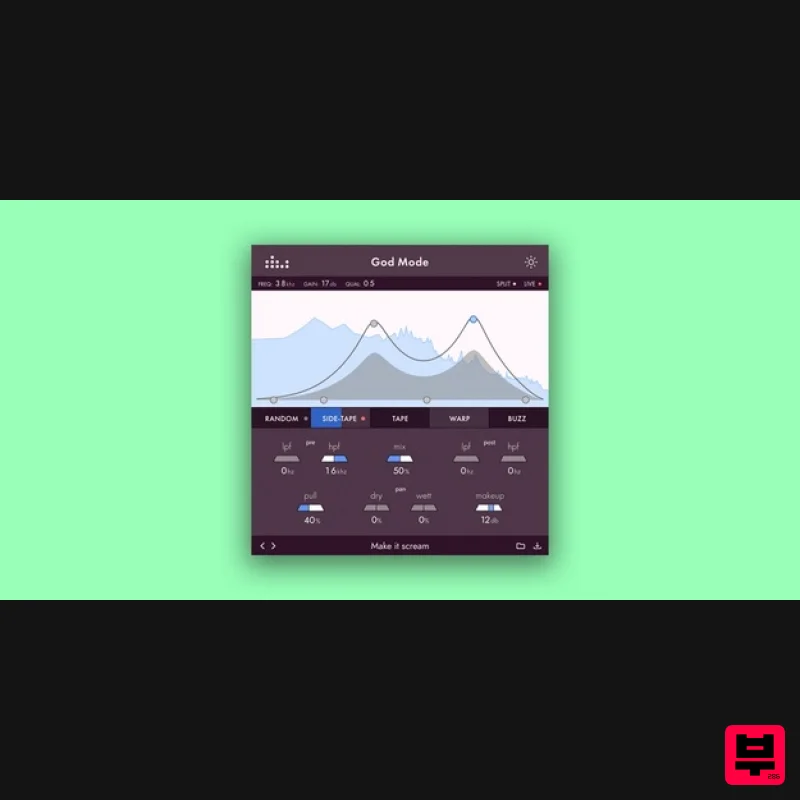
- God Mode Let There Be Distortion The God Mode introduces a new push-pull technology giving you full control over what frequencies to saturate and distort. Its node EQ graph and linear phase filters allow for unlimited options to shape the colouration of your sound. The God Mode makes use of a push-pull technology inspired by the legendary analogue Pultec EQ
- a passive tube eq from the 50s
- widely used in the 70s/80s for both broadcasting and mixing. The Pultec EQ would ‘push’ the gain for a certain frequency range into its tube circuit
- and would then ‘pull’ it back again
- to out the frequency response. This creates a sound close to the original but with a nice warmth added to the boosted frequency ranges. God Mode introduces a modern version of this technique. The first step to using God Mode is to boost or ‘push’ certain frequencies in your track that you like to be more saturated or distorted. You can
- for example
- use one shelf to boost the highs and one peak to boost a certain colour or resonance. Because you push these frequencies harder into the saturation algorithm
- they will be naturally more affected by it. The second step is to decide if and how much ‘pull’ to apply to the boosted frequencies. This gives you creative control over the amount of colouration and the option to create a perfectly balanced frequency response for your track. The result: a beautifully saturated signal
- specifically coloured according to the frequencies ‘pushed’. The God Mode doesn't stop there though. It has a ‘live’ mode for recording
- that uses regular filters without latency instead of linear phase filters. It has a side-chain to create rhythmic distortion effects
- and you can pan the wet and dry sound individually. In addition
- one of the three drive effects uses a ‘on steroids’ version of the Tape Analog VM™ algorithm from the Bad Tape. It allows for subtle saturation on the master as well as crazy over the top distortion effects on bass
- vocals and synths. Features Super easy to use Graph Unique Push & Pull technology Tape Analog VM™ algorithm on steroids also featured in denise' Bad Tape plugin Linear Phase Filters: Pristine sound quality and in-phase dry/wet mixing Individual dry/wet panning Live recording Mode Create rhythmical drive with the ‘side-tape’ side chain Subtle to extreme use on single track instruments
- busses & mastering System Requirements Mac OS X 10.7 or newer (64-bit only) (Apple Silicon Native) VST
- VST3
- AAX (64-bit only) PC Windows 7 and higher (64-bit only) VST
- VST3
- AAX Venus Theory "I've been playing about with it on reverb/delay sends and getting some really cool results compared to my usual 'dirty verb' tricks." Nico Astegiano "This is not only the best sounding saturator
- but it's also the most complete and practical plugin ever." Michael Bouska "It's a new flavour I haven’t gotten with anything else." Note: Perfect Plate XL is used as an example. Mac Installation 1. Download the installer from within your Plugin Boutique account and double-click the .zip file to extract the contents > Double-click the .pkg file to begin the installation process. 2. Click 'Continue'. 3. Click 'Continue'. 4. Click 'Agree'. 5. Click 'Install'. 6. Your installation is complete > Click 'Close'. Activation 1. Open the plugin within your DAW and enter the serial number found within your Plugin Boutique account > Click anywhere to redeem the code. Your software is now activated and ready to use within your DAW. Windows Installation 1. Download the installer from within your Plugin Boutique account and double-click the .zip file to extract the contents > Double-click the .exe file to begin the installation process. 2. Select 'I Accept the Agreement' > Click 'Next'. 3. Click 'Next'. 4. Click 'Next'. 5. Click 'Next'. 6. Click 'Next'. 7. Click 'Install'. 8. Your installation is complete > Click 'Finish'. Activation 1. Open the plugin within your DAW and enter the serial number found within your Plugin Boutique account > Click anywhere to redeem the code. Your software is now activated and ready to use within your DAW.
Additional Information
About the Denise Audio God Mode
Discover the distinctive sound and feel of the Denise Audio God Mode, a standout choice among Saturation.
Why Choose the Denise Audio God Mode?
- •Authentic Denise Audio craftsmanship and design
- •Versatile sound suitable for multiple musical genres
- •Professional build quality and reliable performance
- •Part of Denise Audio's respected Saturation lineup
Compare & Explore
Browse our complete selection of Denise Audio instruments or explore other Saturation options. Use our comparison tools to find the perfect match for your musical style and budget.
Similar Products
UnplugRed Red Bass
Saturation
TBProAudio GSat+
Saturation
Platone Studio Swiss Saturator
Saturation

Antares Warm
Saturation
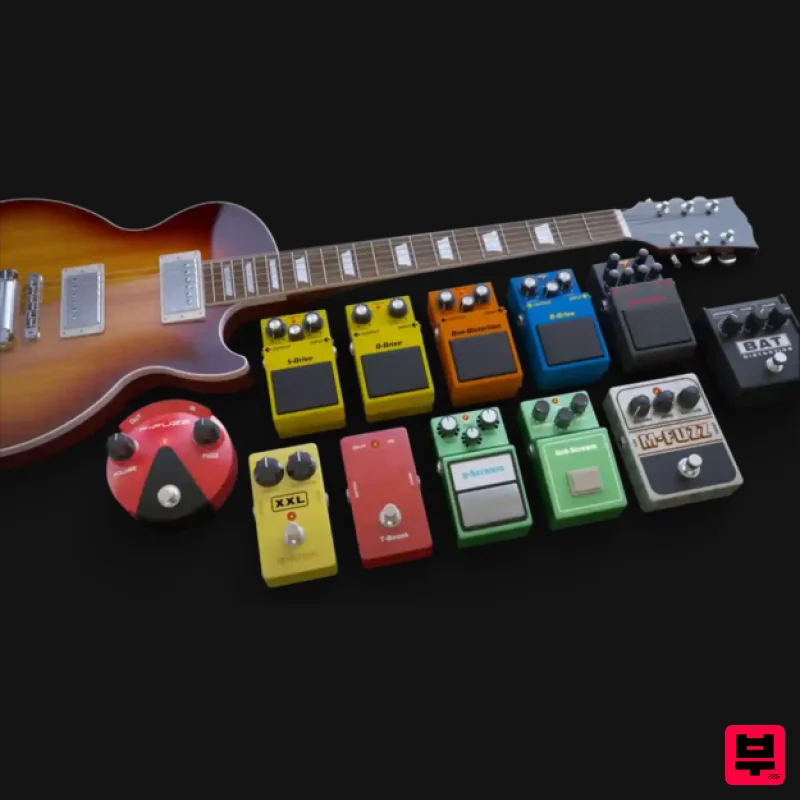
Audified MultiDrive PRO
Saturation
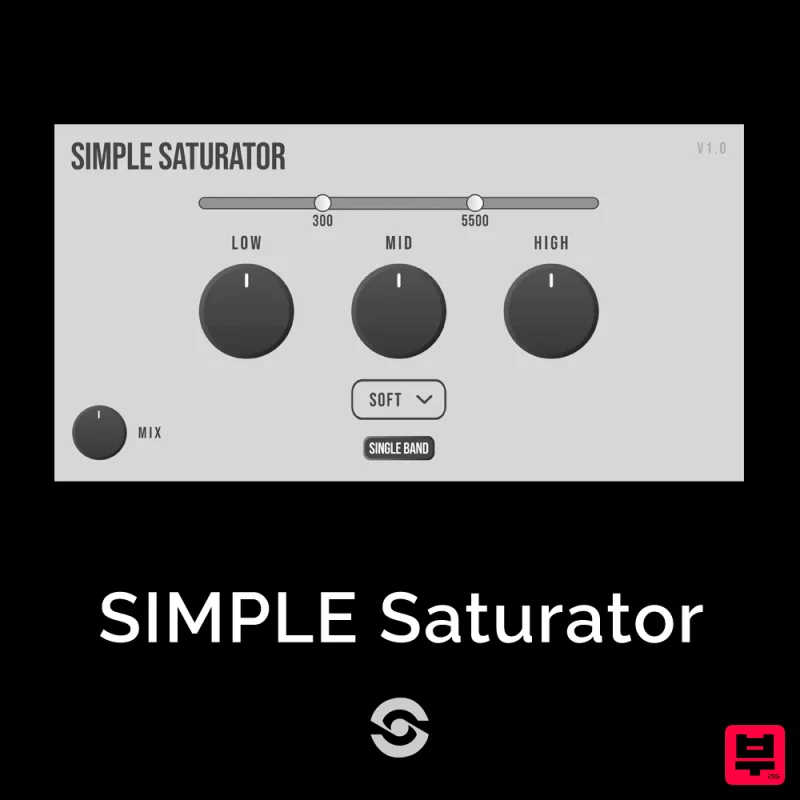
SIMPLE Plugins SIMPLE Saturator
Saturation
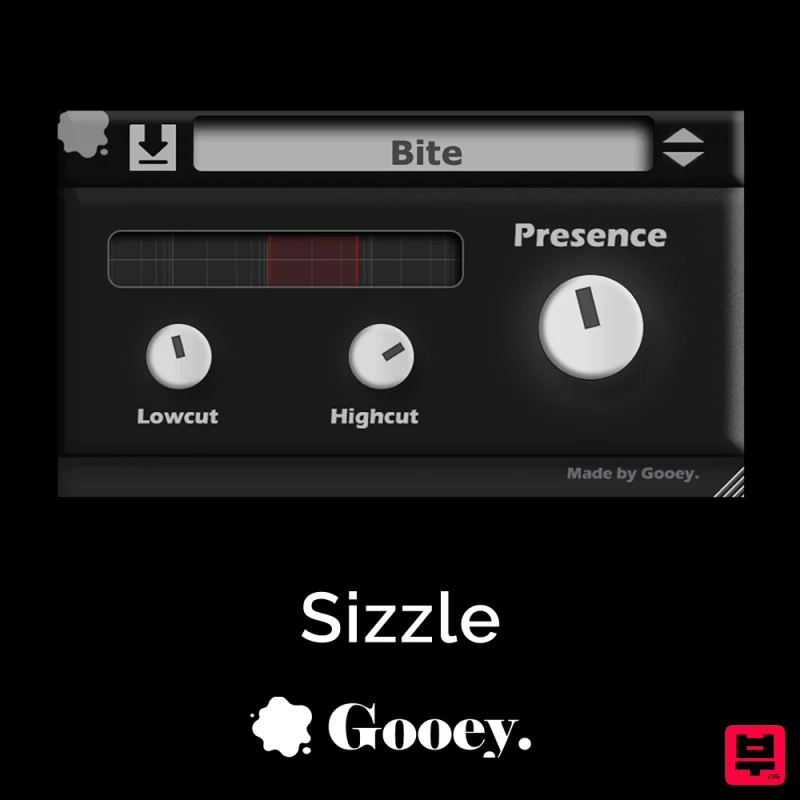
Gooey Audio Sizzle
Saturation

Soundspear Aloha
Saturation

