
D16 Group Sigmund 2
Professional music gear - detailed information and where to buy
Product Description
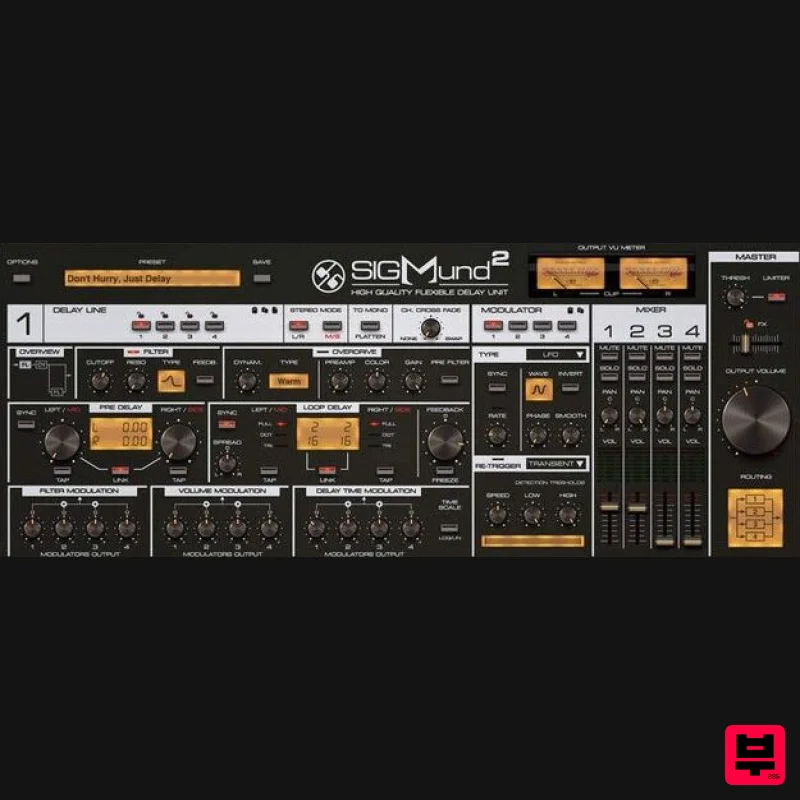
- Sigmund is far from just another delay. It provides an incredible degree of sound- shaping freedom. The plug-in consists of four discrete delay units
- each with an independent set of parameters that offer you the freedom to shape your sound. There’s an ancient saying
- often attributed to Aristotle: The whole is greater than the sum of its parts. With Sigmund
- this is especially true as each of the delay lines has complementary modules such as filter and overdrive built in
- working independently from the feedback loop. The delay lines themselves can also be combined together in several ways. Sigmund’s user interface has been designed from the ground up to be as intuitive as possible. Everything is presented as if on a silver (or brushed aluminum) platter
- cleanly and clearly laid out with instant access to each section and its parameters. Four independent delay lines With Sigmund 2
- each delay line is absolutely alias free; the only sonic colorations you’ll ever hear are the ones you’ve intentionally created. The signal path design process that created Sigmund has been zero-compromise from beginning to end. In fact
- the sound quality is so high
- the processing so pure
- that it’s possible to work with even the delay times with zero artifacts emerging
- even down to one-tenth of a millisecond. So
- it’s possible without any tricks or half-measures to use a single delay line not only as a traditional delay / echo effect
- but also as a chorus or flanger using delay times. Such precise control allows subtle modulation on time parameters to delicately bring a sound to life and add gently flowing
- modulated warmth that is reminiscent of the analog delays of yesteryear. Stereo options The available stereo options expand Sigmund’s functionality to add a spatializer effect. Applying delays in different stereo modes (M/S or L/R) and adding phase shifts between channels can really widen things up. Overdrive module Overdrive offers a whole variety of possibilities to shape your sound. With four delay lines at your disposal
- you can go into the weeds pretty deeply and achieve complex multi-band distortion or multi-band dynamic effects. Multimode filter A very musical filter can work either inside or outside the feedback loop. Use it outside to remove unwanted frequencies
- or inside to create the impression of a fading sound. You can even get creative by using it in a few lines at once to make any filter effect you desire
- such as wah-wah
- vowel or even phaser-like sounds. Modulation amounts Here is where the magic happens. You’re in control of just how much the modulators affect filter cutoff
- in-loop delay time and/or volume of a delay line. This makes it possible to get all sorts of modulation effects
- ranging from choruses and flangers (by affecting delay time) through to phasers
- wah-wah (modulating cutoff parameter)
- tremolo and panners (influencing volume). In skilled hands
- this feature becomes a powerful weapon. Routing Sigmund’s four delay lines can be interconnected with each other in practically every manner possible. The plug-in offers a choice of nine different routing topologies which give access to completely new dimensions of sound creation. For example
- say you have delays currently running in parallel but would like to have a cascade of serially connected delays instead: you can reconfigure them instantly with just a click of the mouse. For even greater convenience
- the output signals of each delay line are combined in a purpose-built internal mixer to ensure seamless transition between algorithms and a much more efficient workflow. Multi-purpose modulators Sigmund offers four general-purpose modulators which can auto-modulate some of the delay lines’ internal parameters. Each modulator can operate in three different modes: LFO: At extreme settings
- the LFO is capable of twisting the input signal utterly beyond recognition and into what you might expect transmissions from an alien civilization to sound like! Envelope: In combination with a built-in transient detector
- this gives you a very powerful tool; when applied to amplitude
- you can freely shape your sound’s dynamics to control how it blends into the whole mix. Using the transient detector to modulate the signal’s amplitude lets you control the dynamics very precisely. Peak follower: It’s a must-have for a modulator; nothing else offers such an expressive wah-wah effect when applied to filter cutoff. And in the hands of skilled sound designers
- the only limit is imagination. Modulator re-triggering Each modulator can be independently re-triggered with MIDI notes or the signal itself (with a transient detector) when LFO or ENV modulator type is selected
- allowing for yet more control and creative free- dom. Padlock system Sigmund can be effortlessly applied in nearly any configuration in the studio. It can be used as an insert effect for an instrument or bus channel
- or as a versatile send effect with the help of a parameter lock that allows for auditioning presets without having to readjust the FX fader with each new selection. In combination with the padlocks for locking individual delay lines when changing presets
- this allows you to zero in on the desired effect with extreme efficiency. Features Four independent delay lines: Four beefed-up delay units in one box to expand your sound-shaping capabilities beyond imagination. High-quality delay line algorithm: Precisely adjust delay times across a wide range for a very flexible sound. Delay
- chorus
- flanger? You name it! Multipurpose modulators: Four multipurpose modulators make it quick and easy to apply different types of modulation to several delay line parameters at the same time. This lets you do everything from adding subtle movement to your sound
- to wild expressive delay effects. Flexible signal routing: The four delay lines can easily be arranged in nine different ways
- changing the signal flow between them and bringing unique delay sounds to your project. System Requirements Windows Windows 7 - 11 (64-bit) CPU - Intel x86 / AMD x86 Software - VST2 / VST3 / AAX compatible application Mac Mac OS X 10.13 - 14 CPU - Intel x86 / Apple Silicon Software - VST2 / VST3 / AAX / AU compatible application Please note: This is not a standalone program - a host application (DAW) is required to use it. Note: Nepheton is used as the example. Windows 1. Visit the D16 Group website to create or login into your user account. 2. Once logged into your account
- select the '+ Add Licence' tab 3. Copy and paste the serial number provided in your Plugin Boutique User Account into the box and click 'Add.' Note: Ensure there are no spaces at the beginning and end of the licence before clicking 'Add' to register it. 4. Once the licence has successfully been added to your account
- click 'Close.' 5. Select the 'Download' tab to reveal the drop-down list and click your preferred 32 and/or 64-bit Windows Installer option to obtain the software. 6. Once downloaded
- double-click the .msi installer file to begin the installation process > then click 'Run.' 7. Click 'Next.' 8. Read through and select 'I accept the terms in the licence agreement' and click 'Next.' 9. Select the format (s) i.e VST/AAX that you wish to install and click 'Next.' 10. Click 'Install' to complete the installation process. 11. The installation of the software has successfully completed > click 'Finish.' Activation 1. Click this link https: //userarea.d16.pl/products and select the 'Activate' option. 2. Click the 'Download Key' option to obtain the Activation Key Licence File for your software > once this has been downloaded to the 'Downloads' area of your computer
- click 'Close.' 3. Open and load the software within your DAW and then click the 'Activate' tab. Note: If the software fails to appear
- rescan your DAW's plugin selection and/or restart your computer. 4. Locate and select the Key Licence File that you downloaded to your computer and click 'Open.' The Software is now Activated and Ready for Use! Mac 1. Visit the D16 Group website to create or login into your user account. 2. Once logged into your account
- select the '+ Add Licence' tab 3. Copy and paste the serial number provided in your Plugin Boutique User Account into the box and click 'Add.' Note: Ensure there are no spaces at the beginning and end of the licence before clicking 'Add' to register it. 4. Once the licence has successfully been added to your account
- click 'Close.' 5. Select the 'Download' tab to reveal the drop-down list and click your preferred Mac OS X Installer option to obtain the software. 6. Once downloaded
- double-click the .dmg installer file to unpack the .pkg file. 7. Double-click the .dmg .pkg installer file to begin the installation process > then click 'Continue.' 8. Read through the licence agreement > click 'Continue' then 'Agree.' 9. Click 'Install.' 10. The installation of the software has successfully completed > click 'Close.' Activation 1. Click this link https: //userarea.d16.pl/products and select the 'Activate' option. 2. Click the 'Download Key' option to obtain the Activation Key Licence File for your software > once this has been downloaded to the 'Downloads' area of your computer
- click 'Close.' 3. Open and load the software within your DAW and then click the 'Activate' tab. Note: If the software fails to appear
- rescan your DAW's plugin selection and/or restart your computer. 4. Locate and select the Key Licence File that you downloaded to your computer and click 'Open.' The Software is now Activated and Ready for Use!
Additional Information
About the D16 Group Sigmund 2
Experience the quality and tone that makes the D16 Group Sigmund 2 a popular choice for musicians.
Why Choose the D16 Group Sigmund 2?
- •Authentic D16 Group craftsmanship and design
- •Versatile sound suitable for multiple musical genres
- •Professional build quality and reliable performance
- •Part of D16 Group's respected Delay lineup
Compare & Explore
Browse our complete selection of D16 Group instruments or explore other Delay options. Use our comparison tools to find the perfect match for your musical style and budget.
Similar Products

Korneff Audio Micro Digital Reverberator
Delay
$30
Nerdy. Easy. Super Cool. The Micro Digital Reverberator combines killer reverb and delay effects with a super friendly...
Beastsamples Beast-DLAY
Delay
$30
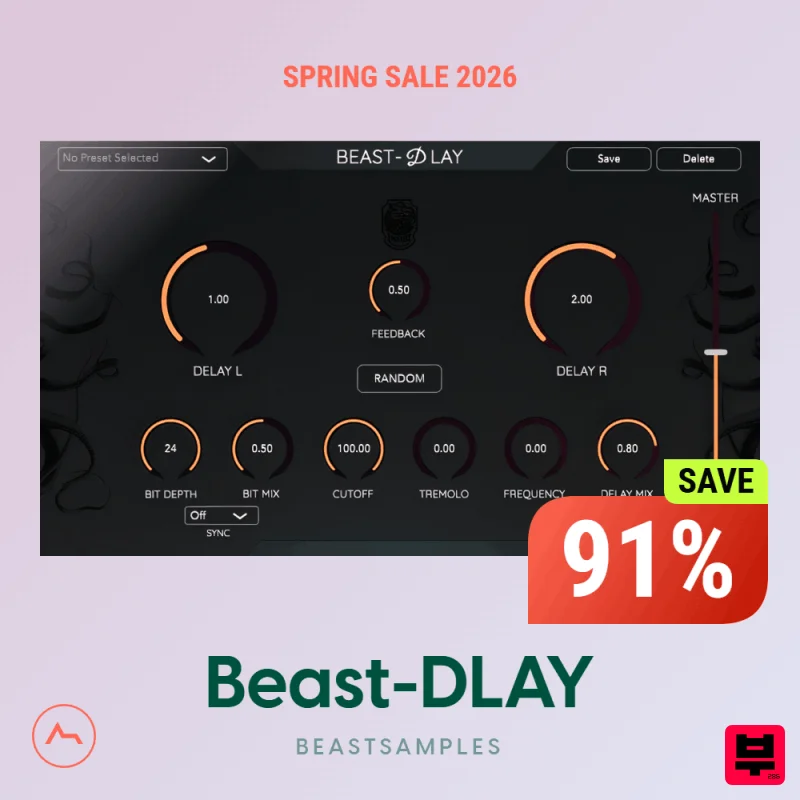
Beast-Dlay is a game-changer delay VST plugin with unprecedented processing power ready to add the hardware realism and...
Red Sounds Mojo-Fi
Delay
$30
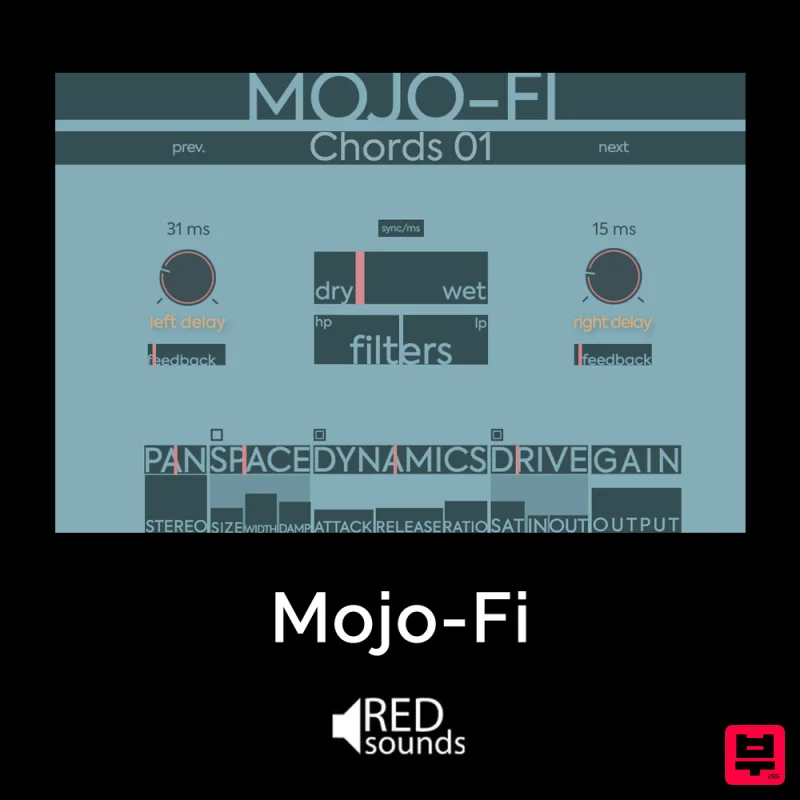
Multi-effect Delay Plugin On Steroids Great for adding life and texture to your boring soft synths, pianos, drums, and...
PSP Audioware PSP Lexicon PSP42x
Delay
$30
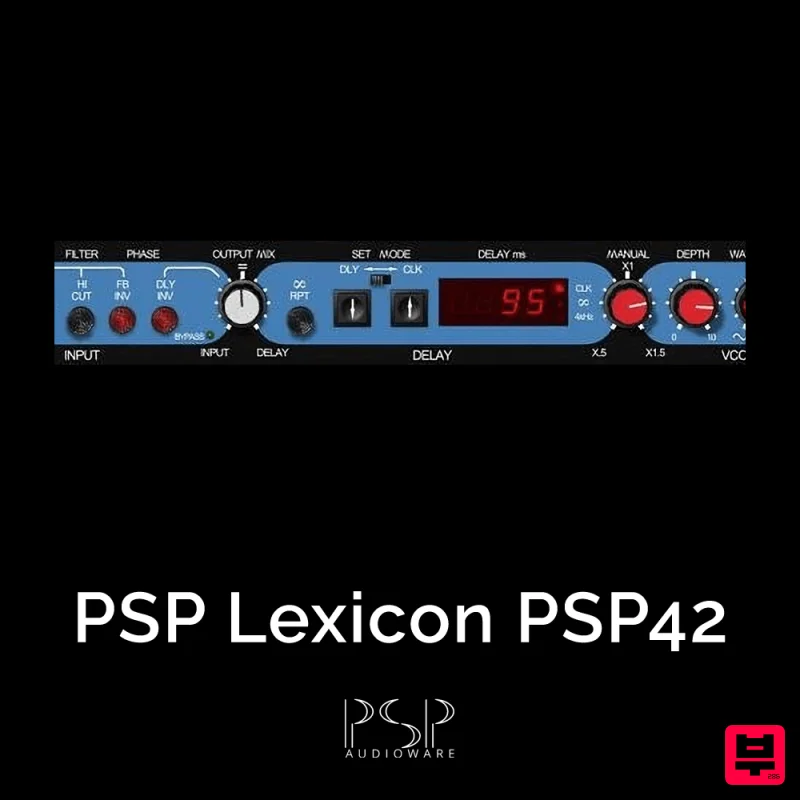
Lexicon PSP 42 is a high-quality digital stereo delay and phrase sampler plug-in based on the legendary Lexicon PCM42...
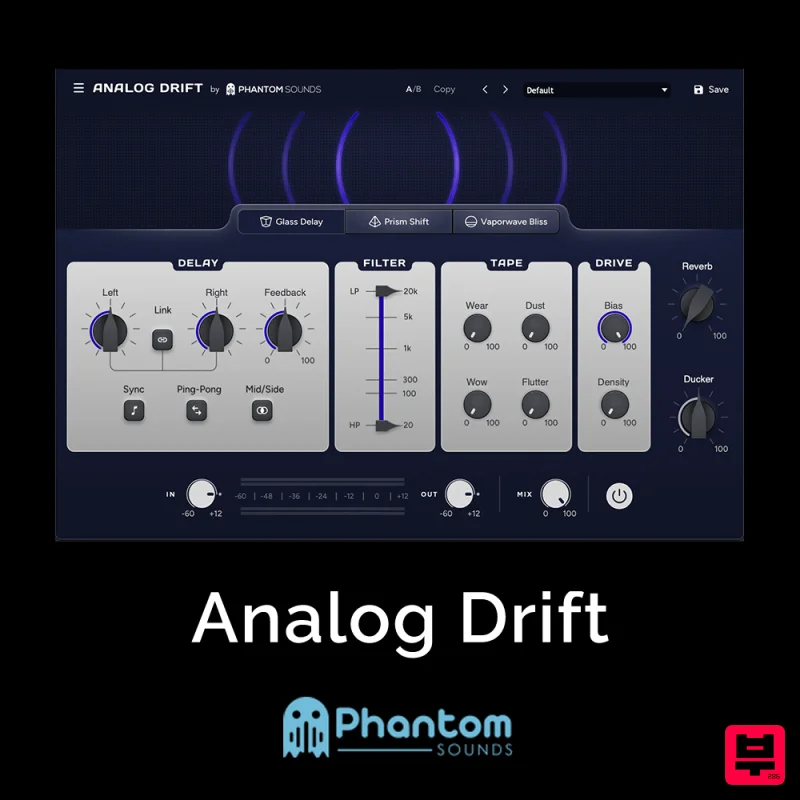
Phantom Sounds Analog Drift
Delay
$30
Redefine Your Sound with Distinctive Delays Analog Drift is a delay plugin that combines the pristine clarity of...
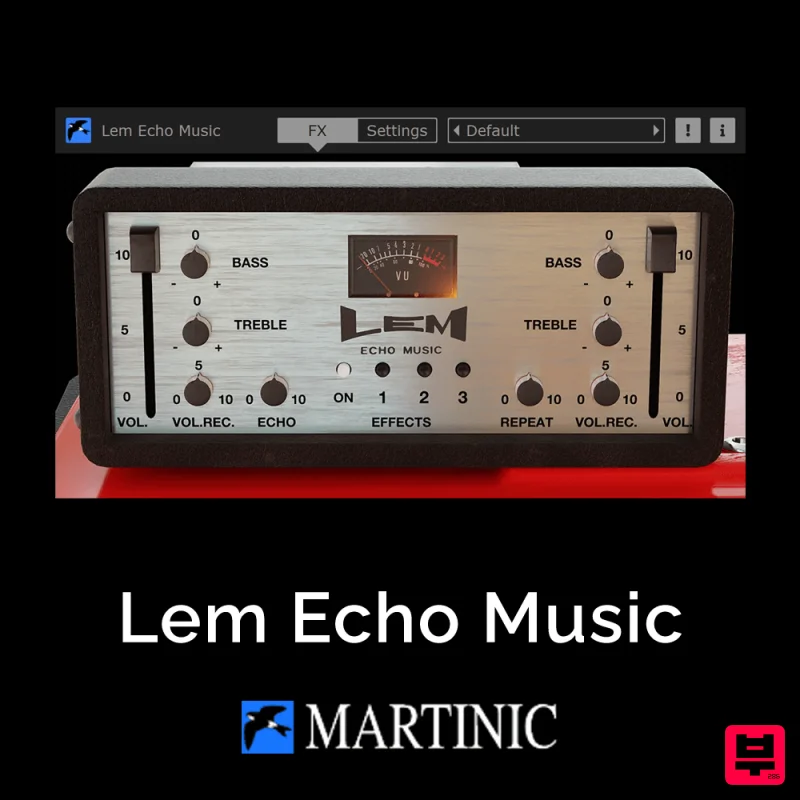
Martinic Lem Echo Music
Delay
$30
Authentic Vintage Tape Delay Emulation with Added Customization The Lem Echo Music plugin recreates the nostalgic tones...
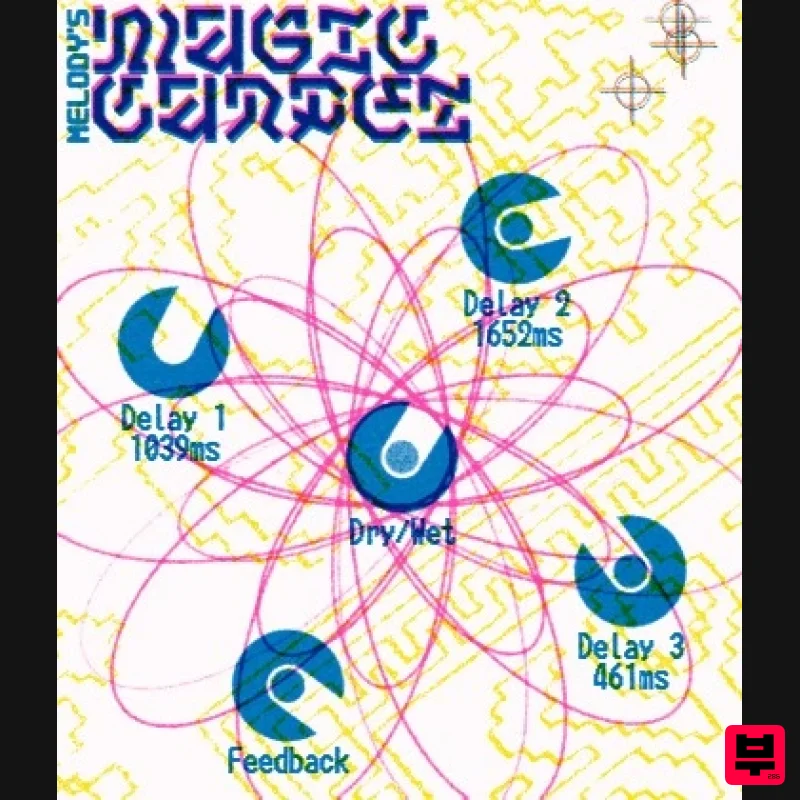
UnplugRed Magic Carpet
Delay
Free
Three delay lines with a shared feedback path, makes a delay that starts sparse but continues to get denser with each...
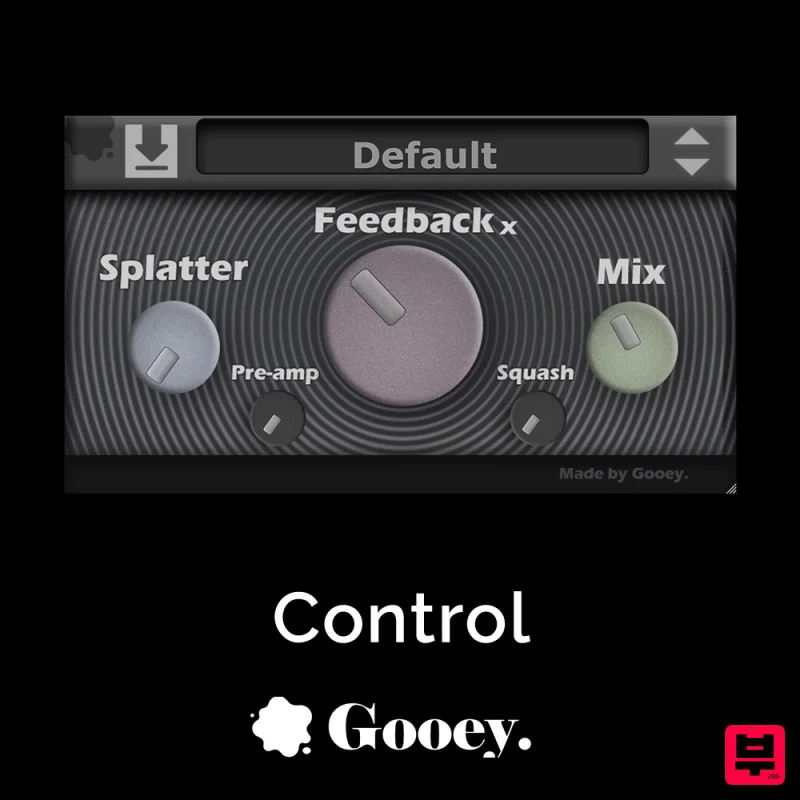
Gooey Audio Control
Delay
$30
Control by Gooey Audio is a feedback delay network plugin built for experimental sound designers, ambient composers,...
Frequently Asked Questions
The D16 Group Sigmund 2 stands out for its exceptional D16 Group craftsmanship and innovative design.
Yes! With its affordable price point and quality construction, it's perfect for learning delay.
Browse the similar products section to see how it stacks up against other delay.

