
D16 Group Godfazer
Professional music gear - detailed information and where to buy
Product Description
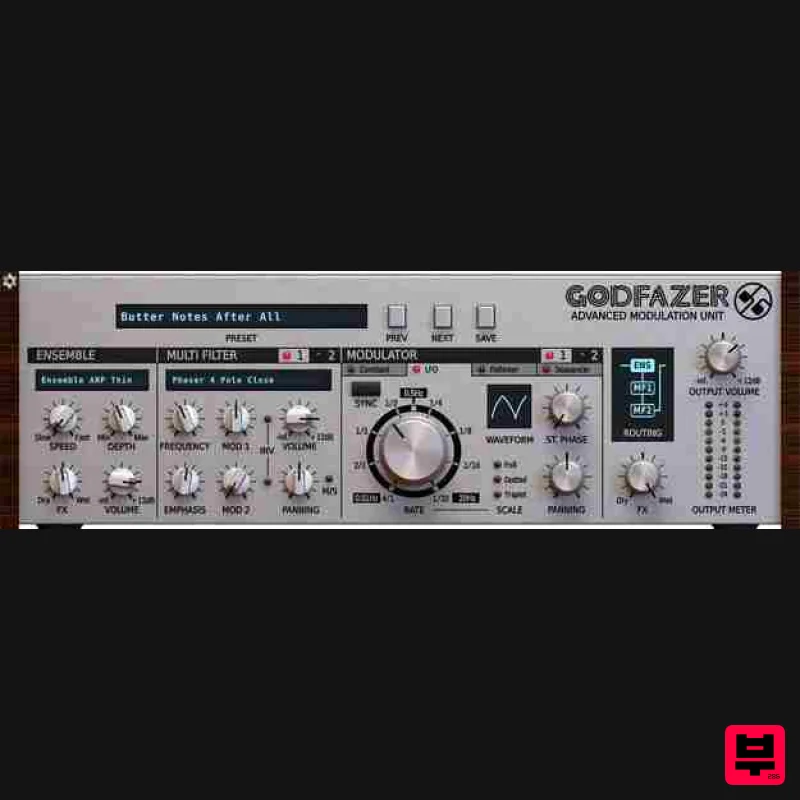
- Don’t be deceived by the SilverLine format and affordability – big things sometimes come in packages. Godfazer is an Advanced Modulation Unit that combines multiple modulations and filter types into a single
- versatile plugin effect
- with a spectacular choice of routing topologies. The Swiss Army Knife of Modulation Effects The most powerful modulation effect D16 group has ever created
- Godfazer is your new go-to plugin for chorus
- phasing
- filtering
- rotary speaker emulation and much more. Built with creative sound design at the top of the agenda
- Godfazer spatially and spectrally transforms signals of all kinds with its versatile Ensemble module and two dual-modulated Multi Filters. Vintage Devices and More Godfazer’s Ensemble section offers a wide range of delay- and amplitude-modulating vintage device emulations
- including BBD-based choruses
- Solina-style ensembles and rotary speakers
- as well as a variety of original tremolos
- auto-panners and other models. But that’s only the beginning! Alongside the Ensemble
- two identical Multi Filters each feature 40 spectacularly diverse filter types
- from dual shelving EQs
- low/high/band-pass models and formant filters
- to an extensive selection of vintage and modern phasers. Powerful Modulation Bringing movement and dynamism to the Multi Filters
- Godfazer’s dual Modulators each enable one of four styles of cutoff/center frequency modulation to be brought into play. Apply static offset to the left and right channels with the Constant Modulator; get things wobbling with the tempo sync-able
- pannable
- phase-adjustable LFO; generate a modulation signal based on input amplitude with the envelope Follower
- and handcraft your own synced or free-running cyclical progressions with the 16-step Step sequencer. Freedom of Routing Both Modulators are routed independently to each Multi Filter
- for truly complex signal blending
- and the polarity of every input can be inverted at a click. The Multi Filters themselves are configurable for parallel or serial signal flow using six topology options
- which also determine the position of the Ensemble within the chain. ... Of course
- Godfazer also includes all the standard features of the SilverLine plugin series
- including 64-bit internal processing
- three quality options for real-time playback and offline rendering
- a resizable GUI
- and a tagged preset browser. From enhancing beats
- thickening basslines and glamorizing vocals
- to animating pads and bringing life to keys and FX
- no modulation-based task is beyond its sonic remit. Features Ensemble Module Featuring: 22 effect types/models
- ranging from Choruses and Rotary speaker emulations (including various classic devices) to Tremolo and Auto-panning effects Adjustable Speed and Depth for most of the effect models 2 Multi Filter Modules
- each featuring: 40 filter types/models
- ranging from Resonant Filters and Vowel Filters to EQs to Phasers (including various classic devices) Adjustable Cutoff / Center Frequency and Emphasis for each model Balance control with optional Mid / Side mode Independent Modulation amount control with Invert option for each Modulator 2 Modulation blocks controlling (and shared by) both Multi Filters
- with 4 modulation types each: Constant modifier Independent Value offset controls for the Left and Right channels
- with Link option LFO generator Adjustable Stereo Phase 6 LFO waveforms Optional Tempo sync Panning control Peak follower with Attack
- Decay and Sensitivity parameters Step sequencer 16 individually adjustable steps Adjustable-Rate with optional Tempo sync Additional Features: 6 different topologies for configuring the Multi Filter and Ensemble modules 64-bit internal processing No harmonic distortions at output Tag-based preset browser Over 100 presets Resizable GUI MIDI Learn for easy controller assignment System Requirements Windows Windows 7 - 10 (32 or 64-bit) CPU - Single-core 3.4 GHz SSE (Multi-core 4.0 GHz recommended) RAM - 8 GB (16 GB Recommended) Plugin Formats - VST2
- VST3
- AAX Mac macOS 10.13 - macOS 12 Monterey (64-bit only) CPU - Intel 1.8 GHz / Apple M1 (Intel 2.4 GHz / Apple M1 recommended) RAM - 8 GB (16 GB Recommended) Plugin Formats - VST2
- VST3
- AAX Please Note: This is not a standalone program - a host application (DAW) is required to use it. Important Note: D16 Repeater is used as the example. Windows 1. Visit the D16 Group website to create or login into your user account. 2. Once logged into your account
- select the '+ Add Licence' tab 3. Copy and paste the serial number provided in your Plugin Boutique User Account into the box and click 'Add.' Note: Ensure there are no spaces at the beginning and end of the licence before clicking 'Add' to register it. 4. Once the licence has successfully been added to your account
- click 'Close.' 5. Select the 'Download' tab to reveal the drop-down list and click your preferred 32 and/or 64-bit Windows Installer option to obtain the software. 6. Once downloaded
- double-click the .msi installer file to begin the installation process > then click 'Run.' 7. Click 'Next.' 8. Read through and select 'I accept the terms in the licence agreement' and click 'Next.' 9. Select the format (s) i.e VST/AAX that you wish to install and click 'Next.' 10. Click 'Install' to complete the installation process. 11. The installation of the software has successfully completed > click 'Finish.' Activation 1. Open and load the software within your DAW and then click the 'Activate' tab. Note: If the software fails to appear
- rescan your DAW's plugin selection and/or restart your computer. 2. Enter your D16 Group user account email and password > then click 'Sign-In.' 3. Close the plugin and then reopen it to complete activation of the software. The Software is now Activated and Ready for Use! Mac 1. Visit the D16 Group website to create or login into your user account. 2. Once logged into your account
- select the '+ Add Licence' tab 3. Copy and paste the serial number provided in your Plugin Boutique User Account into the box and click 'Add.' Note: Ensure there are no spaces at the beginning and end of the licence before clicking 'Add' to register it. 4. Once the licence has successfully been added to your account
- click 'Close.' 5. Select the 'Download' tab to reveal the drop-down list and click your preferred Mac OS X Installer option to obtain the software. 6. Once downloaded
- double-click the .dmg installer file to unpack the .pkg file. 7. Double-click the .dmg .pkg installer file to begin the installation process > then click 'Continue.' 8. Read through the licence agreement > click 'Continue' then 'Agree.' 9. Click 'Install.' 10. The installation of the software has successfully completed > click 'Close.' Activation 1. Open and load the software within your DAW and then click the 'Activate' tab. Note: If the software fails to appear
- rescan your DAW's plugin selection and/or restart your computer. 2. Enter your D16 Group user account email and password > then click 'Sign-In.' 3. Close the plugin and then reopen it to complete activation of the software. The Software is now Activated and Ready for Use!
Additional Information
About the D16 Group Godfazer
The D16 Group Godfazer represents excellent craftsmanship in the Modulator category.
Why Choose the D16 Group Godfazer?
- •Authentic D16 Group craftsmanship and design
- •Versatile sound suitable for multiple musical genres
- •Professional build quality and reliable performance
- •Part of D16 Group's respected Modulator lineup
Compare & Explore
Browse our complete selection of D16 Group instruments or explore other Modulator options. Use our comparison tools to find the perfect match for your musical style and budget.
Similar Products
UnplugRed ModMan
Modulator
Free
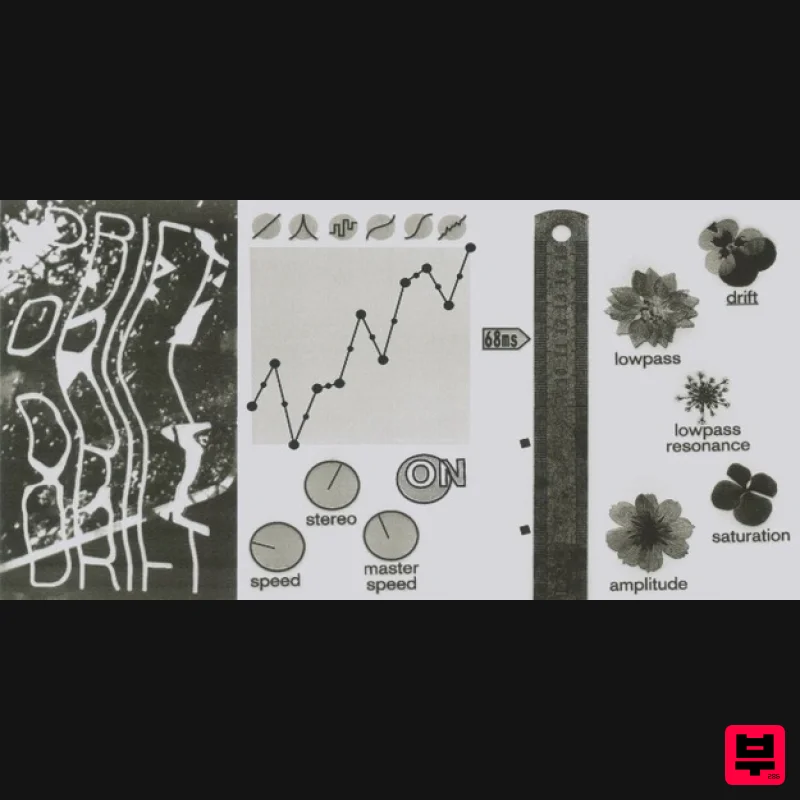
Modulation effect that produces organic and ever changing randomized movements, based on a perlin noise algorithm....
Thenatan Audio DropWow
Modulator
$35
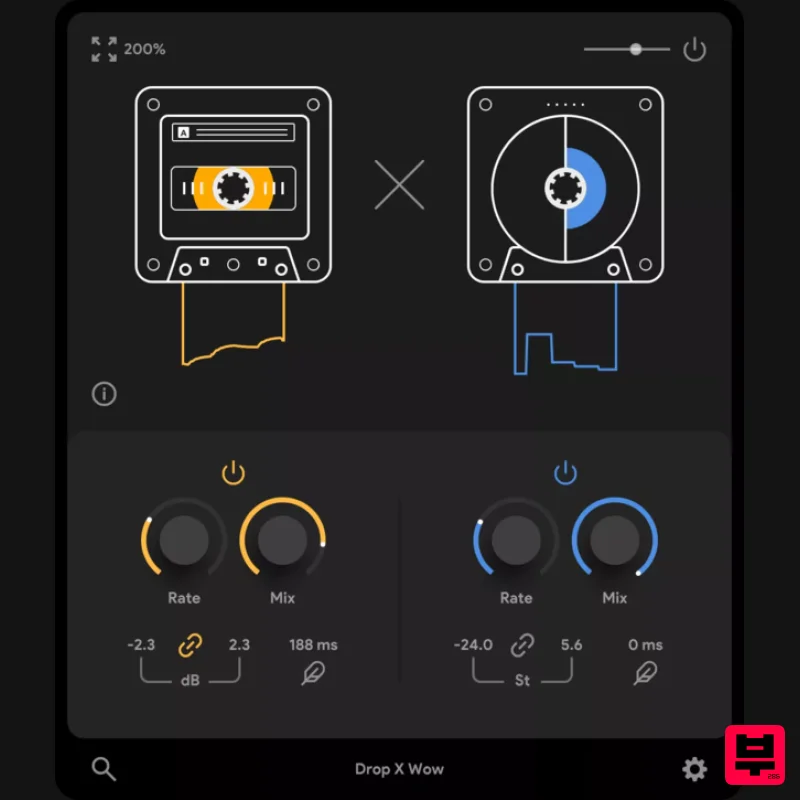
DropWow is a simple yet highly effective tool designed to help you create interesting LoFi imperfections. With just...
United Plugins DuoFlux
Modulator
$83
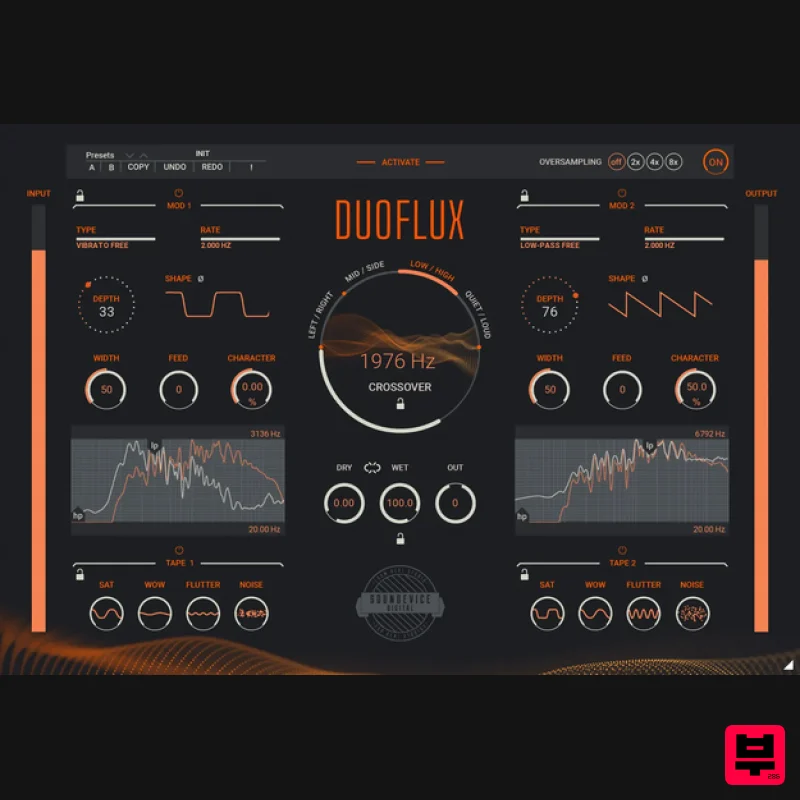
Double Modulation, Infinite Movement There are tasks a single modulation plugin cannot handle. Unless it is Duoflux....
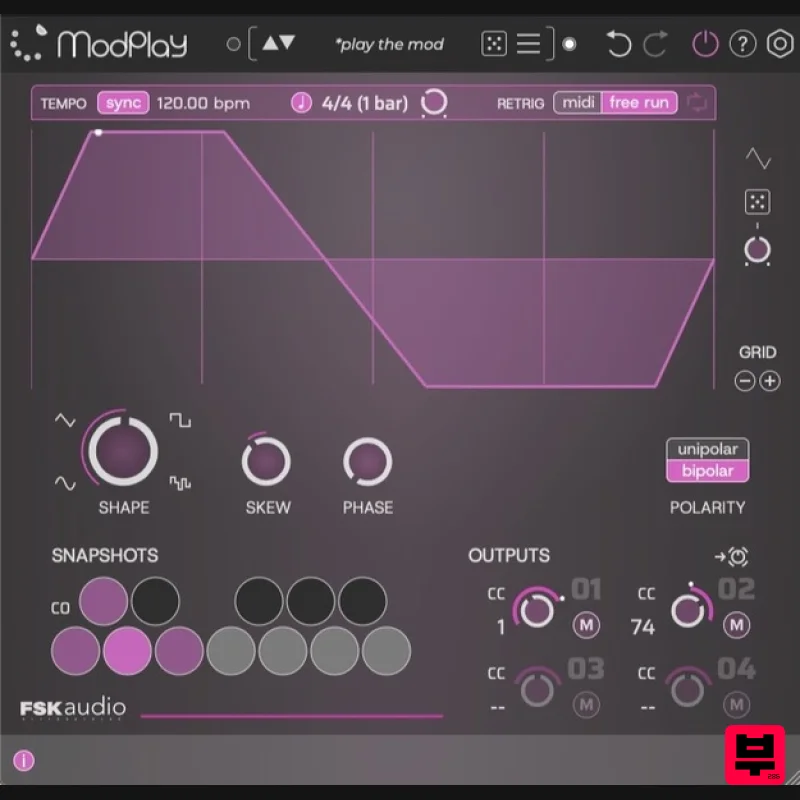
FSK Audio ModPlay
Modulator
$47
ModPlay is a unique MIDI LFO plug-in purpose built to super charge your favorite plug-ins! It is a “plug-in for your...
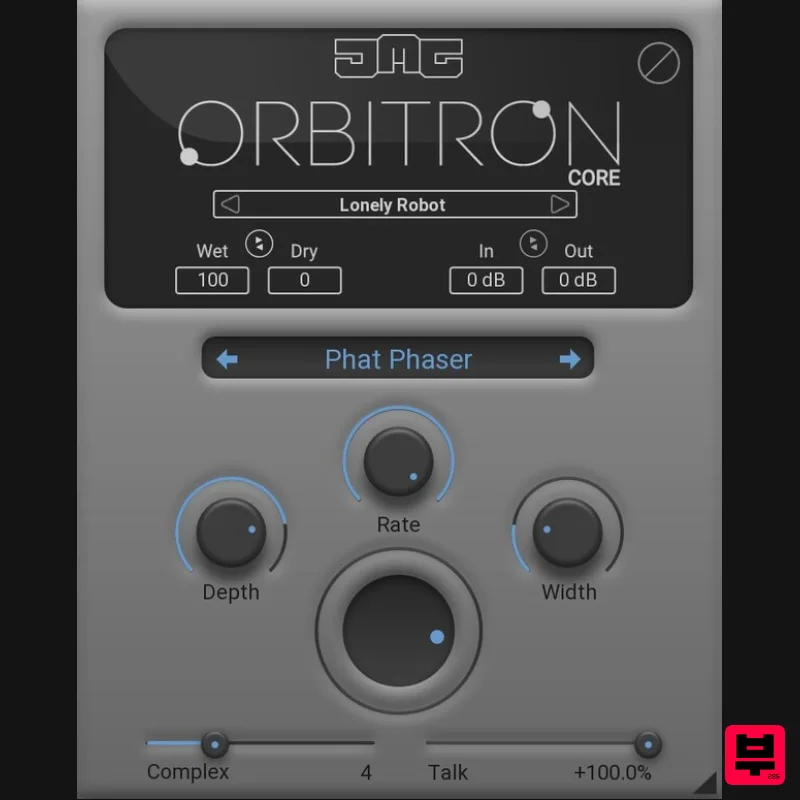
United Plugins Orbitron Core
Modulator
$30
Essential Modulation, Elevated Sound Orbitron Core is the streamlined gateway to JMG Sound's revolutionary modulation...
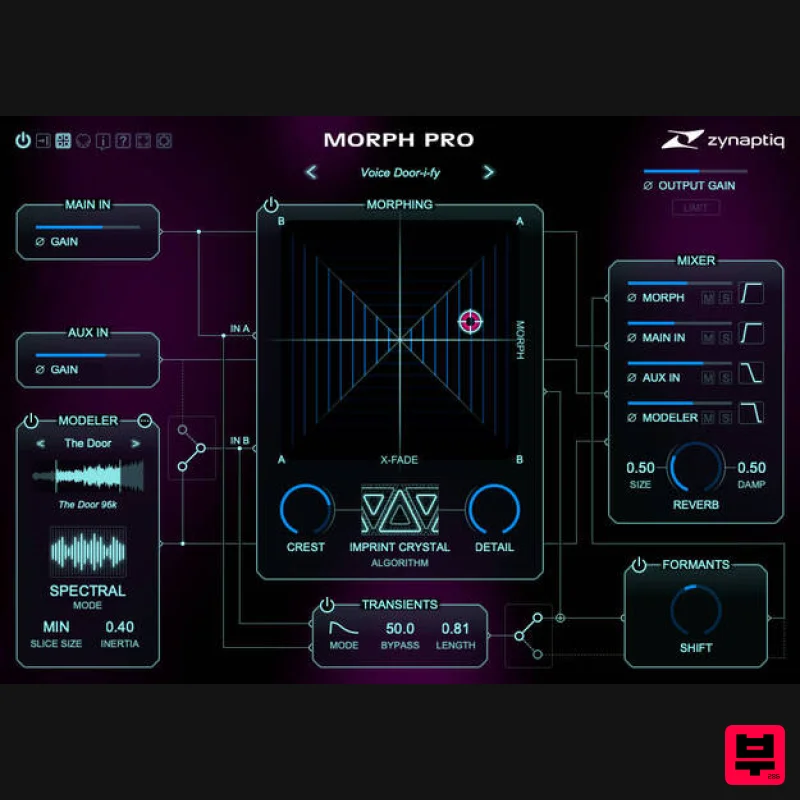
Zynaptiq MORPH 3 PRO
Modulator
$323
Note: Customers who purchased MORPH 2 on or after January 1st, 2024 are eligible for a free MORPH 3 upgrade via the...
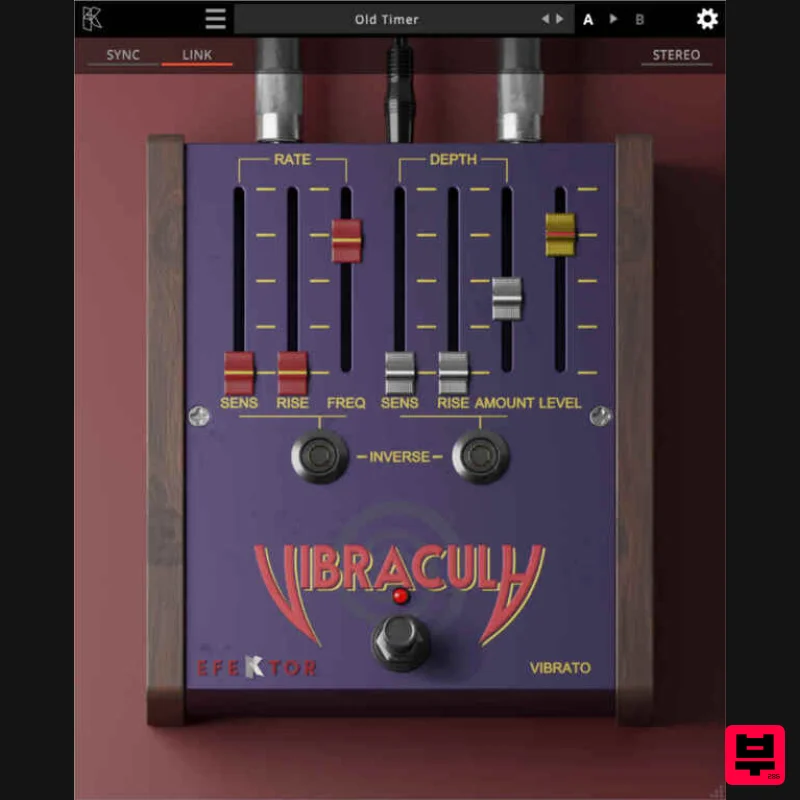
Kuassa EFEKTOR Vibracula
Modulator
$20
Modulate your notes with a classic, lush vibrato effect. From subtle, emotional waves to intense pitch fluctuations...
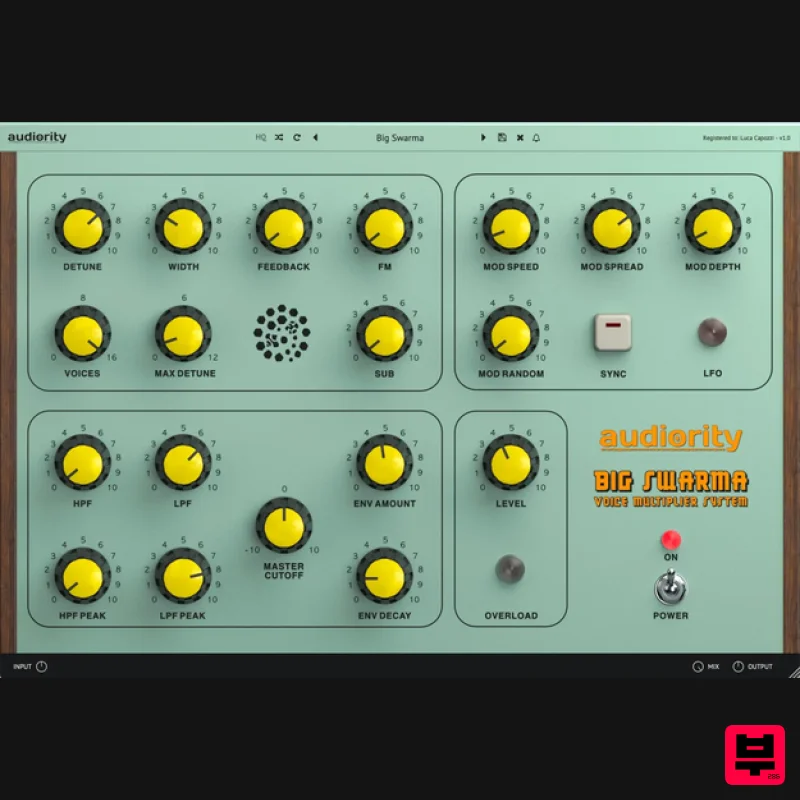
Audiority Big Swarma
Modulator
$62
The Ultimate Voice Multiplier & Feedback Plugin Big Swarma is a powerful voice multiplier and feedback unit designed to...
Frequently Asked Questions
The D16 Group Godfazer stands out for its exceptional D16 Group craftsmanship and innovative design.
Yes! With its affordable price point and quality construction, it's perfect for learning modulator.
Browse the similar products section to see how it stacks up against other modulator.

