
ChowDSP CHOW Phaser
Professional music gear - detailed information and where to buy
Product Description
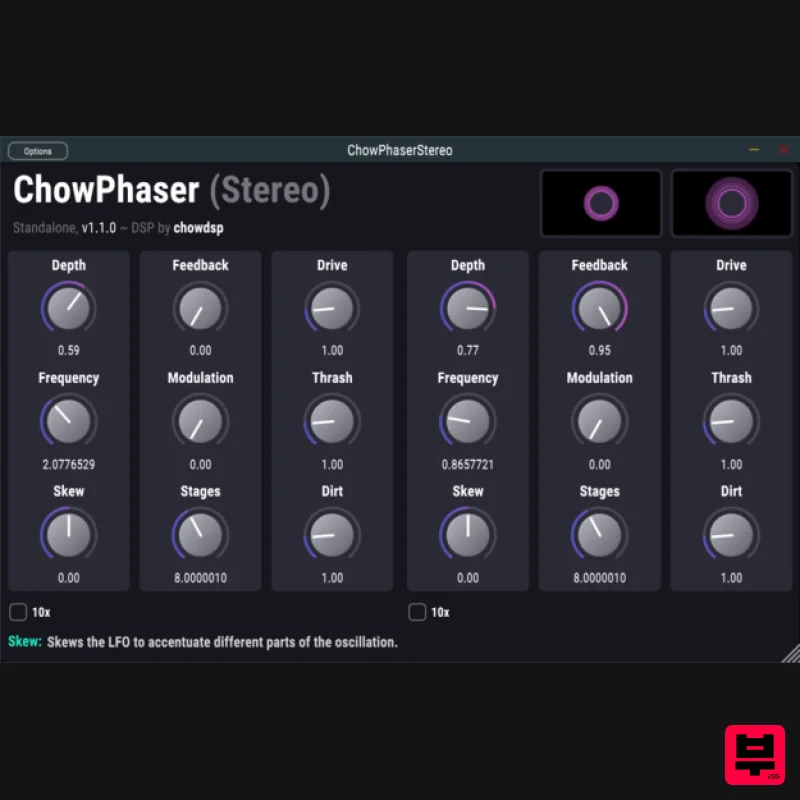
- CHOW Phaser is an open-source phaser effect
- based very loosely on the classic Shulte Compact Phasing "A". CHOW Phaser also has both a Stereo and Mono version. CHOW Phaser Mono is designed to accept a mono signal as input and generate a stereo signal as output. Any stereo input to the plugin will first be summed to mono before applying any processing. CHOW Phaser Stereo accepts a stereo signal and processes each channel entirely separately. To link the controls between the left and right channels
- hold the SHIFT key while moving one of the knobs. The phaser's processing is broken up into two stages: feedback and modulation. The amount of processing done by each stage can be controlled separately with the "feedback" and "modulation" knobs. Both stages share the same LFO
- which is controlled by the "depth" and "frequency" parameters
- as well as the "skew" knob. The "10x" parameter simply multiplies the LFO frequency by 10. The "stages" parameter controls filter stages are used in the modulation section
- while "drive"
- "dirt"
- and "thrash" add various styles of nonlinear processing to the feedback stage. CHOW Phaser is currently available in the following plugin formats: VST VST3 AU Standalone plugin System Requirements Mac macOS 10.12 Sierra or newer (Intel / M1 Apple Silicon supported) Minimum 4 GB of RAM VST-compatible or AU-compatible plugin host Windows Windows 7 or newer Minimum 4 GB of RAM VST-compatible plugin host Please Note: CHOW Tape Model has been used as an example. Windows Installation 1. Download the .zip file from within your Plugin Boutique User Account > Double-click it to extract the contents. 2. Navigate to the folder with the .dll and .vst3 files > copy the necessary files. 3. Navigate to the file path C:\Program Files\VST Plugins > Paste the .dll file in this folder. 4. Navigate to the file path C:\Program Files\VST Plugins\VST 3 > Paste the .vst3 file in this folder. Your software is now ready to use within your DAW. Mac Installation 1. Download the .zip file from within your Plugin Boutique User Account > Double-click it to extract the contents. 2. Navigate to the folder that contains the AU and VST components > copy the necessary component. 3. Navigate to the file path Macintosh HD:/Library/Audio/Plug-Ins/Components/ > Paste the component in this folder. 4. Navigate to the file path Macintosh HD:/Library/Audio/Plug-Ins/VST > Paste the .vst file in this folder. 5. Navigate to the file path Macintosh HD:/Library/Audio/Plug-Ins/VST 3 > Paste the .vst3 file in this folder. Your software is now ready to use within your DAW.
Additional Information
About the ChowDSP CHOW Phaser
Discover the distinctive sound and feel of the ChowDSP CHOW Phaser, a standout choice among Phaser.
Why Choose the ChowDSP CHOW Phaser?
- •Authentic ChowDSP craftsmanship and design
- •Versatile sound suitable for multiple musical genres
- •Professional build quality and reliable performance
- •Part of ChowDSP's respected Phaser lineup
Compare & Explore
Browse our complete selection of ChowDSP instruments or explore other Phaser options. Use our comparison tools to find the perfect match for your musical style and budget.
Similar Products
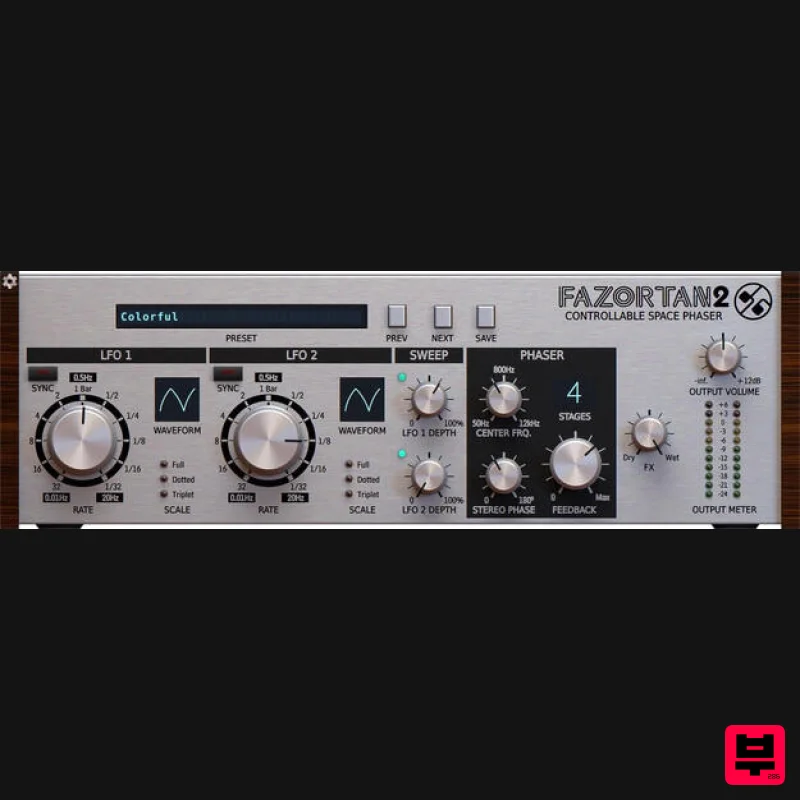
D16 Group Fazortan 2
Phaser
$62
Have you ever wanted to replicate that unique, magical breeze floating through most of Jean Michael Jarre's music?...
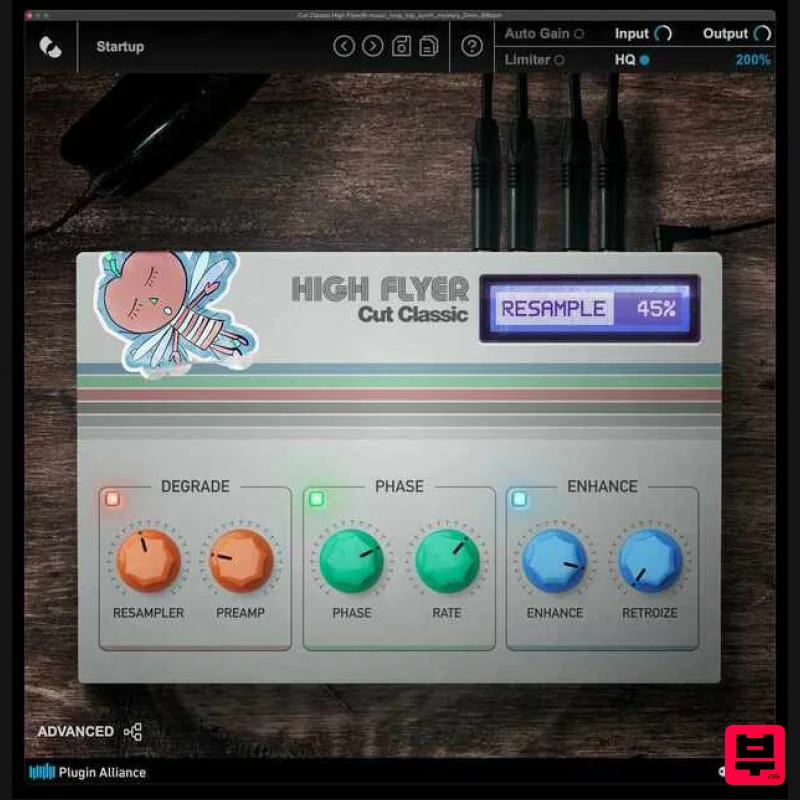
Plugin Alliance Cut Classic High Flyer
Phaser
$21
Cut Classic High Flyer is a next-generation phaser plugin that blends classic vintage character with modern digital...
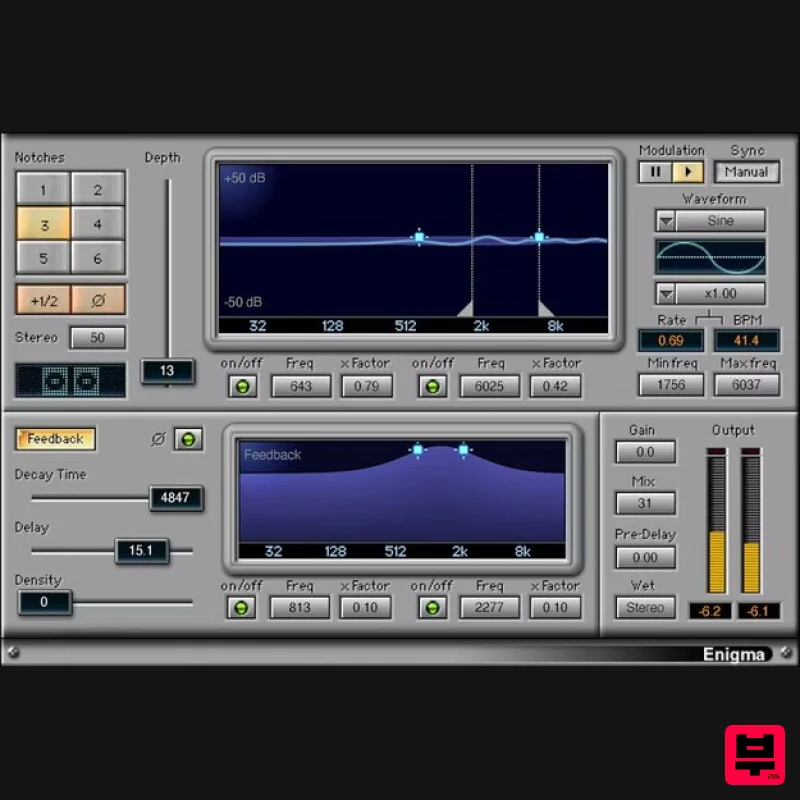
Waves Enigma
Phaser
$44
Enigma A Dream Machine for Scintillating Sound Design Enigma combines comb filtering, modulation, filtered feedback, a...
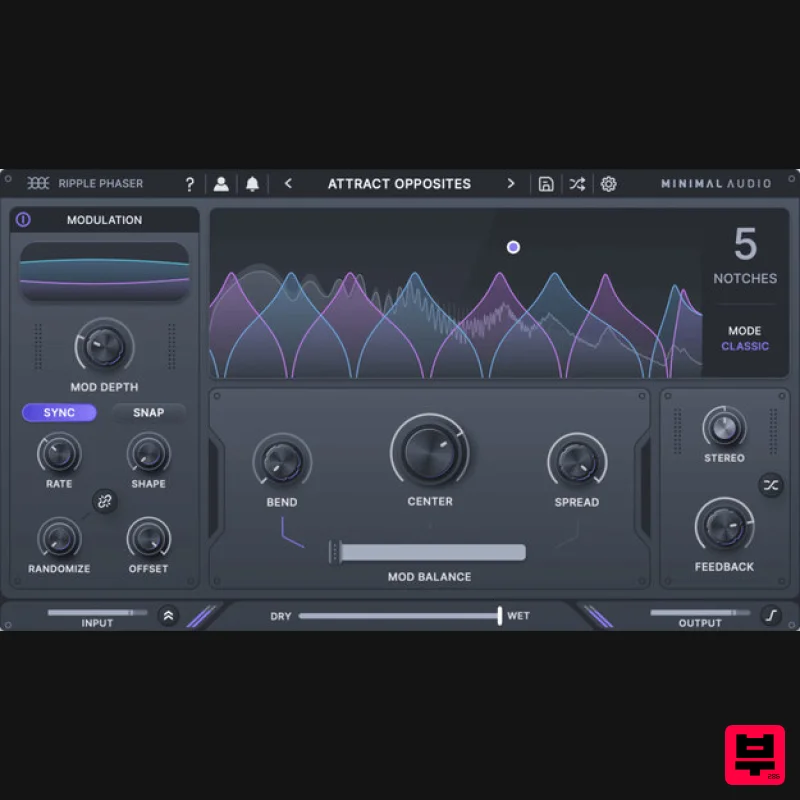
Minimal Audio Ripple Phaser
Phaser
$51
Multi-Mode Phase Manipulator More than just another phaser, Ripple Phaser injects liquid character and animated...
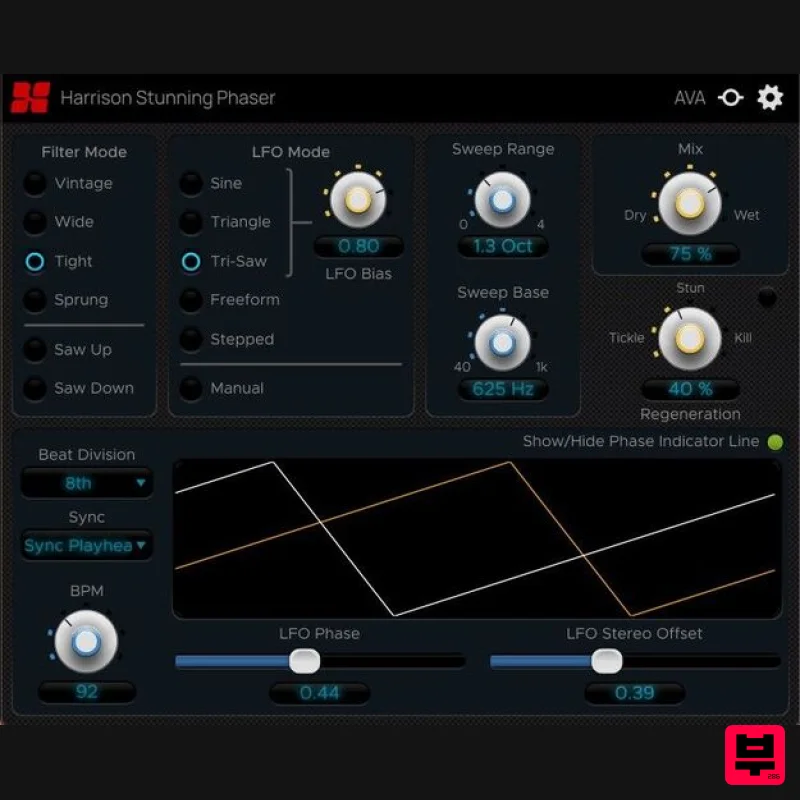
Harrison Consoles Stunning Phaser
Phaser
$54
Warp Your Audio World Inject ‘stunning’ movement, character, and depth into your mixes. The Harrison Stunning...
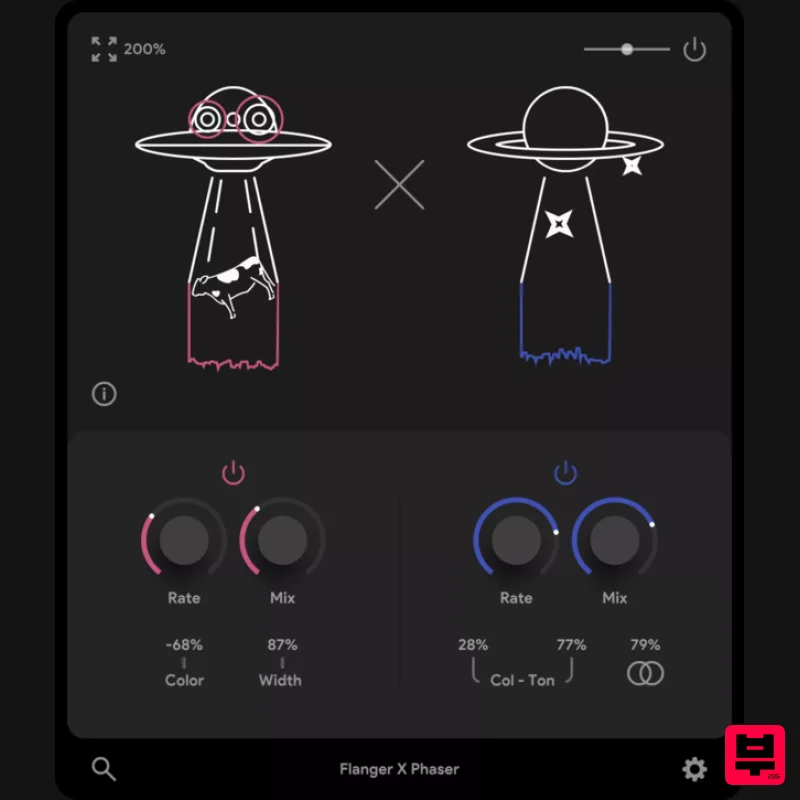
Thenatan Audio FlangerPhaser
Phaser
$35
This plugin is an excellent tool for enhancing your music with classic effects that stand the test of time. It is...
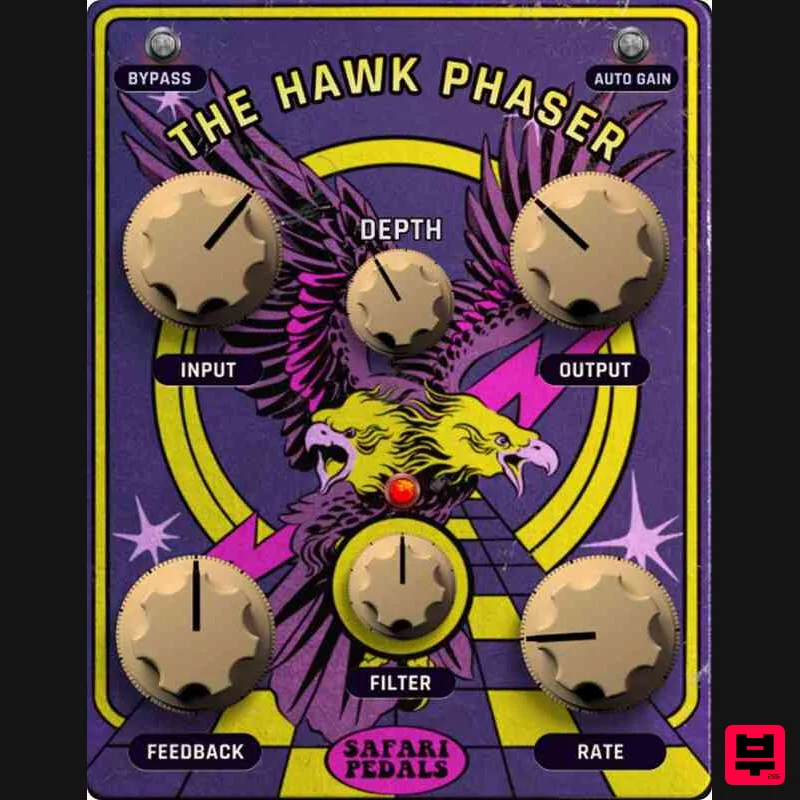
Safari Audio Hawk Phaser
Phaser
$51
A High-Flying Phaser with Precision & Power Hawk Phaser is ready to soar into your rig, delivering everything from...
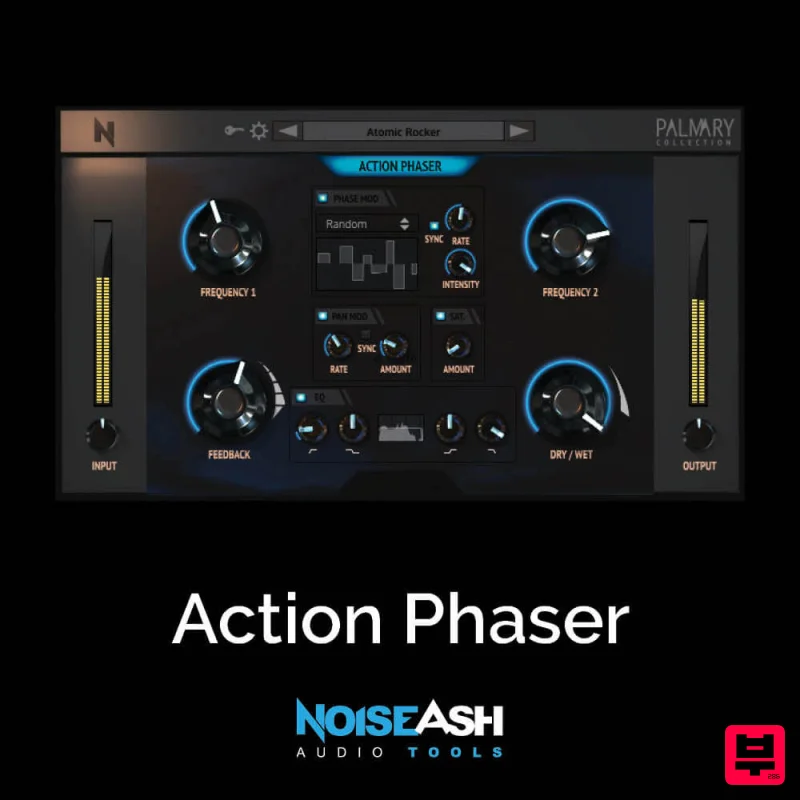
NoiseAsh Action Phaser
Phaser
$30
STRENGTH, SIMPLICITY, DEEPLY CUSTOMIZABLE These words are the summary of Action Phaser. We wanted to build a phaser...
Frequently Asked Questions
The ChowDSP CHOW Phaser stands out for its exceptional ChowDSP craftsmanship and innovative design.
It's designed for intermediate to advanced players who appreciate professional-quality phaser.
Browse the similar products section to see how it stacks up against other phaser.

