
Cherry Audio Stardust 201 Tape Echo
Professional music gear - detailed information and where to buy
Cherry Audio
Stardust 201 Tape Echo
Product Info
* Prices may vary. Check retailer for current pricing and availability.
Product Description
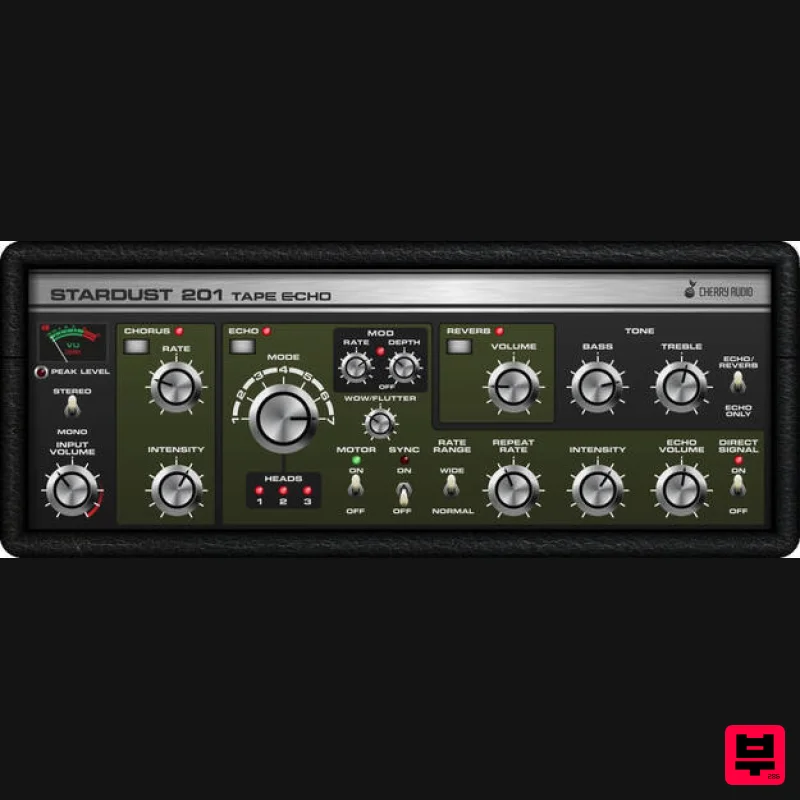
- Echoes Of The Past Stardust 201 Tape Echo is a hot-rodded interpretation of the classic Roland "Space Echo" tape echo effects of the 70s and 80s. Compared to earlier tape echoes
- they represented a giant leap in reliability and sound quality. With solidly built tape-transport mechanisms and the inclusion of a spring reverb and chorus effects in some models
- the Space Echo was truly groundbreaking with its fantastic variety of sound colors. Stardust precisely recreates the limited fidelity and stability of audio tape
- providing a natural rolloff of bass and treble frequencies for super-warm tonality and minor speed variances
- lending an organic chorusing quality to repeats. Cranking the intensity knob overloads the circuit
- generating the other-worldly runaway echoes and feedback that only a tape echo can. Cherry Audio's Stardust 201 Tape Echo includes features from the original RE-201 and RE-301 Space Echo units
- and they've added some of their own to create a great-sounding
- super-flexible
- ideal tape echo effect that never breaks down and never needs demagnetizing
- all for less than the price of a Space Echo replacement audio tape loop! Features Authentically modeled vintage tape echo
- including seven virtual tape head modes 4x extended echo time range LFO echo time mod section Sync to DAW master tempo Exclusive "motor kill" switch Lush
- true-stereo modeled BBD chorus circuit Modeled input overdrive Independent stereo "tape head loops" for super-wide imaging Spring-style reverb Selectable mono/stereo modes Bass and treble EQ controls User-selectable color themes System Requirements Mac 10.13 or above. macOS 13 Ventura supported 64-bit required. Native Apple M1 processor support
- including Apple M1 Ultra. 3.4 GHz Quad-Core or M1 CPU with 8GB of RAM recommended. Available in AU
- VST3
- AAX & Standalone formats Windows Windows 7 or above (including Windows 11)
- 64-bit required. Quad-core computer with 8GB of RAM recommended. Available in VST
- VST3
- AAX & Standalone formats Mac Registration Note: Voltage Modular Core 2 + Electro Drums have been used as an example. <iframe frameborder="0" height="315" src="//www.youtube.com/embed/Ejmfc3wEcPQ?showinfo=0&autohide=1&iv_load_policy=3&rel=0" width="560"></iframe> 1. Visit https://store.cherryaudio.com/redeem?ref=PluginBoutique > click ‘create an account’ to register your product. (If you already have a Cherry Audio account
- simply click ‘login’). 2. Enter your details and click the 'I'm not a robot’ reCAPTCHA > click 'Create an Account'. 3. Once logged in click ‘Store’ on the top toolbar and then ‘Redeem Code’. 4. Enter the serial number from your Plugin Boutique account > click 'Redeem Product'. Installation 1. Choose the correct Mac format for your systen (Intel or M1) > click 'Download'. 2. Open the downloaded .pkg installer > Click 'Continue'. 3. Read through the Software License Agreements > Click 'Continue'. 4. Click 'Agree'. 5. Select your installation destination > Click 'Continue'. 6. Choose the plugin formats you want to install > click 'Continue'. 6. Click 'Install'. 7. Click 'Close' to complete the installation process. Activation 1. Open your installed product and enter your Cherry Audio registered Email and Password > Click 'Login'. Your software is now activated and ready to use! Windows Registration Note: Voltage Modular Core 2 + Electro Drums have been used as the example. <iframe frameborder="0" height="315" src="//www.youtube.com/embed/Ejmfc3wEcPQ?showinfo=0&autohide=1&iv_load_policy=3&rel=0" width="560"></iframe> 1. Visit https://store.cherryaudio.com/redeem?ref=PluginBoutique > click ‘create an account’ to register your product. (If you already have a Cherry Audio account
- simply click ‘login’). 2. Enter your details and click the 'I'm not a robot’ reCAPTCHA > click 'Create an Account'. 3. Once logged in click ‘Store’ on the top toolbar and then ‘Redeem Code’. 4. Enter the serial number from your Plugin Boutique account > click 'Redeem Product'. Installation 1. Choose the Windows format > click 'Download'. 2. Open the downloaded .exe installer > Click 'Next'. 3. Select 'I Agree to the Terms of this License Agreement' > Click 'Next'. 4. Choose the plugin formats you want to install > click 'Next'. 5. Click 'Next'. 6. Click 'Finish' to complete the installation process. Activation 1. Open your installed product and enter your Cherry Audio registered Email and Password > Click 'Login'. Your software is now activated and ready to use!
Additional Information
About the Cherry Audio Stardust 201 Tape Echo
Discover the distinctive sound and feel of the Cherry Audio Stardust 201 Tape Echo, a standout choice among Echo.
Why Choose the Cherry Audio Stardust 201 Tape Echo?
- •Authentic Cherry Audio craftsmanship and design
- •Versatile sound suitable for multiple musical genres
- •Professional build quality and reliable performance
- •Part of Cherry Audio's respected Echo lineup
Compare & Explore
Browse our complete selection of Cherry Audio instruments or explore other Echo options. Use our comparison tools to find the perfect match for your musical style and budget.
Similar Products
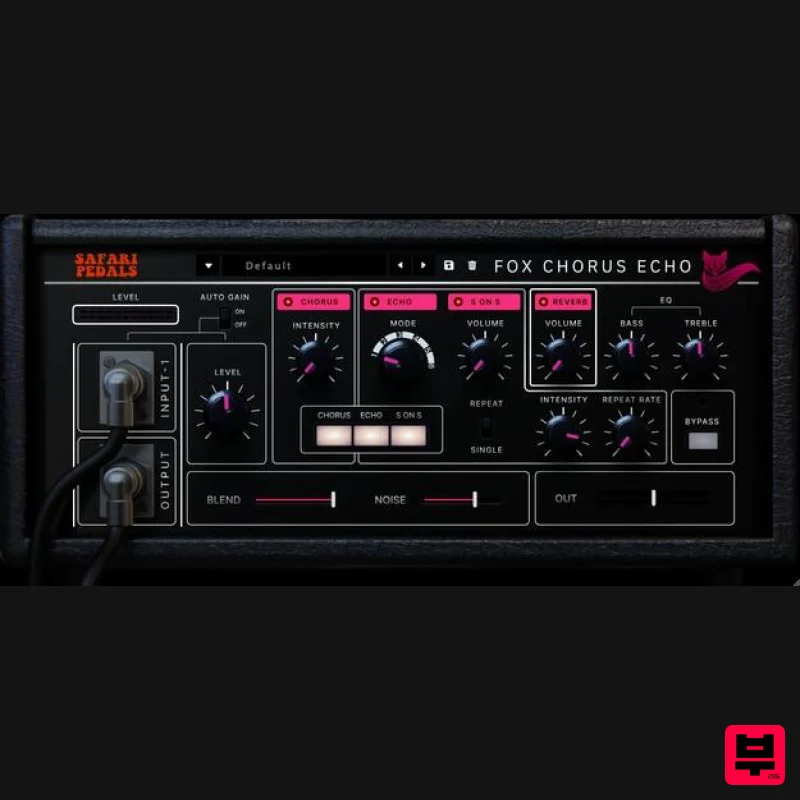
Safari Audio Fox Echo Chorus
Echo
$51
A Vintage-Inspired Echo & Chorus Plugin The Fox Echo Chorus is a modern homage to the legendary vintage tape echo...
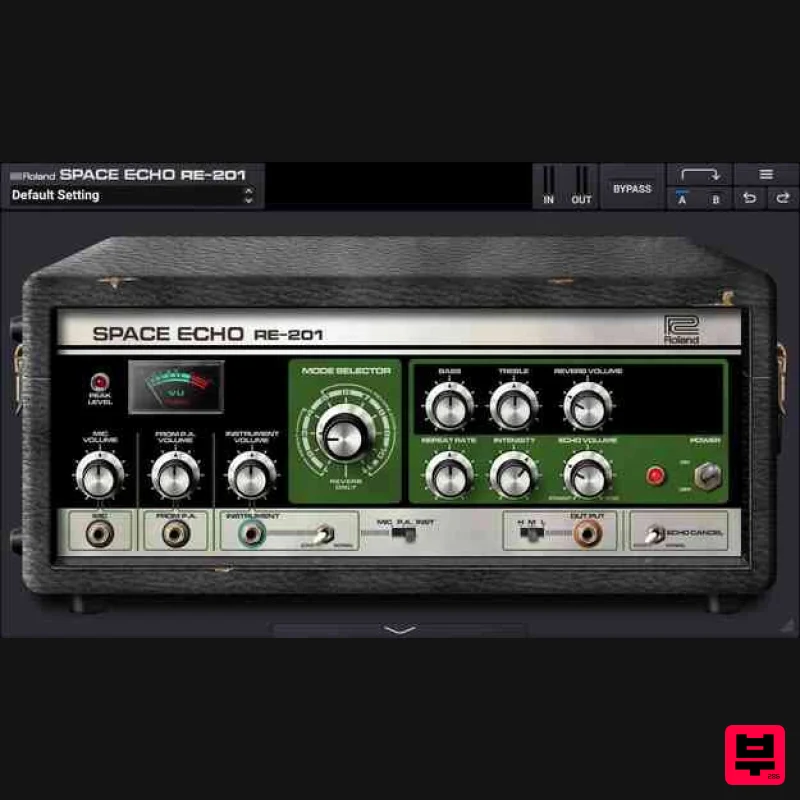
Roland RE-201 Space Echo
Echo
$213
The Sonic Supercollider The only authentic plug-in recreation of Roland’s iconic tape delay Introduced in 1974, the...
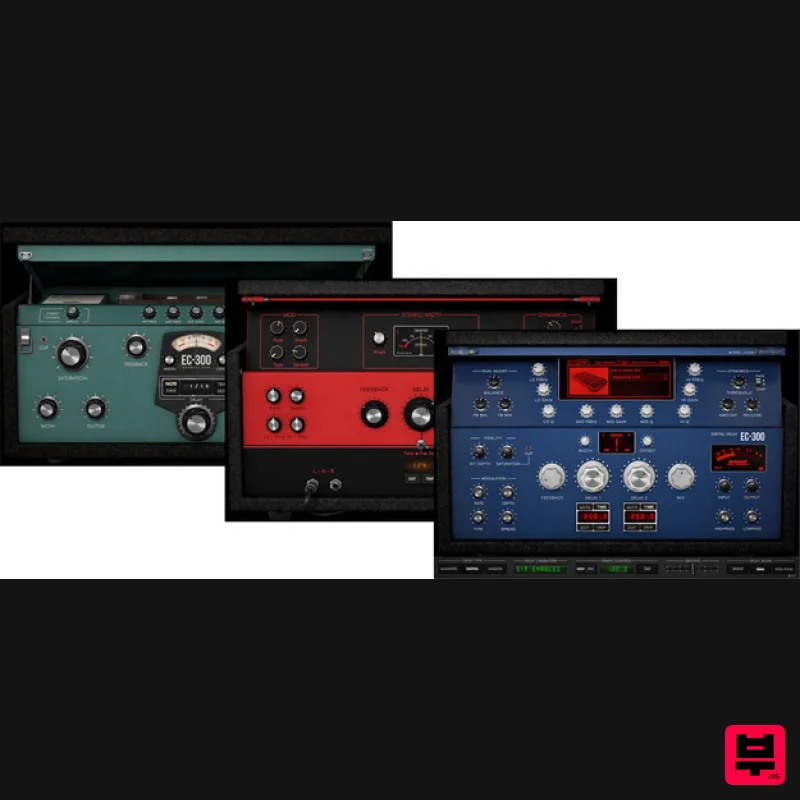
McDSP EC-300 Echo Collection HD v7
Echo
$166
Note: This product is the HD version for AAX DSP users. The Native version is also available. The EC-300 Echo...
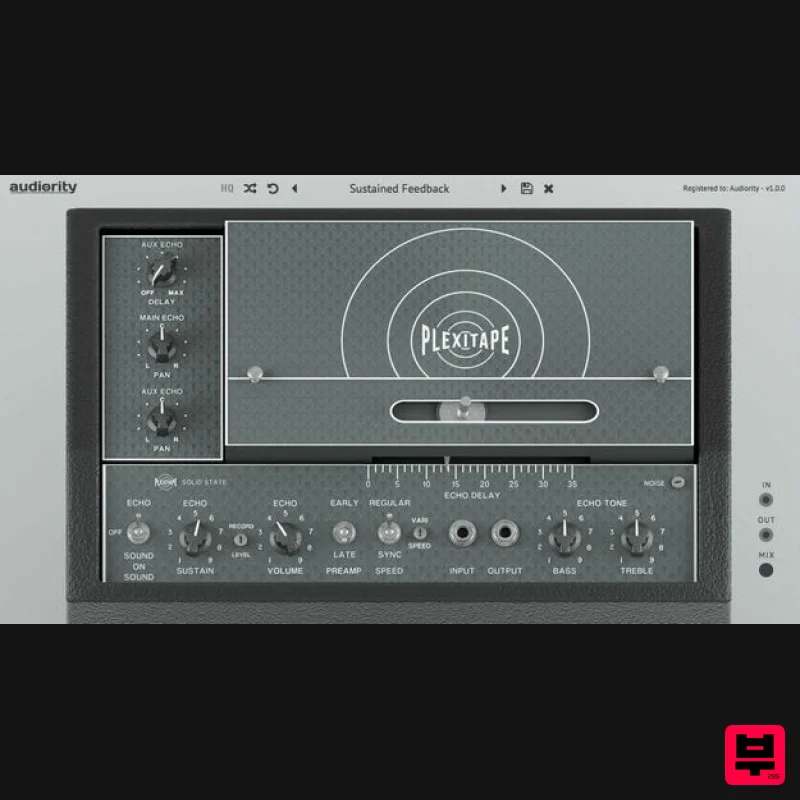
Audiority PlexiTape
Echo
$68
PlexiTape is a faithful analog modeled simulation of a vintage tape echo that made THE SOUND of the ’70s for its tone...
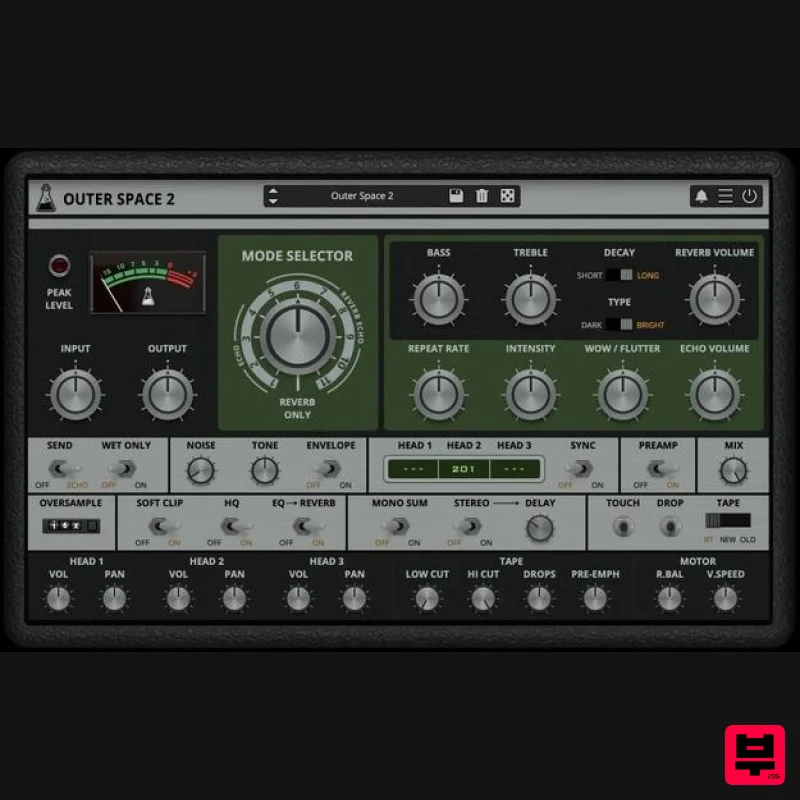
AudioThing Outer Space 2
Echo
$72
Vintage Tape Echo Outer Space 2 is a faithful emulation plugin of a famous vintage tape echo made in the early...
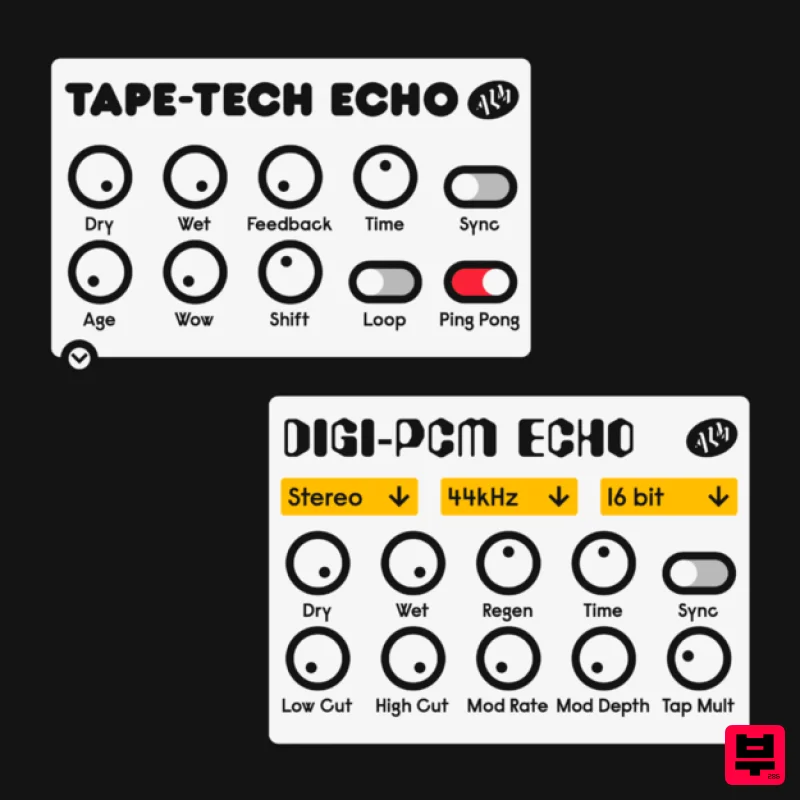
ALM / Busy Circuits MFX Echos
Echo
$10
Digi-PCM and Tape-Tech Echo Plugins ‘MFX Echos’ is a pair of digital and analog inspired echos, the Digi-PCM and...
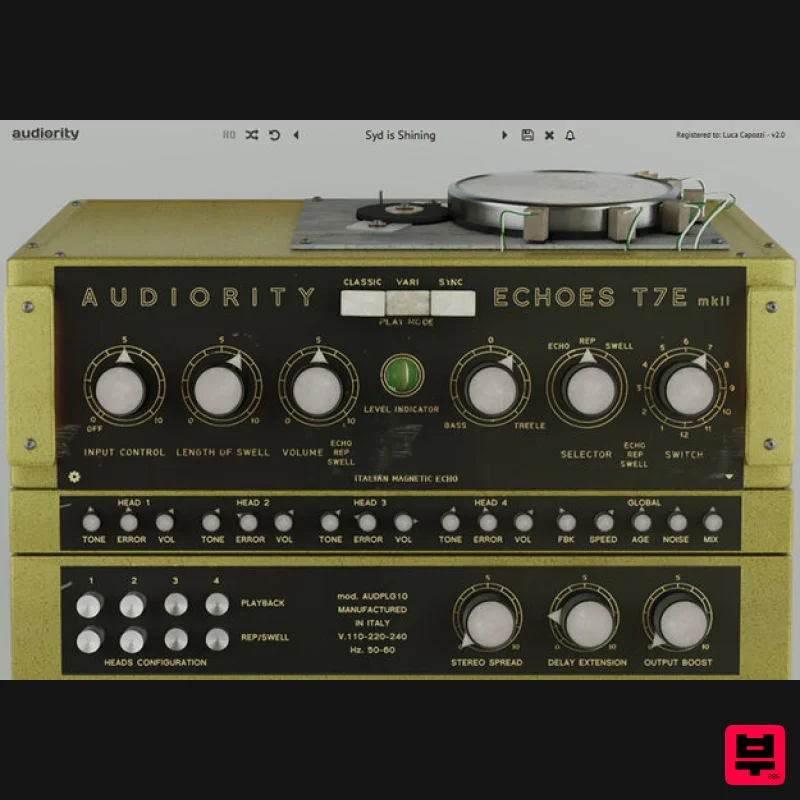
Audiority Echoes T7E MKII
Echo
$68
Analog Modelled Italian Magnetic Echo Plugin. Echoes T7E is a faithful recreation of a vintage tube magnetic echo made...
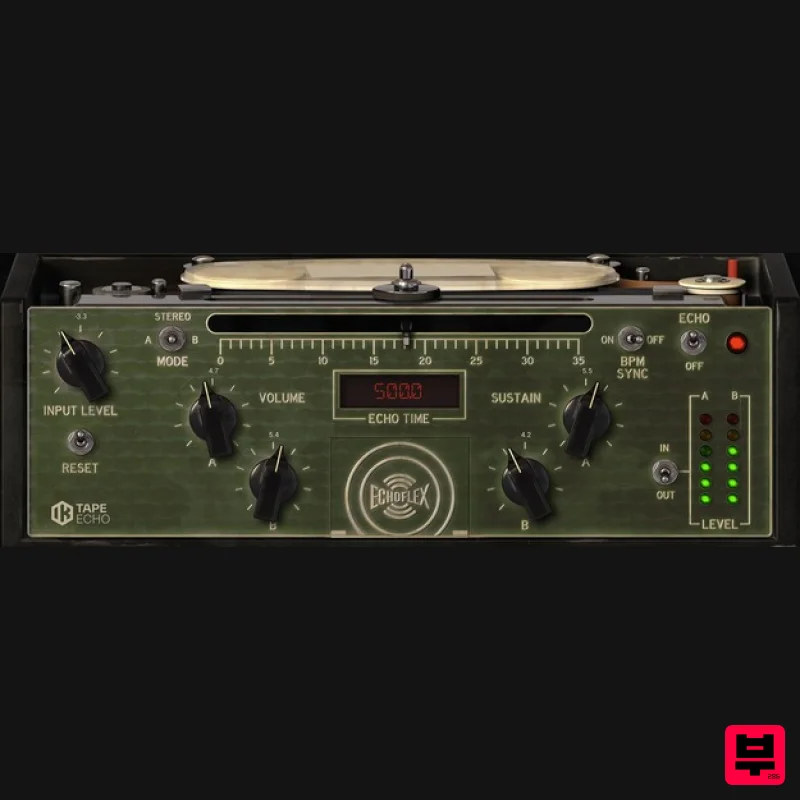
IK Multimedia Tape Echo
Echo
$125
Vintage Tape Delay Warm echoes from the past The Tape Echo is a faithful recreation of the highly sought after Echoplex...
Frequently Asked Questions
The Cherry Audio Stardust 201 Tape Echo stands out for its exceptional Cherry Audio craftsmanship and innovative design.
Yes! With its affordable price point and quality construction, it's perfect for learning echo.
Browse the similar products section to see how it stacks up against other echo.

