
CARP Audio Octapus
Professional music gear - detailed information and where to buy
CARP Audio
Octapus
Product Info
* Prices may vary. Check retailer for current pricing and availability.
Product Description
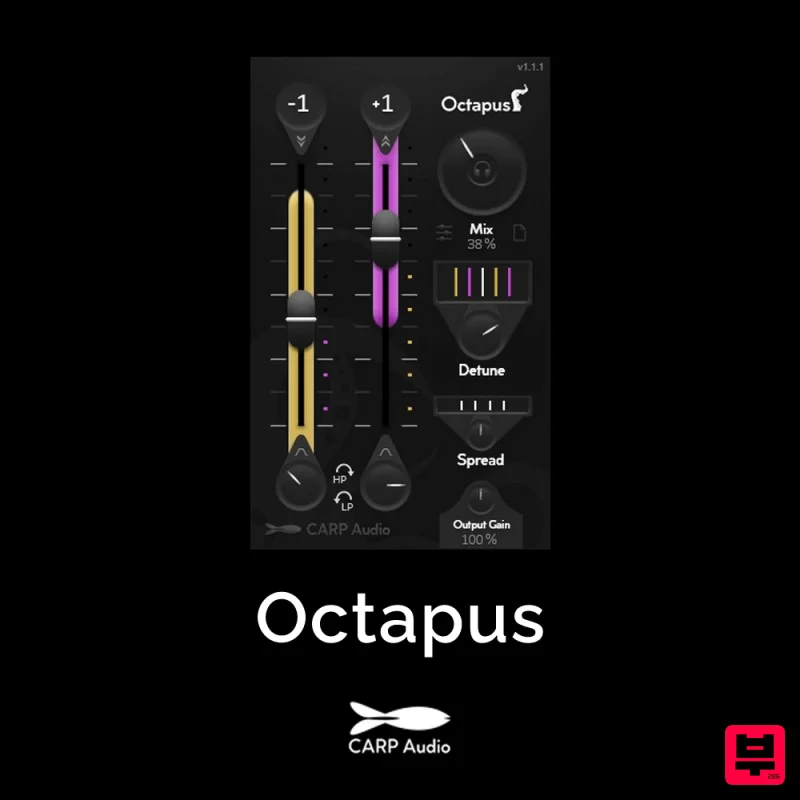
- Meet Octapus from CARP Audio
- your shortcut to add unique character to your sounds. With two sliders
- you can introduce pitched versions of your audio
- up or down an octave. Under each channel is a High/Low Pass knob to shape the Pitched version. But the real unique character lies in the Detune and Spread functions. Detune de-tunes each ear’s pitched channels in a balanced way
- differently on both octaves
- crafting a colossal
- room-filling sound. Meanwhile
- The Spread function spreads them even further across your Stereo Field
- expanding it into a massive sonic landscape. The Audition Mode allows you to hear precisely what you’re adding to your sound before committing. It’s a preview button for the thing you’re going to add to your sound. Features: Parallel Time-Stretching (-1 and +1 octave) High/Low Pass Filter per channel Audition Mode Detune (Special Algorithm) Spread (Stereo Enhancing) Polished Top-Notch Time-Stretching Algorithms Usecases: Vocals Synth Leads Single-Note instruments Experiment with it on any source! (That’s the fun part) How does it work? Audition Mode The “Audition” mode grants instant access to a 100% mix for quick assessments without readjusting the mix knob repeatedly. It motivates you to ‘listen’ to the Pitched octaves and adjust the parameters to make it sound perfect before Mixing it with the dry signal. Octave Sliders Just like a Mixer you slide up to Introduce the pitched octaves using the built-in Time-Stretching Algorithm. Filters/Color Each Octave channel has its own Filter knob to cut out High or Low frequency’s. Turn it Left for Lowpass filtering and turn it Right for Highpass filtering. This let’s you adjust the color of each pitched clones to your liking and lets you cut out low frequency from the -1 Octave channel to make sure its low frequency content doesn’t interfere with the other low frequency’s in your track. Detune The Detune function lets you detune the individual L & R voices of each pitched octaves by a small factor. You may know this feature from using synthesizers. This feature is unique to Octapus and let’s you use it on realtime sources. By making the left and right channel a little different
- you spread the sound around the stereo field and creates a fuller sound. This feature also makes sure that the Haas Effect in the ‘Spread’ function (explained below) doesn’t mess up the Mono Compatibility of your audio. Spread The Spread function uses the Haas Effect to expand the stereo image of the Parallel Pitched Clones. It delays the individual L or R voice by a small factor. System Requirements: MAC: 10.15 or Higher VST3/AU Windows 10/11 VST3
Additional Information
About the CARP Audio Octapus
Discover the distinctive sound and feel of the CARP Audio Octapus, a standout choice among Multi Effect.
Why Choose the CARP Audio Octapus?
- •Authentic CARP Audio craftsmanship and design
- •Versatile sound suitable for multiple musical genres
- •Professional build quality and reliable performance
- •Part of CARP Audio's respected Multi Effect lineup
Compare & Explore
Browse our complete selection of CARP Audio instruments or explore other Multi Effect options. Use our comparison tools to find the perfect match for your musical style and budget.
Similar Products
Sugar Bytes Artillery2
Multi Effect
Antares Auto-Tune EFX+
Multi Effect
UJAM VOODOO
Multi Effect

UJAM FLUXX
Multi Effect
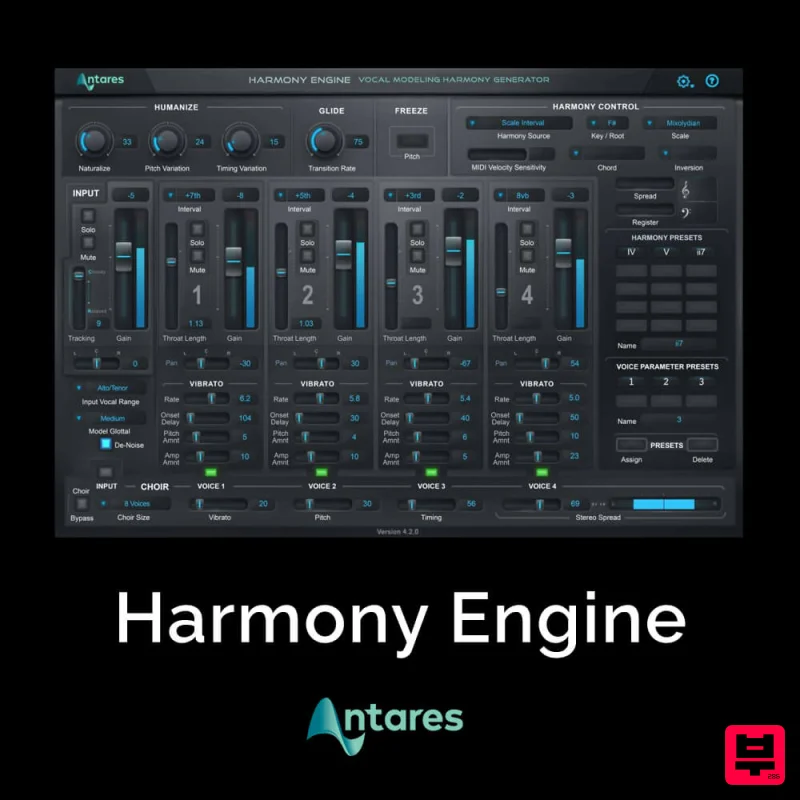
Antares Harmony Engine
Multi Effect
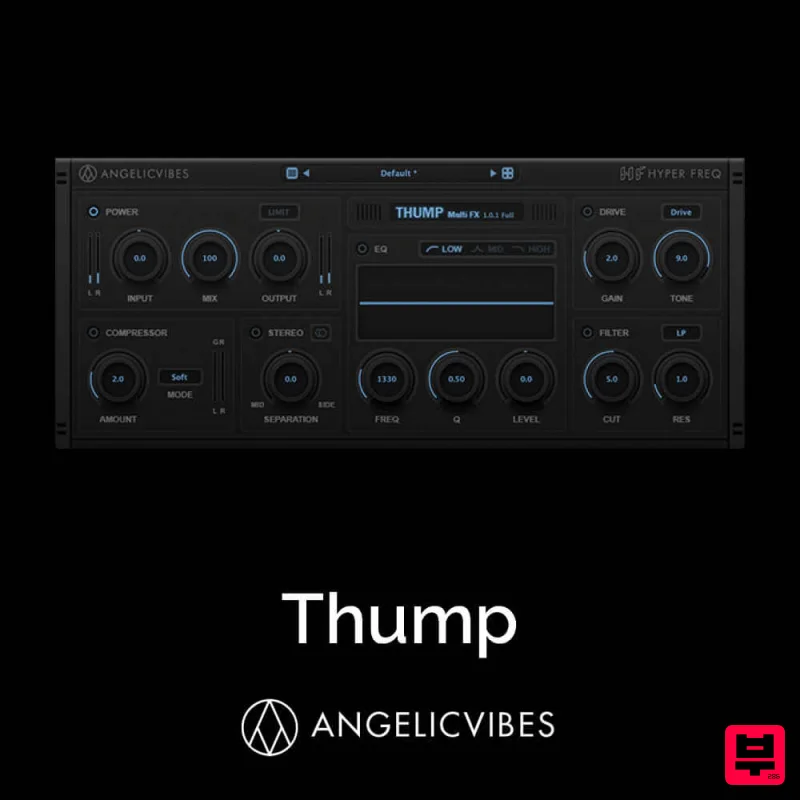
AngelicVibes Thump
Multi Effect
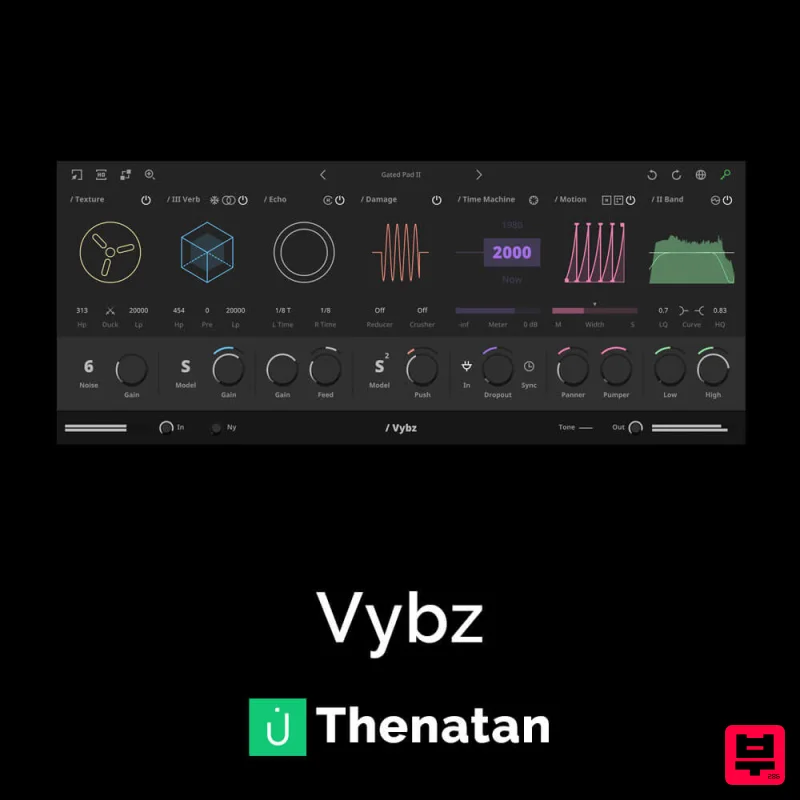
Thenatan Audio Vybz
Multi Effect
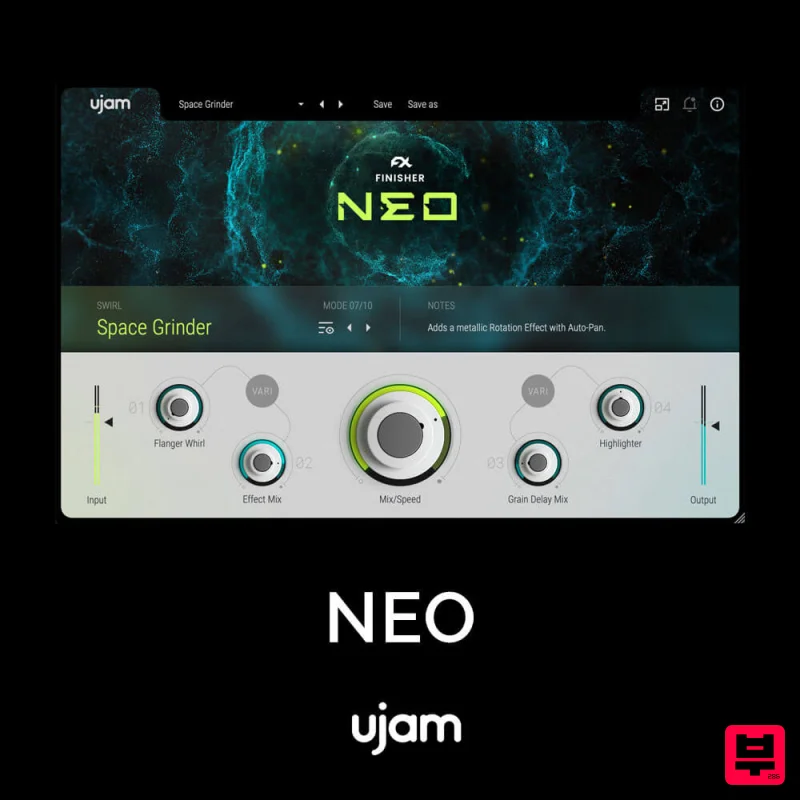
UJAM NEO
Multi Effect

