
Cableguys Snapback
Professional music gear - detailed information and where to buy
Product Description
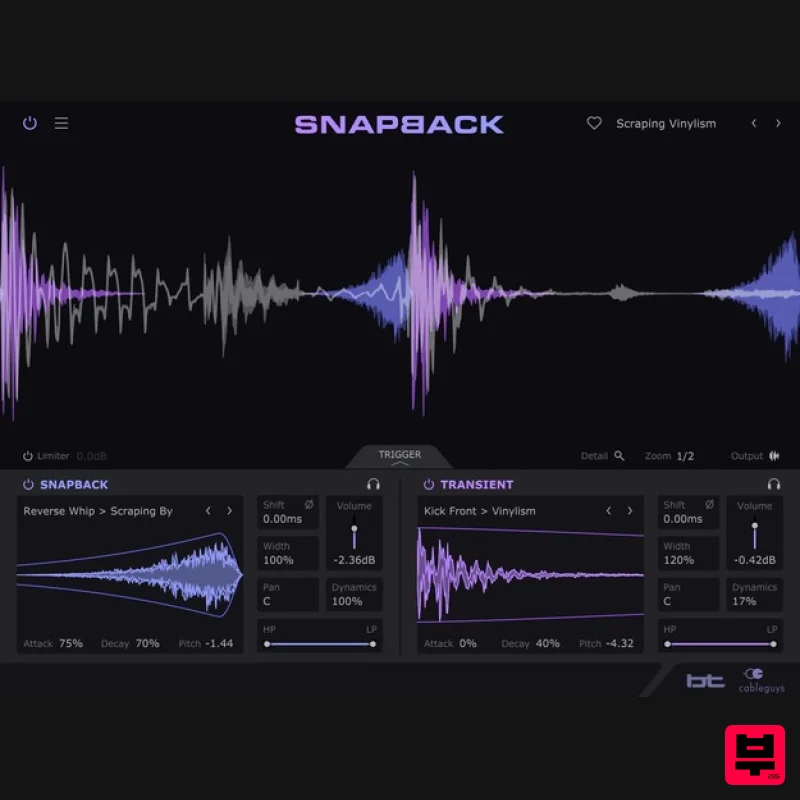
- The instant drum layering effect. For beats that hit different. What is Snapback? Cableguys and electronic music pioneer BT bring the art of drum layering into one fast
- focused effect. Just put Snapback on any drum track and it detects each hit
- layering new samples on top in perfect time. Now you can add punch
- style and flair that EQ
- compression and distortion cannot. Still missing that magic? Layer special snapback samples before the transient – a secret trick of pro producers for "living" grooves
- available for the first time in an easy plugin. Discover the pro drum secret For the first time in a plugin
- you get the pros' secret drum trick for bringing magic to grooves and life to digital hits: special snapback samples that go in front of each hit. Get pre-shifted claps in a click. Add unique texture to kicks and snares. And avoid boring
- over-quantized grooves with exciting between-the-beats motion. Start layering in seconds Forget juggling samples across multiple tracks – with Snapback
- you add drum layers in one click. Stack a click on a dull kick for instant punch. Layer stereo sizzle onto thin snares. Enliven flat claps with natural tails. Beef up boring hits with special analog sauce samples
- vinyl air and foley FX. Shape your sound Filter
- envelope
- pitch and align your layers with easy controls. See how they combine on a high-precision waveform display. And zoom right in with Detail View – your audio microscope for phase-locked hits. Layer like a pro Explore 200+ mix-ready transient and snapback layers from BT
- Goldbaby
- Virtual Riot and Cyclick. No more stacking full drum hits and hoping for the best – now you've got the pros' secret drum sauce: the separate components that are actually used to design top-tier drums. <iframe allow="accelerometer; autoplay; clipboard-write; encrypted-media; gyroscope; picture-in-picture; web-share" allowfullscreen="" frameborder="0" height="320" src="https://www.youtube.com/embed/BfxkDoPWp2U?si=Jao-4Lm0vOKBJbVQ" title="YouTube video player" width="600"></iframe> Features Instant Drum Layering: Automatically detects drum hits and layers samples in perfect timing. Enhances Drum Tracks: Adds punch
- style
- and flair beyond EQ
- compression
- or distortion. Pre-Transient Layering: Allows layering of snapback samples before the transient
- a pro producer technique for "living" grooves. Pro Drum Secrets: First-ever plugin to offer pre-shifted clap samples and the ability to bring life to digital hits. Easy Layering: Layer drum samples in one click
- avoiding the hassle of juggling multiple tracks. Quick Sound Enhancements: Add punch to kicks
- stereo sizzle to snares
- and natural tails to claps. Use special analog sauce samples
- vinyl air
- and foley FX to enrich sounds. Sound Shaping Tools: Includes filters
- envelopes
- pitch adjustment
- and precise alignment for drum layers. High-Precision Waveform Display: Visualize how layers combine with a detailed waveform display for phase-locked hits. Detail View: Zoom in for precise control over each drum hit. Over 200 Mix-Ready Layers: Includes transient and snapback layers from renowned producers like BT
- Goldbaby
- Virtual Riot
- and Cyclick. Pro-Level Components: Use individual components typically used to design top-tier drums for more tailored sound design. System Requirements Windows Windows 7
- 10 or 11 64-bit VST 2
- VST 3 or AAX host DAW Mac Mac OS X 10.13 or later Intel or Apple Silicon processor VST 2
- VST 3
- AU or AAX host DAW David Guetta "Incredible concept!!!!! Really good library
- fast access easy placement envelope and leveling. I love that I can use my samples
- but add a little extra magic to it" Djs From Mars "The plugin is awesome as usual!" DECAP "This plugin is genius!" Note: ShaperBox is used as the example. Mac 1. Head to the Cableguys registration page and enter your email address and serial number which can found in your Plugin Boutique account > click 'Register'. 2. You have now registered an account with Cableguys > click 'User Account' to log in. 3. Enter your registered email address and password > Click 'Log in'. 4. Click 'DOWNLOAD' to access your software installer and then click 'LICENSE FILE' to download your key for activating the plugin. 5. Once downloaded
- run the .dmg installer > click 'Continue'. 6. Check you are happy where the contents will be installed and then click 'Install'. 7. Once the installation has concluded > click 'Close'. 8. If prompted
- enter your password for your login > click 'Install Software'. 9. Launch your Cableguys plugin within your chosen DAW > click 'Choose License File'. 10. Browse and find your .lic license file which you downloaded and unzipped earlier. Select the file > click 'Open'. 11. Confirm that your email address is correctly listed and then click 'Yes'. 12. Click 'OK'. 13. Exit the plugin and then launch it again. Your product will now be activated. Windows 1. Head to the Cableguys registration page and enter your email address and serial number which can found in your Plugin Boutique account > click 'Register'. 2. You have now registered an account with Cableguys > click 'User Account' to log in. 3. Enter your registered email address and password > Click 'Log in'. 4. Click 'DOWNLOAD' to access your software installer and then click 'LICENSE FILE' to download your key for activating the plugin. 5. Once downloaded
- extract the contents from the .zip file and run the .exe installer. Select your destination location > click 'Next >'. 6. Confirm where you wish to install the 32-bit VST2 plugin > click 'Next >'. 7. Confirm where you wish to install the 64-bit VST2 plugin > click 'Next >'. 8. Select which components/formats you wish to install > click 'Next >'. 9. Confirm you are happy with the installation settings > click 'Install'. 10. Once the installation has concluded > click 'Finish'. 11. Launch your Cableguys plugin within your chosen DAW > click 'Choose License File'. 12. Browse and find your .lic license file which you downloaded and unzipped earlier. Select the file > click 'Open'. 13. Confirm that your email address is correctly listed and then click 'Yes'. 14. Click 'OK'. 15. Exit the plugin and then launch it again. Your product will now be activated.
Additional Information
About the Cableguys Snapback
Experience the quality and tone that makes the Cableguys Snapback a popular choice for musicians.
Why Choose the Cableguys Snapback?
- •Authentic Cableguys craftsmanship and design
- •Versatile sound suitable for multiple musical genres
- •Professional build quality and reliable performance
- •Part of Cableguys's respected Drum FX lineup
Compare & Explore
Browse our complete selection of Cableguys instruments or explore other Drum FX options. Use our comparison tools to find the perfect match for your musical style and budget.
Similar Products
Waves JJP Drums
Drum FX
$44
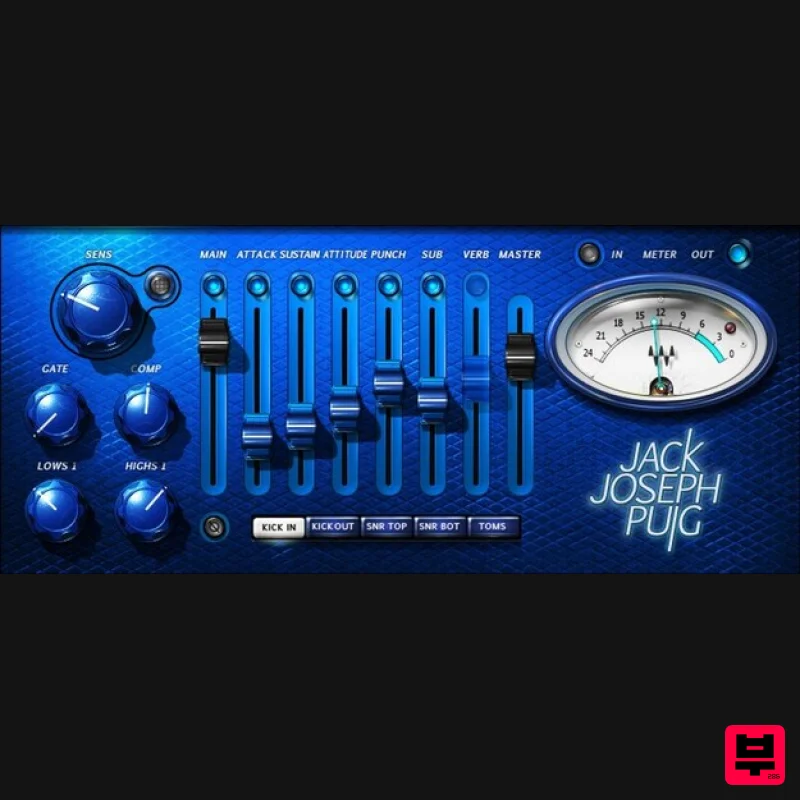
JJP Drums Professional Drum Production Made Easy Grammy® winning producer/mixer Jack Joseph Puig (Rolling Stones, U2,...
Waves Maserati DRM
Drum FX
$44
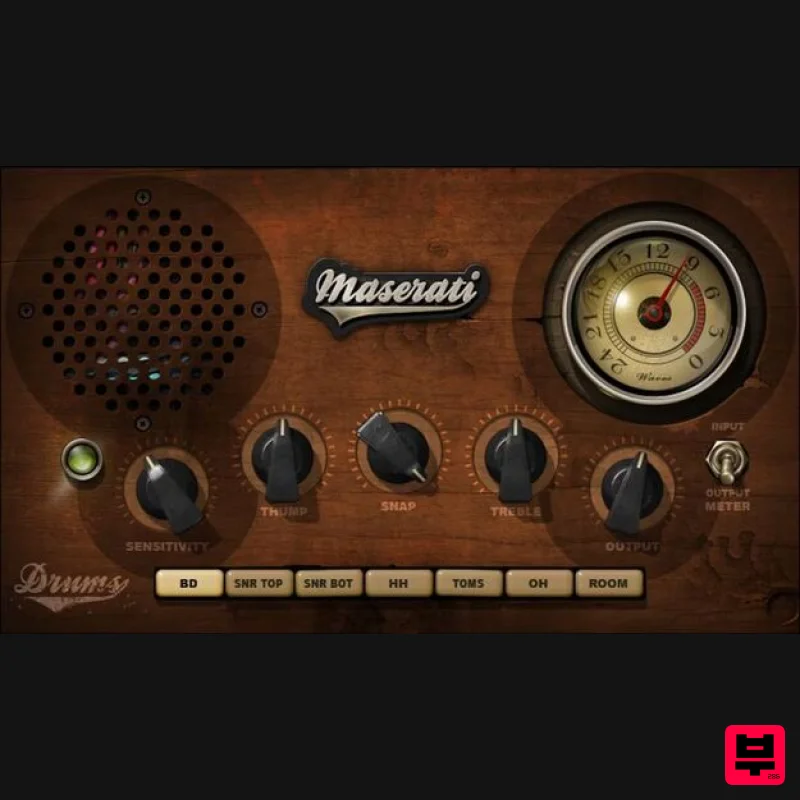
Maserati DRM Pump Up the Power for Drums in Thick Mixes DRM leverages its THUMP, SNAP, and TREBLE controls for...
Karanyi Sounds Megamass
Drum FX
$62
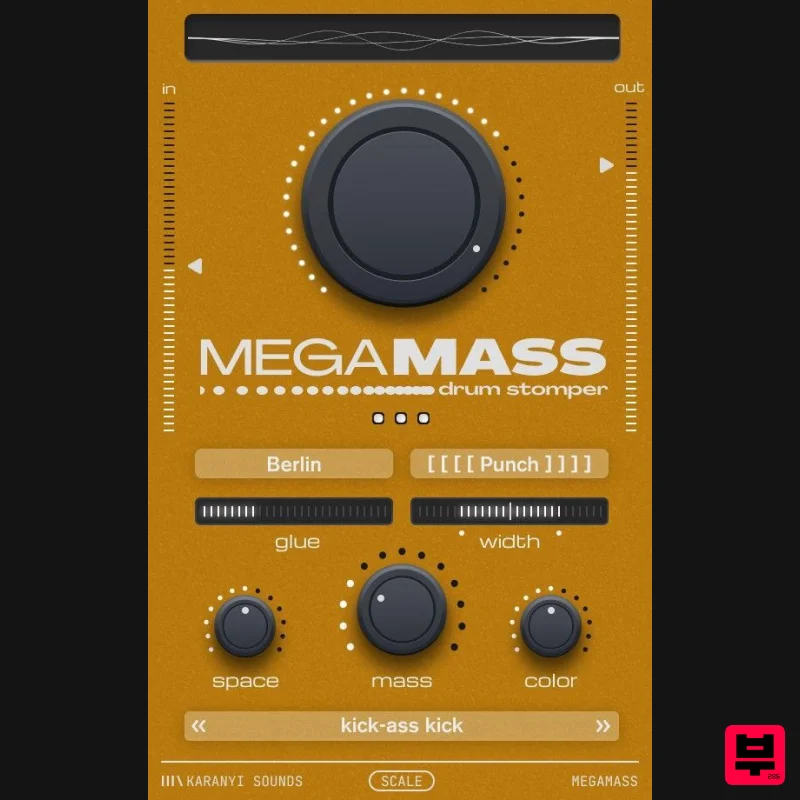
Make your kicks hit hard and sit perfectly. Add instant weight, punch and depth - so they cut through the mix...
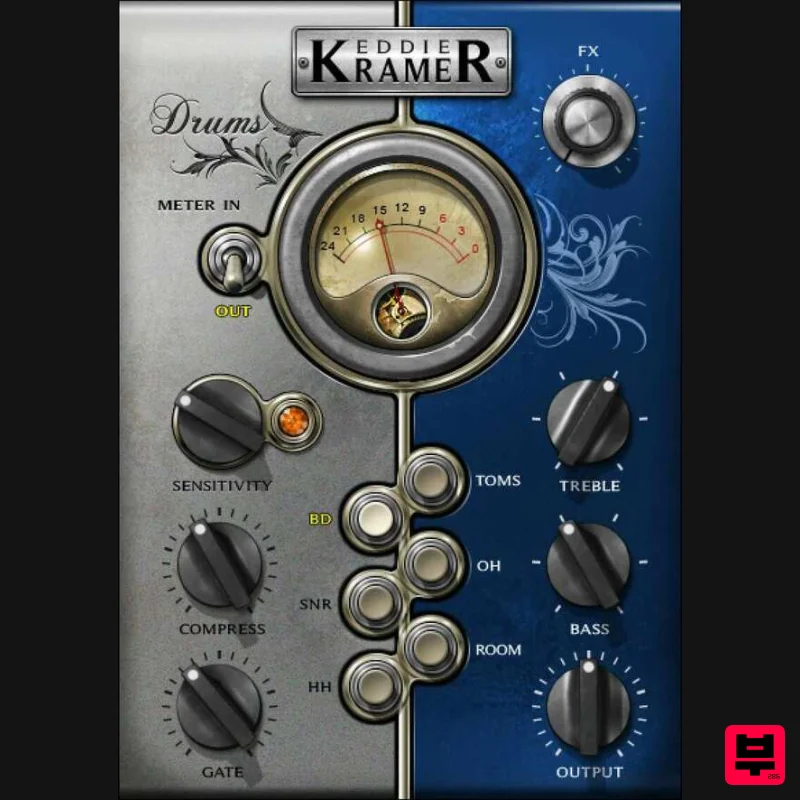
Waves Eddie Kramer Drum Channel
Drum FX
$44
Eddie Kramer Drum Channel Classic Drum Sounds from the Legendary Producer for Hendrix and Zeppelin Eddie Kramer’s...
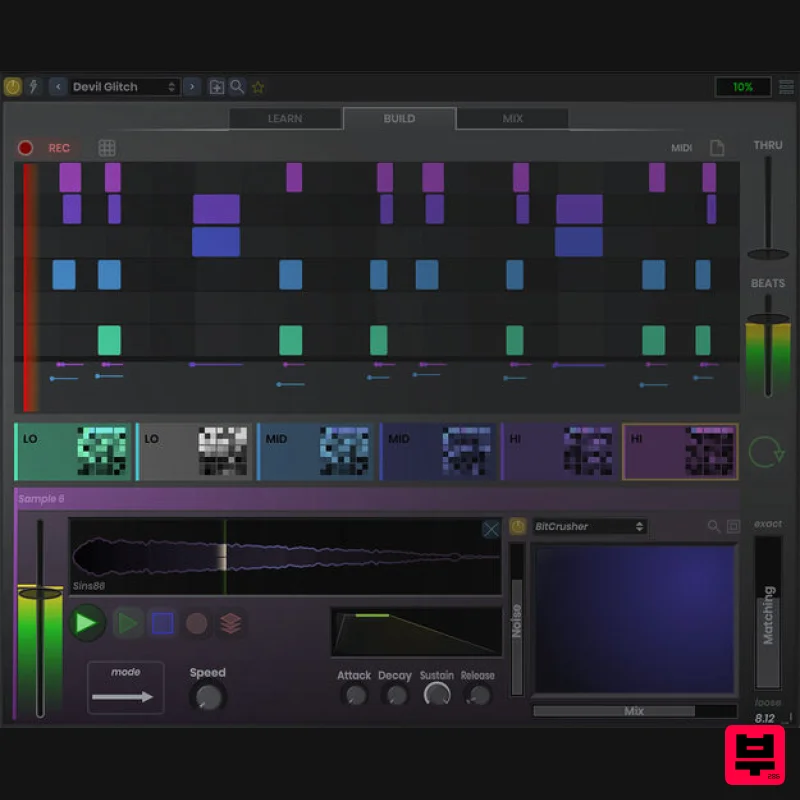
Stagecraft Software Beat ReBuilder
Drum FX
$74
Replace and Rebuild Beats Grab beats out of thin air! This plugin deciphers a beat and adds layers of sound on it. You...
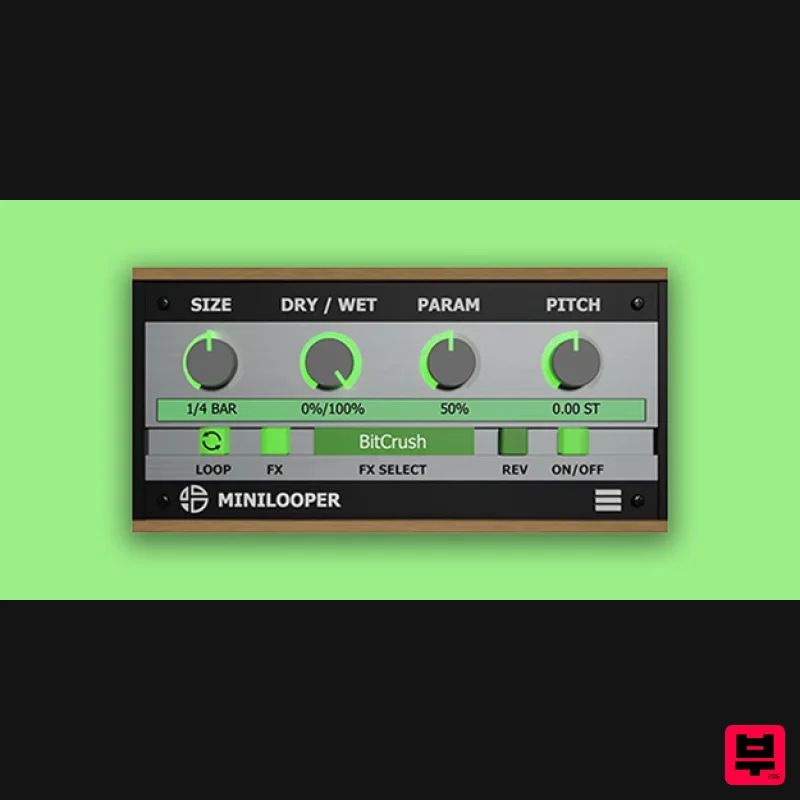
Audio Blast MiniLooper
Drum FX
$16
Use MiniLooper to create breaks, fills, rolls, reverse, and glitch effects synchronized to the tempo of the DAW. ...
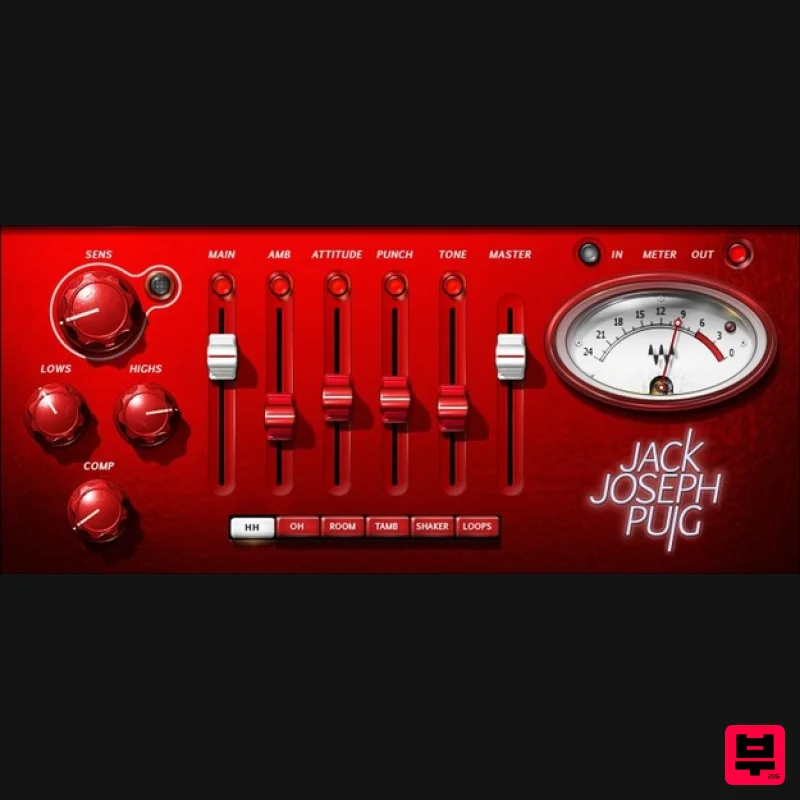
Waves JJP Cymbals & Percussion
Drum FX
$44
JJP Cymbals & Percussion Add Character and Power to Cymbals, Percussion, and Loops Finally—a multi-effect that shines...
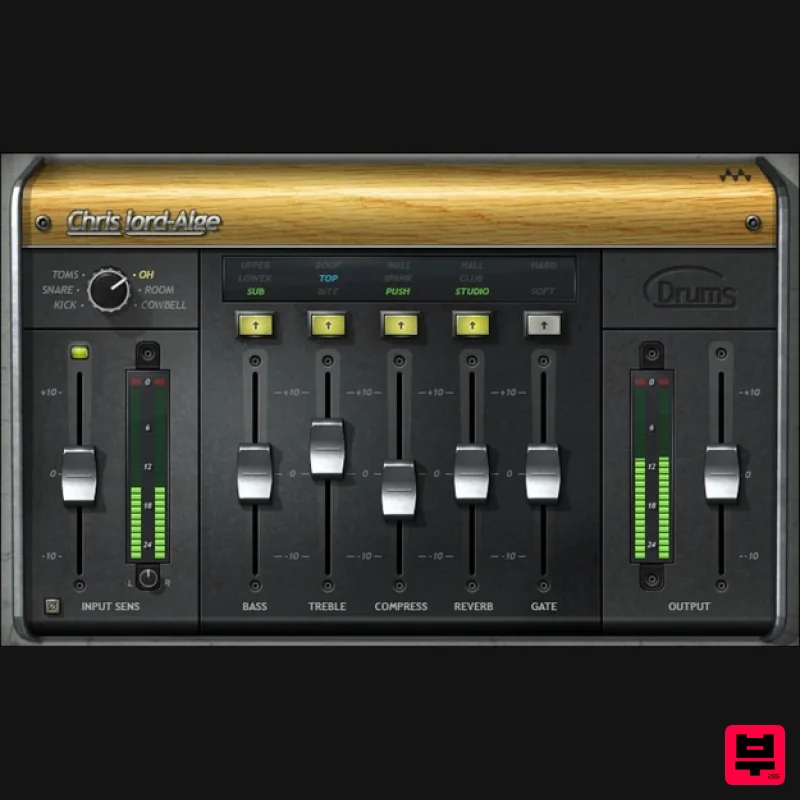
Waves CLA Drums
Drum FX
$38
CLA Drums Easy Processing for Detailed Drums Grammy winner Chris Lord-Alge (Springsteen, Green Day, Muse) says it best:...
Frequently Asked Questions
The Cableguys Snapback stands out for its exceptional Cableguys craftsmanship and innovative design.
Yes! With its affordable price point and quality construction, it's perfect for learning drum fx.
Browse the similar products section to see how it stacks up against other drum fx.

