
Cableguys CrushShaper 2
Professional music gear - detailed information and where to buy
Cableguys
CrushShaper 2
Product Info
* Prices may vary. Check retailer for current pricing and availability.
Product Description
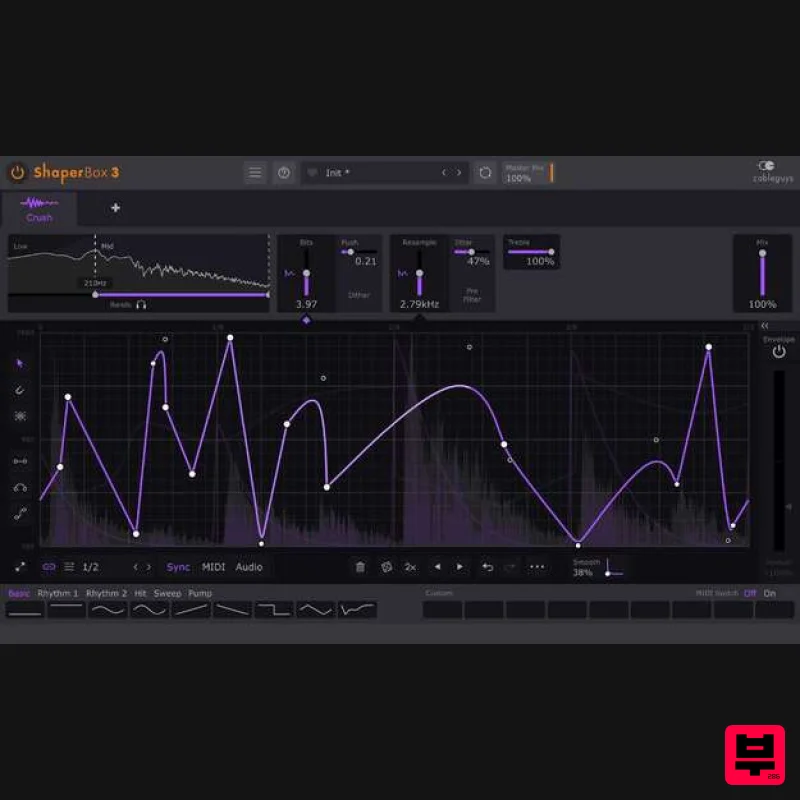
- Rhythmic Bitcrushing. Vintage Lo-fi. Multiband Enhancement. What Is CrushShaper? Designed to inspire you in ways no ordinary bitcrusher can
- CrushShaper 2 is powered by Cableguys’ easy drawable LFOs and flexible envelope followers. Now you can crush specific hits and frequency ranges. Discover inspirational distortion patterns. Deploy tasteful mix tricks. Go 8-bit and beyond! It's the ultimate creative bitcrusher. Running inside Cableguys' ShaperBox 3 effects plugin
- use CrushShaper on its own or with other Shapers — they all work in exactly the same way
- stacking up to create elaborate
- multilayered effects that'll make your productions stand out. Do All This With CrushShaper Design exciting bitcrushed patterns and rhythms Make melodies lo-fi Get that 8-bit videogame sound Give drums vintage sampler attitude Design gnarly bass textures Crush specific hits inside a loop Make vocal high-end pop and sizzle Dual Lo-fi Controls Tweak Bits to reduce audio resolution
- going 8-bit and beyond. Then adjust Resample for digital overtones and lo-fi retro sound. All with zero-latency anti-aliasing
- for a sound that's closer to vintage digital hardware. Waveforms That You Design Cableguys' easiest ever waveform-editing tools make it simple to draw the exact movements you want to hear. Design separate waveforms for Bits and Resample – get any shape you can imagine in just a few clicks. Locks To The Beat Sync your waveforms to beats and bars so they're always locked to your track. Go from 1/4-note crushed pumping to 8-bar risers and beyond
- all with sample accuracy. Follows Any Rhythm Trigger your waveforms in any pattern at all using MIDI. Or use powerful new audio triggering that tightly tracks the rhythm of drums
- loops
- instruments – even full mixes. Dynamic Bitcrushing Use Envelope Followers to dynamically bitcrush beats
- loops
- melodies – anything. Increase the Bits as synths get louder – or reduce Resample rate as volume decays. Now with analogue-like Adaptive Release. Multiband Creativity With up to three bands of highly targeted bitcrushing
- CrushShaper is an incredible mix tool and an even crazier creative playground. Add sizzling top-end air for ultra-modern sounds – or grind the bass with gnarly resampling. Features New! Redesigned interface with larger editing areas Interface resizable from 75% to 200% Retina/HiDPI support for crisp
- clear graphics Built-in help — over any control for description Wave Presets covering all common uses 9 slots to store Custom Waves
- saved with the patch Switch User Waves via MIDI Dry/wet mix for each band New! Master Mix with improved algorithm
- for artifact-free creative blends New! Bypass for click-free switching to the dry signal Solo bands for easy setup accurate spectrum view Large
- precise oscilloscope view with Magnitude mode and Freeze option Trigger to reduce clicks when switching/triggering Waves Expandable LFO for detailed editing Draggable Bits and Resample parameters to shift the entire LFO wave up/down Set LFO loop length in beats and bars
- or Hertz/ms LFO loop length from 1/128 to 32 bars
- with sample-accurate sync Audio-rate modulation up to 5.24kHz for extreme sound design 2x/3x button — double or triple patterns with a click Flip/resize/move/randomize wave or selection Copy/paste waves between any Shapers Unlimited undo/redo for LFO wave edits Selection skewing
- for easily increasing intensity over time Advanced bitcrushing controls: Push: preserve low-level dynamics and reverb tails Dither: increase dynamic range and reduce quantisation distortion Jitter: mimic the random fluctuations of real hardware Pre Filter: reduce aliasing for more harmonious results New! Adaptive Treble control for reducing harshness System Requirements Mac Mac OS X 10.13 or later (64-bit only) Intel or Apple Silicon processor VST 2
- VST 3
- AU or AAX host DAW Windows Windows 7
- 10 or 11 (64-bit only) VST 2
- VST 3 or AAX host DAW Note: ShaperBox is used as the example. Mac 1. Head to the Cableguys registration page and enter your email address and serial number which can found in your Plugin Boutique account > click 'Register'. 2. You have now registered an account with Cableguys > click 'User Account' to log in. 3. Enter your registered email address and password > Click 'Log in'. 4. Click 'DOWNLOAD' to access your software installer and then click 'LICENSE FILE' to download your key for activating the plugin. 5. Once downloaded
- run the .dmg installer > click 'Continue'. 6. Check you are happy where the contents will be installed and then click 'Install'. 7. Once the installation has concluded > click 'Close'. 8. If prompted
- enter your password for your login > click 'Install Software'. 9. Launch your Cableguys plugin within your chosen DAW > click 'Choose License File'. 10. Browse and find your .lic license file which you downloaded and unzipped earlier. Select the file > click 'Open'. 11. Confirm that your email address is correctly listed and then click 'Yes'. 12. Click 'OK'. 13. Exit the plugin and then launch it again. Your product will now be activated. Windows 1. Head to the Cableguys registration page and enter your email address and serial number which can found in your Plugin Boutique account > click 'Register'. 2. You have now registered an account with Cableguys > click 'User Account' to log in. 3. Enter your registered email address and password > Click 'Log in'. 4. Click 'DOWNLOAD' to access your software installer and then click 'LICENSE FILE' to download your key for activating the plugin. 5. Once downloaded
- extract the contents from the .zip file and run the .exe installer. Select your destination location > click 'Next >'. 6. Confirm where you wish to install the 32-bit VST2 plugin > click 'Next >'. 7. Confirm where you wish to install the 64-bit VST2 plugin > click 'Next >'. 8. Select which components/formats you wish to install > click 'Next >'. 9. Confirm you are happy with the installation settings > click 'Install'. 10. Once the installation has concluded > click 'Finish'. 11. Launch your Cableguys plugin within your chosen DAW > click 'Choose License File'. 12. Browse and find your .lic license file which you downloaded and unzipped earlier. Select the file > click 'Open'. 13. Confirm that your email address is correctly listed and then click 'Yes'. 14. Click 'OK'. 15. Exit the plugin and then launch it again. Your product will now be activated.
Additional Information
About the Cableguys CrushShaper 2
The Cableguys CrushShaper 2 represents excellent craftsmanship in the Bit Crusher category.
Why Choose the Cableguys CrushShaper 2?
- •Authentic Cableguys craftsmanship and design
- •Versatile sound suitable for multiple musical genres
- •Professional build quality and reliable performance
- •Part of Cableguys's respected Bit Crusher lineup
Compare & Explore
Browse our complete selection of Cableguys instruments or explore other Bit Crusher options. Use our comparison tools to find the perfect match for your musical style and budget.
Similar Products
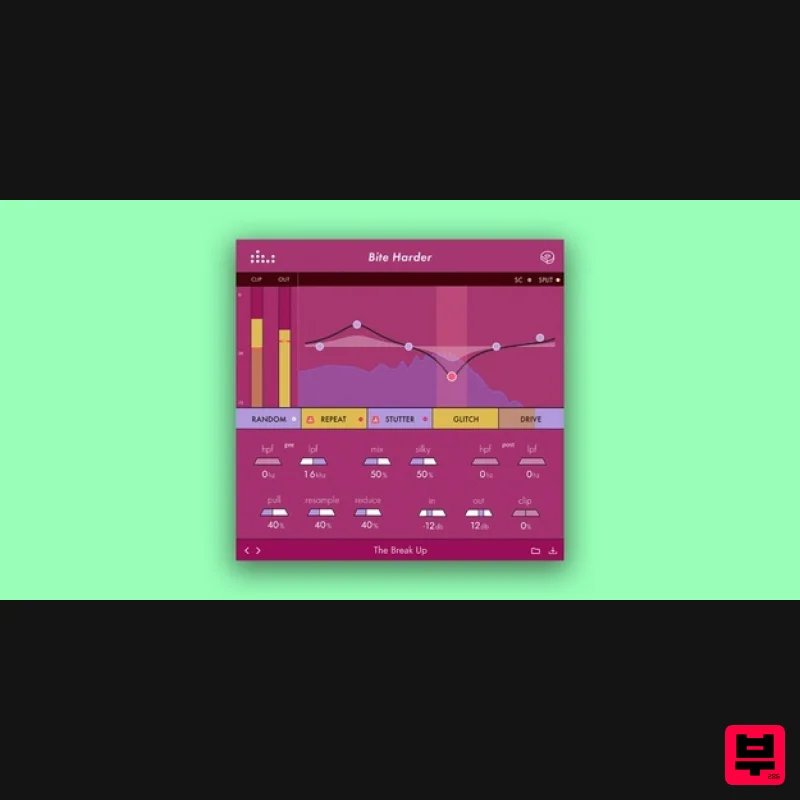
Denise Audio Bite Harder
Bit Crusher
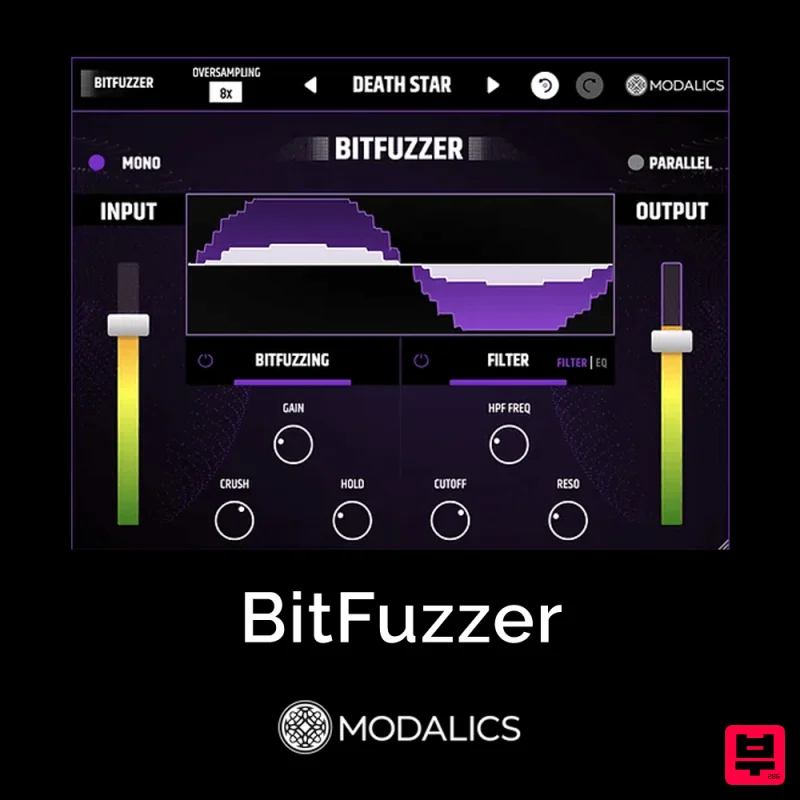
Modalics BitFuzzer
Bit Crusher
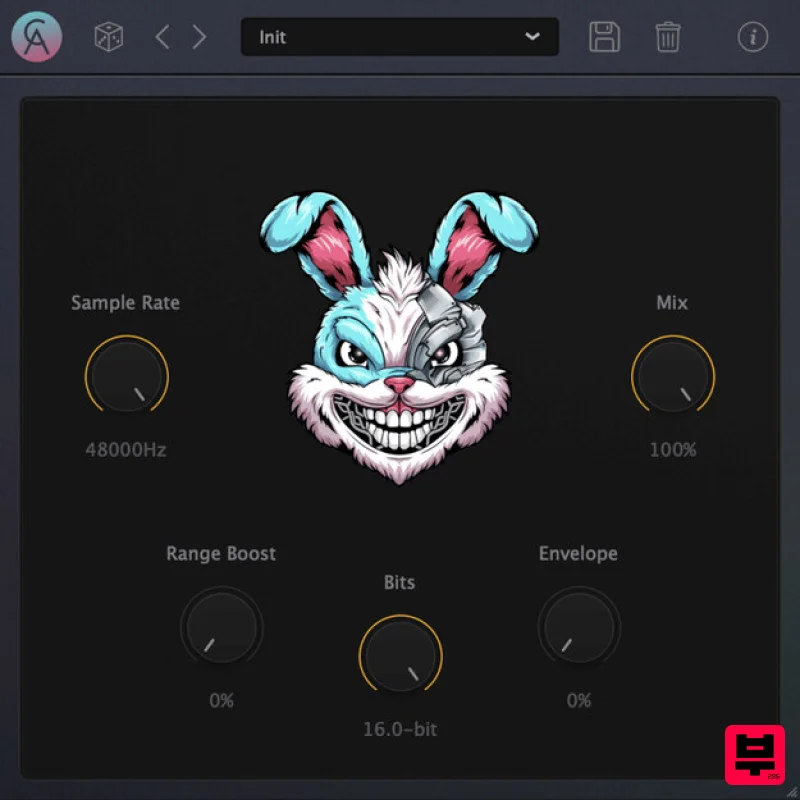
Caelum Audio DynaBunny
Bit Crusher
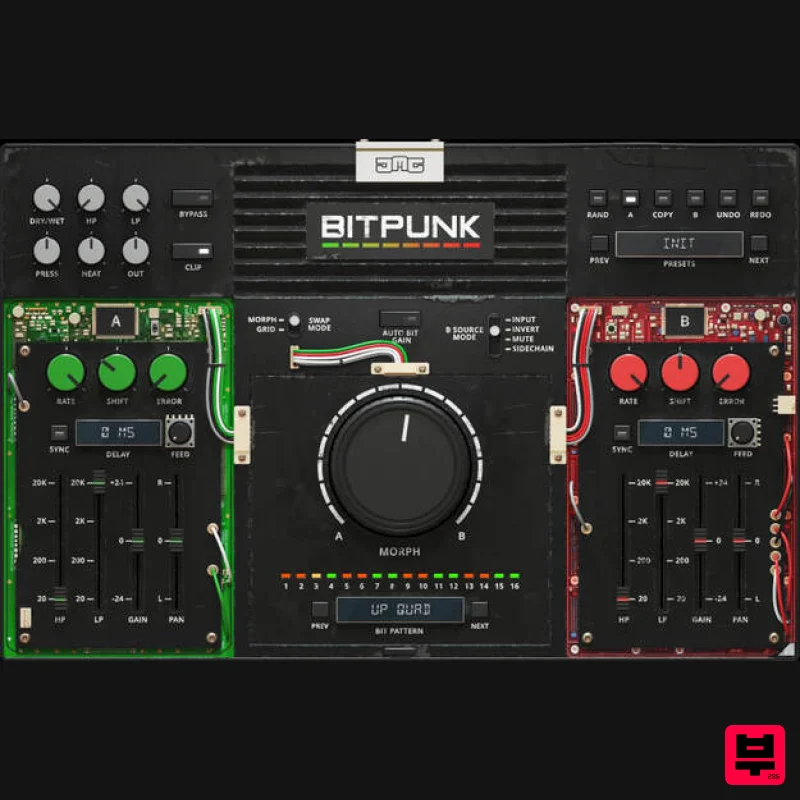
United Plugins BITPUNK
Bit Crusher
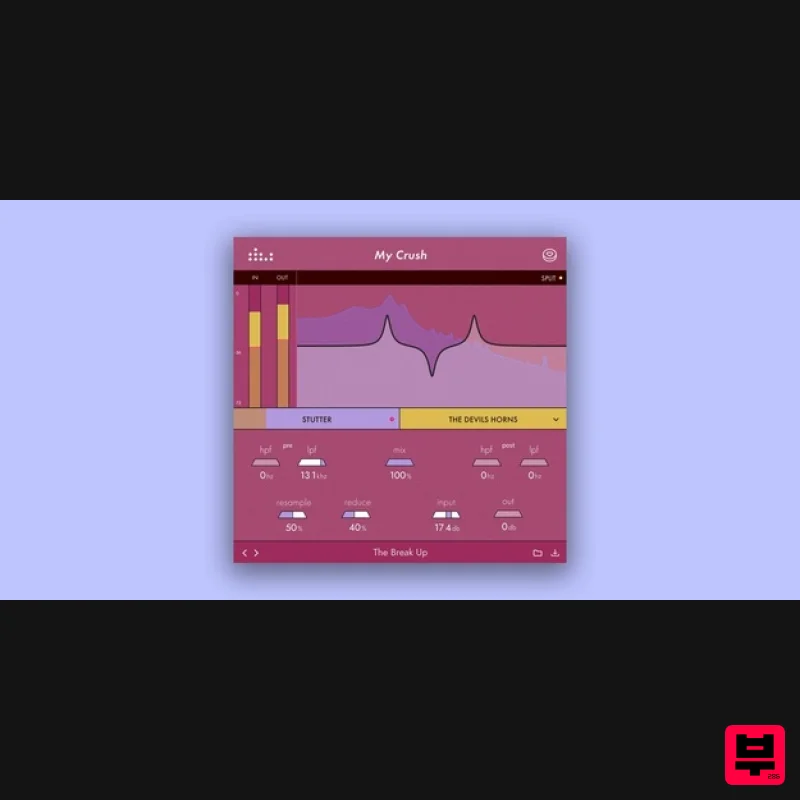
Denise Audio My Crush
Bit Crusher
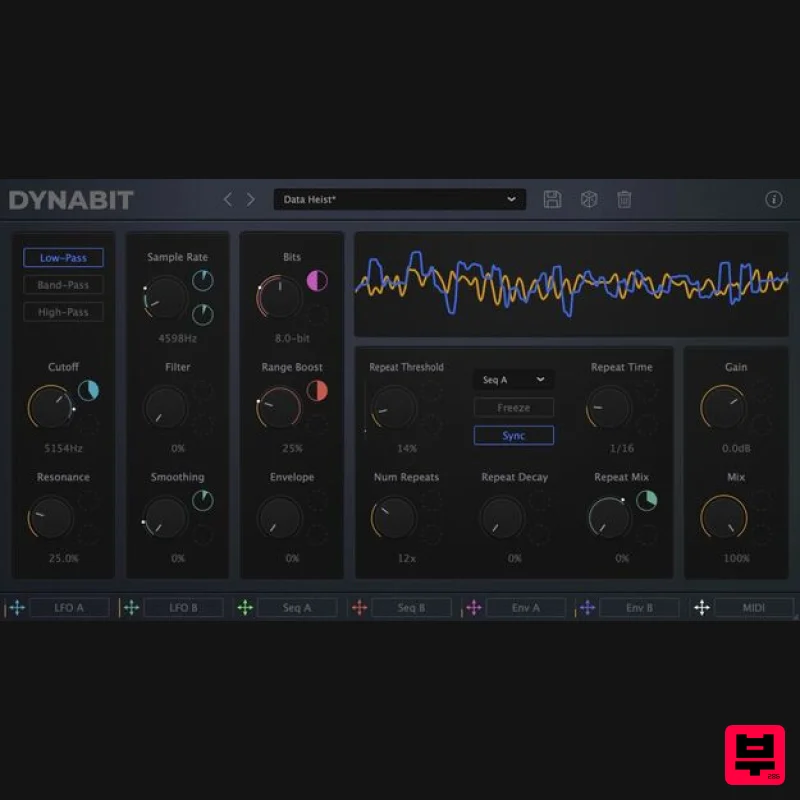
Caelum Audio DynaBit
Bit Crusher
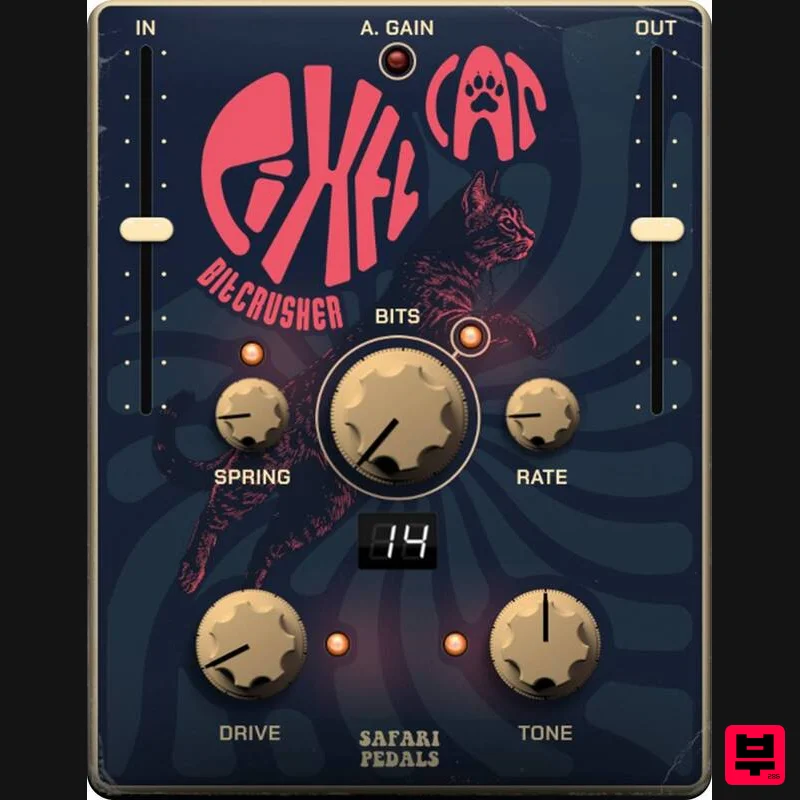
Safari Audio Pixel Cat
Bit Crusher
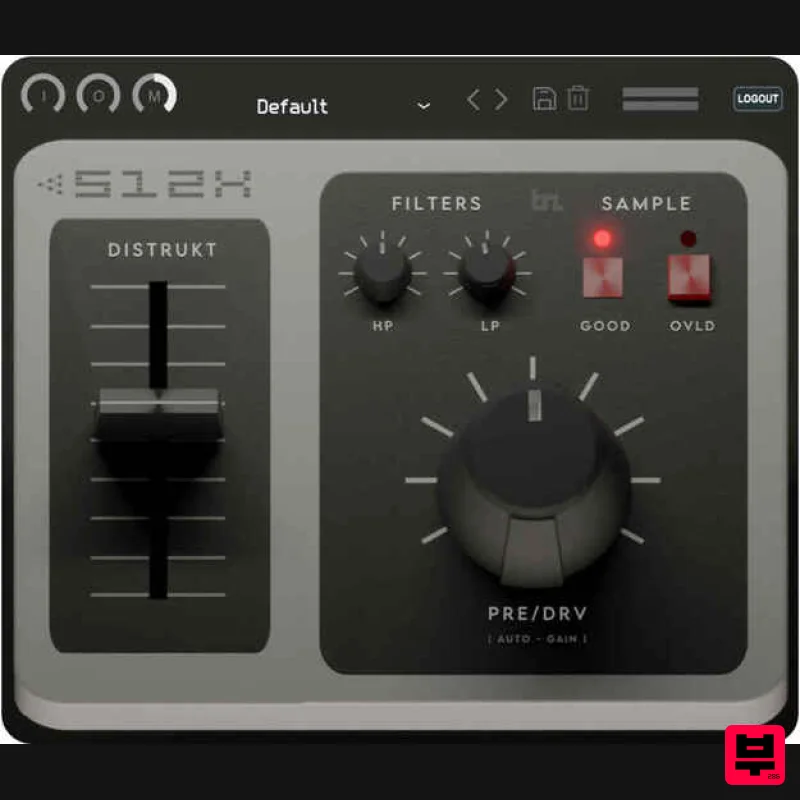
BeatSkillz S12X
Bit Crusher

