
Boz Digital Labs The Wall
Professional music gear - detailed information and where to buy
Boz Digital Labs
The Wall
Product Info
* Prices may vary. Check retailer for current pricing and availability.
Product Description
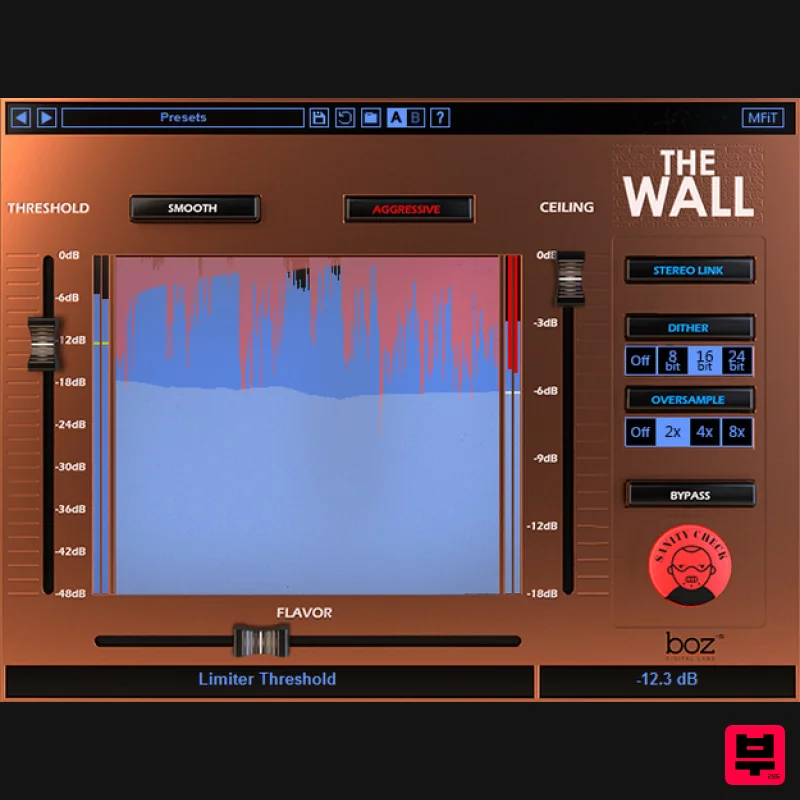
- Why does the world need another limiter? The Wall is is a brick wall limiter designed with one thing in mind: Make your mixes loud without screwing up your mix. No matter what side of the loudness wars you’ve decided to plant yourself on
- the need to make mixes loud for clients isn’t going away any time soon. Sending your clients home with a mix that is just as loud as the professional mixes they are used to hearing is an important part of any mixing engineer’s job. But nothing drives me more insane than listening to all my hard work turn to garbage when pushing the mix loud. That’s why we made this plugin. We wanted a mastering limiter that lets you push your mixes loud and still keep the punch in your drums and keep your tonality intact. There are many Limiters out there
- and one of the things that we learned while making this is that a good limiting algorithm is complicated. There are tons of steps involved in transparently limiting music and most of the parameters are completely non-intuitive. When I’m mastering my music
- I don’t want to think about release and attack times
- lookahead times
- window shapes
- multiband crossover frequencies
- etc. but I want to dial in the limiter to match the music I’m sending it. So we took over 30 parameters and combined them into a very simple and intuitive “Flavor” control. It really couldn’t be easier to use. You set your level
- then adjust the flavor until it sounds good with your song. And if that’s not enough
- The Wall comes with 3 completely different limiting algorithms that you can switch through very quickly. It’s just so easy to use. Features Dual Limiting Modes Huge variety of styles with simple interface Sanity Check normalizes your level so you can compare your original sound with the compressed sound without introducing a level change. Up to 8x oversampling to prevent intersample peaks. Dithering
- because… Why not? System Requirements Note for M1 Mac Users: This plugin is not yet compiled to work natively on M1 Macs. Boz Digital Labs are currently in the process of rewriting it so that it will
- but it will take some time. In the meantime
- it should work under Rosetta on M1 Macs. Win (32 and 64 bit): VST
- VST3
- RTAS
- AAX Native Mac (32 and 64 bit): VST
- VST3
- RTAS
- AAX Native Note: El Clapo is used as an example. Mac Redemption 1. Click Download in your Plugin Boutique account or go to https://www.bozdigitallabs.com/plugin-boutique-retrieve/. 2. Copy and paste the code from your Plugin Boutique account > Click 'Retrieve Plugin'. 3. Review the order > Click 'Proceed to Checkout'. 4. Enter your email address
- username and password > Click 'Register'. Note: If you already have Boz Digital Labs account
- select 'Click Here to Login' after entering your email address/username and password > Click 'Login'. 5. Check that your email is correct > Click 'Next'. 6. Review your order > Click 'Next'. 7. Click 'I have read and agree to the website terms and conditions' > Click 'Place order'. 8. Click 'Download Plugin Here'. 9. Click the Mac link to download the installer. Installation 1. Run the .pkg installer > Click 'Continue'. 2. Select the formats you wish to install > Click 'Continue'. Note: If you're unsure about which format to use
- leave all options selected and proceed. Check out this article for more information. 3. Click 'Install'. 4. Click 'Close'. 5. Open your DAW and open the plugin > Enter your Boz Digital Labs username and the serial code that you received in your Boz Digital Labs Account > Click 'Register'. Your software is now authorised and ready for use! Windows Redemption 1. Click Download in your Plugin Boutique account or go to https: //www.bozdigitallabs.com/plugin-boutique-retrieve/. 2. Copy and paste the code from your Plugin Boutique account > Click 'Retrieve Plugin'. 3. Review the order > Click 'Proceed to Checkout'. 4. Enter your email address
- username and password > Click 'Register'. Note: If you already have Boz Digital Labs account
- select 'Click Here to Login' after entering your email address/username and password > Click 'Login'. 5. Check that your email is correct > Click 'Next'. 6. Review your order > Click 'Next'. 7. Click 'I have read and agree to the website terms and conditions' > Click 'Place order'. 8. Click 'Download Plugin Here'. 9. Click the Windows link to download the installer. Installation 1. Double-click the .exe installer > Click 'I accept the agreement' then click 'Next'. 2. Click 'Next'. 3. Click 'Next'. 4. Select a VST folder in which to install the 32-bit software format > Click 'Next'. 5. Select a VST folder in which to install the 64-bit software format > Click 'Next'. 6. Select the components you wish to install > Click 'Next'. 7. Click 'Next'. 8. Click 'Install'. 9. Click 'Finish'. 10. Open your DAW and open the plugin > Enter your Boz Digital Labs username and the serial code that you received in your Boz Digital Labs Account > Click 'Register'. Your software is now authorised and ready for use!
Additional Information
About the Boz Digital Labs The Wall
The Boz Digital Labs The Wall represents excellent craftsmanship in the Limiter category.
Why Choose the Boz Digital Labs The Wall?
- •Authentic Boz Digital Labs craftsmanship and design
- •Versatile sound suitable for multiple musical genres
- •Professional build quality and reliable performance
- •Part of Boz Digital Labs's respected Limiter lineup
Compare & Explore
Browse our complete selection of Boz Digital Labs instruments or explore other Limiter options. Use our comparison tools to find the perfect match for your musical style and budget.
Similar Products
Safari Audio Lion Master
Limiter
$51
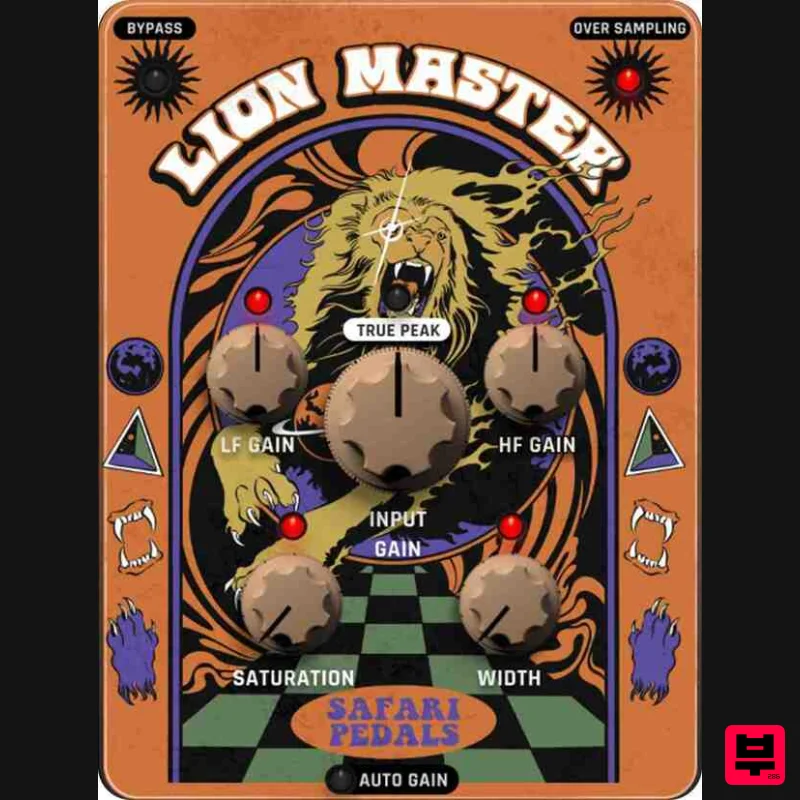
Precision Limiting with Saturation & Width Control Lion Master by Safari Audio is a powerful limiter designed for...
FabFilter Pro-L2
Limiter
$30
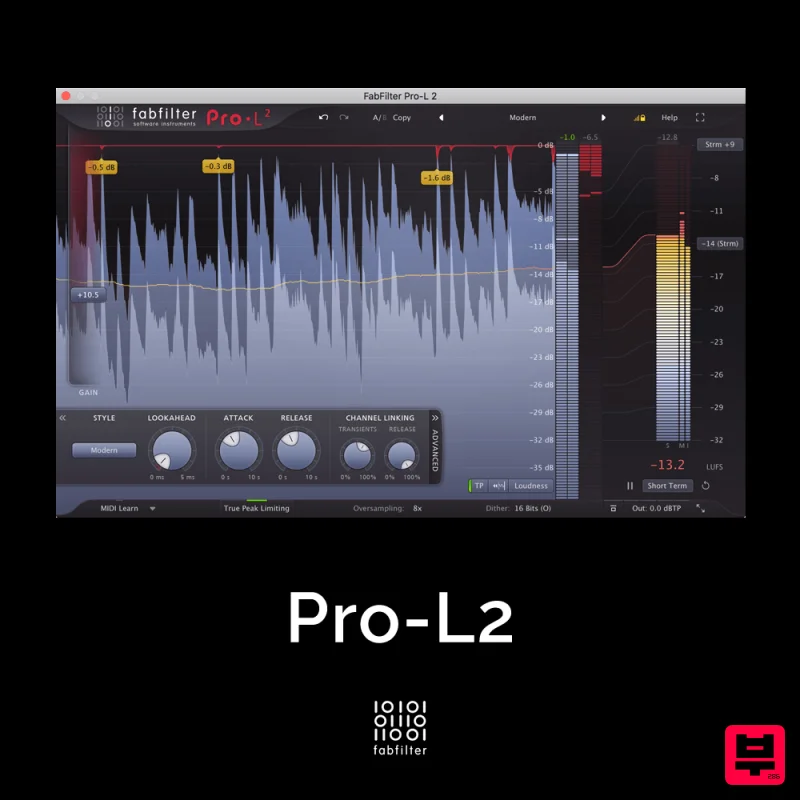
A true peak limiter is an essential tool for every mastering or mixing engineer. Are you looking for a professional,...
sonible learn:limit
Limiter
$72
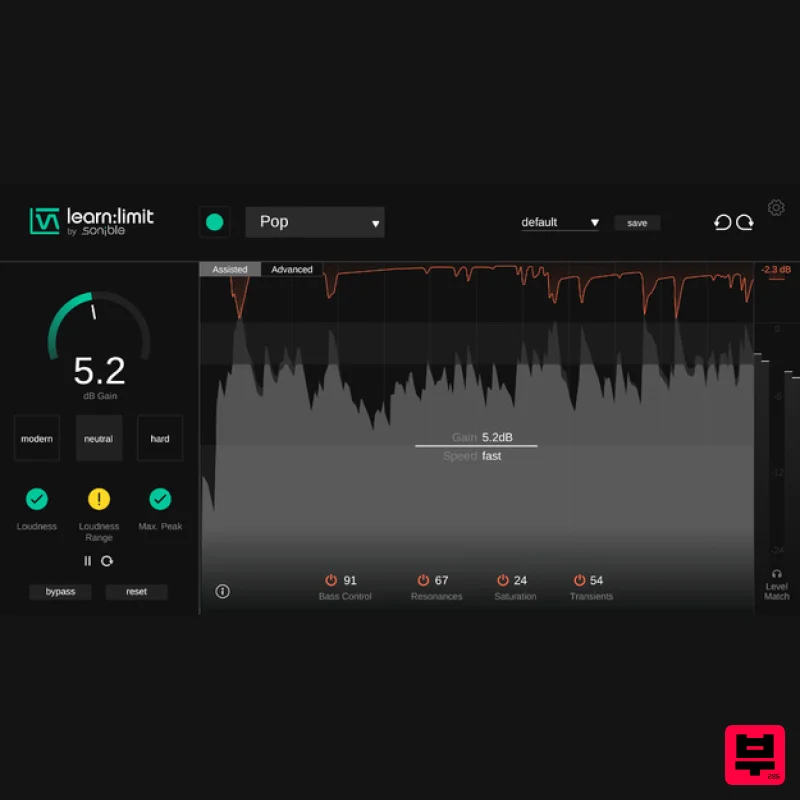
An intelligent limiter with built-in loudness monitoring and educational hints learn:limit uses AI to set optimal...
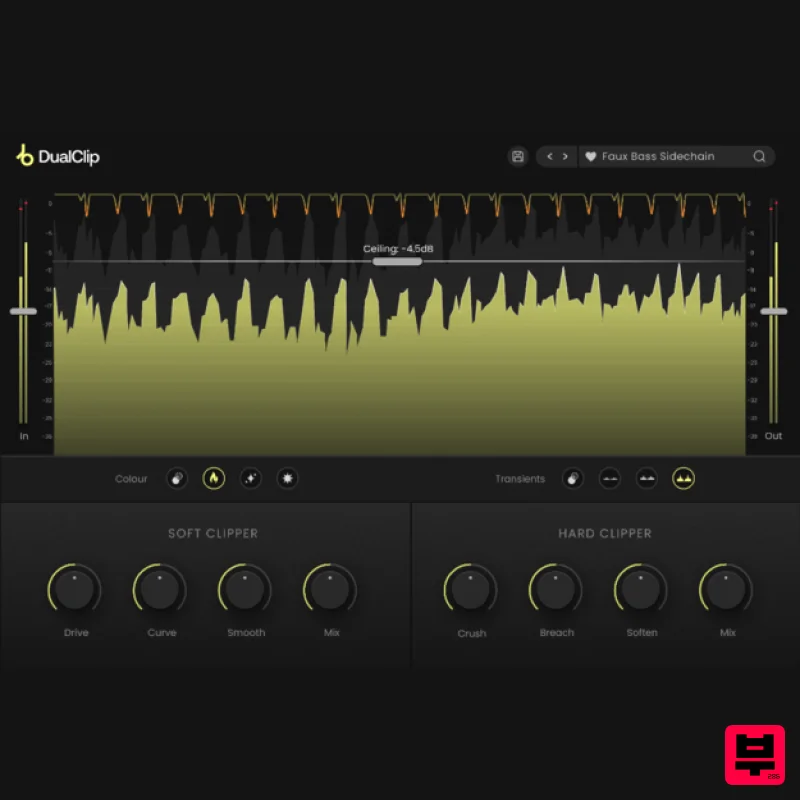
Plugin Boutique DualClip
Limiter
$62
Loudness with Colour Clippers are an essential tool for achieving a huge range of saturation effects. They can...
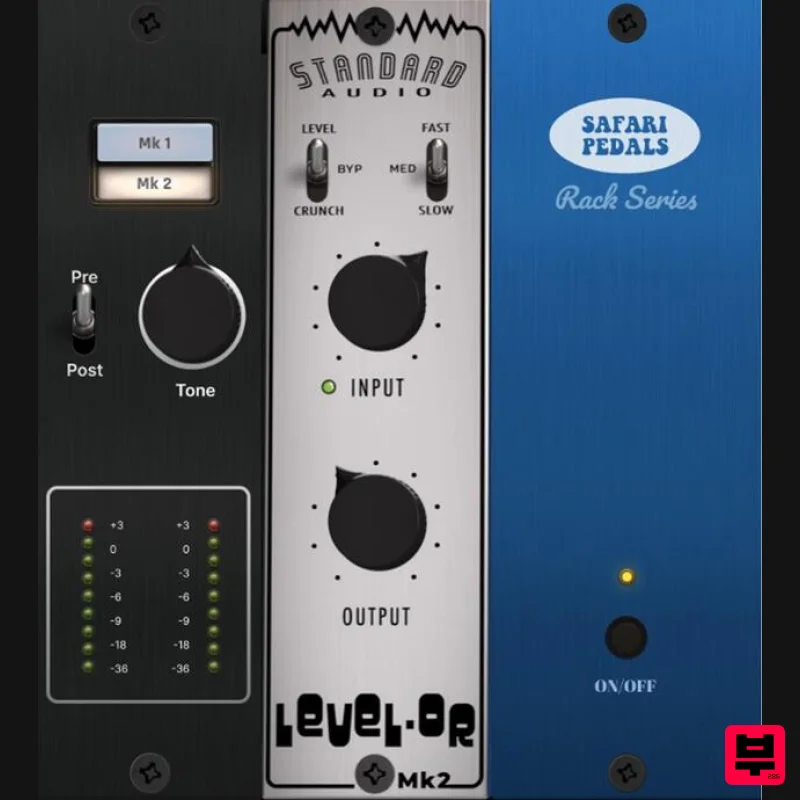
Safari Audio Standard Audio Level-Or
Limiter
$51
Level-Or by Standard Audio x Safari Audio Level-Or is a fierce character compressor/limiter based on the cult-classic...
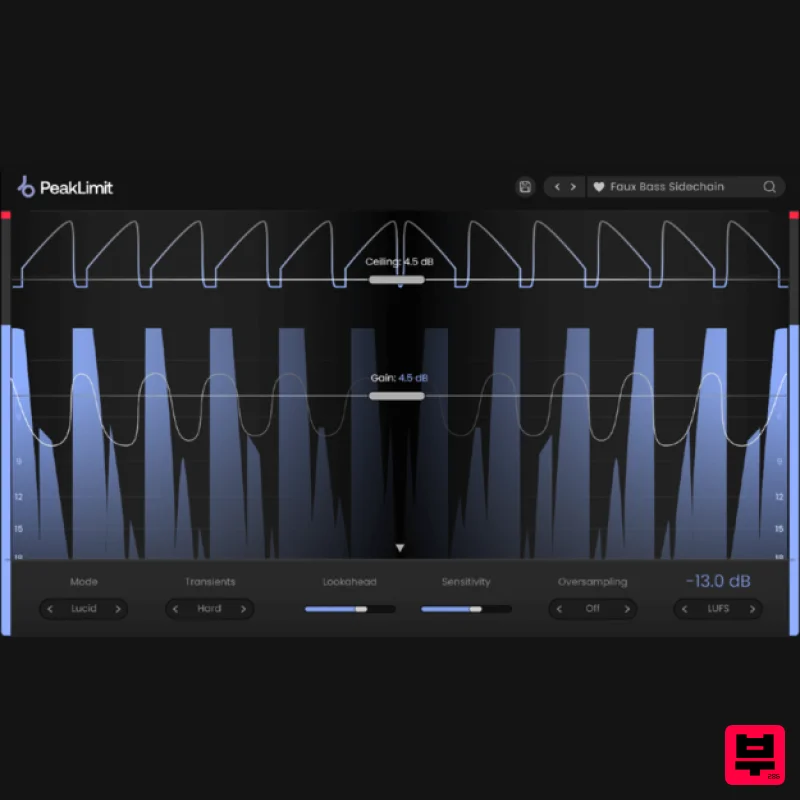
Plugin Boutique PeakLimit
Limiter
$62
Complete your Mastering Chain Before a track is complete and ready for commercial release, the mix has to go through...
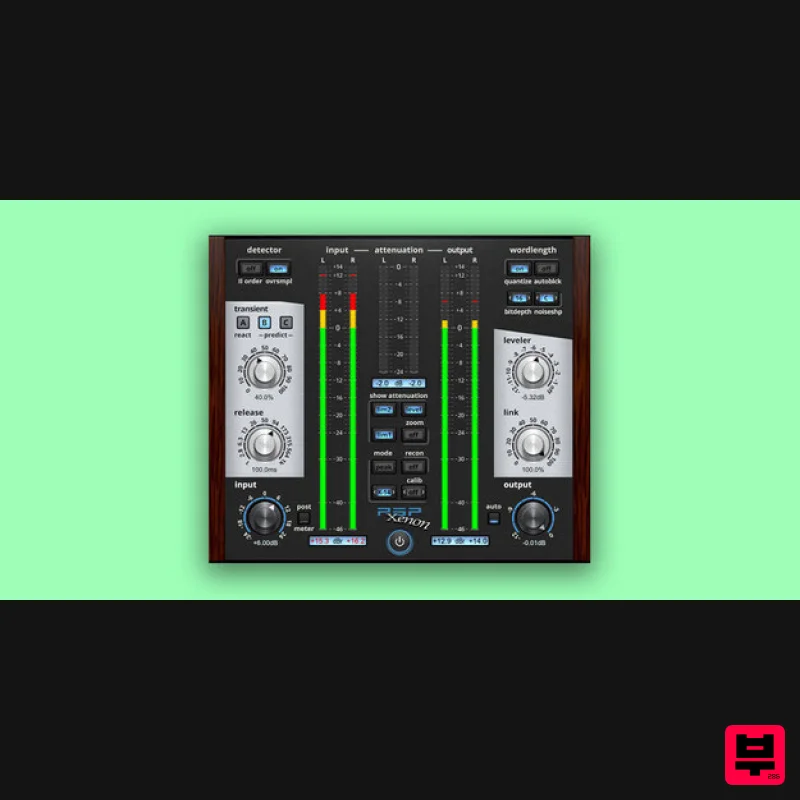
PSP Audioware PSP Xenon
Limiter
$208
PSP Xenon is a full band, dual-stage limiter plug-in featuring an integrated leveler, advanced K-System metering, and...
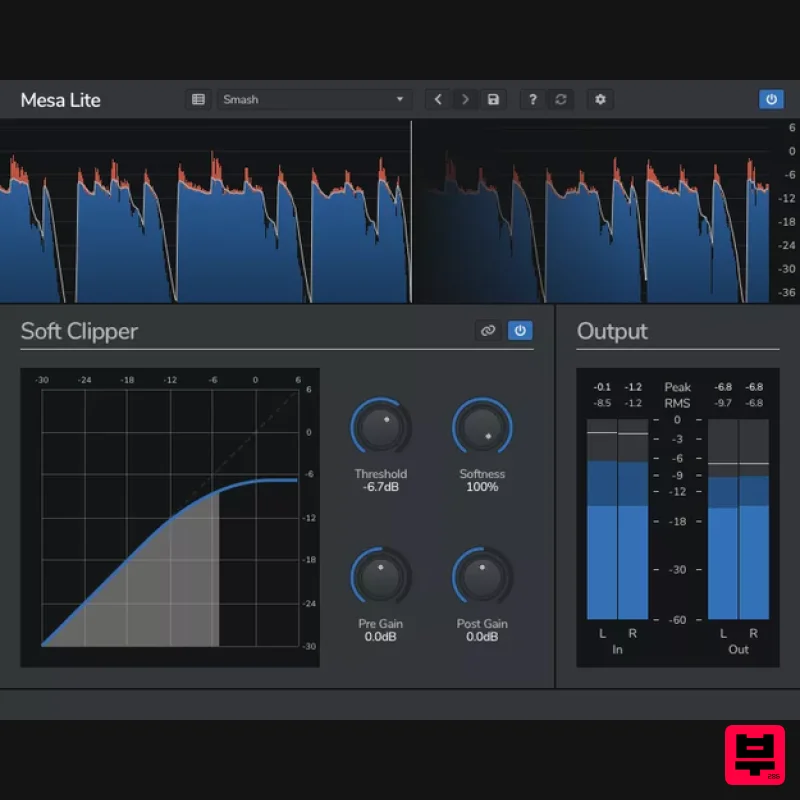
Venomode Mesa Lite
Limiter
Free
Control peaks and increase loudness without pumping Mesa is a free soft clipper designed to increase loudness and...
Frequently Asked Questions
The Boz Digital Labs The Wall stands out for its exceptional Boz Digital Labs craftsmanship and innovative design.
Yes! With its affordable price point and quality construction, it's perfect for learning limiter.
Browse the similar products section to see how it stacks up against other limiter.

