
Boz Digital Labs Panther Stereo Manipulation
Professional music gear - detailed information and where to buy
Boz Digital Labs
Panther Stereo Manipulation
Product Info
* Prices may vary. Check retailer for current pricing and availability.
Product Description
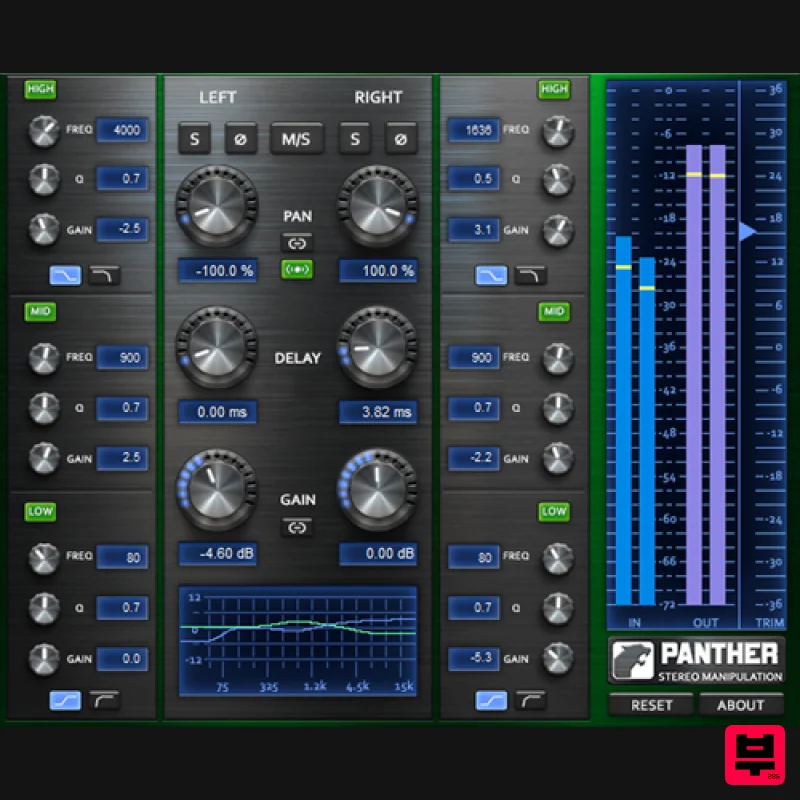
- Panther gives you independent control over Left and Right channels of any stereo track. You get controls for EQ
- Gain
- Pan and Delay. It also features Mid/Side mode for extra control over your stereo tracks. Panther is designed to solve the most common issues you face when mixing stereo tracked instruments. It has everything you need to prevent (or create!) volume
- phase and tonal differences between the left and right channels of your track. With Panther
- you get independent EQ
- Gain
- Pan and Delay control over each channel. Panther also provides a Mid/Side option to give you complete control over the stereo field of your tracks. System Requirements Note for M1 Mac Users: This plugin is not yet compiled to work natively on M1 Macs. Boz Digital Labs are currently in the process of rewriting it so that it will
- but it will take some time. In the meantime
- it should work under Rosetta on M1 Macs. Windows XP or Greater Mac OSX 10.5 or Greater Available Formats Windows (32/64): VST2
- RTAS
- AAX Native Mac (32/64): AU
- VST2
- RTAS
- AAX Native 1. Download the plugin installer from within your user account. The 'Manic Compressor' is used in this example. Please note: Be sure to choose the correct installer by selecting either Windows or Mac > Then click 'Download'. 2. Run the installer & read through welcome instructions > Click 'Next'. 3. Read through the License Agreement > Click 'I Accept the Agreement'. 4. Choose destination folder > Click 'Install'. 5. Select a folder in which to install the Manic Compressor (32-bit). 6. Select a folder
- in which to install the Manic Compressor (64-bit). 7. Select which components of the Manic Compressor you wish to install > Click 'Next'. 8. Select start menu folder > Select 'Next'. 9. Manic Compressor is now ready to install > Click 'Install'. 10. Installation is now complete > Click 'Finish'. 11. Load your DAW and open the Manic Compressor. This plugin is now ready for use.
Additional Information
About the Boz Digital Labs Panther Stereo Manipulation
Experience the quality and tone that makes the Boz Digital Labs Panther Stereo Manipulation a popular choice for musicians.
Why Choose the Boz Digital Labs Panther Stereo Manipulation?
- •Authentic Boz Digital Labs craftsmanship and design
- •Versatile sound suitable for multiple musical genres
- •Professional build quality and reliable performance
- •Part of Boz Digital Labs's respected Dynamics Processor lineup
Compare & Explore
Browse our complete selection of Boz Digital Labs instruments or explore other Dynamics Processor options. Use our comparison tools to find the perfect match for your musical style and budget.
Similar Products
Zynaptiq INTENSITY 2
Dynamics Processor
Fuse Audio Labs VCE-118 – Dynamic Range Enhancer
Dynamics Processor
Plugin Alliance ProAudioDSP DSM V3
Dynamics Processor
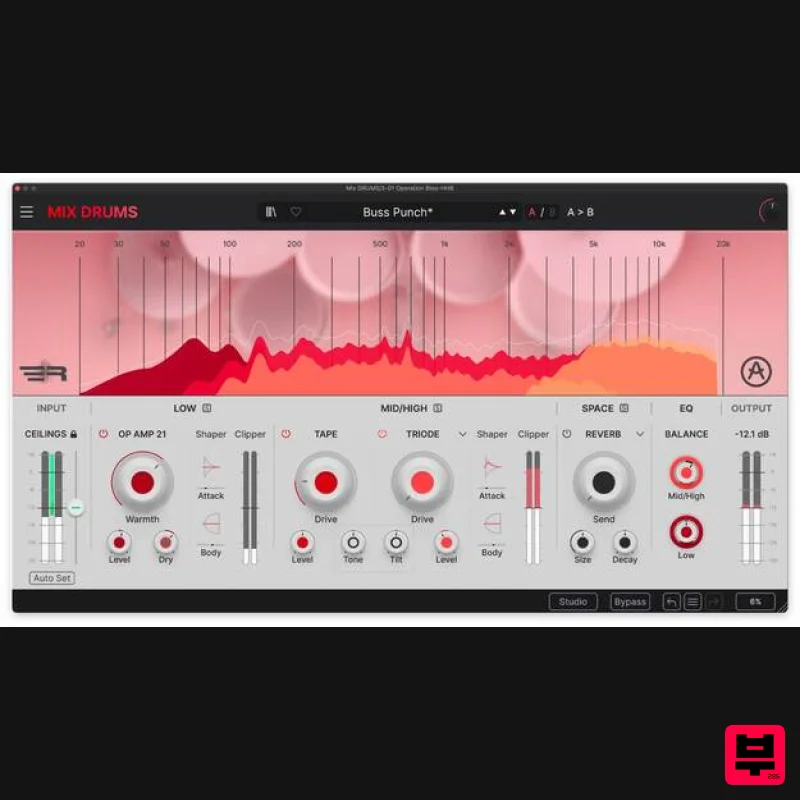
Arturia Mix DRUMS
Dynamics Processor
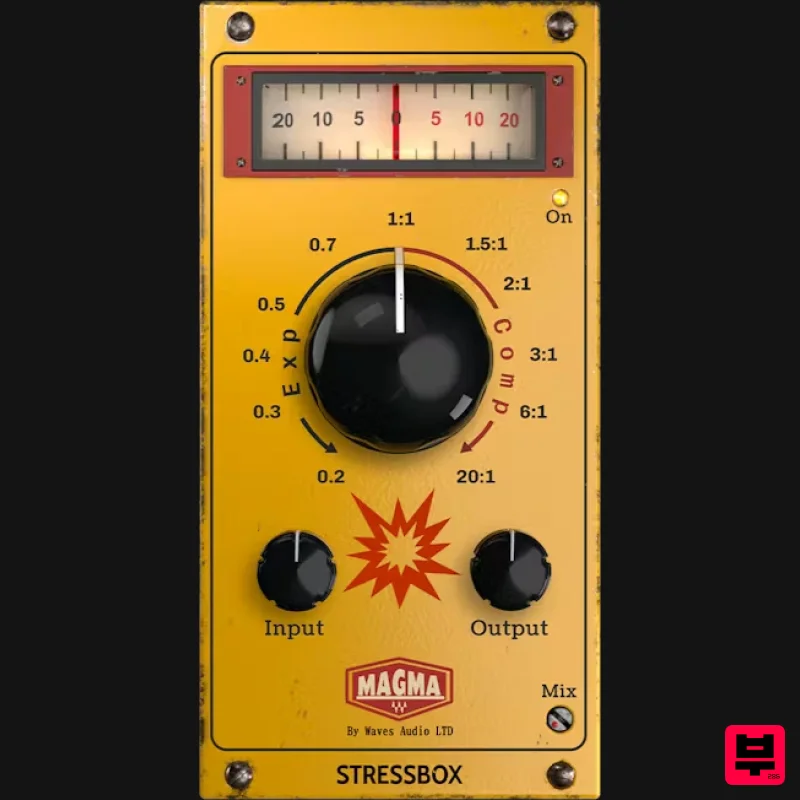
Waves Magma StressBox
Dynamics Processor
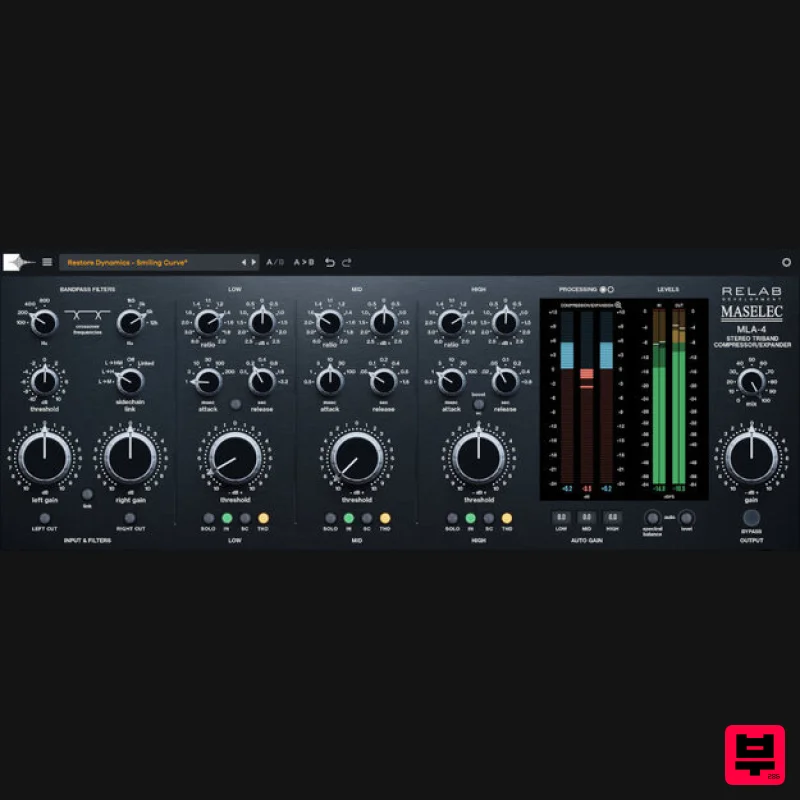
Relab Development Maselec MLA-4
Dynamics Processor
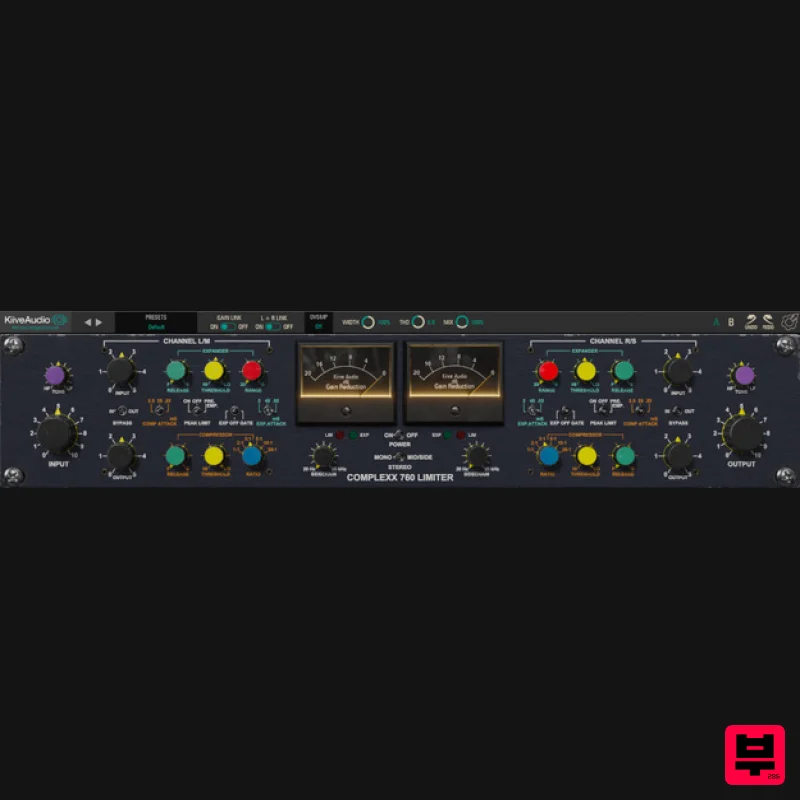
Kiive Audio Complexx
Dynamics Processor
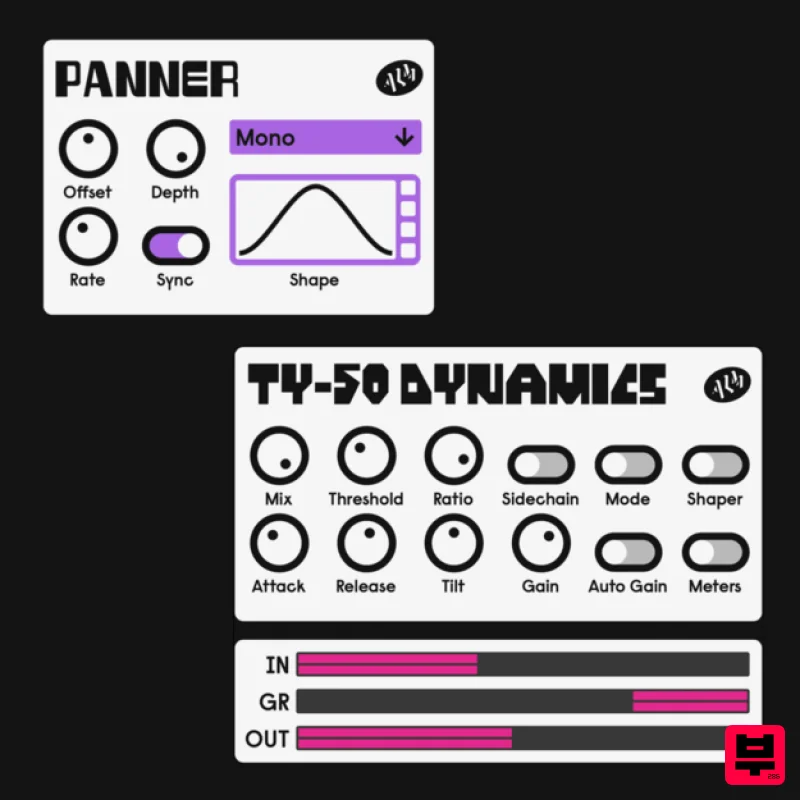
ALM / Busy Circuits MFX Dynamics
Dynamics Processor

