
Boz Digital Labs Little Foot
Professional music gear - detailed information and where to buy
Boz Digital Labs
Little Foot
Product Info
* Prices may vary. Check retailer for current pricing and availability.
Product Description
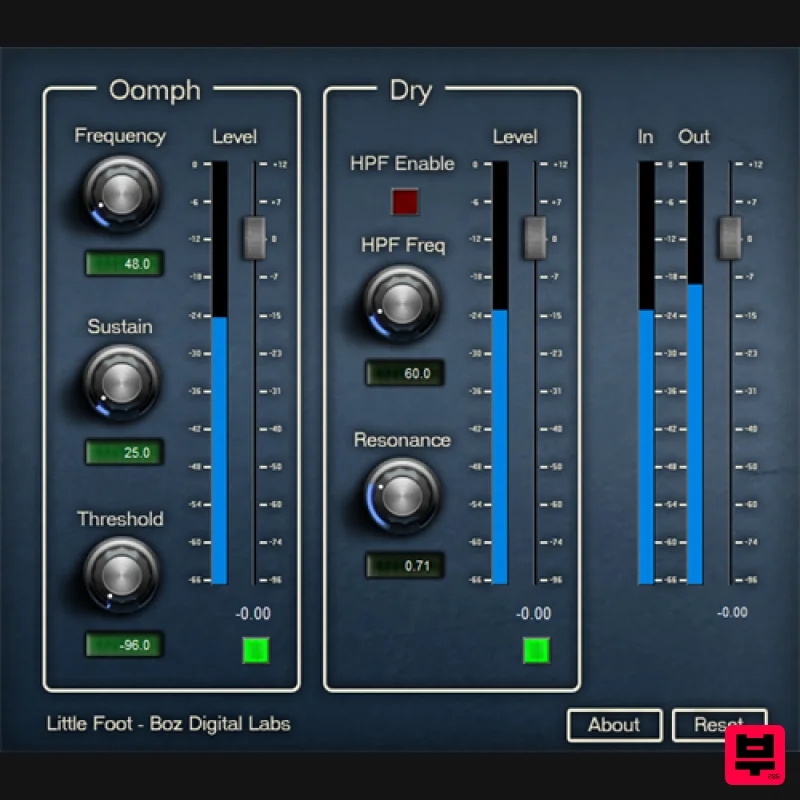
- Little Foot is the beast child of Sasquatch Kick Machine. It is super lean and simple to use. It lets you get deep kick drums without any fuss. While it doesn’t have all the features that Sasquatch Kick Machine has
- it has plenty of control to get deep thump out of any kick drum. Benefits at a glance: Super simple layout Add Oomph to your kick drum in seconds Easily go from simple natural enhancement to over the top sustain We’ve all had the experience of mixing a kick drum that just didn’t have quite the oomph it needed. You can try EQing it
- but that just seems to make it flabby and loose. Sometimes you need a little extra beef that you just can’t extract out of the kick drum itself. You can replace it with samples
- but sometimes that alters the sound too much. Little Foot lets you add anything from subtle to extreme low end to your kick drum without compromising the original sound. It does this by triggering a low frequency sine wave that plays along with your original kick drum. You can control how deep and how hard this sine wave triggers
- and how long it sustains. You can even “tune” your kick drum to match the key of the song. With Little Foot
- we focused on an interface that lets you dial in your sound as quickly as possible without having to worry about a pile of other features. If a million features is what you want
- Sasquatch will probably be your answer. System Requirements Available Formats Win (32 and 64 bit): VST
- VST3
- RTAS
- AAX Native Mac (32 and 64 bit): VST
- VST3
- RTAS
- AAX Native 1. Download the plugin installer from within your user account. The 'Manic Compressor' is used in this example. Please note: Be sure to choose the correct installer by selecting either Windows or Mac > Then click 'Download'. 2. Run the installer & read through welcome instructions > Click 'Next'. 3. Read through the License Agreement > Click 'I Accept the Agreement'. 4. Choose destination folder > Click 'Install'. 5. Select a folder in which to install the Manic Compressor (32-bit). 6. Select a folder
- in which to install the Manic Compressor (64-bit). 7. Select which components of the Manic Compressor you wish to install > Click 'Next'. 8. Select start menu folder > Select 'Next'. 9. Manic Compressor is now ready to install > Click 'Install'. 10. Installation is now complete > Click 'Finish'. 11. Load your DAW and open the Manic Compressor. This plugin is now ready for use.
Additional Information
About the Boz Digital Labs Little Foot
Discover the distinctive sound and feel of the Boz Digital Labs Little Foot, a standout choice among Enhancer.
Why Choose the Boz Digital Labs Little Foot?
- •Authentic Boz Digital Labs craftsmanship and design
- •Versatile sound suitable for multiple musical genres
- •Professional build quality and reliable performance
- •Part of Boz Digital Labs's respected Enhancer lineup
Compare & Explore
Browse our complete selection of Boz Digital Labs instruments or explore other Enhancer options. Use our comparison tools to find the perfect match for your musical style and budget.
Similar Products
THR LowEnhance
Enhancer
Soundspear Myst
Enhancer
Tone Empire ValveKult 3
Enhancer
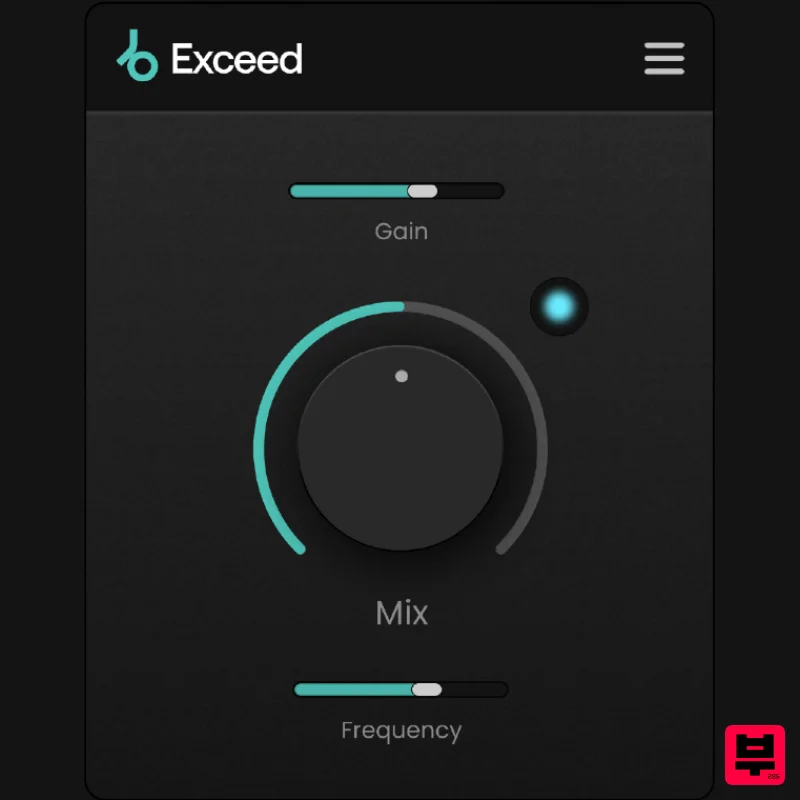
Plugin Boutique Exceed
Enhancer
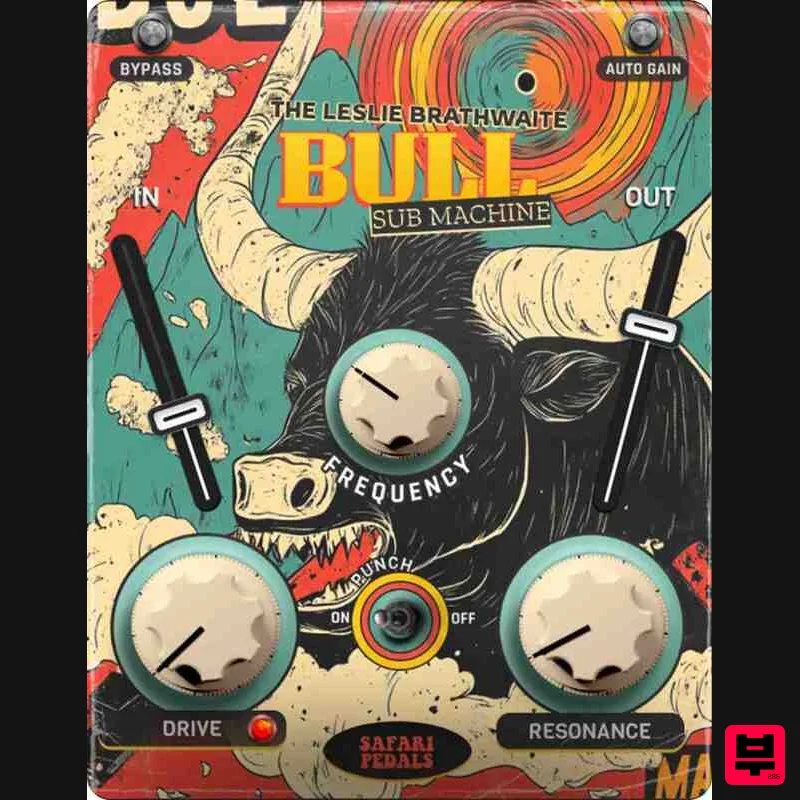
Safari Audio Bull Sub Machine
Enhancer
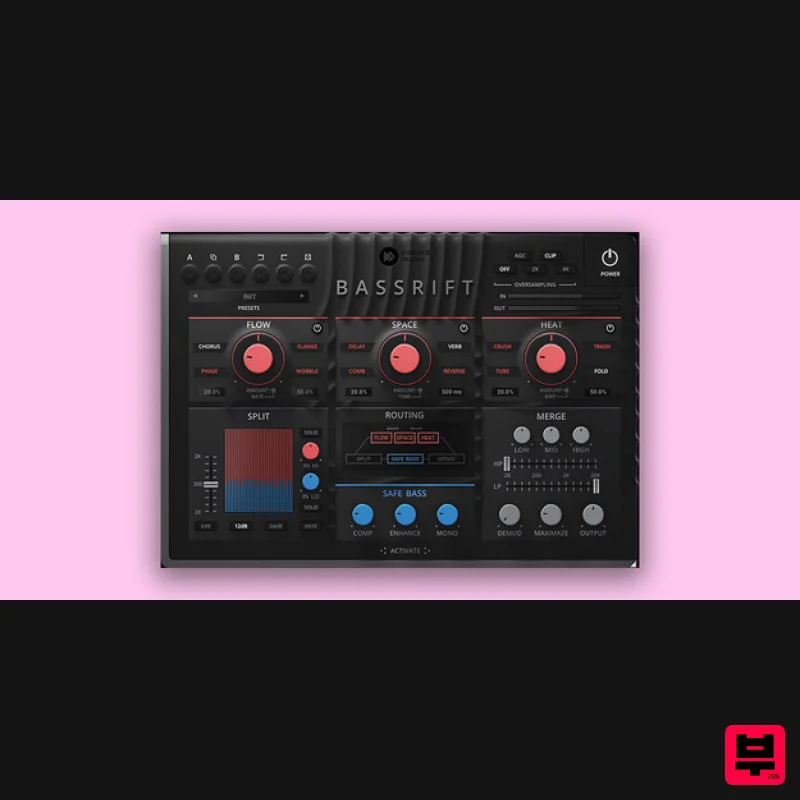
United Plugins BassRift
Enhancer
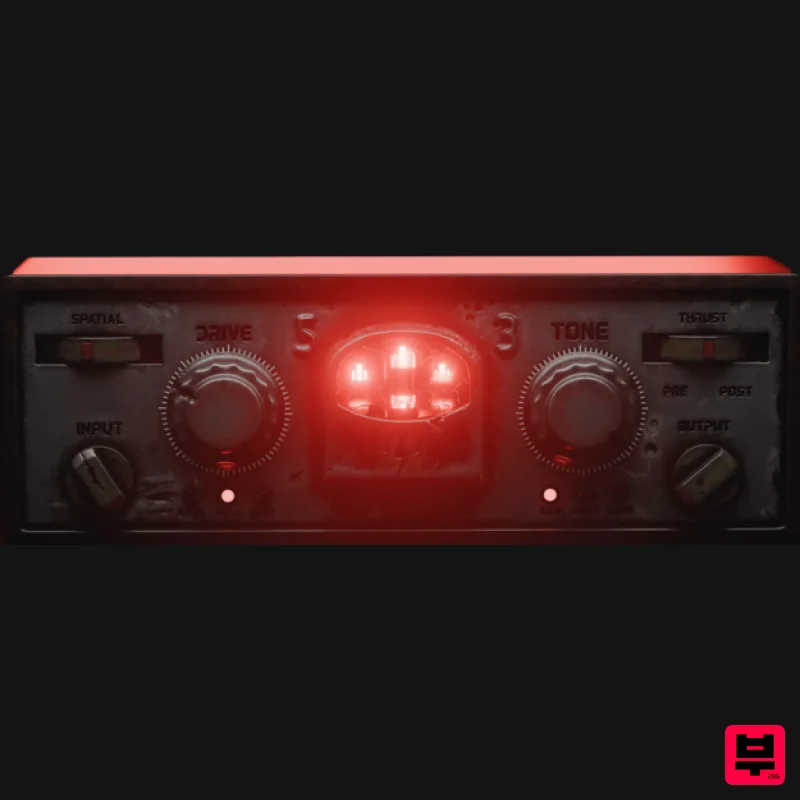
Tone Empire Cryptone
Enhancer
Slate Digital FG-Bomber
Enhancer

