
Boz Digital Labs Imperial Delay
Professional music gear - detailed information and where to buy
Boz Digital Labs
Imperial Delay
Product Info
* Prices may vary. Check retailer for current pricing and availability.
Product Description
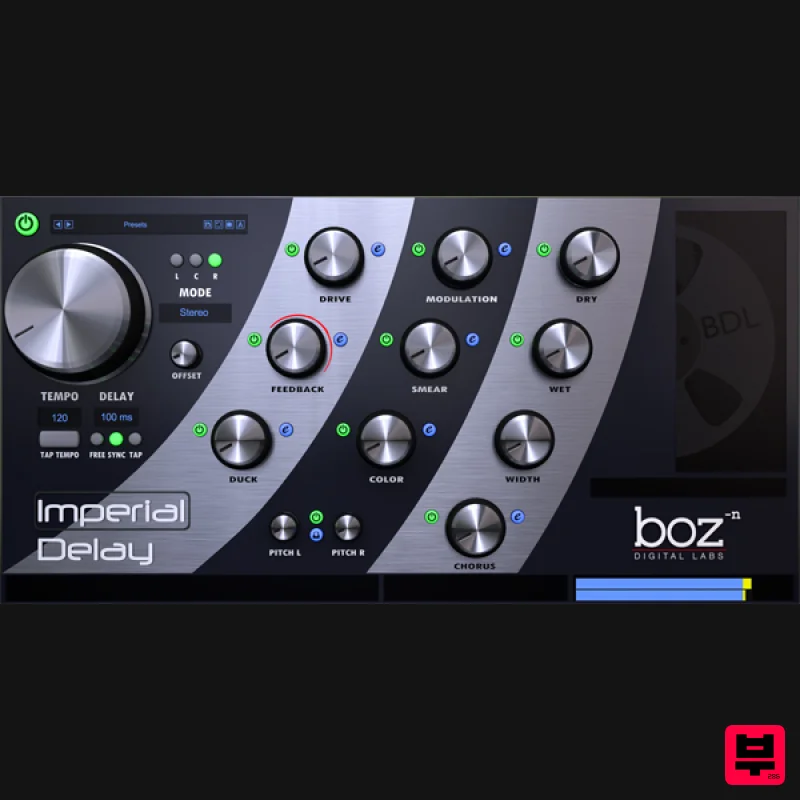
- Imperial Delay is designed to be a fast moving
- powerful beast of a delay. It gives you complete control over every nuance of your delay
- but does so in a way that doesn't get in the way of your creative side. Easy to Use. Insanely Powerful. Imperial Delay was designed from the beginning with two goals: Be the most powerful delay
- and be easy to use. As it turns out
- those two requirements tend to be at odds with each other. Some delays give you lots of control but require you to get out your lab coat and calculator in order to use it. Other delays sound great with only a couple knobs
- but give you almost no options. Imperial Delay does both. Every option that you would need in a delay is available at the twist of a single knob. If you need more control over those effects
- you can enter the advanced controls and experiment to your heart’s content. Boz Digital Labs’ new preset management system lets you save presets that go far beyond your DAW’s preset saving ability. System Requirements Note for M1 Mac Users: This plugin is not yet compiled to work natively on M1 Macs. Boz Digital Labs are currently in the process of rewriting it so that it will
- but it will take some time. In the meantime
- it should work under Rosetta on M1 Macs. Available Formats Win: VST 32/64
- RTAS
- AAX Native Mac: VST 32/64
- AU 32/64
- RTAS
- AAX Native Note: El Clapo is used as an example. Mac Redemption 1. Click Download in your Plugin Boutique account or go to https://www.bozdigitallabs.com/plugin-boutique-retrieve/. 2. Copy and paste the code from your Plugin Boutique account > Click 'Retrieve Plugin'. 3. Review the order > Click 'Proceed to Checkout'. 4. Enter your email address
- username and password > Click 'Register'. Note: If you already have Boz Digital Labs account
- select 'Click Here to Login' after entering your email address/username and password > Click 'Login'. 5. Check that your email is correct > Click 'Next'. 6. Review your order > Click 'Next'. 7. Click 'I have read and agree to the website terms and conditions' > Click 'Place order'. 8. Click 'Download Plugin Here'. 9. Click the Mac link to download the installer. Installation 1. Run the .pkg installer > Click 'Continue'. 2. Select the formats you wish to install > Click 'Continue'. Note: If you're unsure about which format to use
- leave all options selected and proceed. Check out this article for more information. 3. Click 'Install'. 4. Click 'Close'. 5. Open your DAW and open the plugin > Enter your Boz Digital Labs username and the serial code that you received in your Boz Digital Labs Account > Click 'Register'. Your software is now authorised and ready for use! Windows Redemption 1. Click Download in your Plugin Boutique account or go to https: //www.bozdigitallabs.com/plugin-boutique-retrieve/. 2. Copy and paste the code from your Plugin Boutique account > Click 'Retrieve Plugin'. 3. Review the order > Click 'Proceed to Checkout'. 4. Enter your email address
- username and password > Click 'Register'. Note: If you already have Boz Digital Labs account
- select 'Click Here to Login' after entering your email address/username and password > Click 'Login'. 5. Check that your email is correct > Click 'Next'. 6. Review your order > Click 'Next'. 7. Click 'I have read and agree to the website terms and conditions' > Click 'Place order'. 8. Click 'Download Plugin Here'. 9. Click the Windows link to download the installer. Installation 1. Double-click the .exe installer > Click 'I accept the agreement' then click 'Next'. 2. Click 'Next'. 3. Click 'Next'. 4. Select a VST folder in which to install the 32-bit software format > Click 'Next'. 5. Select a VST folder in which to install the 64-bit software format > Click 'Next'. 6. Select the components you wish to install > Click 'Next'. 7. Click 'Next'. 8. Click 'Install'. 9. Click 'Finish'. 10. Open your DAW and open the plugin > Enter your Boz Digital Labs username and the serial code that you received in your Boz Digital Labs Account > Click 'Register'. Your software is now authorised and ready for use!
Additional Information
About the Boz Digital Labs Imperial Delay
Experience the quality and tone that makes the Boz Digital Labs Imperial Delay a popular choice for musicians.
Why Choose the Boz Digital Labs Imperial Delay?
- •Authentic Boz Digital Labs craftsmanship and design
- •Versatile sound suitable for multiple musical genres
- •Professional build quality and reliable performance
- •Part of Boz Digital Labs's respected Delay lineup
Compare & Explore
Browse our complete selection of Boz Digital Labs instruments or explore other Delay options. Use our comparison tools to find the perfect match for your musical style and budget.
Similar Products
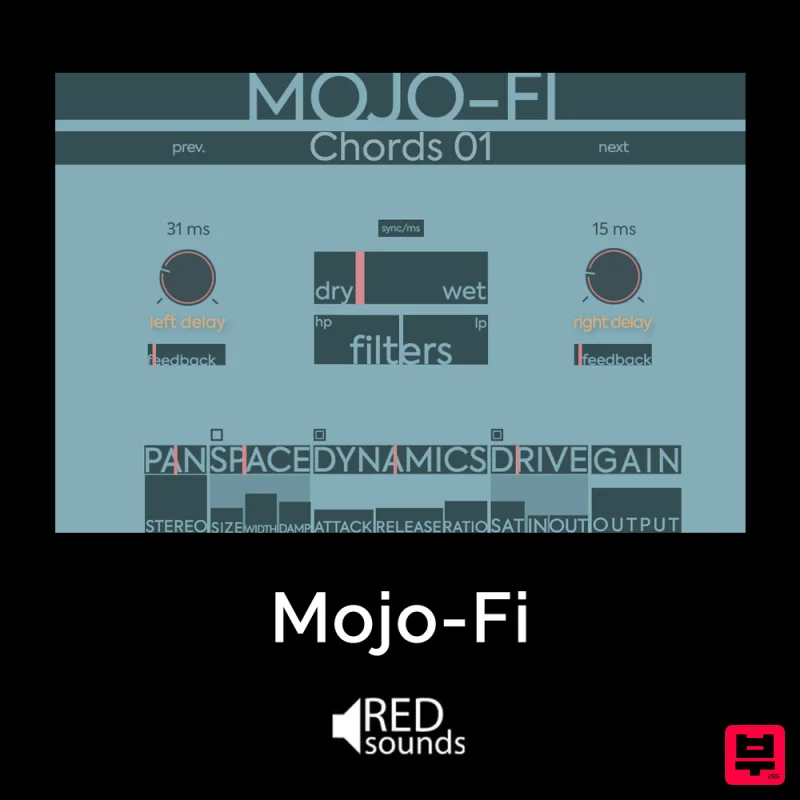
Red Sounds Mojo-Fi
Delay
$30
Multi-effect Delay Plugin On Steroids Great for adding life and texture to your boring soft synths, pianos, drums, and...
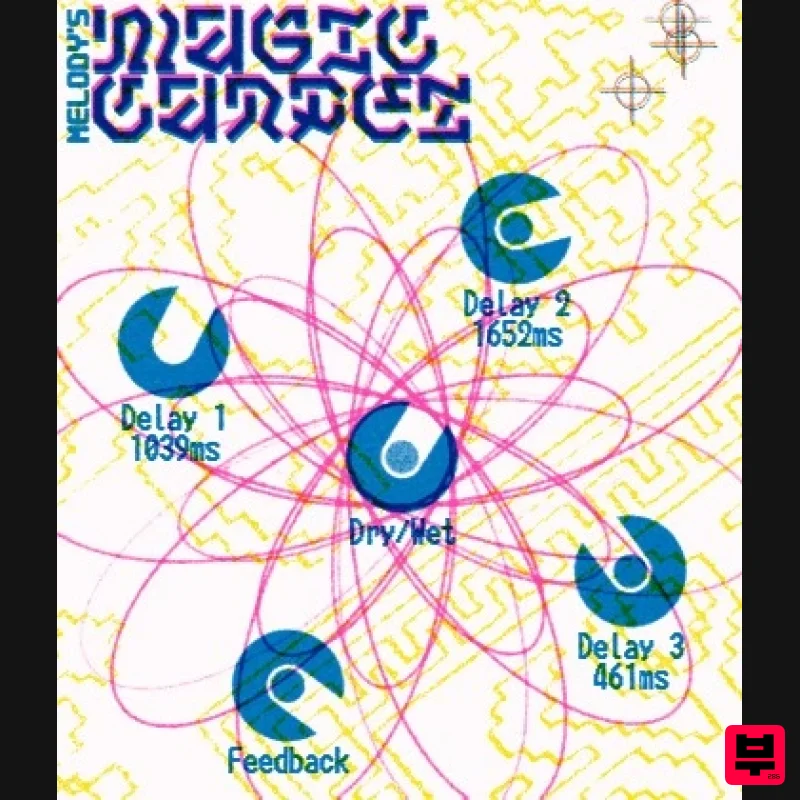
UnplugRed Magic Carpet
Delay
Free
Three delay lines with a shared feedback path, makes a delay that starts sparse but continues to get denser with each...
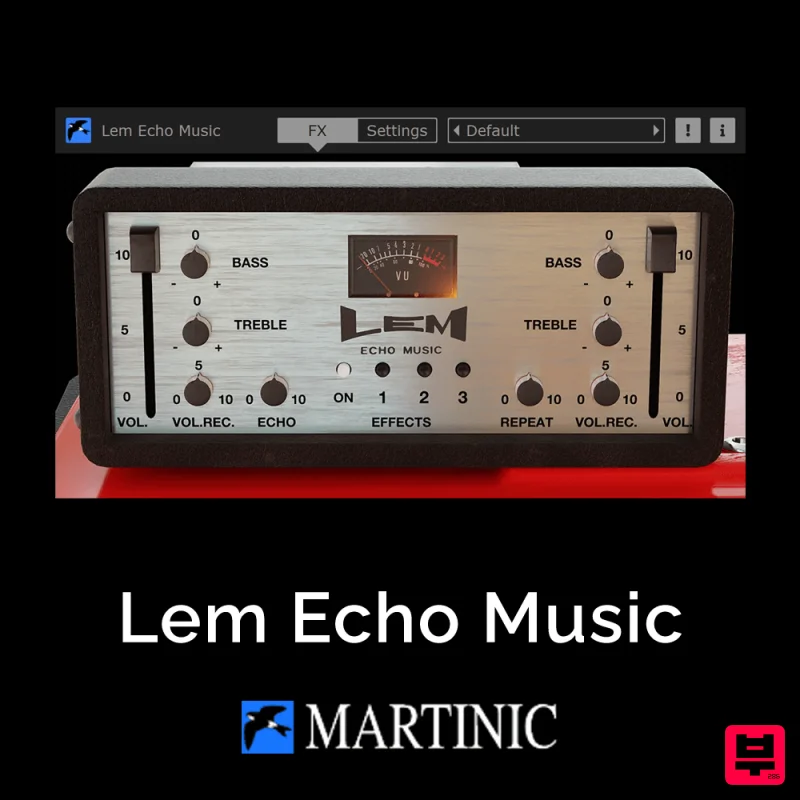
Martinic Lem Echo Music
Delay
$30
Authentic Vintage Tape Delay Emulation with Added Customization The Lem Echo Music plugin recreates the nostalgic tones...

Korneff Audio Micro Digital Reverberator
Delay
$30
Nerdy. Easy. Super Cool. The Micro Digital Reverberator combines killer reverb and delay effects with a super friendly...

Beastsamples Beast-DLAY
Delay
$30
Beast-Dlay is a game-changer delay VST plugin with unprecedented processing power ready to add the hardware realism and...
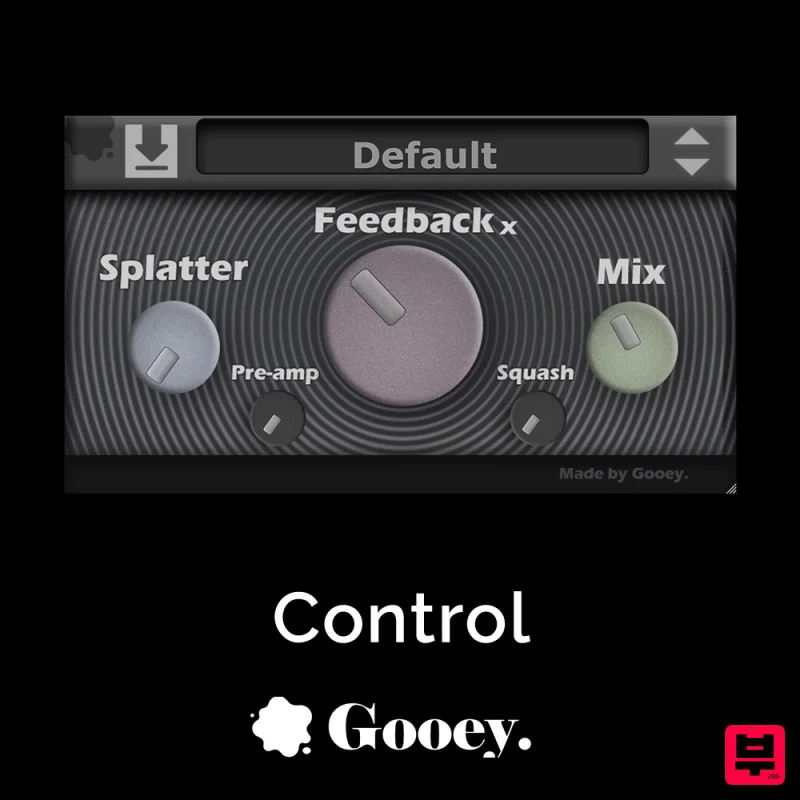
Gooey Audio Control
Delay
$30
Control by Gooey Audio is a feedback delay network plugin built for experimental sound designers, ambient composers,...
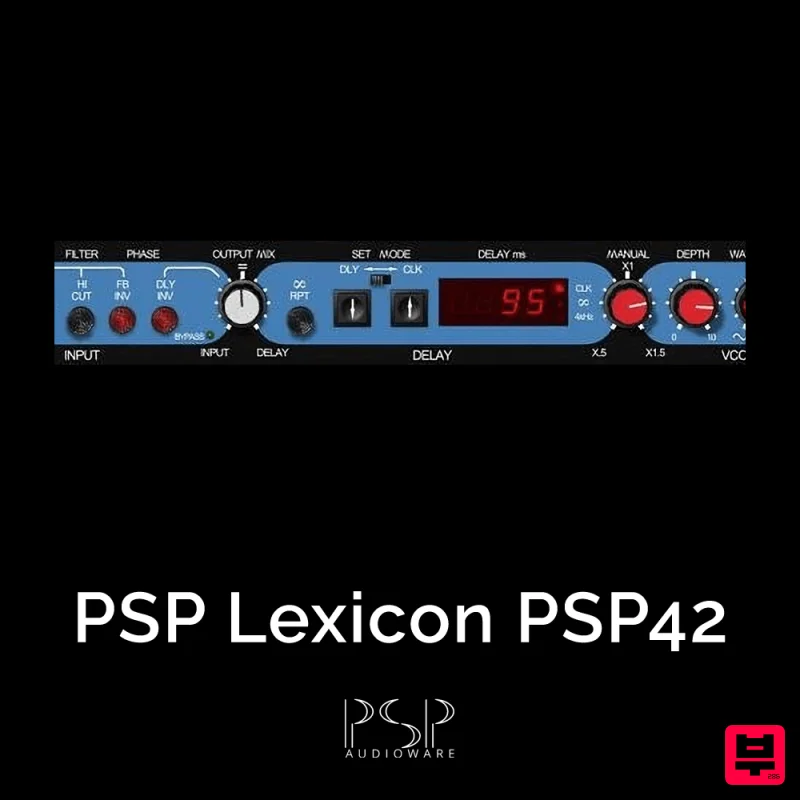
PSP Audioware PSP Lexicon PSP42x
Delay
$30
Lexicon PSP 42 is a high-quality digital stereo delay and phrase sampler plug-in based on the legendary Lexicon PCM42...
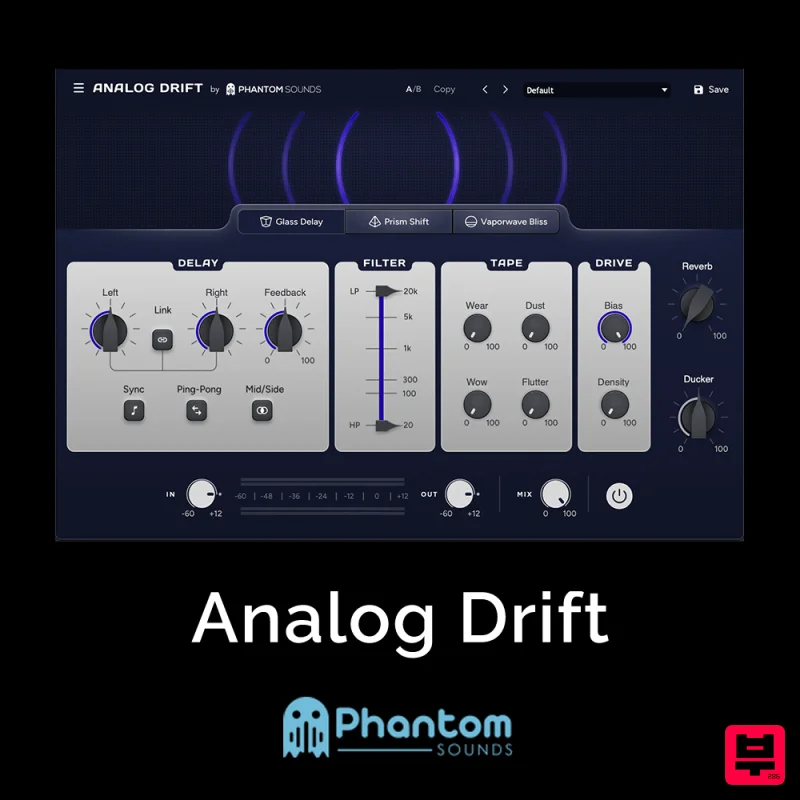
Phantom Sounds Analog Drift
Delay
$30
Redefine Your Sound with Distinctive Delays Analog Drift is a delay plugin that combines the pristine clarity of...
Frequently Asked Questions
The Boz Digital Labs Imperial Delay stands out for its exceptional Boz Digital Labs craftsmanship and innovative design.
Yes! With its affordable price point and quality construction, it's perfect for learning delay.
Browse the similar products section to see how it stacks up against other delay.

