
Boz Digital Labs Das Boot
Professional music gear - detailed information and where to buy
Boz Digital Labs
Das Boot
Product Info
* Prices may vary. Check retailer for current pricing and availability.
Product Description
- Realistic Stomp Generator Like its brothers
- El Clapo and Le Snappet
- Das Boot can generate super-realistic foot stomps
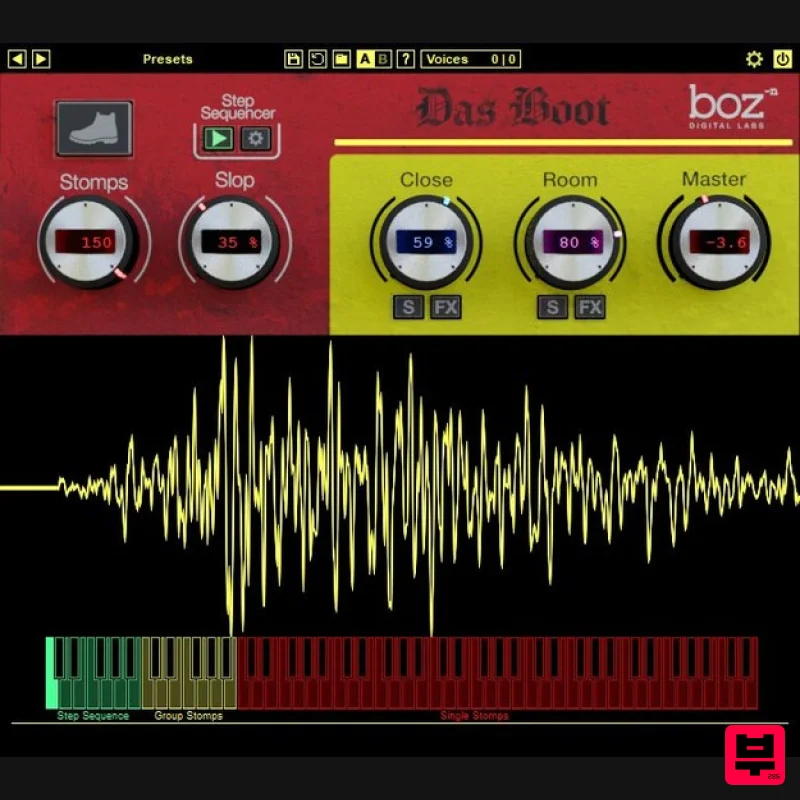
- from a single spoiled baby to a stadium filled with sports fans waiting for Queen to rock them. Meticulously recorded with three mic positions and packed with the same powerful features found in El Clapo and Le Snappet
- Das Boot gives you full control of mic placement
- width along with compression and EQ. Of course
- there’s the ever-popular Slop control that lets you adjust how tight your loose your stomping will be. Das Boot also features a CPU-saving round-robin setting and a 12-step sequencer that lets you create up to 12 patterns. Das Boot is designed to make it simple to create stomp tracks of any size. From a single stomp to an entire crowd
- you determine how the stomps sound. You determine the group size. You determine how sloppy they are. You control the microphone mix. We sampled multiple stompers at multiple layers and a bunch of round robins
- from 3 different mic perspectives. The result is natural-sounding stomps no matter how large the crowd. Control with MIDI or the built-in step sequencer that lets you automate between 12 user-created patterns. Features Easily generate ultra-realistic foot stomps
- from a single angry baby to a stadium filled with sports fans. Great for music and film post-production. Three adjustable mic positions; close/mid and room. Close and Room mic controls each feature a fully adjustable compressor with mix knob
- 4-band EQ
- and width control. “Slop” control lets you adjust how much beer your sports fans have had. Simple
- straightforward interface with access to advanced controls including velocity-sensing MIDI curve control
- panning
- timing
- layer
- and CPU-saving round-robin settings. Built-in step sequencer for easily creating complex (or simple) patterns. System Requirements Note for M1 Mac Users: This plugin is not yet compiled to work natively on M1 Macs. Boz Digital Labs are currently in the process of rewriting it so that it will
- but it will take some time. In the meantime
- it should work under Rosetta on M1 Macs. Mac Formats: AAX AU (Audio Unit) RTAS VST VST3 Windows Formats: AAX RTAS VST VST3 Note: El Clapo is used as an example. Mac Redemption 1. Click Download in your Plugin Boutique account or go to https://www.bozdigitallabs.com/plugin-boutique-retrieve/. 2. Copy and paste the code from your Plugin Boutique account > Click 'Retrieve Plugin'. 3. Review the order > Click 'Proceed to Checkout'. 4. Enter your email address
- username and password > Click 'Register'. Note: If you already have Boz Digital Labs account
- select 'Click Here to Login' after entering your email address/username and password > Click 'Login'. 5. Check that your email is correct > Click 'Next'. 6. Review your order > Click 'Next'. 7. Click 'I have read and agree to the website terms and conditions' > Click 'Place order'. 8. Click 'Download Plugin Here'. 9. Click the Mac link to download the installer. Installation 1. Run the .pkg installer > Click 'Continue'. 2. Select the formats you wish to install > Click 'Continue'. Note: If you're unsure about which format to use
- leave all options selected and proceed. Check out this article for more information. 3. Click 'Install'. 4. Click 'Close'. 5. Open your DAW and open the plugin > Enter your Boz Digital Labs username and the serial code that you received in your Boz Digital Labs Account > Click 'Register'. Your software is now authorised and ready for use! Windows Redemption 1. Click Download in your Plugin Boutique account or go to https: //www.bozdigitallabs.com/plugin-boutique-retrieve/. 2. Copy and paste the code from your Plugin Boutique account > Click 'Retrieve Plugin'. 3. Review the order > Click 'Proceed to Checkout'. 4. Enter your email address
- username and password > Click 'Register'. Note: If you already have Boz Digital Labs account
- select 'Click Here to Login' after entering your email address/username and password > Click 'Login'. 5. Check that your email is correct > Click 'Next'. 6. Review your order > Click 'Next'. 7. Click 'I have read and agree to the website terms and conditions' > Click 'Place order'. 8. Click 'Download Plugin Here'. 9. Click the Windows link to download the installer. Installation 1. Double-click the .exe installer > Click 'I accept the agreement' then click 'Next'. 2. Click 'Next'. 3. Click 'Next'. 4. Select a VST folder in which to install the 32-bit software format > Click 'Next'. 5. Select a VST folder in which to install the 64-bit software format > Click 'Next'. 6. Select the components you wish to install > Click 'Next'. 7. Click 'Next'. 8. Click 'Install'. 9. Click 'Finish'. 10. Open your DAW and open the plugin > Enter your Boz Digital Labs username and the serial code that you received in your Boz Digital Labs Account > Click 'Register'. Your software is now authorised and ready for use!
Additional Information
About the Boz Digital Labs Das Boot
Experience the quality and tone that makes the Boz Digital Labs Das Boot a popular choice for musicians.
Why Choose the Boz Digital Labs Das Boot?
- •Authentic Boz Digital Labs craftsmanship and design
- •Versatile sound suitable for multiple musical genres
- •Professional build quality and reliable performance
- •Part of Boz Digital Labs's respected Generator lineup
Compare & Explore
Browse our complete selection of Boz Digital Labs instruments or explore other Generator options. Use our comparison tools to find the perfect match for your musical style and budget.
Similar Products
UVI Meteor
Generator
UVI Orbit
Generator
UVI Walker 2
Generator
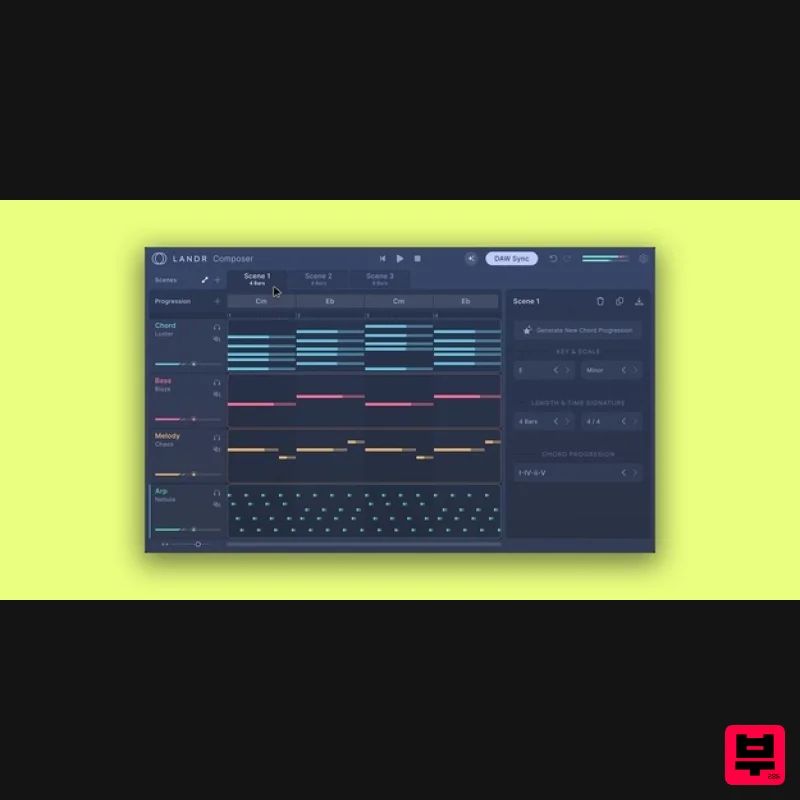
LANDR LANDR Composer
Generator
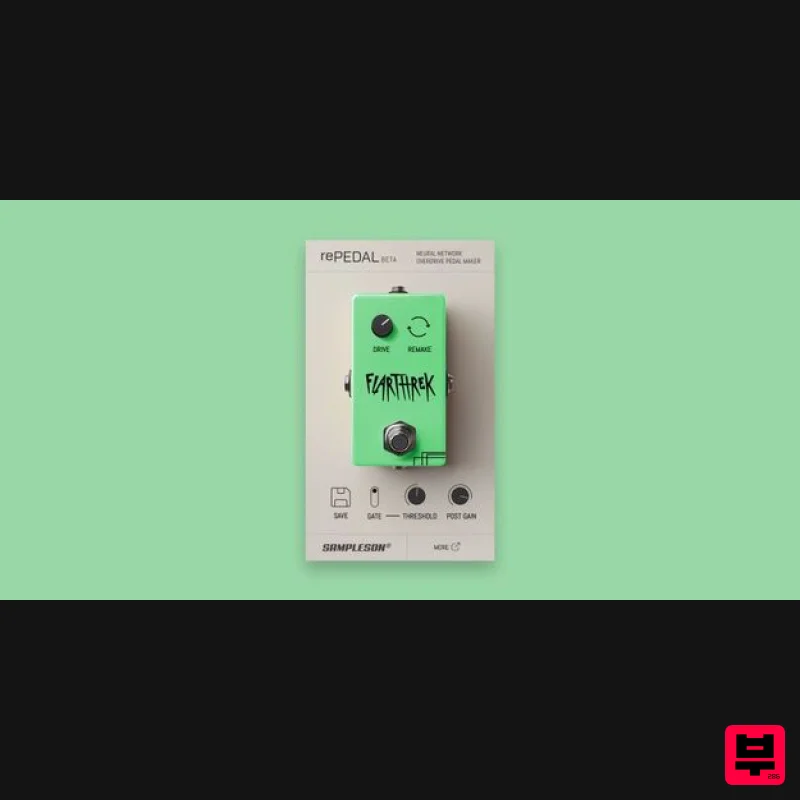
Sampleson rePEDAL
Generator
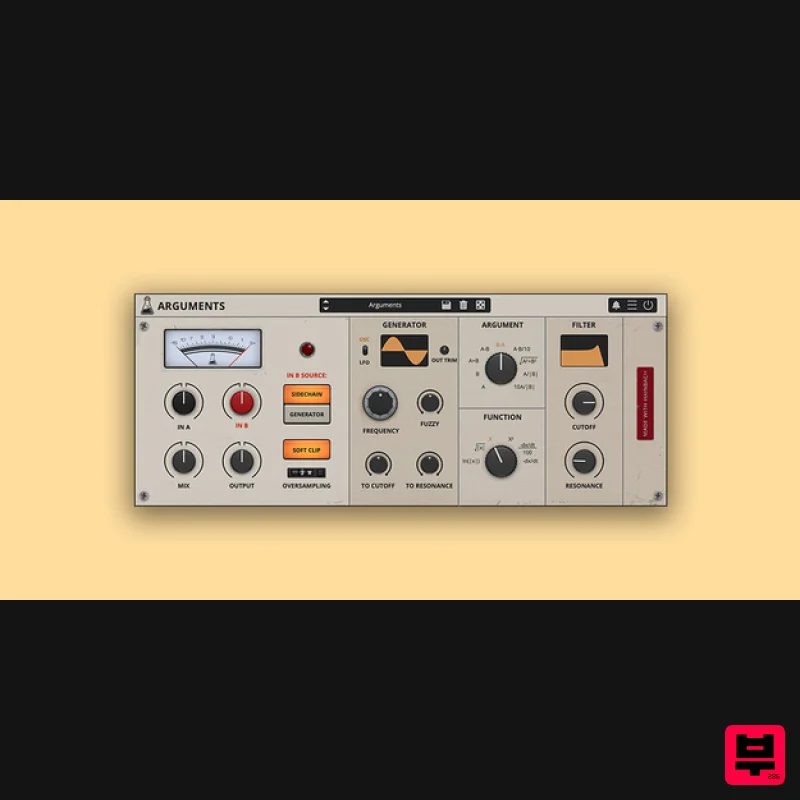
AudioThing Arguments
Generator
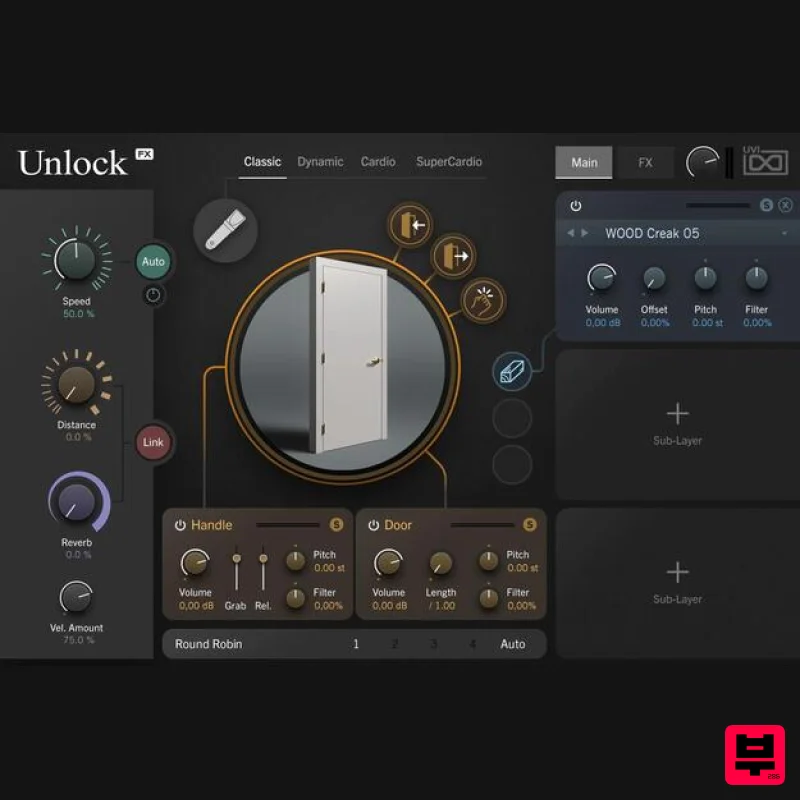
UVI Unlock
Generator
UVI Drone
Generator

