
Boz Digital Labs Big Beautiful Door
Professional music gear - detailed information and where to buy
Boz Digital Labs
Big Beautiful Door
Product Info
* Prices may vary. Check retailer for current pricing and availability.
Product Description
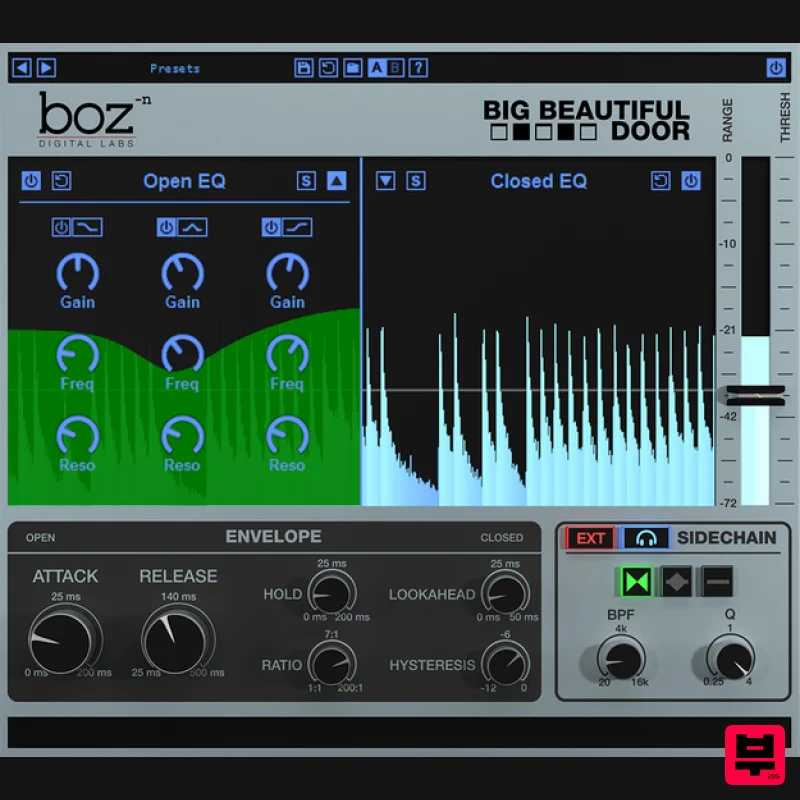
- Big Beautiful Door is like no other dynamics processor. It takes a completely fresh approach to EQ and dynamics
- and packages it in a way that just makes sense. Features Separate EQ for loud and quiet sounds Advanced Sidechaining Intuitive Interface The Beast is Born Big Beautiful door is what you get when an EQ and a Gate make a baby together. Then
- right when the baby comes out
- you inject it with a few doses of steroids. Seriously
- this thing is so powerful and is really easy to use. This is not a one trick pony. This does everything from ducking your bass when your kick hits
- to acting as the world's most powerful vocal EQ. Big Beautiful Door opens up a whole new world of creativity and streamlines your workflow like no other dynamics plugin. Dual EQ Big Beautiful Door gives you separate eq over your loud and your quiet parts of your track. This lets you EQ your quiet sounds separately from your loud sounds. A paragraph of text won't come close to describing how powerful this option is
- so watch some of the demo videos to see what opportunities this opens up. Advanced Sidechaining Advanced sidechaining gives you complete control over how Big Beautiful Door reacts to your input. Do you need to eq out the low end of your bass when your kick drum hits? This is how you do it. Or maybe you need to eq out the midrange of your back track whenever your vocals come it. Big Beautiful Door makes this easy to do without automation. Dial in your sidechain with accuracy with dual mode sidechain filters. Choose between internal and external sidechain. Envelope Control Familiar envelope controls let you determine how quickly Big Beautiful Door will morph from one EQ setting to the other. Whether you need quick gating or transitions
- you can set it up easily. System Requirements Note for M1 Mac Users: This plugin is not yet compiled to work natively on M1 Macs. Boz Digital Labs are currently in the process of rewriting it so that it will
- but it will take some time. In the meantime
- it should work under Rosetta on M1 Macs. Win (32 and 64 bit): VST
- VST3
- RTAS
- AAX Native Mac (32 and 64 bit): VST
- VST3
- RTAS
- AAX Native Note: El Clapo is used as an example. Mac Redemption 1. Click Download in your Plugin Boutique account or go to https://www.bozdigitallabs.com/plugin-boutique-retrieve/. 2. Copy and paste the code from your Plugin Boutique account > Click 'Retrieve Plugin'. 3. Review the order > Click 'Proceed to Checkout'. 4. Enter your email address
- username and password > Click 'Register'. Note: If you already have Boz Digital Labs account
- select 'Click Here to Login' after entering your email address/username and password > Click 'Login'. 5. Check that your email is correct > Click 'Next'. 6. Review your order > Click 'Next'. 7. Click 'I have read and agree to the website terms and conditions' > Click 'Place order'. 8. Click 'Download Plugin Here'. 9. Click the Mac link to download the installer. Installation 1. Run the .pkg installer > Click 'Continue'. 2. Select the formats you wish to install > Click 'Continue'. Note: If you're unsure about which format to use
- leave all options selected and proceed. Check out this article for more information. 3. Click 'Install'. 4. Click 'Close'. 5. Open your DAW and open the plugin > Enter your Boz Digital Labs username and the serial code that you received in your Boz Digital Labs Account > Click 'Register'. Your software is now authorised and ready for use! Windows Redemption 1. Click Download in your Plugin Boutique account or go to https: //www.bozdigitallabs.com/plugin-boutique-retrieve/. 2. Copy and paste the code from your Plugin Boutique account > Click 'Retrieve Plugin'. 3. Review the order > Click 'Proceed to Checkout'. 4. Enter your email address
- username and password > Click 'Register'. Note: If you already have Boz Digital Labs account
- select 'Click Here to Login' after entering your email address/username and password > Click 'Login'. 5. Check that your email is correct > Click 'Next'. 6. Review your order > Click 'Next'. 7. Click 'I have read and agree to the website terms and conditions' > Click 'Place order'. 8. Click 'Download Plugin Here'. 9. Click the Windows link to download the installer. Installation 1. Double-click the .exe installer > Click 'I accept the agreement' then click 'Next'. 2. Click 'Next'. 3. Click 'Next'. 4. Select a VST folder in which to install the 32-bit software format > Click 'Next'. 5. Select a VST folder in which to install the 64-bit software format > Click 'Next'. 6. Select the components you wish to install > Click 'Next'. 7. Click 'Next'. 8. Click 'Install'. 9. Click 'Finish'. 10. Open your DAW and open the plugin > Enter your Boz Digital Labs username and the serial code that you received in your Boz Digital Labs Account > Click 'Register'. Your software is now authorised and ready for use!
Additional Information
About the Boz Digital Labs Big Beautiful Door
Experience the quality and tone that makes the Boz Digital Labs Big Beautiful Door a popular choice for musicians.
Why Choose the Boz Digital Labs Big Beautiful Door?
- •Authentic Boz Digital Labs craftsmanship and design
- •Versatile sound suitable for multiple musical genres
- •Professional build quality and reliable performance
- •Part of Boz Digital Labs's respected Dynamics Processor lineup
Compare & Explore
Browse our complete selection of Boz Digital Labs instruments or explore other Dynamics Processor options. Use our comparison tools to find the perfect match for your musical style and budget.
Similar Products
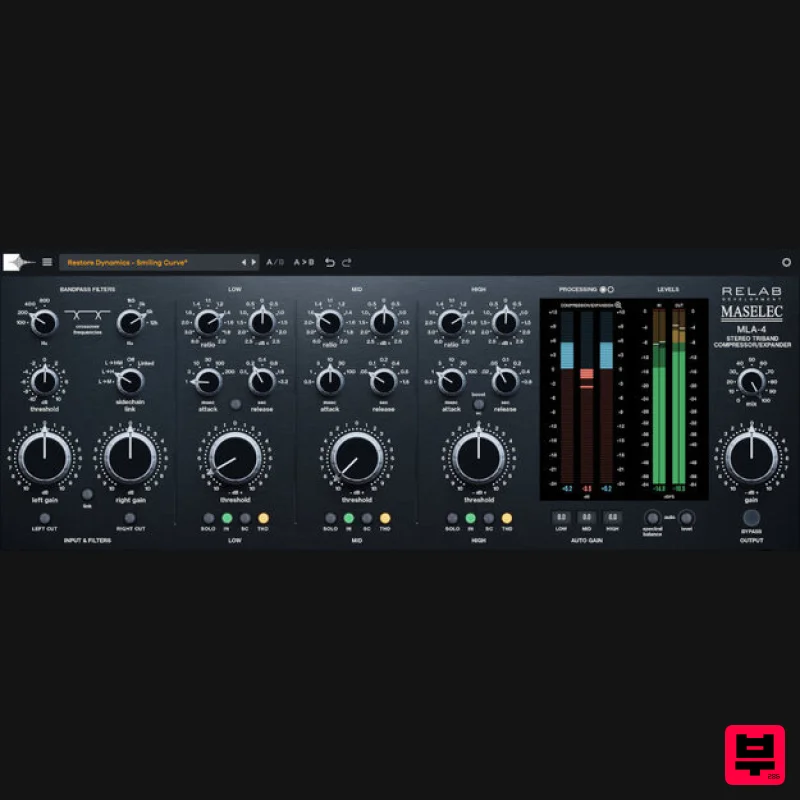
Relab Development Maselec MLA-4
Dynamics Processor
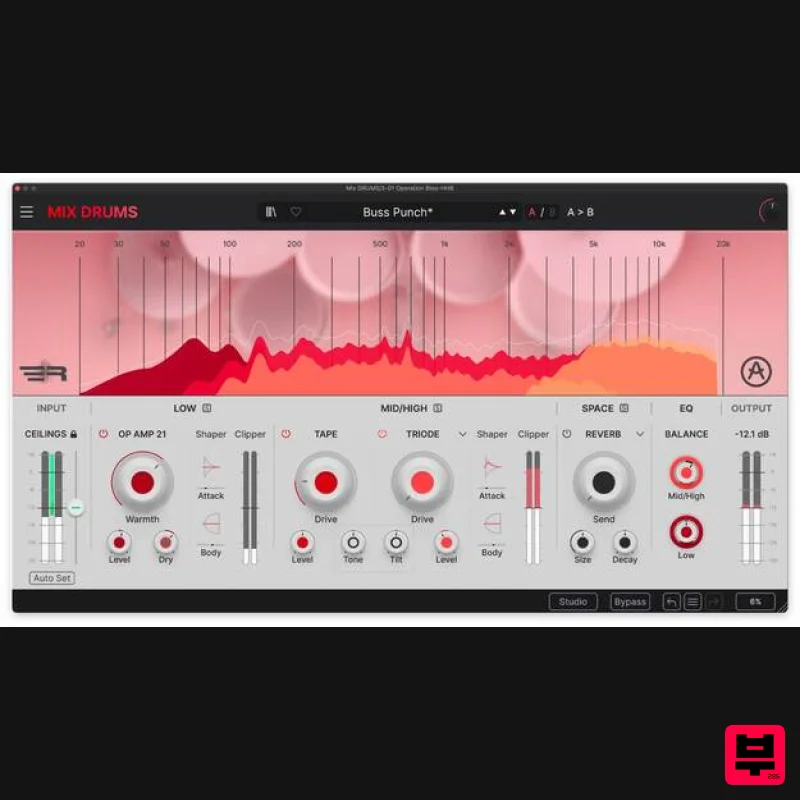
Arturia Mix DRUMS
Dynamics Processor
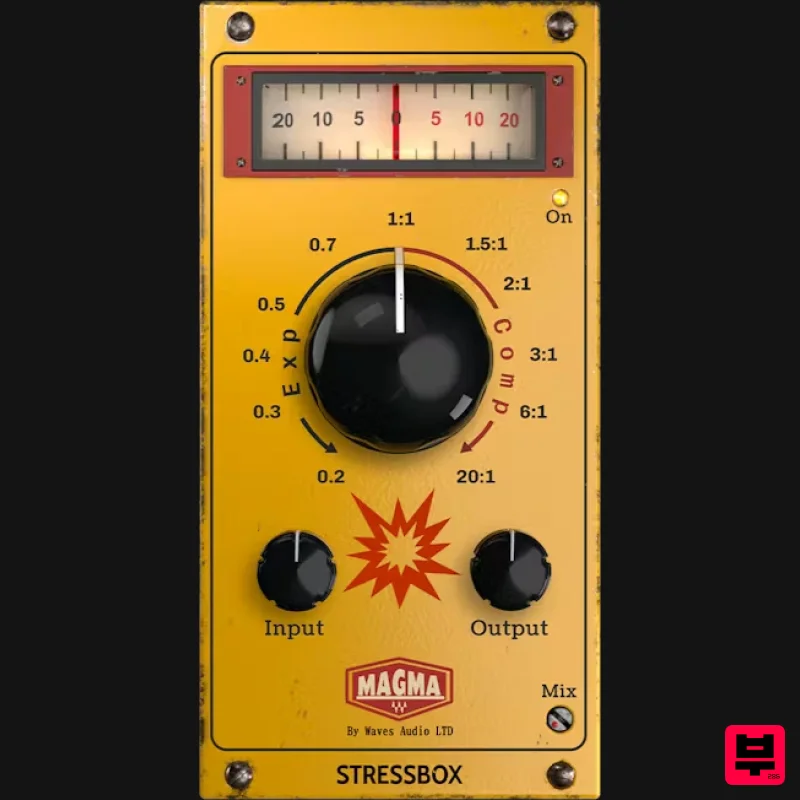
Waves Magma StressBox
Dynamics Processor
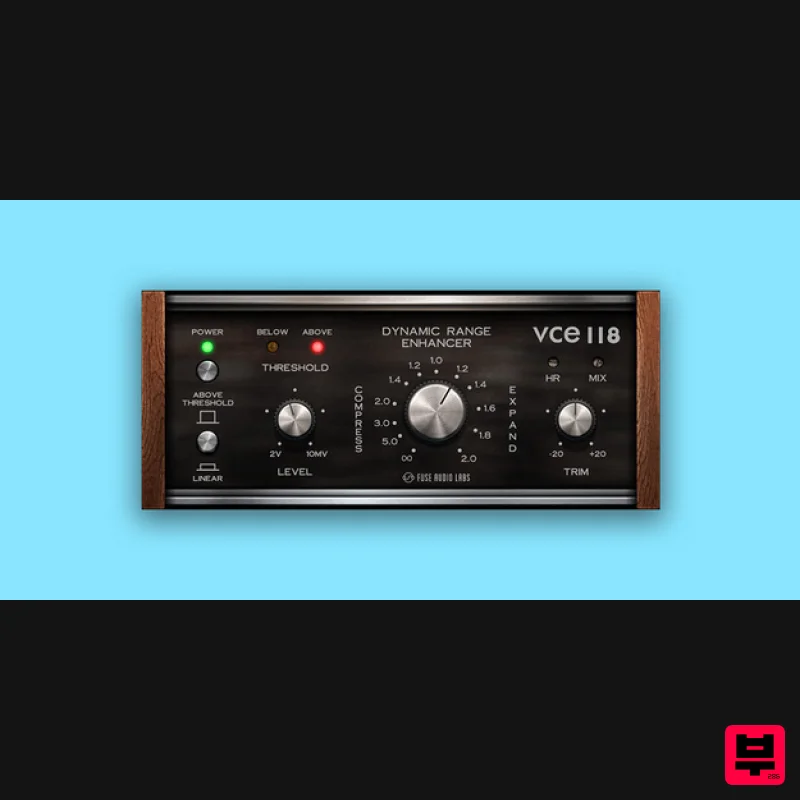
Fuse Audio Labs VCE-118 – Dynamic Range Enhancer
Dynamics Processor
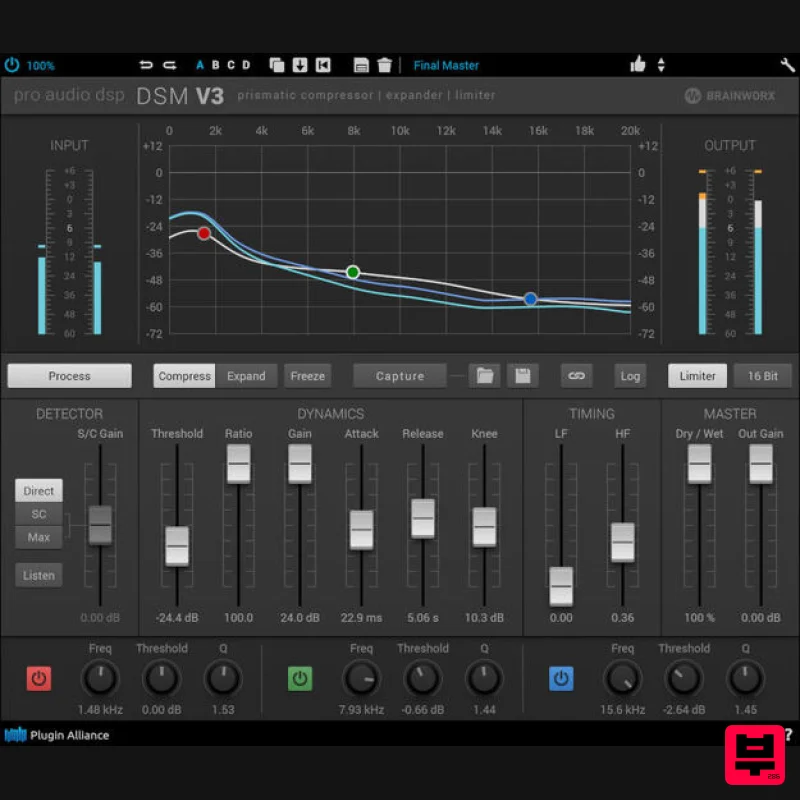
Plugin Alliance ProAudioDSP DSM V3
Dynamics Processor
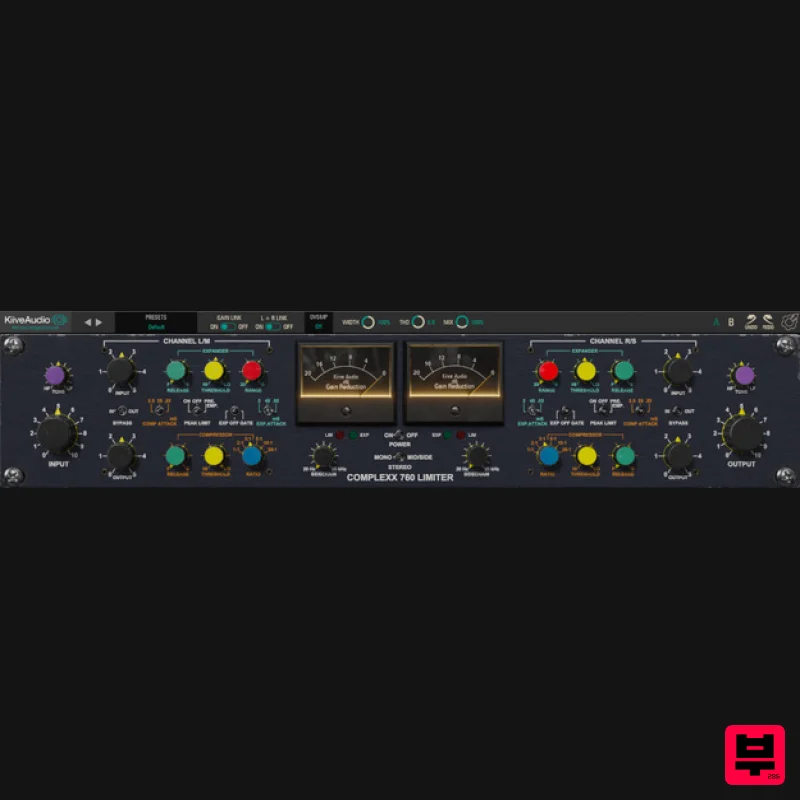
Kiive Audio Complexx
Dynamics Processor
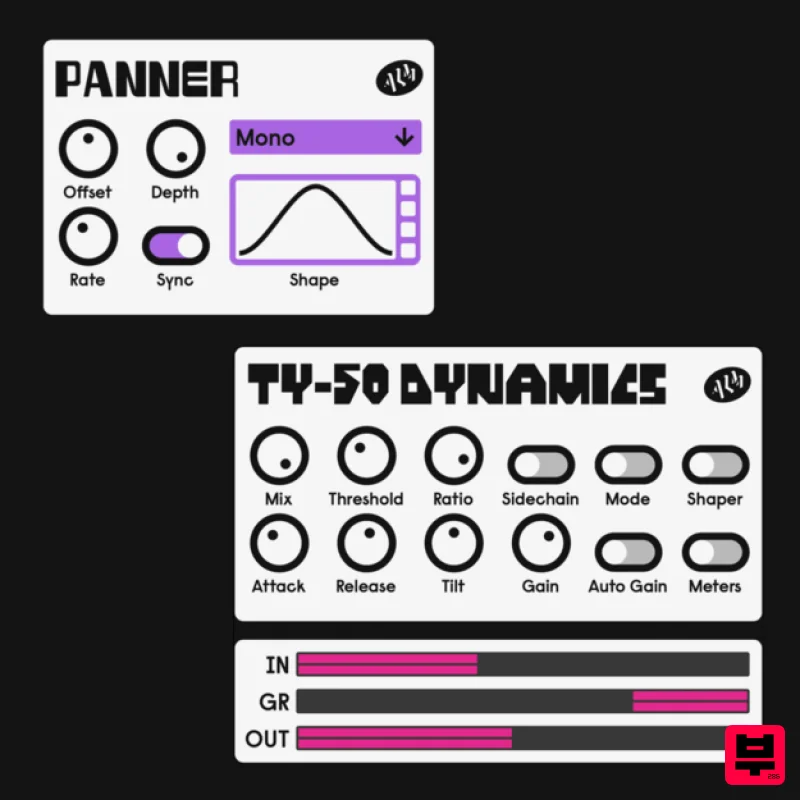
ALM / Busy Circuits MFX Dynamics
Dynamics Processor
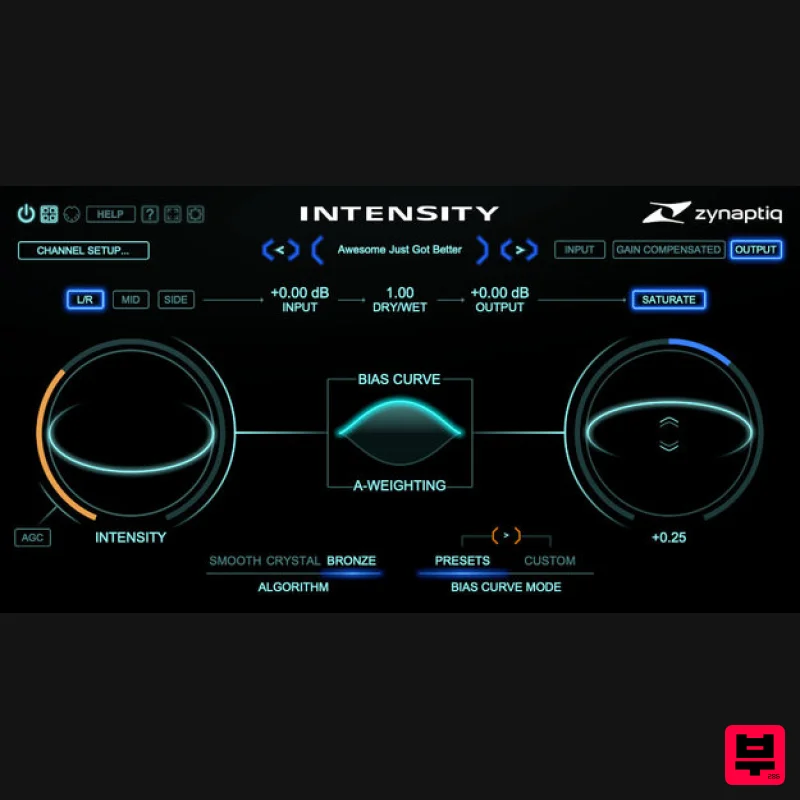
Zynaptiq INTENSITY 2
Dynamics Processor

