
Boom UBERLOUD
Professional music gear - detailed information and where to buy
Product Description
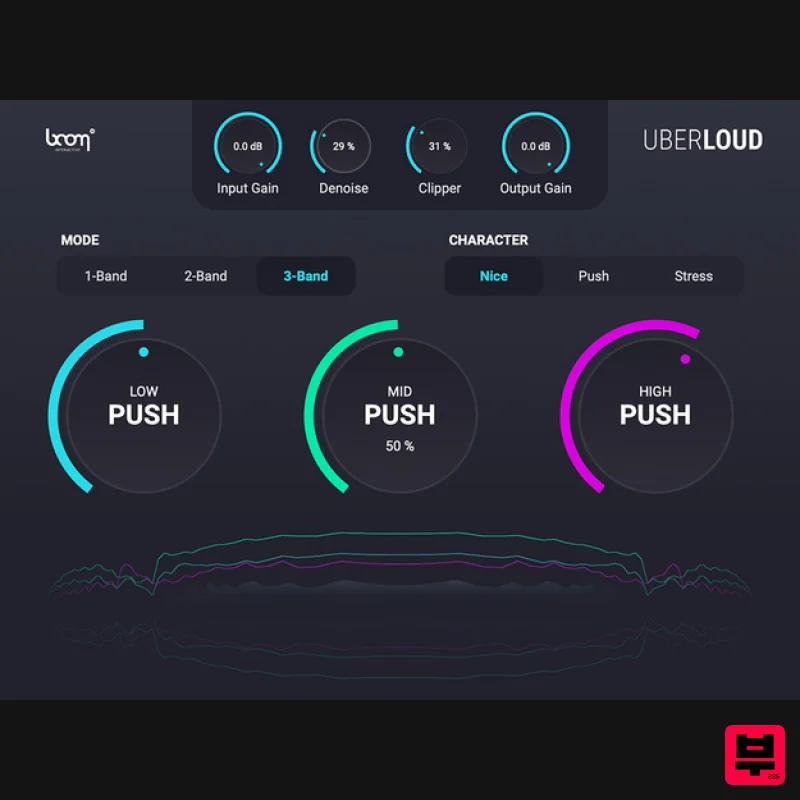
- Make Your Sound Go Boom! UBERLOUD makes your sounds go loud
- insanely loud. The VST plug-in is a true beast with sharp edges and extraordinary character. Using a clipper to add harmonics while a denoiser gets rid of floor noise
- UBERLOUD will maximize your sound with minimal effort. So the next time your sound just doesn’t sound loud enough
- make it UBERLOUD. What is UBERLOUD? Does your sound seem thin or weak
- no matter how loud it reads on the volume meter? Is it drowned out by other material? Usually
- to make a sound truly big and shine through
- it often takes layers of highly compressed and distorted material. But Boom has developed its own dynamic approach. Using high-end algorithms in an easy-to-use interface
- you’re able to pump up your sounds with quick and maximum results. With just a few knobs
- UBERLOUD pushes your sound to a greater perceived loudness. It uses a clipper to add harmonics and includes a denoiser to get rid of floor noise that might be raised with everything else – making it a great option for voiceovers and guitar solos. And best of all? It’s all with a few clicks. Your Loudness Jackhammer UBERLOUD is designed to make your sounds really shine through your mix in the simplest possible way. You have one knob that pushes your signal. Use a clipper to add harmonics and a denoiser to get rid of floor noise. It’s that simple. Simple User Interface - One Knob to Push Your Signal Tame UBERLOUD with 3 Different Character Types Control up to 3 Bands Separately Does Your Sound Seem Thin or Weak? Make It UBERLOUD! No matter how loud it reads on the volume meter
- your sound is drowned out by other material? Usually
- to make a sound truly big and shine through
- it often takes layers of highly compressed and distorted material. But we developed our own dynamic approach. Using high-end algorithms in an easy-to-use interface
- you're able to pump up your sounds with quick and maximum results. Perfect Results - With Just One Knob With just one knob per band
- UBERLOUD pushes your sound to a greater perceived loudness. It uses a clipper to add harmonics and includes a denoiser to get rid of noise floor that might be raised with everything else – making it a great option for voiceovers and guitar solos. And best of all? It’s all with a few clicks. Features Control up to three bands separately Dial-in the knob to control the impact Dynamic single and multi-band processor Easy-to-use volume plugin Use Cases Add power and volume to your mix Give specific sounds the space they need Make stuff very loud and shine through System Requirements Mac macOS 10.13 and later (64-bit only) 8 GB RAM
- M1 Apple Silicon or Intel® Core™ i5 OpenGL 2.1 capable GPU VST2
- VST3
- AU
- AAX Windows Windows 8 and later (64-bit only) 8 GB Ram
- Intel® Core™ i5 OpenGL 2.1 capable GPU VST2
- VST3
- AAX Important Notes: A FREE account at ilok.com is required (a physical USB iLok is not required) UBERLOUD requires audio host software. It does not work as a standalone application. DAW Compatibility UBERLOUD works with the most common audio host software apps that support VST 2.4 and VST 3
- AU or AAX plugins: Logic Pro Pro Tools (11+) Cubase Nuendo Ableton Live Reaper Important Note: ENFORCER is used as an example. Mac iLok Registration 1. Go to the iLok website and create a new account if you are not currently registered and do not have the iLok Licence Manager installed on your computer. Note: Skip to the 'Activation' procedure if you are already an iLok registered user. 2. Download and install the iLok License Manager. Mac Software Installation 1. Download the installer file from your Plugin Boutique User Account
- double click it to extract the contents
- and open the .pkg file to begin the installation. 2.Click 'Continue'. 2. Click 'Continue'. 3. Click 'Agree'. 4. Select the disk you wish to install the plugin to and then click 'Continue'. 5. Select the plugin formats you wish to install and then click 'Continue'. 6. Select the destination you wish to install the plugin to and then click 'Install'. 7. Click 'Install Software'. 8. Click 'Close'. Activation 1. Open your iLok license manager application > click 'Sign In'. 2. Enter your iLok registered User ID and password > click ‘Sign In'. 3. Once you are signed in
- click the ‘Redeem’ icon which is located at the top-right corner of the iLok Licence Manager’s interface. 4. Copy and paste/manually enter the 30-digit code from your Plugin Boutique User Account into the available Activation Code boxes
- and then click ‘Next'. 5. Select your activation destination > Click 'Activate'. 6. Click 'Ok'. 7. Open your newly installed software in your DAW. Windows iLok Registration 1. Go to the iLok website and create a new account if you are not currently registered and do not have the iLok Licence Manager installed on your computer. Note: Skip to the 'Exponential Audio Software Installation' procedure if you are already an iLok registered user. 2. Download and install the iLok License Manager. Windows Software Installation 1. Download the installer file from your Plugin Boutique User Account > Double click it to extract the contents and open the .exe file to begin the installation. Click 'Next' to begin the setup. 2. Select 'I Accept the Agreement' and then click 'Next'. 3. Select the directory you wish to install the plugin to 'Next'. 4. Select the plugin formats you wish to install and then click 'Next'. 5. Click 'Next'. 6. Click 'Install'. 7. Click 'Finish'. Activation 1. Open your iLok license manager application > click 'Sign In'. 2. Enter your iLok registered User ID and password > click ‘Sign In'. 3. Once you are signed in
- click the ‘Redeem’ icon which is located at the top-right corner of the iLok Licence Manager’s interface. 4. Copy and paste/manually enter the 30-digit code from your Plugin Boutique User Account into the available Activation Code boxes
- and then click ‘Next'. 5. Select your activation destination > Click 'Activate'. 6. Click 'Ok'. 7. Open your newly installed software in your DAW.
Additional Information
About the Boom UBERLOUD
The Boom UBERLOUD represents excellent craftsmanship in the Enhancer category.
Why Choose the Boom UBERLOUD?
- •Authentic Boom craftsmanship and design
- •Versatile sound suitable for multiple musical genres
- •Professional build quality and reliable performance
- •Part of Boom's respected Enhancer lineup
Compare & Explore
Browse our complete selection of Boom instruments or explore other Enhancer options. Use our comparison tools to find the perfect match for your musical style and budget.
Similar Products
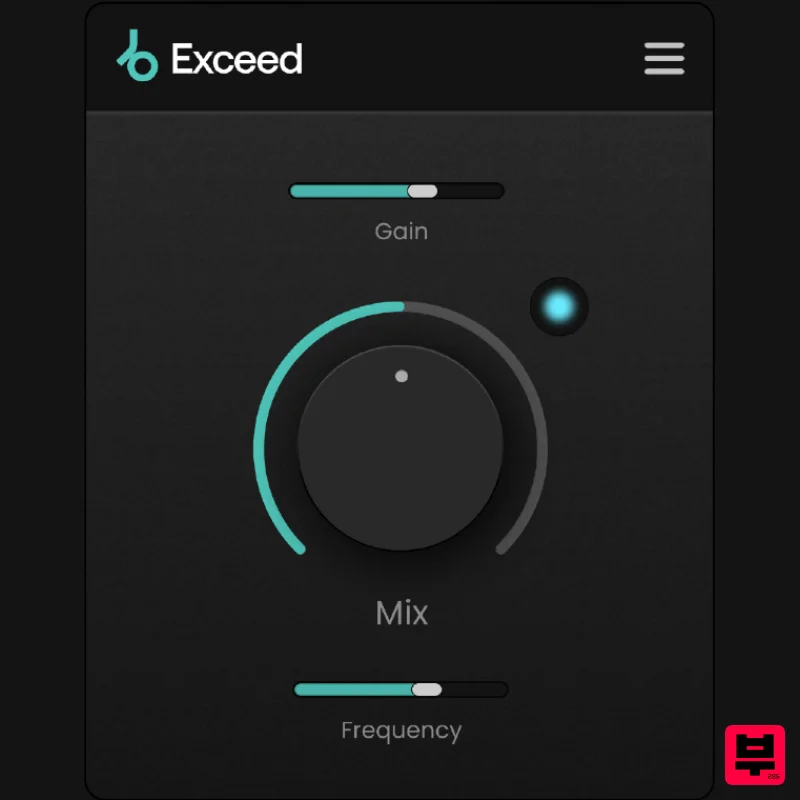
Plugin Boutique Exceed
Enhancer
$30
Punch, warmth and presence, instantly. This streamlined effect has the power to give your masters, busses or individual...
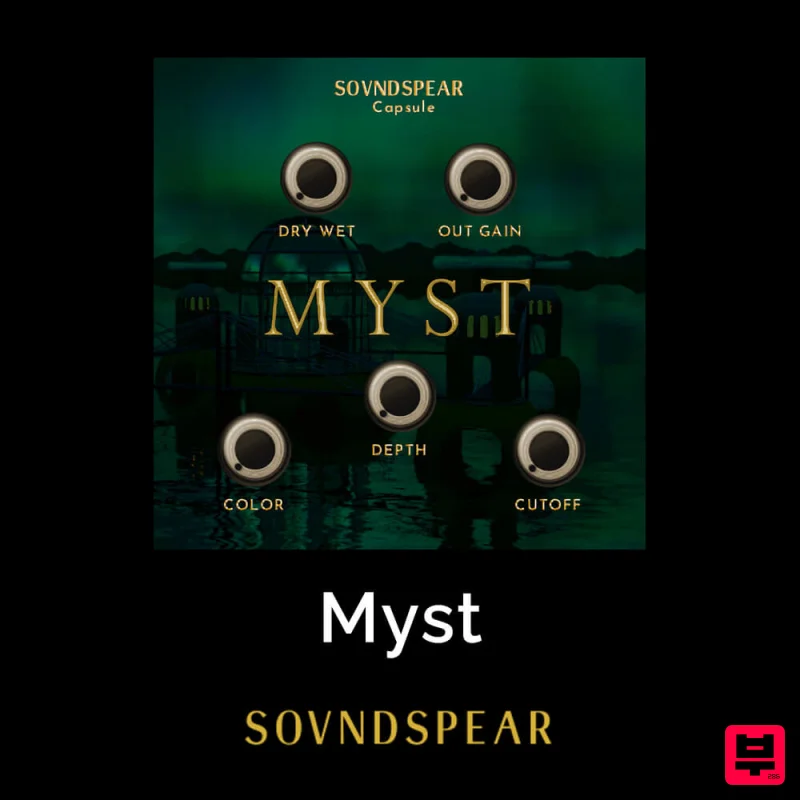
Soundspear Myst
Enhancer
$30
Very often, an instrument sounds great but feels empty when put in a mix. Myst is an easy way to add depth and...
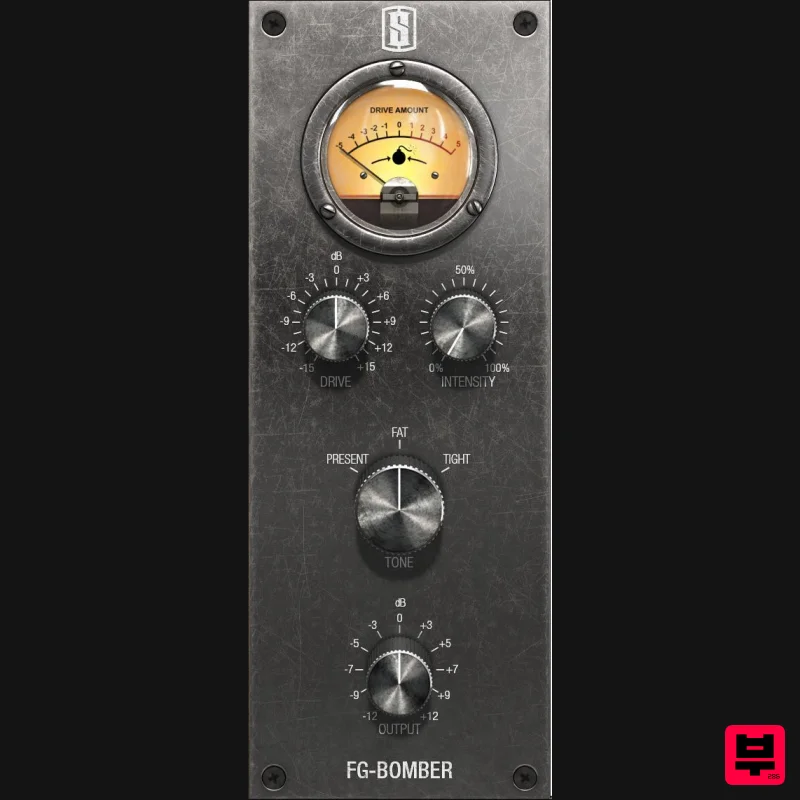
Slate Digital FG-Bomber
Enhancer
$51
Analog Modeled Dynamic Impact Enhancer FG-Bomber is a unique analog-modeled Dynamic Impact Enhancer, and it can...
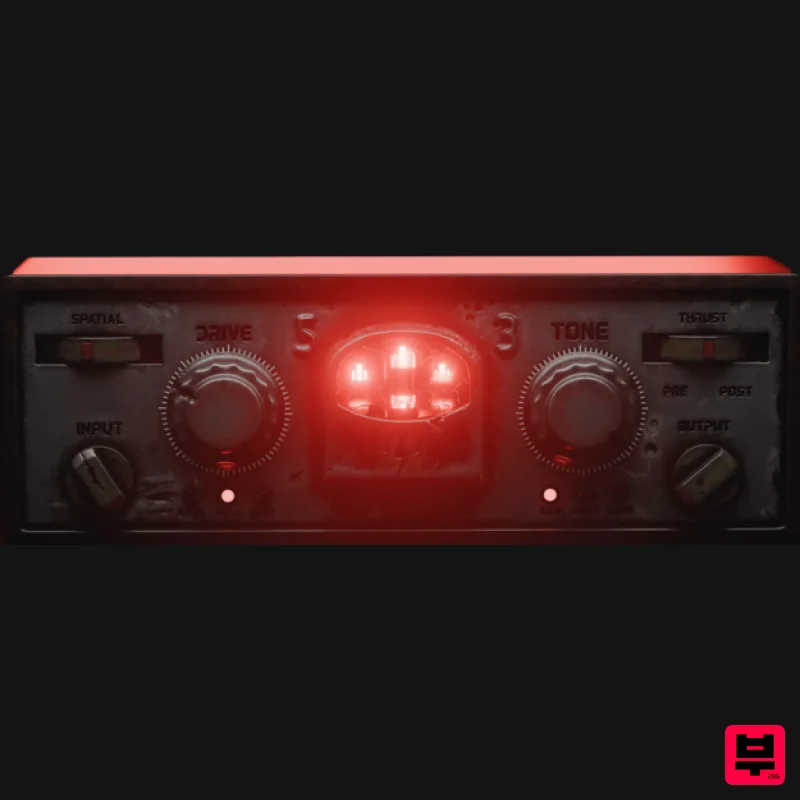
Tone Empire Cryptone
Enhancer
$104
Tones from the Crypt Cryptone delivers authentic analog tone instantly—without hunting through multiple plugins or...
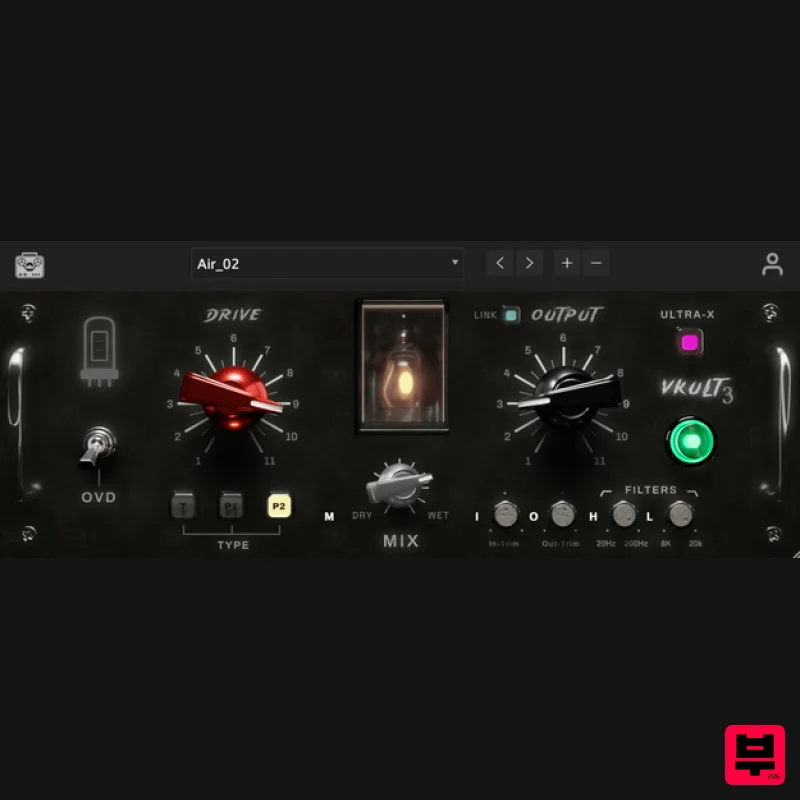
Tone Empire ValveKult 3
Enhancer
$115
Valvekult V3 The British Tube Enhancer Plugin Experience an amplified frequency response, enriching your audio with...

Safari Audio Bull Sub Machine
Enhancer
$51
Leslie Brathwaite’s Secret Weapon for Ground-Shaking Low-End Bull Sub Machine is engineered for seismic bass impact,...
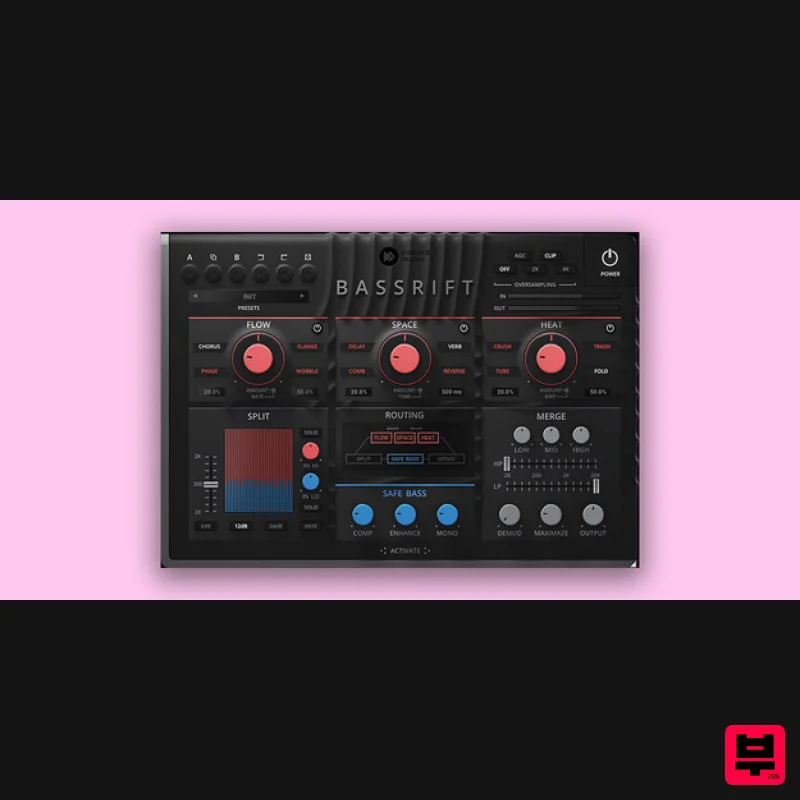
United Plugins BassRift
Enhancer
$83
Fuel Your Basslines Bass is the main power source of your tracks. Therefore, we created the ultimate all-in-one bass...
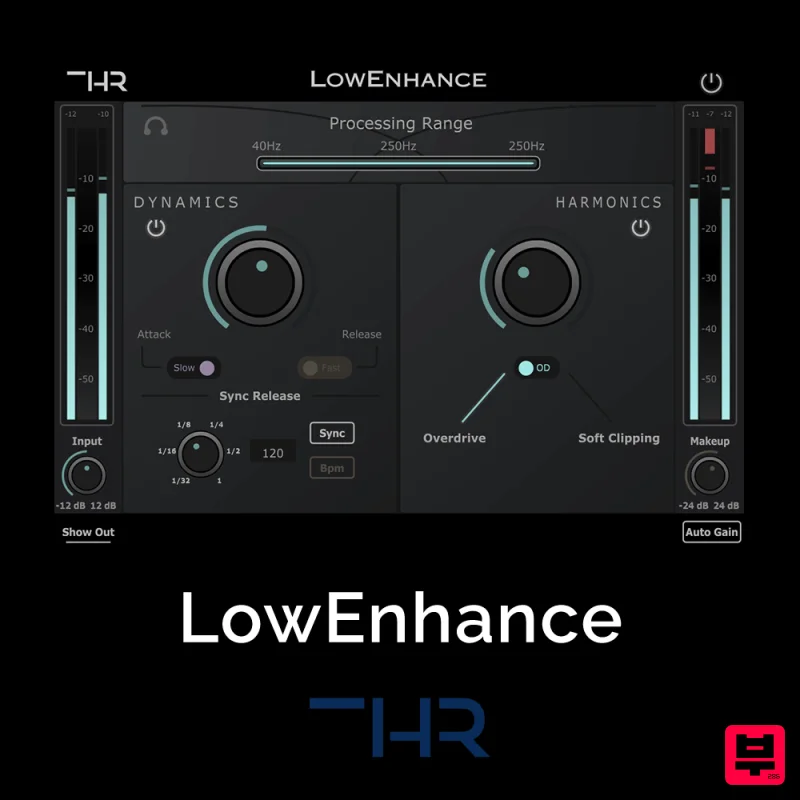
THR LowEnhance
Enhancer
$30
Control and add grit to the Low End The Low End can be one of the greatest enemies when it comes to mixing. Boominess...
Frequently Asked Questions
The Boom UBERLOUD stands out for its exceptional Boom craftsmanship and innovative design.
Yes! With its affordable price point and quality construction, it's perfect for learning enhancer.
Browse the similar products section to see how it stacks up against other enhancer.

