
Bogren Digital Ampknob BDM 410 JVH
Professional music gear - detailed information and where to buy
Bogren Digital
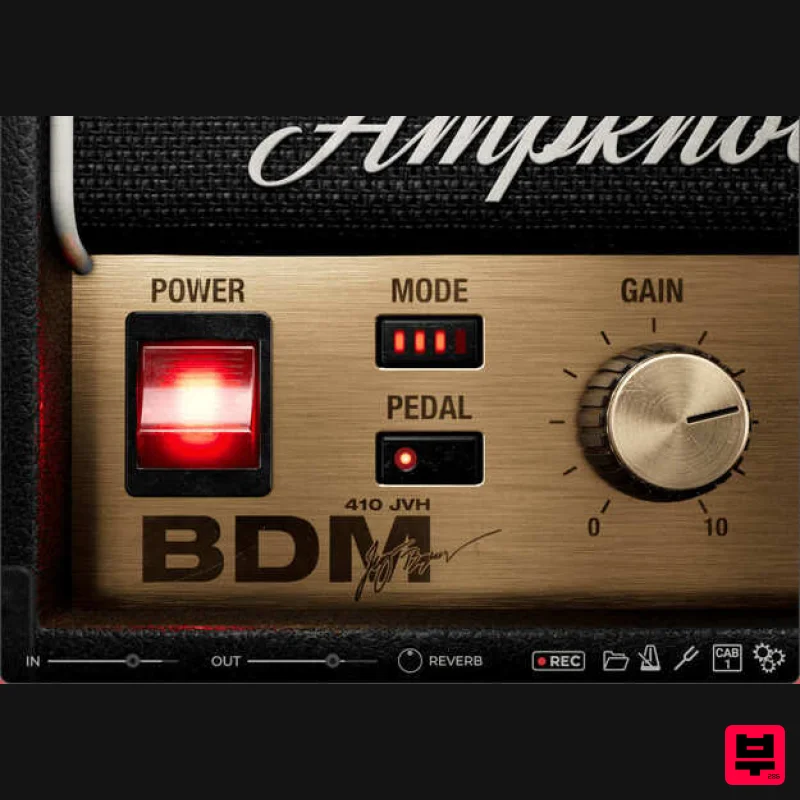
Ampknob BDM 410 JVH
Product Info
* Prices may vary. Check retailer for current pricing and availability.
Product Description
- Four channels
- two matched cabs
- a pedal boost
- and reverb – is this the most versatile Ampknob ever released? The BDM 410 JVH
- inspired by the sound of contemporary gold-plated amps
- encompasses the tone of this iconic British company in the 21st century. The amp captured is a tried and true tone monster – used extensively on Opeth’s Watershed. Offering pristine cleans to buttery leads and everything in between. BDM 410 JVH is the go-to amp for modern British guitar tones. This modern amp has it all: clean
- crunch
- overdrive. When high gain is not high enough
- kick into the fourth mode for an extreme overdrive. Cabs Two
- perfectly matched cabinets captured at Fascination Street Studios: Modern and Vintage. Plug In
- Rock Out As with all Bogren Digital’s Ampknob series plugins
- the three Ampknob BDM plugins are extremely easy to use and provide a distraction-free path to album-ready sounds. Jens Bogren has poured his 20+ years of experience into crafting sounds that just work
- allowing you to focus on the music. IRDX Included The cabinet section is powered by Bogren Digital’s IRDX technology
- which adds a true-to-life dynamic response to the included speaker models. In fact
- IRDX affects any cabinet IR you load into the plugins
- so they will have a more vivid and dynamic response compared to using them in your standard IR loader. Available as Standalone / VST3 / AU / AAX Windows 10 or newer Mac OS 10.13 or newer (Intel & Apple Silicon Native) Mac Installation 1. Download the .zip folder from your Plugin Boutique User Account > Double-click it to open and extract the installer file > Launch the installer file. 2. Click 'Continue'. 3. Click 'Continue'. 4. Click 'Agree'. 5. Select the appropriate installation types > Click 'Continue'. 6. Click 'Install'. 7. Enter your system password > Click 'Install Software'. 8. Click 'Close'. Activation 1. Launch your DAW and insert AmpKnob on a new track > Click 'Activate License'. 2. Enter your serial number found within your Plugin Boutique User Account > Click 'Confirm'. 3. Click 'Let's Rock!' to close the activation window. Your software is now installed and ready to use. Windows Installation 1. Download the .zip folder from your Plugin Boutique User Account > Double-click it to open and extract the installer file > Launch the installer file. 2. Accept the License Agreement > Click 'Next'. 3. Select the appropriate installation types > Click 'Next'. 4. Select the installation location (default is recommended) > Click 'Next'. 5. Click 'Next'. 6. Click 'Install'. 7. Click 'Finish'. Activation 1. Launch your DAW and insert AmpKnob on a new track > Click 'Activate License'. 2. Enter your serial number found within your Plugin Boutique User Account > Click 'Confirm'. 3. Click 'Let's Rock!' to close the activation window. Your software is now installed and ready to use.
Additional Information
About the Bogren Digital Ampknob BDM 410 JVH
The Bogren Digital Ampknob BDM 410 JVH represents excellent craftsmanship in the Amp Simulator category.
Why Choose the Bogren Digital Ampknob BDM 410 JVH?
- •Authentic Bogren Digital craftsmanship and design
- •Versatile sound suitable for multiple musical genres
- •Professional build quality and reliable performance
- •Part of Bogren Digital's respected Amp Simulator lineup
Compare & Explore
Browse our complete selection of Bogren Digital instruments or explore other Amp Simulator options. Use our comparison tools to find the perfect match for your musical style and budget.
Similar Products
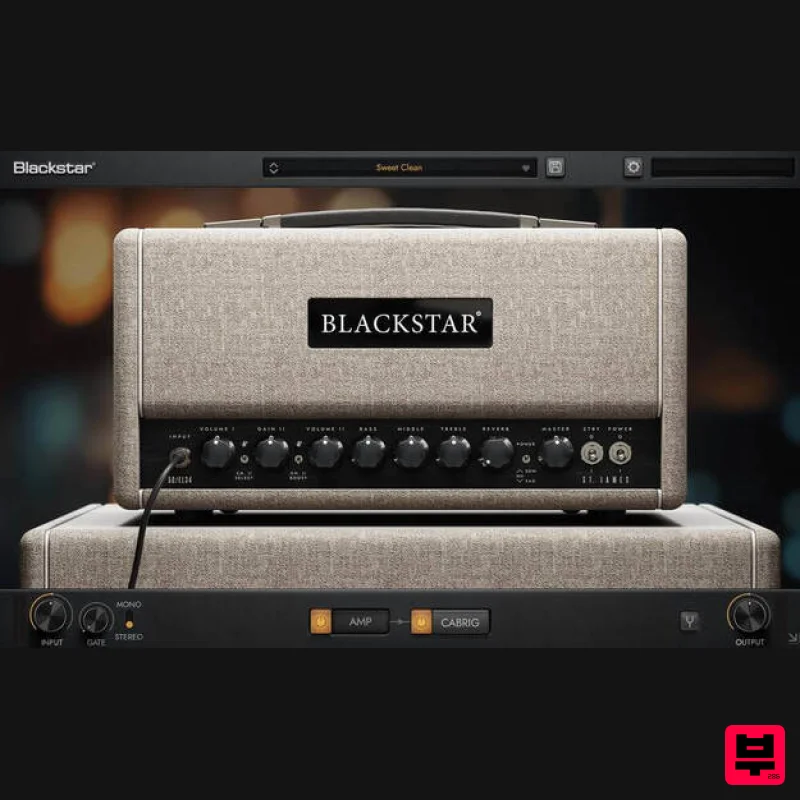
Blackstar St. James EL34
Amp Simulator
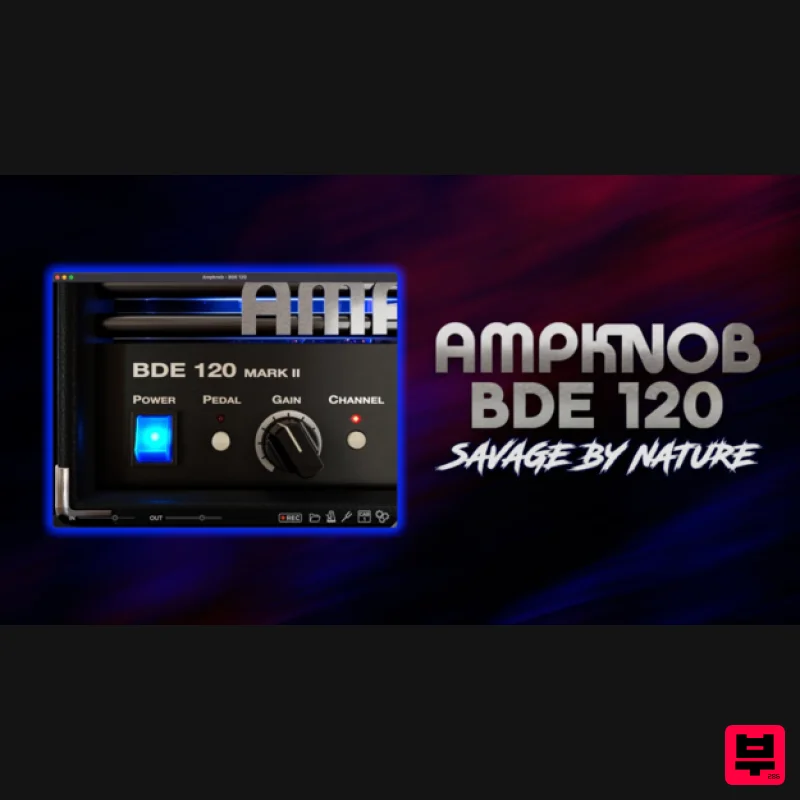
Bogren Digital AmpKnob BDE 120
Amp Simulator
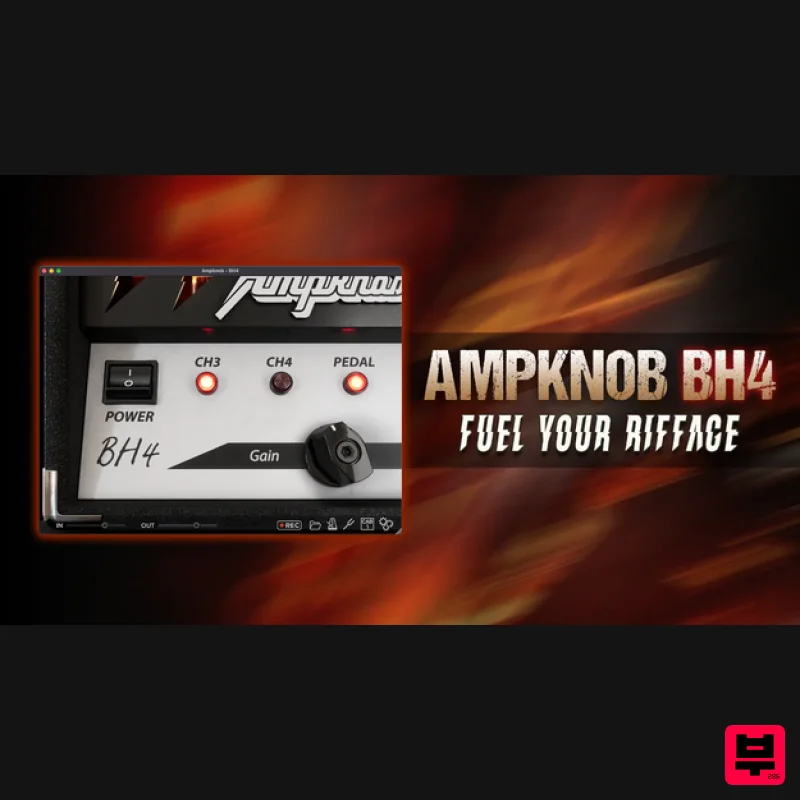
Bogren Digital AmpKnob BH4
Amp Simulator
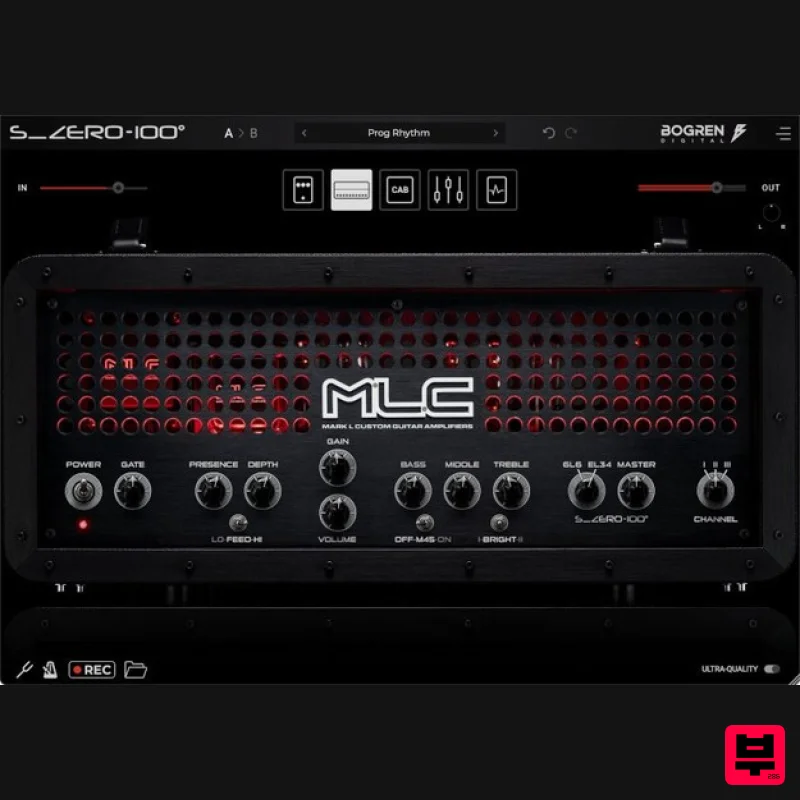
Bogren Digital MLC S_Zero 100
Amp Simulator
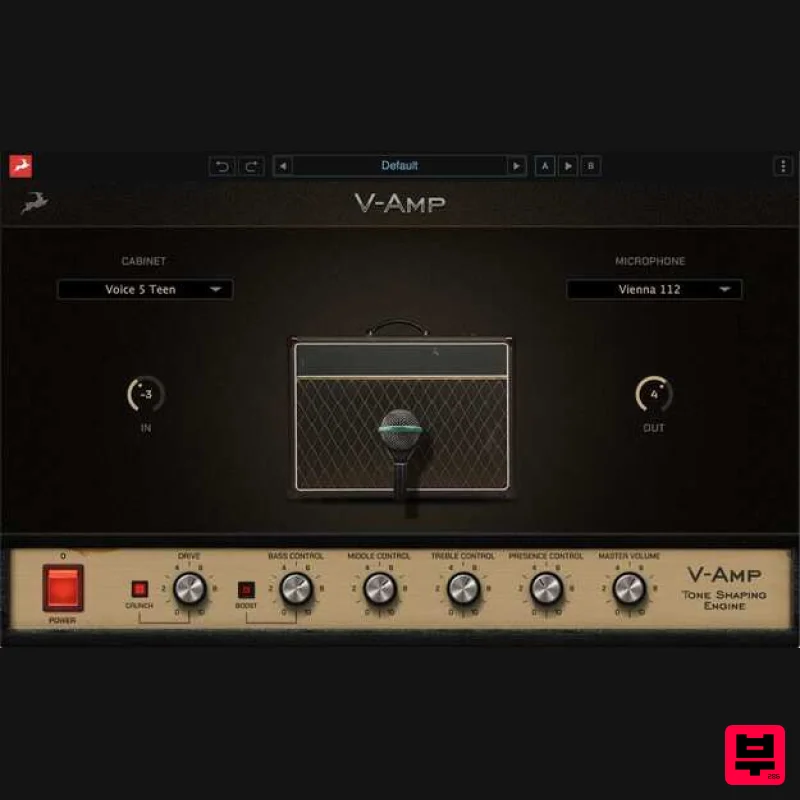
Antelope Audio V-AMP
Amp Simulator
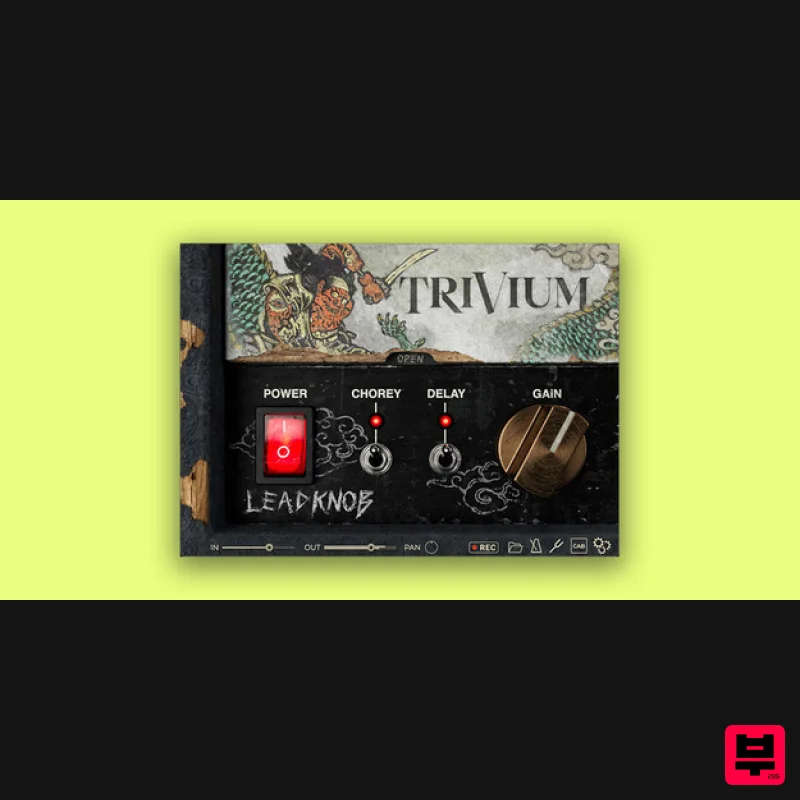
Bogren Digital AmpKnob Trivium Lead
Amp Simulator
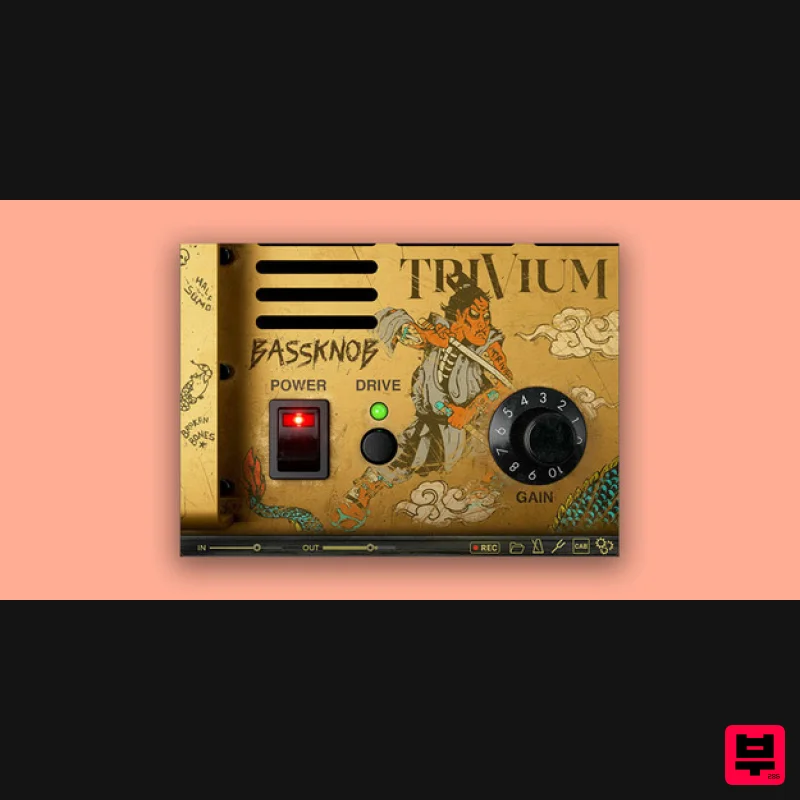
Bogren Digital BassKnob Trivium
Amp Simulator

Two Notes Audio Engineering Torpedo Wall of Sound | Plugin Boutique Edition
Amp Simulator

