
BLEASS BLEASS Vox
Professional music gear - detailed information and where to buy
BLEASS
BLEASS Vox
Product Info
* Prices may vary. Check retailer for current pricing and availability.
Product Description
- Unleash A New Dimension In Vocal Creativity BLEASS Vox is your gateway to effortless sonic manipulation. This cutting-edge processor immerses you in a world of sonic possibilities
- effortlessly shaping every nuance of your vocal performances. The plugin’s powerful yet efficient engine allows you to manipulate and sculpt the formant characteristics of your vocals
- allowing you to craft unique effects that really set your vocals apart. BLEASS Vox lets you explore and transform your vocal melodies with ease
- transposing or fixing the pitch to deliver fascinating new melodies and harmonies. Taking inspiration from the world of synthesisers
- BLEASS Vox’s UNISON processor adds phenomenal depth and weight to your vocals. The UNISON processor can also spread its up-to 10 detuned voices across the entire stereo image
- delivering a huge
- captivating sonic presence that no other vocal processor can match. BLEASS Vox’s flexible vibrato processor places a new realm of expressiveness at your fingertips. Whether creating subtle-yet-classy pitch fluctuations or extreme special effects
- the dedicated vibrato controls mean there is no need to configure LFOs or mess around with modulation mapping. BLEASS Vox is at home in the studio and on the road
- its real time processing mode delivering the speed and efficiency needed during tracking sessions and live performances
- whilst its standard processing mode delivers the quality and accuracy demanded by the critical editing and mixing stages of your projects. With BLEASS Vox there is no getting bogged-down in the details of a complex vocal processing chain
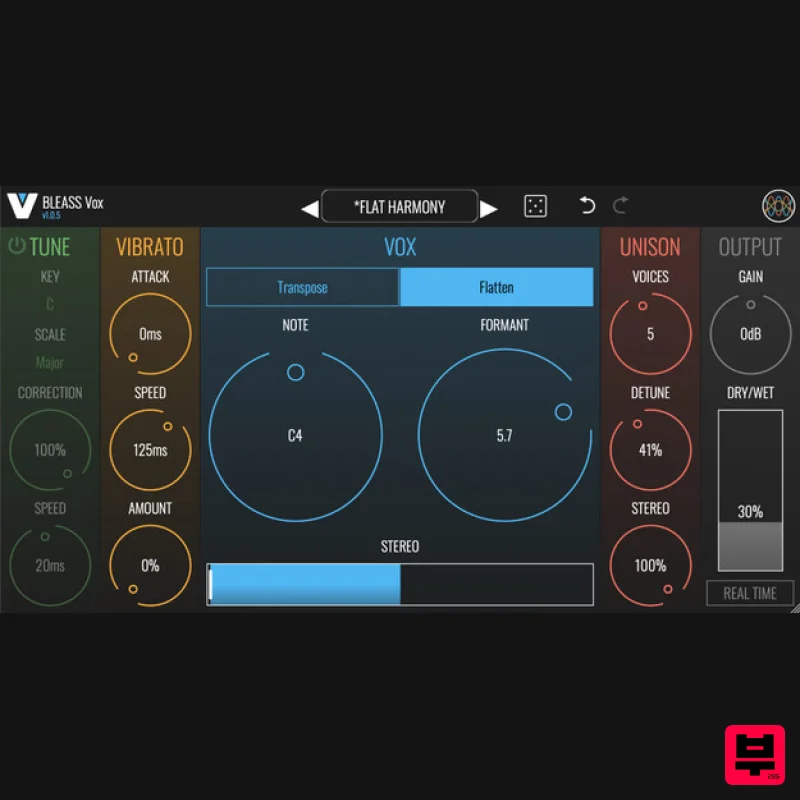
- leaving you free to concentrate on shaping unique sounds and great music. Tune Section TUNE applies intelligent pitch correction to the voice or sound being processed. On/Off: Enables and disables the pitch correction processor. Key: Specifies the musical key that will be used for pitch correction. Scale: Specifies the musical scale that will be used for pitch correction. Correction: Determines the strength of the pitch correction. Lower settings will result in pitch changes that don’t reach the corrected pitch. A setting of 100% forces the incoming sound to the exact corrected pitch. Speed: Determines the time it takes for the incoming sound to come fully into tune when its pitch falls outside of the chosen key and scale. Can be used to create portamento-like effects. Vibrato The VIBRATO stage applies an oscillating pitch modulation to the incoming voice or sound. Attack: Specifies the time it takes for the vibrato effect to reach full intensity. Speed: Controls the rate of the pitch oscillation. values result in faster vibrato effects. Amount: Controls the magnitude of the pitch oscillation. Higher values result in more pronounced vibrato effects. Vox The VOX section is where you configure the plugin’s main pitch adjustment parameters. Transpose / Flatten: Choose the pitch shifting mode that will be used. TRANSPOSE: Transposes the signal by ±12 semitones. FLATTEN: Fixes the output voice’s pitch at a specific note. Fine: Only available in TRANSPOSE mode. Adjusts the PITCH dial’s resolution
- allowing adjustments of a tenth of a semitone. Pitch: In TRANSPOSE mode
- sets the amount of pitch shift that will be applied to incoming notes. In FLATTEN mode
- selects the note that the incoming signal will be fixed at. Formant: Adjusts the harmonics within the signal
- thereby modifying its timbre
- without impacting the pitch of the root note. Pitch-Formant Lock (=): Only available in TRANSPOSE mode. Locks together the PITCH and FORMANT dials. Stereo: Applies a stereo widening effect to the processed voice/sound. Unison The UNISON effect creates detuned copies of the processed voice/sound
- creating a thickening effect. Voices: Determines the number of pitch-shifted unison voices that the plugin will generate. A setting of 1 means the plugin is generating just a single pitch-shifted voice
- and so no UNISON effect will be applied. Increasing the setting adds unison voices
- thus enabling the UNISON effect. Detune: Specifies the maximum strength of the detuning effect. The amount of detuning is spread evenly across the unison voices
- so only the final unison voice will have the full detuning amount applied to it. Stereo: Specifies the maximum stereo spread of the unison voices. The unison voices are spread evenly across the resulting stereo field. Output Here you can control the level and mix of the effect. Gain: Sets the plugin’s master output level. A setting of 0dB means no amplification or attenuation is being applied. Dry/Wet: Sets the balance between the input voice/sound and the processed signal. At 0%
- only the input signal will be heard; at 100% only the processed signal will be heard. Real Time: When enabled
- BLEASS Vox will switch to a more efficient processing model that reduces the latency (I.E. time delay) of signals passing through the plugin
- at the expense of processing accuracy. Use this mode during tracking so that the performer can hear the BLEASS Vox effect in their cue mix
- then disable REAL TIME during mixing to deliver higher quality results. REAL TIME should also be engaged when using BLEASS Vox during a live performance. System Requirements PC: Windows 8 and later VST3 (64-bit) AAX Mac: macOS 10.9 and later (64-bit only) (including macOS 11 Big Sur and M1 processors) VST3 (64-bit) Audio Unit Format: BLEASS Filter is not a standalone product
- it requires a host software BLEASS Filter is compatible with all VST3 / Audio Unit compatible DAWs Please note: BLEASS Reverb is used as an example. Registration 1. Go to https://www.bleass.com/redeem
- enter your registration code located within your Plugin Boutique account and click SUBMIT. 2. Enter your email address and click SUBMIT. You will now be sent your serial number and installers for your software. Your BLEASS software is now registered! Mac Installation 1. Go to your email account and locate the 'BLEASS Product License' email. 2. Copy and paste the Mac installer URL into your browser and click enter to download the installer. 3. Open the Installer file and click ‘Continue’. 4. Click ‘Continue’. 5. Click 'Install'. 6. Enter your login details and click 'Install Software'. 7. Your software is now installed - click 'Close'. 8. Open your newly installed BLEASS software inside your DAW and click ‘UNREGISTERED’. 9. Enter your email address and the serial number you were given in your BLEASS Product Licence email > Click ‘OK’. Your software is now activated and ready to use in your DAW! Windows Installation 1. Go to your email account and locate the 'BLEASS Product License' email. 2. Copy and paste the Windows installer URL into your browser and click enter to download the installer. 3. Open the installer and click 'Yes'. 4. Click 'Next >'. 5. Click 'Install'. 6. Click 'Finish'. 7. Open your newly installed BLEASS software inside your DAW and click ‘UNREGISTERED’. 8. Enter your email address and the serial number you were given in your BLEASS Product Licence email > Click ‘OK’. Your software is now activated and ready to use in your DAW!
Additional Information
About the BLEASS BLEASS Vox
Experience the quality and tone that makes the BLEASS BLEASS Vox a popular choice for musicians.
Why Choose the BLEASS BLEASS Vox?
- •Authentic BLEASS craftsmanship and design
- •Versatile sound suitable for multiple musical genres
- •Professional build quality and reliable performance
- •Part of BLEASS's respected Vocal Processing lineup
Compare & Explore
Browse our complete selection of BLEASS instruments or explore other Vocal Processing options. Use our comparison tools to find the perfect match for your musical style and budget.
Similar Products

Auburn Sounds Graillon 2
Vocal Processing
Antares MUTATOR
Vocal Processing
Antares ARTICULATOR
Vocal Processing
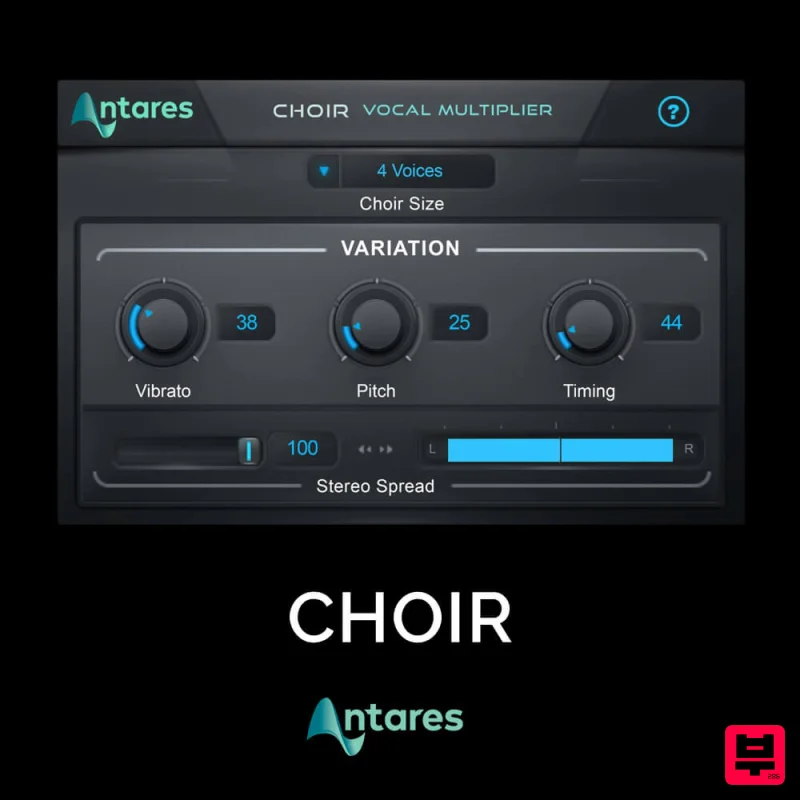
Antares CHOIR
Vocal Processing
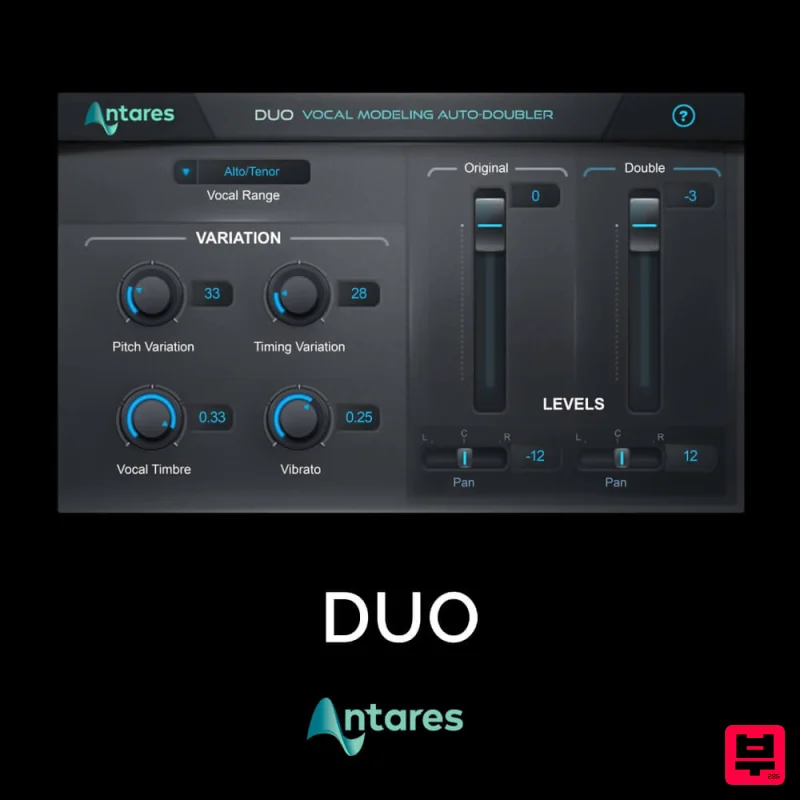
Antares DUO
Vocal Processing
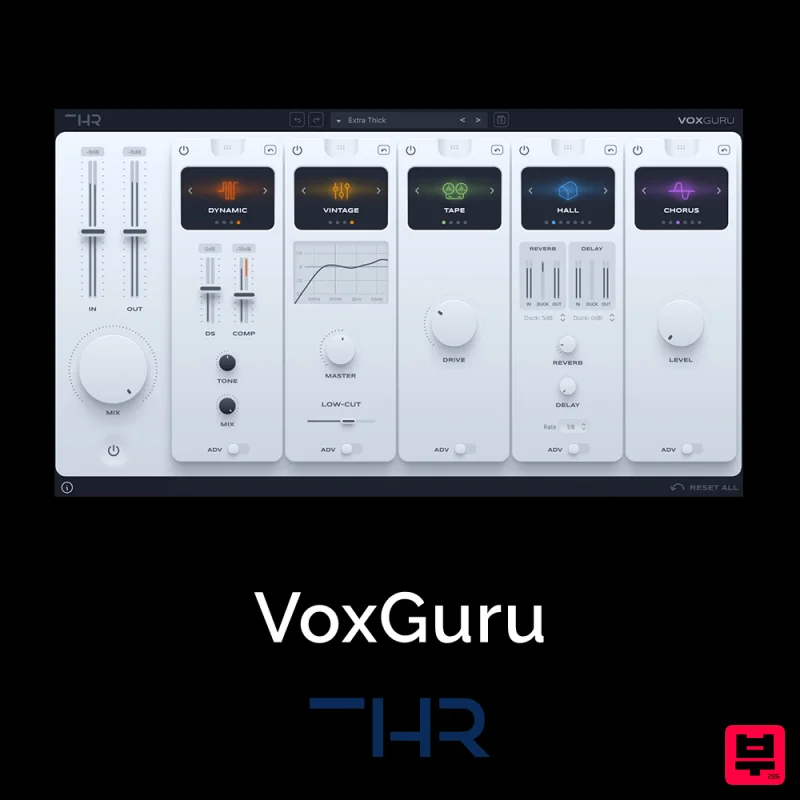
THR VoxGuru
Vocal Processing
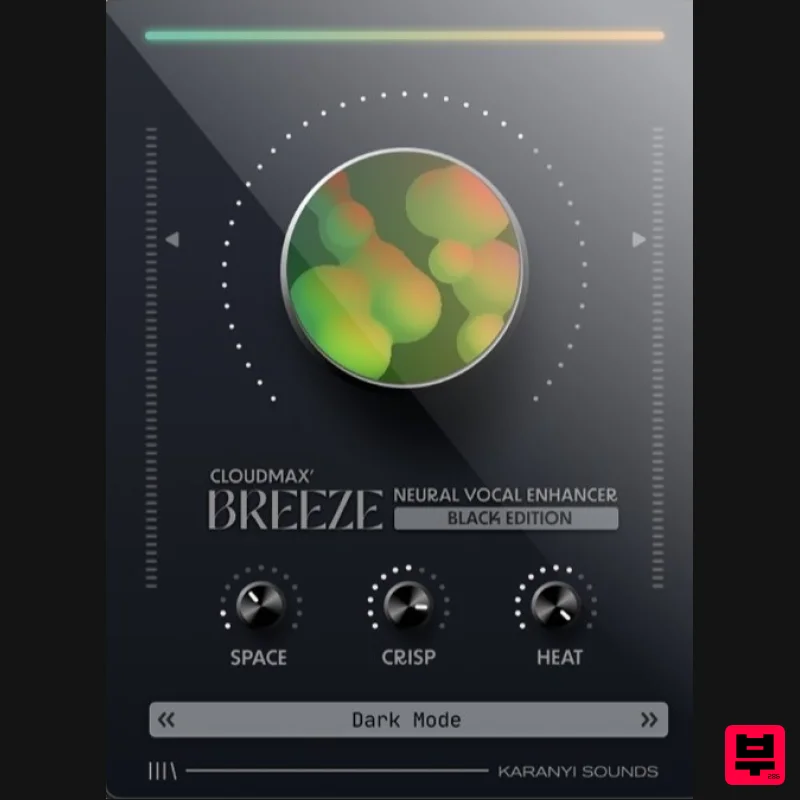
Karanyi Sounds Cloudmax Breeze Black Edition
Vocal Processing

